Bluetooth Thermal Shipping Label Printer, 4×6 Thermal Label
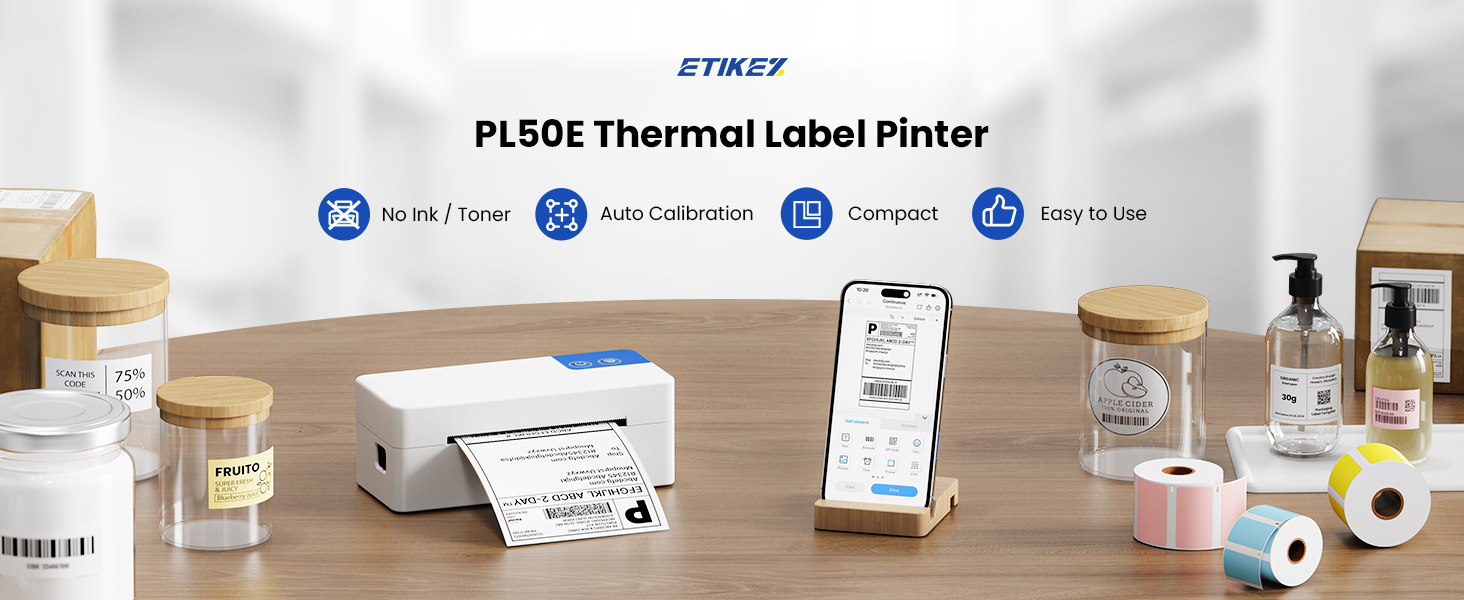
Bluetooth Thermal Shipping Label Printer, 4×6 Thermal Label Printer Fast Speed, Easy to Set up, Works with Amazon, Shopify, USPS, UPS, Etsy. Compatible with iPhone Android Windows & Mac
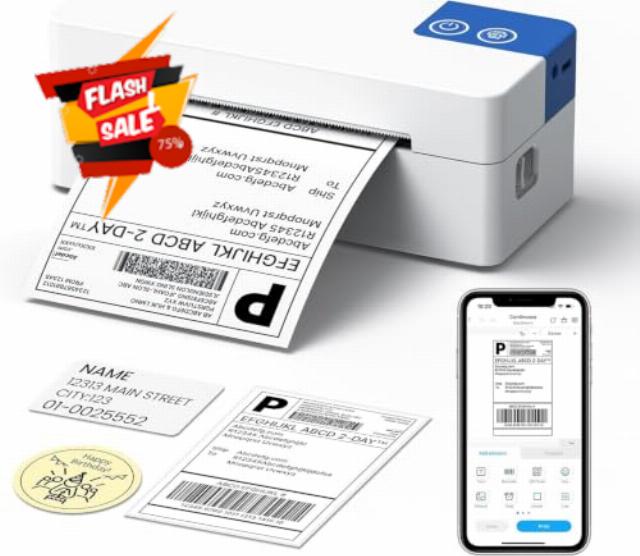
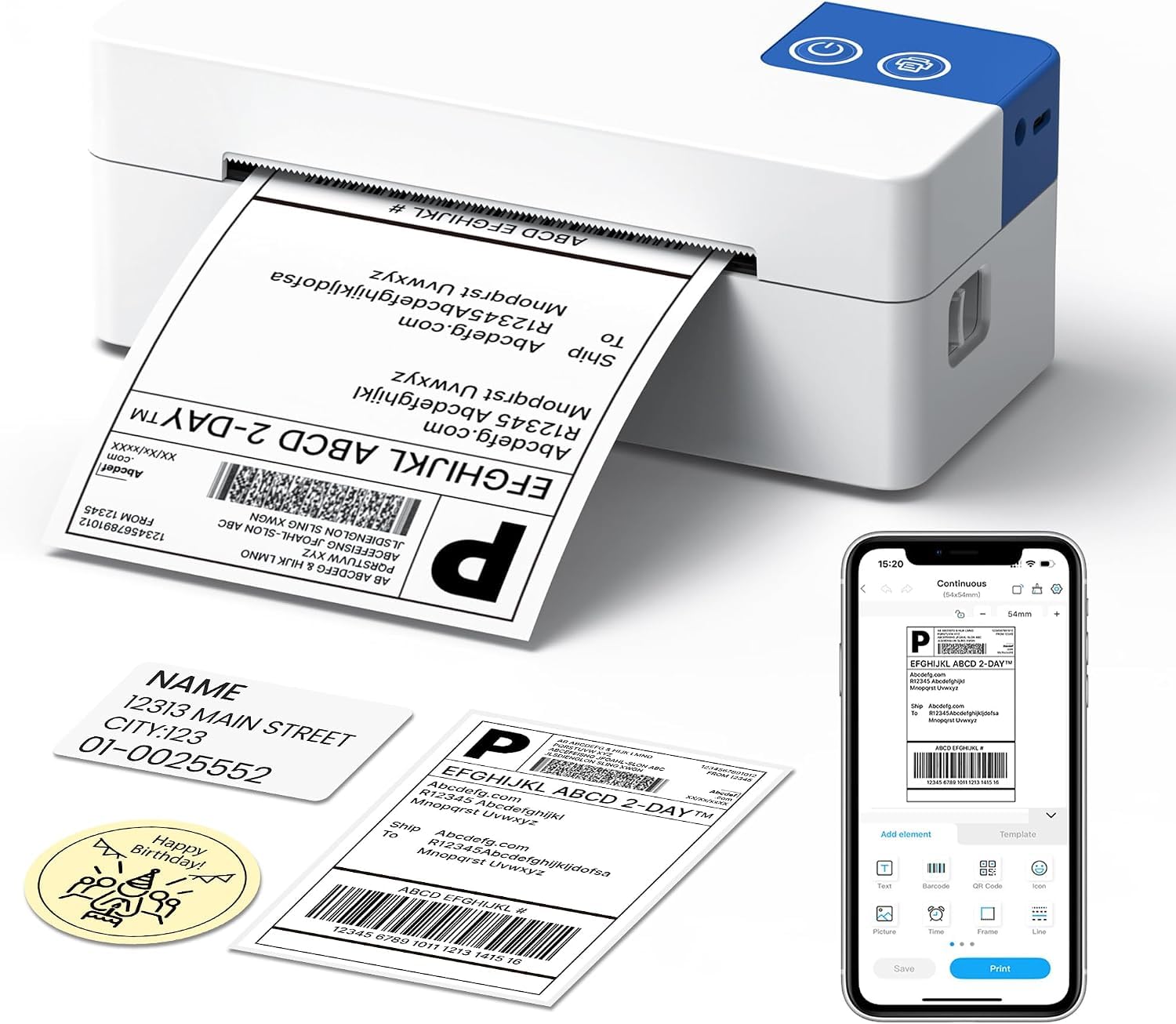
- Print via Bluetooth: ETIKEZ Bluetooth label printer works with the "Labelnize" app. To use this printer on your mobile phone, you need to download the application suitable for Android and iOS 13 and above from the Google Play Store or the Apple App Store. Note: Connection is only possible through the app; direct Bluetooth pairing is not supported. Computers cannot connect via Bluetooth; they can only connect via USB
- Printing via USB: Windows, Mac, and Chrome OS systems must be connected to a computer via USB cable. Before starting the printer, you first need to connect it to your computer via USB, then download and install the driver, and finally add the printer and start printing. This thermal printer is compatible with multiple courier platforms. You can easily set it up by referring to the operation video and manual, making it ideal for small businesses to efficiently print label
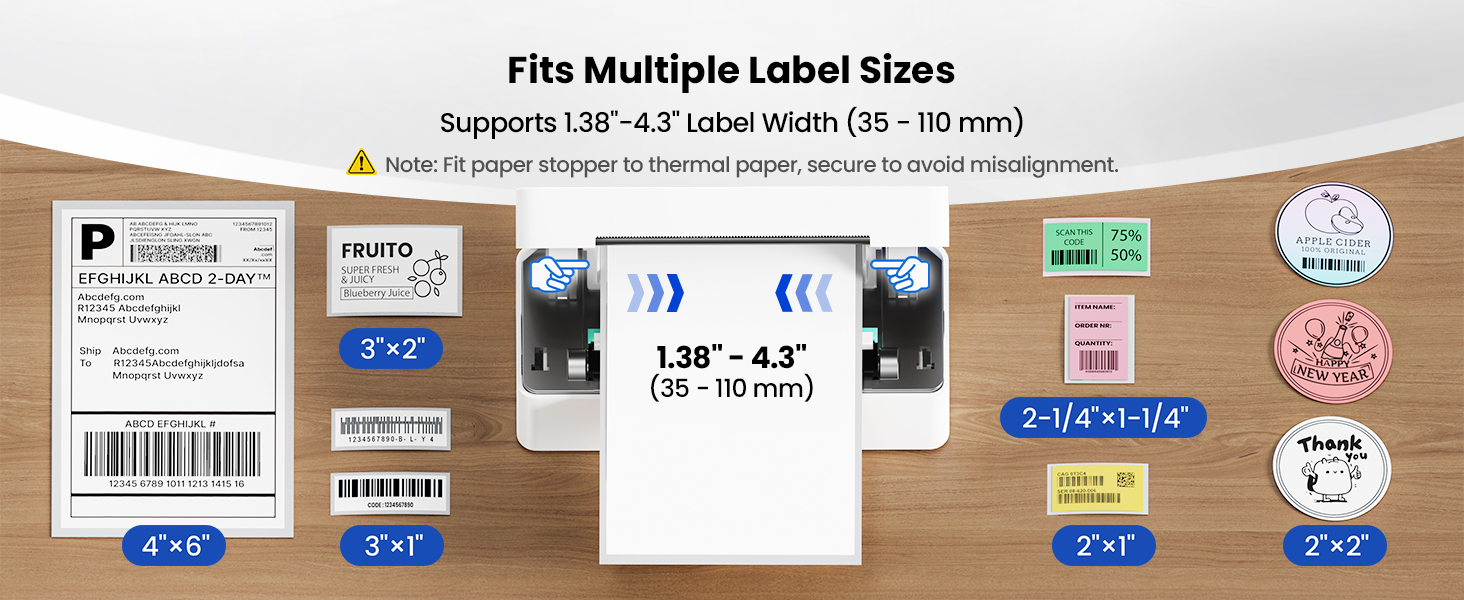
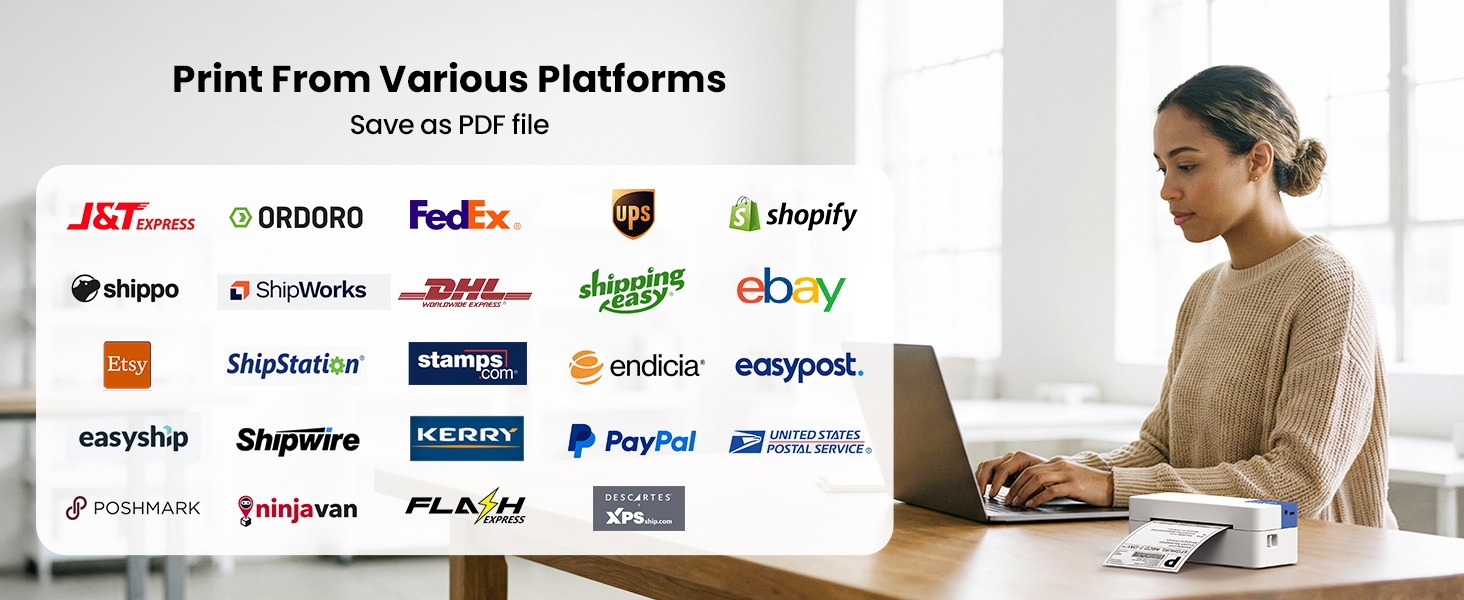
- Wide Compatibility: The thermal label printer is widely compatible with Amazon, eBay, Shopify, UPS, FedEx, and USPS. Supports various label sizes from 1.57 to 4.1 inches, making it perfect for not just shipping labels, but also barcodes, price tags, and more
- Easy to Use: Step 1: Scan the QR code to install the "Labelnize" application for printing. Step 2: Open the application and allow "Labelnize" to use wireless data. Step 3: Click "Immediately Connect" to search for the PL50E label printer. Step 4: Find "PL50E", click "Click Connect". Step 5: Click "Paper Gap", select the paper size. Step 6: Click "Document Printing", select the file, and then click "Print". To ensure the printing quality, please be sure to choose the correct size when printing
- New Upgrade: The ETIKEZ Bluetooth Thermal Printer has been fully upgraded! This compact and lightweight Bluetooth thermal printer boasts a high resolution of 203 dpi, enabling clear printing of shipping labels, QR codes, and barcodes. It's suitable for efficient scenarios such as freight and warehousing. Furthermore, its small footprint allows it to easily fit into even the most limited space, such as a studio or a corner of your home storage room
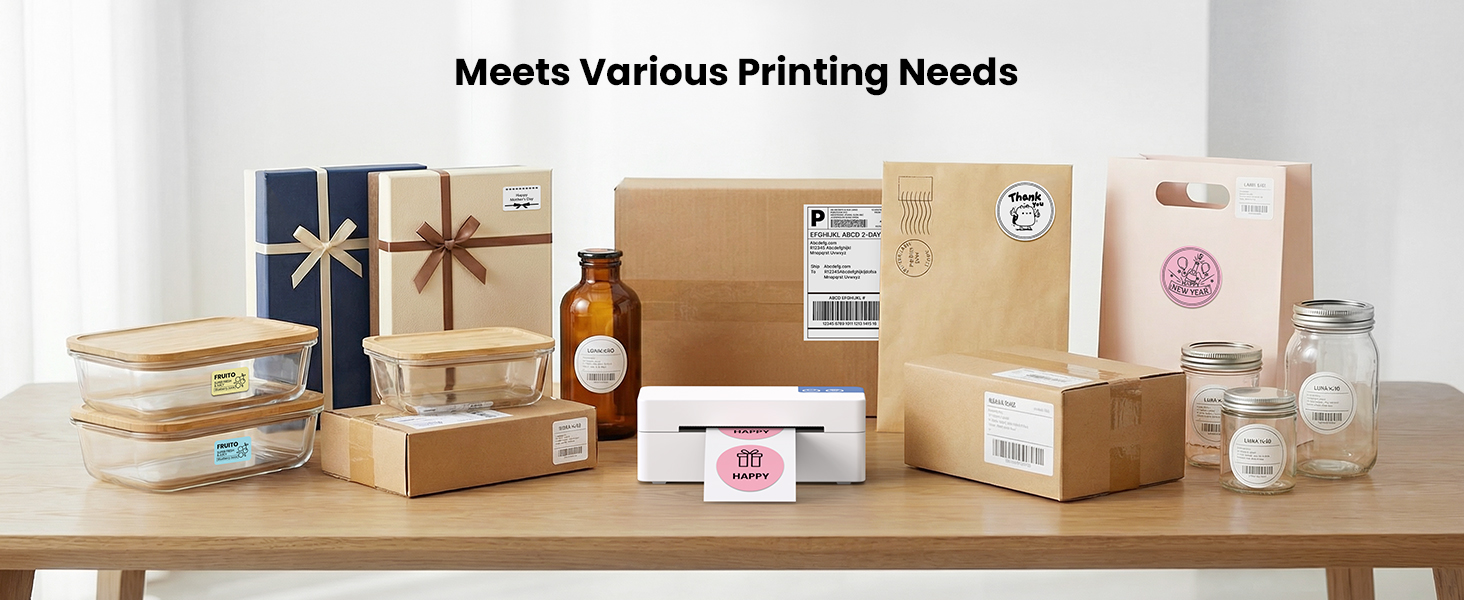
Wide Compatibility Label Printer
Print clear shipping labels, barcodes, QR codes, and other rich patterns
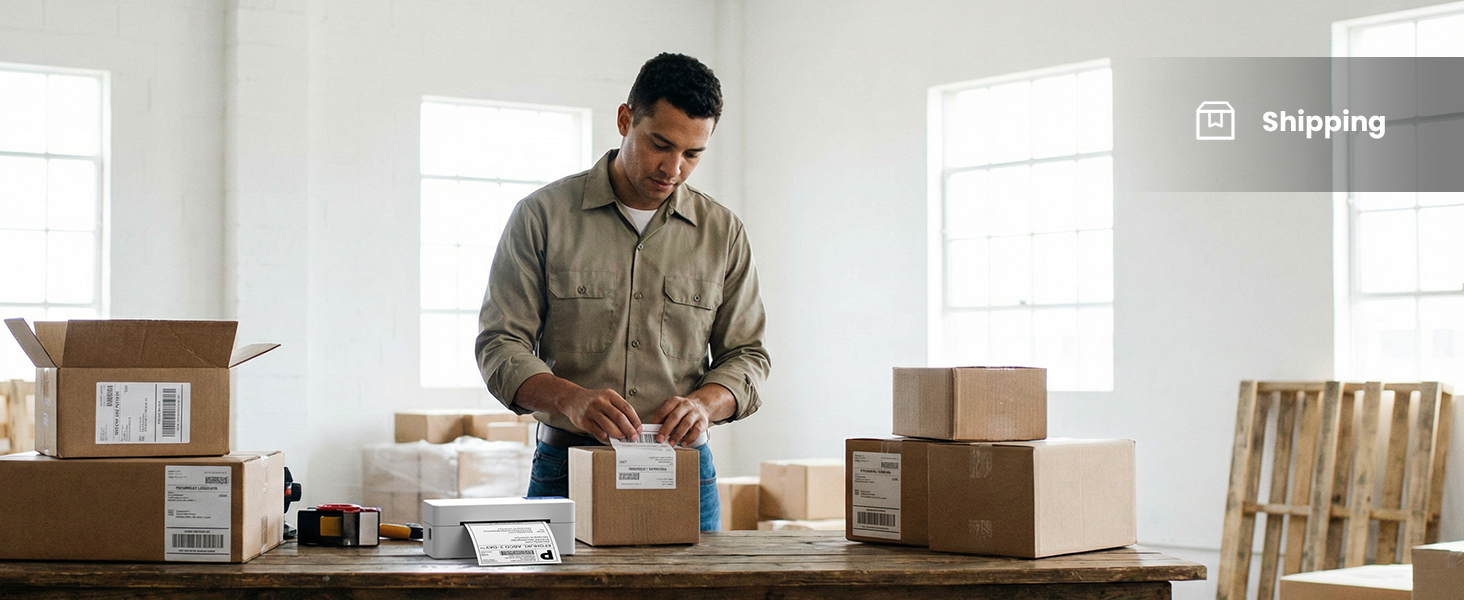
Shipping Label
Perfect for warehouse use: Freight labels and express forms – PL50E label printer
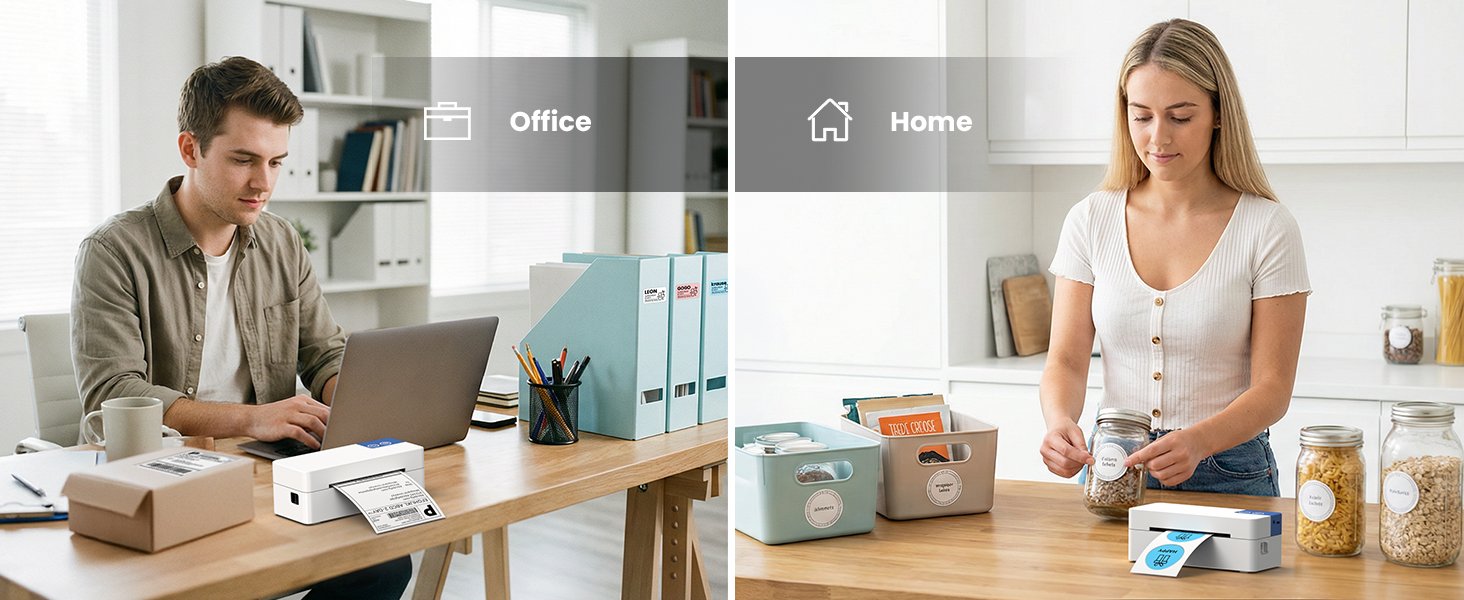
Office or Home Label
Perfect for use in offices and homes: Office use and craft labels – PL50E printer
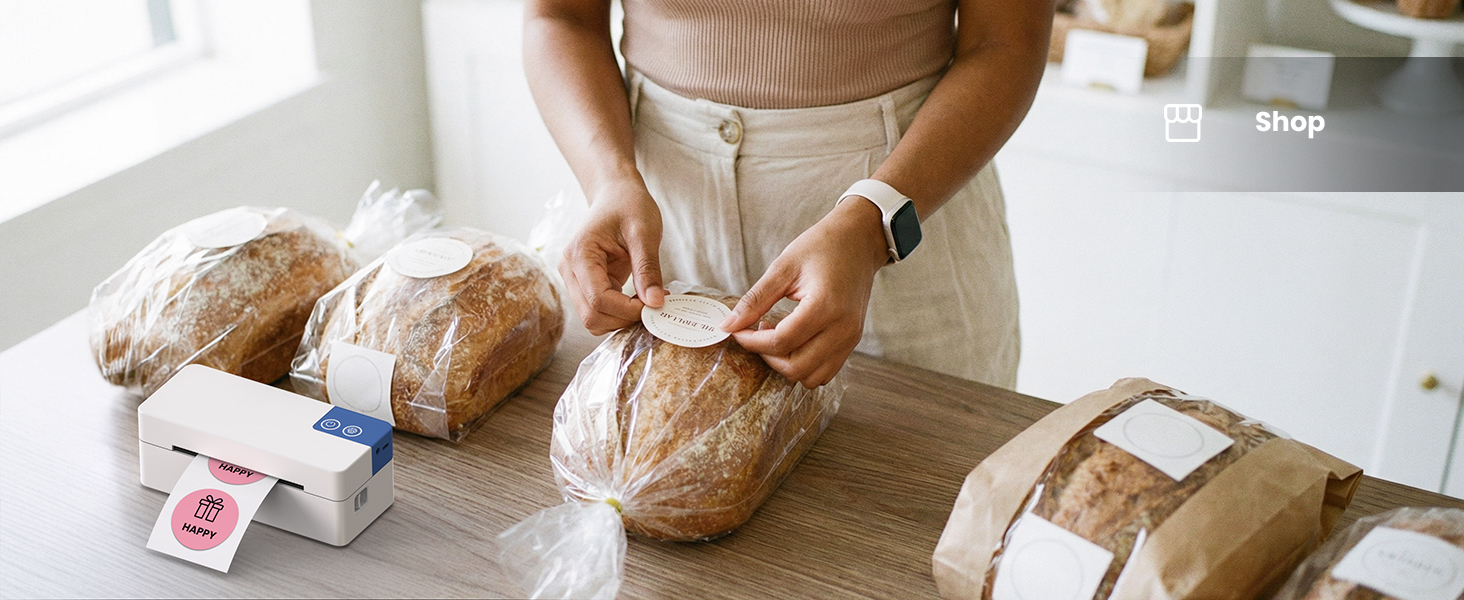
Shop Label
Perfect for use in shops: Labels for baking products and snacks – PL50E label printer
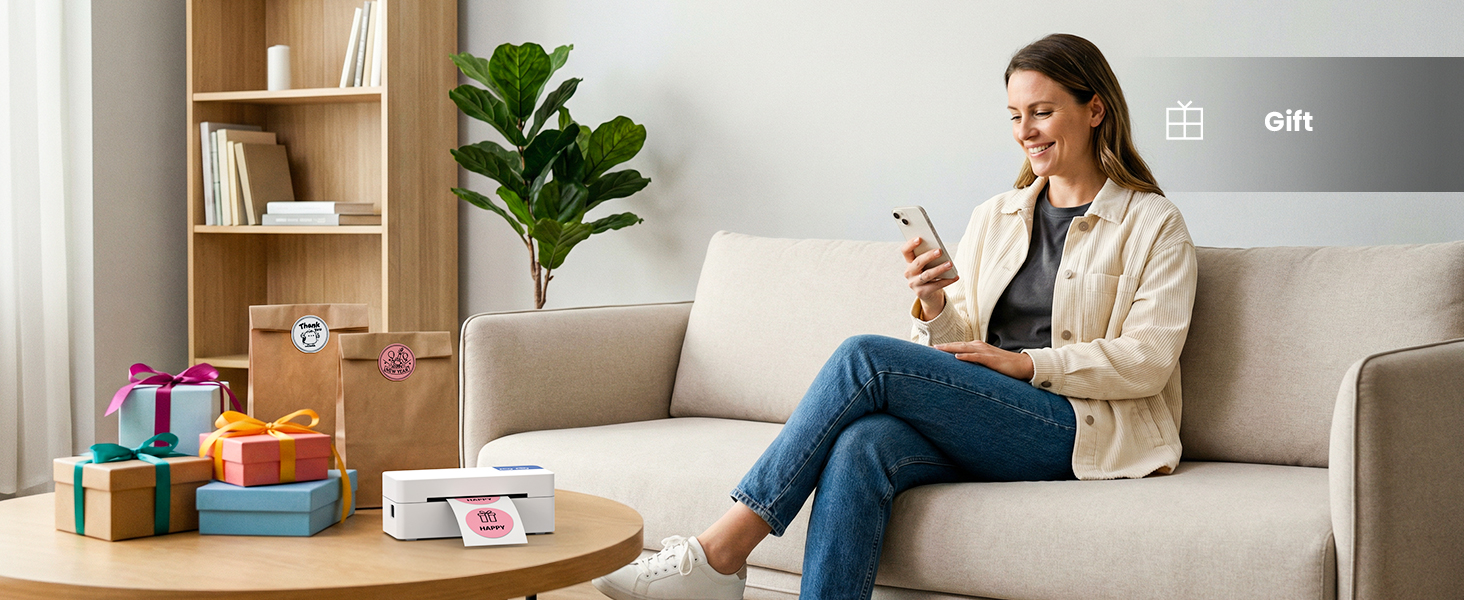
Gift Label
Perfect for packaging gifts – PL50E printer
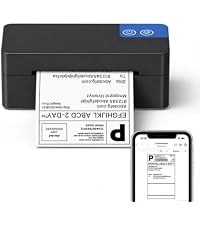
ETIKEZ PL50E Bluetooth Thermal Label Printer
| Add to Cart Add to Cart Add to Cart | |||||||
| Customer Reviews | 4.9 out of 5 stars28 | 4.5 out of 5 stars201 | 4.9 out of 5 stars28 | 4.9 out of 5 stars28 | 4.3 out of 5 stars310 | 4.5 out of 5 stars632 | 4.3 out of 5 stars61 |
| Price | — | $45.99$45.99 | — | — | $69.99$69.99 | — | $55.99$55.99 |
| Pack | 500pc | 1 | 220pc | 1000pc | 1 | 1 | 1 |
| Hight Quality | ✔ | ✔ | ✔ | ✔ | ✔ | ✔ | ✔ |
| Color | White | Black | White | White | Black | Pink | Black |
| Advantage | Using as Shipping Labels | Bluetooth, High Efficiency | Using as Shipping Labels | Using as Shipping Labels | Portable, Clear Printing | Portable, Clear Printing | Portable, Clear Printing |
| Support | Thermal Label Printer | Bluetooth & USB Connection | Thermal Label Printer | Thermal Label Printer | Bluetooth & USB Connection | Android and IOS Phones | Bluetooth & USB Connection |
| SKU: | B0H8Y9ZKKZ |
| Weight: | 2 pounds |
| Brand: | ETIKEZ |
| Model: | PL50E |
| Colour: | White |
| Manufacture: | ETIKEZ |
| Colour: | White |
Product description

Wide Compatibility Label Printer
Print clear shipping labels, barcodes, QR codes, and other rich patterns
Shipping Label
Perfect for warehouse use: Freight labels and express forms – PL50E label printer
Office or Home Label
Perfect for use in offices and homes: Office use and craft labels – PL50E printer
Shop Label
Perfect for use in shops: Labels for baking products and snacks – PL50E label printer
Gift Label
Perfect for packaging gifts – PL50E printer
ETIKEZ PL50E Bluetooth Thermal Label Printer
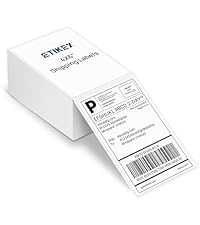
4×6 Thermal Labels 500pc
Thermal Label Printer
4×6 Thermal Labels 220pc
4×6 Thermal Labels 1000pc
D90E Thermal Printer
PM290C Sticker Printer
D90E Thermal Printer
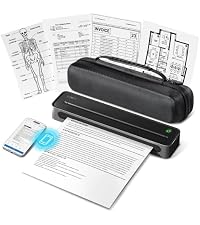
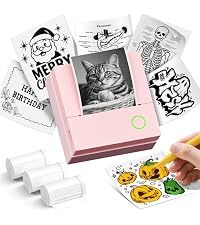
Customer Reviews 4.9 out of 5 stars28 4.5 out of 5 stars201 4.9 out of 5 stars28 4.9 out of 5 stars28 4.3 out of 5 stars310 4.5 out of 5 stars632 4.3 out of 5 stars61 Price — $45.99 — — $69.99 — $55.99 Pack 500pc 1 220pc 1000pc 1 1 1 Hight Quality ✔ ✔ ✔ ✔ ✔ ✔ ✔ Color White Black White White Black Pink Black Advantage Using as Shipping Labels Bluetooth, High Efficiency Using as Shipping Labels Using as Shipping Labels Portable, Clear Printing Portable, Clear Printing Portable, Clear Printing Support Thermal Label Printer Bluetooth & USB Connection Thermal Label Printer Thermal Label Printer Bluetooth & USB Connection Android and IOS Phones Bluetooth & USB Connection
This device is a Bluetooth-enabled, 4″x6″ thermal shipping label printer. It supports various label sizes from 1.57 to 4.1 inches.
It works with the “Labelnize” app that you need to download to your mobile phone from the Google Play Store or the Apple App Store. You can. ONLY print through that app, there is no direct Bluetooth pairing. Computers can only connect via USB, not Bluetooth. On computers you need to connect the printer via a USB cord and hen download and install a driver. Just follow the steps outlined to install and set up the printer.
I have seven thermal label printers, so am using this ETIKEZ printer solely for Android smartphones. It’s convenient to be able to print a one-off label from the smartphone, I run larger batches labels from computers.
One interesting aspect is that this thermal label printer is SMALLER than my other label printers. It occupies about 2/3 the space of the others, in all three dimensions, width, depth and height. My other printers are on metal shelves in a “printer farm” arrangement so I can rapidly change label sizes, but this cute little guy sits on my desktop with a few different size smaller labels for ad hoc needs. I can prepare a label and print it in less time than it takes to walk over to the multiple-printers station to grab a label there.
It was priced at $50 when I got it, which is a competitive price for a thermal printer of its quality. It appears to be as robust as my others that range in cost from $85 to $250, although only in use for a week, so I cannot attest to its longevity. But so far it prints quite well.
Versatile Thermal Label Printer for Shipping, Stickers, and Everyday Organizatio
I got this thermal label printer mainly for creating shipping labels, and it has quickly become a useful addition to my home office setup. Its compact size is one of its biggest strengths, as it occupies minimal desk space while still providing the functionality needed for shipping, labeling, and organizing different items.
A key benefit is its direct thermal printing technology, which removes the need for ink, toner, or replacement ribbons. This not only lowers long-term operating costs but also makes maintenance much simpler. With a 203 DPI print resolution, the output is clear and precise, producing sharp shipping labels, readable barcodes, accurate QR codes, and detailed small text.
The printer’s broad label size support also makes it highly flexible. It can handle labels from 1.38″ to 4.3″ (35mm to 110mm), offering more options than standard 4×6 shipping label printers. In addition to mailing labels, it can be used for product stickers, storage identification, file labels, inventory tags, and various home or small business organization projects.
Connectivity is another strong point. Mobile devices can connect through Bluetooth using the Labelnize app. The pairing process is straightforward by following the instructions inside the app, and I was able to connect my smartphone quickly. For computers, it supports USB connections with Windows, Mac, and Chrome OS systems, making it suitable for both mobile and desktop workflows.
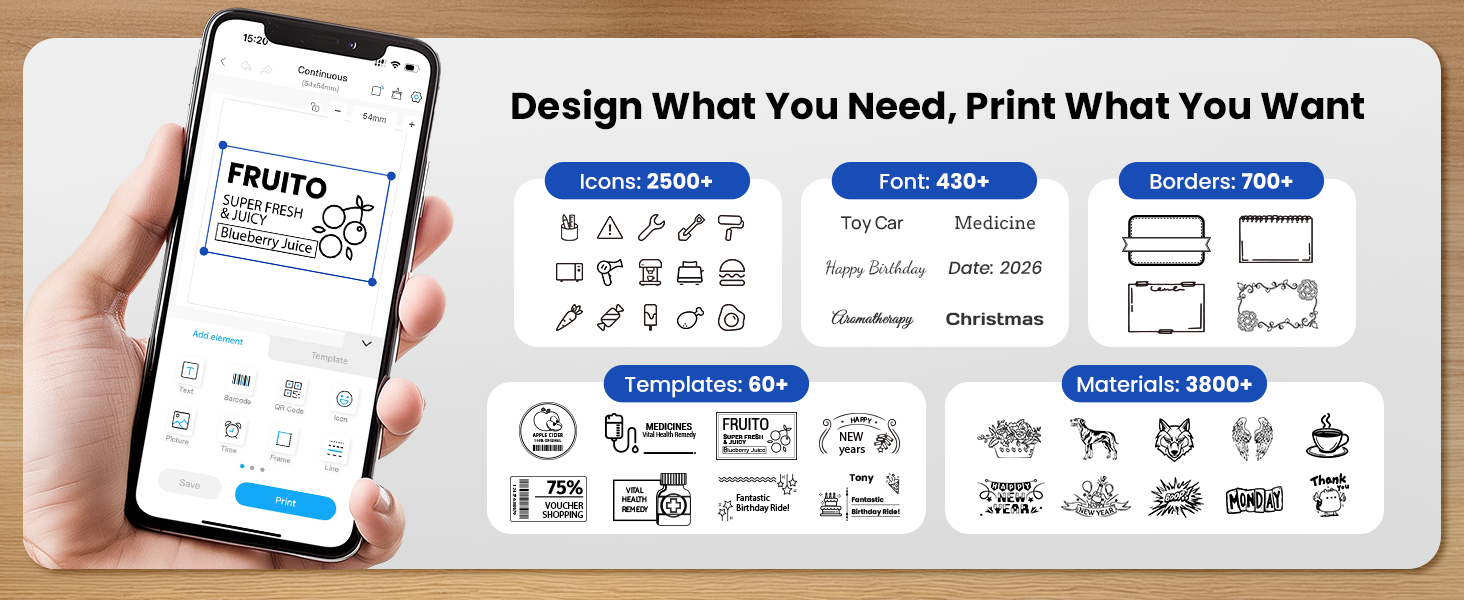
The Labelnize app adds even more convenience. It includes a wide range of templates, fonts, icons, borders, and editing features, allowing users to create customized labels without needing additional design software. Whether making shipping labels, product stickers, gift tags, kitchen labels, or personalized designs, the app provides plenty of creative options.
Performance is also impressive. The printer delivers fast output, especially when printing batches of shipping labels. Its automatic calibration feature helps maintain accurate label alignment and minimizes wasted labels. It also works with many commonly used shipping platforms and services.
There are a couple of minor drawbacks. When printing from smartphones or tablets, the Bluetooth connection must be established through the Labelnize app rather than the device’s regular Bluetooth menu. Additionally, computer printing requires a USB connection, meaning it does not provide completely wireless operation with desktops or laptops.
Overall, this is a dependable and compact thermal label printer that delivers excellent value for users who frequently need to print shipping labels, stickers, and customized labels. Its low maintenance design, versatile label support, and easy-to-use software make it a practical choice for both home and small business use.
Make returns easier with a Bluetooth thermal printe
We order a lot of things online in our household, which unfortunately means we also end up dealing with the occasional return when something doesn’t quite make the cut. Until now, our setup has been a little inconvenient — we’ve had to manually plug our laptop to a printer without Bluetooth capability (the horror) in order to print return labels. This adds time-consuming extra steps to what should be a simple process. I dread whenever I hear ” honey I need to print a label for a return” and needing to get up and set up my laptop since it’s the only functioning one our household.
I was hoping this little thermal label printer would help streamline that routine. After downloading the app, I was able to easily connect directly from my phone and print labels without needing to pull out a laptop every time. Yes!
The printer itself is compact and portable, which makes it convenient to keep nearby or move around as needed. I also like that I can use sticker label paper, since being able to simply peel and stick a return label onto a package is much more convenient than dealing with regular paper and tape.
The printer supports a variety of label sizes, making it useful for more than just shipping labels. It can be used for things like address labels, organization labels, price tags, file labels, or other small projects around the home. I’m going to be having fun getting my organization freak on with this one. We’re looking into ordering more labels because it only comes with about 15. I like that they’re flat and not rolls because when you print rolls, they tend to stay curled which is frustrating.
The included app also offers some customization options, with fonts, borders, and design elements that make creating labels more personalized. Although the promised 3800+ templates doubted in the description failed to materialize in the app. Maybe you need a subscription or something, but the included templates are very few. You have to figure out how to design your own, which is time-consuming. I might look up, downloading premade ones from other websites and importing them.
At $40, I think it’s totally worth it if you regularly need to print labels for returns. Or if you’re someone who regularly ships packages, sells items, or enjoys organizing, or needs to print receipts on the go. It’s great value. For me , compared with constantly needing to print labels through an archaic computer + cable setup, the convenience of being able to create them directly from a phone is huge.
This 4 x 6 thermal label printer is a convenient option for printing shipping labels without needing ink or toner. The compact design doesn’t take up much desk space, and Bluetooth connectivity makes it useful for printing from a phone or tablet as well as a computer.
Setup is fairly straightforward, and the ability to work with common shipping and selling platforms such as Amazon, Shopify, USPS, UPS, and Etsy makes it a versatile choice for home businesses or anyone who regularly ships packages.
The thermal printing approach is particularly convenient since there are no ink cartridges to maintain. Once the printer is set up, being able to print labels directly from a mobile device can make the shipping process much simpler.
Overall, this is a practical thermal label printer for everyday shipping needs. The 4 x 6 format, Bluetooth connectivity, and broad device compatibility make it a useful addition for anyone who ships packages regularly.
4x6 Thermal Label Printe
49.99 with no ink or toner to buy afterwards. Thermal printing burns the image straight into the label, so the only ongoing cost is the labels themselves. Against printing postage on an inkjet, the savings stack up fast.
203dpi produces barcodes and QR codes clean enough to scan first time, which is the whole job. A label a courier has to key in by hand slows a parcel down for days.
Label widths from 4.9cm to 10.4cm cover standard 4×6 postage plus price tags, barcodes, and storage labels, so one machine handles more than shipping. The listing leans heavily on American carriers, though the printer has no allegiance to any of them — feed it a Royal Mail or Evri label PDF and it prints the same.
Connection needs understanding before you buy. Bluetooth works only through the Labelnize app, and direct pairing from your phone settings does nothing. Computers connect by USB alone, with no wireless option. Neither is a fault, but anyone expecting to send a print job wirelessly from a laptop will be disappointed.
Setup takes a few minutes through the app, and selecting the correct paper gap size matters. Get that wrong and prints drift off the label.
Thermal labels fade with heat and sunlight, so they suit parcels in transit rather than long-term archive storage.
One-year warranty and starter labels included.
Solid, cheap to run, and a sensible buy for phone-based selling — provided the app-only wireless setup suits how you work.
I have been selling items on eb@y for a very long time and with every order that I ship, the final step is always the same; print a label off on my standard 8 1/2 x 11 printer, cut off the excess paper with a pair of scissors, and finally, use clear packing tape to attach the label to the package. Now multiply that whole process by each outbound order and it because a necessary but cumbersome pain in the butt.
No longer.
This thermal shipping label printer has made the whole process SO much quicker and easier. Setup was a breeze, it prints fast and the labels come out super clear every time.
Now when I ship an item, I just print out a label, peel off the backing and stick it on. That’s it.
I think I’m in love!
If you only need to print shipping labels once in a blue moon, then this thermal label printer may not be for you. But, if you ship items regularly, this printer is a must have.
This Bluetooth thermal printer works great and makes printing shipping labels quick and convenient without wasting paper or dealing with ink. One thing iPhone users should be aware of is that this printer uses Bluetooth but does not support AirPrint. That means it will not show up in the iPhone’s native print menu. Instead, you need to use the printer’s app. Setup through the app is quick and easy, and I had no trouble getting the printer connected and working, but it does add an extra step each time you want to print. If you have the printer connected directly to a computer, you may be able to avoid that extra step. However, if you’re buying this specifically to print shipping labels from an iPhone, the process isn’t quite as seamless as it is with an AirPrint-compatible model. Overall, it’s a good thermal printer that works well; just be aware of the Bluetooth/AirPrint distinction if you plan to use it primarily with an iPhone.
Fast, beautiful output, kind of fun, but needs its power brick
I just wish this could work on a 20V USB PD power bank for portability, but no: it wants 24V from a power brick.
The printer is branded Etikez, but The app is called labelnize, the site is labelnize.com.
For pc, apparently requires drivers to be found on that website, which we did not test.
Has a Chrome Web Store app for Chrome OS as well.
Wonderfully compact, prints super fast, with good details: those are some good looking prints.
Images come out with a lot of detail, text is sharp.
It takes like 2 seconds to send the file over by bluetooth, and about as long to print.
It does some kind of brief calibration run on closing the lid (not on pressing the button like instructions say).
It apparently needs a strip of at least 3 labels to calibrate.
My nitpicks: when the lid is open, it can easily flop, it also presses on the labels. Pretty minor.
We managed to misalign the paper on our first try, came out crooked, but we quickly got the hang of that.
The cable to the power brick is perhaps a bit short.
Overall the app is impressively complete and powerful! No ads, no annoyances.
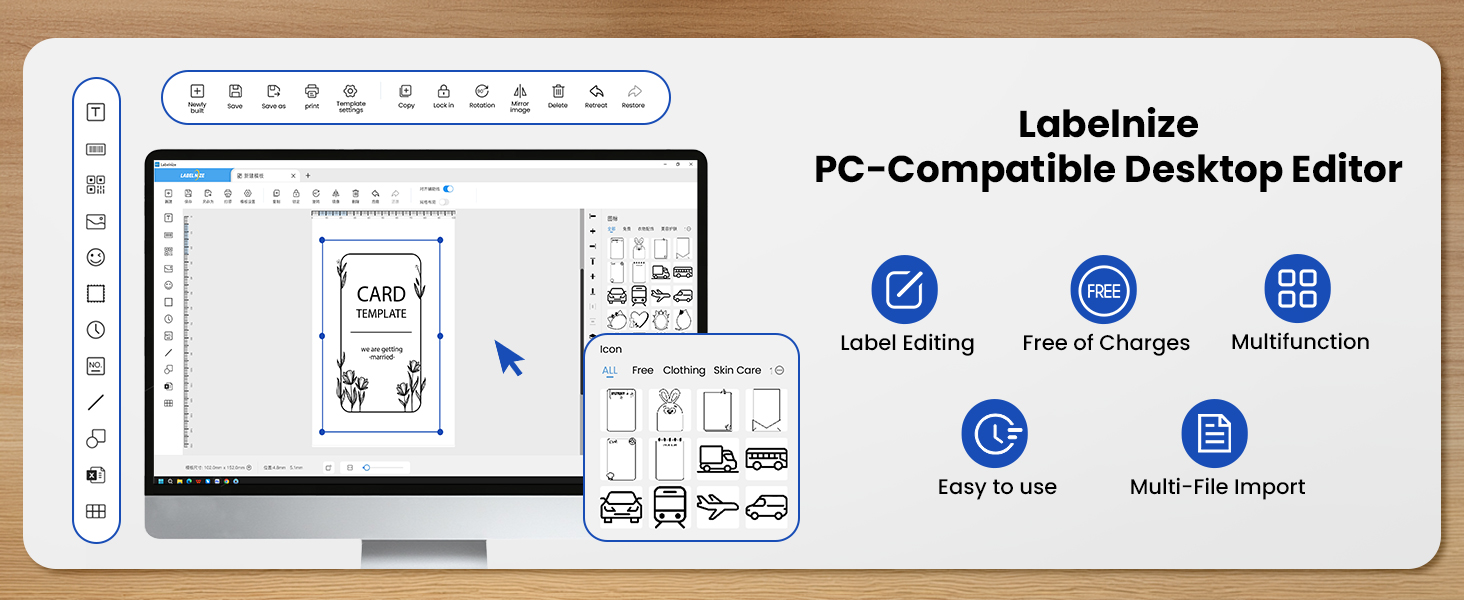
Many templates, which you can then edit and customize to save as your own templates, ability to link with Excel,
import of images, a sketch input function, QR codes, icons, lots of fonts…
Easy to position things and compose a layout, resize, rotate etc.
You can import a PDF, pick pages, you can print a website from URL…
A whole section to generate and print Sudokus? Why not, it doesn’t detract from the more functional functions.
Elaborate, complete, rather well done.
OK some nitpicks still : account signup gives you only 60 seconds to enter the confirmation code sent by E-mail, that’s pressure I don’t need.
We managed to lose our work in the template editor at one point: we hadn’t hit save and it opened another app to import something.
Still, it was quick and intuitive.
Handy Thermal Label Printe
This is a label printer from the ETIKEZ Store.
What’s in the box? The label printer, 15 sheets of 4 by 6 inch labels, power supply and USB cable plus instructions.
The printer comes in the colour light blue and white which makes it quite eye catching and compact in size at only 7 inches long and 3 inches wide it will take up hardly any desk space.
I have used the printer in Windows 11 and when I connected it up Windows finds it straight away and installs the printer automatically so no worries there. Windows 11 can install the label printer via the USB print cable or Bluetooth.
This really is the easiest label printer I have every setup.
When the printer is on and you feed the label stream with the removable labels pointing upwards into the back of the printer the printer just does the rest and automatically feeds the labels in and aligns it correctly for you and quite frankly I was blown away with this considering what a nightmare label printers have been previously.
When I print a label out it comes out blazingly fast thanks to its thermal printing of 72 ppm so the label is ready immediately, this is especially useful if you have something to send out quickly. Also the print quality is top notch with no residue being thermal so you can touch the print immediately.
Connectivity for the printer is via either Bluetooth or via the accompanied printer to USB lead both work well.
I have also used the printer with my Android phone with the app works amazingly well although a login is necessary I did not see any pay walls for cloud services.
Printing through the app was easy and straight forward with tips and help on the screen initially as well for any guidance.
What I especially like about this printer is the power connector location does not hinder the paper feed at all like some other thermal printers which are located at the back next to the paper but leaves plenty of space for the thermal paper to feed in without issues.
Overall this is a fantastic label printer that is absolutely ideal for someone who doesn’t want the faff of messing around feeding labels in and aligning them as it just works and works really well for a brilliant price too.
very nice
This thing is handy to use and have anywhere i go. It holds a charge for s long time and charges in a seemingly short time too. The app is very easy to figure out and can print different kind of documents. Can even putting pictor outlines for kids to color and stick on their things. It prints quickly and cleanly and all lines are neat. Letters are legible even when small but sometimes can really sew the blockiness in some letters or round details. Very nice to be portable so I can take my box of things to pack up when I travel and still be able to ship from wherever I am without putting orders on afew days hold. Good value for the money.