Wireless Controller for PS5/Pro/Slim/PC with Hall Joysticks
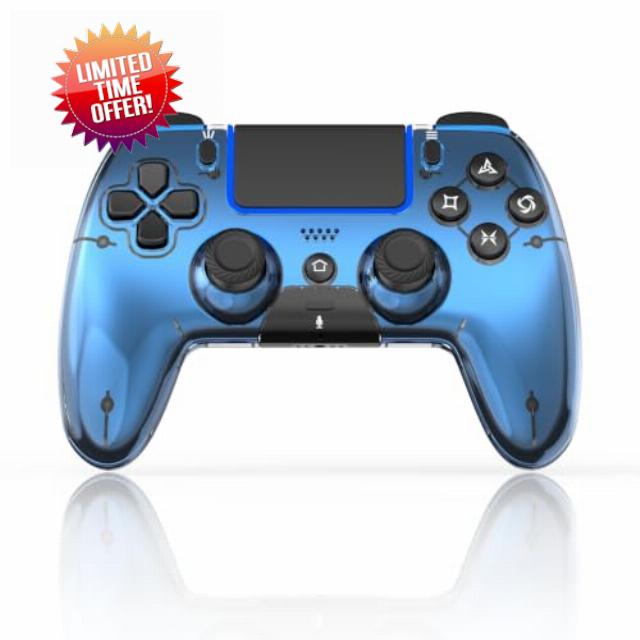
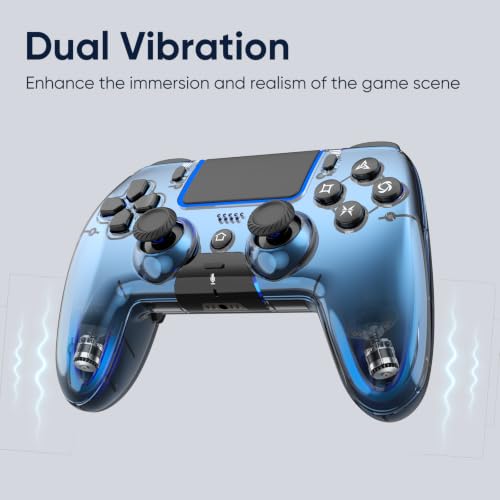
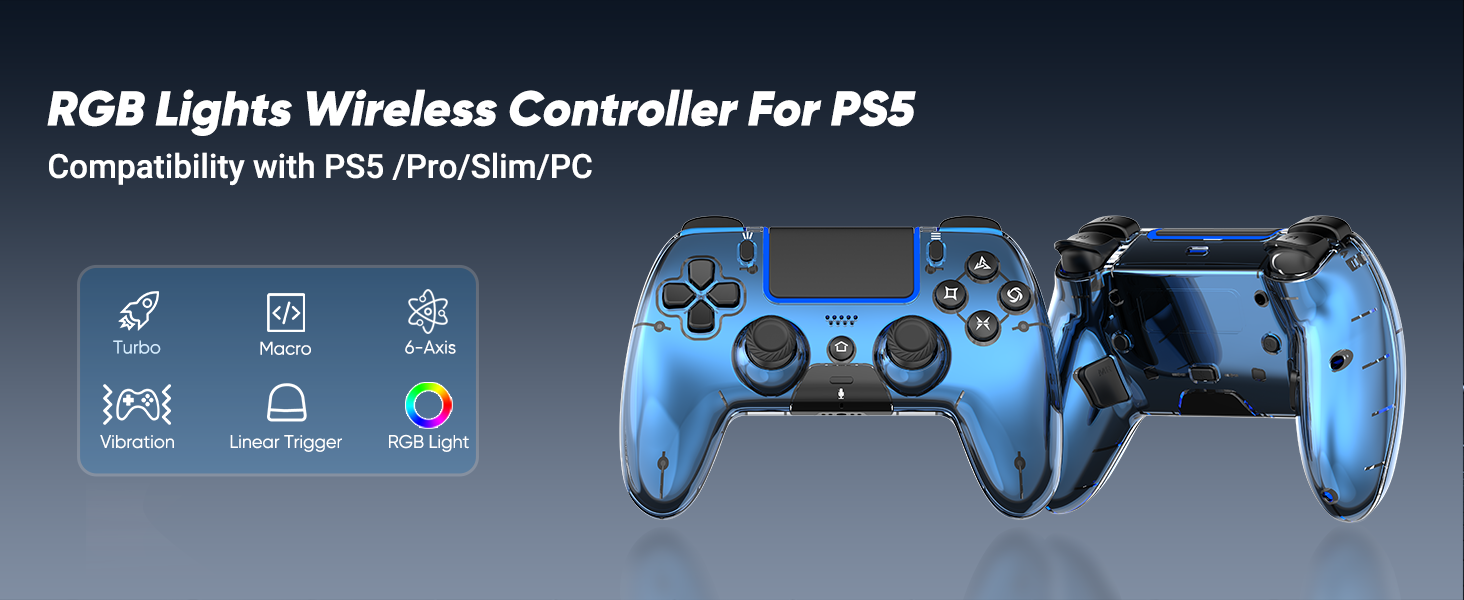
Wireless Controller for PS5/Pro/Slim/PC with Hall Joysticks, Metallic Blue Macro, Turbo, Hall Effect Joysticks, Touchpad, Dual Vibration, 6-Axis Gaming Controller with Speaker, 3.5mm Jack
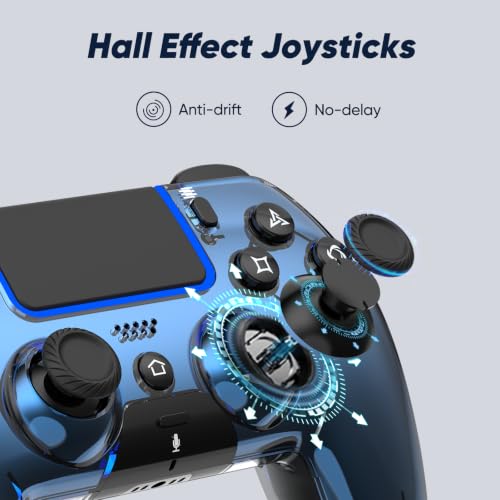
- Drift-free Hall effect joysticks: Equipped with advanced Hall effect sensor technology, this PS5 controller effectively guards against joystick drift. It offers accurate, steady control ideal for competitive shooting titles, racing games, and regular casual gameplay.
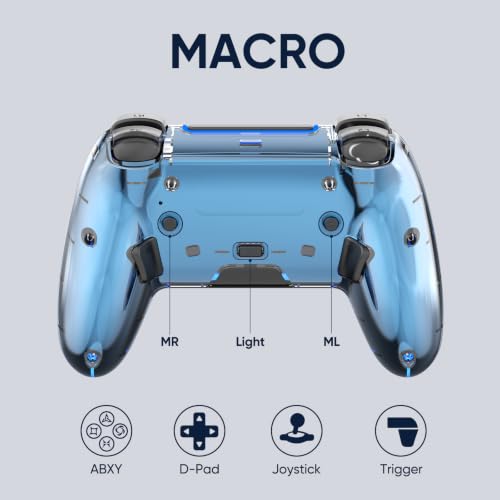
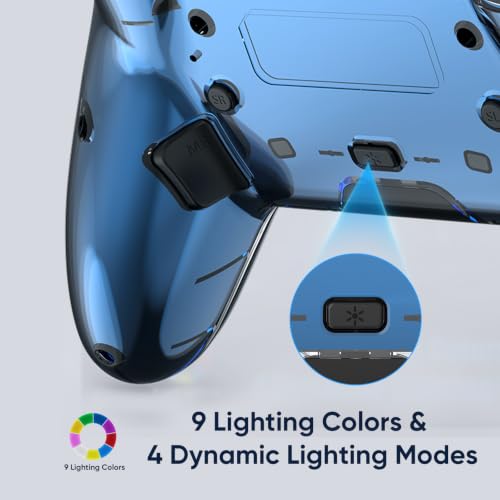
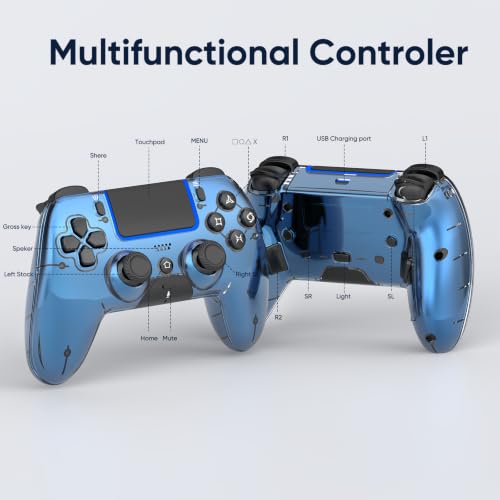
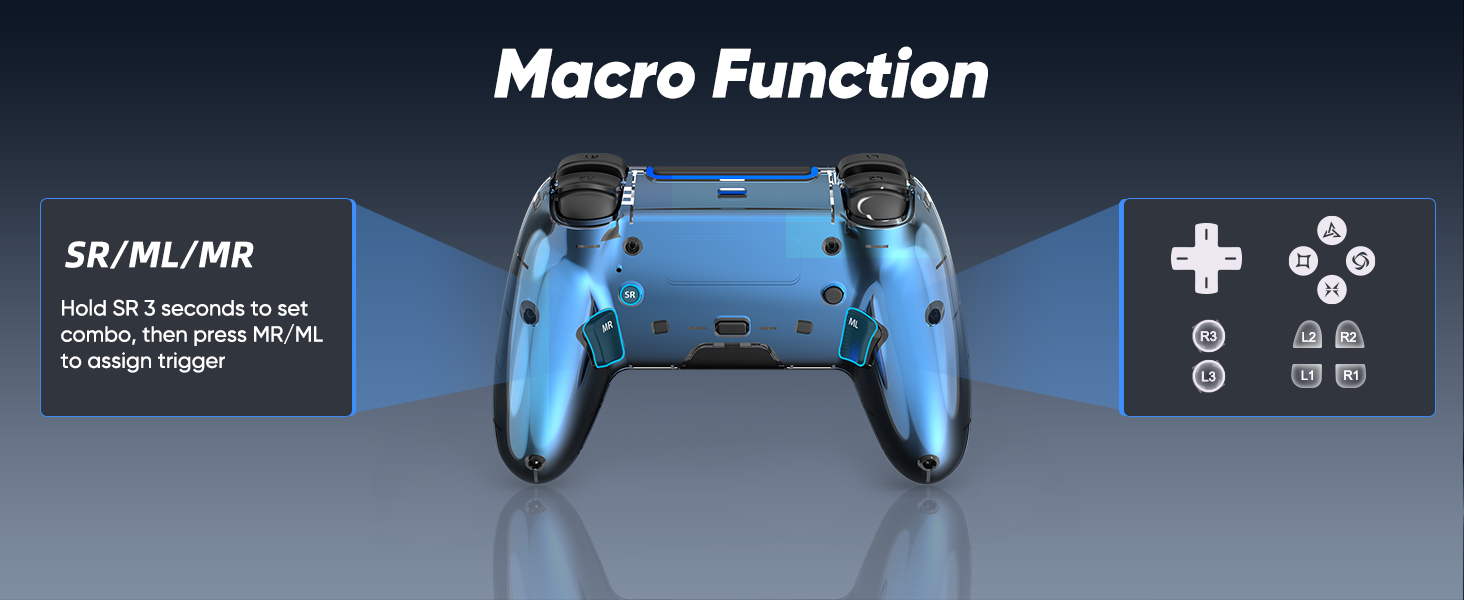
- Programmable macro back paddles: The ML and MR rear paddles of this PlayStation 5 controller are configurable as macro triggers, with each macro able to store as many as 16 button commands. Simply hold down the SR for 3 seconds, record your custom button combo, then store it on ML or MR. A single press activates the whole pre-recorded sequence, letting you react faster and pull off combos more seamlessly.
- Wide compatibility & dual connection: This upgraded PS5 controller is compatible with PS5, PS5 Slim, PS5 Pro, Windows PCs, Android devices, iOS devices, Mac computers and Steam Deck, covering nearly all mainstream gaming hardware you commonly use. It supports both Bluetooth wireless connection and USB wired connection, delivering stable, low-latency gameplay on consoles, computers and mobile devices. You can switch between different platforms effortlessly without repeated re-pairing.
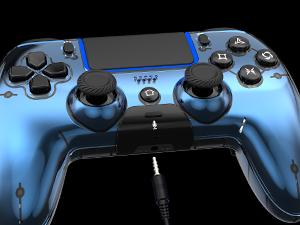
- 3.5mm audio jack for voice chat: This game controller has no built-in microphone, yet its 3.5mm port works with standard headsets to deliver stereo sound and enable voice calls. Plug your headset into the jack, and you can communicate clearly with teammates while listening to detailed in-game audio.
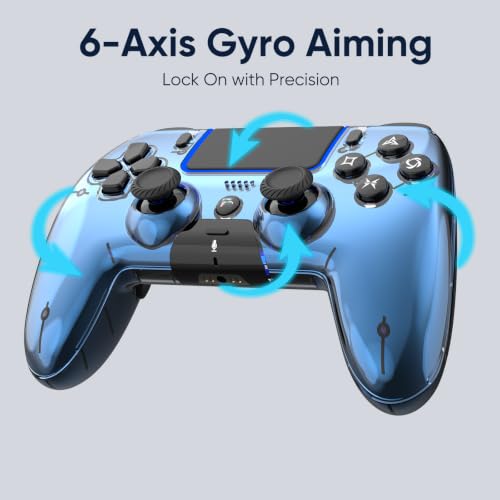
- 6-axis gyroscope: Equipped with a high-precision six-axis gyroscope and a 3D accelerometer, the gaming controller captures tiny tilts and rotations in real time with coordinated dual sensors. It effectively reduces lag and positioning errors, featuring quick response and smooth, stable operation, suitable for various motion control scenarios.
- 1-year product protection & lifetime support: This control ps5 controller comes with a one-year warranty and permanent customer support.
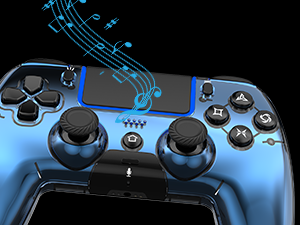
Built-in Speaker
Sound effects and music come to life right in your palms
Xinput Mode
Wired connection to a PC: Press Share and Menu buttons to switch XInput mode
3.5mm TRRS Stereo Jack
Please insert the 3.5 mm plug gently to prevent long-term stress that may cause audio or microphone failure.
800mAh Battery
Charge 2-3 Hours for 7-8 Hours Playing. Two ways to charge: Charging Dock / USB-C Cable
How to connect the controller to PS5?
Plug it into the PS5 with a USB data cable, wait a few seconds, then press the Home button.
Controller only remembers the last device it was paired with. If you used it on other device, reconnect it to the PS5 with a USB data cable and pair it again.
How do I fine-tune the HALL joysticks?
Turn off the controller, then hold Share + Menu while plugging it into the console until the light starts flashing. Press L1/L2/R1/R2 a few times, rotate both sticks in circles, then press X to save. Restart the controller to finish calibration.
My PS5 says "Connect this device using a USB cable, or register it again."
Use a USB data cable (not charge-only), then pair the controller again. The included cable is recommended.
| SKU: | B0HFMJVGSD |
| Weight: | 235 g |
| Brand: | BetmiSir |
| Colour: | Metallic Blue |
| Manufacture: | BetmiSir |
| Colour: | Metallic Blue |
Product description
How to connect the controller to PS5?
Plug it into the PS5 with a USB data cable, wait a few seconds, then press the Home button.
Controller only remembers the last device it was paired with. If you used it on other device, reconnect it to the PS5 with a USB data cable and pair it again.
How do I fine-tune the HALL joysticks?
Turn off the controller, then hold Share + Menu while plugging it into the console until the light starts flashing. Press L1/L2/R1/R2 a few times, rotate both sticks in circles, then press X to save. Restart the controller to finish calibration.
My PS5 says “Connect this device using a USB cable, or register it again.”
Use a USB data cable (not charge-only), then pair the controller again. The included cable is recommended.