Tracker Tags-4 Pack for Android Key Finders 2 Year Battery
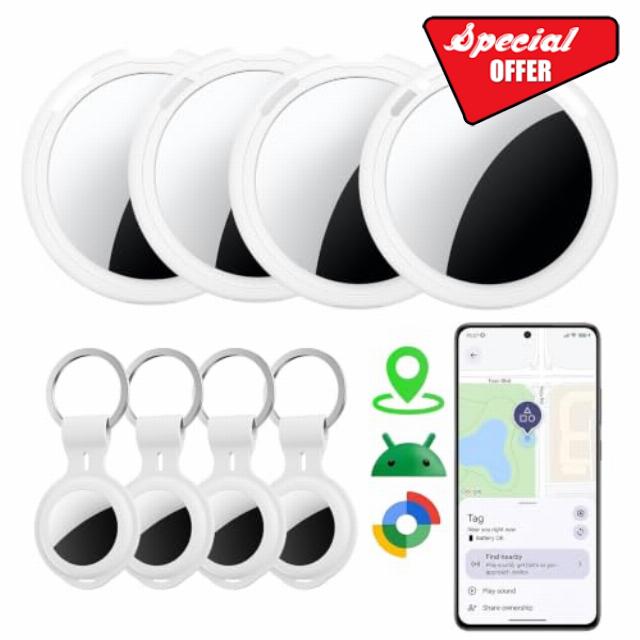
Tracker Tags-4 Pack for Android Key Finders 2 Year Battery Life Replaceable Google Find Trackers for Google’S Find Hub App Item Finder Bluetooth Smart Air Luggage Tags for Kid Bag Wallet Pet Waterproof
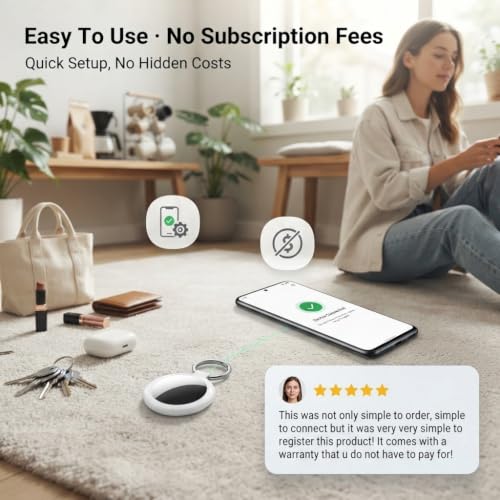
- Simple Setup Tracker tags-4 Pack for Android: Works with Android 9+ phones and Google Find Hub. Turn on the tracker and Bluetooth, place it near your phone, and follow the on-screen instructions to connect. No complicated setup or repeated pairing
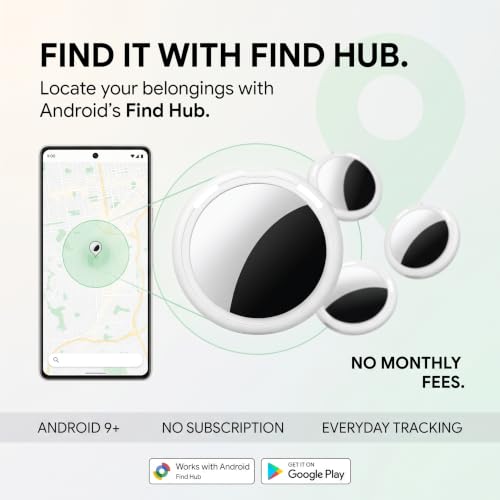
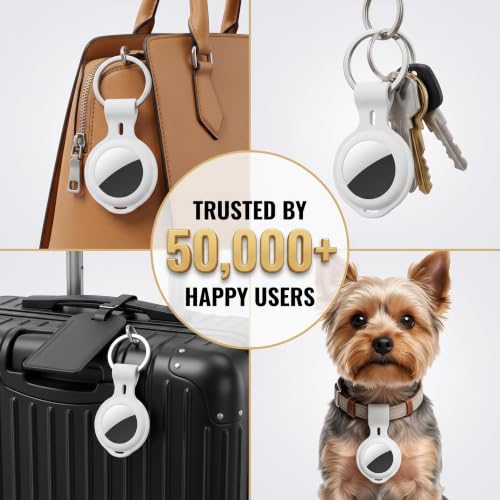
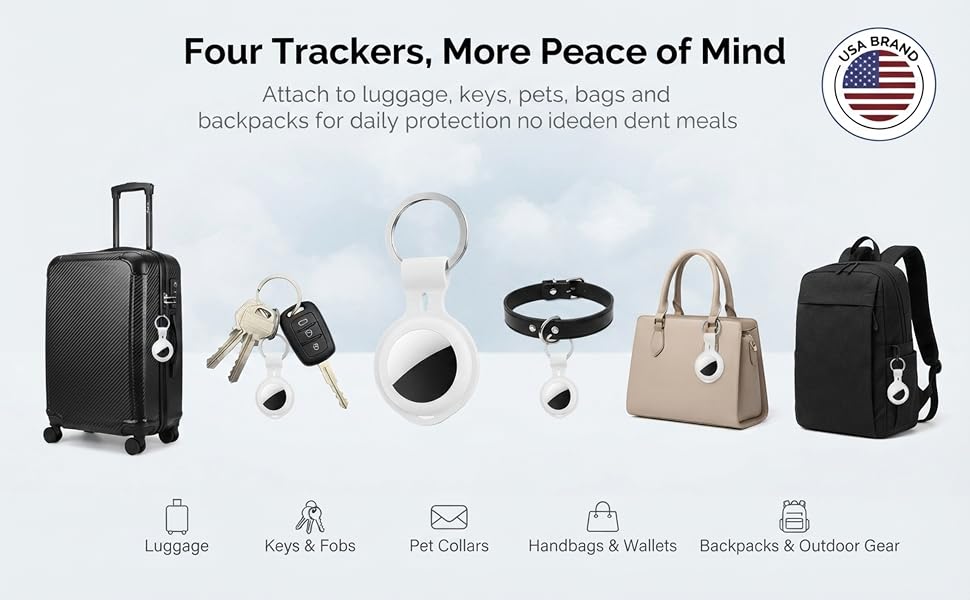
- No Subscription Required: Works with Google Find Hub with no monthly fees. Compact and lightweight with a lanyard, making it easy to attach to keys, wallets, backpacks, luggage, pet accessories, and more
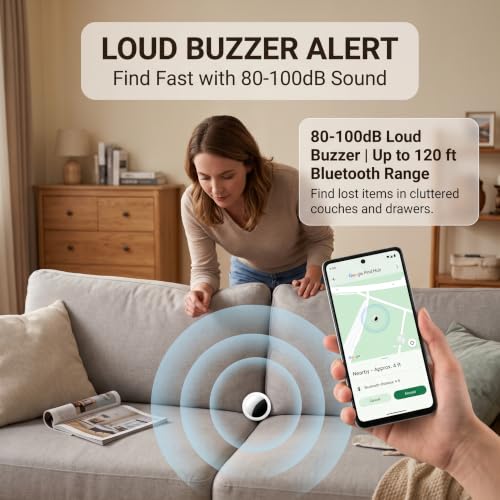
- Find Lost Items Faster: Use Nearby Search in Google Find Hub to check your distance within Bluetooth range up to 120 ft. The built-in 80–100 dB speaker helps you quickly locate items hidden in drawers, cushions, or under furniture
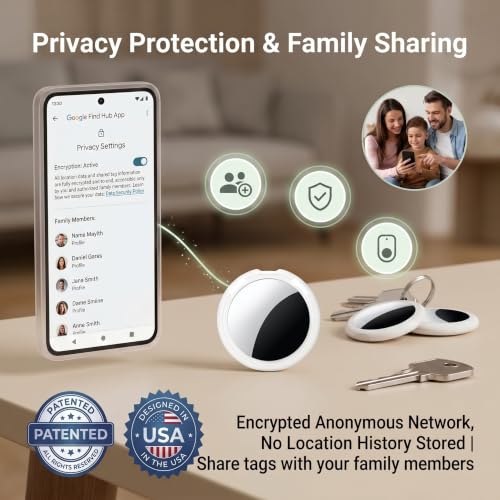
- Private and Secure: Google Find Hub uses encrypted and anonymous technology to help protect your location information. Location data and history are not stored by the tracker, helping keep your personal information private
- Share with Family and Friends: Share your Android tracker tag through Google Find Hub, allowing trusted family members or friends to help locate tagged items and check their location on the map
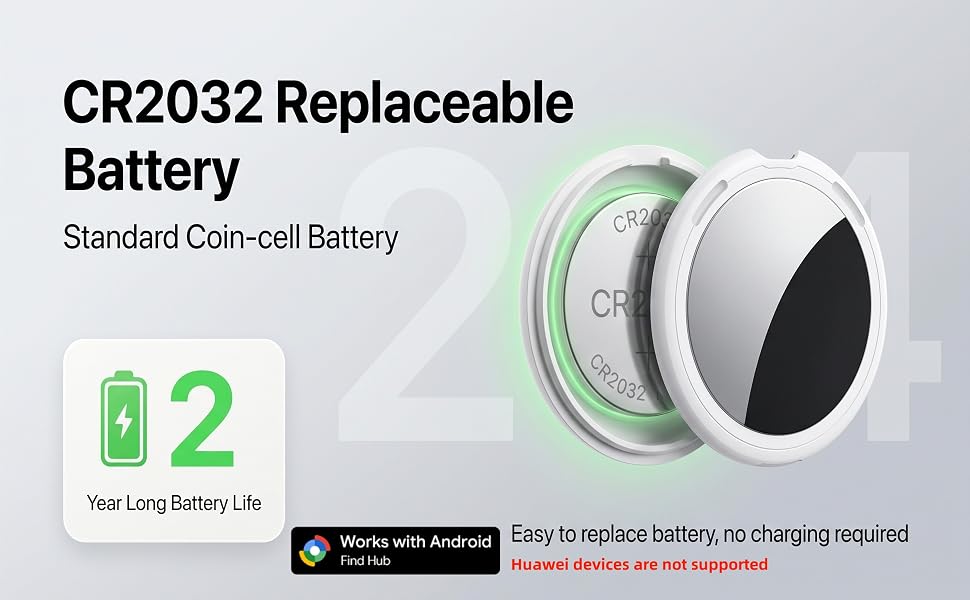
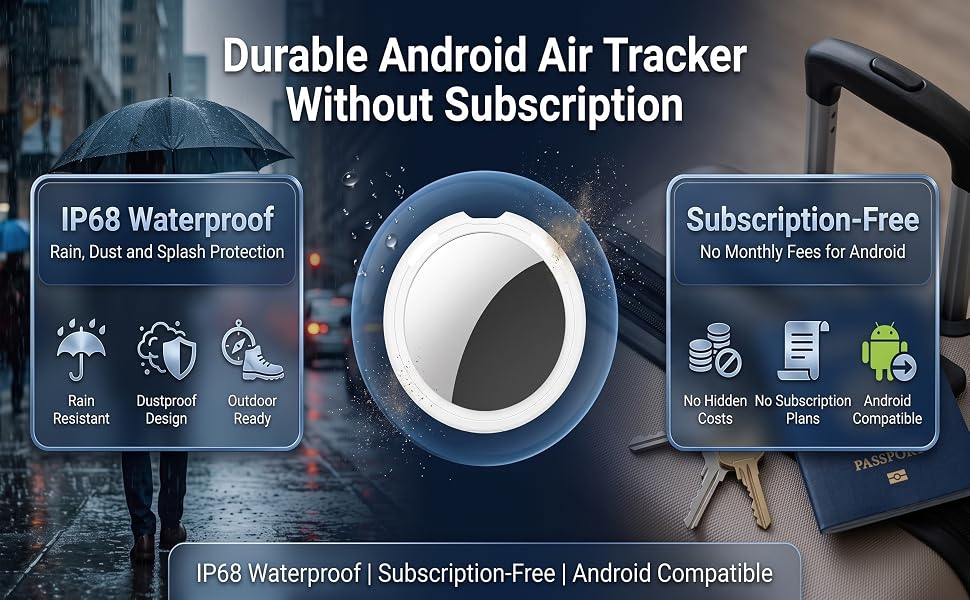
- IP68 Waterproof and Replaceable Battery: IP68-rated for protection against rain, splashes, and brief submersion.The replaceable CR2032 battery provides up to 2 years of use. Battery life may vary depending on temperature and usage
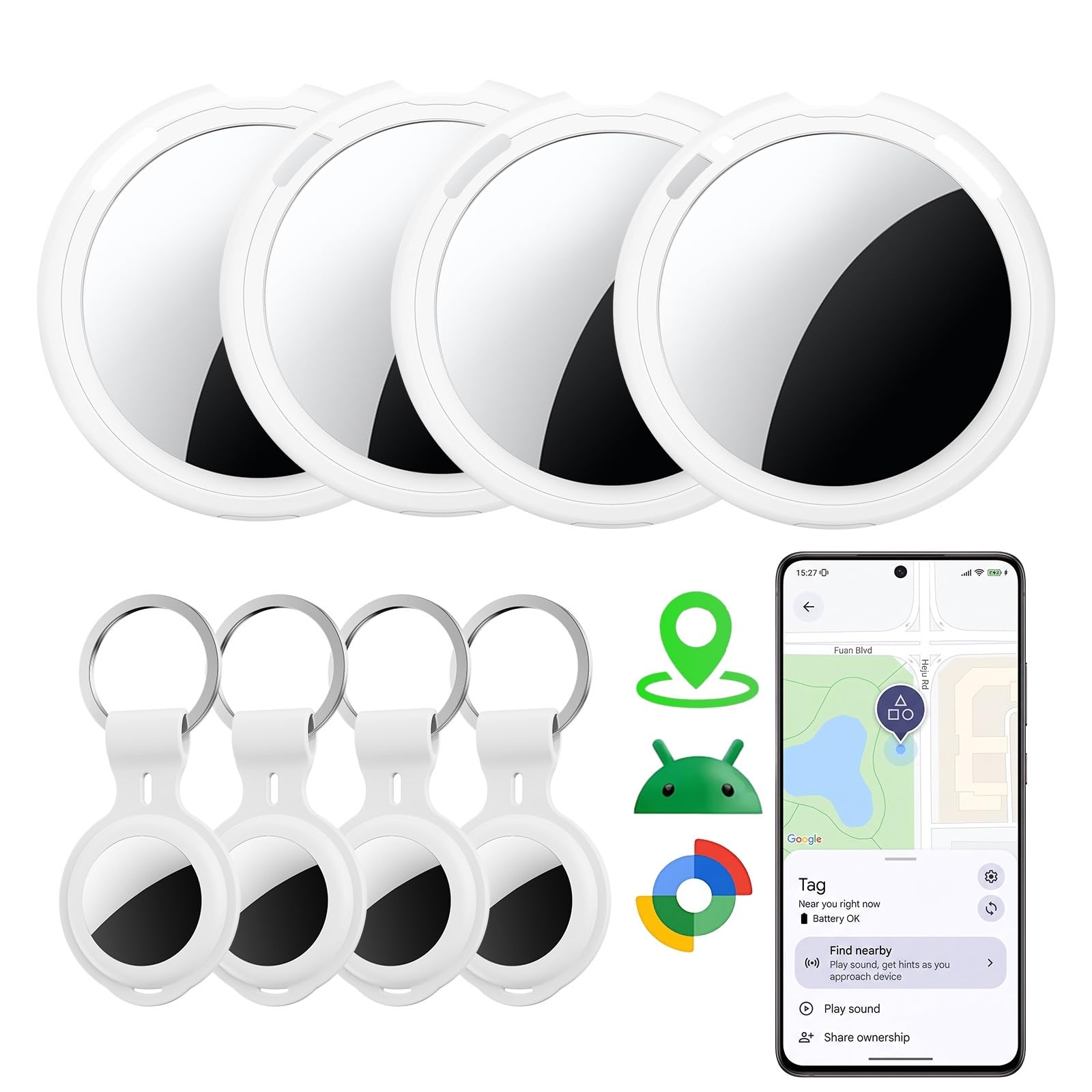
- What’s Included: 4 × Android Air Trackers with batteries pre-installed, 4 × protective cases, 2 × spare CR2032 batteries, and 1 × user manual. Everything you need to set up and start tracking your belongings
CR2032 Replaceable Battery
Experience instant tracking and precise global positioning with this smart Bluetooth tracker. Google Find Trackers for Google'S Find Hub App, it ensures your most valuable items are always on your radar. (Please note: Huawei devices are not supported)
Private by Design. Shared with Family.
Share your Android tracker tag through Google Find Hub, allowing trusted family members or friends to help locate tagged items and check their location on the map
No Subscription Required
Works with Google Find Hub with no monthly fees. Compact and lightweight with a lanyard, making it easy to attach to keys, wallets, backpacks, luggage, pet accessories, and more
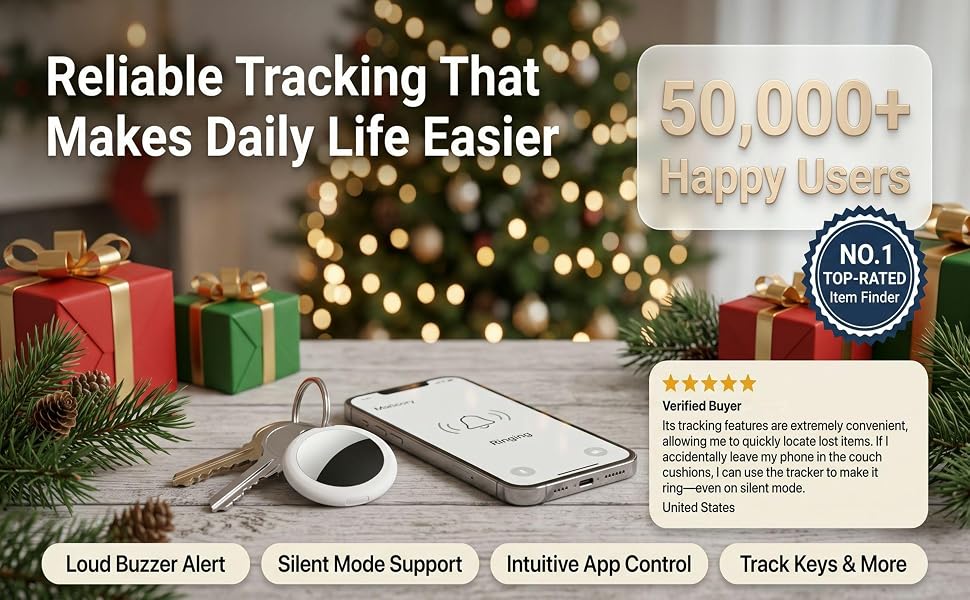
Find Lost Items Faster-up to 100dB Sound Alarm
Use Nearby Search in Google Find Hub to check your distance within Bluetooth range up to 120 ft. The built-in 80–100 dB speaker helps you quickly locate items hidden in drawers, cushions, or under furniture
Four Trackers, More Peace of Mind
Share with Trusted Family and Friends
Works with Google Find Hub with no monthly fees. Compact and lightweight with a lanyard, making it easy to attach to keys, wallets, backpacks, luggage, pet accessories, and more
Simple Setup for Android Find Hub
Works with Android 9+ phones and Google Find Hub. Turn on the tracker and Bluetooth, place it near your phone, and follow the on-screen instructions to connect. No complicated setup or repeated pairing
Q:What should I do if my phone does not show a pop-up window after the device is reset?
A:If your mobile network is working normally and Bluetooth is enabled, but turning on the device does not trigger the Find Hub pop-up window on your phone, please follow the steps below:
1.Open your phone’s native Settings, then find and select Google.
2.Select All services, tap Devices, and refresh the page to scan for nearby devices.
3.After Item Tracker appears, select the anti-loss device and tap Connect. Follow the on-screen instructions to complete the pairing process.

| SKU: | B0H2Q1TRYW |
| Brand: | AMZSMT |
| Manufacture: | AMZSMT |
Product description
Q:What should I do if my phone does not show a pop-up window after the device is reset?
A:If your mobile network is working normally and Bluetooth is enabled, but turning on the device does not trigger the Find Hub pop-up window on your phone, please follow the steps below:
1.Open your phone’s native Settings, then find and select Google.
2.Select All services, tap Devices, and refresh the page to scan for nearby devices.
3.After Item Tracker appears, select the anti-loss device and tap Connect. Follow the on-screen instructions to complete the pairing process.