TobenONE Displaylink Docking Station 3 Monitors
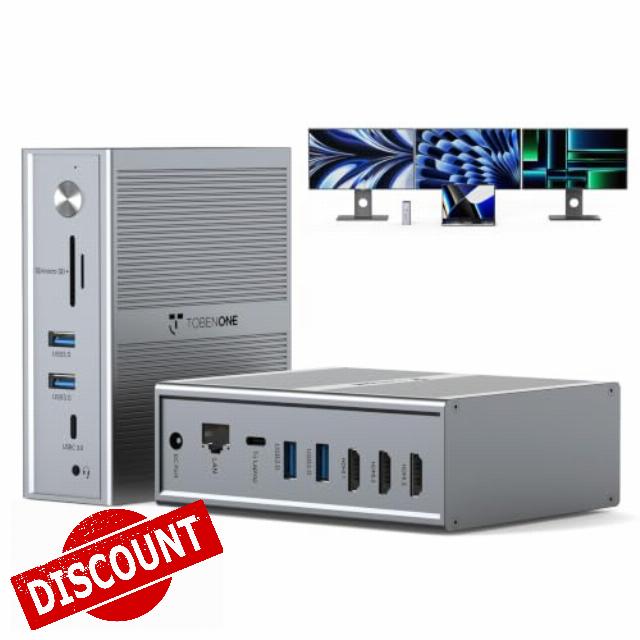
TobenONE Displaylink Docking Station 3 Monitors for Mac(M1-M6/Neo)&Windows DisplayLink Driver Required, 3HDMI, 120W Adapter, 100W Charging, 5Gbps USB, Gigabit Ethernet, Aluminum
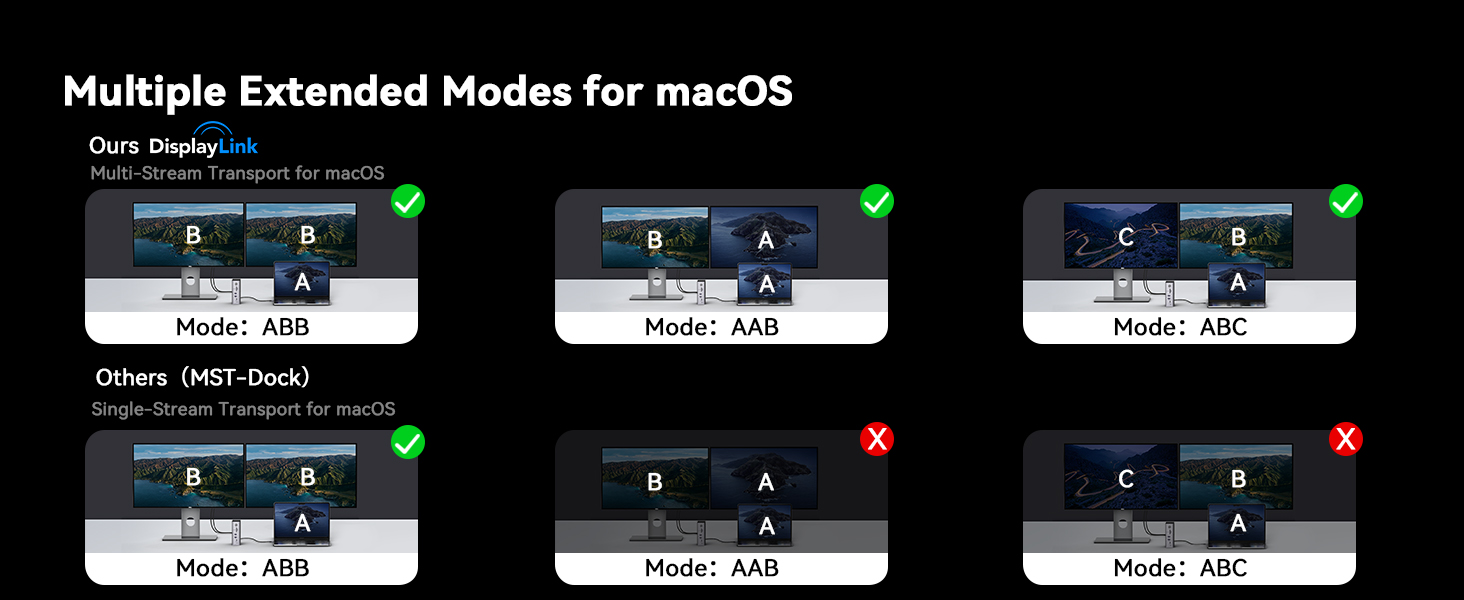
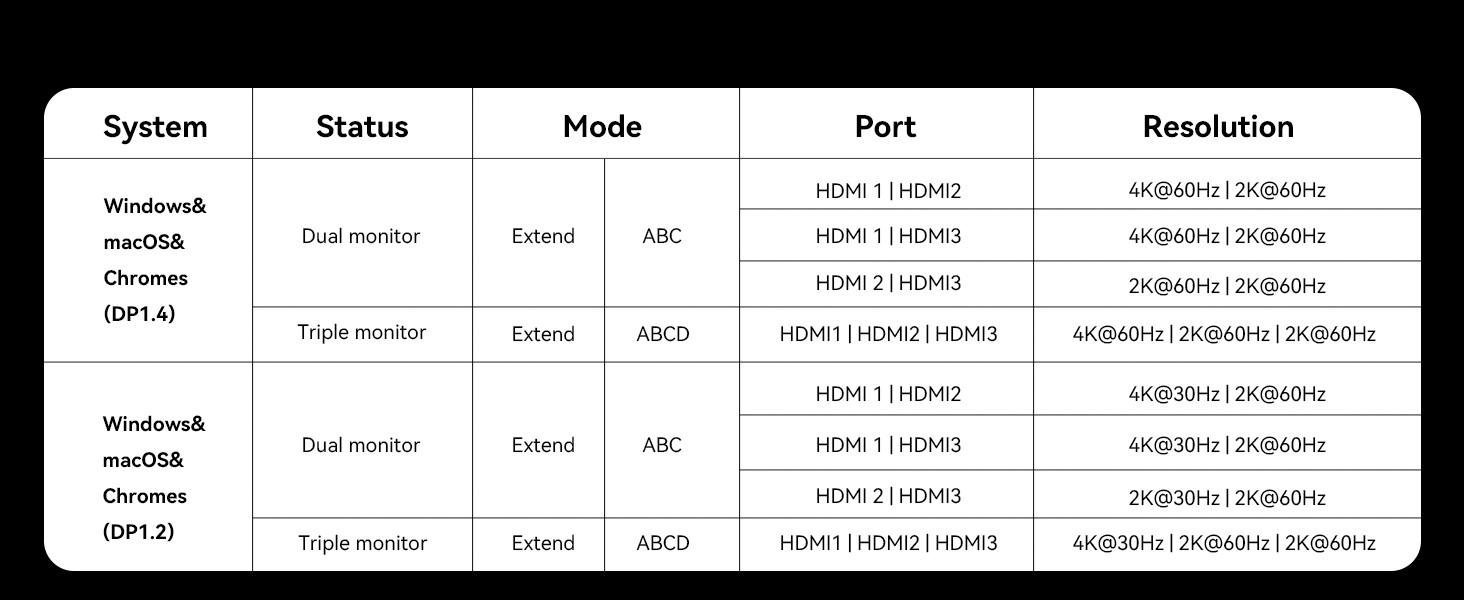
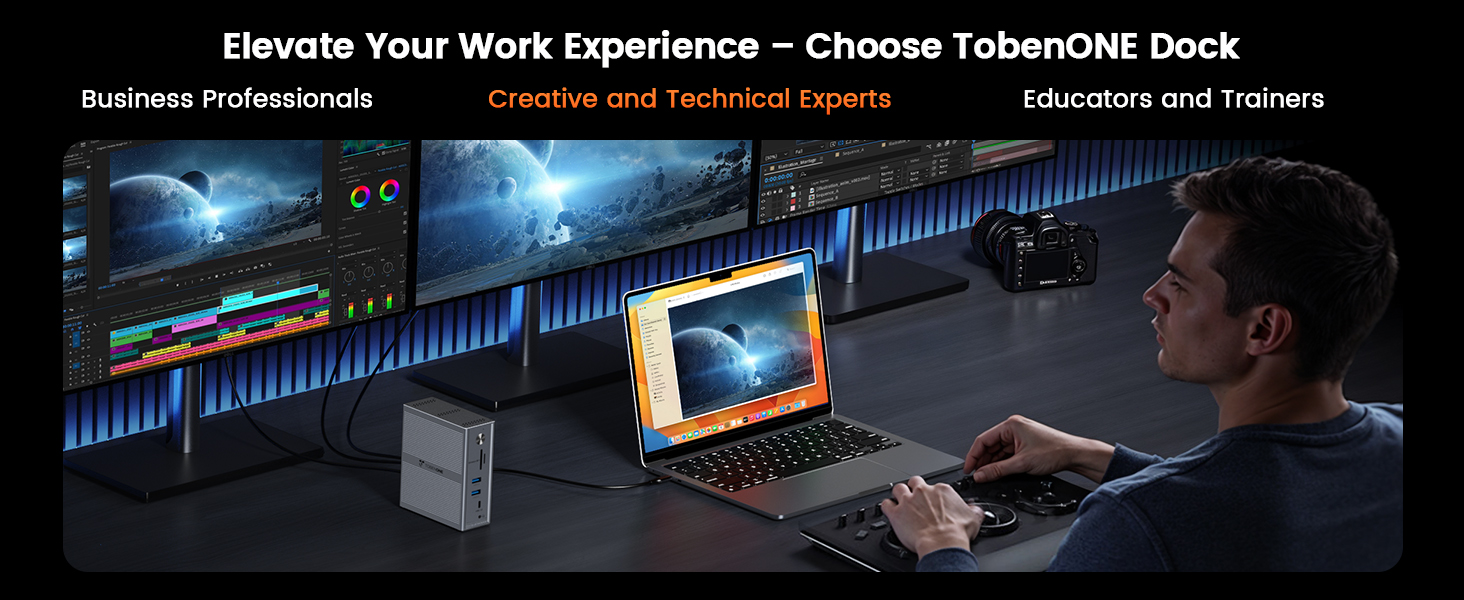
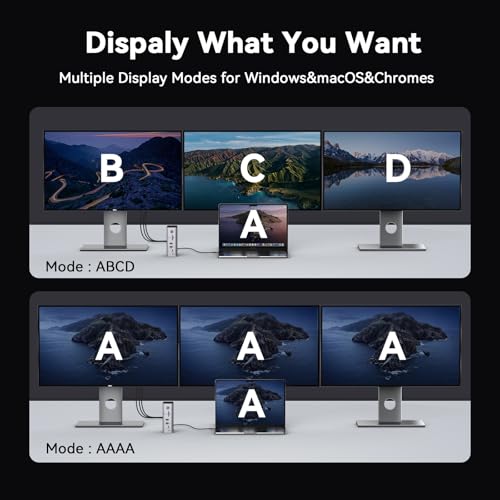
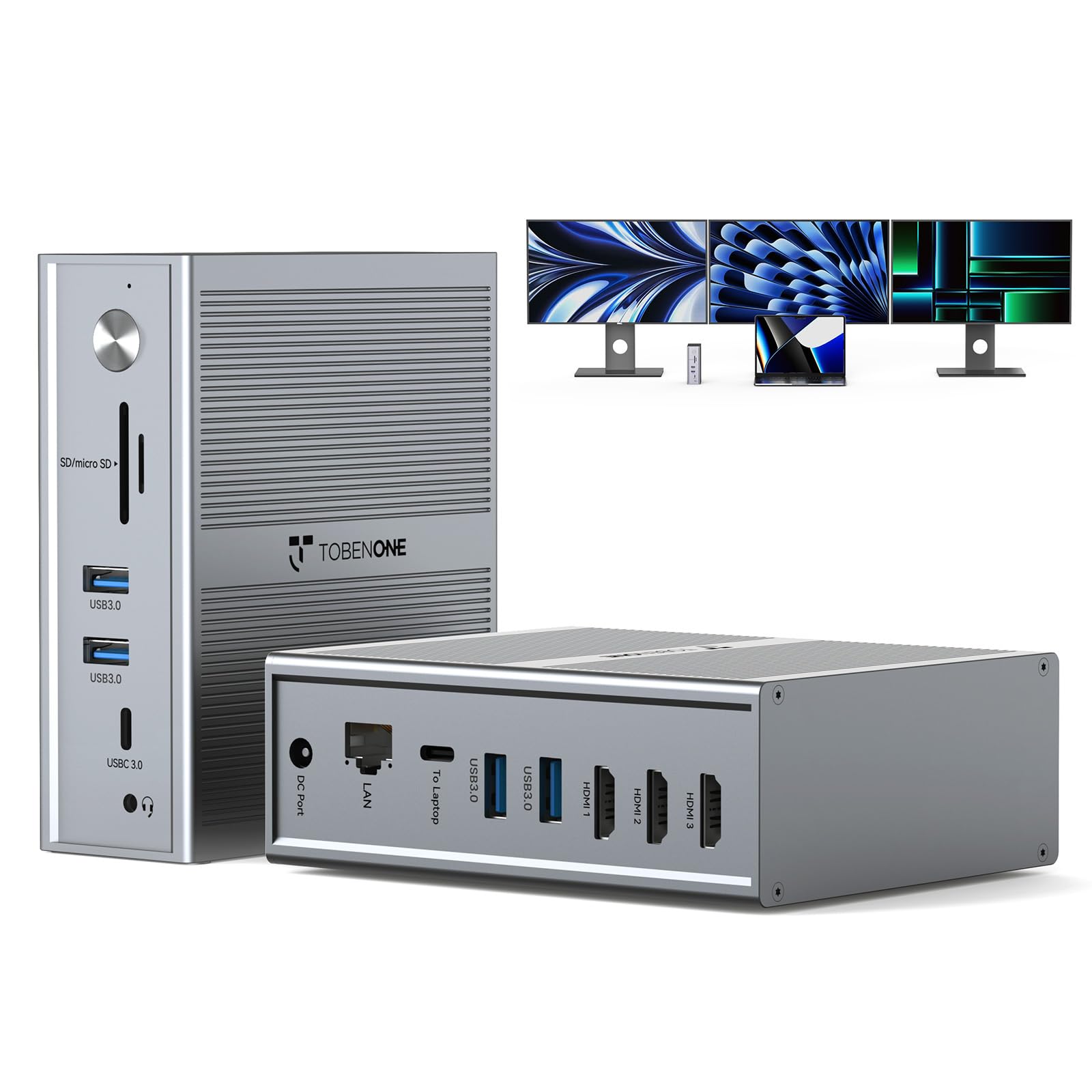
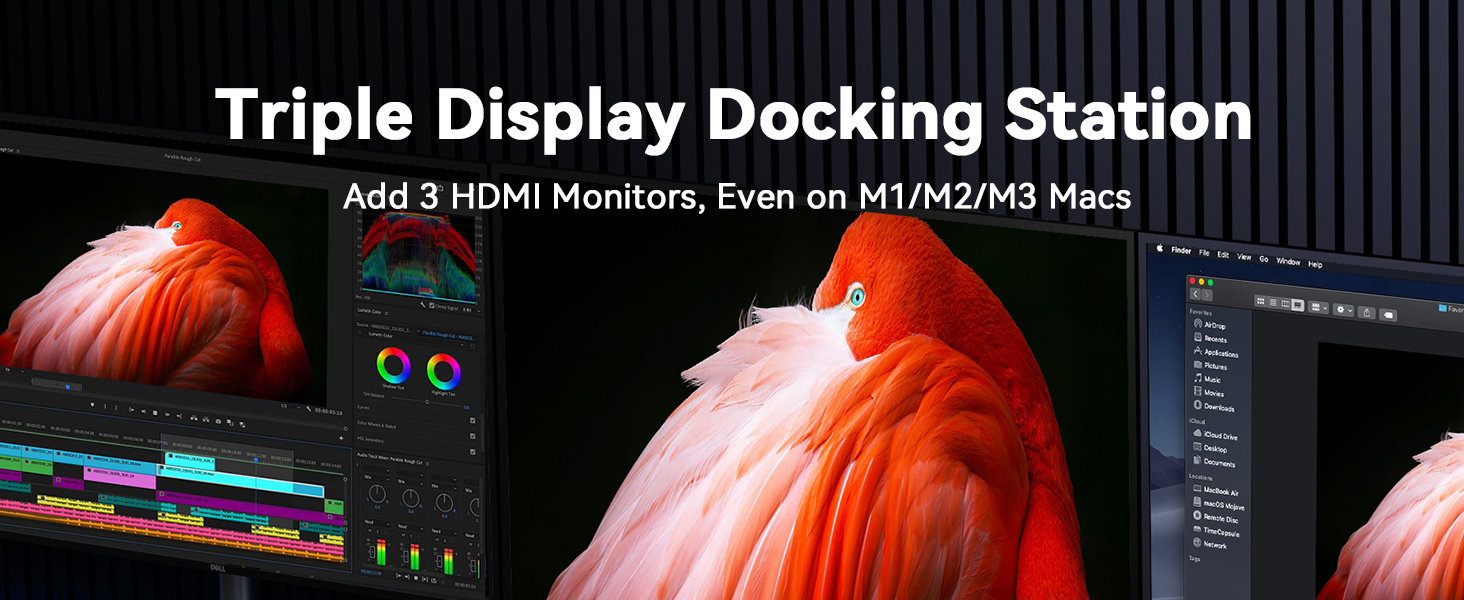
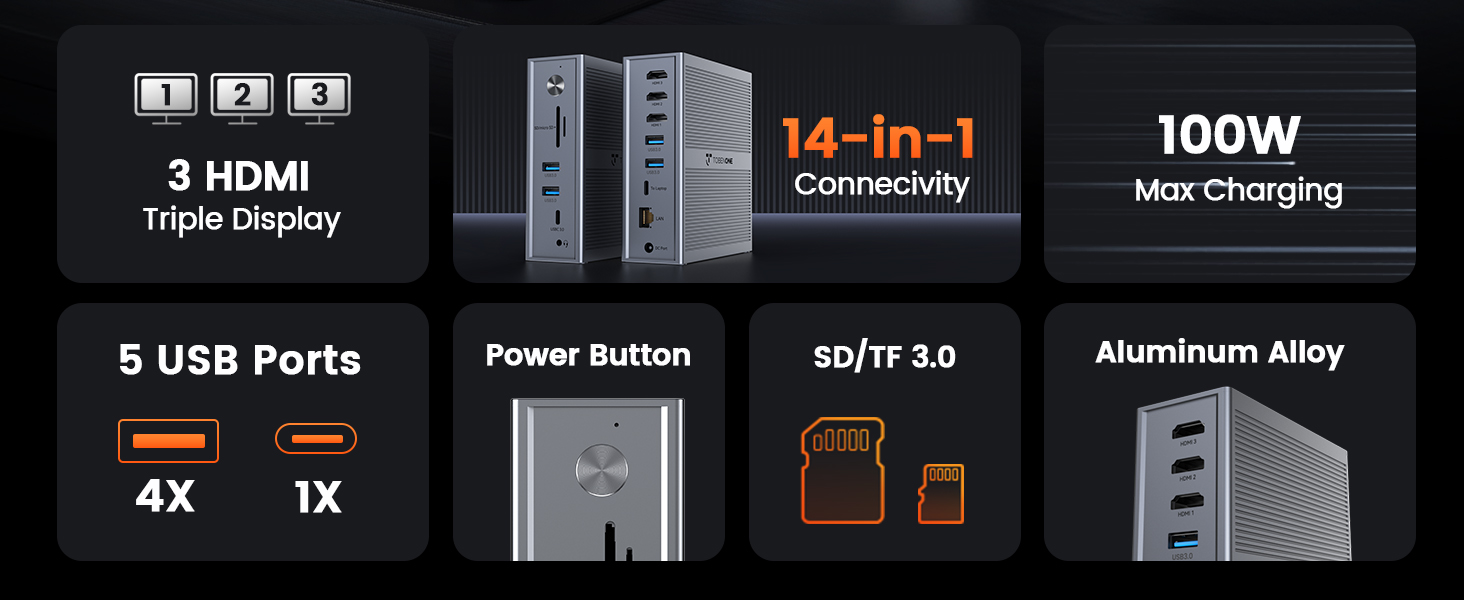
- 3 Monitors From One USB-C Port, Even on M1–M6 Macs – This 14-in-1 USB C docking station drives three extended displays through DisplayLink, so a laptop compatible with M1–M6 Macs also three external screens can run stock charts, code, and design tools side by side. Max resolution is 1x4K@60Hz+2x2K@60Hz on both macOS and systems compatible with Windows, so what you see on one system matches the other.
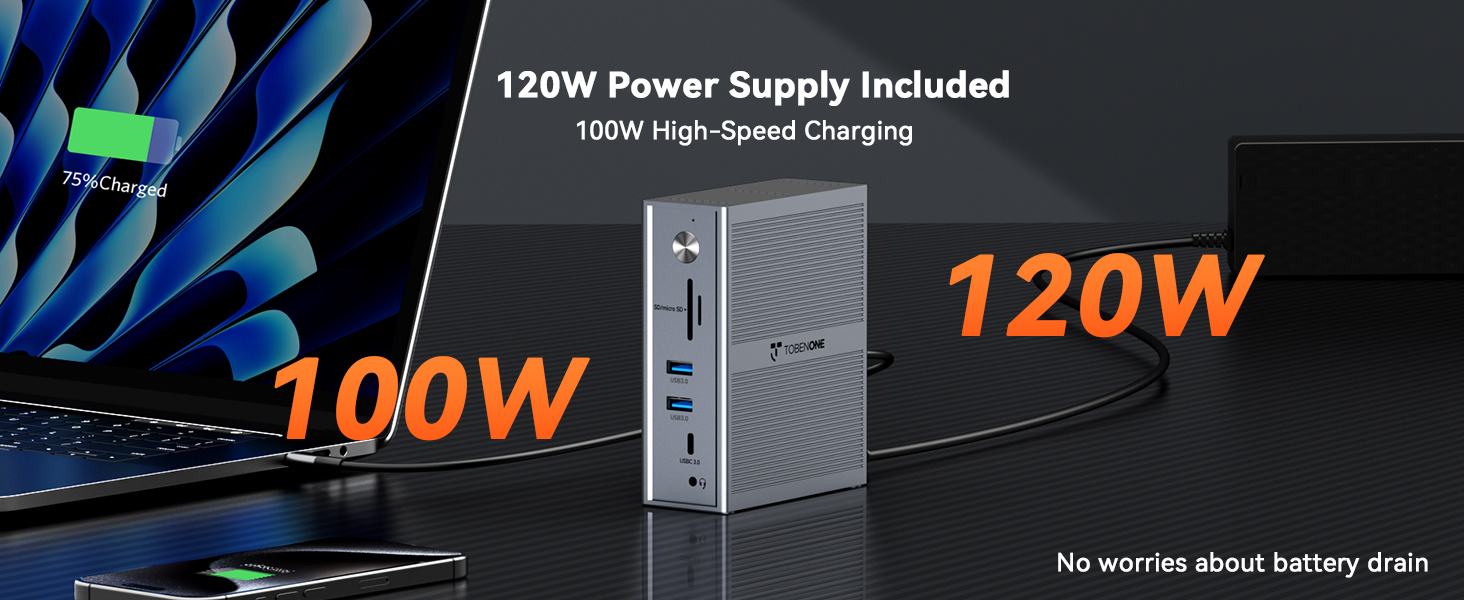
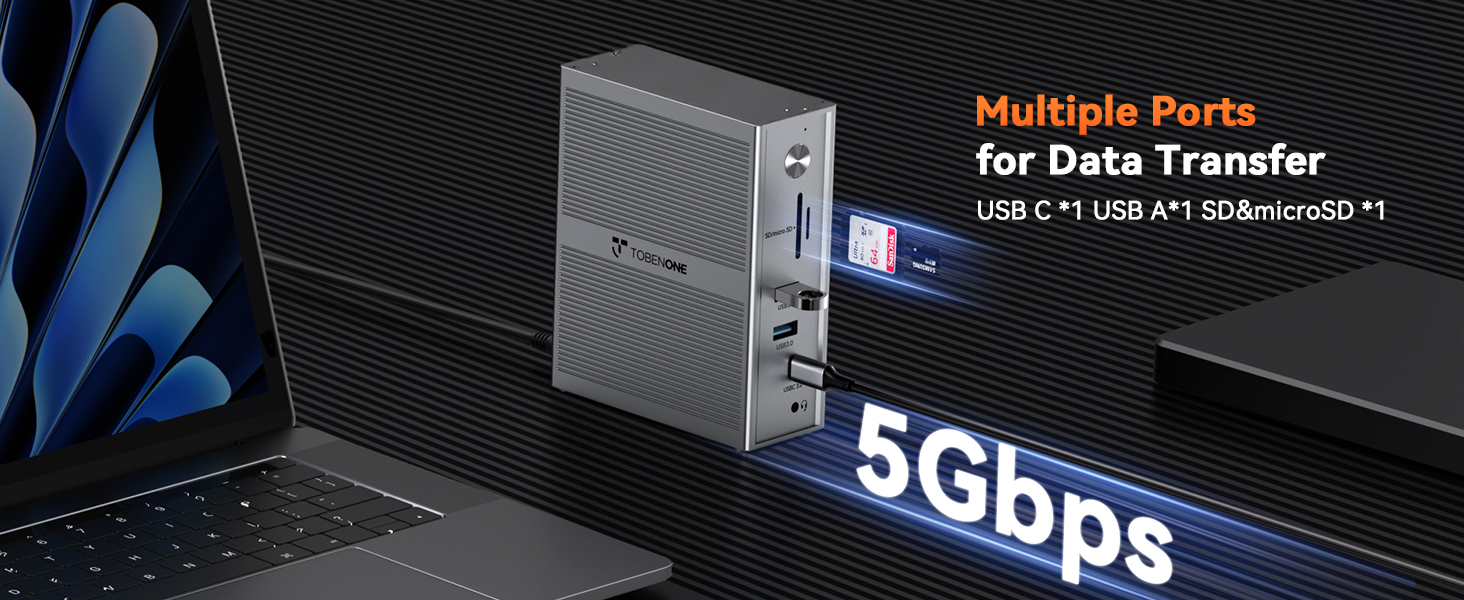
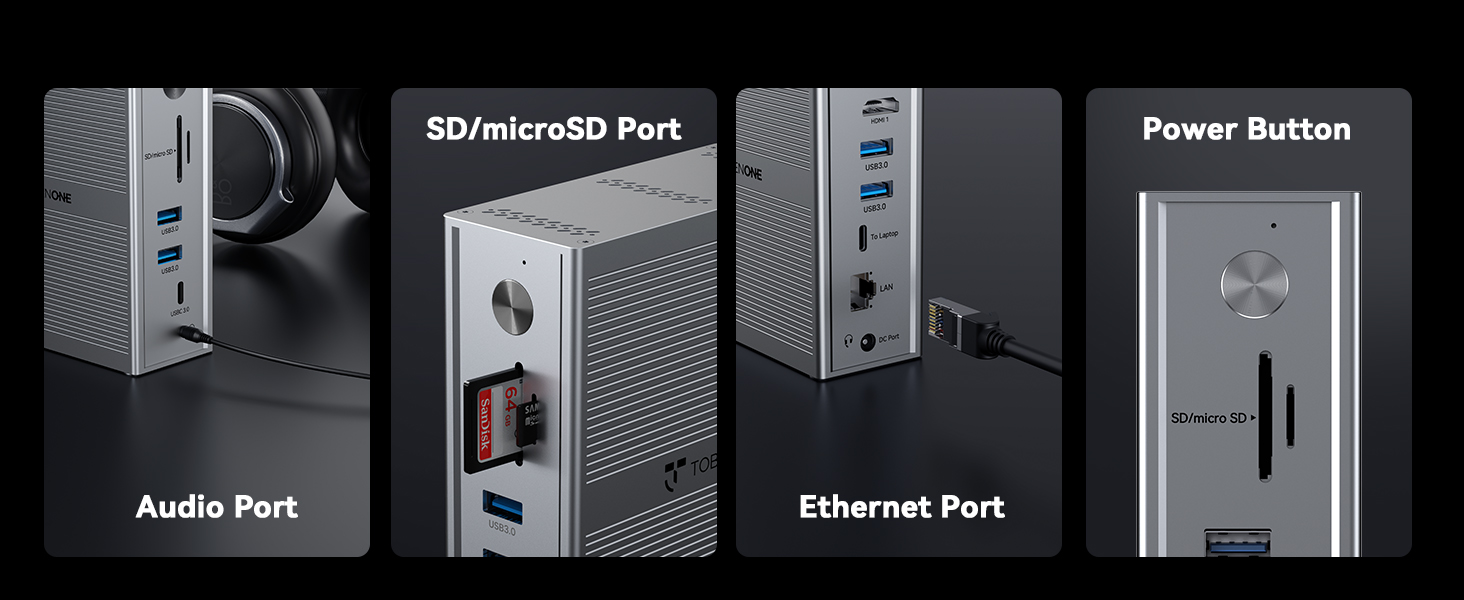
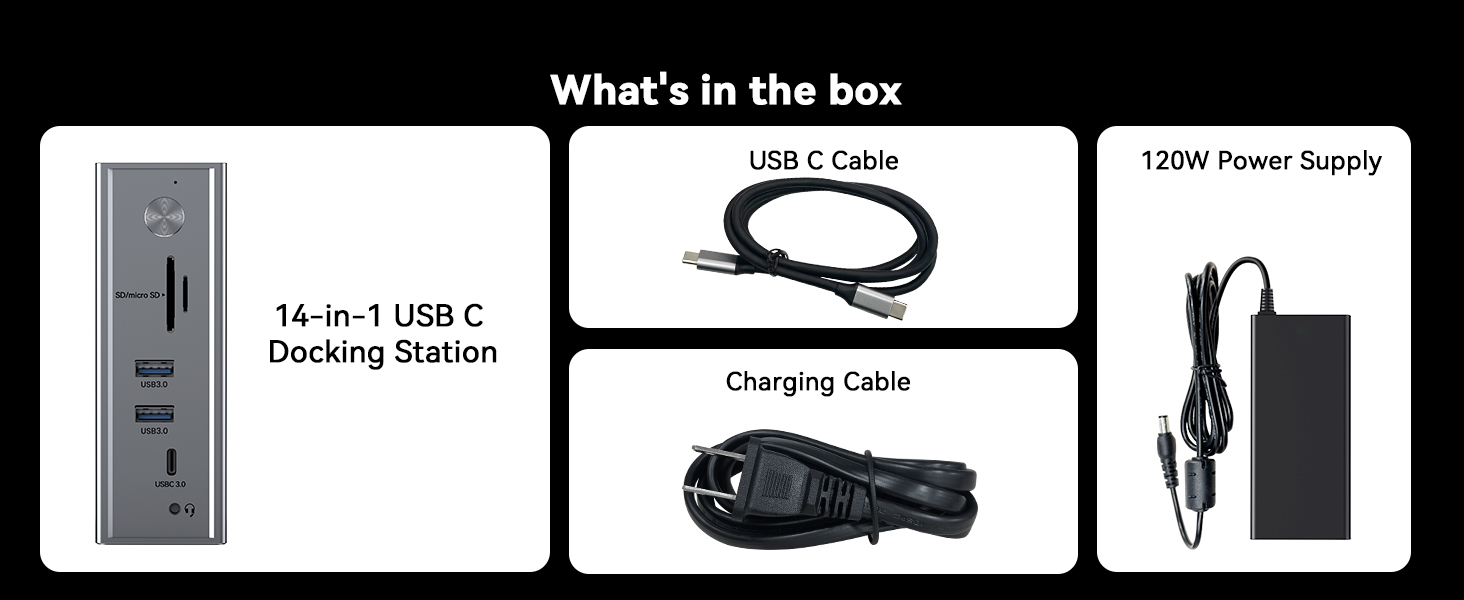
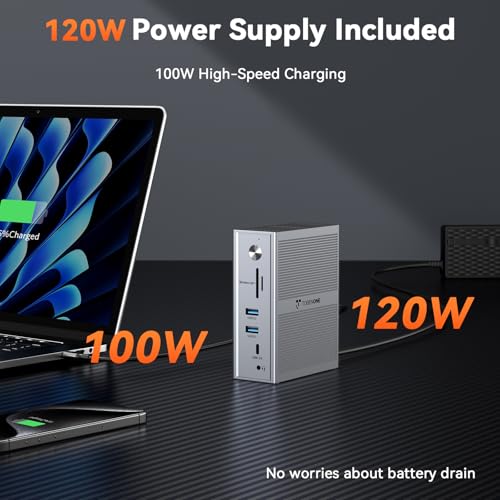
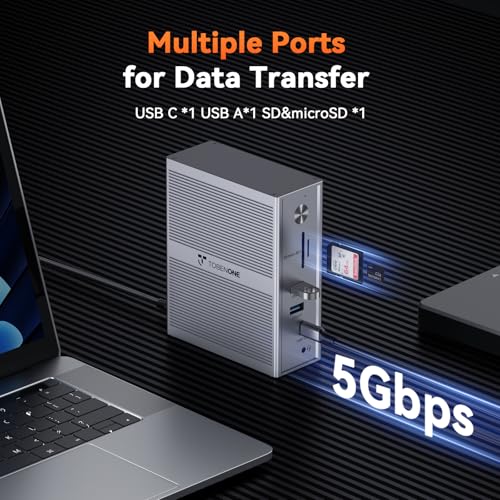
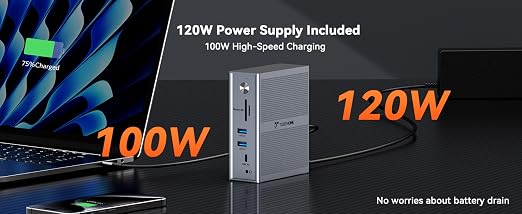
- 120W Adapter, 100W to Your Laptop, 5 USB Ports at 5Gbps – The included 120W power supply sends 100W PD to your laptop, so a laptop compatible with MacBook Pro, Dell XPS, or ThinkPad charges from the dock without its original charger. The remaining ports run at 5Gbps: 4 x USB-A and 1 x USB-C for keyboard, mouse, external SSD, printer, and phone at the same time, plus Gigabit Ethernet and SD/microSD slots.
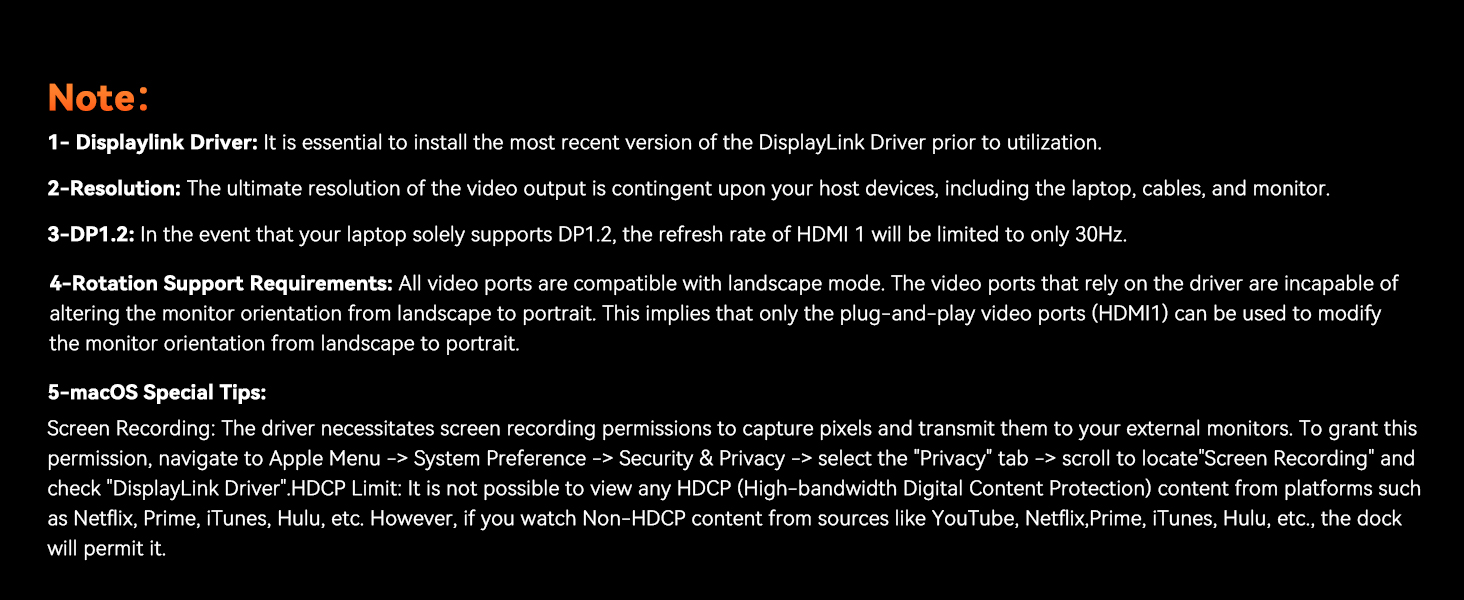
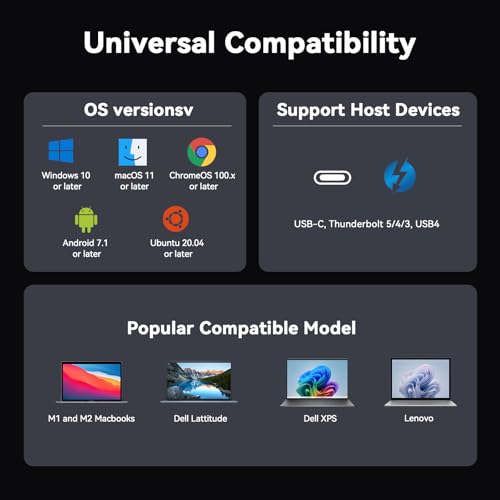
- Check Your Laptop Before You Buy – This laptop dock 3 monitors needs a full-featured USB-C port with DisplayPort Alt Mode, or Thunderbolt 3/4/5 or USB4; a plain USB-C charging port will not carry video. It works with Windows 10/11, macOS, and ChromeOS (install the DisplayLink driver on ChromeOS the same way), and setups like the Dell XPS 13 9310 run three screens while charging at 100W. Confirm your model supports video over USB-C before ordering.
- What DisplayLink Does Not Do, Stated Up Front – Because the screens run over DisplayLink technology, HDCP-protected streaming from services like Netflix will not play on the extended displays, and there is roughly 30–50ms of lag, so this dock suits office work, coding, spreadsheets, and data analysis rather than fast-paced gaming or color-critical grading. The free driver installs once, then the dock reconnects on its own each time you plug in.
- Aluminum Body With Side Vent Slots for Long Work Days – The shell is aluminum with horizontal vent slots along both sides, so heat from the 120W adapter and three active HDMI outputs spreads across the chassis instead of building up in one spot. Ports sit in a metal-reinforced cutout, and each connector seats with a firm click so cables stay put when you move a monitor arm or reach behind the desk
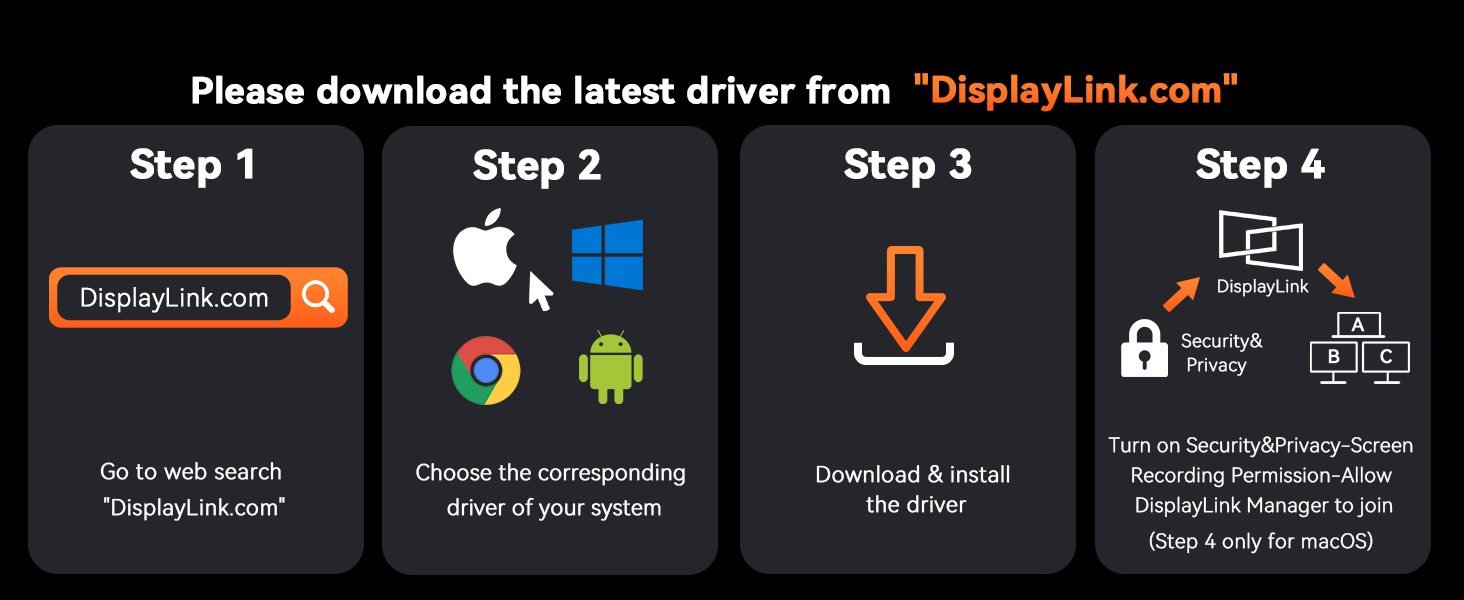
Do I need a driver to make this TobenONE USB C docking station triple monitor work?
Yes, this docking station 3 monitors requires downloading and irnstalling a DisplayLink driver before use. NOTE: for macOS, Pleasse follow these steps: Privacy &Security > Screen Recording > Allow "DisplayLink manager" to join in
My dock stop working, what should I do?
Please disconnect all the wires and then reconnect them and try toupdate the displaylink driver to have a try. If the problem still persists, please contact our client handlers. They will handle it for you.




| SKU: | B0HJYJZDGQ |
| Weight: | 2.3 pounds |
| Dimensions: | 4.96″L x 1.72″W x 4.06″H |
| Brand: | Tobenone |
| Model: | UDS046A |
| Colour: | Grey |
| Manufacture: | TobenONE |
| Colour: | Grey |
Product description
Do I need a driver to make this TobenONE USB C docking station triple monitor work?
Yes, this docking station 3 monitors requires downloading and irnstalling a DisplayLink driver before use. NOTE: for macOS, Pleasse follow these steps: Privacy &Security > Screen Recording > Allow “DisplayLink manager” to join in
My dock stop working, what should I do?
Please disconnect all the wires and then reconnect them and try toupdate the displaylink driver to have a try. If the problem still persists, please contact our client handlers. They will handle it for you.