Renogy MPPT Solar Charge Controller (Bluetooth & LCD) , 100V
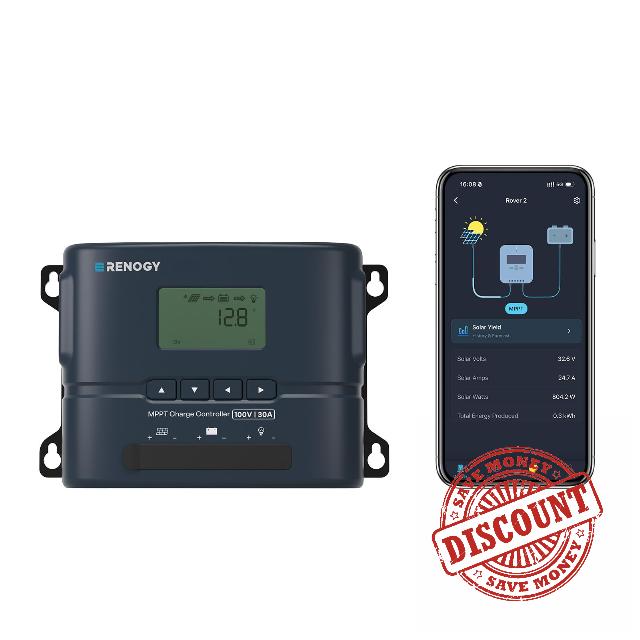
Renogy MPPT Solar Charge Controller (Bluetooth & LCD) , 100V 30A 12V/24V ,Rover 2, 450W/900W PV, 100W/200W Panels, Lithium/AGM/Gel/Flooded,99% MPPT,Lithium/AGM/Gel/Flooded
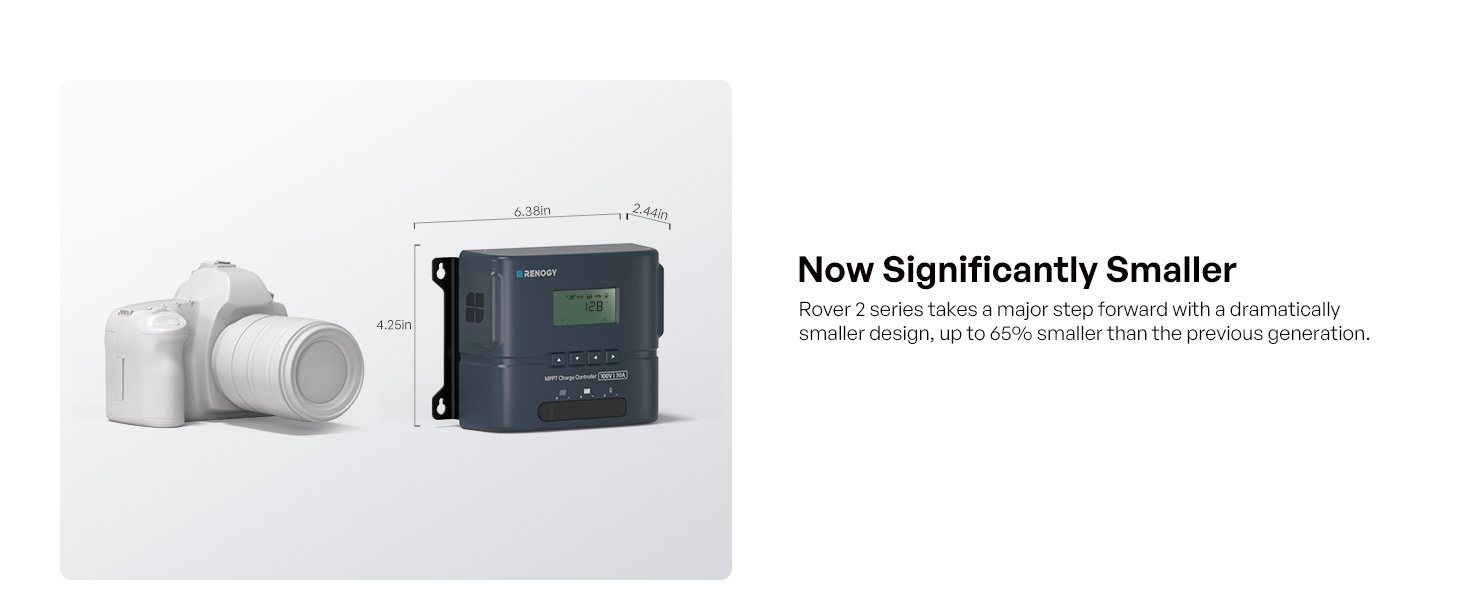
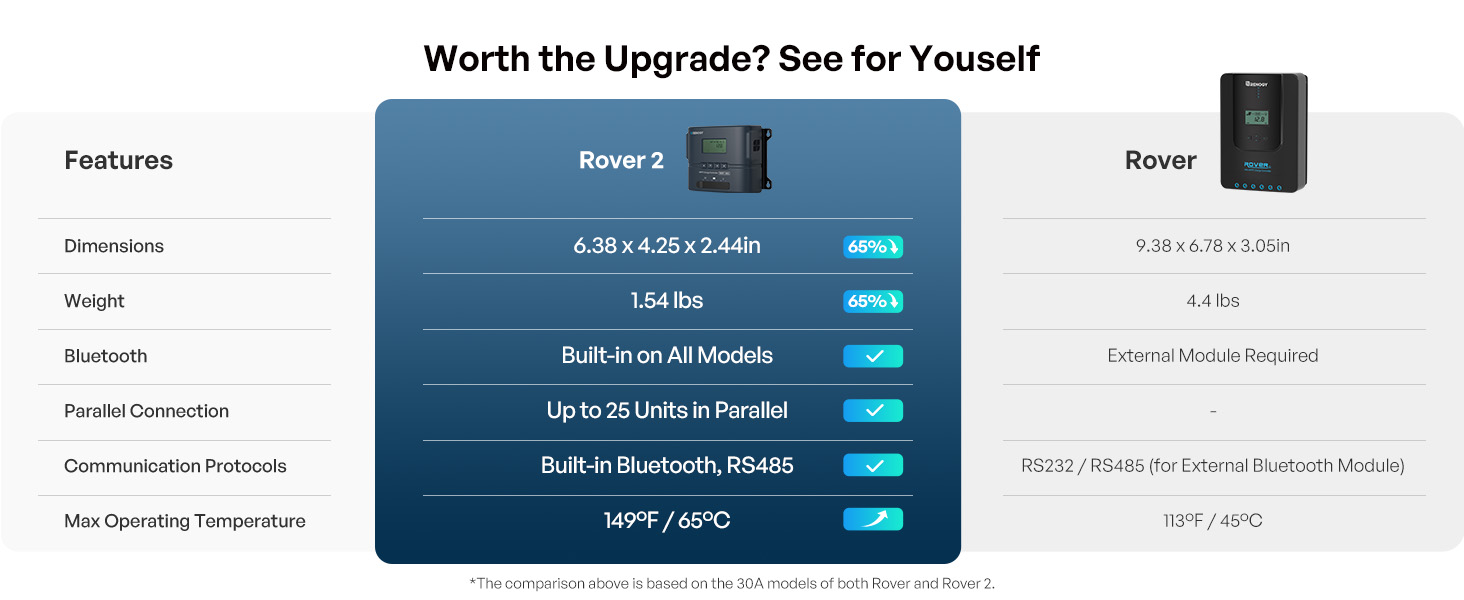
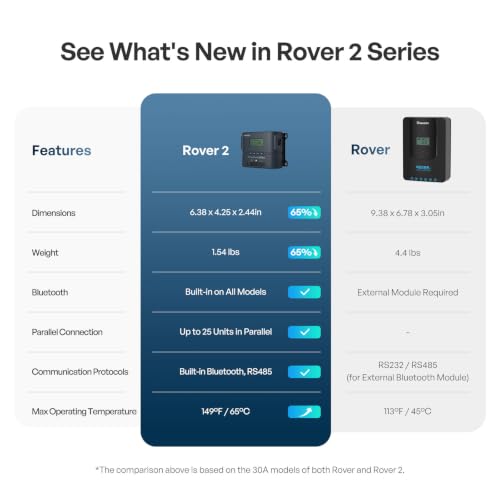
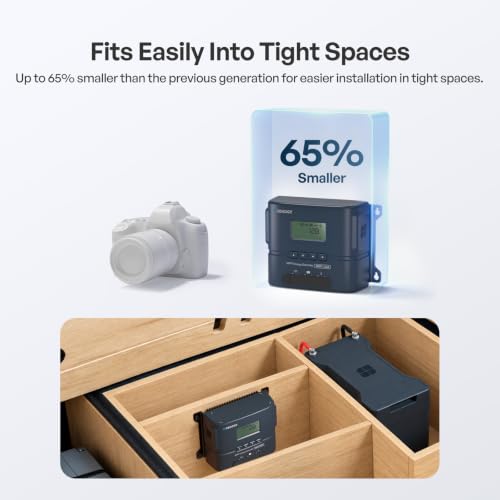
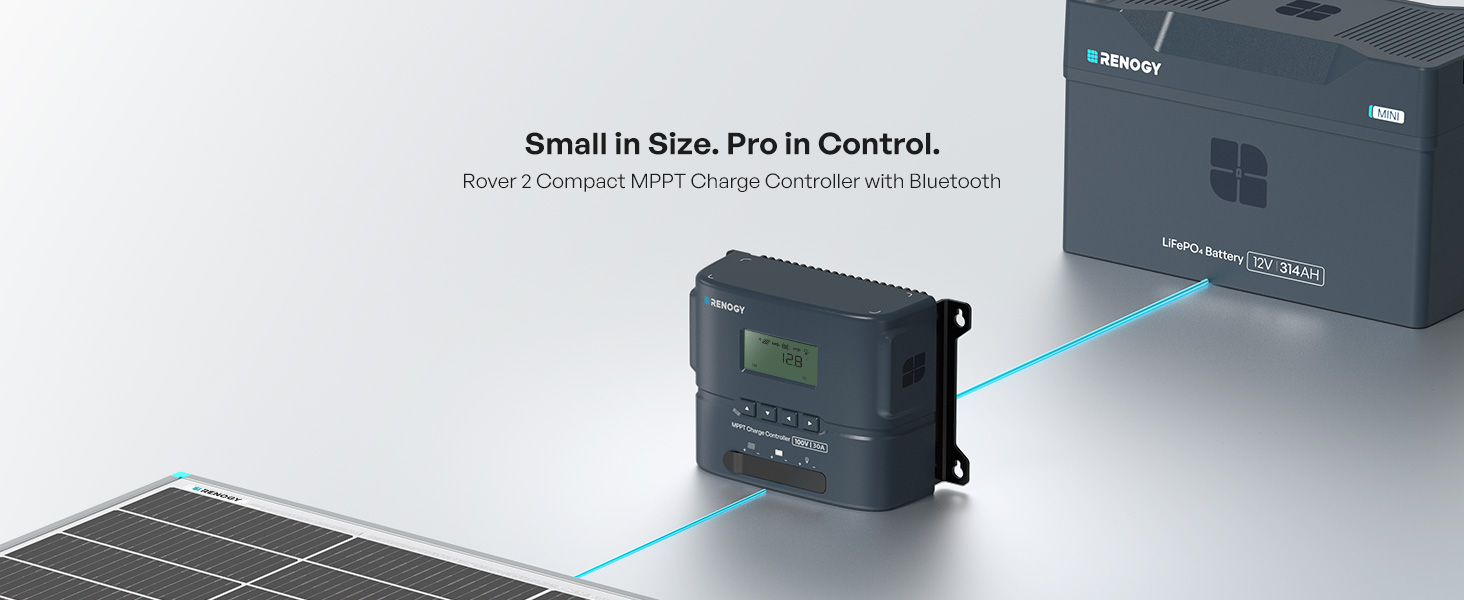
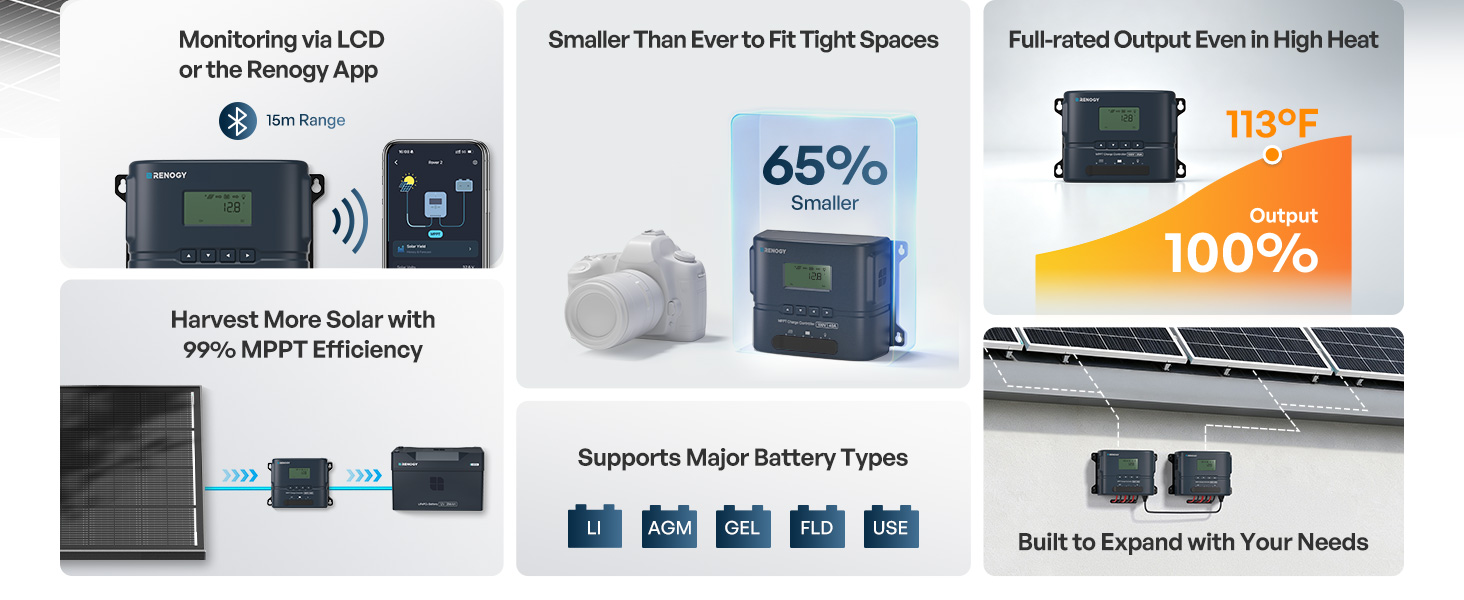
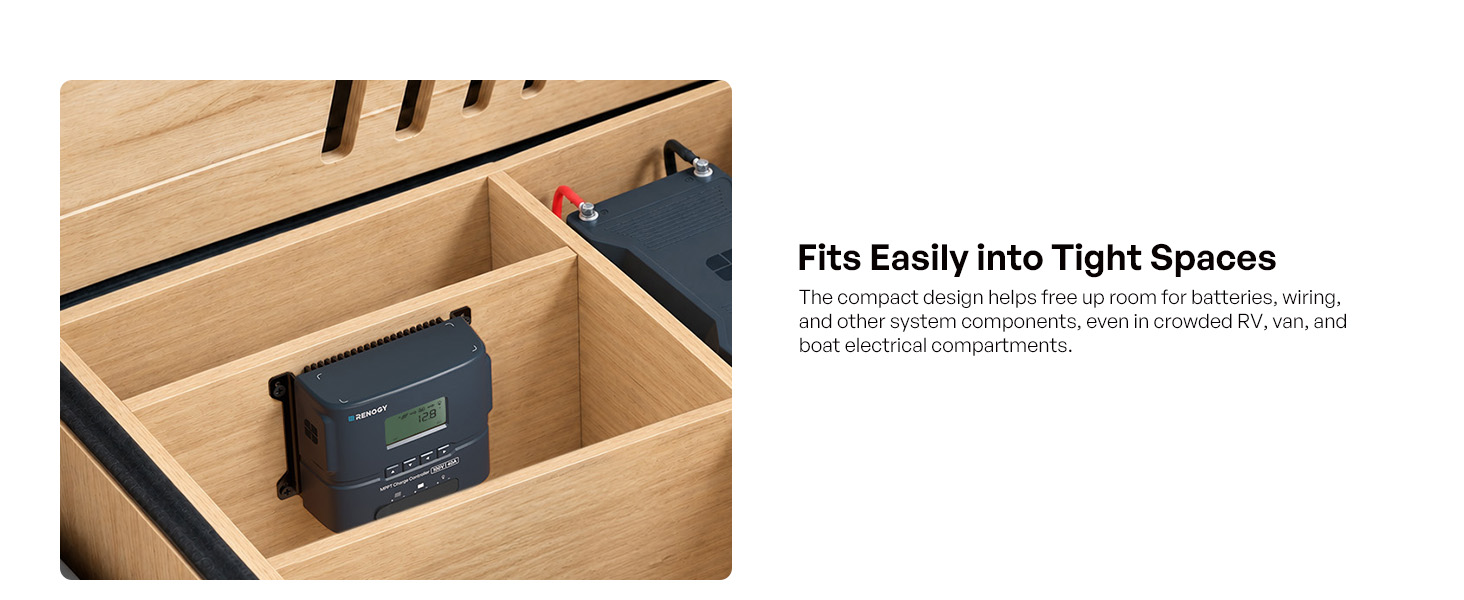
- COMPACT MPPT CHARGE CONTROLLER : % , the Renogy Rover 2 MPPT solar charge controller fits tight RV, van, camper, boat, and cabin spaces — a full 30A off-grid solar controller in half the footprint.
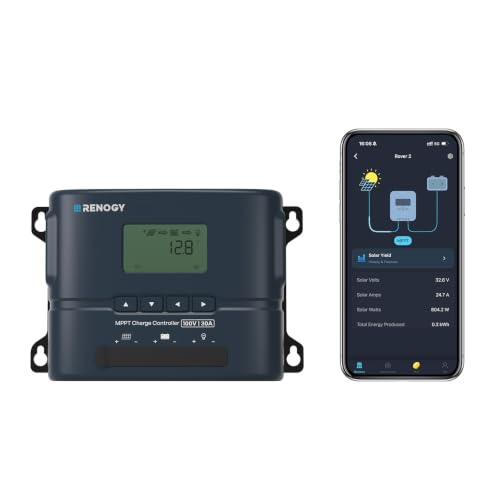
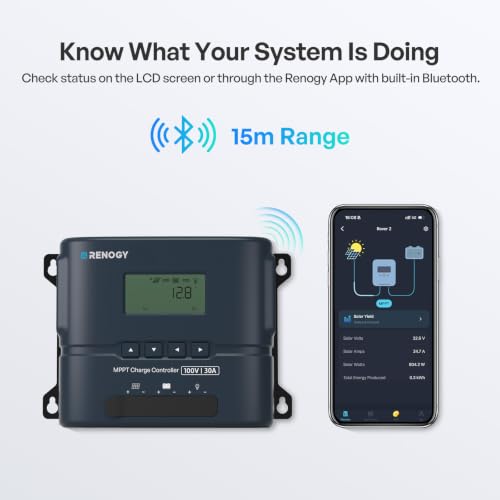
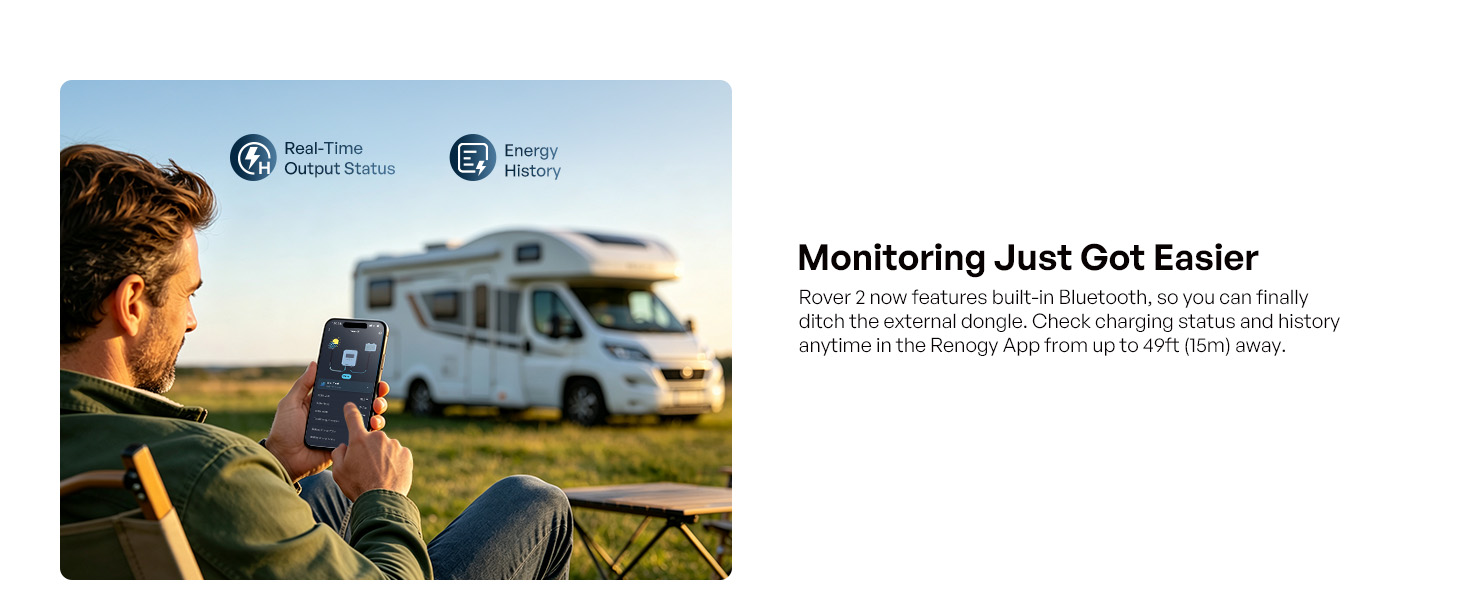
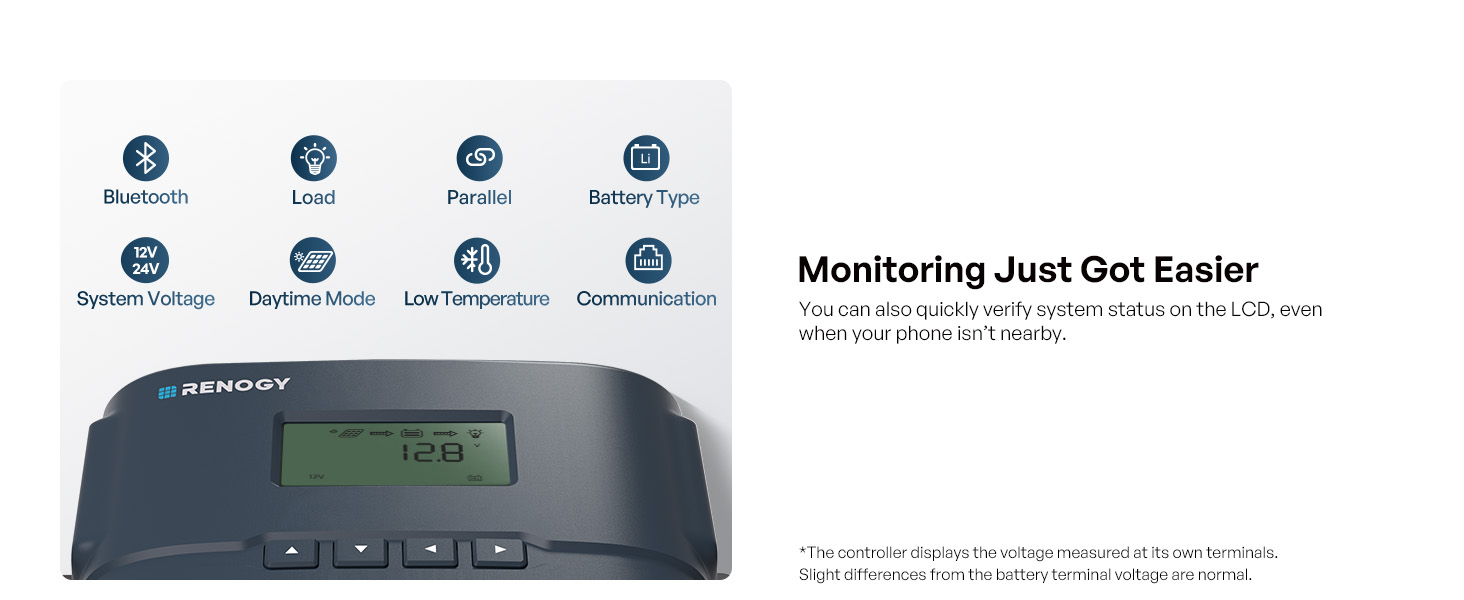
- BUILT-IN BLUETOOTH & LCD: Unlike previous-gen models needing an external dongle, the Renogy Rover 2 30A solar controller now has – . Read charging status, voltage, and current on the LCD or via the Renogy App; RS485 supports wired integration.
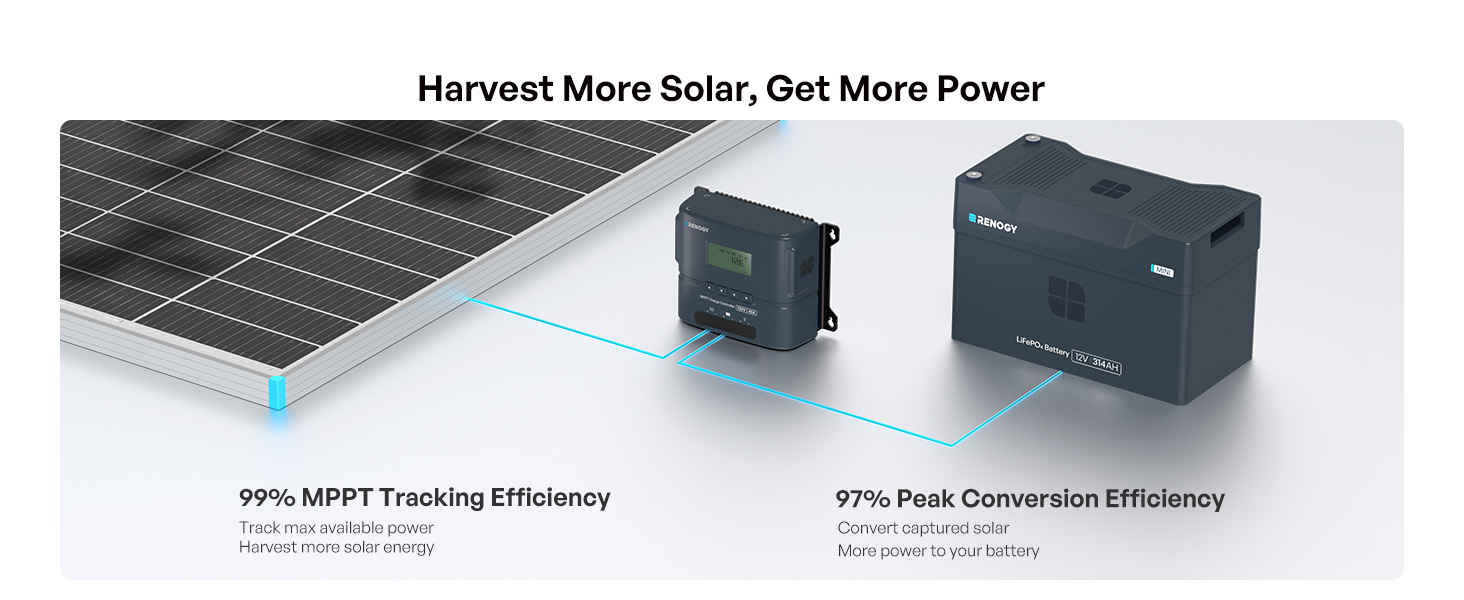
- : The Renogy Rover 2 30A solar charge controller / % , as long as total array Voc stays . For 12V systems, run 2 × 200W panels in series (~400–450W). For 24V systems, run 4 × 200W panels in 2S2P (~800–900W). Its 99% MPPT tracking efficiency keeps output stable — keep each series string the same model and total Voc under 100V.
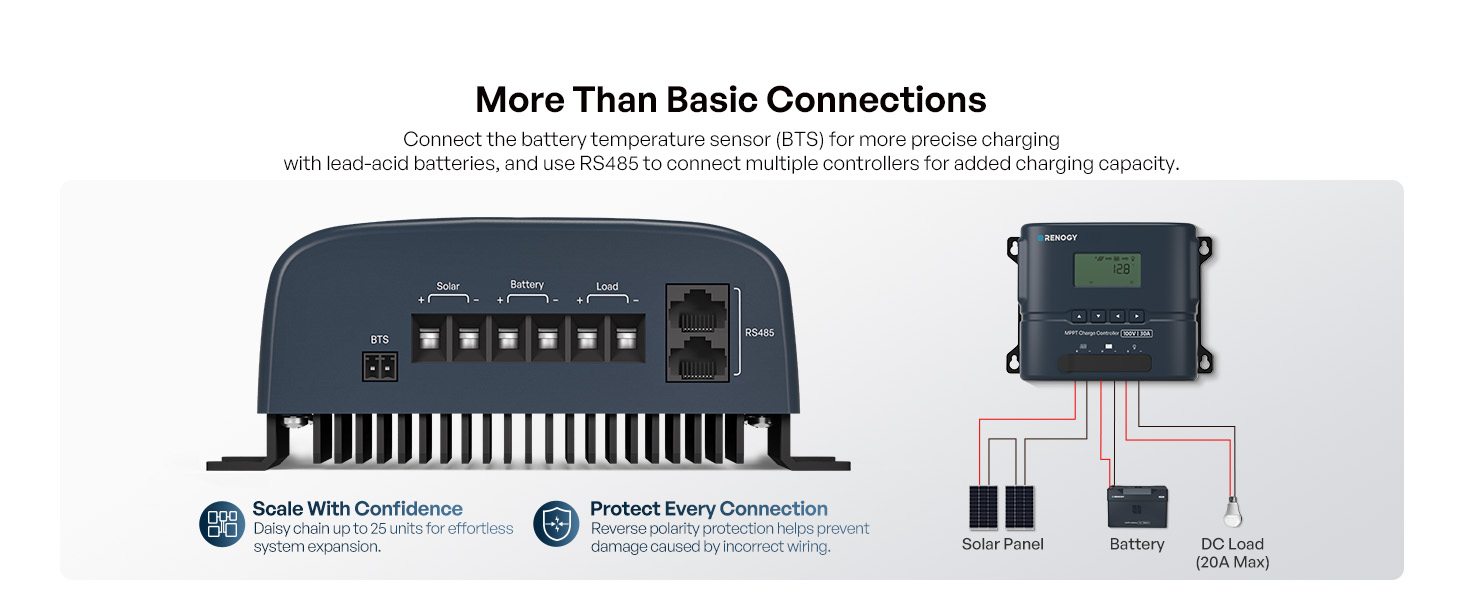
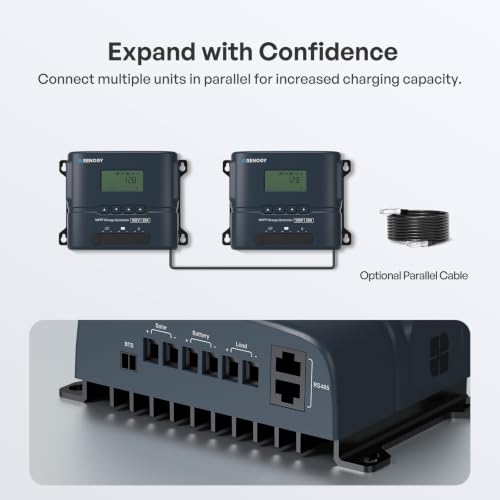
- & : Link multiple Renogy Rover 2 30A solar charge controllers in parallel with automatic load sharing. Start with 2 × 200W panels and add a second pair later, or add another Rover 2 for larger 12V/24V banks.Keep each series string the same model under 100V Voc.
- : Built for 12V/24V battery banks, the Rover 2 charge controller safely charges lithium, AGM, gel, and flooded deep-cycle batteries, plus user-defined charge profiles. Overcharge, short-circuit, reverse polarity, and over-temperature protection safeguard the system and extend battery longevity.
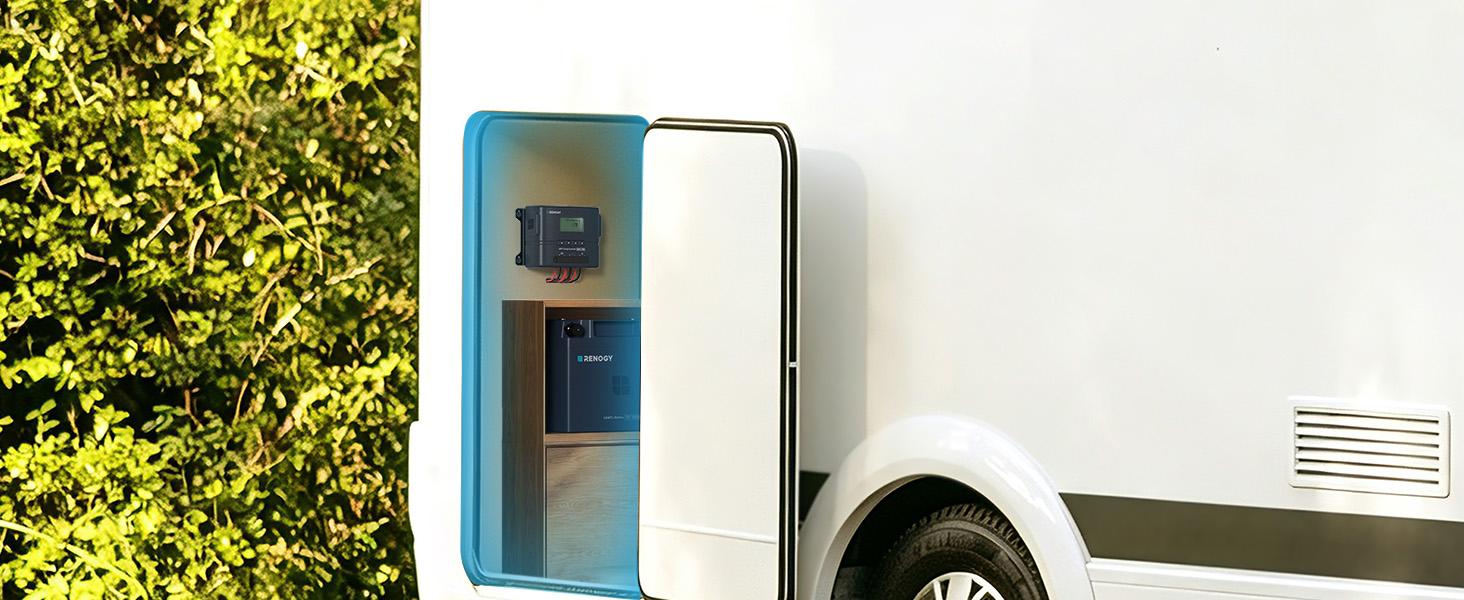
MPPT Charge Controller For RVs
MPPT Charger Controller For Vans
MPPT Charger Controller For Cabins
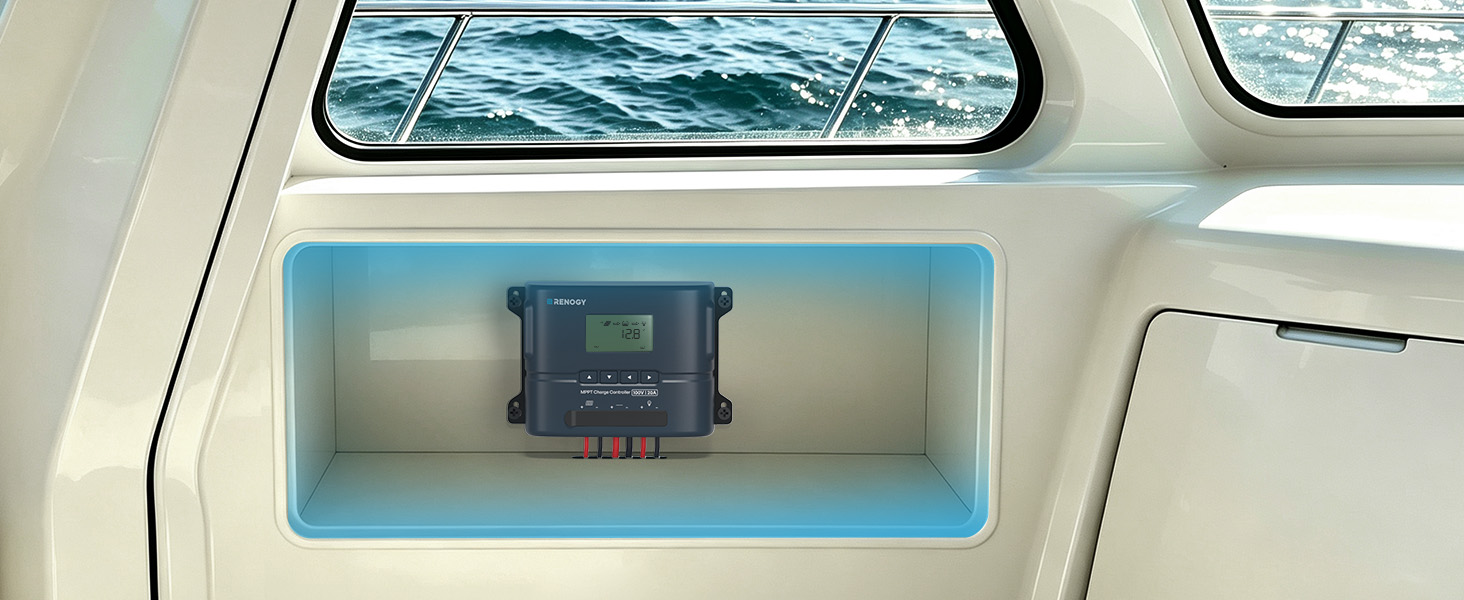
MPPT Charge Controller For Boats
Specifications
| Rated Charge Current | 30A |
| Input Voltage Range | 15-100VDC |
| Max Solar Input Voltage | 100VDC |
| Max Solar Input Power | 12V/450W, 24V/900W |
| Max MPPT Tracking Efficiency | 99% |
| Max Conversion Efficiency | 97% |
| Temperature Compensation | -3mV/℃/2V |
| Self Consumption | ≤0.5W |
| Battery Type | Lithium, AGM, Gel, Flooded, and User Profile |
| Ingress Protection | IP32 |
| Communication | Built-In Bluetooth, RS485 |
| Terminal Size | 8 AWG |
| Dimensions | 6.38 x 4.25 x 2.44in / 162 x 108 x 62mm |
| Weight | 1.54 lbs / 0.7kg |
| Warrant-y | 2-Year |
Which Rover 2 model should I choose, and what batteries is it compatible with?
Supports 12V/24V GEL, FLD, SLD/AGM, LiFePO4, & User modes. Choose by power: 20A(300W/12V, 600W/24V), 30A(450W/12V, 900W/24V), 40A(600W/12V, 1200W/24V), 50A(750W/12V, 1500W/24V). Max PV Voc: 100V.
What is the correct connection order for the battery and solar panels?
Always connect the battery to the controller first, then connect the solar panels.
Connecting the solar panels before the battery may damage the controller and void the warrant-y.
The battery is connected, but the LCD doesn't light up or the battery isn't detected.
Measure battery voltage. If below 8V, Rover 2 won't detect it—charge battery first. Then check wiring, polarity, & fuse for damage or loose connections. If voltage is normal but LCD is dark, contact Renogy support.
Why isn't my Rover 2 producing full wattage or why does charging current drop?
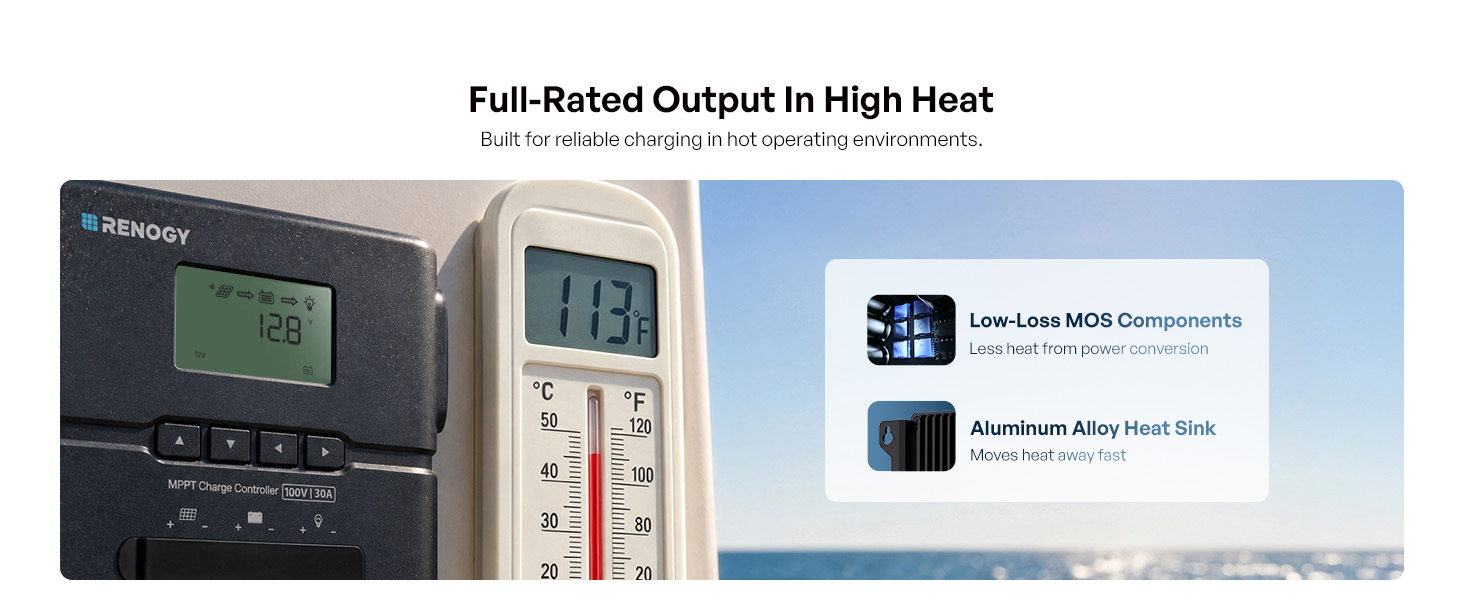
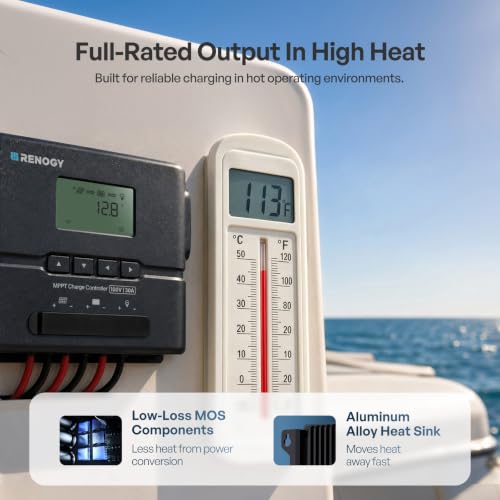
Normal! Current drops as battery nears full charge (Float mode). Also check for shading, low sunlight, high controller temp (>113°F/45°C), or excessive voltage drop from long PV cables. Confirm panel specs & battery stage.
Can I connect multiple Rover 2 controllers to one battery bank?
Yes, up to 25 in parallel. Need same model, independent solar panels, & RJ45 cables (sold separately). Total charging current must not exceed battery's limit. Monitor via Bluetooth on Renogy App.

| SKU: | B0HKG4W1J3 |
| Weight: | 1.5 pounds |
| Dimensions: | 6.38″L x 2.44″W x 4.25″H |
| Brand: | Renogy |
| Part: | RCC-M10030-C2 |
| Material: | Plastic |
| Colour: | Black |
| Manufacture: | Renogy |
| Colour: | Black |
| Material: | Plastic |
Product description

MPPT Charge Controller For RVs
MPPT Charger Controller For Vans
MPPT Charger Controller For Cabins
MPPT Charge Controller For Boats


Specifications
| Rated Charge Current | 30A |
| Input Voltage Range | 15-100VDC |
| Max Solar Input Voltage | 100VDC |
| Max Solar Input Power | 12V/450W, 24V/900W |
| Max MPPT Tracking Efficiency | 99% |
| Max Conversion Efficiency | 97% |
| Temperature Compensation | -3mV/℃/2V |
| Self Consumption | ≤0.5W |
| Battery Type | Lithium, AGM, Gel, Flooded, and User Profile |
| Ingress Protection | IP32 |
| Communication | Built-In Bluetooth, RS485 |
| Terminal Size | 8 AWG |
| Dimensions | 6.38 x 4.25 x 2.44in / 162 x 108 x 62mm |
| Weight | 1.54 lbs / 0.7kg |
| Warrant-y | 2-Year |
Which Rover 2 model should I choose, and what batteries is it compatible with?
Supports 12V/24V GEL, FLD, SLD/AGM, LiFePO4, & User modes. Choose by power: 20A(300W/12V, 600W/24V), 30A(450W/12V, 900W/24V), 40A(600W/12V, 1200W/24V), 50A(750W/12V, 1500W/24V). Max PV Voc: 100V.
What is the correct connection order for the battery and solar panels?
Always connect the battery to the controller first, then connect the solar panels.
Connecting the solar panels before the battery may damage the controller and void the warrant-y.
The battery is connected, but the LCD doesn’t light up or the battery isn’t detected.
Measure battery voltage. If below 8V, Rover 2 won’t detect it—charge battery first. Then check wiring, polarity, & fuse for damage or loose connections. If voltage is normal but LCD is dark, contact Renogy support.
Why isn’t my Rover 2 producing full wattage or why does charging current drop?
Normal! Current drops as battery nears full charge (Float mode). Also check for shading, low sunlight, high controller temp (>113°F/45°C), or excessive voltage drop from long PV cables. Confirm panel specs & battery stage.
Can I connect multiple Rover 2 controllers to one battery bank?
Yes, up to 25 in parallel. Need same model, independent solar panels, & RJ45 cables (sold separately). Total charging current must not exceed battery’s limit. Monitor via Bluetooth on Renogy App.