Molegar Mini Vlogging Camera, Portable Pocket Camera, 180°
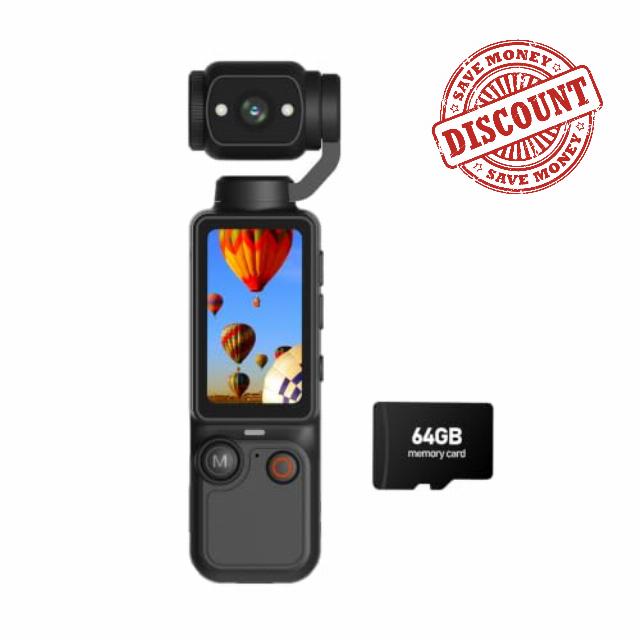
Molegar Mini Vlogging Camera, Portable Pocket Camera, 180° Rotating Lens Handheld Video Camcorder with 64GB Card, 2000mAh Battery, One Button Recording Autofocus for Travel, Daily Life Vloggers
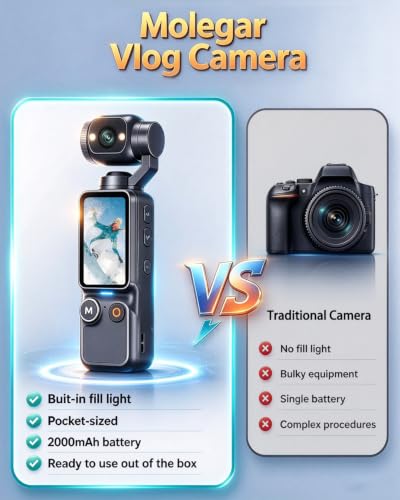
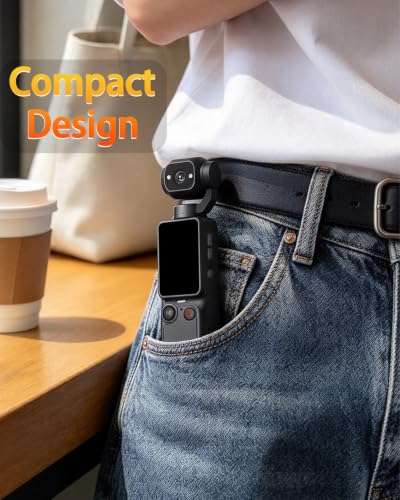
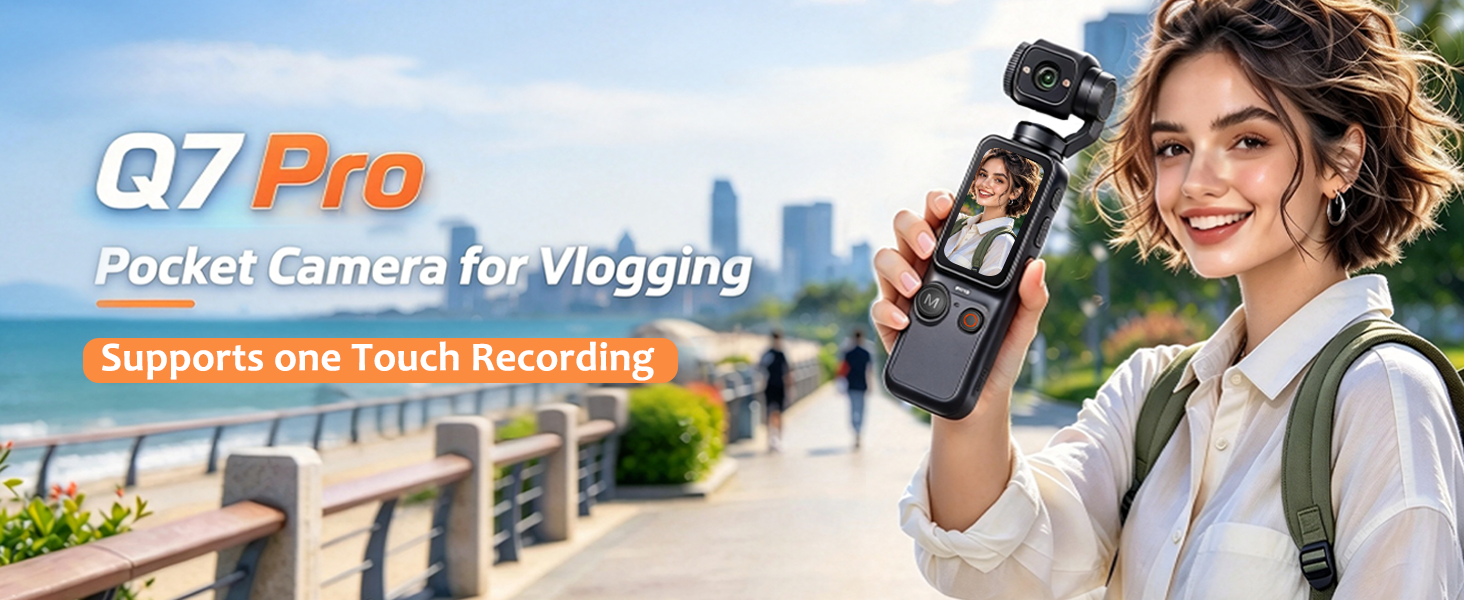
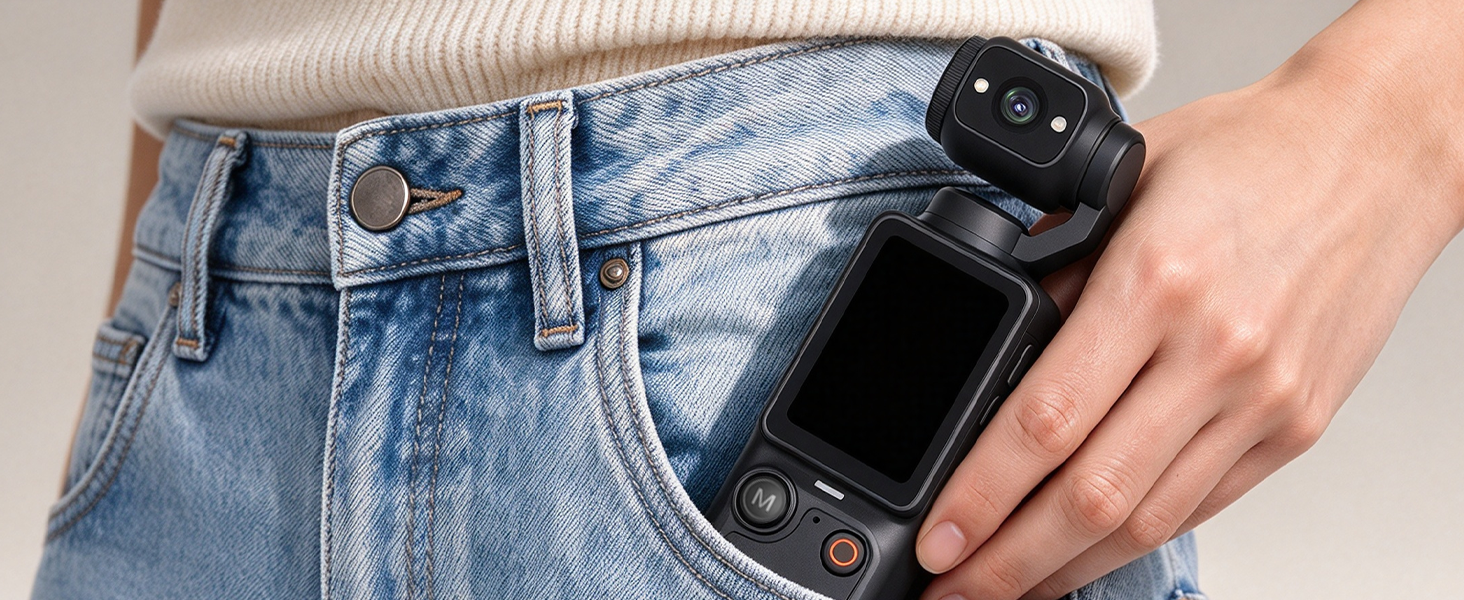
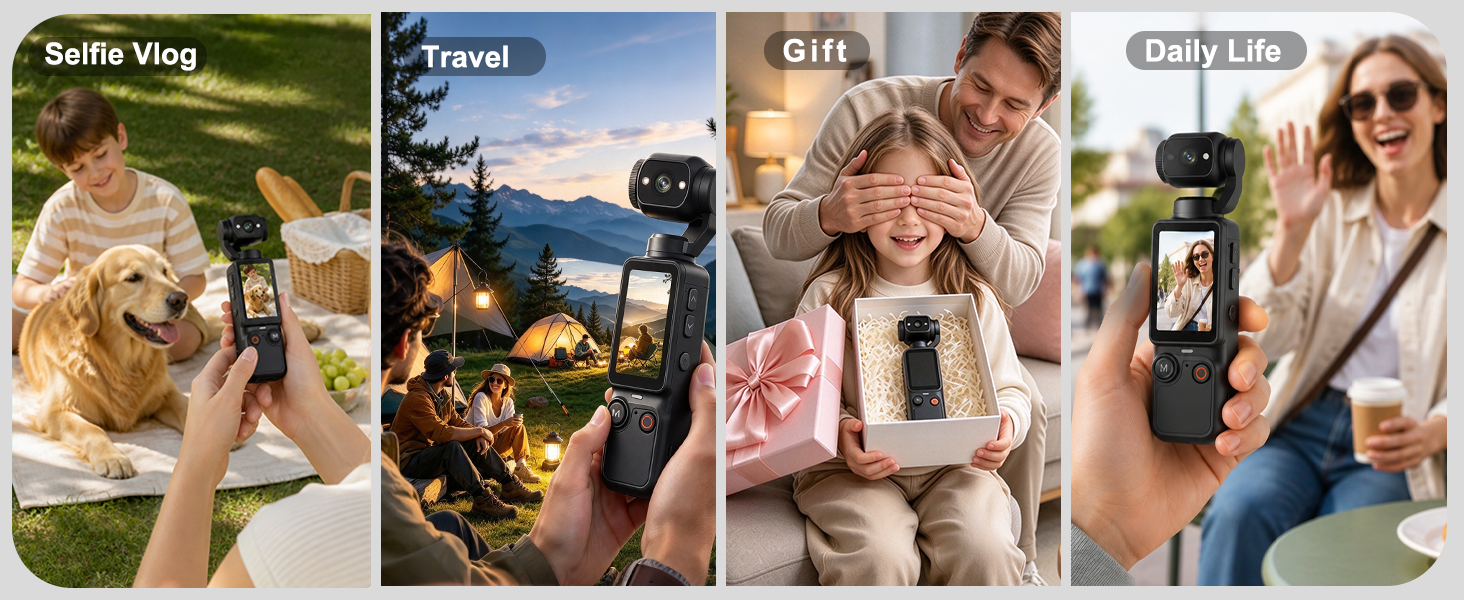
- Small Vlogging Camera: The mini vlog camera features a compact design, this mini vlogging camera is easy to carry in a pocket or handbag. Take it with you on trips, vacations, outdoor activities, family gatherings, or everyday adventures without the bulk of a traditional camera
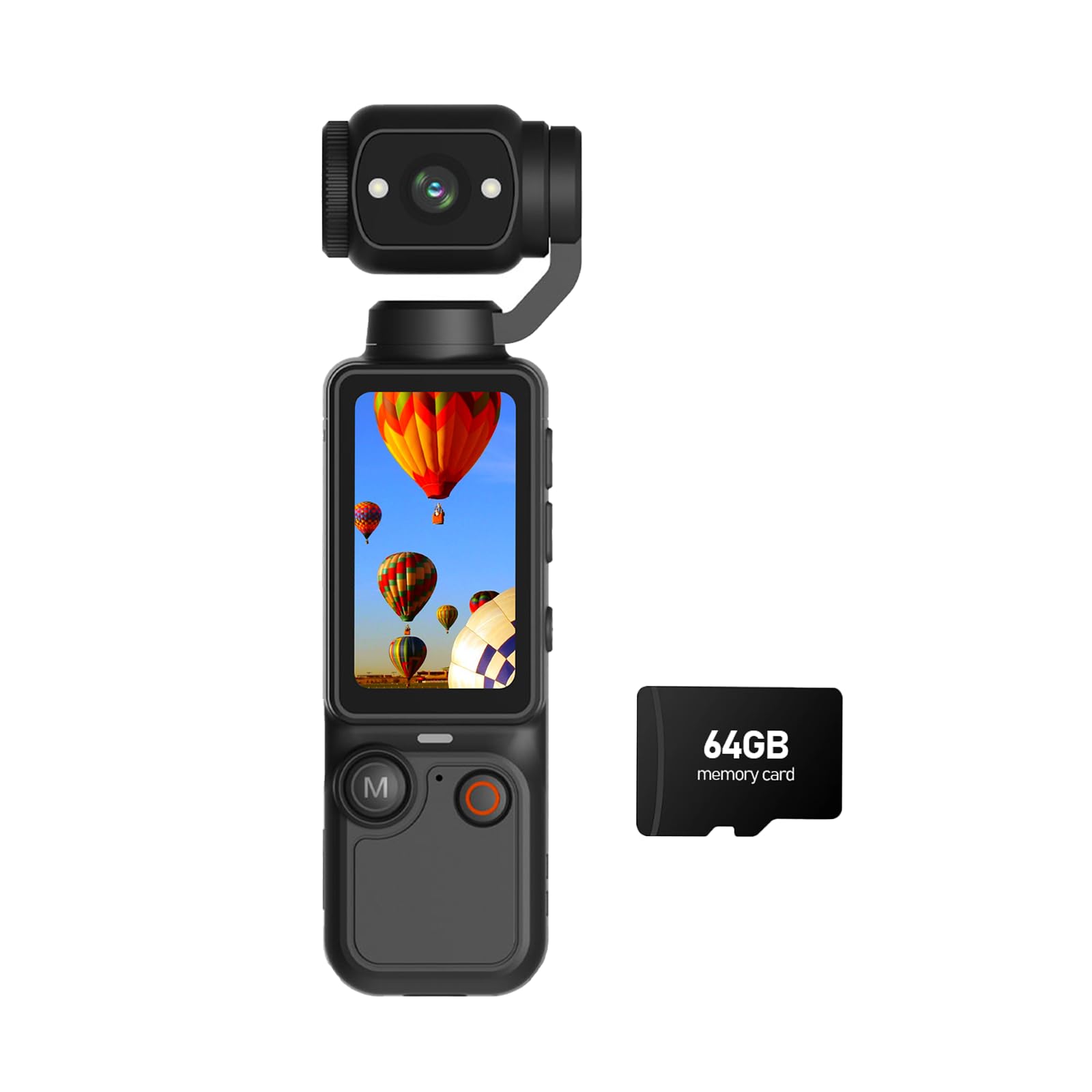
- 64GB Card, Ready Out of the Box: This vlogger camera comes with a 64GB memory card, letting you shoot photos and videos freely without worrying about storage limits. Supports one-touch recording autofocus for immediate, simple operation, Perfect for beginners to record videos and document their daily lives
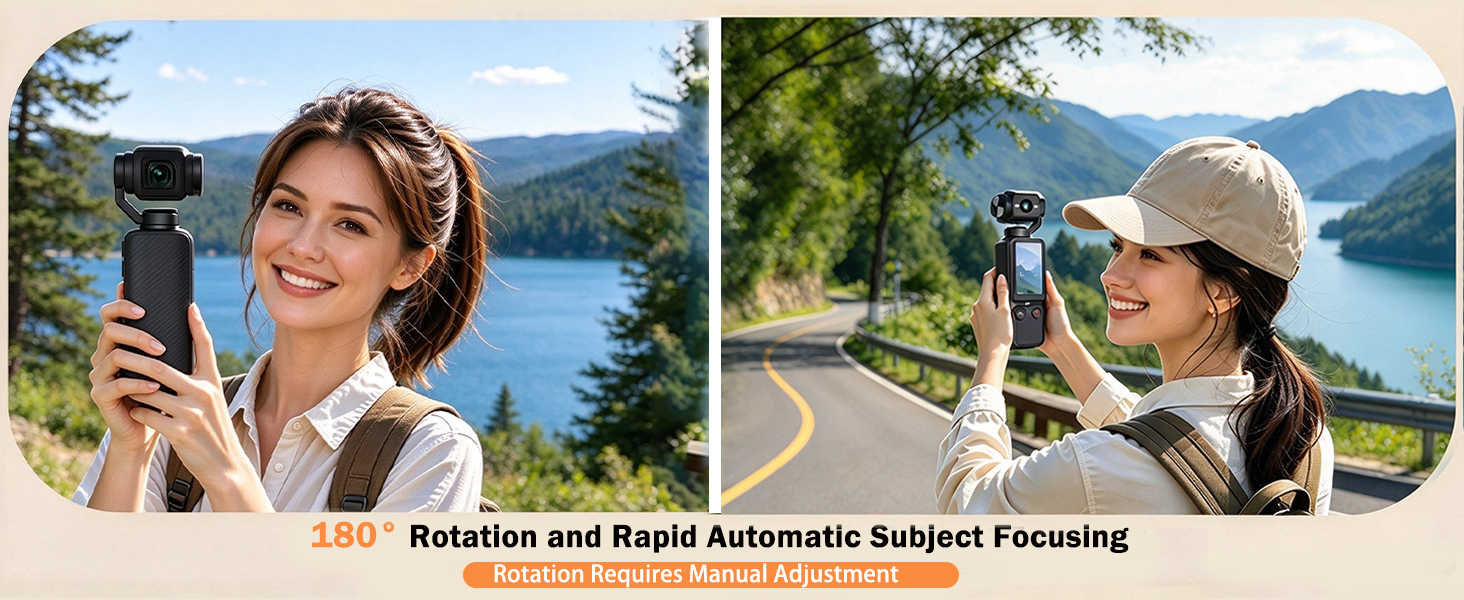
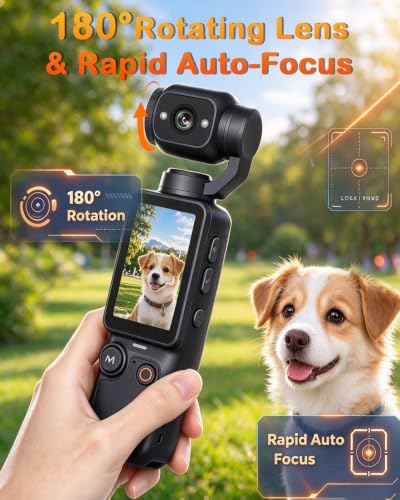
- 180° Rotating Lens: Handheld camera flexible 180° rotating lens (manual rotation required), lets you freely adjust the shooting angle, an ideal choice for content creators and video blogger
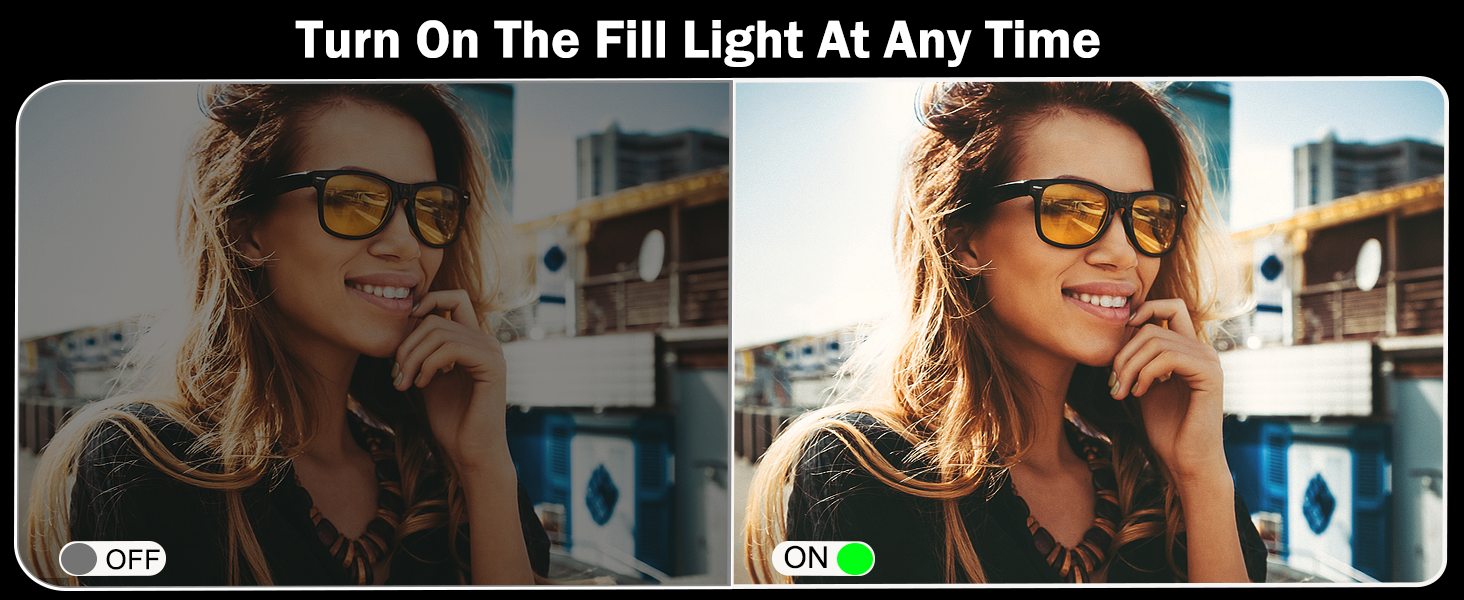
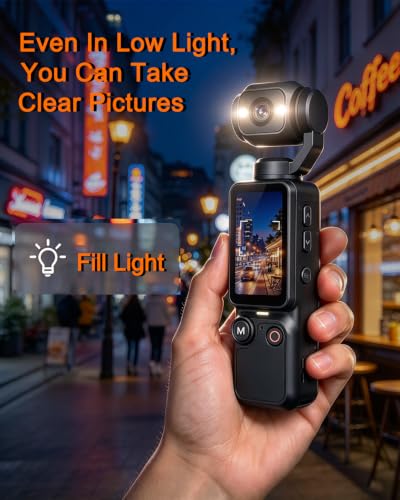
- Built-In Fill Light: Molegar pocket camera with built-in fill light illuminates your subject in low-light conditions, helping you capture clear, bright images indoors, at night, or in other dimly lit environments
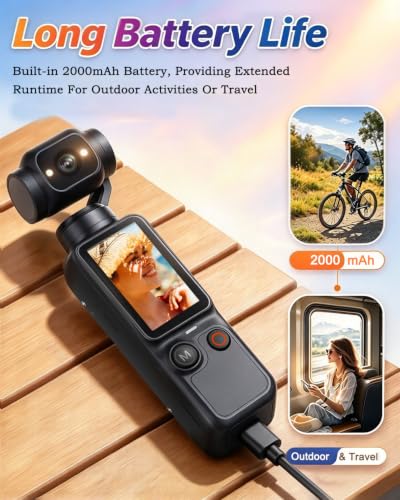
- 2000mAh Battery: Portable video camcorder features a built-in rechargeable battery that provides extended recording time for travel and outdoor adventures, helping you capture amazing moments anytime, anywhe
Does the camera lens rotate automatically?
No, the lens can be rotated 180 degrees, but it must be done manually.
How do I transfer photos to a computer?
How do I transfer photos to a computer?
You can connect the camera to your computer using the included data cable to sync your photos, or use a memory card reader.
How do I delete photos I don’t want?
Press the 'M' button to view your photo gallery, then long-press the 'M' button to select the option to delete the current photo or all photos.
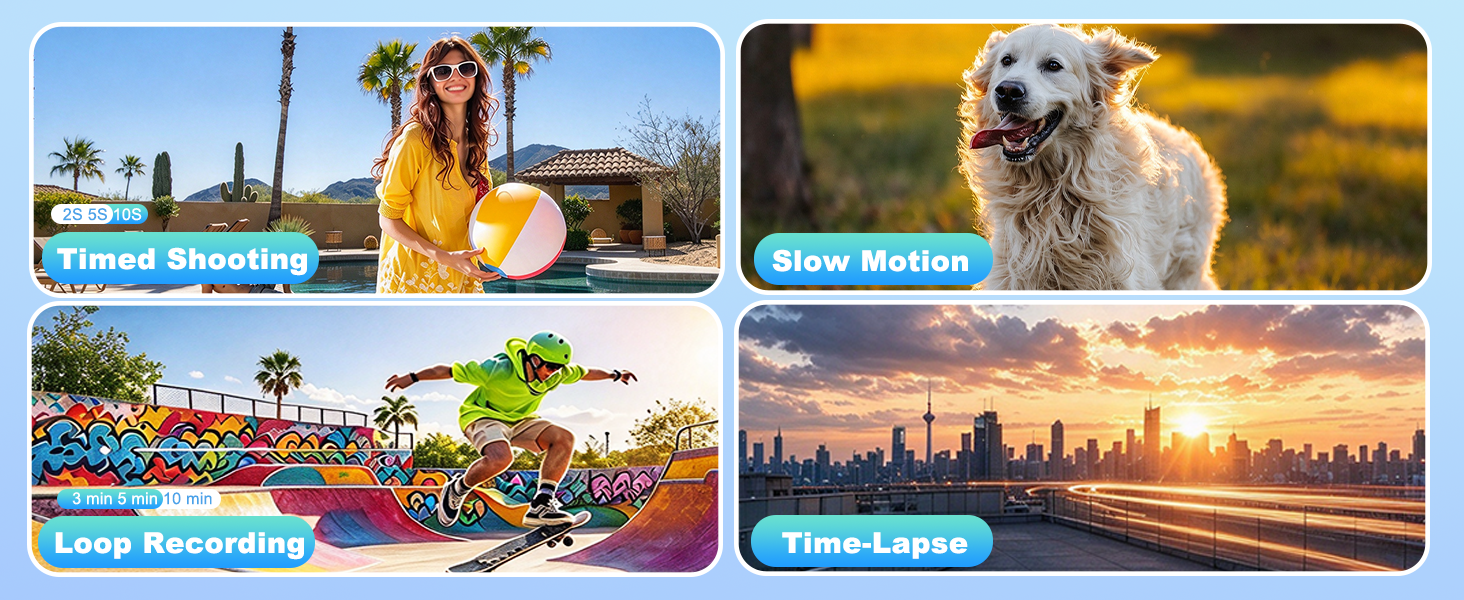
How do I set up a timer for taking photos?
Long-press the 'M' button to locate the timer function; you can choose between a 2-second, 5-second, or 10-second delay.


| SKU: | B0H75JFP26 |
| Weight: | 5.28 ounces |
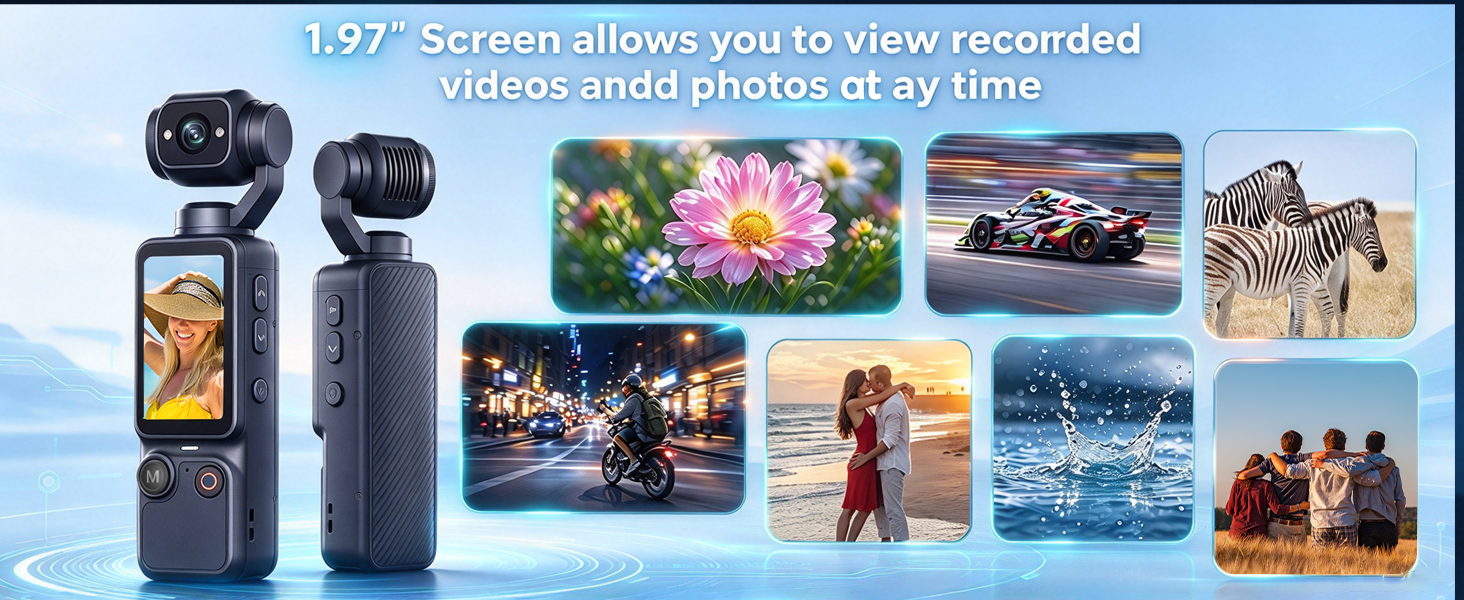
| Size: | 1.97 inches |
| Brand: | Molegar |
| Model: | Molegar 2026 |
| Colour: | Black |
| Manufacture: | Molegar |
| Colour: | Black |
| Size: | 1.97 inches |
Product description
Does the camera lens rotate automatically?
No, the lens can be rotated 180 degrees, but it must be done manually.
How do I transfer photos to a computer?
How do I transfer photos to a computer?
You can connect the camera to your computer using the included data cable to sync your photos, or use a memory card reader.
How do I delete photos I don’t want?
Press the ‘M’ button to view your photo gallery, then long-press the ‘M’ button to select the option to delete the current photo or all photos.
How do I set up a timer for taking photos?
Long-press the ‘M’ button to locate the timer function; you can choose between a 2-second, 5-second, or 10-second delay.