Fosi Audio VOL20 Bluetooth Volume Control Knob USB
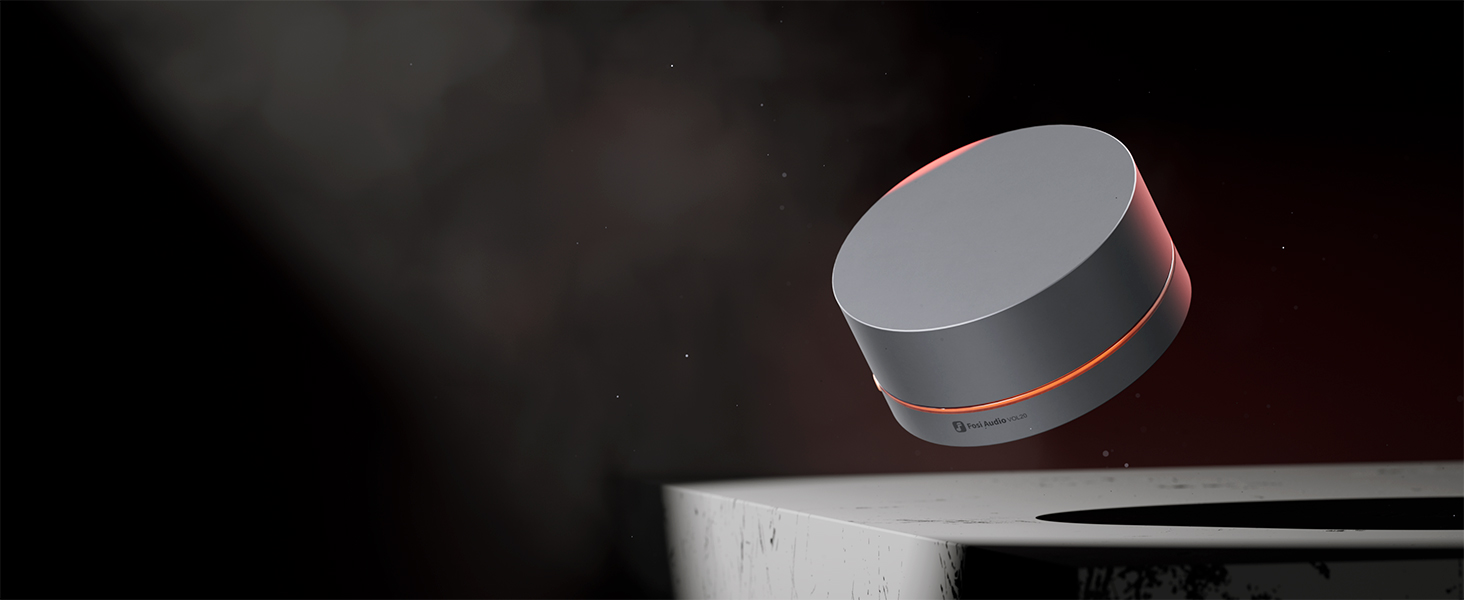
Fosi Audio VOL20 Bluetooth Volume Control Knob USB Multimedia Controller RGB Lighting Customization, Multi-FunctionDesktop, Gaming, Home Audio
- Multimedia Volume Knob: The VOL20 is a versatile desktop volume controller with Bluetooth wireless and USB-C connectivity, offering real-time volume adjustments. Perfect for music lovers, gamers, and professionals who demand precise volume control
- Multi-Functional: Simple yet versatile, the knob's button lets you easily control play, pause, previous track, next track, mute, and volume adjustment. With just one knob, you can conveniently manage all your music playback controls
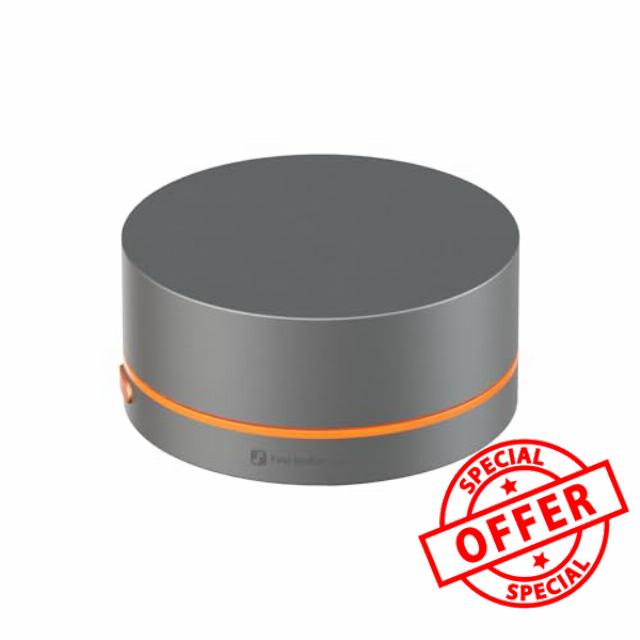
- All-Metal Construction: Precisely crafted from zinc alloy using CNC machining, ensuring a premium feel and lasting durability. The large 55mm diameter design adds substantial weight, providing a stable and slip-free experience during operation
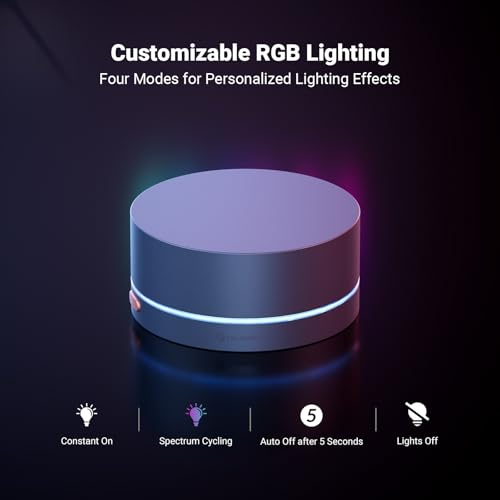
- RGB Lighting: Offers constant on, auto-off after 5 seconds, spectrum cycling, and off modes. Four modes at your fingertips—freely switch between colors and lighting modes to create the perfect ambiance just the way you like it
- Effortless Installation: Compatible with digital audio sources that support USB or Bluetooth peripherals, including PCs, Macs, laptops, mobile phones, tablets, digital audio players, and streamers. Simply plug and play with no complicated setup required
- NOTE: The VOL20 does not support charging with fast-charging adapters and cables, otherwise it may damage the product
Fosi Audio VOL20 Bluetooth Multimedia Controller
Innovate, Control, Harmonize -Your Audio. Your Way.
New Companion for Your Media Center
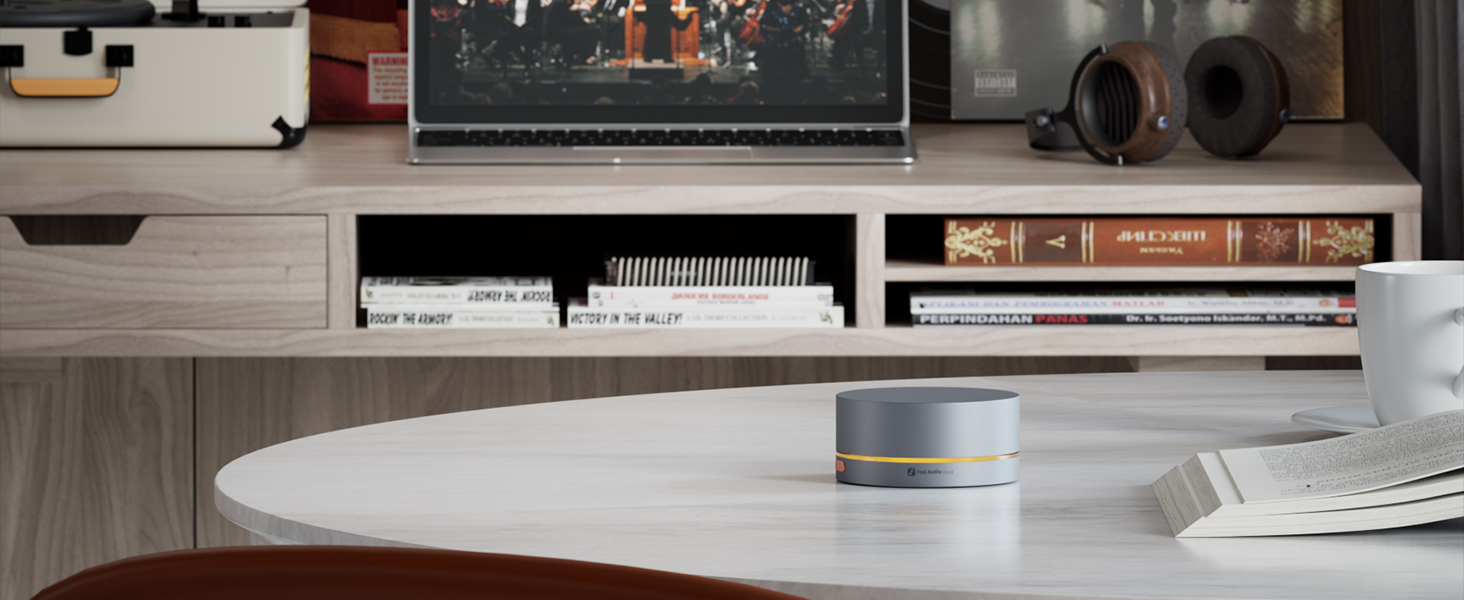
Built with a robust zinc alloy, VOL20 offers Bluetooth and USB connectivity. It features customizable RGB lighting, allowing adjustment to your own preference. Providing plug-and-play ease, it enhances your volume control experience.
- Connection Method: Bluetooth/USB
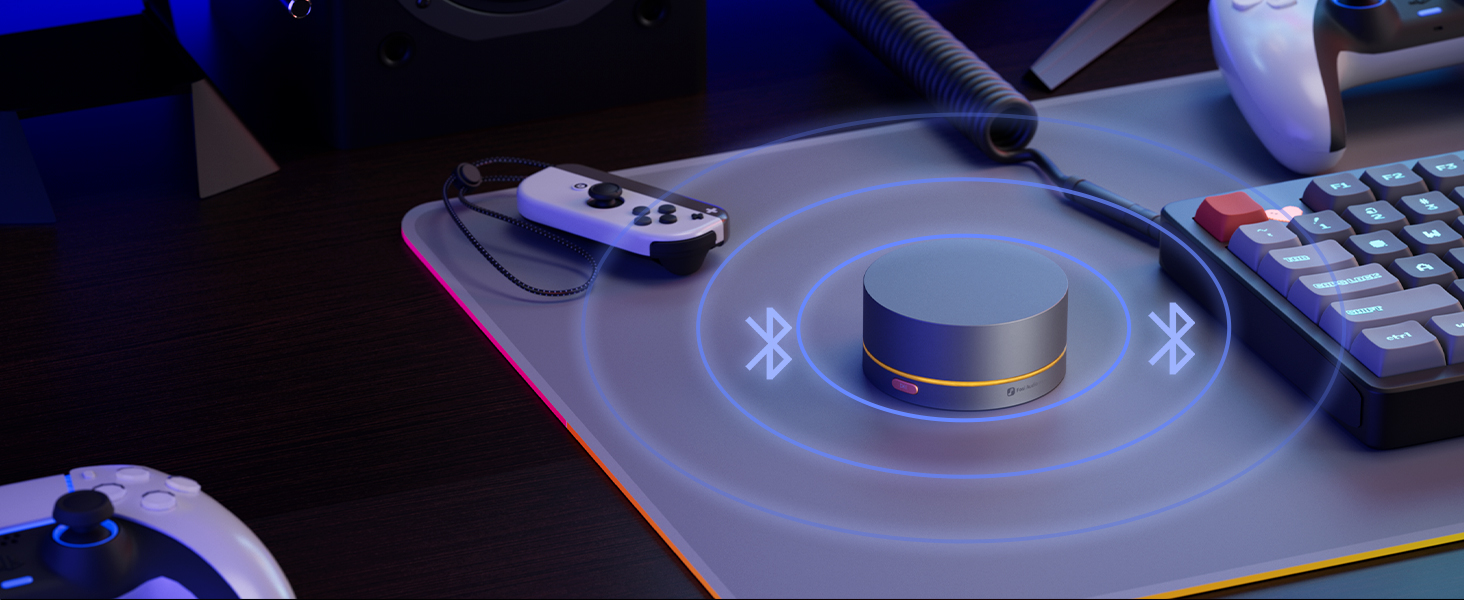
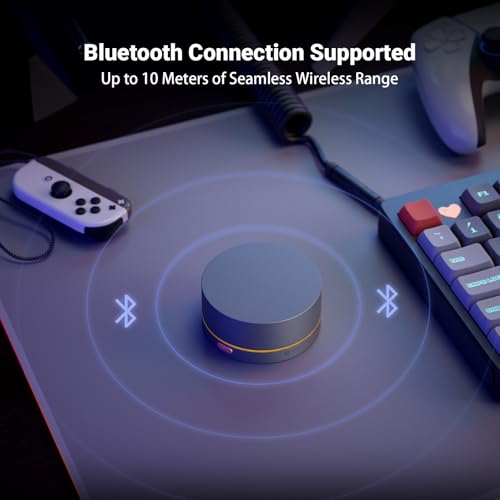
- Bluetooth Connection Range: ≥10m
- Lighting Modes: Constant Light Mode/Light Off Mode/Auto-Off after 5 Seconds of Inactivity/Spectrum Cycling
- Functions: Volume Up/Down; Previous Track/Next Track; Play/Pause; Mute/Unmute
Multimedia Volume Control Knob with Multi-Function
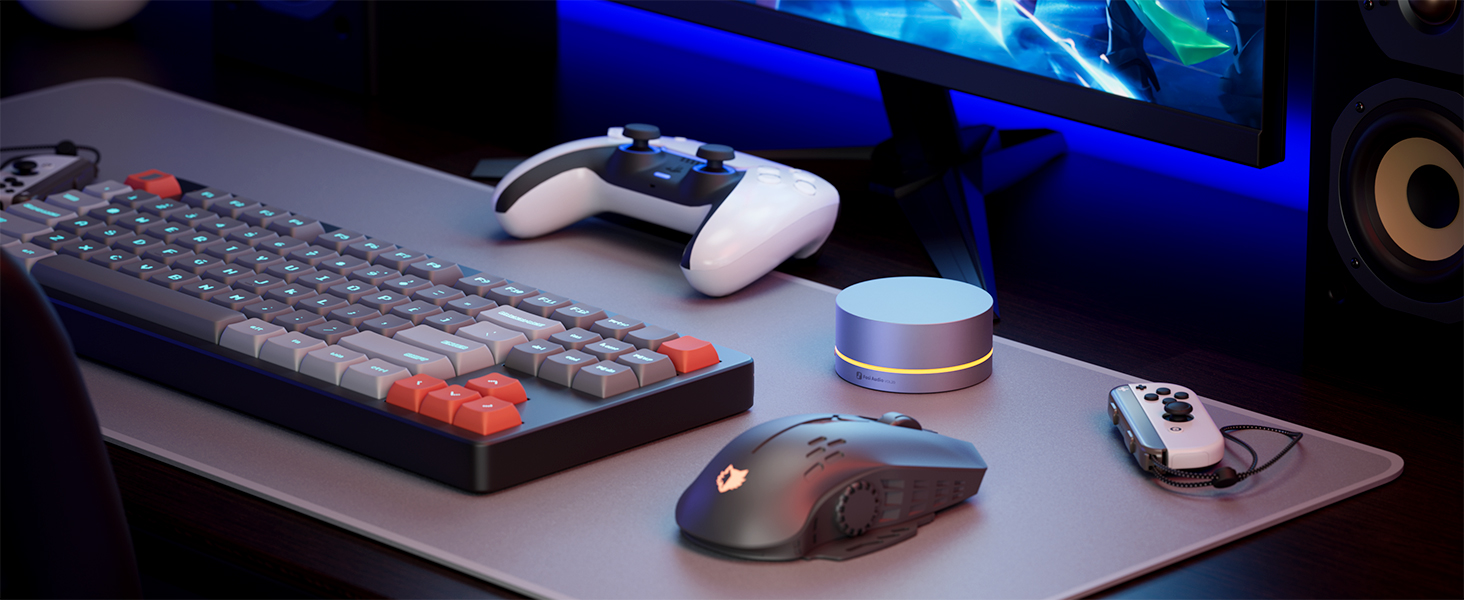
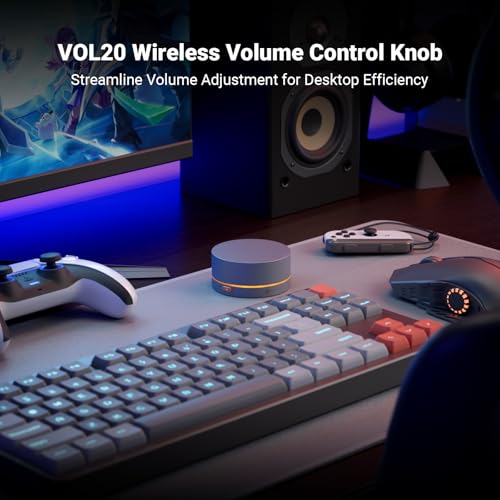
Instantly adjust the volume to significantly enhance your desktop experience.
Customizable RGB Lighting for More Vibes
Offers constant on(customizable color), off, auto-off after 5 seconds, and spectrum cycling modes.
CNC All-Metal Zinc Alloy
Guarantees texture and lasting durability while enhancing the weight and stability of the product.
Remote Volume Adjustment
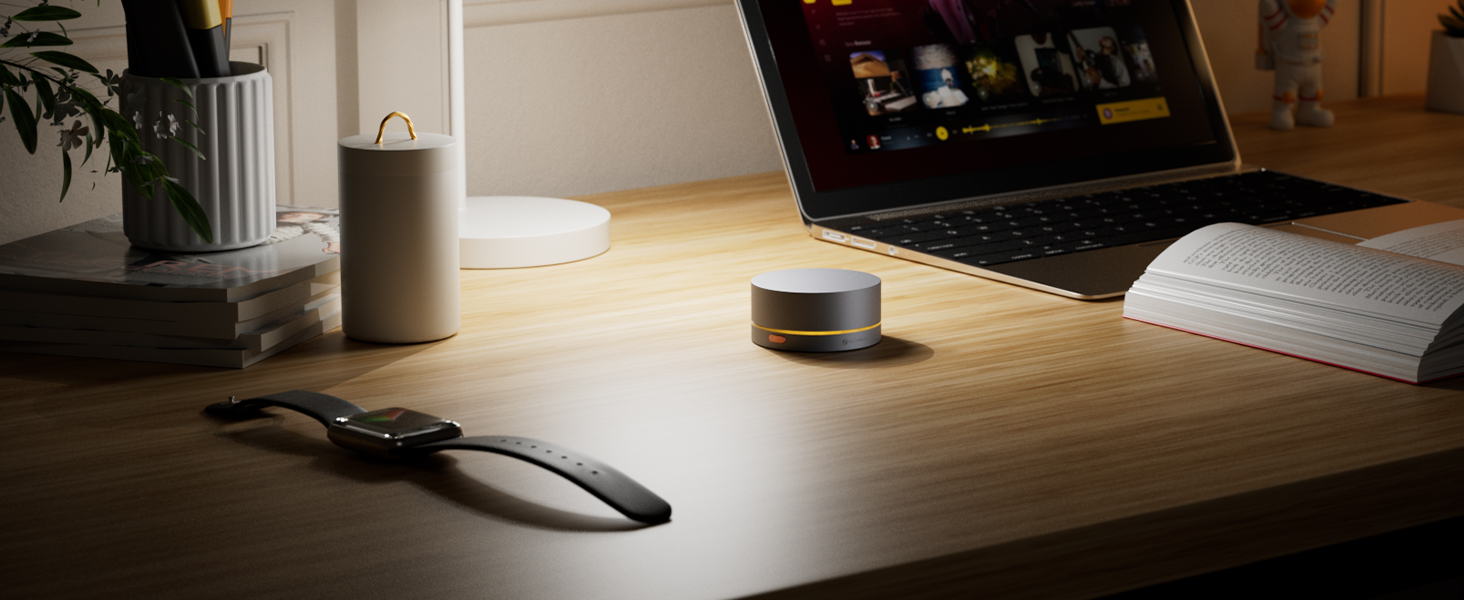
Saves space and keeps desks tidy with up to 10-meter remote connections.
Infrequent Recharging Needed
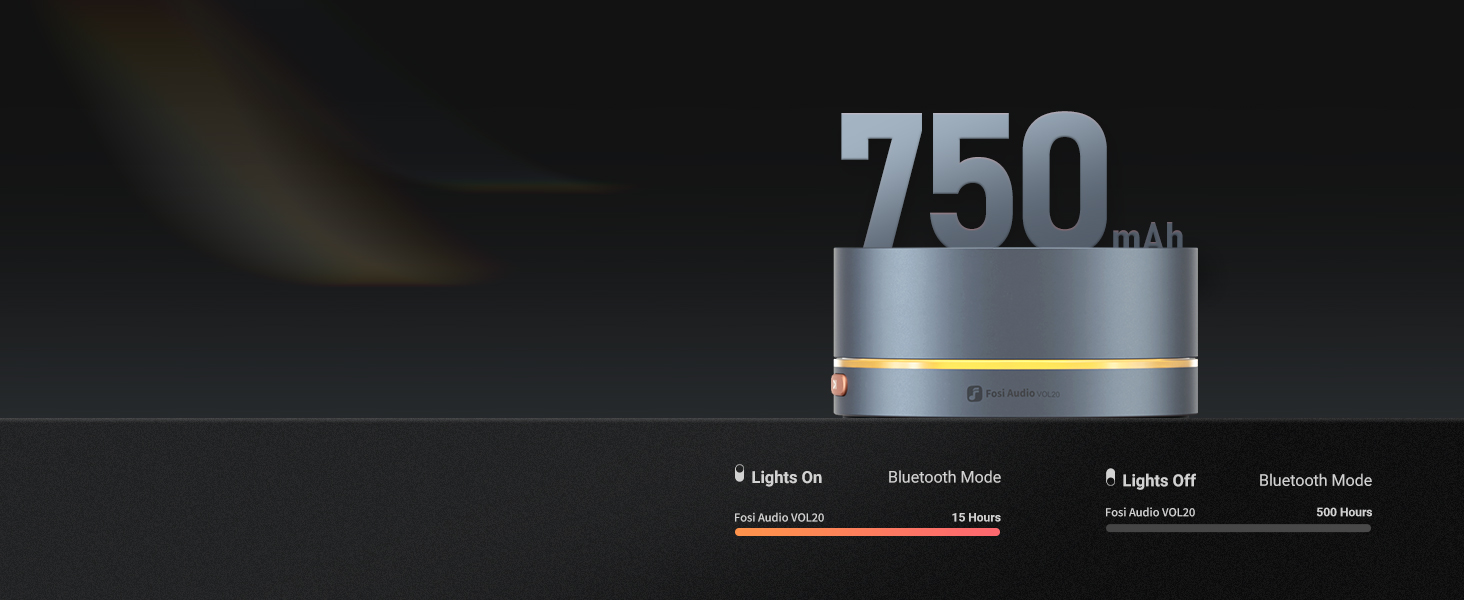
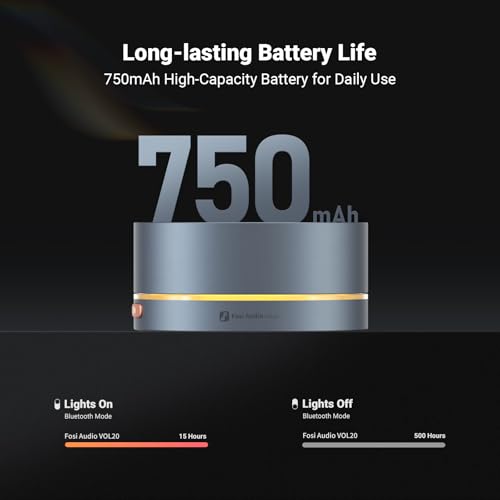
Enjoy 15 hours of operation with lighting effects on and up to 500 hours with them off.
Ease of Use
Change Chroma Effects and Switch Bluetooth Mode
The Volume On-the-Fly
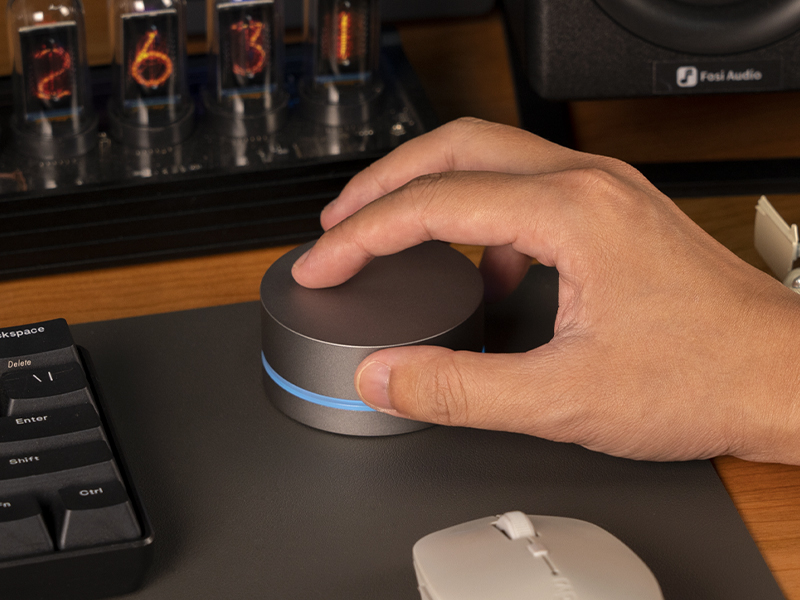
Rotate the Dial to Your Preferred Volume Level.
Plug-and-Play with No Extra Drivers Needed
Enjoy smooth and precise volume control at your fingertips
Non-Slip Pad& On/Off Switch
Ensures consistent, slip-free adjustments for optimal adjustment.
Which devices are compatible with the VOL20?
The VOL20 is compatible with digital audio sources that support USB or Bluetooth peripherals, including PCs, Macs, laptops, mobile phones, tablets, digital audio players, and streamers.
Can VOL20 be used with Apple TV?
VOL20 can be used with Apple TV, but the connected TV must support HDMI CEC functionality.
Can the VOL20 be used to control a DAC or amplifier?
VOL20 is primarily designed as a peripheral for audio source devices, requiring USB or Bluetooth peripheral support to function. Generally, DACs or amplifiers do not support this feature.
Why can't my computer detect the VOL20 in pairing mode?
If the VOL20’s blue light is solid instead of flashing, it's connected to another device. Delete the VOL20 from any previously paired devices, then try connecting again from your computer.
Why does the Bluetooth connection drop on PC reboot, even though it works perfectly when connected via cable?
Bluetooth reconnects automatically. If the USB is connected, it takes priority. Disconnect the USB cable to allow Bluetooth to reconnect.












| SKU: | B0HF84MGF2 |
| Weight: | 12 ounces |
| Dimensions: | 4.7 x 4.7 x 2.2 inches; 12 ounces |
| Model: | VOL20 |
| Batteries Included: | 1 Lithium Ion batteries required. (included) |
| Manufacture: | Shenzhen Foresight Technology Co.,Ltd. |
Product description
New Companion for Your Media Center
Built with a robust zinc alloy, VOL20 offers Bluetooth and USB connectivity. It features customizable RGB lighting, allowing adjustment to your own preference. Providing plug-and-play ease, it enhances your volume control experience.
- Connection Method: Bluetooth/USB
- Bluetooth Connection Range: ≥10m
- Lighting Modes: Constant Light Mode/Light Off Mode/Auto-Off after 5 Seconds of Inactivity/Spectrum Cycling
- Functions: Volume Up/Down; Previous Track/Next Track; Play/Pause; Mute/Unmute

Multimedia Volume Control Knob with Multi-Function
Instantly adjust the volume to significantly enhance your desktop experience.
Customizable RGB Lighting for More Vibes
Offers constant on(customizable color), off, auto-off after 5 seconds, and spectrum cycling modes.
CNC All-Metal Zinc Alloy
Guarantees texture and lasting durability while enhancing the weight and stability of the product.
Remote Volume Adjustment
Saves space and keeps desks tidy with up to 10-meter remote connections.
Infrequent Recharging Needed
Enjoy 15 hours of operation with lighting effects on and up to 500 hours with them off.
Ease of Use
Change Chroma Effects and Switch Bluetooth Mode
The Volume On-the-Fly
Rotate the Dial to Your Preferred Volume Level.
Plug-and-Play with No Extra Drivers Needed
Enjoy smooth and precise volume control at your fingertips
Non-Slip Pad& On/Off Switch
Ensures consistent, slip-free adjustments for optimal adjustment.
Which devices are compatible with the VOL20?
The VOL20 is compatible with digital audio sources that support USB or Bluetooth peripherals, including PCs, Macs, laptops, mobile phones, tablets, digital audio players, and streamers.
Can VOL20 be used with Apple TV?
VOL20 can be used with Apple TV, but the connected TV must support HDMI CEC functionality.
Can the VOL20 be used to control a DAC or amplifier?
VOL20 is primarily designed as a peripheral for audio source devices, requiring USB or Bluetooth peripheral support to function. Generally, DACs or amplifiers do not support this feature.
Why can’t my computer detect the VOL20 in pairing mode?
If the VOL20’s blue light is solid instead of flashing, it’s connected to another device. Delete the VOL20 from any previously paired devices, then try connecting again from your computer.
Why does the Bluetooth connection drop on PC reboot, even though it works perfectly when connected via cable?
Bluetooth reconnects automatically. If the USB is connected, it takes priority. Disconnect the USB cable to allow Bluetooth to reconnect.