EAST OAK L Heated Lunch Box, Electric Lunch Box with Timer
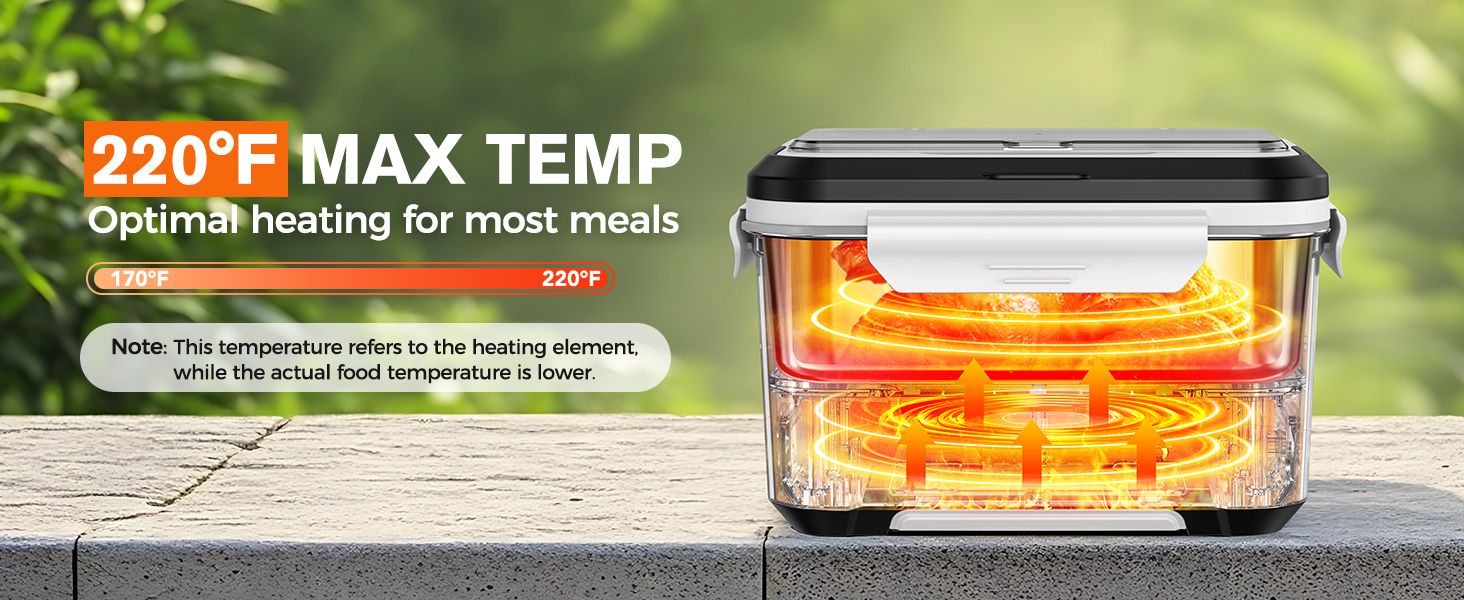
EAST OAK L Heated Lunch Box, Electric Lunch Box with Timer, Onyx Black 5.5-Cup Food Warmer Lunch Box with Insulated Bag, Lunch Warmer Portable for Work with Memory Function, 220°F Max Heating
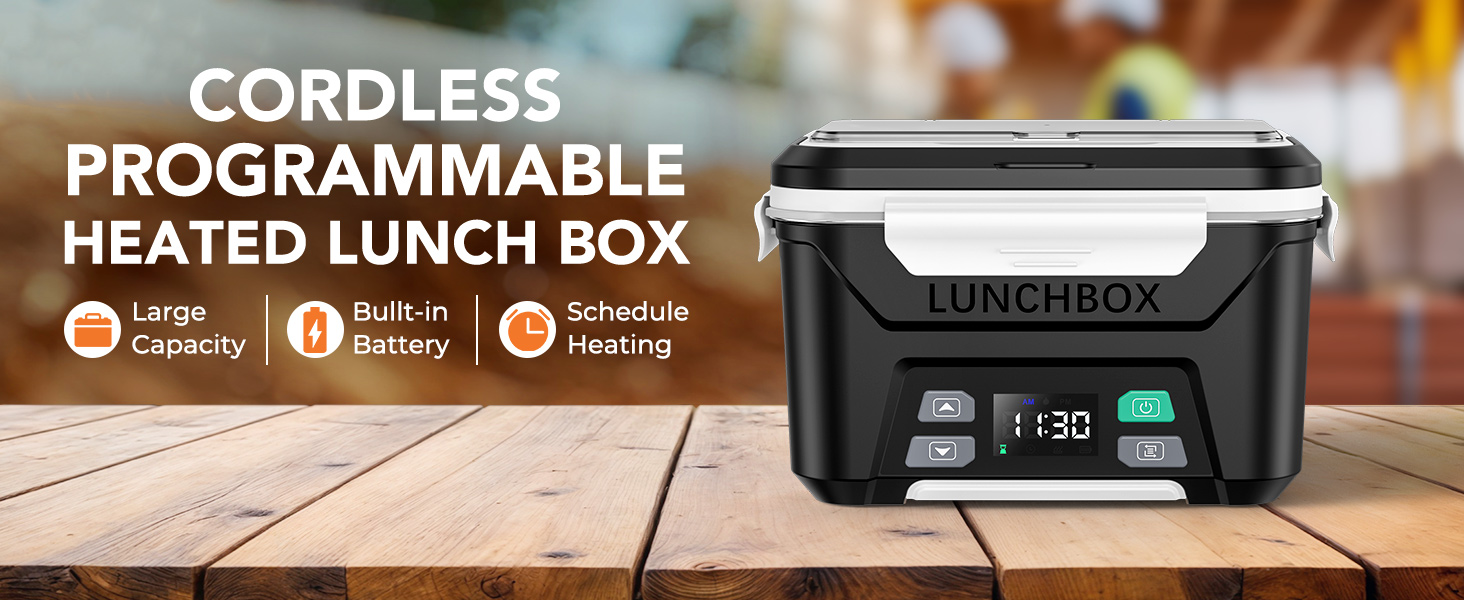
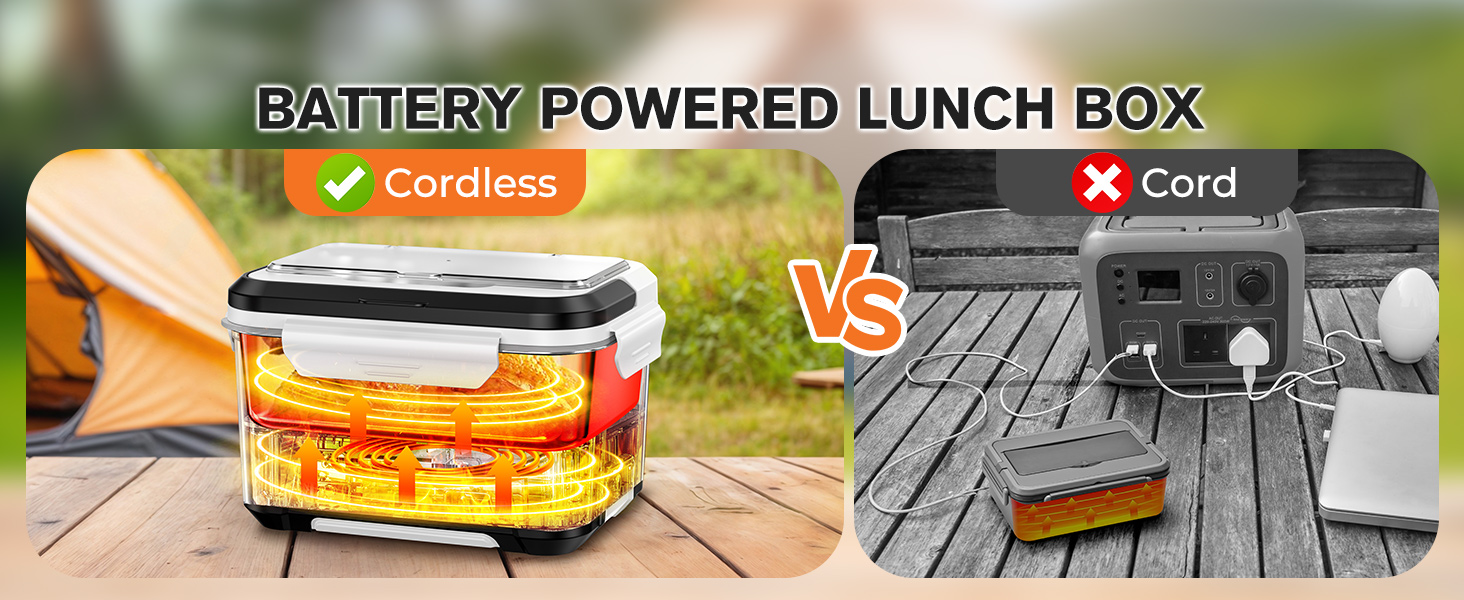
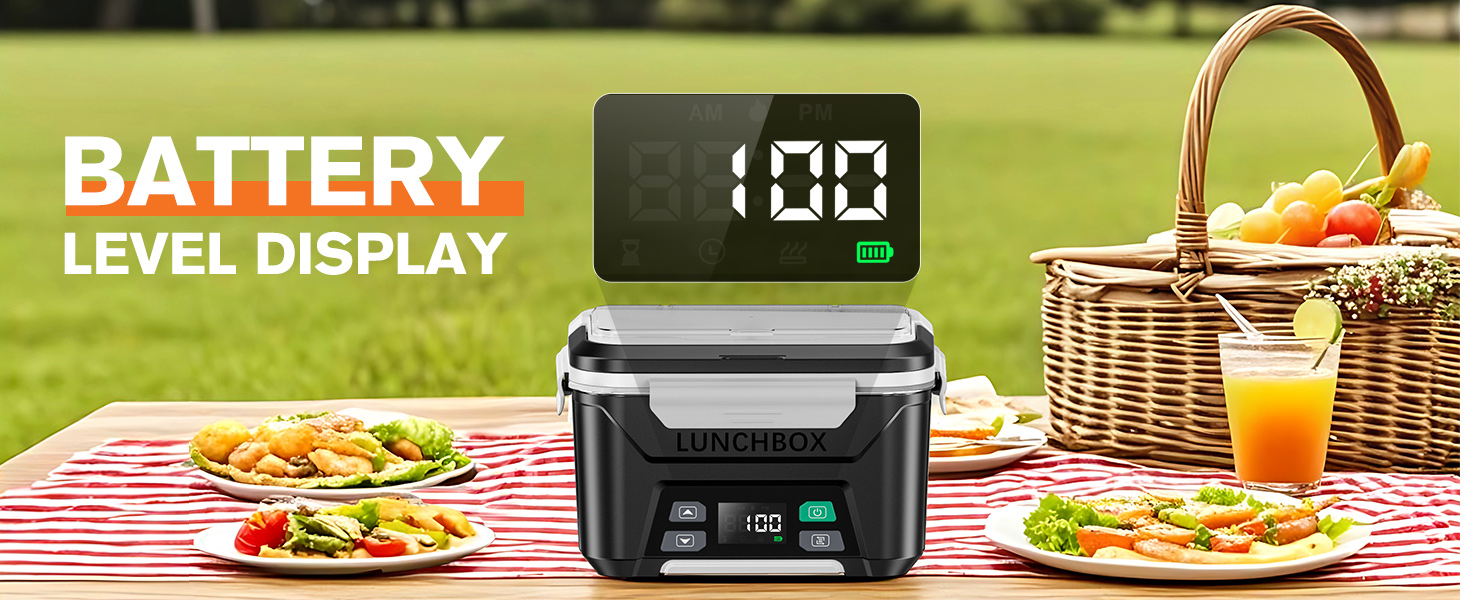
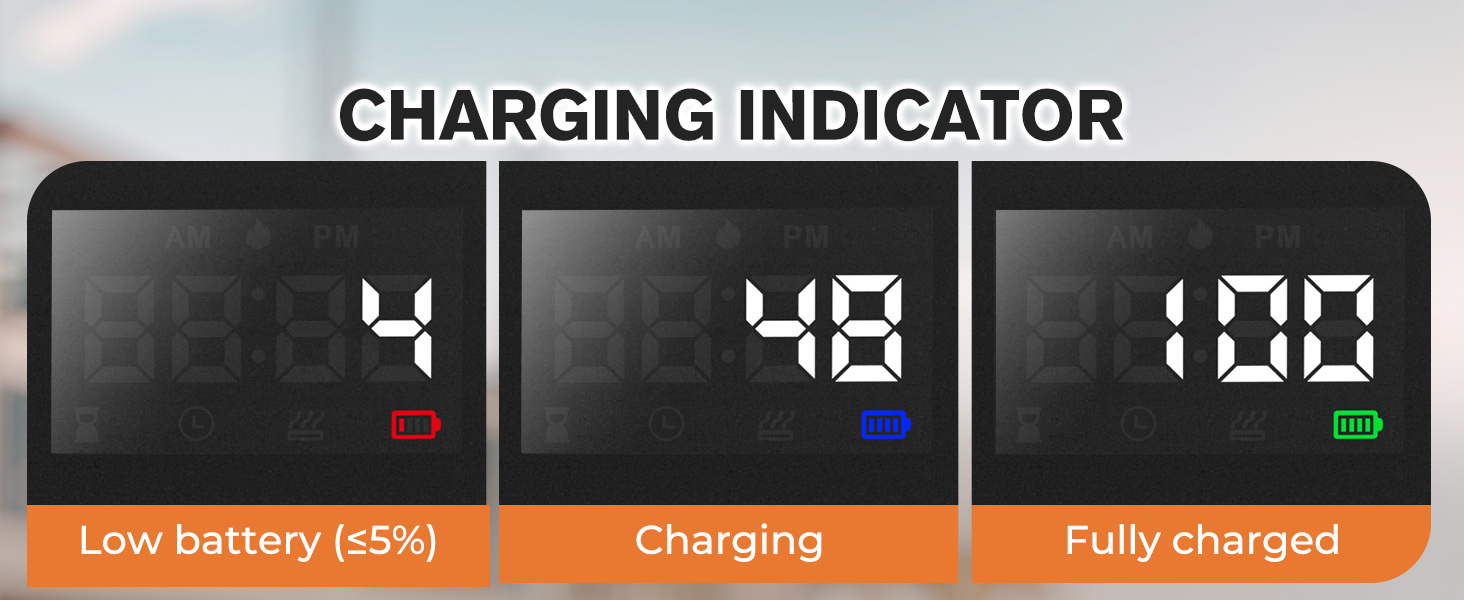
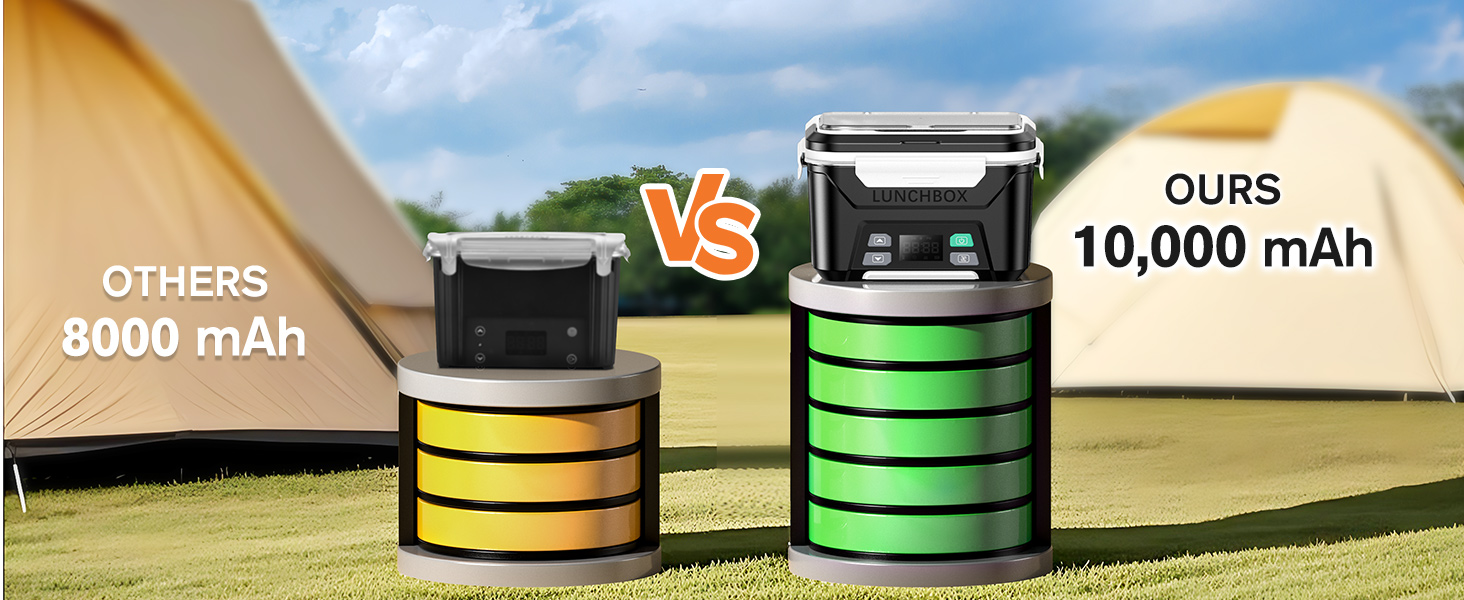
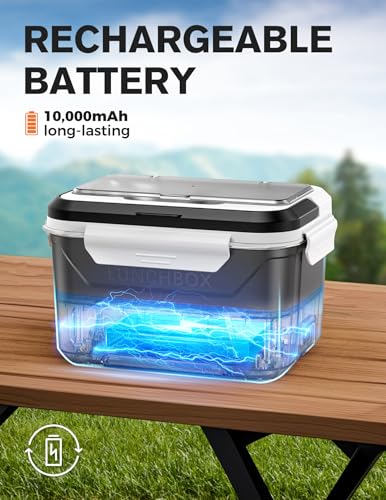
- | Heat meals without being tied to an outlet. The EAST OAK self heating lunch box is equipped with a built-in battery, giving you the freedom to warm food wherever you are. A real-time battery level display lets you check remaining power for dependable heating
- – | The EAST OAK hot lunch box for adults provides up to 2 hours of heating, followed by 1 hour of keep-warm time. It automatically changes modes once heating is complete. Recharge overnight for easy, reliable use the next day
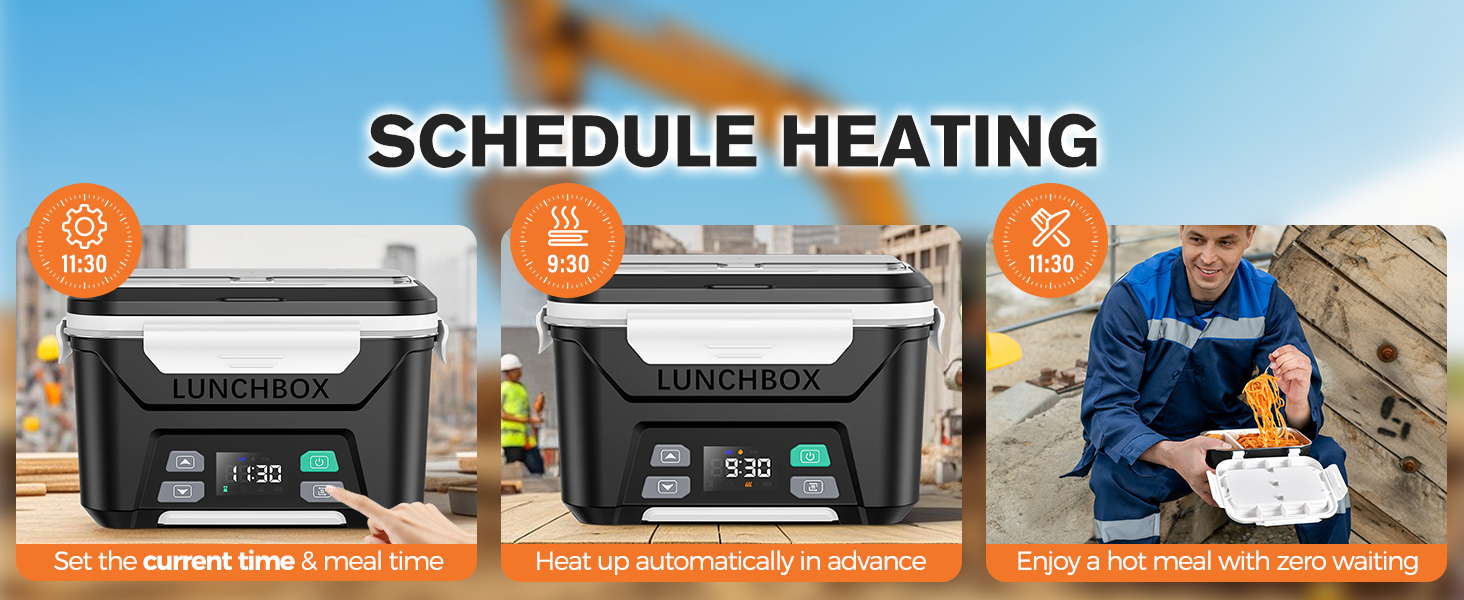
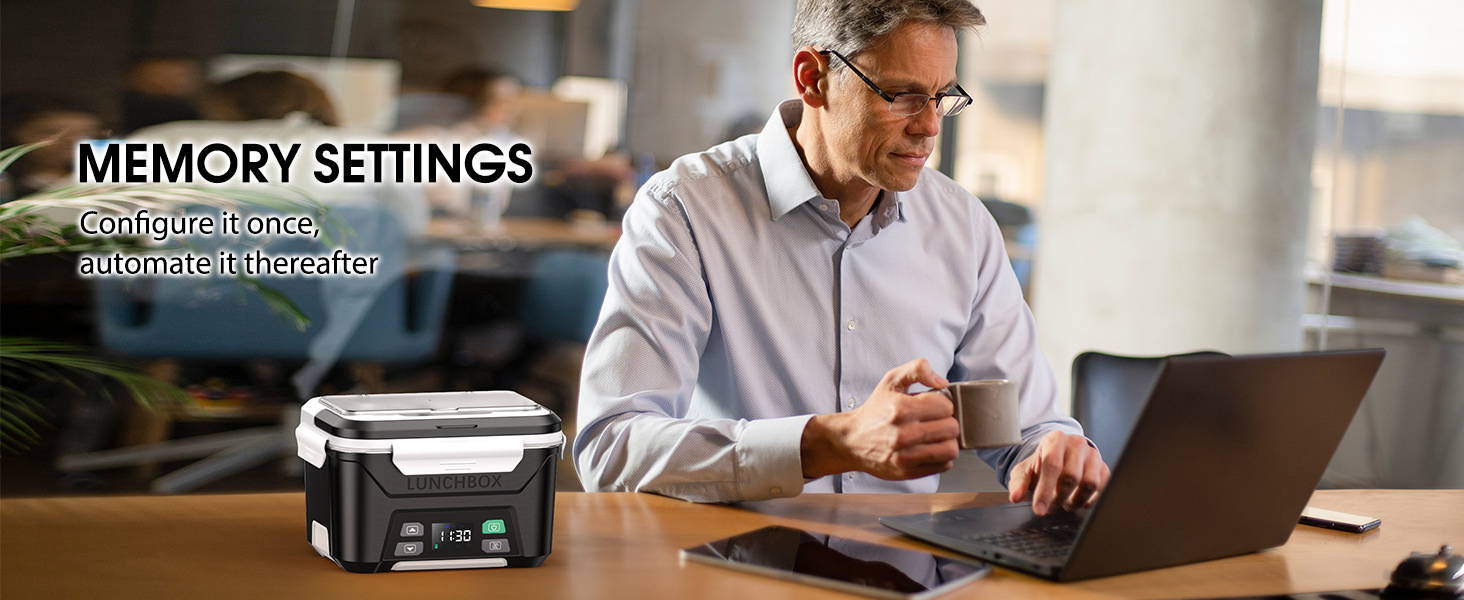
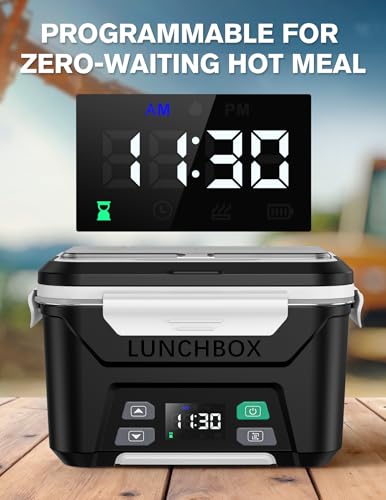
- | Set your desired mealtime on the EAST OAK warming lunch box, and it will begin heating ahead of schedule so your meal is warm, fresh, and ready to enjoy exactly when you need it. Built-in memory saves your setting for easy daily use
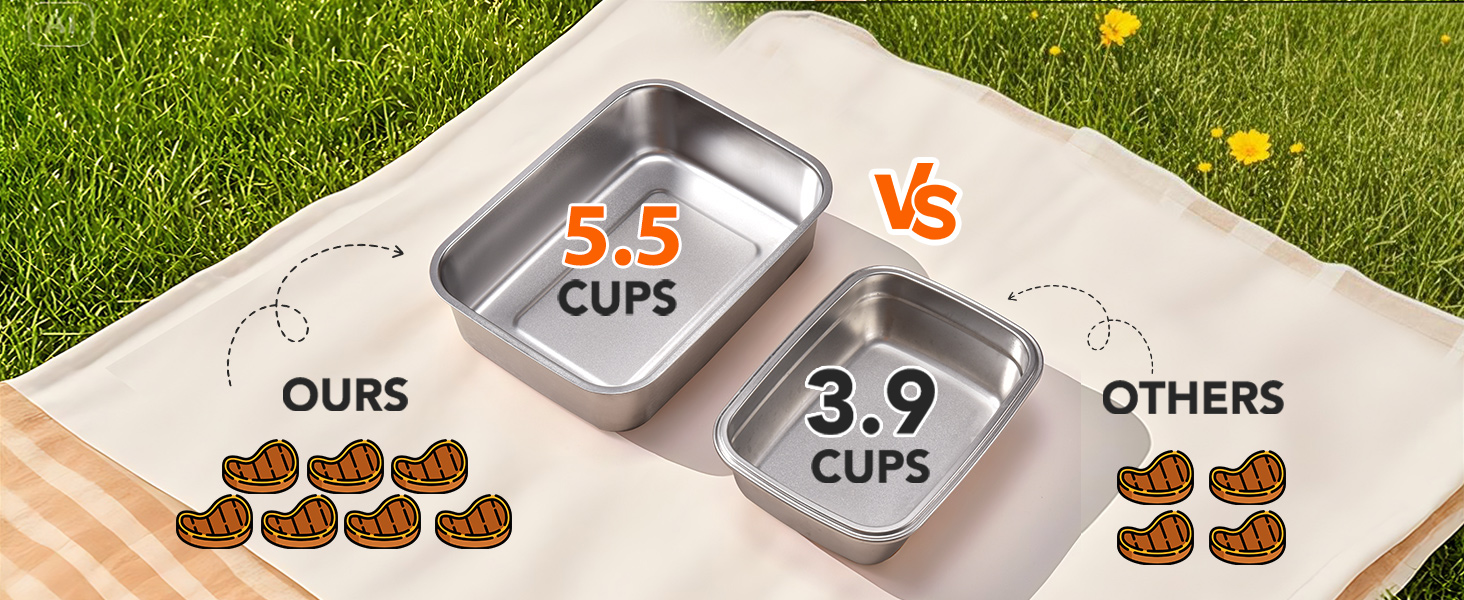
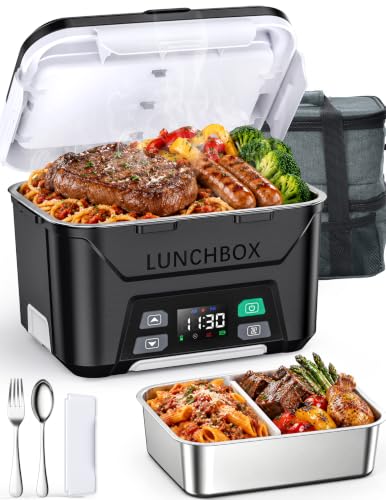
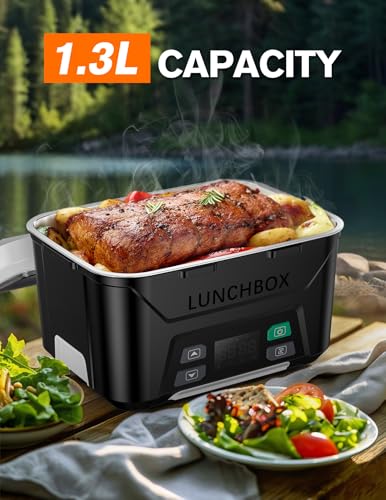
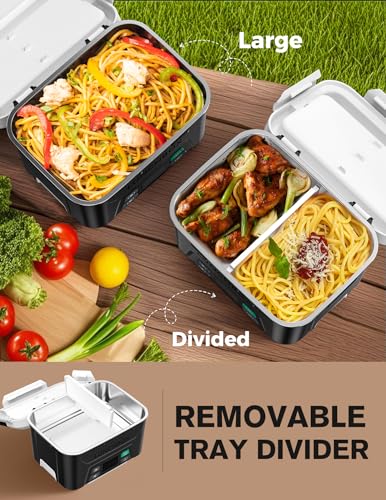
- . – ( . ) | The EAST OAK portable lunch box warmer provides 5.5 cups of space, about 1.3 L or 44 oz. It fits a large serving of mac and cheese, meatloaf with mashed potatoes and veggies, or chicken and rice. Plenty of room for a full adult meal
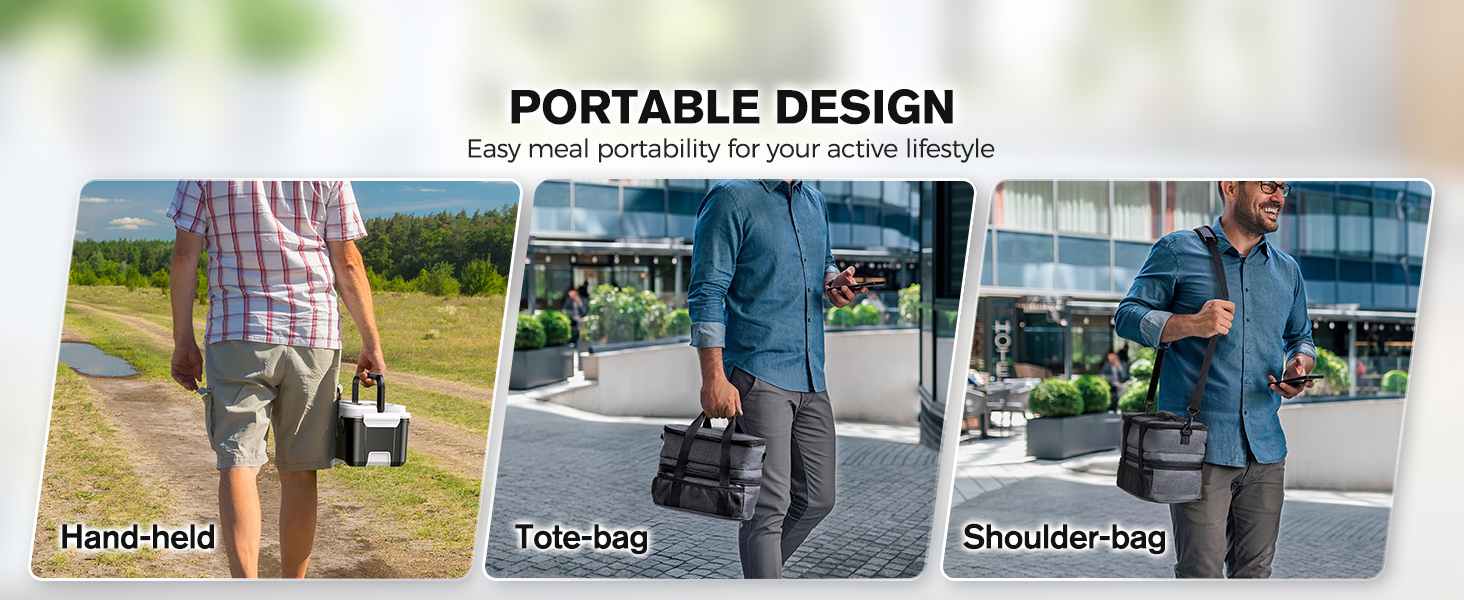
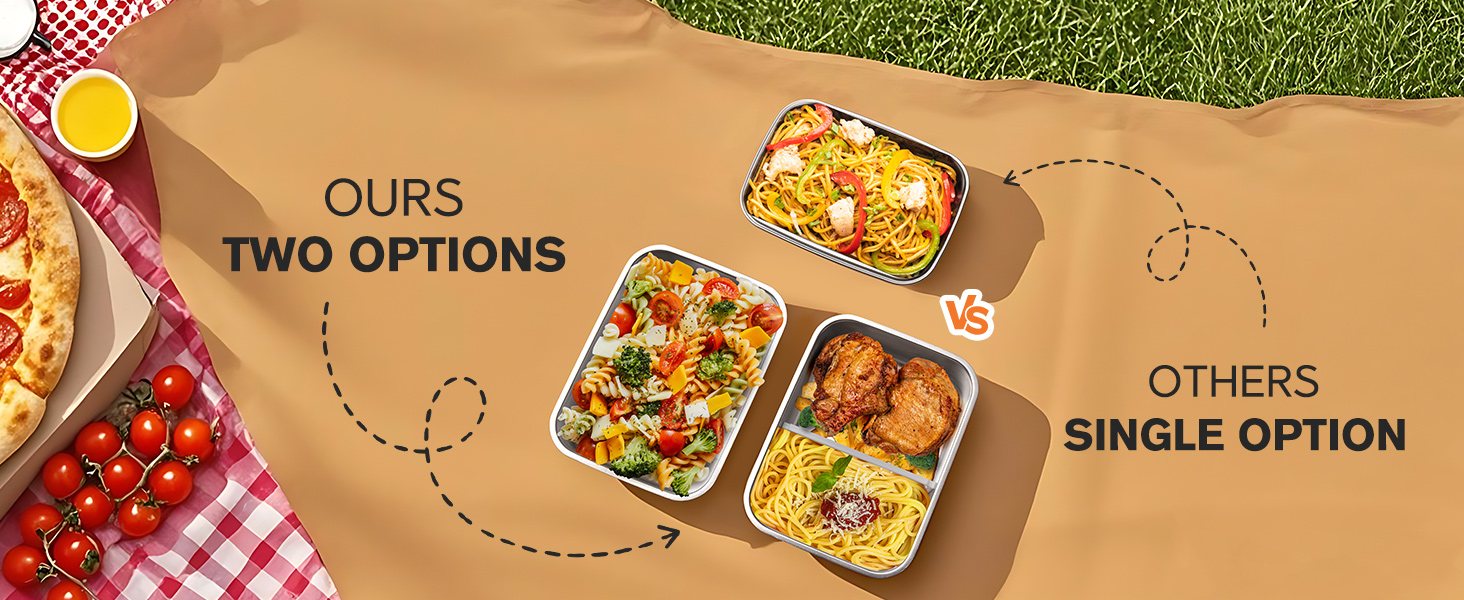
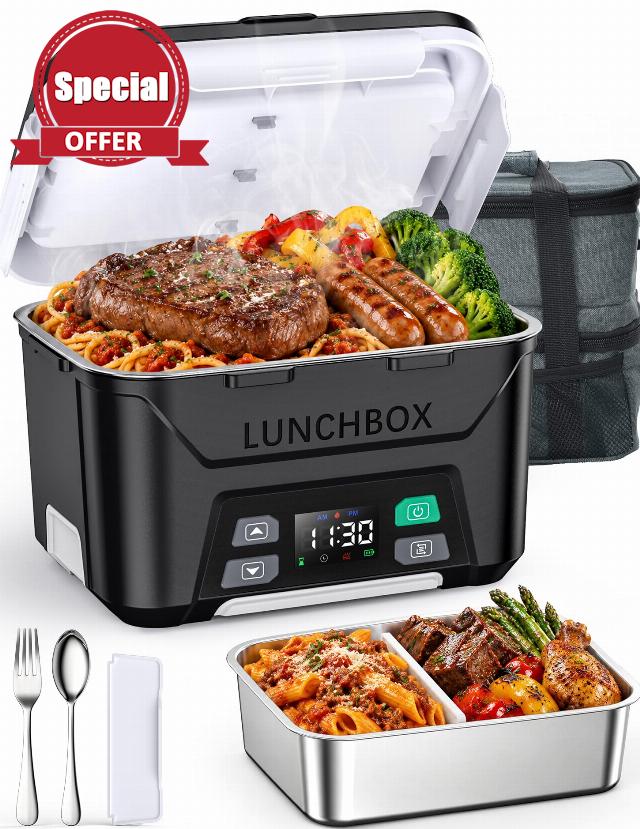
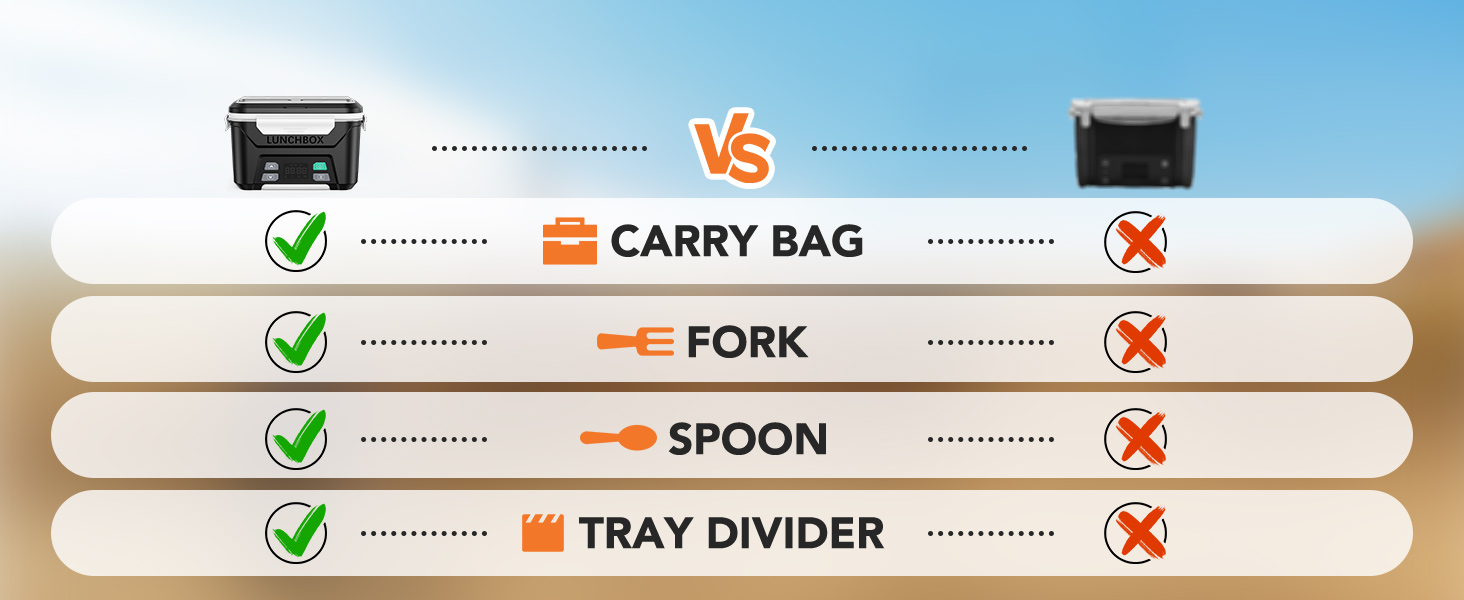
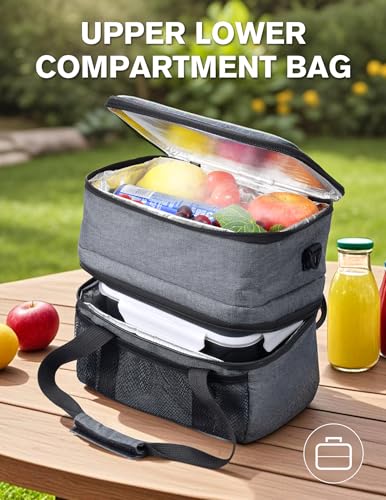
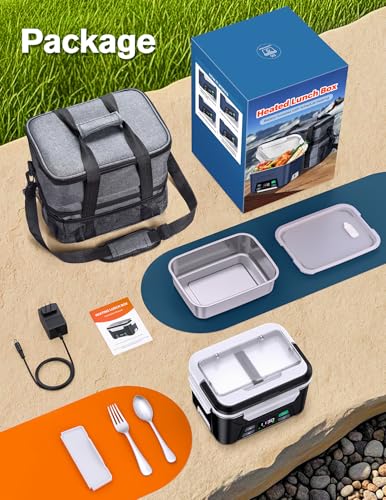
- | The EAST OAK heat up lunch box comes with a fork, spoon, removable divider, and insulated carry bag. The divider keeps different foods separated, while the bag can be carried by hand or over the shoulder for transport to work, job sites, or anywhere you need it.
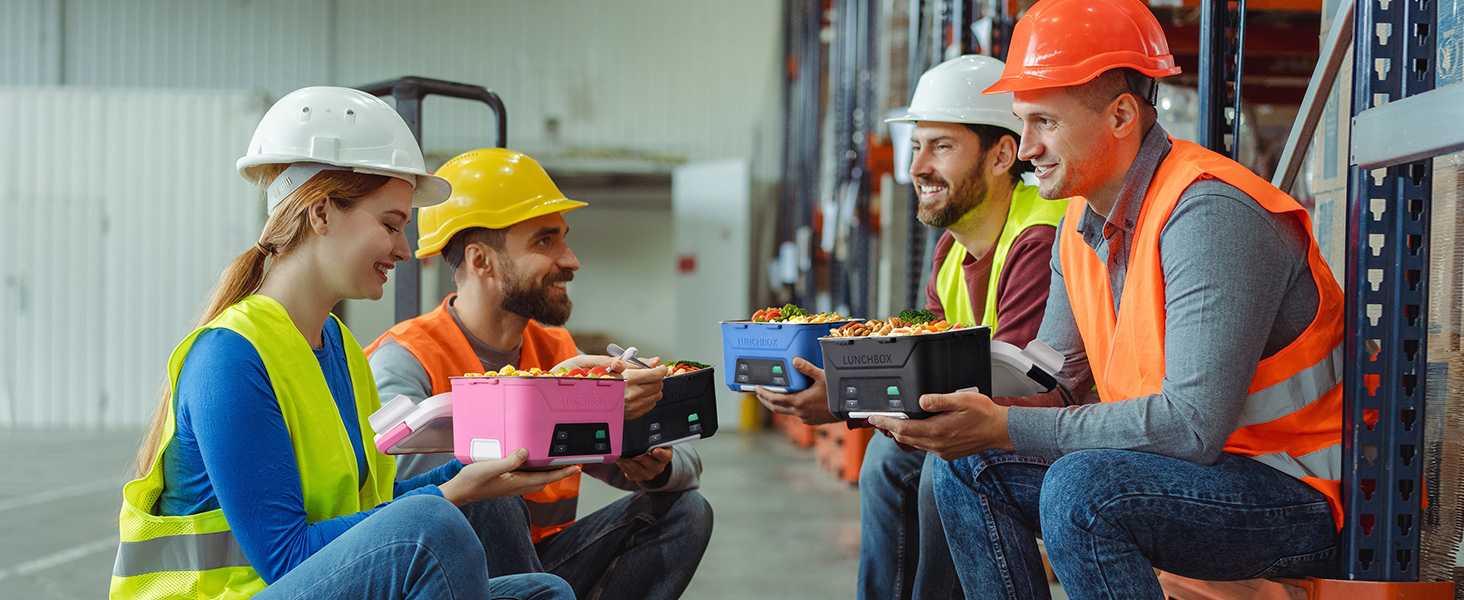
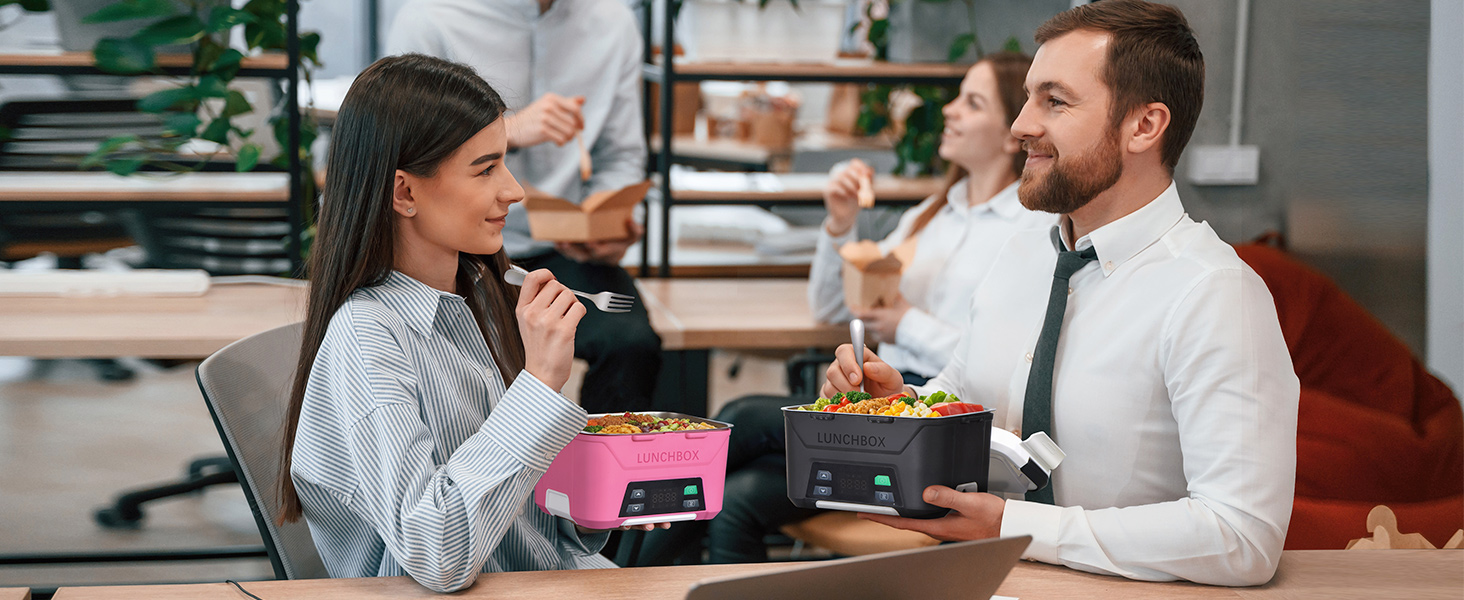
- | The EAST OAK portable food warmer lunch box is ideal for construction crews, tradespeople, and office workers who enjoy hot meals during the workday. Practical and thoughtful, it’s a useful choice for friends or family
The portable lunch box warmer lets workers heat meals without an outlet, ensuring hot food.
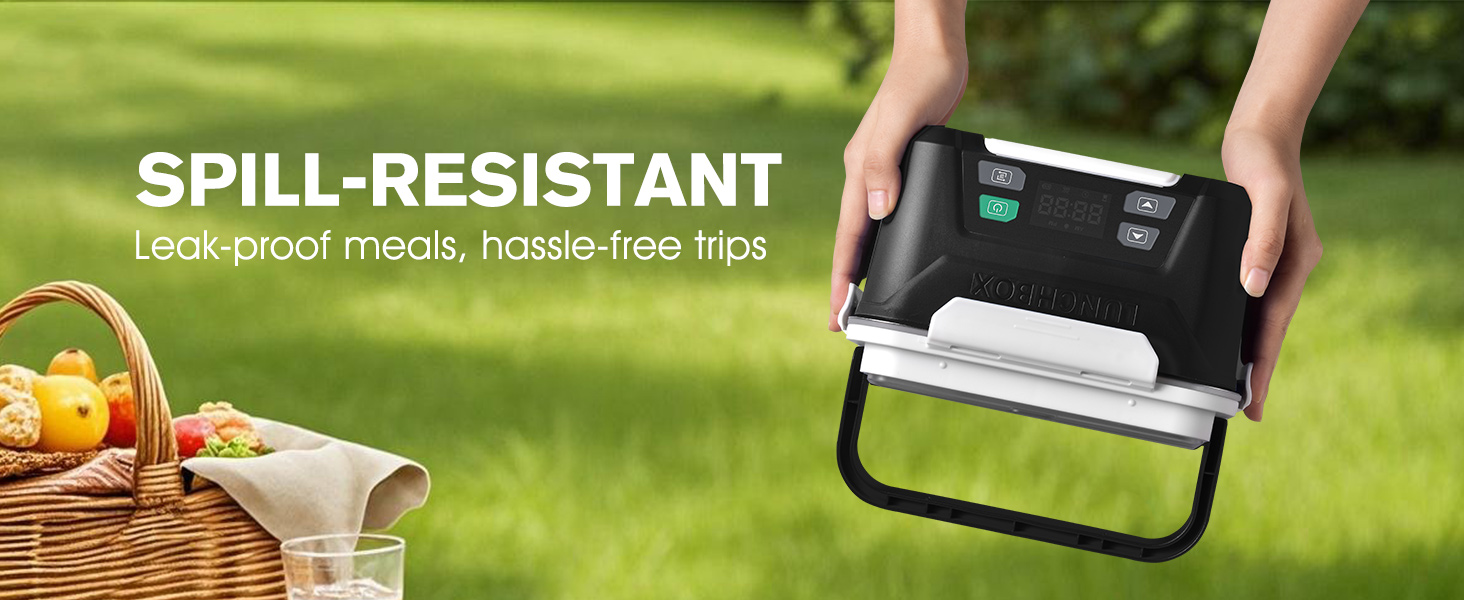
The car food warmer's leak-proof design keeps meals contained, preventing spills on the go.
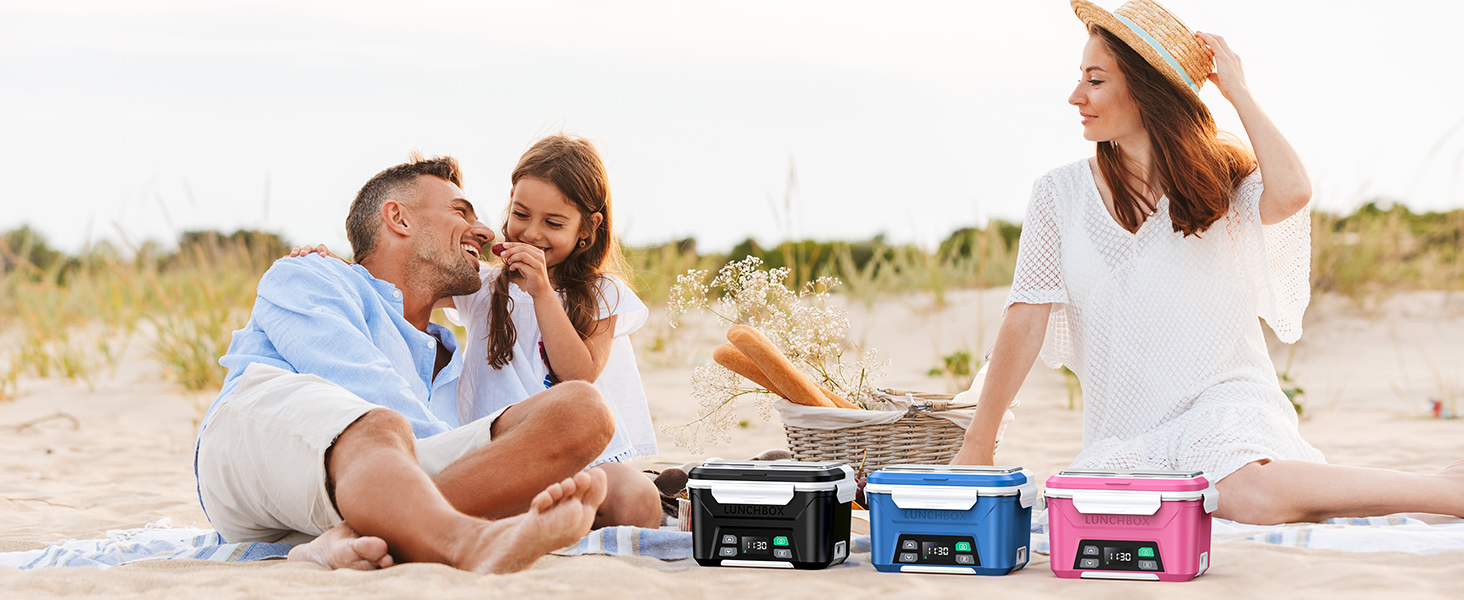
The portable lunch box warmer's large capacity lets you share enough food with friends and family.
The battery heated lunch box features a smart timer to heat meals in advance for a hot lunch.
The hot lunch box is a thoughtful option, providing warm meals for loved ones after long work hours.
The First Step for Scheduled Heating
Current Time Setting
- Short press the power button.
- Short press then long press the function button.
- Press the up or down adjustment buttons. (Short Press: ±1 Min; Long Press: ±10 Min)
- Short press the function selection button again.
Ensures Hot Meals Are Ready When Needed
Meal Time Setting
- Short press the power button.
- Long press the function selection button.
- Press the up or down adjustment buttons. Short Press: ±1 Min Long Press: ±10 Min
- Short press the function selection button again.
Customizes Heating for Different Dishes
Temperature Setting
- Short press the power button.
- Short press twice then long press the function button.
- Press the up or down adjustment buttons. Short press:±1℉ Long press:±10℉
- Short press the function selection button again.
Prevents Interruptions During Heating
Check Battery Level
- Short press the power button.
- Short press the function selection button four times.
Provides Quick Meal Access on Demand
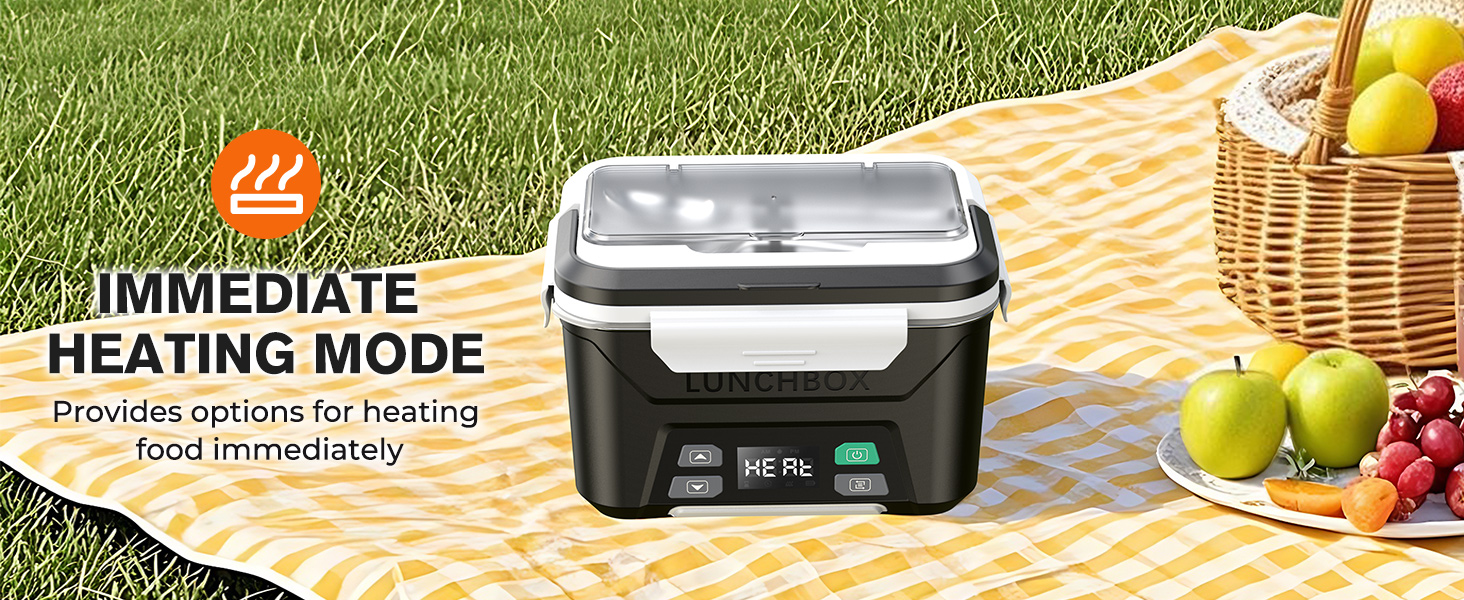
Immediate Heating Mode
- Short press the power button.
- Short press the function selection button three times.
- Long press the function selection button. Heating completes in 2 hours, then automatically switches to keep warm with green indicator.
- Note: To exit the immediate heating mode, turn off the device and turn it back on.



| SKU: | B0HJP7ZFD7 |
| Brand: | EAST OAK |
| Material: | Stainless Steel |
| Colour: | Black |
| Manufacture: | EAST OAK |
| Colour: | Black |
| Material: | Stainless Steel |
Product description

The portable lunch box warmer lets workers heat meals without an outlet, ensuring hot food.
The car food warmer’s leak-proof design keeps meals contained, preventing spills on the go.
The portable lunch box warmer’s large capacity lets you share enough food with friends and family.
The battery heated lunch box features a smart timer to heat meals in advance for a hot lunch.
The hot lunch box is a thoughtful option, providing warm meals for loved ones after long work hours.
The First Step for Scheduled Heating
Current Time Setting
- Short press the power button.
- Short press then long press the function button.
- Press the up or down adjustment buttons. (Short Press: ±1 Min; Long Press: ±10 Min)
- Short press the function selection button again.
Ensures Hot Meals Are Ready When Needed
Meal Time Setting
- Short press the power button.
- Long press the function selection button.
- Press the up or down adjustment buttons. Short Press: ±1 Min Long Press: ±10 Min
- Short press the function selection button again.
Customizes Heating for Different Dishes
Temperature Setting
- Short press the power button.
- Short press twice then long press the function button..
- Press the up or down adjustment buttons. Short press:±1℉ Long press:±10℉
- Short press the function selection button again.
Prevents Interruptions During Heating
Check Battery Level
- Short press the power button.
- Short press the function selection button four times.
Provides Quick Meal Access on Demand
Immediate Heating Mode
- Short press the power button.
- Short press the function selection button three times.
- Long press the function selection button. Heating completes in 2 hours, then automatically switches to keep warm with green indicator.
- Note: To exit the immediate heating mode, turn off the device and turn it back on.