Twelve South AirFly Drive Wireless CarPlay & Android Auto
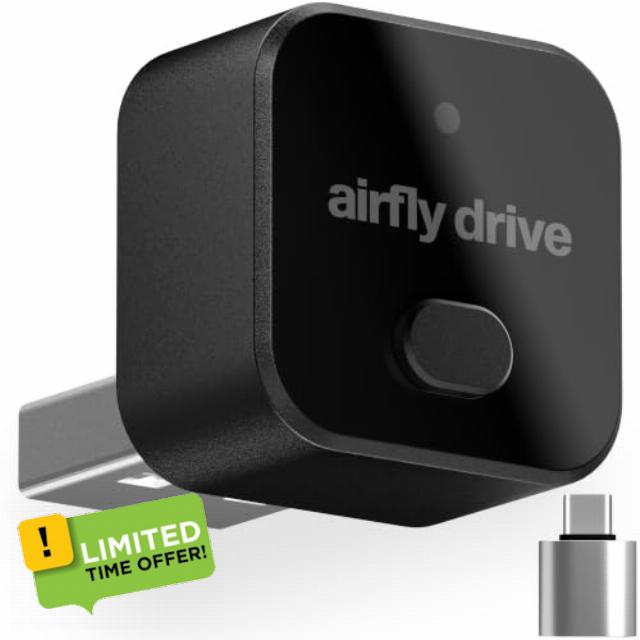
Twelve South AirFly Drive Wireless CarPlay & Android Auto Adapter, Black For wired CarPlay & Android Auto cars, Bluetooth dongle, auto-reconnect, USB-C & USB-A, one-press two-phone switching
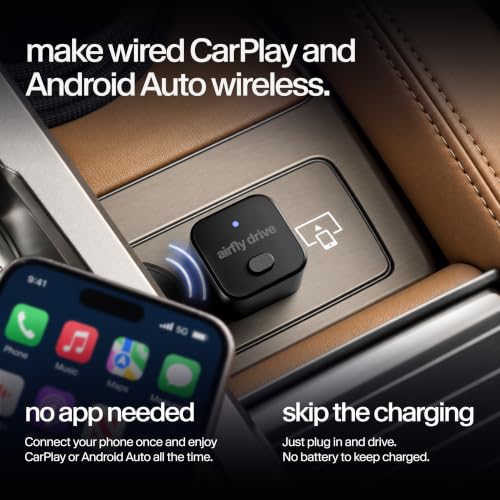
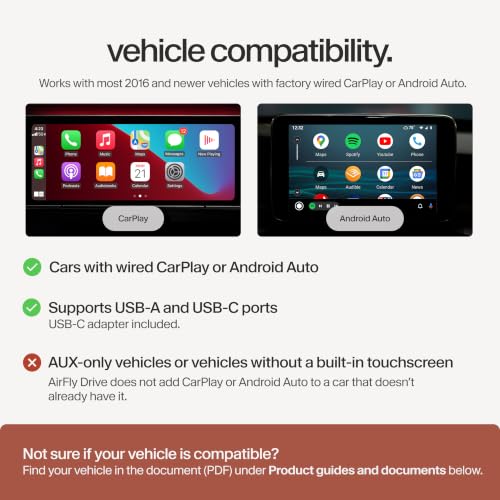
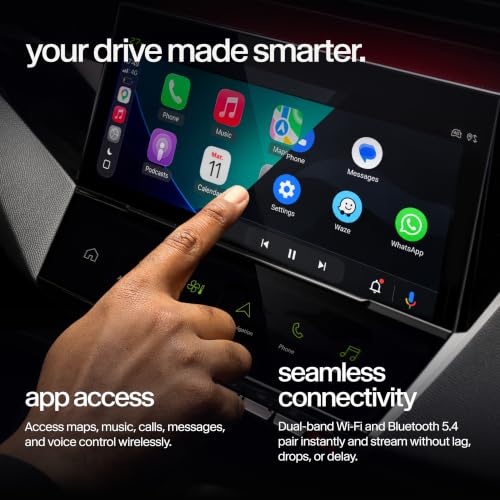
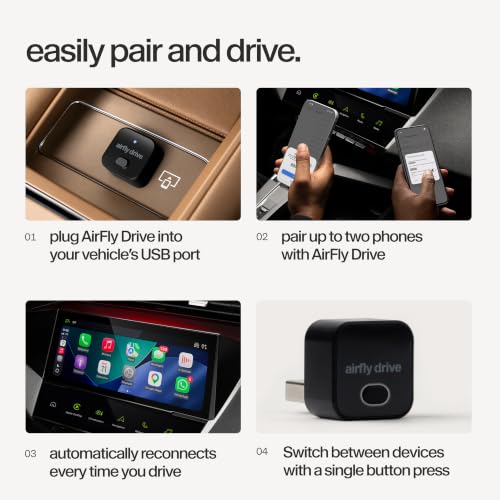
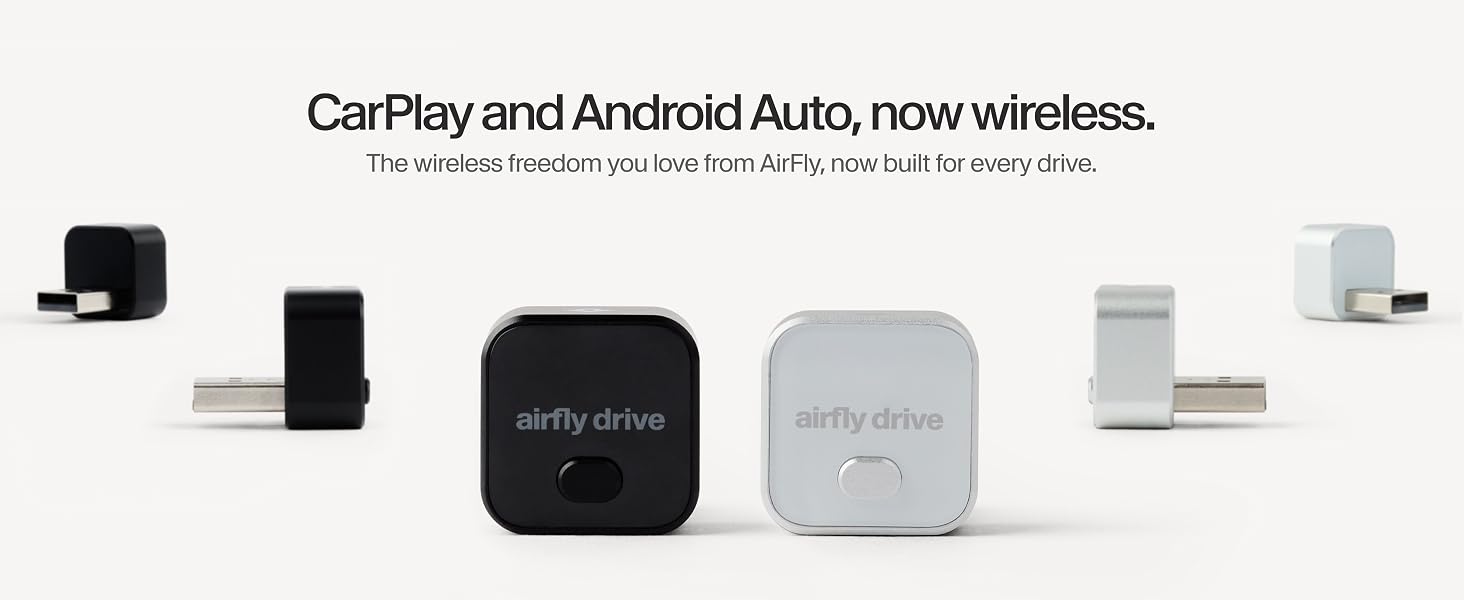
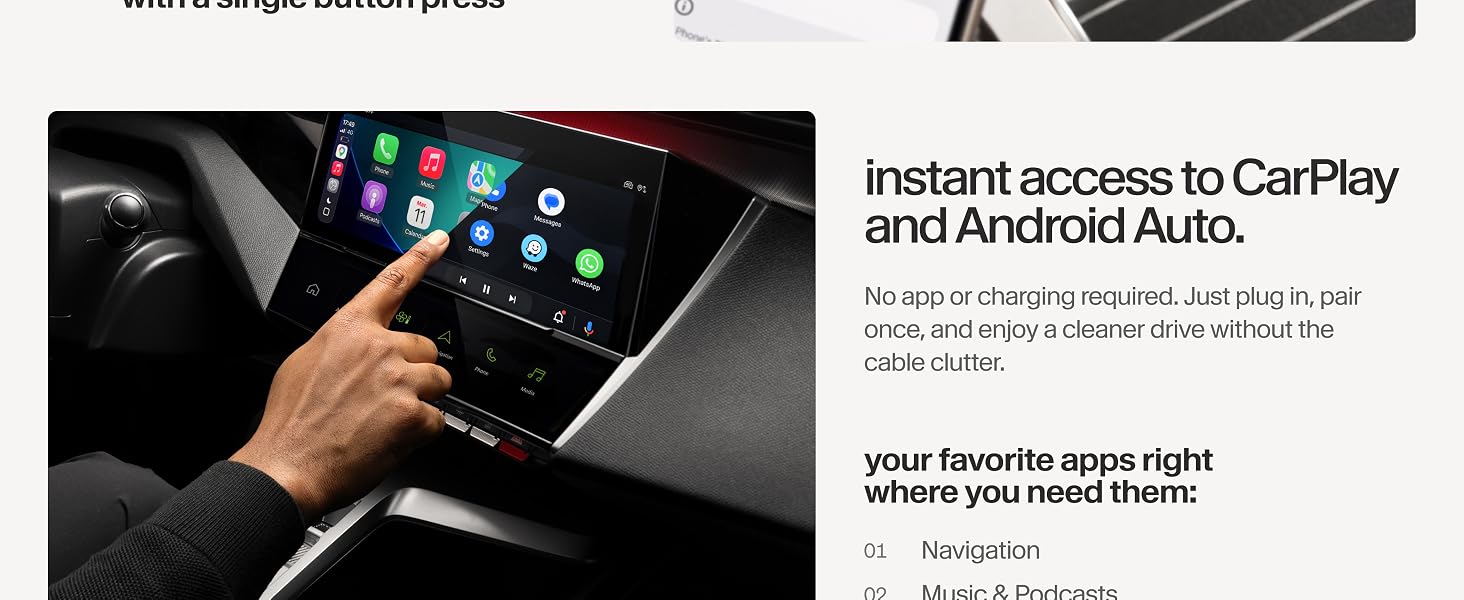
- DRIVE WITHOUT PLUGGING IN: Turn your car's factory-wired CarPlay or Android Auto fully wireless. Compatible with most factory-wired CarPlay/Android Auto vehicles and your car's existing screen and controls.
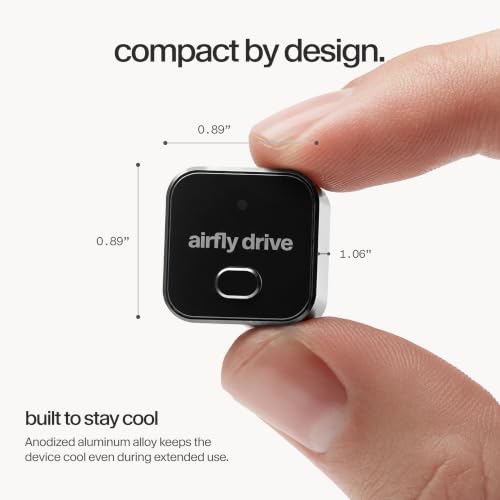
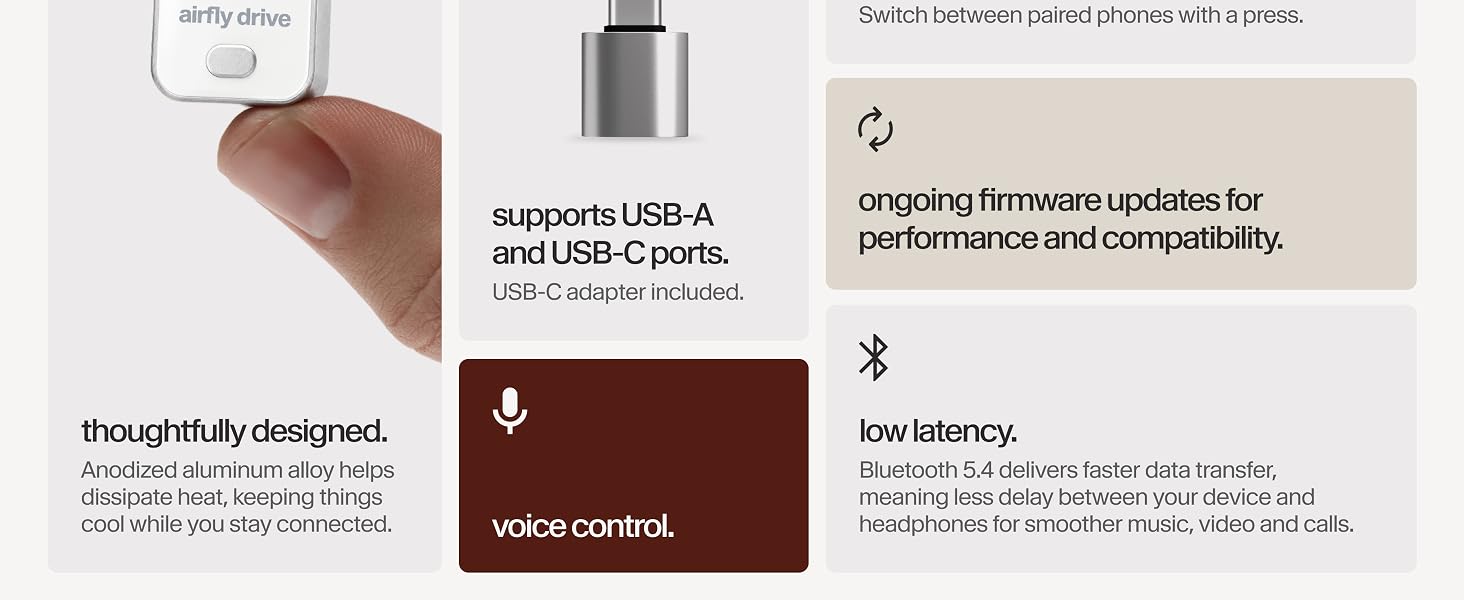
- COMPACT, CLUTTER-FREE DESIGN: Sleek aluminum construction with both USB-A and USB-C support fits neatly out of sight. Less cable clutter with no need to pull your phone from your pocket or bag.
- SET IT ONCE, READY EVERY DRIVE: Plug it in and leave it connected, no app, no reconfiguring. Automatic reconnection on ignition gets you moving faster, with one-press switching between two paired phones and ongoing compatibility updates included.
- RELIABLE CONNECTION, NO COMPROMISES: Engineered to stay cool and maintain a stable wireless link, so you get smooth audio and maps without overheating or dropped connections
- FROM THE MAKERS OF AIRFLY: The #1 bestselling bluetooth adapter on Amazon, AirFly Drive is backed by the same quality, reliability, and support you expect from Twelve South.
Does AirFly Drive need an app to work?
No, AirFly Drive is a plug and play wireless CarPlay and Android Auto adapter. Plug it into your car’s USB port, pair your phone once, and you’re done. No app, no account, no setup screens.
Which port do I plug AirFly Drive into?
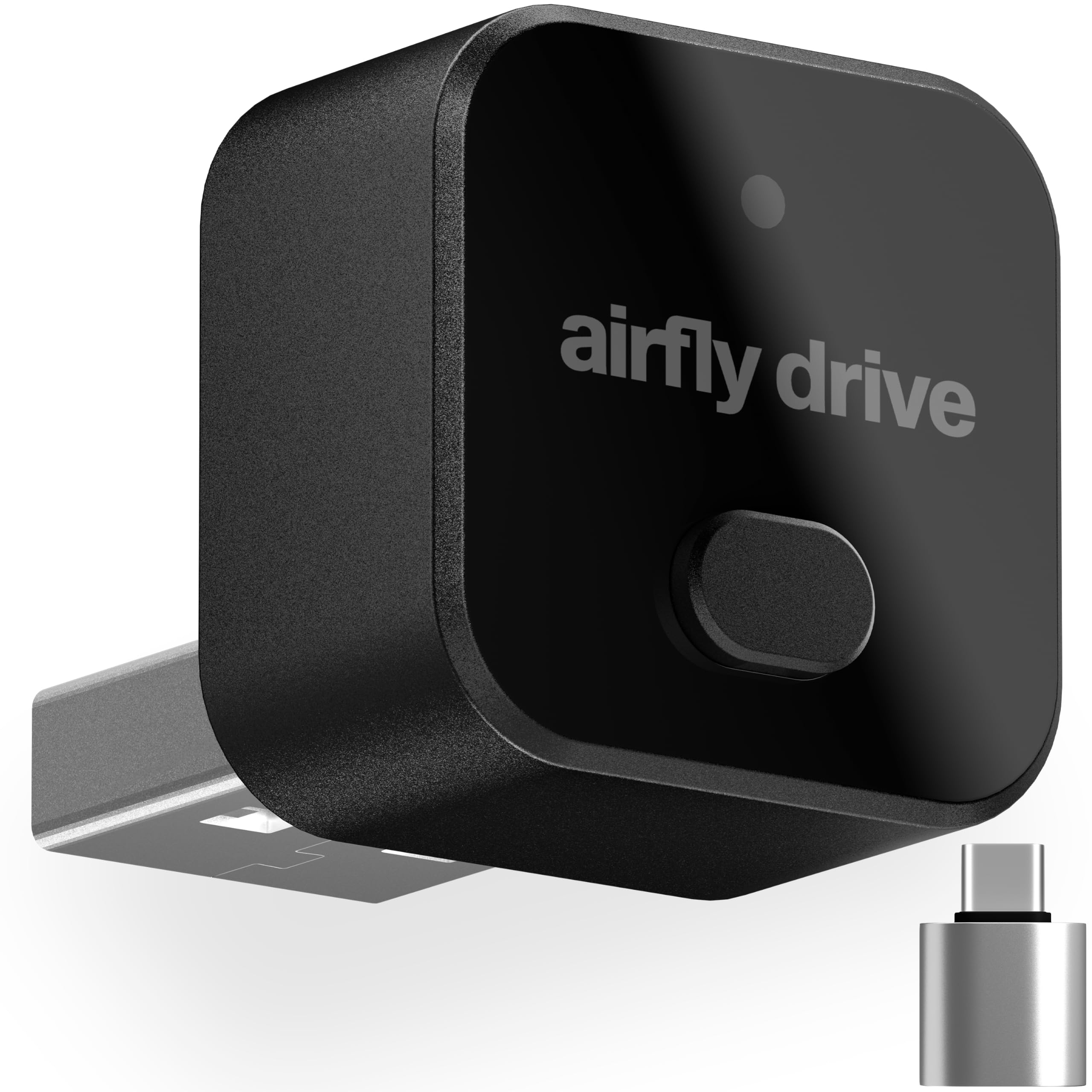
Plug AirFly Drive into your car's CarPlay/Android Auto media port, not a charge-only port. It's USB-A by default, but use the included USB-A to USB-C adapter if your car's port is USB-C instead.
Will AirFly Drive work with my car?
Plug your phone into your car's USB port with a cable. If CarPlay or Android Auto opens on the screen, AirFly Drive will work. If nothing happens, your car doesn't have factory CarPlay/Android Auto, and no adapter can add it.
My AirFly Drive won't pair. What should I do?
Go to your phone's Bluetooth settings, forget your car, then plug in AirFly Drive and follow the prompts. If there is no setup screen, try the other USB port. To confirm it's connected, check your phone's Wi-Fi settings for "AirFly Drive".
Why is my AirFly Drive taking multiple tries to pair?
Older phones can take a few extra seconds for the Bluetooth handshake, just wait and try again. Audi vehicles often need a couple of extra attempts too, a known Audi behavior, not specific to AirFly Drive.
The Twelve South Collection: Made to Simplify Everyday Life
| Add to Cart Add to Cart Add to Cart Add to Cart Add to Cart Add to Cart | |||||||
| Best For | Air travel, gym, and gaming | Wireless travel charging | All-day portable power | Cable-free charging | Desk cable management | 3-in-1 Charging Station | Compact & Foldable Stand |
| Works with | Headphones or earbuds | Phones, watches & earbuds | Qi2 & MagSafe Phones | Qi2 & MagSafe Phones | Any USB-C device up to 60W | Phones, watches & earbuds | Qi2 & MagSafe Phones |
| Travel Ready | ✔ | ✔ | ✔ | ✔ | ✔ | ✔ | ✔ |
| Qi2 & MagSafe Compatible | ✘ | ✔ | ✔ | ✔ | ✘ | ✔ | ✔ |
| USB-C Compatible | ✘ | ✔ | ✔ | ✔ | ✔ | ✔ | ✘ |

| SKU: | B0HHGDWZB3 |
| Weight: | 0.01 kg |
| Dimensions: | 1.3 x 0.89 x 1.06 inches |
| Brand: | Twelve South |
| Model: | TS-26114 |
| Colour: | Black |
| Manufacture: | Twelve South |
| Colour: | Black |
Product description
Does AirFly Drive need an app to work?
No, AirFly Drive is a plug and play wireless CarPlay and Android Auto adapter. Plug it into your car’s USB port, pair your phone once, and you’re done. No app, no account, no setup screens.
Which port do I plug AirFly Drive into?
Plug AirFly Drive into your car’s CarPlay/Android Auto media port, not a charge-only port. It’s USB-A by default, but use the included USB-A to USB-C adapter if your car’s port is USB-C instead.
Will AirFly Drive work with my car?
Plug your phone into your car’s USB port with a cable. If CarPlay or Android Auto opens on the screen, AirFly Drive will work. If nothing happens, your car doesn’t have factory CarPlay/Android Auto, and no adapter can add it.
My AirFly Drive won’t pair. What should I do?
Go to your phone’s Bluetooth settings, forget your car, then plug in AirFly Drive and follow the prompts. If there is no setup screen, try the other USB port. To confirm it’s connected, check your phone’s Wi-Fi settings for “AirFly Drive”.
Why is my AirFly Drive taking multiple tries to pair?
Older phones can take a few extra seconds for the Bluetooth handshake, just wait and try again. Audi vehicles often need a couple of extra attempts too, a known Audi behavior, not specific to AirFly Drive.
The Twelve South Collection: Made to Simplify Everyday Life
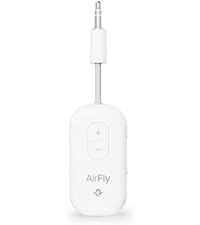 AirFly Pro 2 | 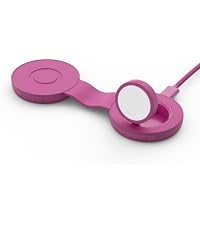 Butterfly SE Frost | 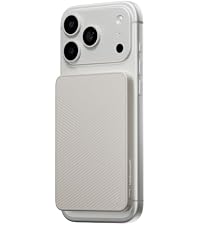 PowerCapsule (5000mAh) | 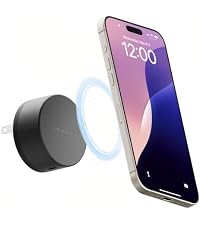 PowerBug (35W) | 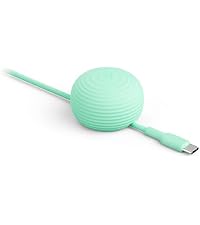 CableStay Weighted Anchor | 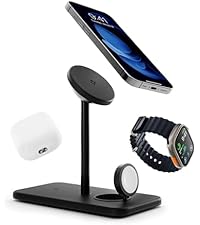 HiRise 3 Deluxe MagSafe | 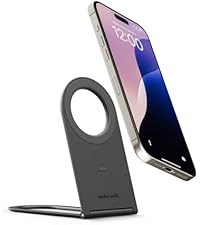 Curve Nano MagSafe | |
|---|---|---|---|---|---|---|---|
| Best For | Air travel, gym, and gaming | Wireless travel charging | All-day portable power | Cable-free charging | Desk cable management | 3-in-1 Charging Station | Compact & Foldable Stand |
| Works with | Headphones or earbuds | Phones, watches & earbuds | Qi2 & MagSafe Phones | Qi2 & MagSafe Phones | Any USB-C device up to 60W | Phones, watches & earbuds | Qi2 & MagSafe Phones |
| Travel Ready | ✔ | ✔ | ✔ | ✔ | ✔ | ✔ | ✔ |
| Qi2 & MagSafe Compatible | ✘ | ✔ | ✔ | ✔ | ✘ | ✔ | ✔ |
| USB-C Compatible | ✘ | ✔ | ✔ | ✔ | ✔ | ✔ | ✘ |