TobenONE 19-in-1 Laptop Docking Station Dual Monitor,10 USB
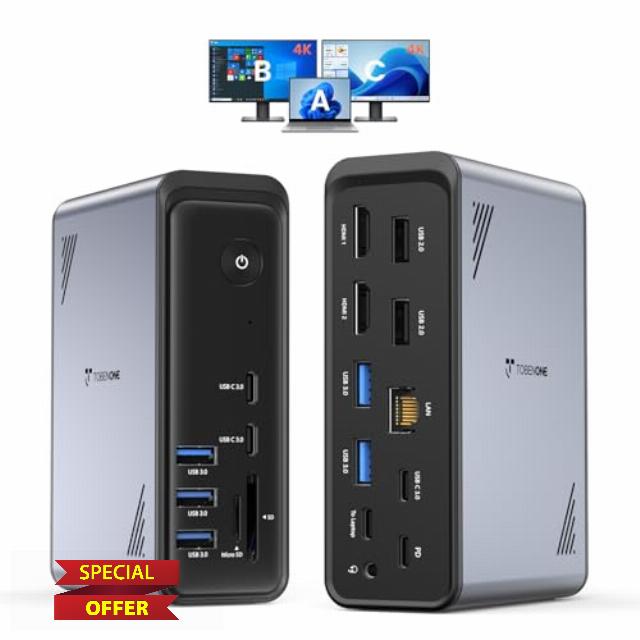
TobenONE 19-in-1 Laptop Docking Station Dual Monitor,10 USB C/A,2×4K HDMI Docking Station with Ethernet,PD 3.0, for Office & Home Multi-Screen Users, Fits Windows/HP/Dell Laptops (No Power Adapter)
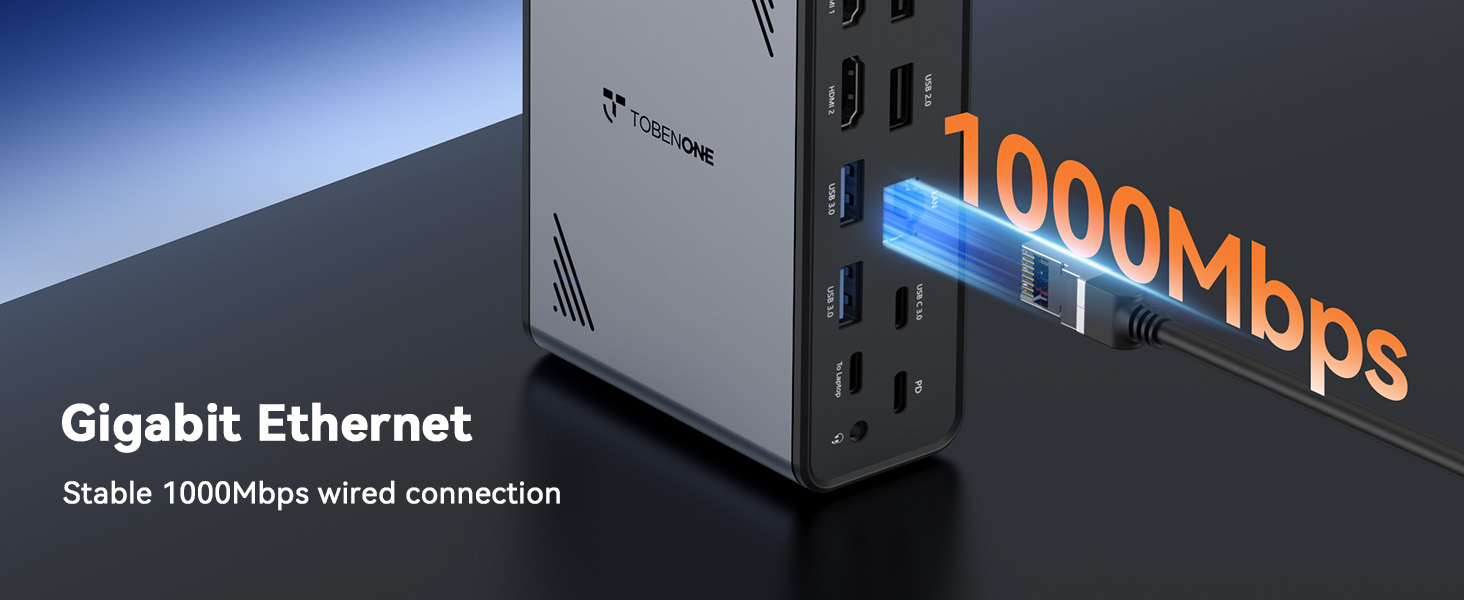
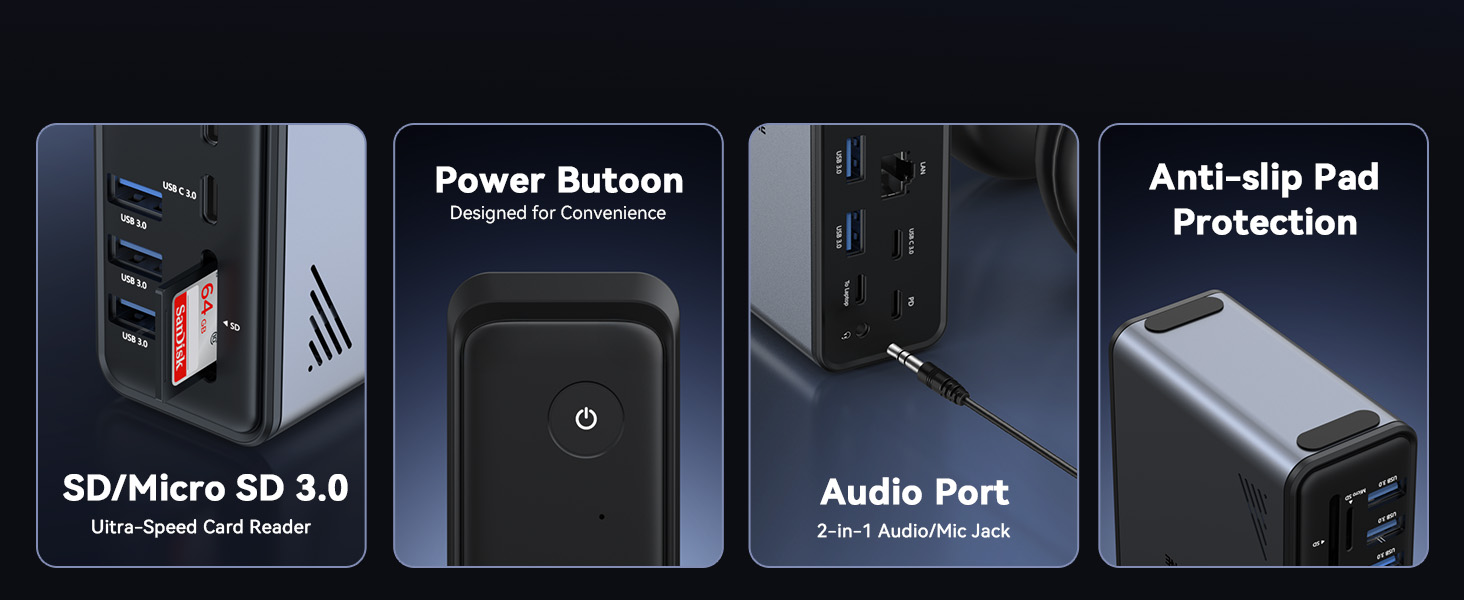
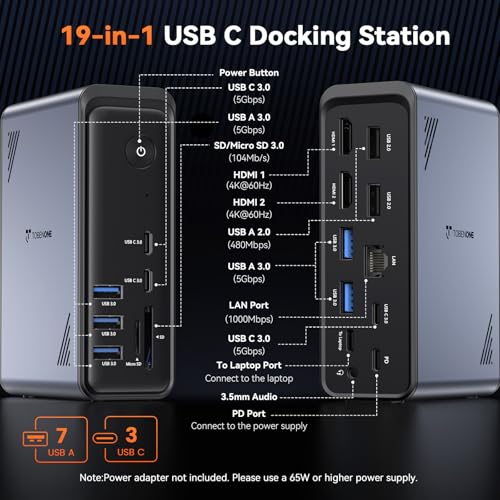
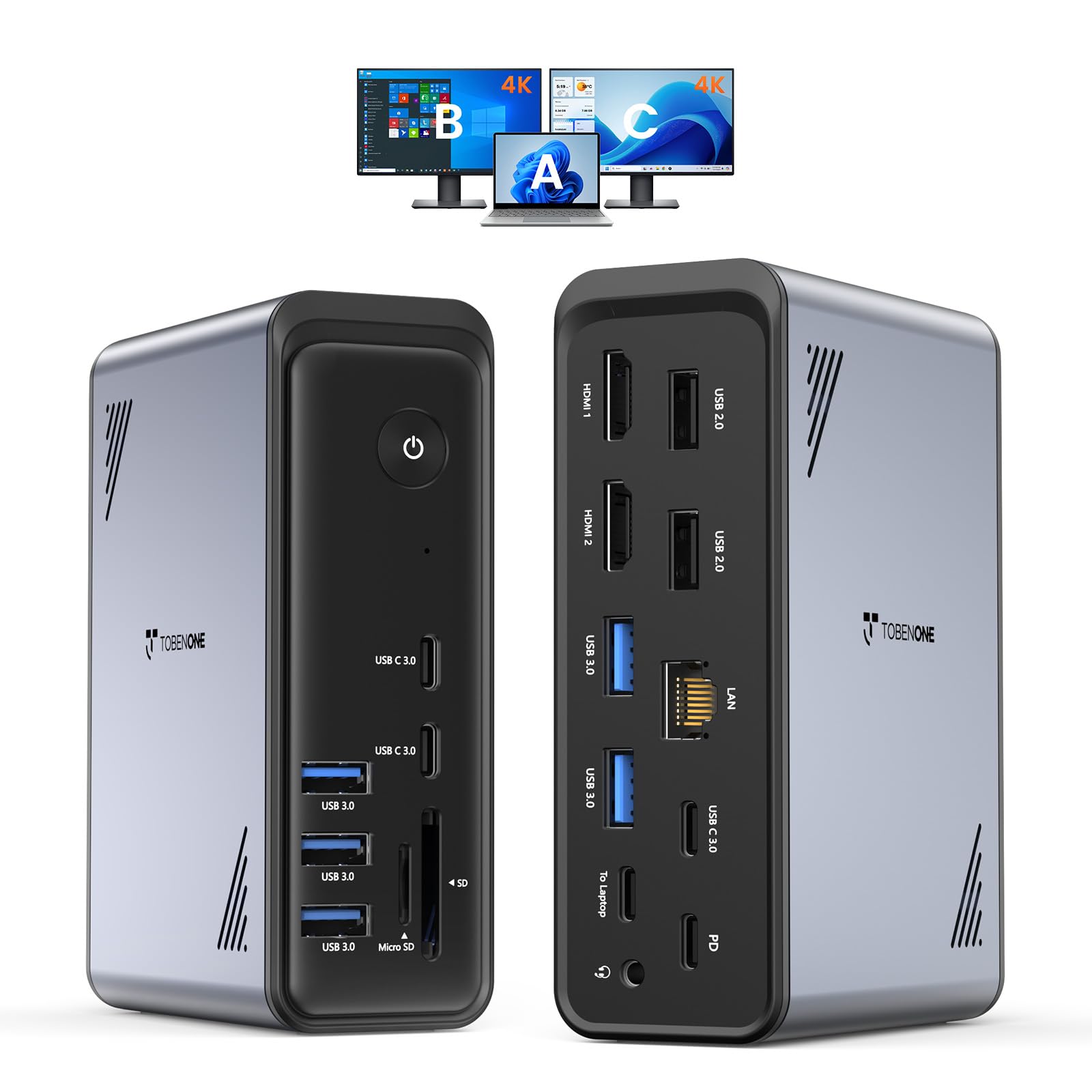
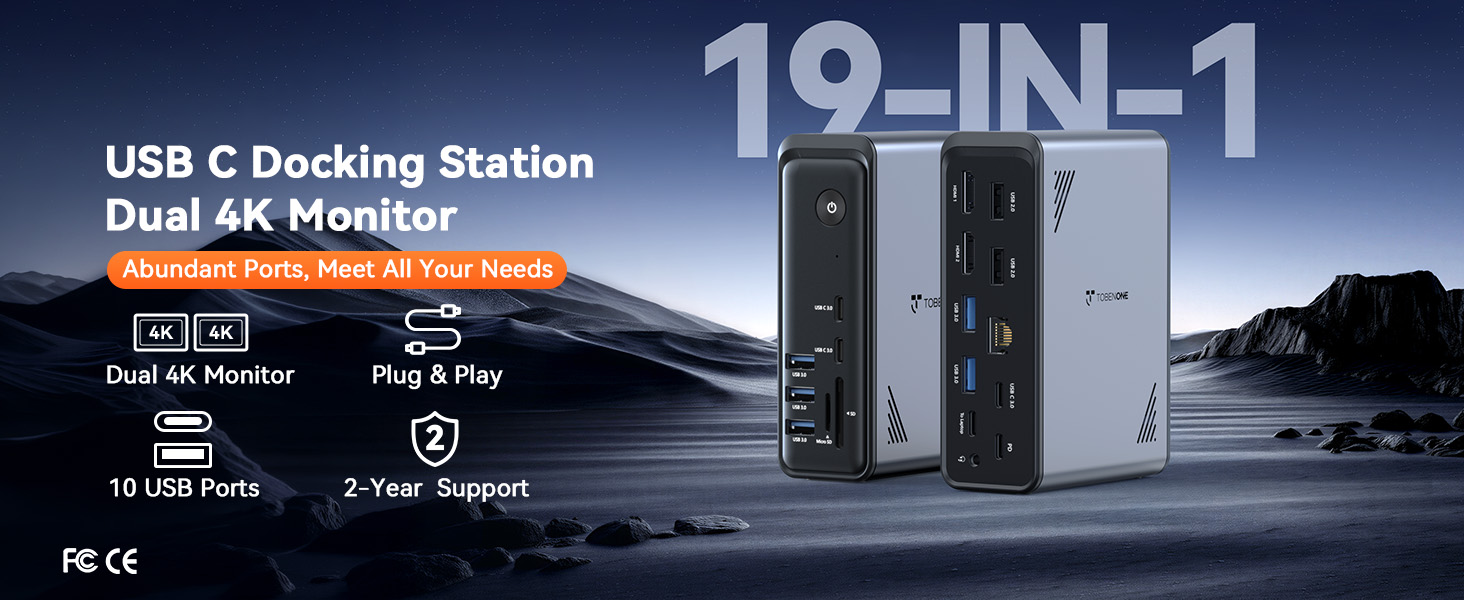
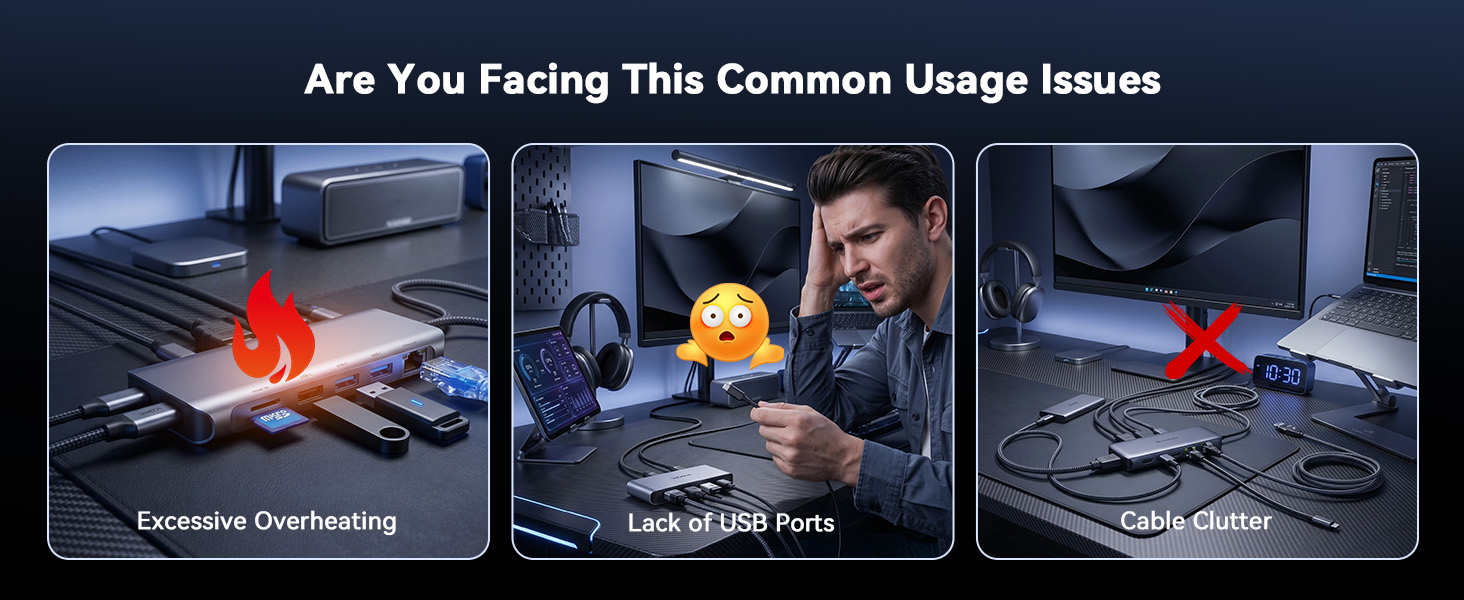
- – – :The TobenONE laptop docking station packs 19 ports into one compact device—10 USB ports, 2 HDMI outputs, PD charging, Host port, Gigabit Ethernet, SD/MicroSD card slots and a 3.5mm audio jack; one single USB-C cable links your laptop to the dock and activates all ports at once, turning your laptop into a fully loaded workstation without a nest of cables so you no longer need to repeatedly plug and unplug peripherals directly into your notebook, with all devices staying steadily connected to keep your desk neatly organized.
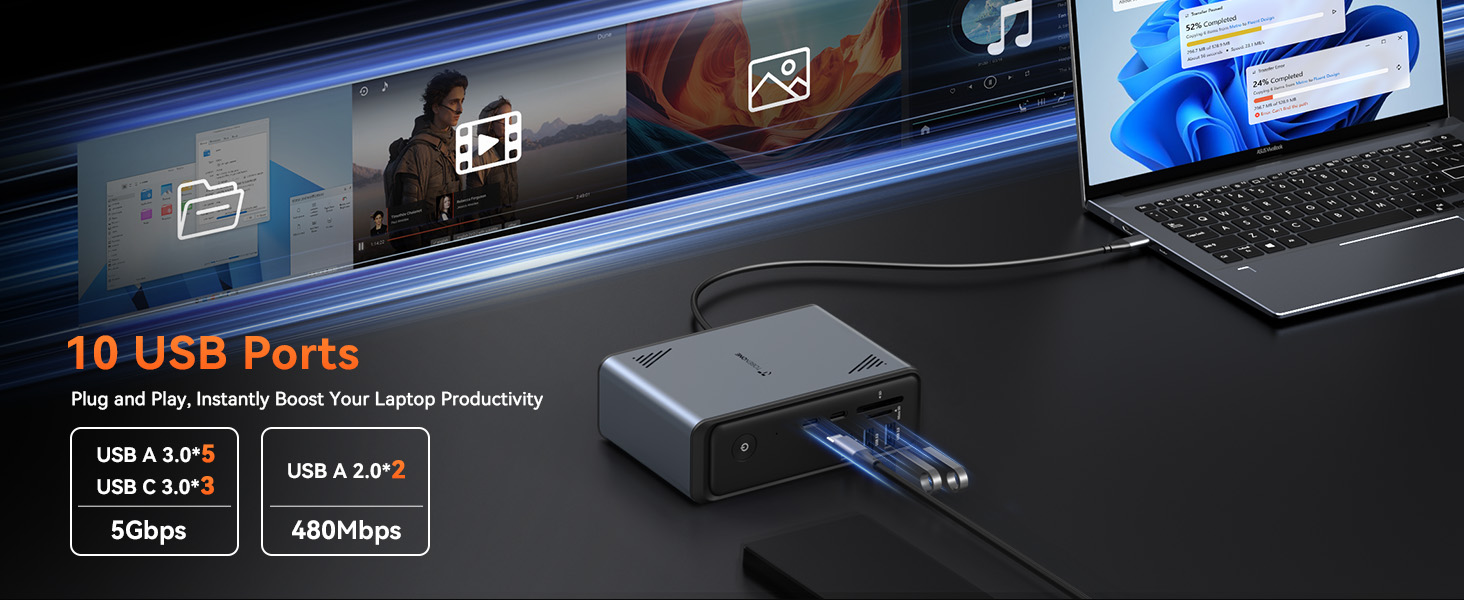
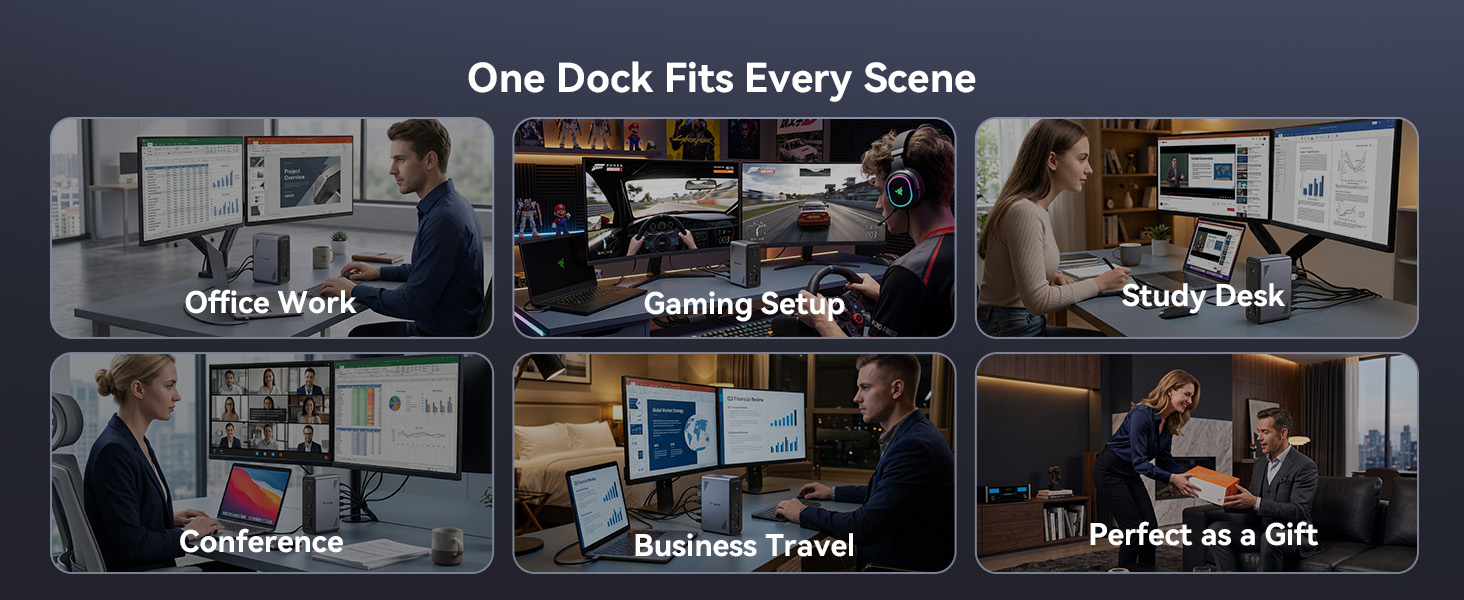
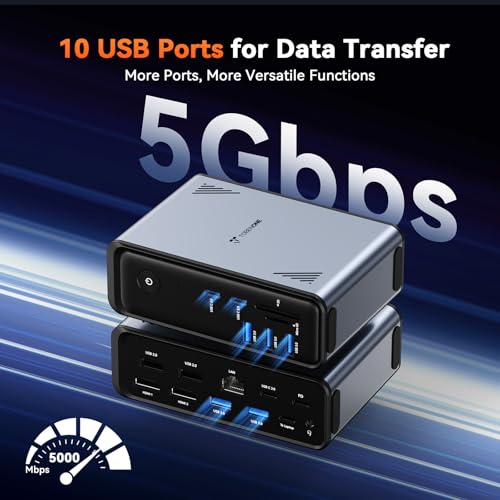
- – , :10 USB ports on the docking station itself mean your keyboard,mouse,external drive,printer,phone charger,drawing tablet,and more all stay plugged in at once.No more bending down to swap cables or unplugging one device to use another.File transfers run at 5Gbps,so moving large projects like 10GB 4K footage takes seconds instead of minutes.Perfect for busy professionals with tons of peripherals,students moving between dorms and libraries,content creators backing up footage on the fly,or anyone tired of reaching around their laptop every time they need another port.
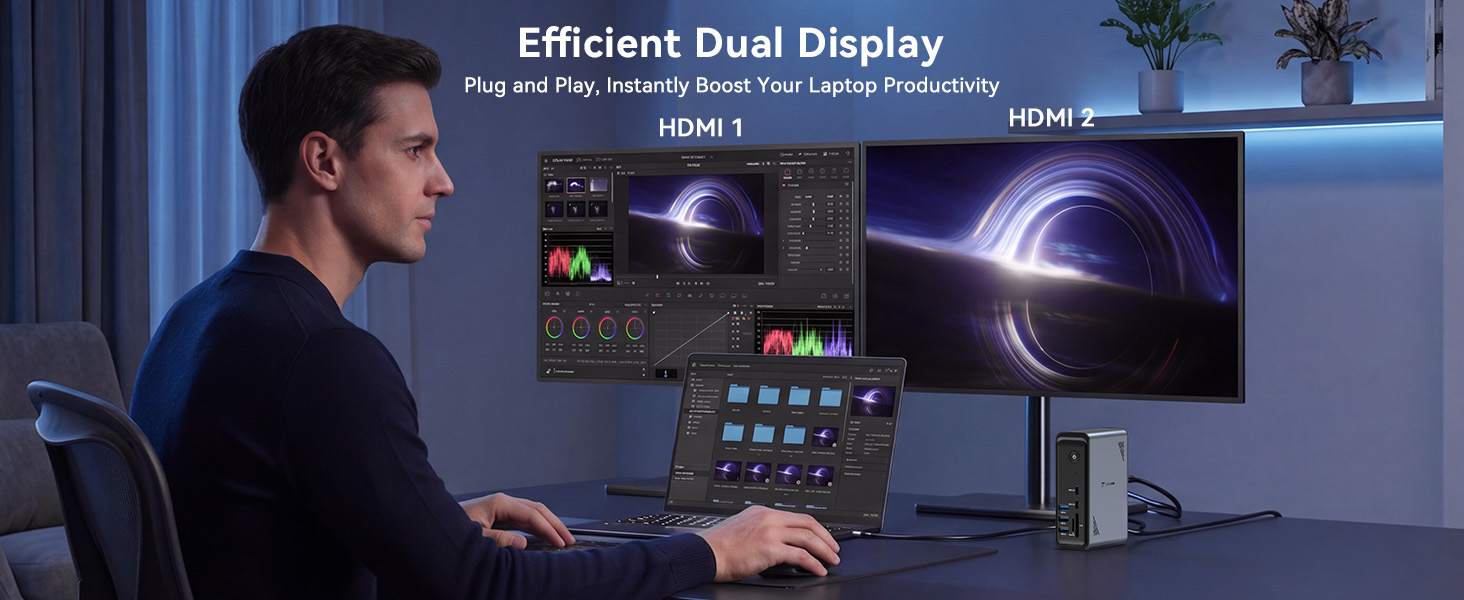
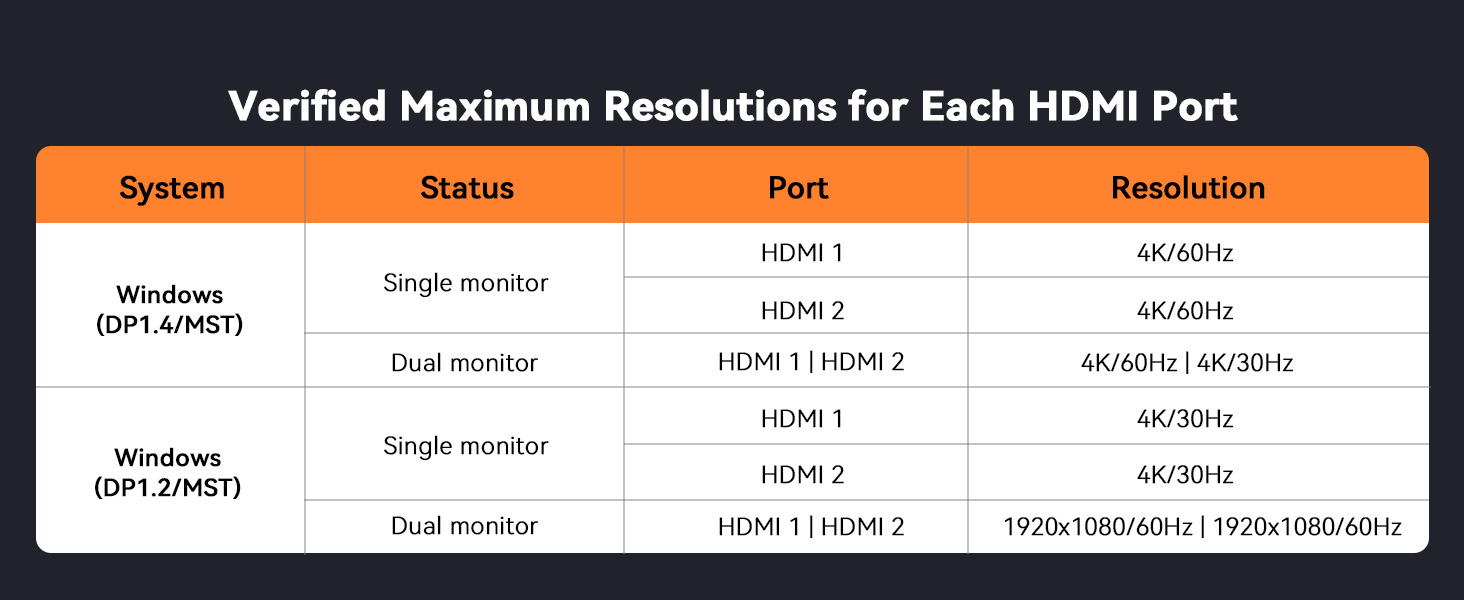
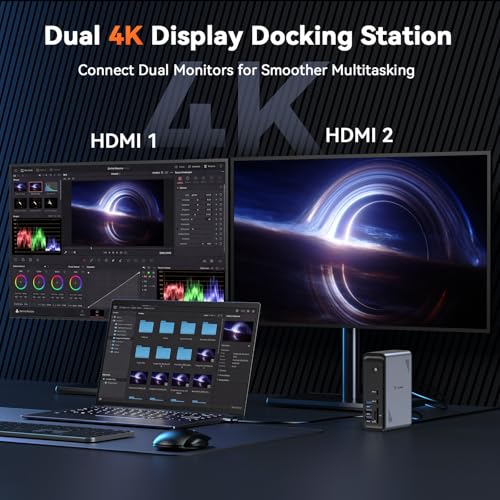
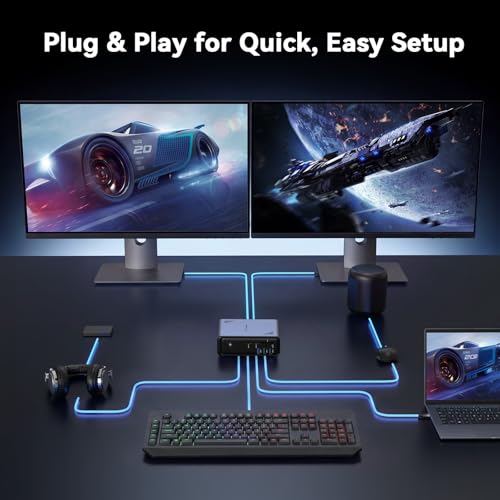
- – :This docking station dual monitor setup lets you connect two 4K displays for a true desktop experience.Plug and play—no drivers,no complicated setup, just connect and go.Perfect for remote workers juggling video calls and documents,designers reviewing layouts on a larger canvas,students comparing research across screens,or anyone who just wants more room to breathe.No more squinting at a single laptop display or constantly alt-tabbing between windows.
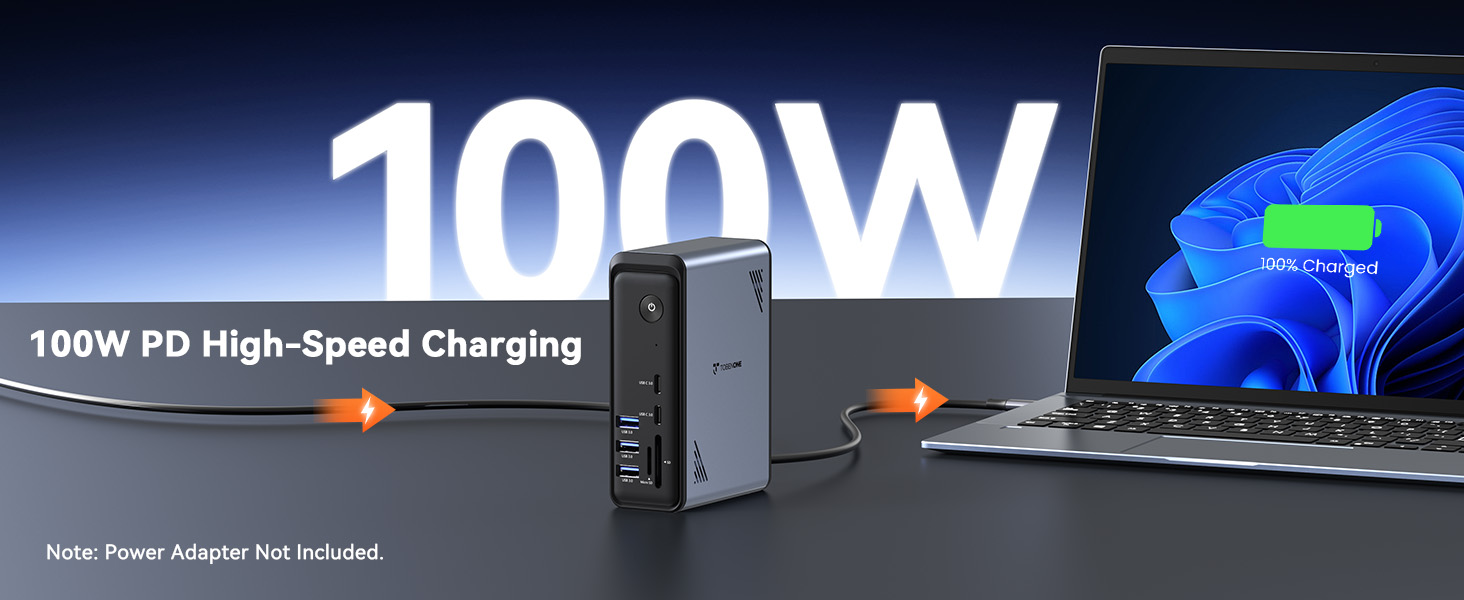
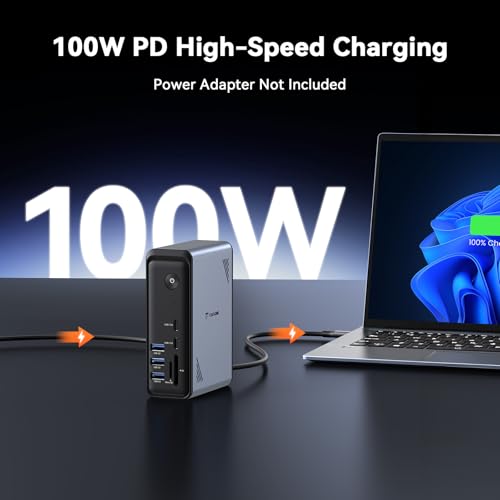
- – : 100 ( 65 , ).The PD port delivers up to 100W of charging power through a single USB-C cable to your laptop,so you no longer have to deal with draining battery mid-project.Simply plug it in when you sit down,and your laptop stays fully charged all day while all other ports keep functioning normally.It is perfectly suited for students switching between online classes,designers carrying out hours of rendering work,and anyone who forgets to check their battery until it’s nearly dead
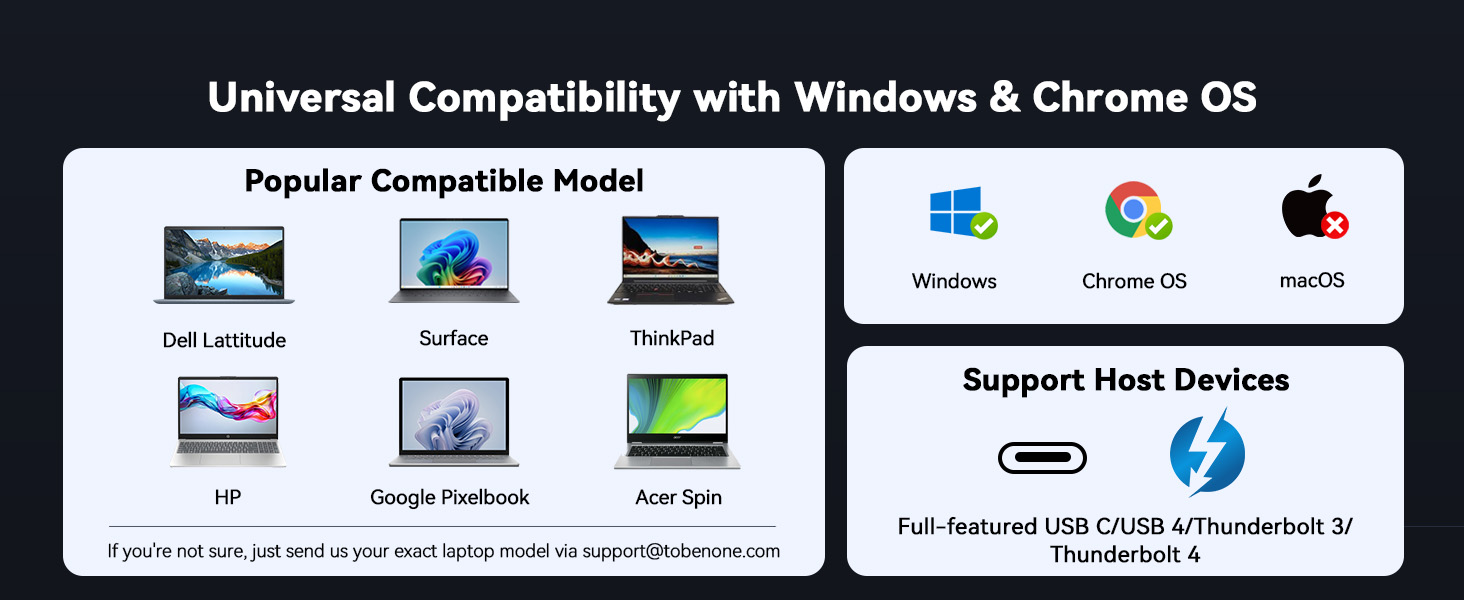
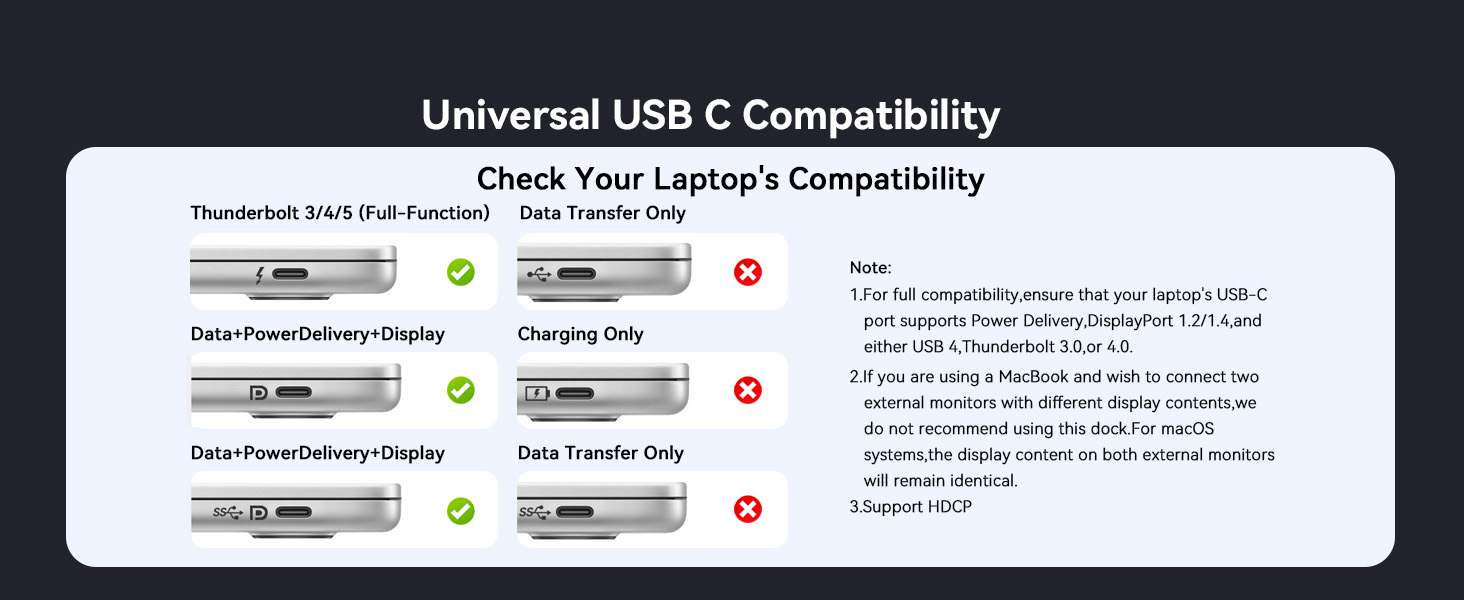
- & , :Designed for Windows and Chrome OS laptops with full-featured USB-C ports—Dell,Lenovo,HP,ThinkPad,and more.Plug in one cable and unlock all 19 ports without hunting for drivers or wrestling with compatibility settings.Your dual monitors come to life,Gigabit Ethernet delivers a stable internet connection,USB devices work instantly.Reliable expansion,day after day.
Does this laptop docking station include a power supply?
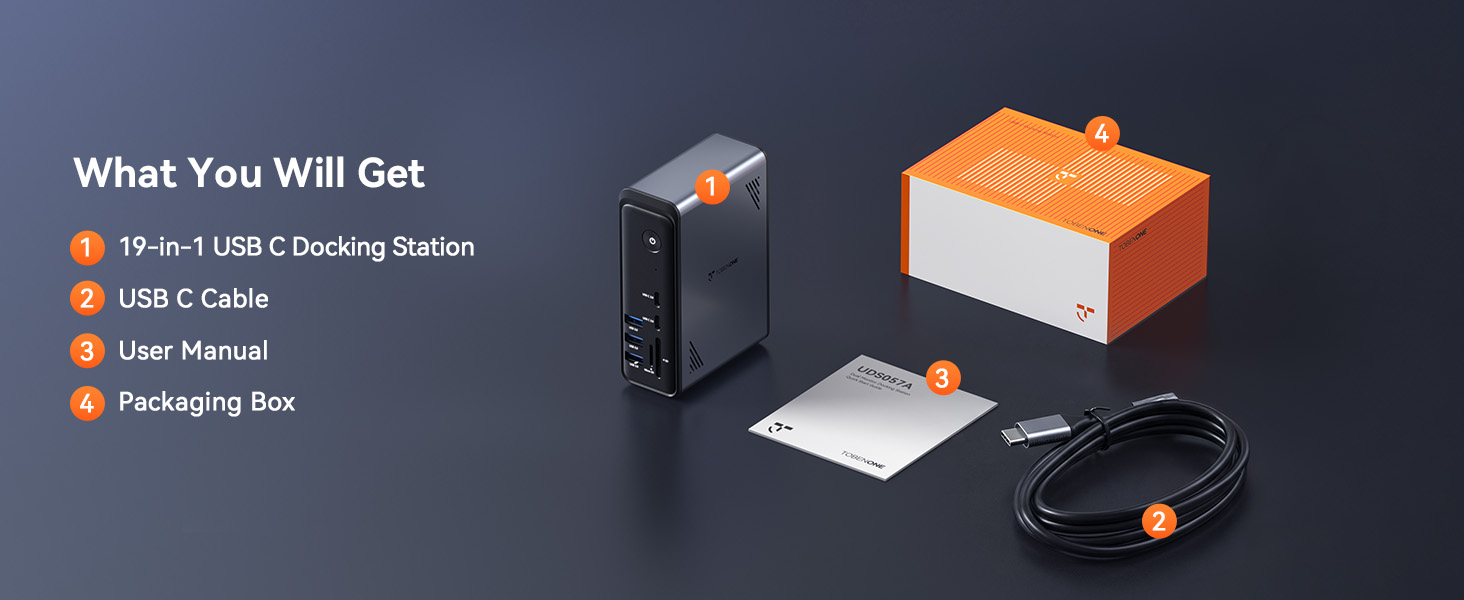
This dual-monitor docking station is sold without a power adapter. For optimal stable performance, use a USB‑C power adapter rated for more than 65W output.
Why does the laptop show a low-power alert?
Certain laptops adopt exclusive proprietary PD charging protocols. Low-voltage charging prompts may pop up when paired with a third-party charger, yet this notification does not interfere with regular device functionality.
Is driver software necessary for this USB-C docking station?
No drivers needed. It’s plug-and-play for Windows and Chrome OS, while it only supports one extended screen on macOS, so we don’t recommend it for Mac users needing multi-display setup.
How many USB ports does this docking station have in total?
It comes with 10 USB ports in total, including 6 USB 3.0 ports, 3 USB-C ports and 2 USB 2.0 ports, fully meeting your daily connection needs.
What's the maximum resolution for dual monitors via DP 1.4 on Windows laptops?
When connecting two displays through the dual HDMI ports, each monitor supports up to 4K resolution.

| SKU: | B0H1VSCNRF |
| Weight: | 10.88 ounces |
| Dimensions: | 4.9″L x 3.5″W x 1.6″H |
| Brand: | Tobenone |
| Model: | AEMUDS057A |
| Colour: | grey |
| Manufacture: | TobenONE |
| Colour: | grey |
Product description
Does this laptop docking station include a power supply?
This dual-monitor docking station is sold without a power adapter. For optimal stable performance, use a USB‑C power adapter rated for more than 65W output.
Why does the laptop show a low-power alert?
Certain laptops adopt exclusive proprietary PD charging protocols. Low-voltage charging prompts may pop up when paired with a third-party charger, yet this notification does not interfere with regular device functionality.
Is driver software necessary for this USB-C docking station?
No drivers needed. It’s plug-and-play for Windows and Chrome OS, while it only supports one extended screen on macOS, so we don’t recommend it for Mac users needing multi-display setup.
How many USB ports does this docking station have in total?
It comes with 10 USB ports in total, including 6 USB 3.0 ports, 3 USB-C ports and 2 USB 2.0 ports, fully meeting your daily connection needs.
What’s the maximum resolution for dual monitors via DP 1.4 on Windows laptops?
When connecting two displays through the dual HDMI ports, each monitor supports up to 4K resolution.