Soundcore Anker Liberty Buds 2 Noise Cancelling Wireless
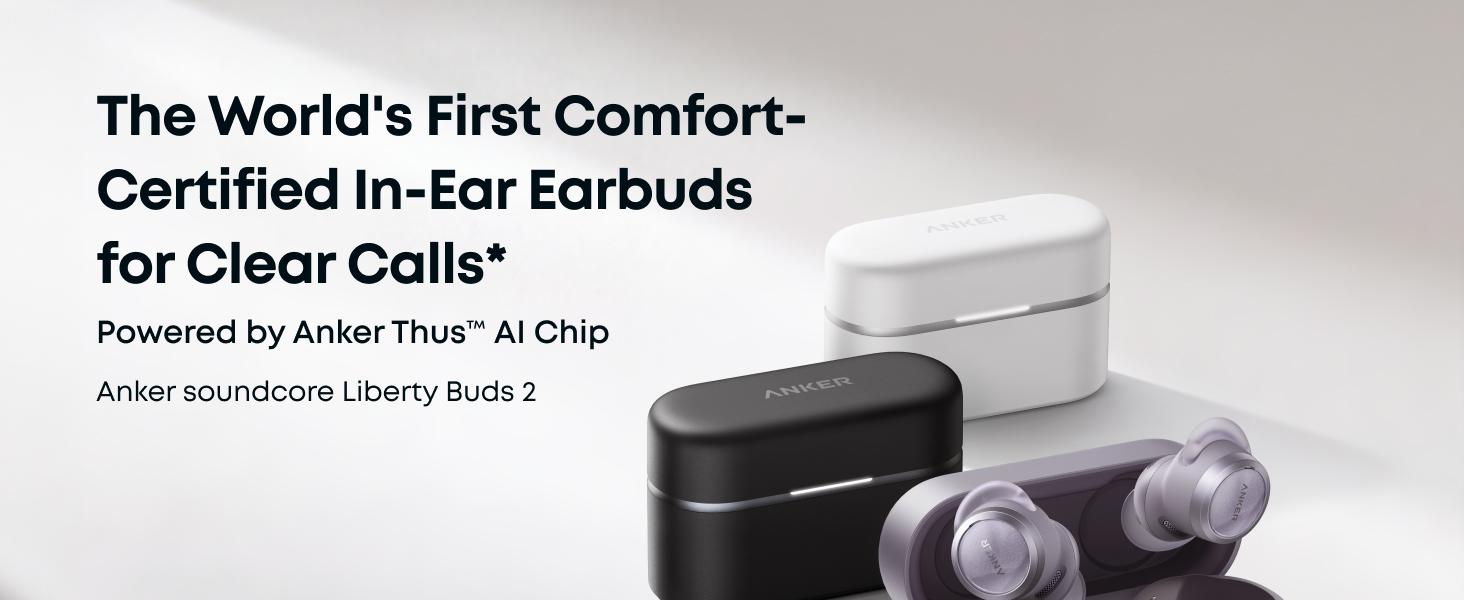
Soundcore Anker Liberty Buds 2 Noise Cancelling Wireless Earbuds 28H Playtime | Anker Thus™️ AI Chip, IP55, Clear Calls Anywhere, Adaptive ANC, 4.7g Ultra-Lightweight, Multipoint Connectio
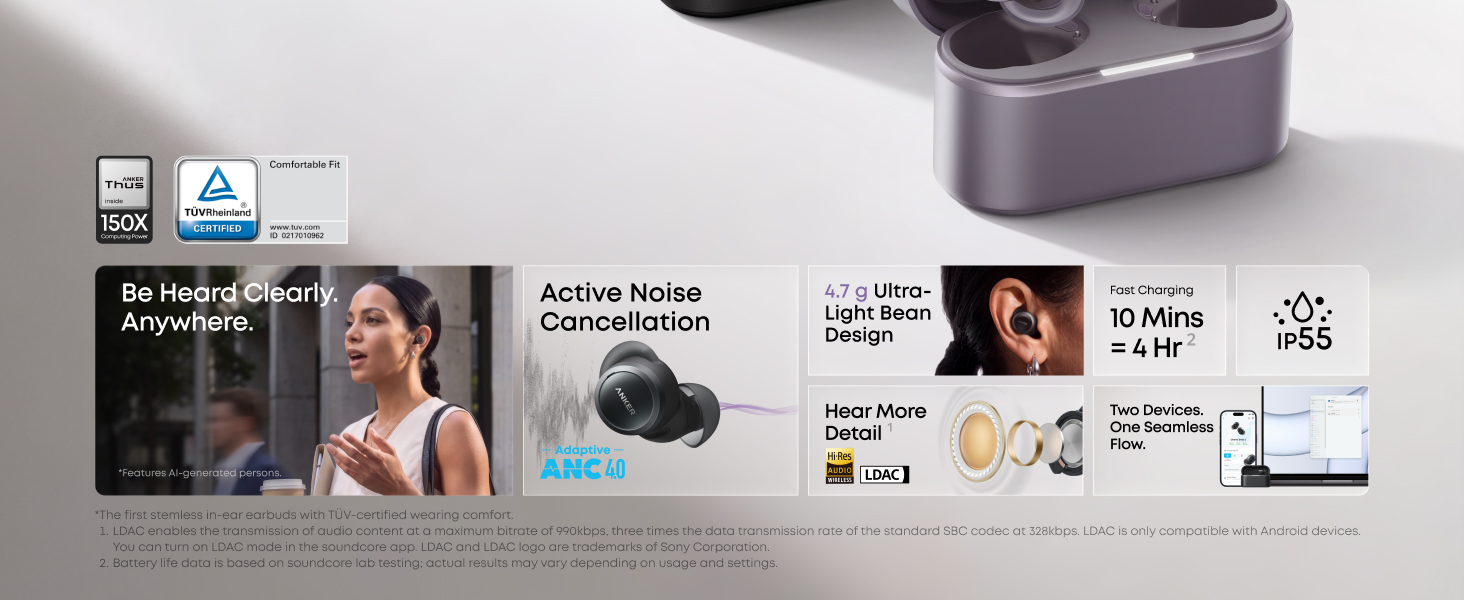
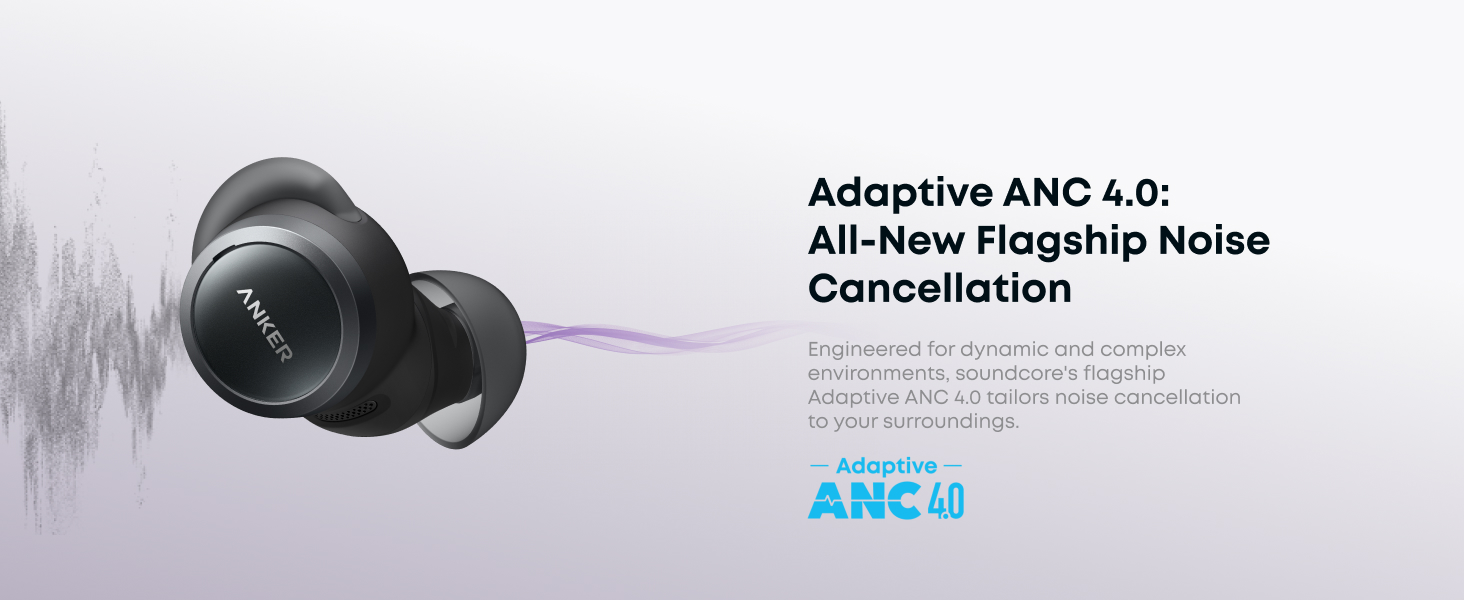
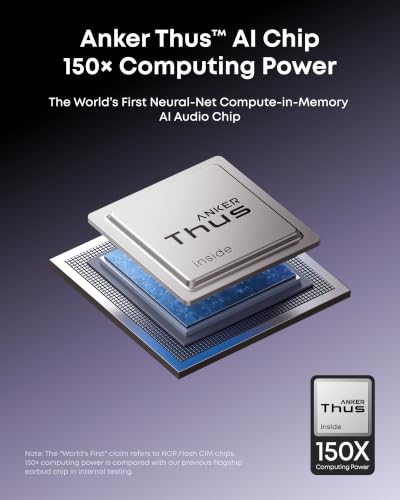
- Stay in the Zone with Pure Silence: Powered by Anker Thus AI Chip and a 6-sensor full-band ANC system, these earbuds cut through the noise to create space for deep focus and clear thinking anywhere.
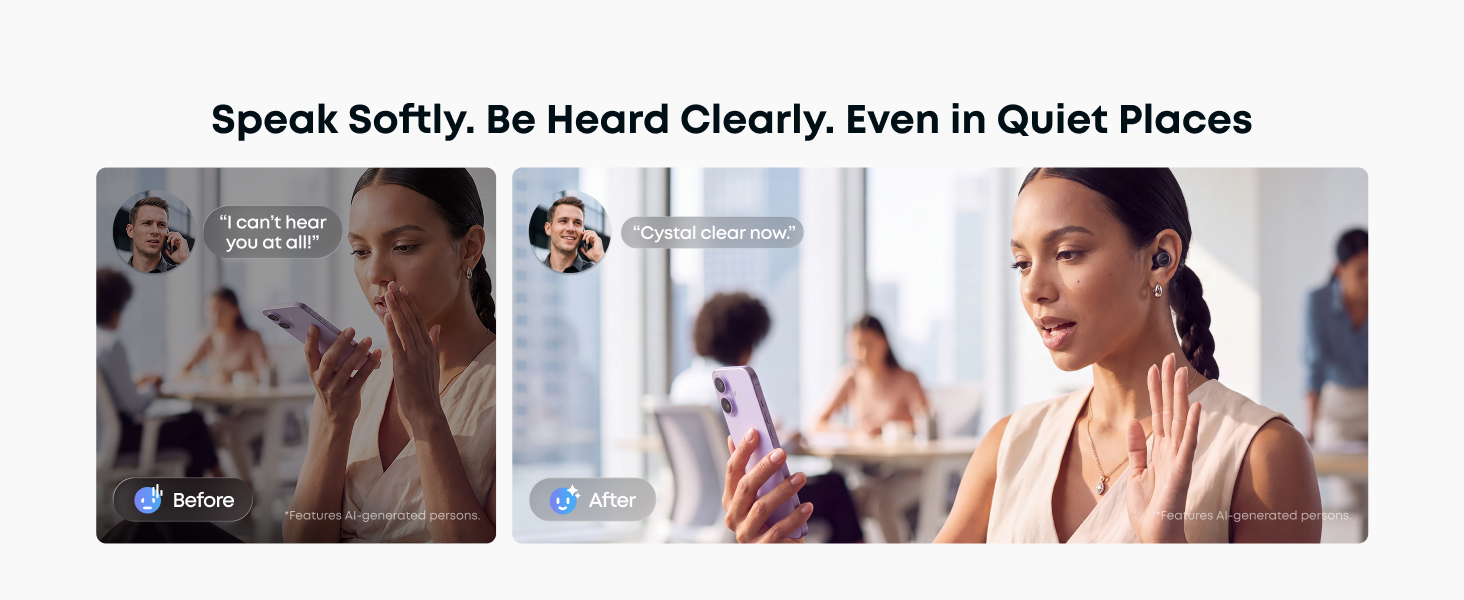
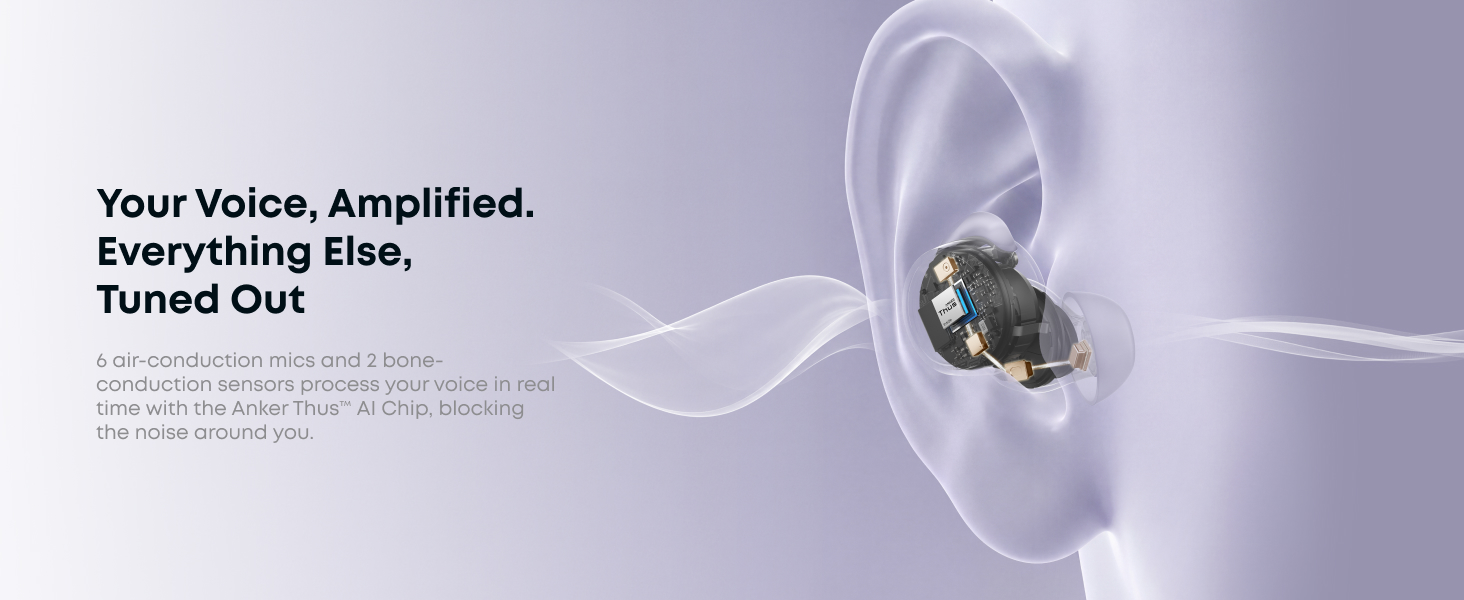
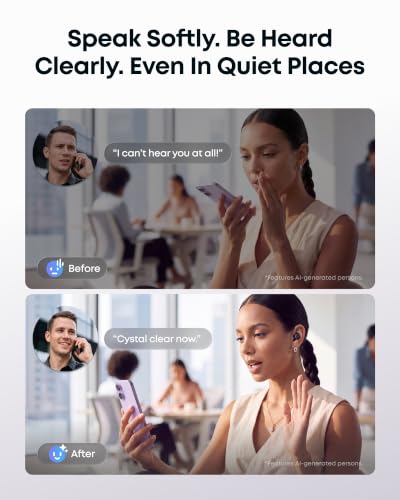
- No More Repeating in Calls: Thus AI and 8 sensors (3 mics + 1 bone-conduction sensor per bud) work together to isolate your speech, so your voice comes through with crystal clarity on every call.
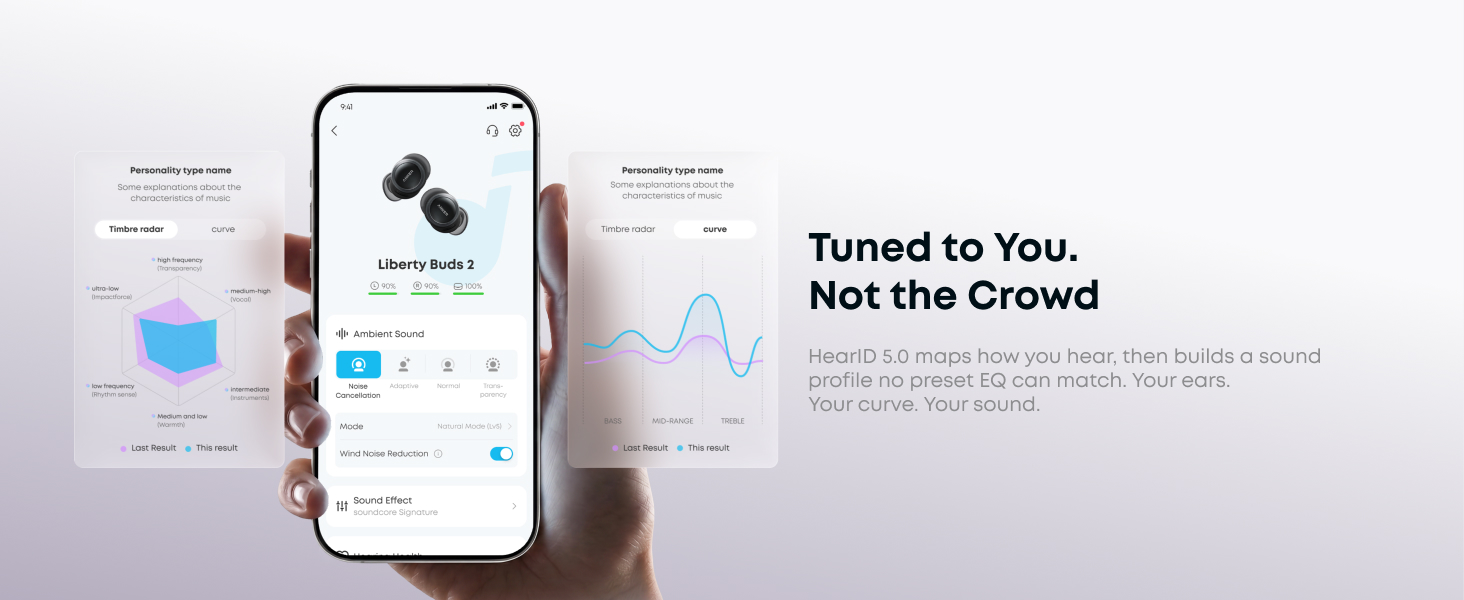
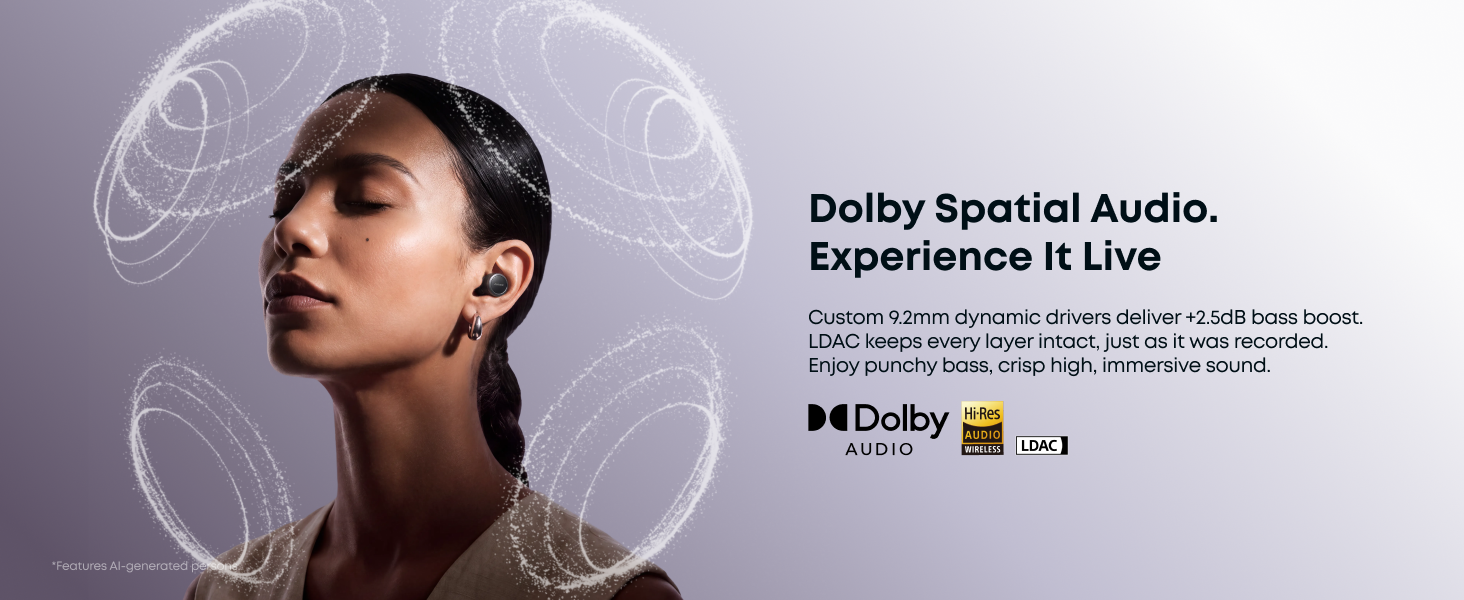
- Sound Tuned to You: Experience high-fidelity detail with 9.2mm dynamic drivers. HearID 5.0 analyzes your hearing profile, like a personal sound engineer for your ears.
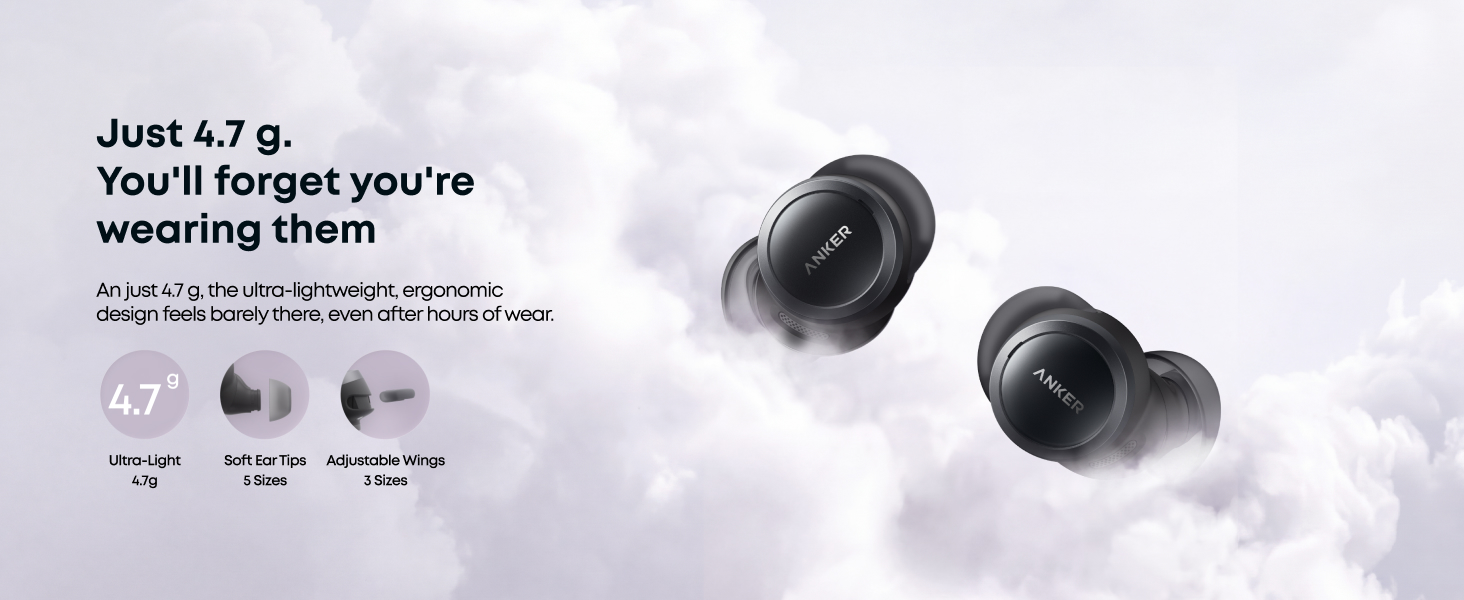
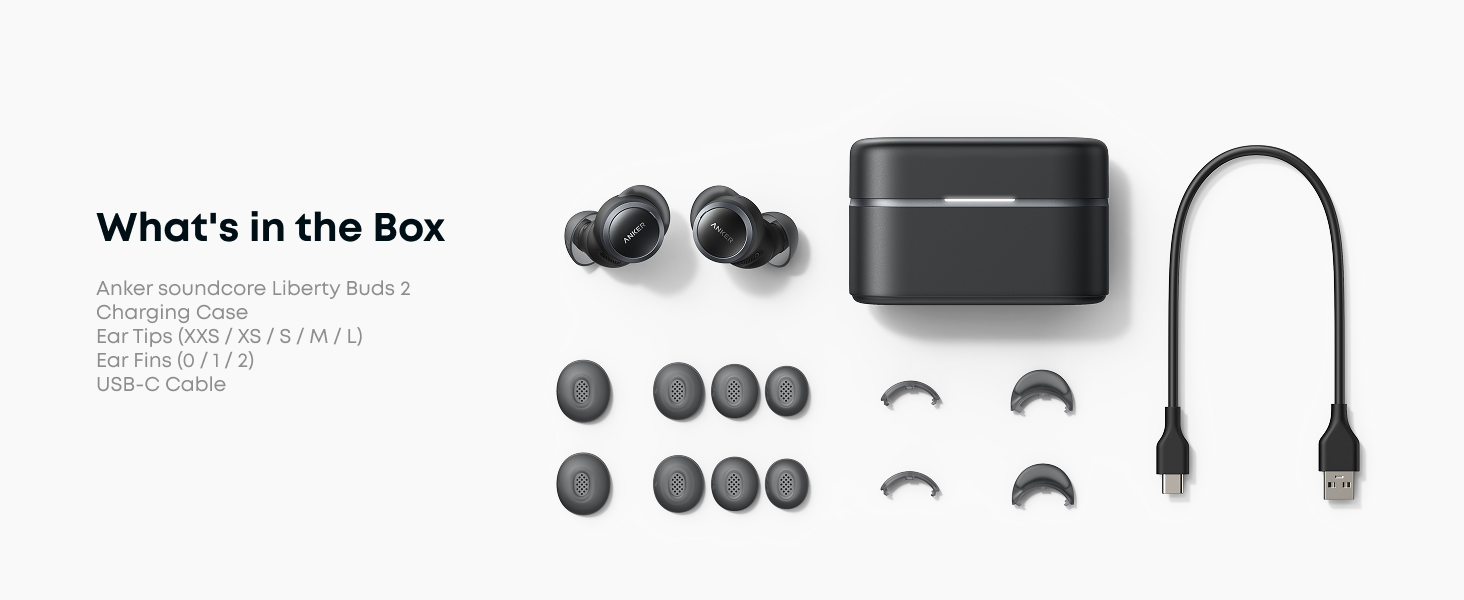
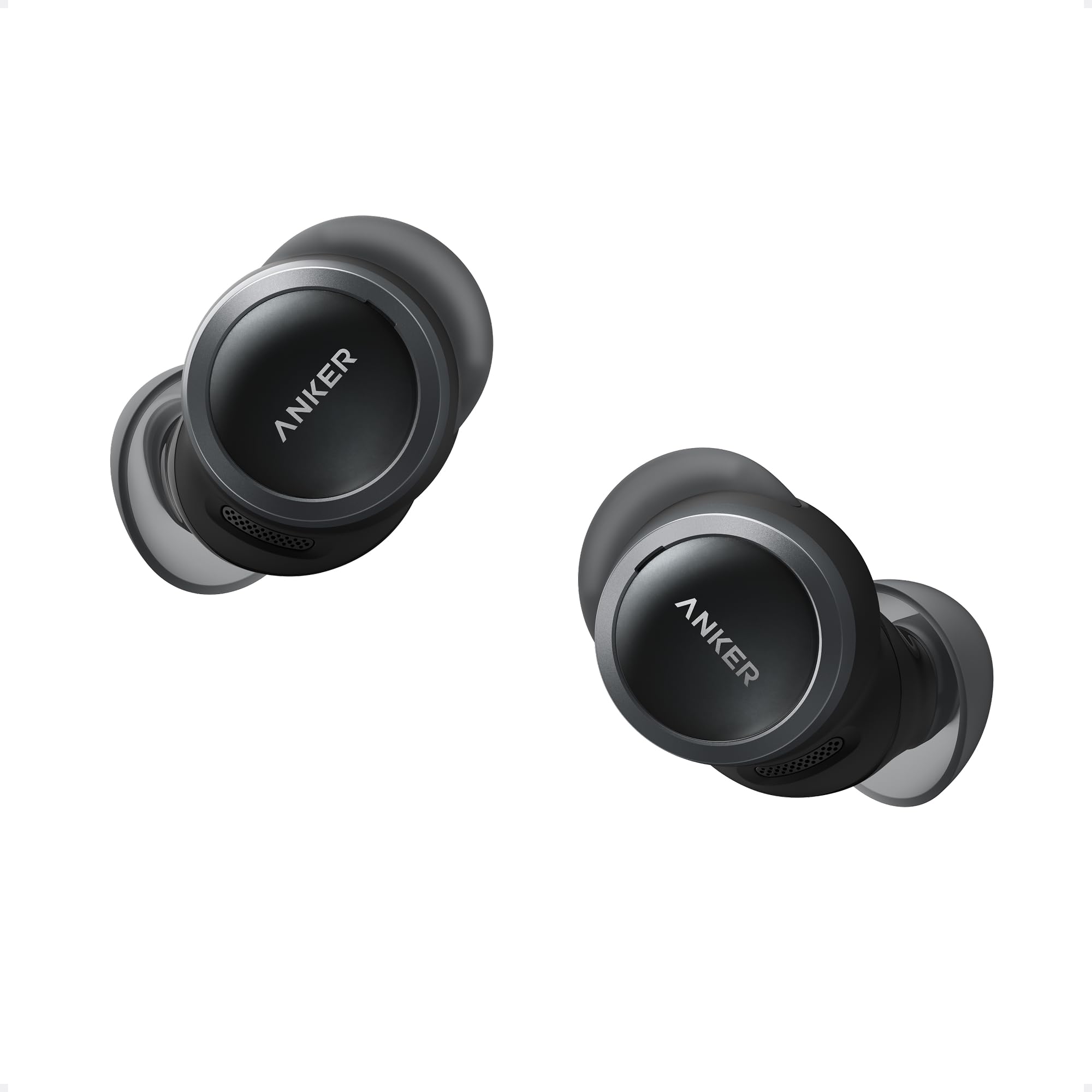
- All-Day Comfort, Barely-There Fit: At just 4.7 g, the ultra-light design delivers low-pressure comfort for all-day wear. Its sleek, unobtrusive profile stays comfortably in place.
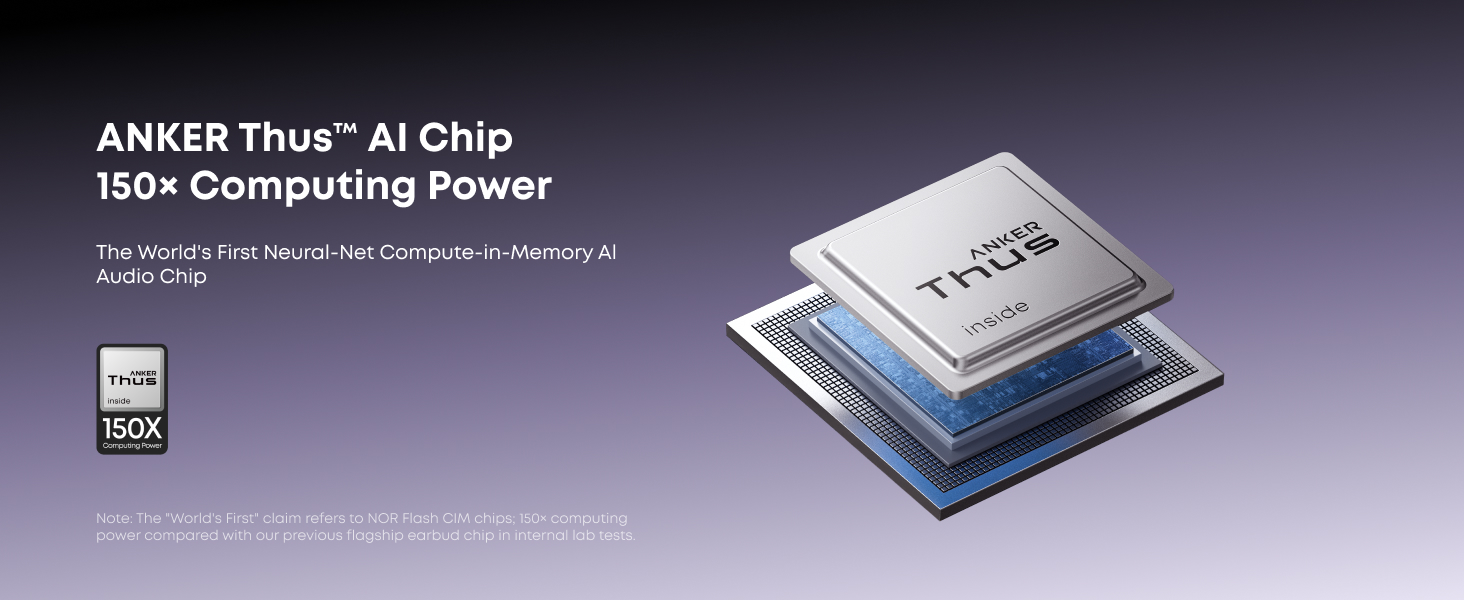
- Anker Thus AI Chip: The "World's First" claim refers to NOR Flash CIM chips. 150× computing power is compared with our previous flagship earbud chip in internal testing.
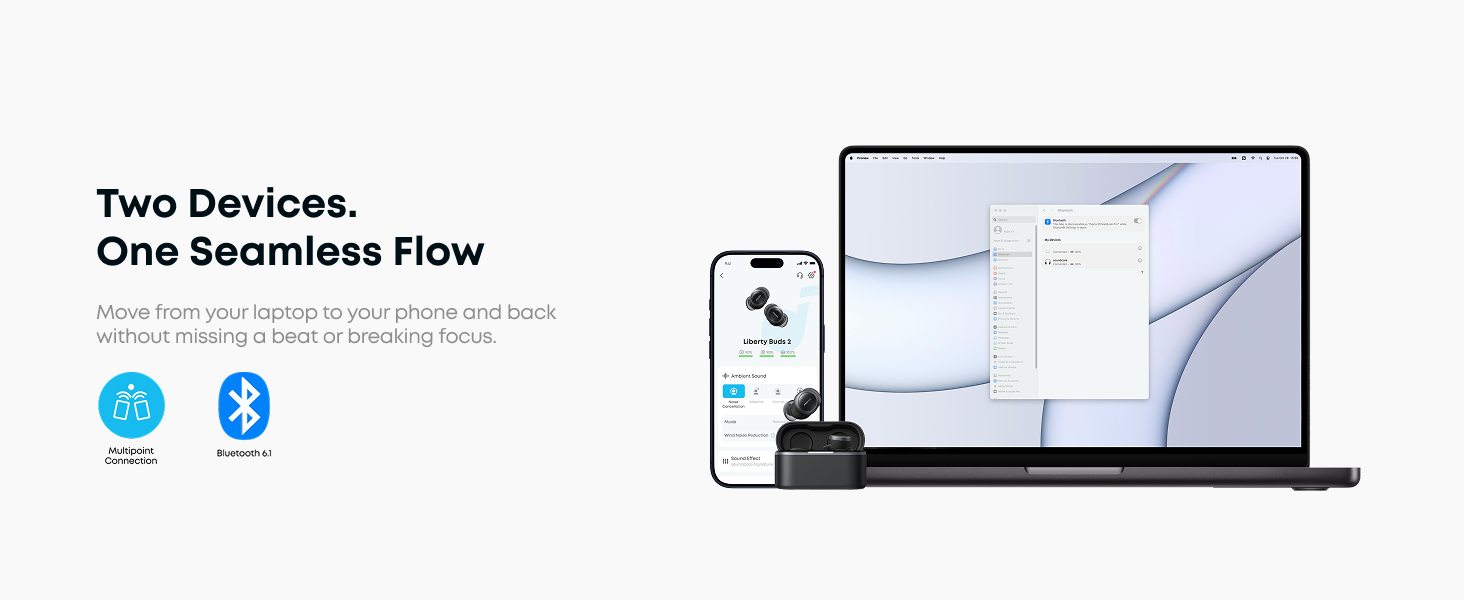
- soundcore App Support: Download the soundcore app for software updates and access to available features. Personalize your listening with HearID, EQ modes, Spatial Audio, and adjustable ANC settings. OTA firmware updates help keep your earbuds updated.
soundcore liberty Buds 2 earbuds
What should I do after connecting the Anker Liberty Buds 2 for the first time?
After pairing your Anker Liberty Buds, download the Anker soundcore app to update the firmware and enjoy the latest features, performance improvements, and a better overall experience
How long is the battery life of the Anker Liberty Buds 2?
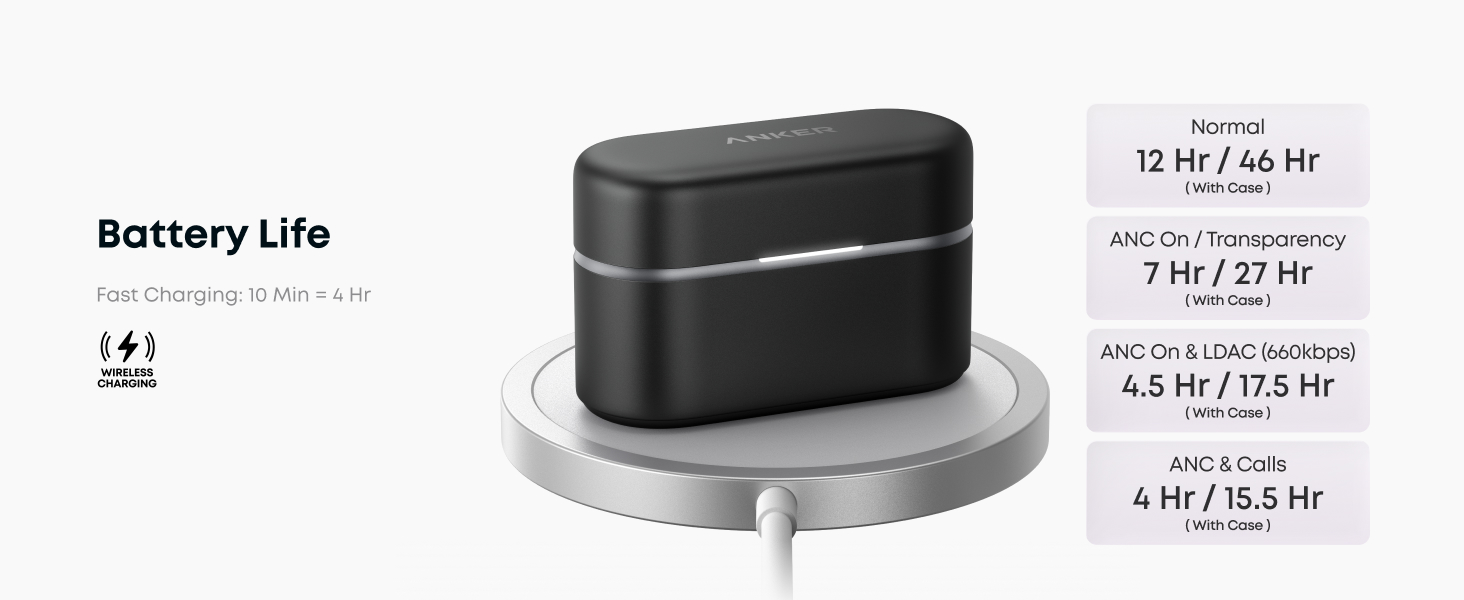
Different Modes when earbuds only / with case:
Normal: 12h / 46h; ANC & Transparency: 7h / 27h
Calls + ANC: 4h / 15.5h; LDAC (Adaptive 660): 4.5h / 17.5h
A 10-min charge = 4h.
Say goodbye to battery anxiety.
How do I adjust the touch controls and prompt tones?
If the controls are too sensitive while you adjust the earbuds, you can lower the level or turn off unused gestures in the app:
Path:Product Page > Controls > Touch Sensitivity.
To turn off prompt sounds: Product page → Settings → Prompt Tone









| SKU: | B0HGRJ33P7 |
| Weight: | 45.12 g |
| Brand: | Anker Soundcore |
| Model: | D1206 |
| Colour: | Black |
| Manufacture: | Anker |
| Colour: | Black |
Product description
soundcore liberty Buds 2 earbuds
What should I do after connecting the Anker Liberty Buds 2 for the first time?
After pairing your Anker Liberty Buds, download the Anker soundcore app to update the firmware and enjoy the latest features, performance improvements, and a better overall experience
How long is the battery life of the Anker Liberty Buds 2?
Different Modes when earbuds only / with case:
Normal: 12h / 46h; ANC & Transparency: 7h / 27h
Calls + ANC: 4h / 15.5h; LDAC (Adaptive 660): 4.5h / 17.5h
A 10-min charge = 4h.
Say goodbye to battery anxiety.
How do I adjust the touch controls and prompt tones?
If the controls are too sensitive while you adjust the earbuds, you can lower the level or turn off unused gestures in the app:
Path:Product Page > Controls > Touch Sensitivity.
To turn off prompt sounds: Product page → Settings → Prompt Tone