Saiyin Powered Bluetooth Bookshelf Speakers with 3″ Drivers
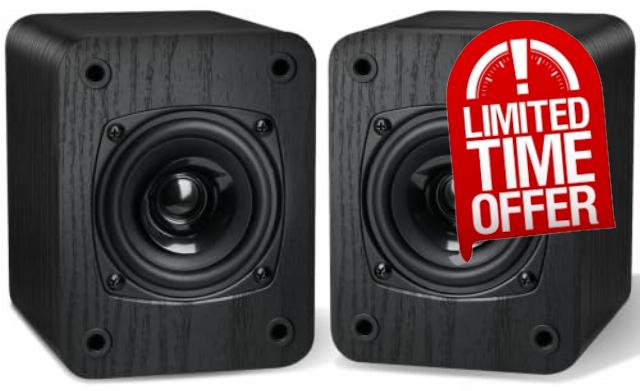
Saiyin Powered Bluetooth Bookshelf Speakers with 3″ Drivers for Turntable 20W x 2 Record Player Speakers, TV-ARC/Optical/Auxiliary Inputs, Bluetooth5.3 for Wireless Music Streaming, Small and Compac
- 【To use your turntable with our Bluetooth bookshelf speakers】✔ Your turntable must have Bluetooth transmitter/output(for connecting Bluetooth speakers and headphones). ✘ If your turntable only has a Bluetooth receiver/input (like most built-in speaker turntables for connecting mobile phones), it won’t work with our bookshelf speakers. Check your turntable’s specs before ordering!
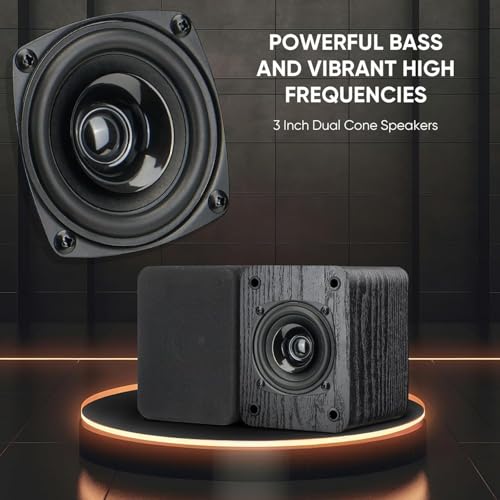
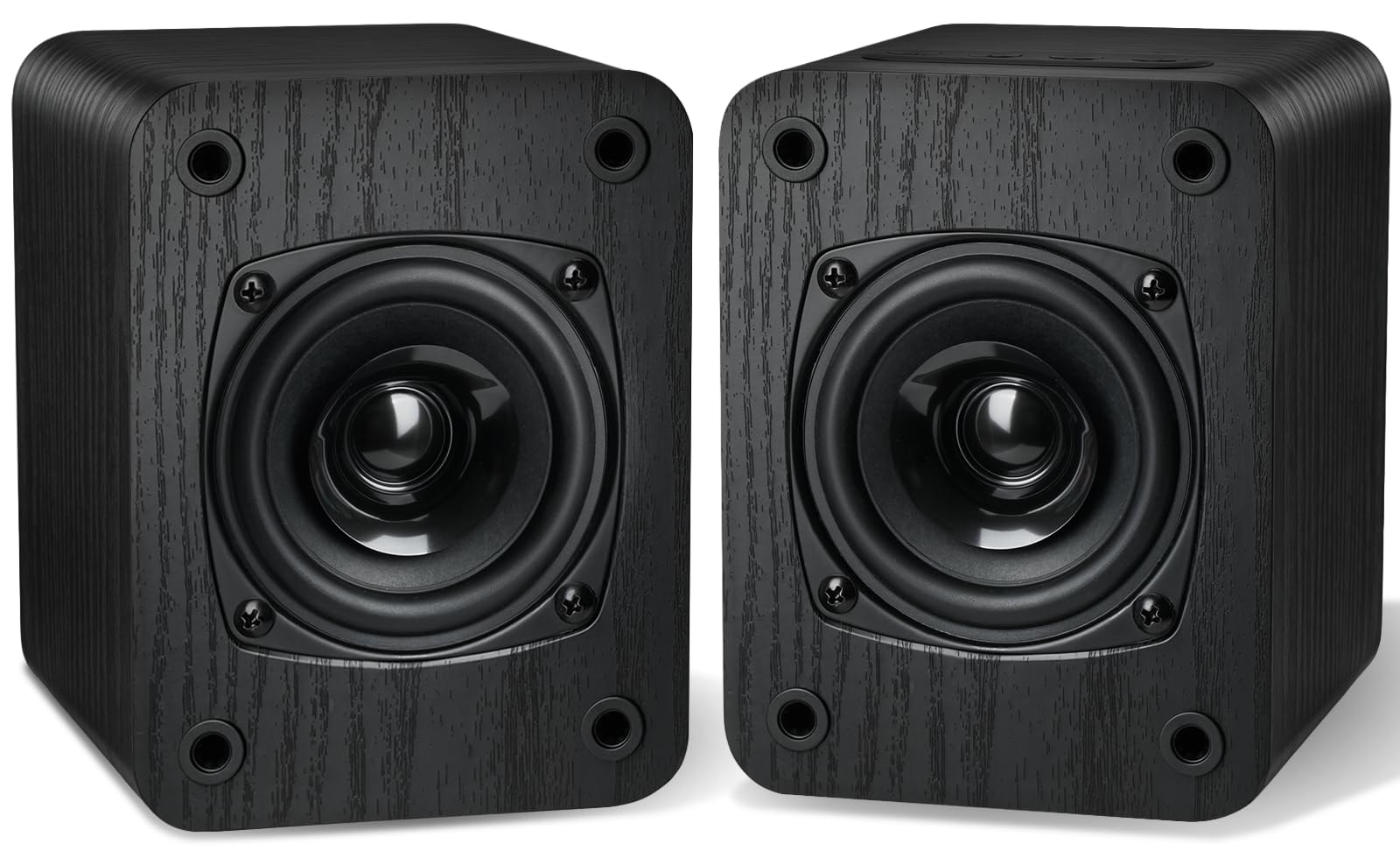
- 【Dual Cone Drivers for Full Range】Equipped with high-quality cone drivers, these powered bookshelf speakers deliver deep bass, clear mids, and crisp highs across the full frequency range.
- 【Bluetooth 5.3 with Stable Connection】Featuring advanced Bluetooth 5.3, the record player speakers deliver faster pairing, wider coverage, and lower latency to ensure a stable connection.
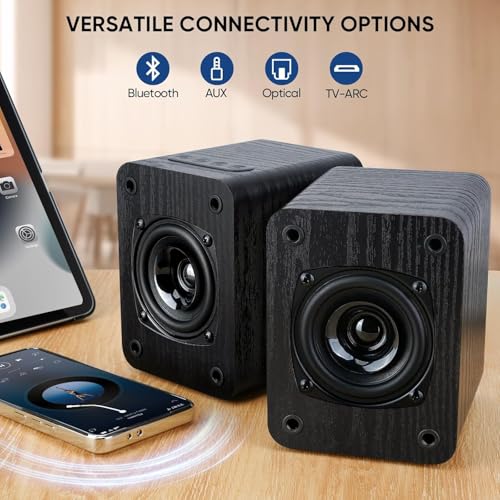
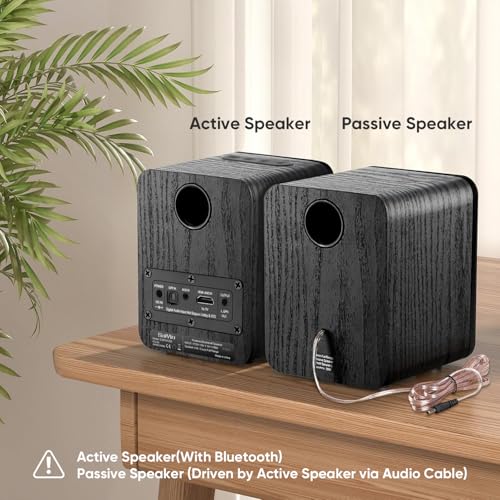
- 【Versatile Connectivity Options】These speakers for record player support Bluetooth 5.3, Optical, AUX, and TV ARC inputs, easily pairing with turntables, TVs, and more.
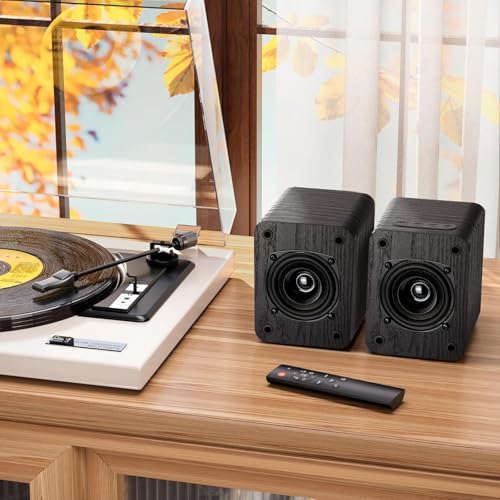
- 【Remote & Button Controls】The speakers for turntable can be easily controlled via the included original remote or the buttons on the main speaker.
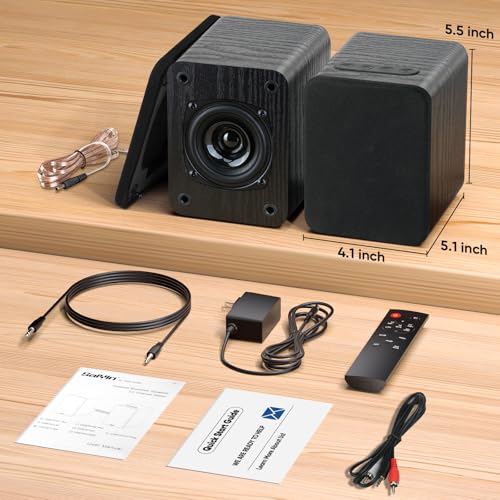
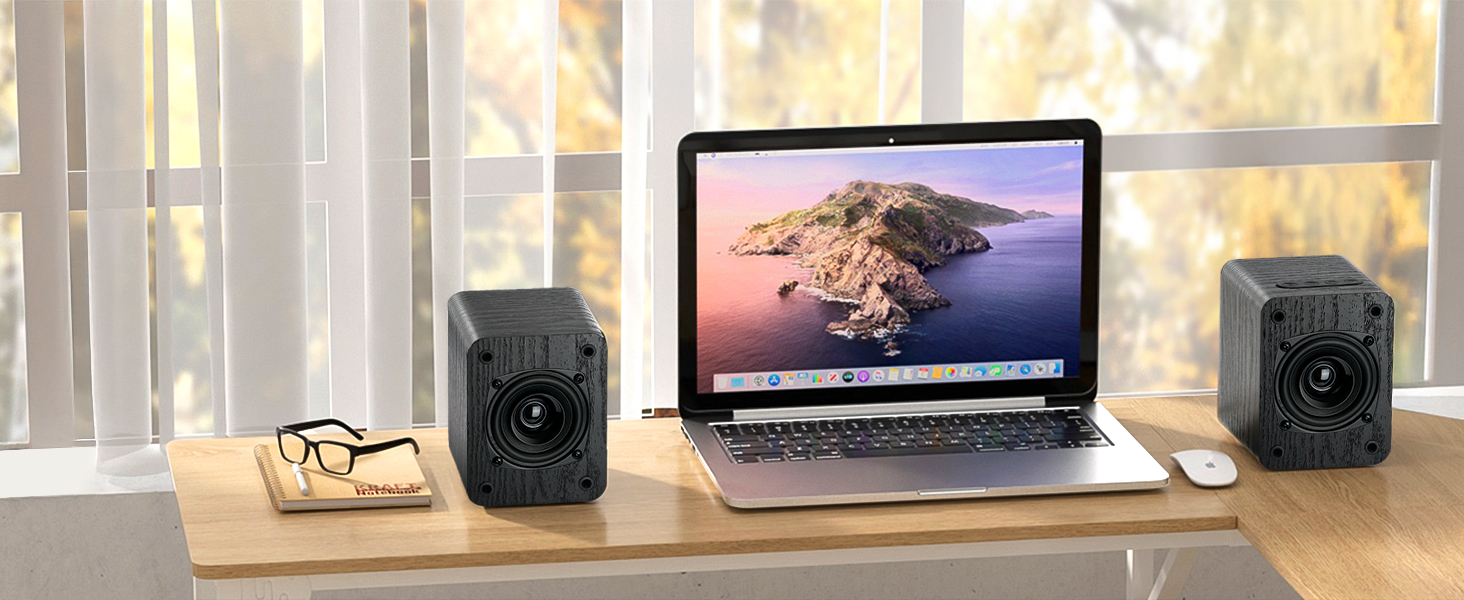
- 【Compact Design for Saving Space】Measuring just 4.1" W x 5.5" H x 5.1" D, these turntable speakers are an outstanding choice for small desks and limited workspaces.
- 【What's in Package】You will receive 1* Active Speaker, 1* Passive Speaker, 1*Remote, 1* Power Adpater, 1*3.5mm Audio Cable, 1*3.5mm to RCA Audio Cable, Quick Start Guide and User Manual.
- 【24/7 Help】 If you have any questions, we are always here to help you. We offer lifetime manufacturer support and 24/7 service.
- 【No Receiver or Amplifier Required】Amplifier or Receiver is not required, and If you still want to use amplifier or receiver with the bookshelf speakers, please connect via Line Out of the amplifier or receiver.
- ❗❗❗Compatible Devices: Works only with standard audio outputs. To avoid cracking noise or no sound, please ensure your audio source is set to output PCM/Stereo/Non-surround signal. For ARC / optical (digital audio) connection, please change your TV audio output to ARC / optical. +++ OTHERWISE YOU WILL GET CRACKING NOISE OR NO SOUND +++
The speakers can be connected with record player directly via LINE OUT, while a preamplifier is required if the Record Player has only PHONO output.
Important Notes Before Buying:
- Amplifier or Receiver is not required.
- NOT support optical cable,please purchase separately.
- When the bookshelf speaker is connected to the record player, please switch the audio output of the record player to LINE instead of PHONO.If your record player has no Line out audio output, only PHONO output, please connect the bookshelf speakers to the record player through a preamplifier.
- To use your turntable with our Bluetooth speakers: ✔ Your turntable must have Bluetooth transmitter/output(for connecting Bluetooth speakers and headphones). ✘ If your turntable only has a Bluetooth receiver/input (like most built-in speaker turntables for connecting mobile phones), it won’t work with our speakers. Check your turntable’s specs before ordering!
Bookshelf Speaker Supports the Following TV Remote Controls
- Compatible with Fire TV, Fire stick or Fire TV Cube Remote.
- Additional remotes compatible with Roku BOX or Roku TVs can be provided as per your request(Not compatible with ROKU Stick, ROKU ULTRA).
- Compatible with Google Chromecast Remote.
- Compatible with Apple TV Remote.
The bookshelf speakers have only static when watching TV, what's the problem?
The bookshelf speakers is not compatible with Dolby and DTS, please kindly disable the related settings on your TV; Besides, setting the TV audio output format to PCM or Stereo.
My dog chewed the remote, how do l get a replacement remote?
A free remote can be provided as per your request.
I have connected the speakers with my record player via bluetooth, and how can I connect it with my smartphone?
You will need to disconnect the curent bluetooth connection by press and hold BT on remote for 2S, then connect it with another device via bluetooth.

| SKU: | B0HN4NMQGJ |
| Brand: | Saiyin |
| Model: | DS6701CB3 |
| Colour: | Black |
| Manufacture: | Shenzhen Saiyin Electronics Co.,Ltd |
| Colour: | Black |
Product description

Important Notes Before Buying:
- Amplifier or Receiver is not required.
- NOT support optical cable,please purchase separately.
- When the bookshelf speaker is connected to the record player, please switch the audio output of the record player to LINE instead of PHONO.If your record player has no Line out audio output, only PHONO output, please connect the bookshelf speakers to the record player through a preamplifier.
- To use your turntable with our Bluetooth speakers: ✔ Your turntable must have Bluetooth transmitter/output(for connecting Bluetooth speakers and headphones). ✘ If your turntable only has a Bluetooth receiver/input (like most built-in speaker turntables for connecting mobile phones), it won’t work with our speakers. Check your turntable’s specs before ordering!
Bookshelf Speaker Supports the Following TV Remote Controls
- Compatible with Fire TV, Fire stick or Fire TV Cube Remote.
- Additional remotes compatible with Roku BOX or Roku TVs can be provided as per your request(Not compatible with ROKU Stick, ROKU ULTRA).
- Compatible with Google Chromecast Remote.
- Compatible with Apple TV Remote.
The bookshelf speakers have only static when watching TV, what’s the problem?
The bookshelf speakers is not compatible with Dolby and DTS, please kindly disable the related settings on your TV; Besides, setting the TV audio output format to PCM or Stereo.
My dog chewed the remote, how do l get a replacement remote?
A free remote can be provided as per your request.
I have connected the speakers with my record player via bluetooth, and how can I connect it with my smartphone?
You will need to disconnect the curent bluetooth connection by press and hold BT on remote for 2S, then connect it with another device via bluetooth.