Renogy MPPT Solar Charge Controller with Bluetooth & LCD
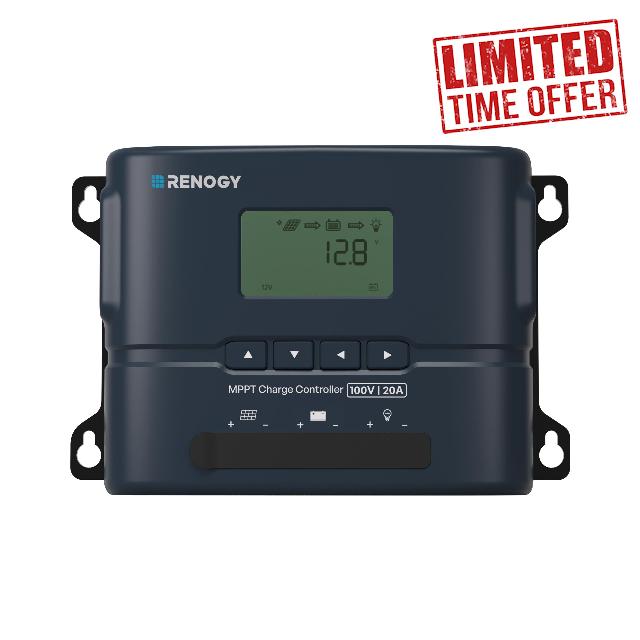
Renogy MPPT Solar Charge Controller with Bluetooth & LCD, 100V 20A 12V/24V , 300W/600W PV, Lithium/AGM/Gel/Flooded, 99%, Rover 2 Charge Controllers for Solar Panels
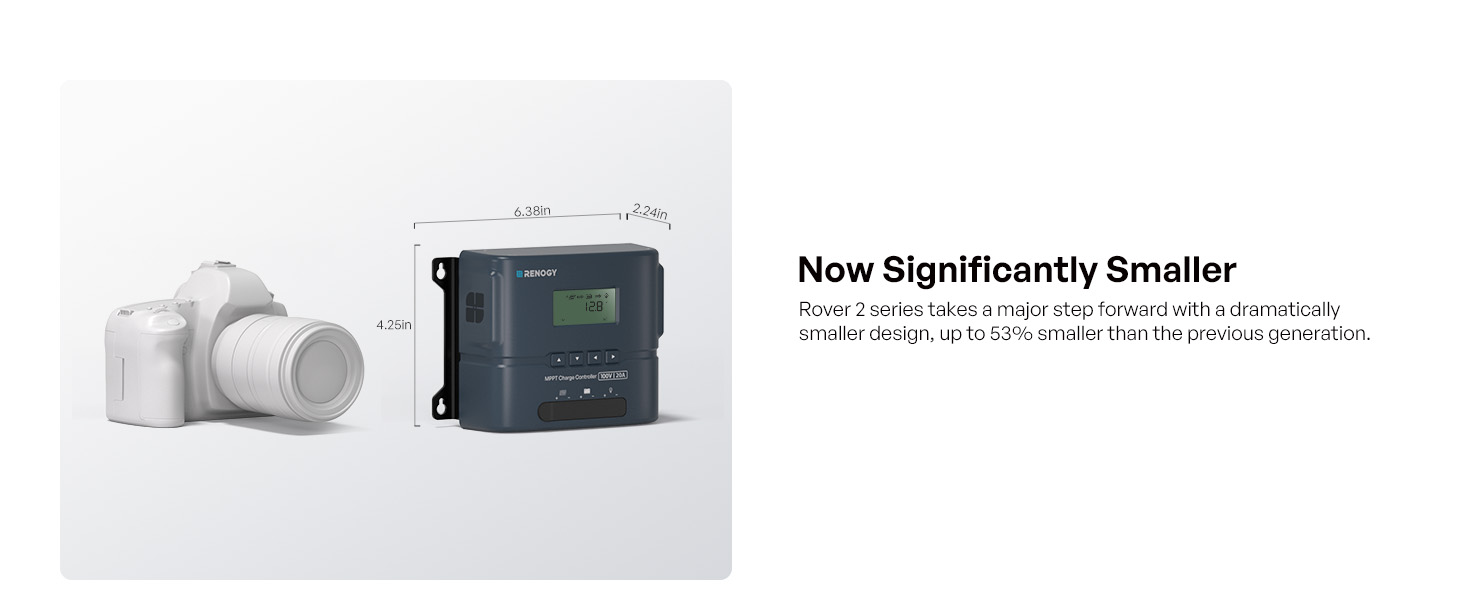
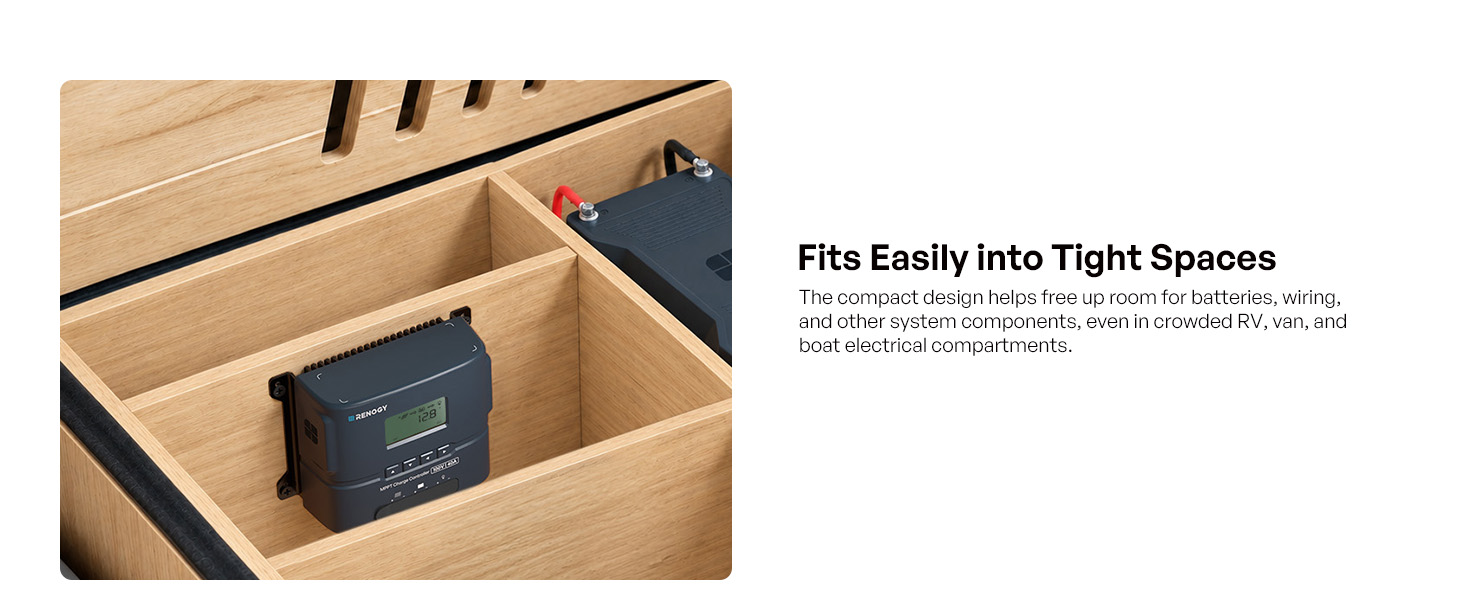
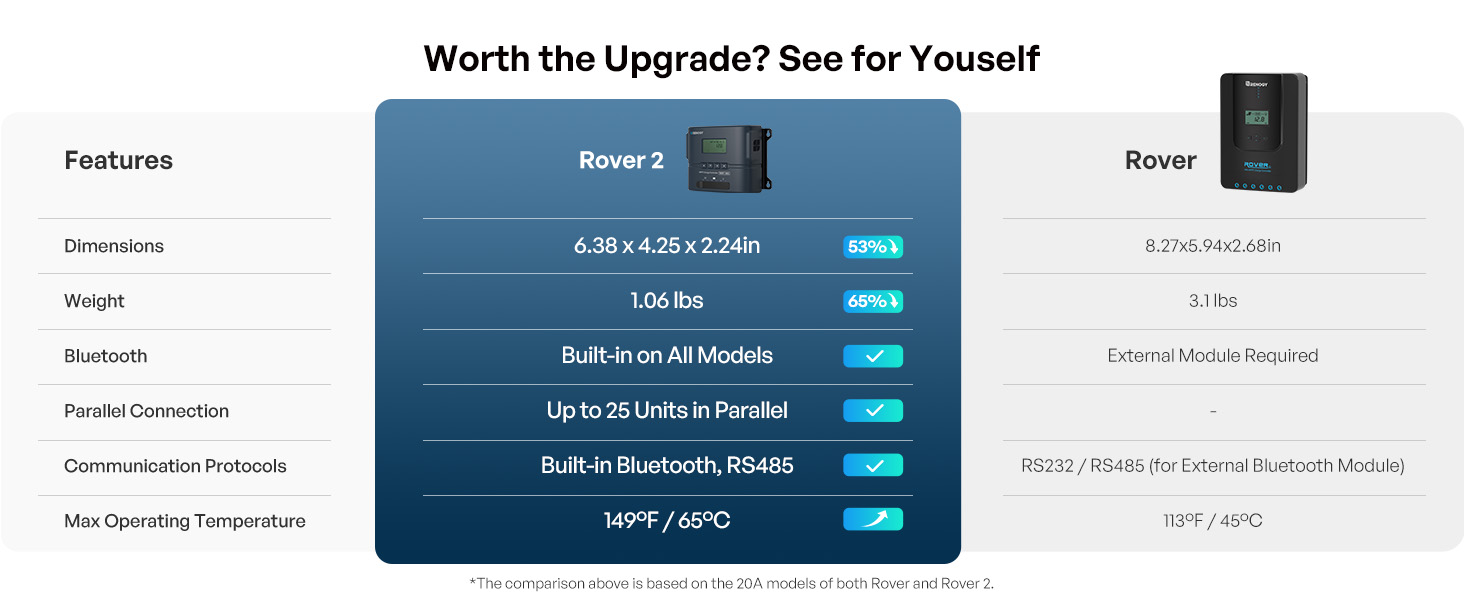
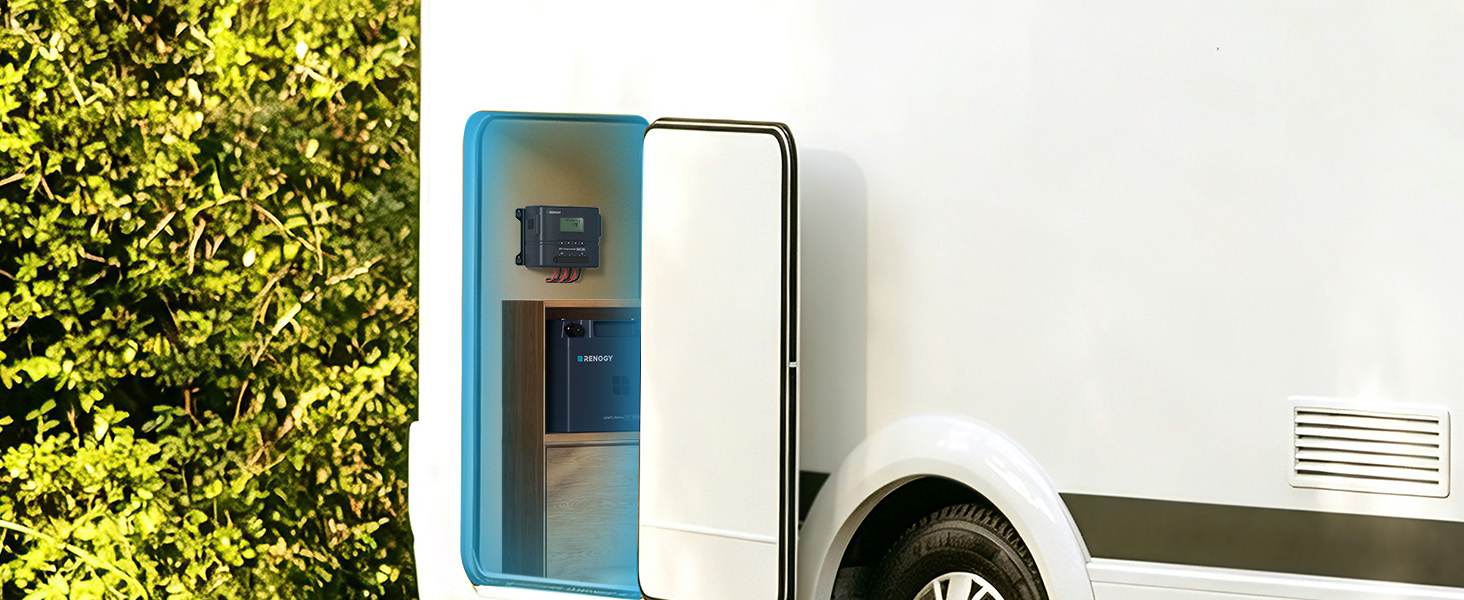
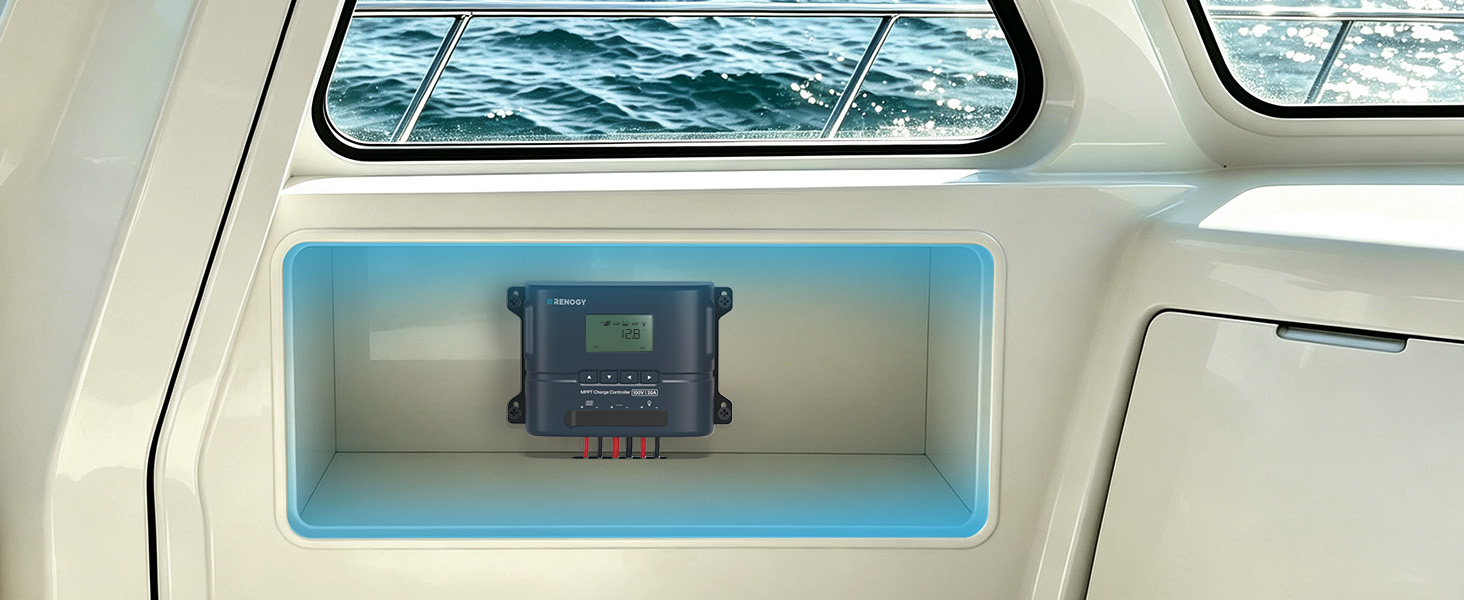
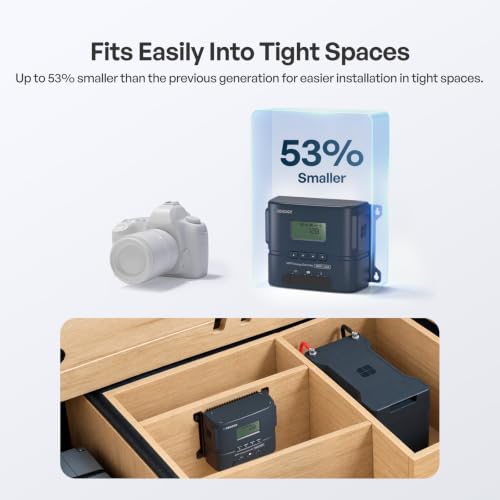
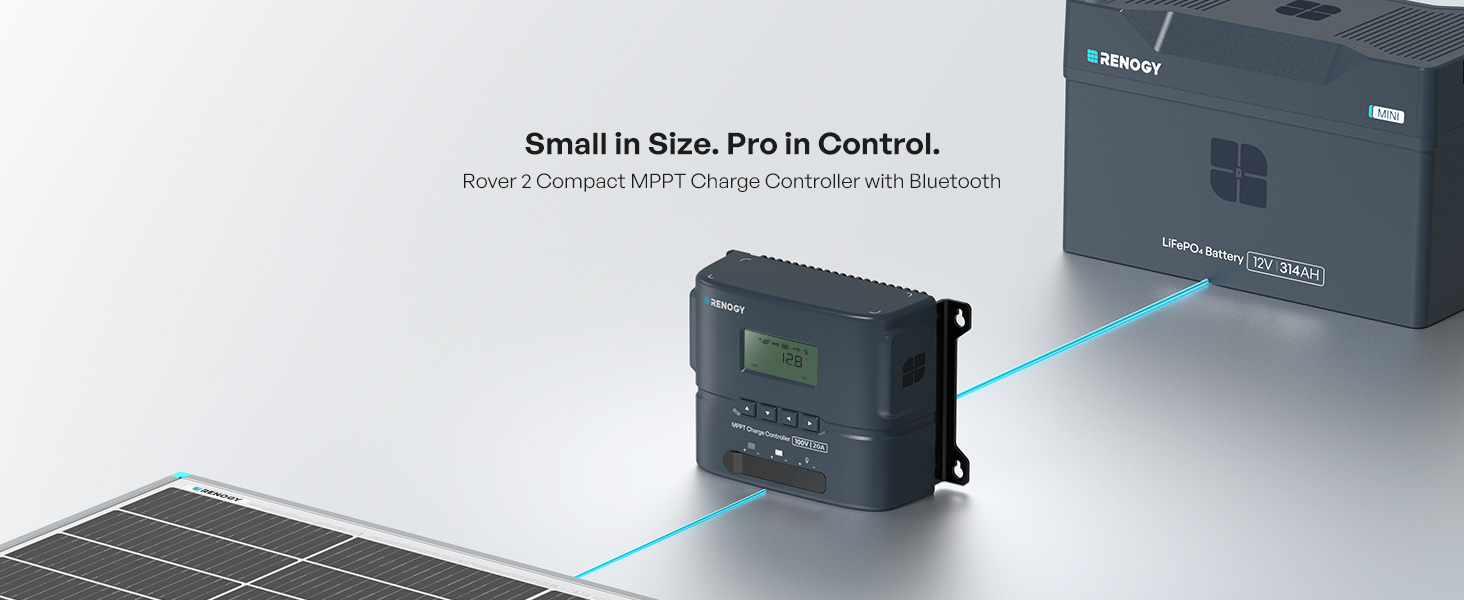
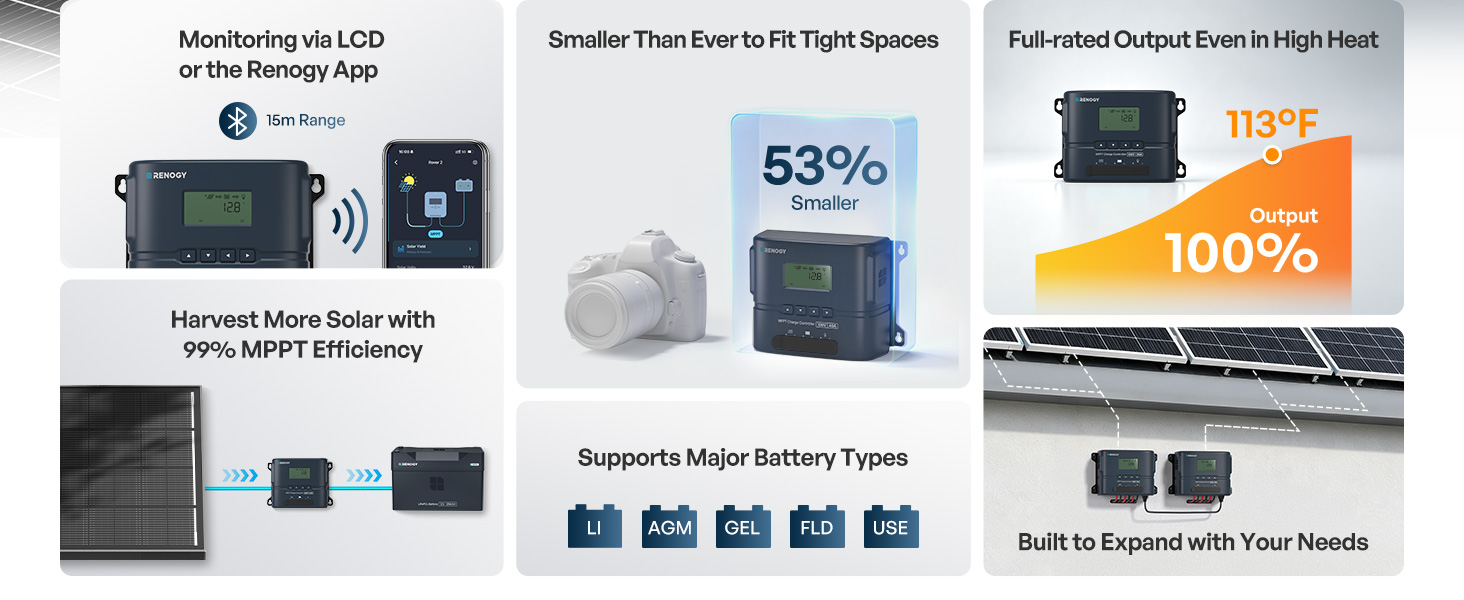
- COMPACT MPPT CHARGE CONTROLLER: 53% smaller than the previous generation, the Renogy Rover 2 MPPT solar charge controller fits tight RV, van, camper, boat, and cabin spaces – a full 20A off-grid solar controller in half the footprint.
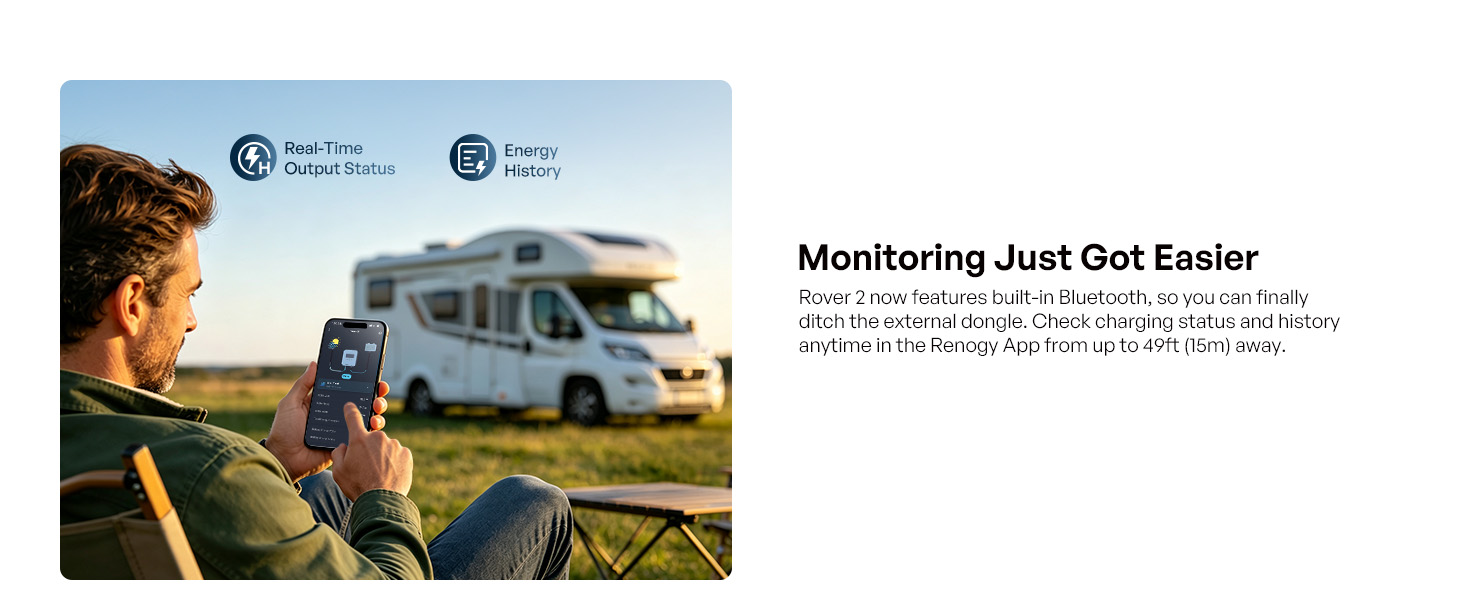
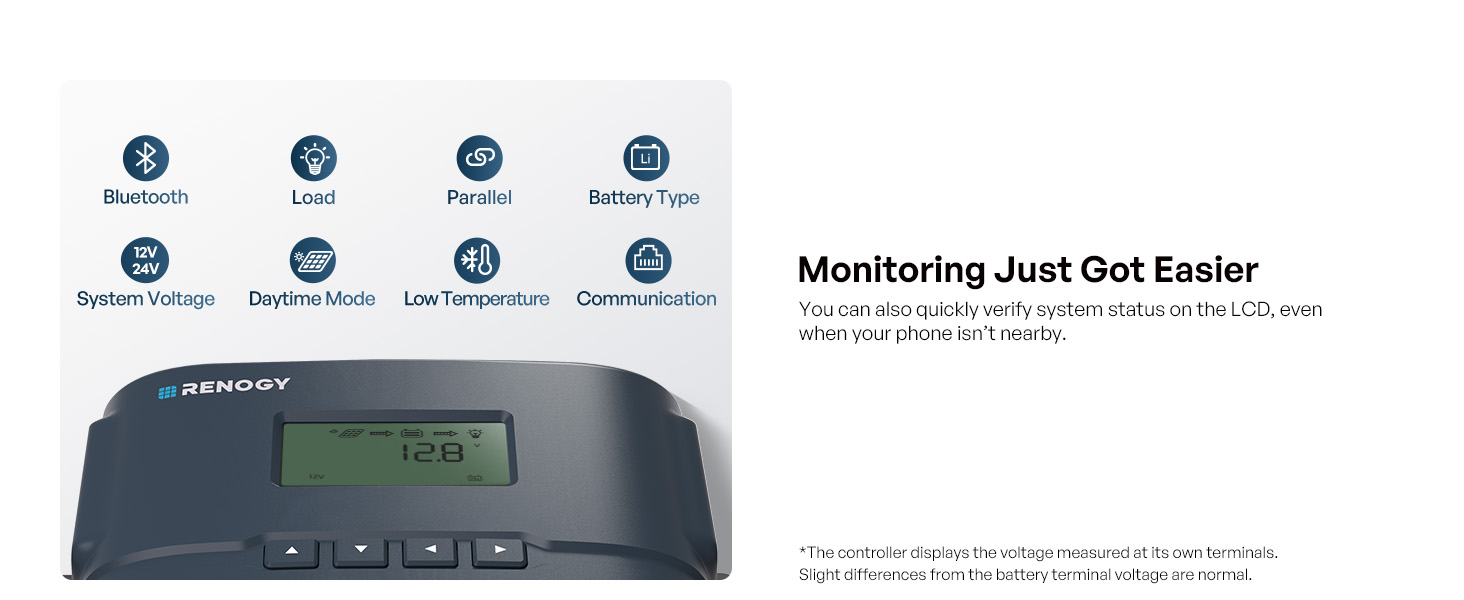
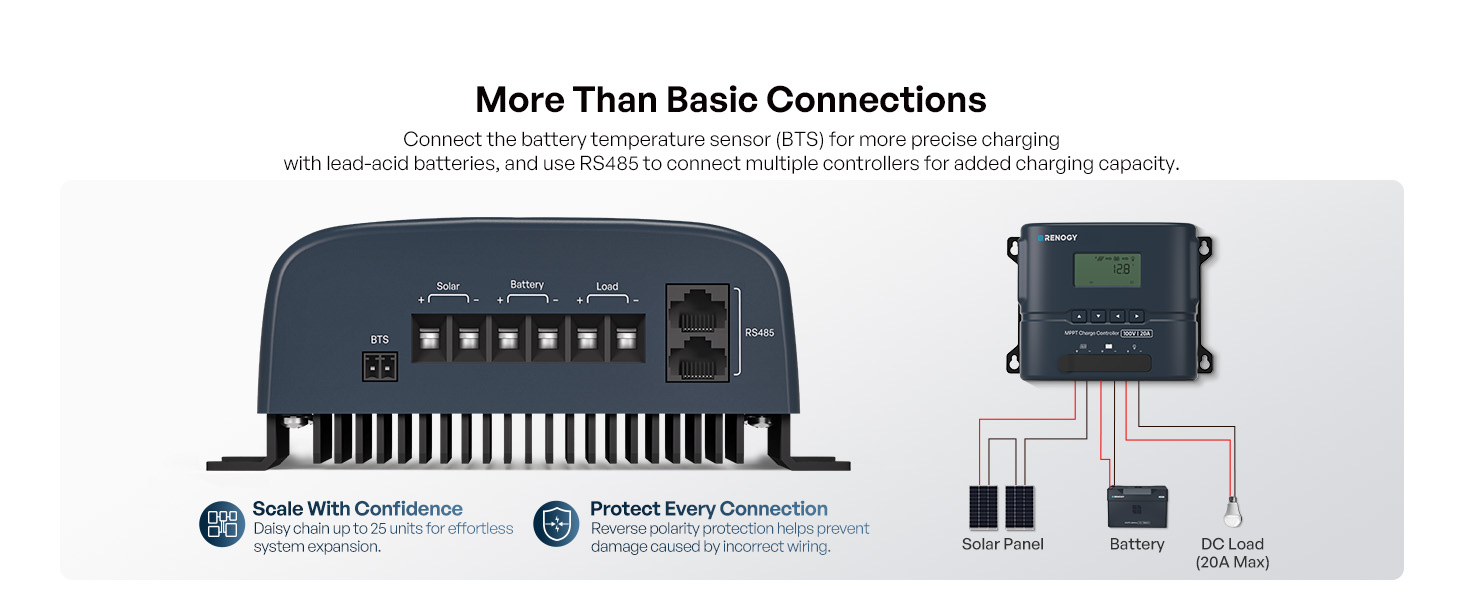
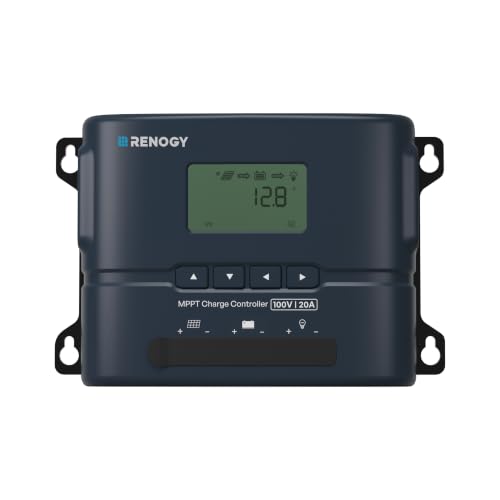
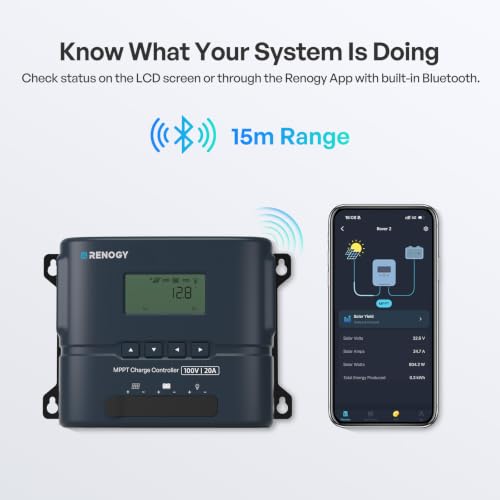
- LCD & BLUETOOTH MONITORING: Renogy 20A solar controller read charging status, voltage, and current on the LCD, or monitor remotely via Bluetooth and the Renogy App – no external dongle needed. Track real-time data and set battery presets from your phone; RS485 port supports wired integration.
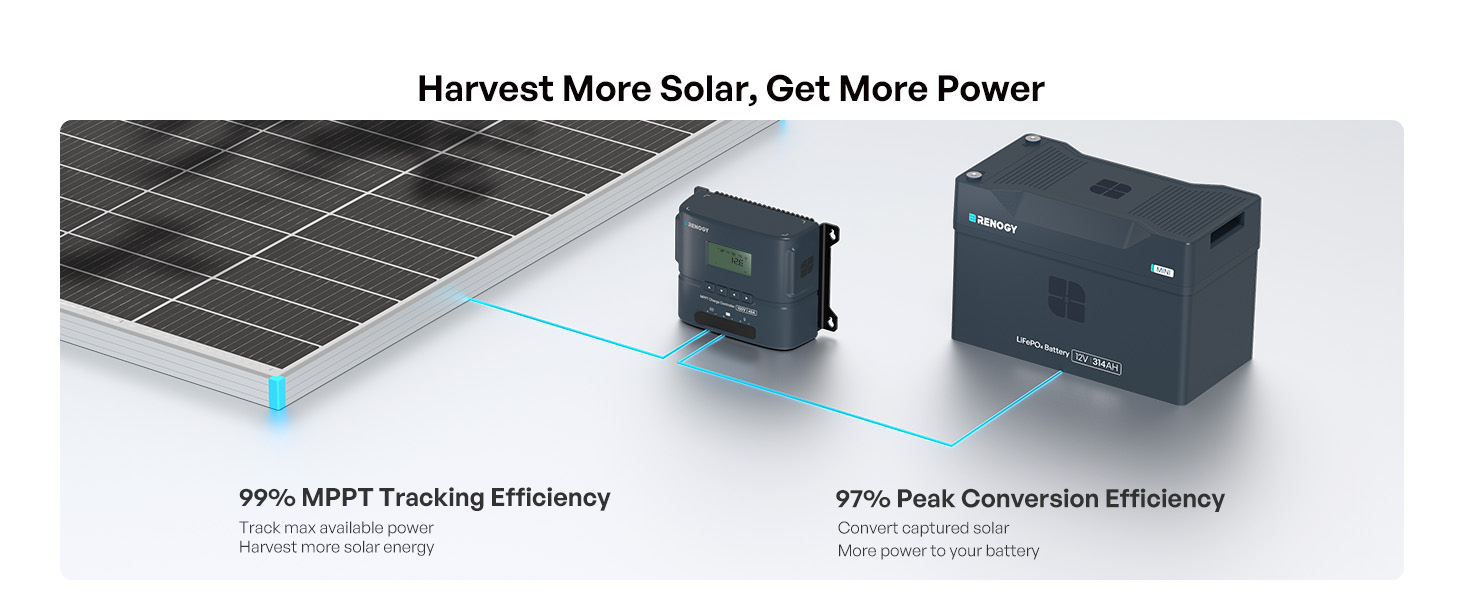
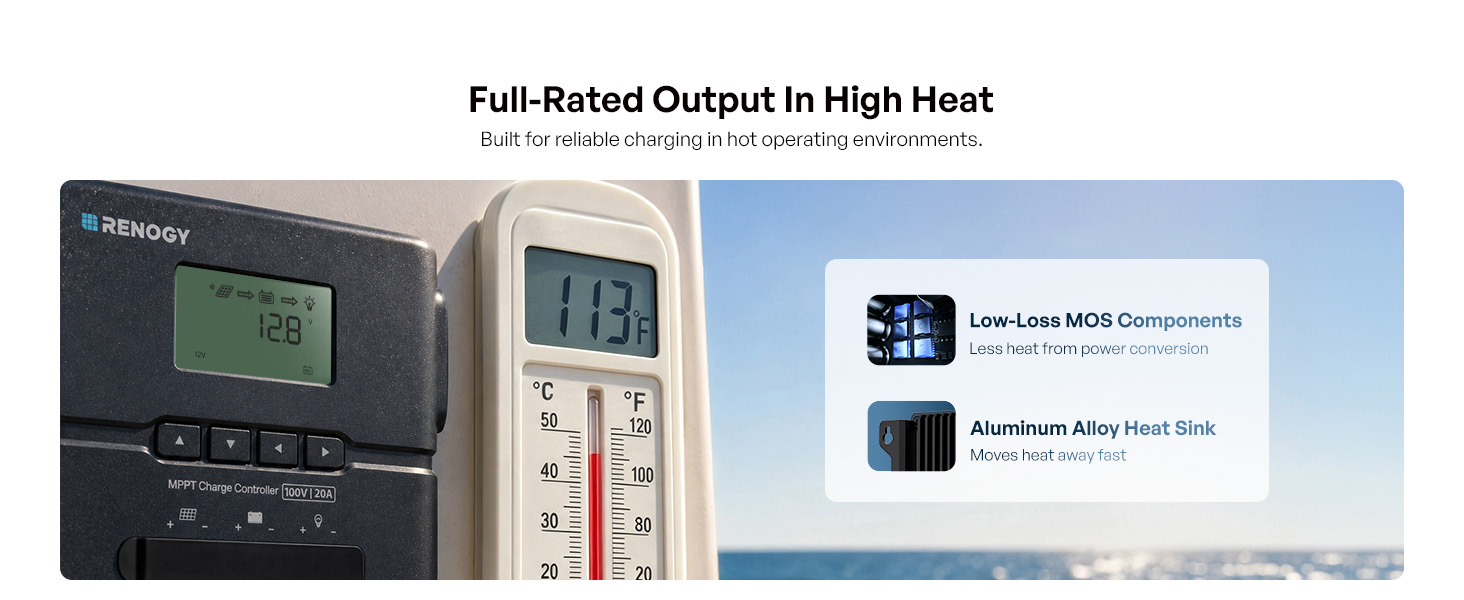
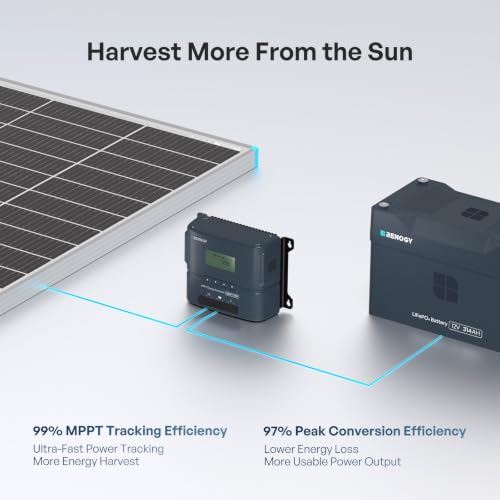
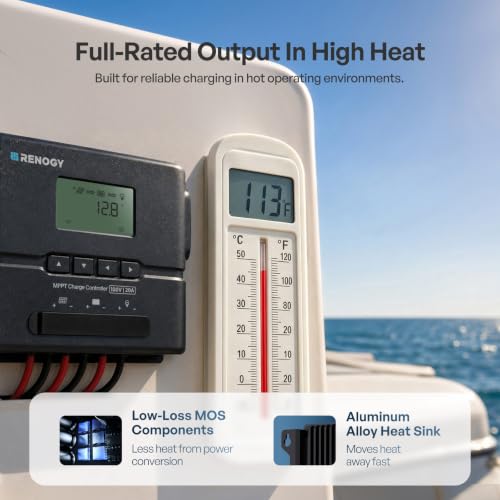
- MAXIMIZE SOLAR HARVEST: Renogy solar panel charge controller pairs with solar panel arrays up to 100V Voc – 300W on 12V, 600W on 24V systems. With 99% tracking efficiency, the MPPT algorithm locks the optimum power point to convert every ray of sunlight into usable energy – even in partial shade. Advanced thermal design holds full 20A output up to 113°F, so high heat won't slow charging.
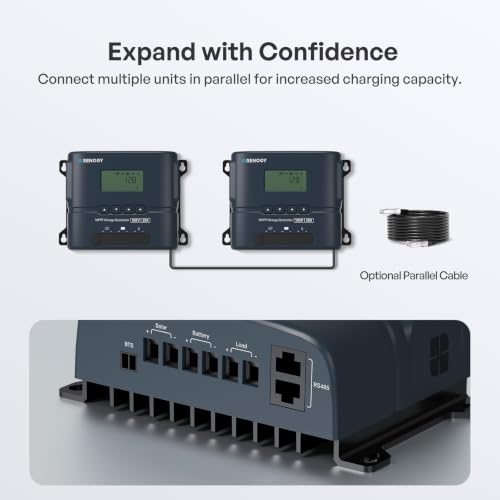
- PARALLEL CHARGING EXPANSION: Link multiple Rover 2 charge controllers in parallel to scale charging capacity for larger 12V/24V solar arrays and battery banks – expand your off-grid system as power needs grow.
- UNIVERSAL BATTERY COMPATIBILITY: Built for 12V/24V battery banks, the Rover 2 charge controller safely charges lithium, AGM, gel, and flooded deep-cycle batteries, plus user-defined charge profiles. Overcharge, short-circuit, reverse polarity, and over-temperature protection safeguard the system and extend battery longevity.
MPPT Charge Controller For RVs
MPPT Charger Controller For Vans
MPPT Charger Controller For Cabins
MPPT Charge Controller For Boats
Specifications
| Rated Charge Current | 20A |
| Input Voltage Range | 15-100VDC |
| Max Solar Input Voltage | 100VDC |
| Max Solar Input Power | 12V/300W, 24V/600W |
| Max MPPT Tracking Efficiency | 99% |
| Max Conversion Efficiency | 97% |
| Temperature Compensation | -3mV/℃/2V |
| Self Consumption | ≤0.5W |
| Battery Type | Lithium, AGM, Gel, Flooded, and User Profile |
| Ingress Protection | IP32 |
| Communication | Built-In Bluetooth, RS485 |
| Terminal Size | 8 AWG |
| Dimensions | 6.38 x 4.25 x 2.24in / 162 x 108 x 57mm |
| Weight | 1.06 lbs / 0.48kg |
| Warrant-y | 2-Year |
Which Rover 2 model should I choose, and what batteries is it compatible with?
Supports 12V/24V GEL, FLD, SLD/AGM, LiFePO4, & User modes. Choose by power: 20A(300W/12V, 600W/24V), 30A(450W/12V, 900W/24V), 40A(600W/12V, 1200W/24V), 50A(750W/12V, 1500W/24V). Max PV Voc: 100V.
What is the correct connection order for the battery and solar panels?
Always connect the battery to the controller first, then connect the solar panels.
Connecting the solar panels before the battery may damage the controller and void the warrant-y.
The battery is connected, but the LCD doesn't light up or the battery isn't detected.
Measure battery voltage. If below 8V, Rover 2 won't detect it—charge battery first. Then check wiring, polarity, & fuse for damage or loose connections. If voltage is normal but LCD is dark, contact Renogy support.
Why isn't my Rover 2 producing full wattage or why does charging current drop?
Normal! Current drops as battery nears full charge (Float mode). Also check for shading, low sunlight, high controller temp (>113°F/45°C), or excessive voltage drop from long PV cables. Confirm panel specs & battery stage.
Can I connect multiple Rover 2 controllers to one battery bank?
Yes, up to 25 in parallel. Need same model, independent solar panels, & RJ45 cables (sold separately). Total charging current must not exceed battery's limit. Monitor via Bluetooth on Renogy App.



| SKU: | B0HK4FSGD5 |
| Weight: | 1.1 pounds |
| Dimensions: | 6.38″L x 2.24″W x 4.25″H |
| Brand: | Renogy |
| Part: | RCC-M10020-C2 |
| Material: | Plastic |
| Colour: | Blue |
| Manufacture: | Renogy |
| Colour: | Blue |
| Material: | Plastic |
Product description

MPPT Charge Controller For RVs
MPPT Charger Controller For Vans
MPPT Charger Controller For Cabins
MPPT Charge Controller For Boats
Specifications
| Rated Charge Current | 20A |
| Input Voltage Range | 15-100VDC |
| Max Solar Input Voltage | 100VDC |
| Max Solar Input Power | 12V/300W, 24V/600W |
| Max MPPT Tracking Efficiency | 99% |
| Max Conversion Efficiency | 97% |
| Temperature Compensation | -3mV/℃/2V |
| Self Consumption | ≤0.5W |
| Battery Type | Lithium, AGM, Gel, Flooded, and User Profile |
| Ingress Protection | IP32 |
| Communication | Built-In Bluetooth, RS485 |
| Terminal Size | 8 AWG |
| Dimensions | 6.38 x 4.25 x 2.24in / 162 x 108 x 57mm |
| Weight | 1.06 lbs / 0.48kg |
| Warrant-y | 2-Year |
Which Rover 2 model should I choose, and what batteries is it compatible with?
Supports 12V/24V GEL, FLD, SLD/AGM, LiFePO4, & User modes. Choose by power: 20A(300W/12V, 600W/24V), 30A(450W/12V, 900W/24V), 40A(600W/12V, 1200W/24V), 50A(750W/12V, 1500W/24V). Max PV Voc: 100V.
What is the correct connection order for the battery and solar panels?
Always connect the battery to the controller first, then connect the solar panels.
Connecting the solar panels before the battery may damage the controller and void the warrant-y.
The battery is connected, but the LCD doesn’t light up or the battery isn’t detected.
Measure battery voltage. If below 8V, Rover 2 won’t detect it—charge battery first. Then check wiring, polarity, & fuse for damage or loose connections. If voltage is normal but LCD is dark, contact Renogy support.
Why isn’t my Rover 2 producing full wattage or why does charging current drop?
Normal! Current drops as battery nears full charge (Float mode). Also check for shading, low sunlight, high controller temp (>113°F/45°C), or excessive voltage drop from long PV cables. Confirm panel specs & battery stage.
Can I connect multiple Rover 2 controllers to one battery bank?
Yes, up to 25 in parallel. Need same model, independent solar panels, & RJ45 cables (sold separately). Total charging current must not exceed battery’s limit. Monitor via Bluetooth on Renogy App.