P1058930-097A 802.11ac WiFi Module for Zebra ZT210 ZT220
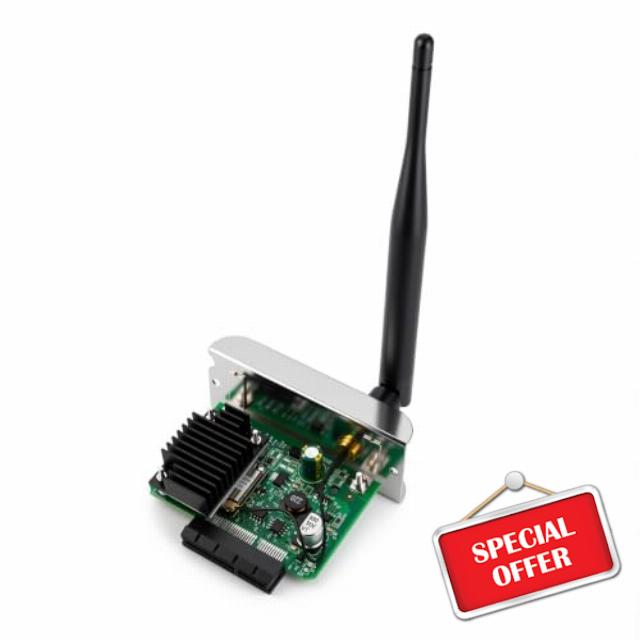
P1058930-097A 802.11ac WiFi Module for Zebra ZT210 ZT220 ZT230 ZT410 ZT420 180-Days Warranty,compatible with original,no message of printhead is not recognized when installed
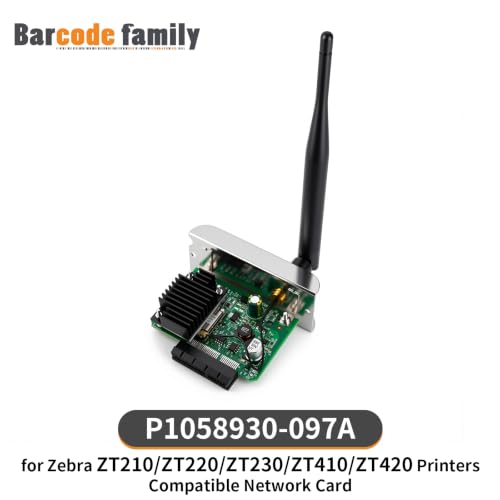
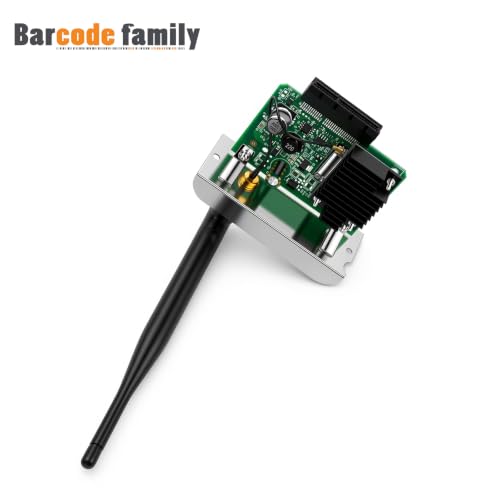
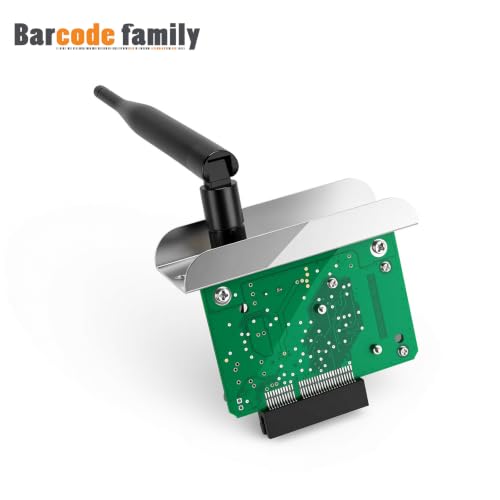
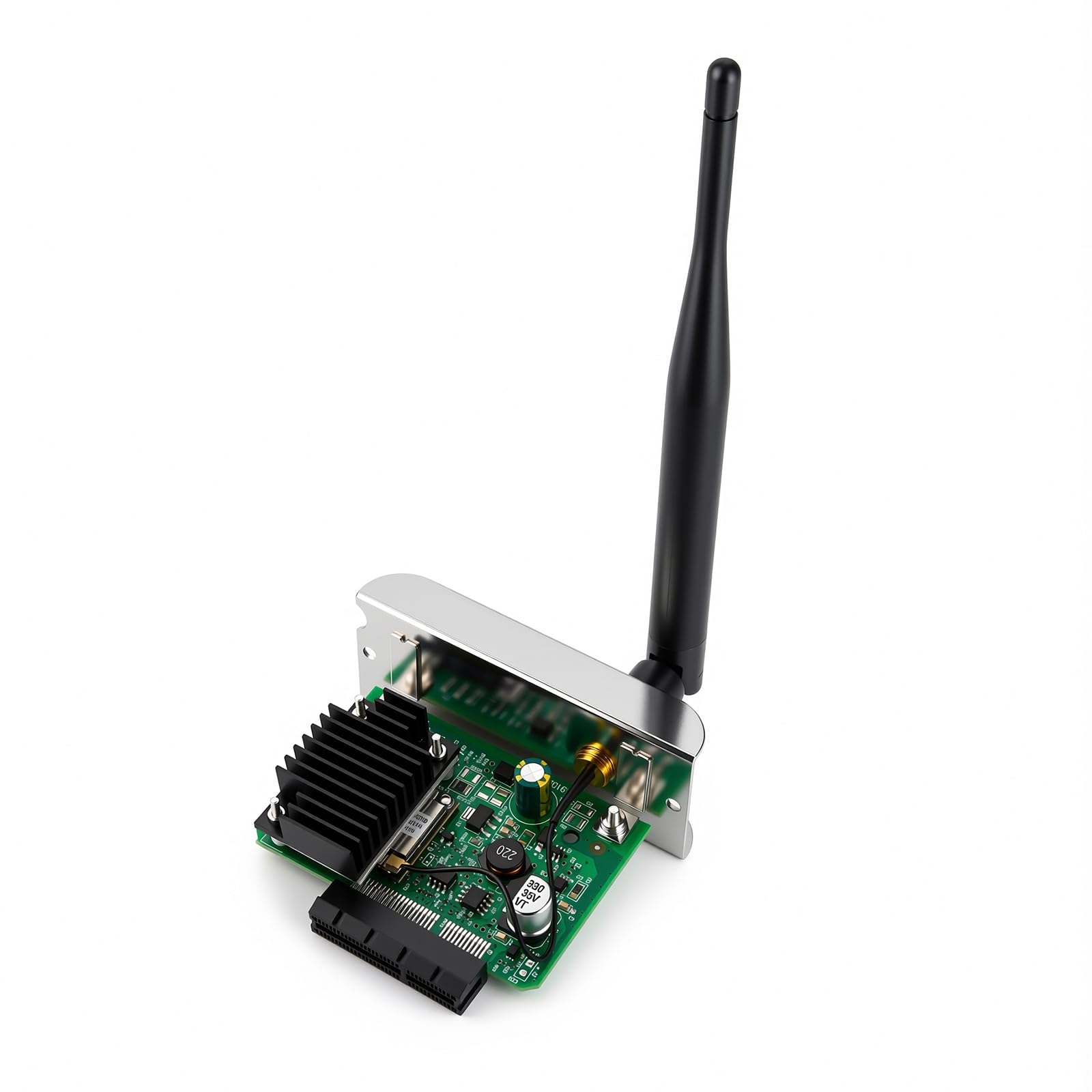
- Part Number: for Zebra P1058930-097A, WiFi 802.11ac Wireless Module
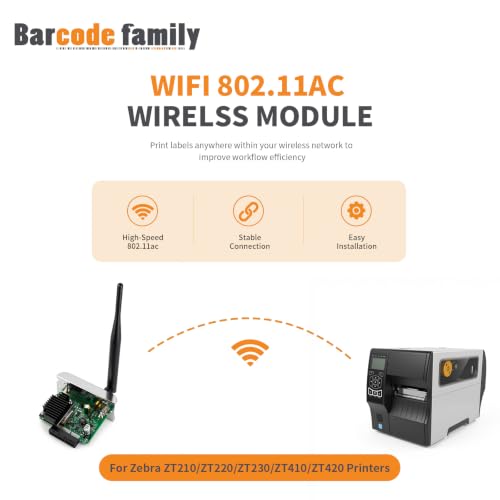
- Compatible Model: for Zebra ZT210 ZT220 ZT230 ZT410 ZT420 series thermal barcode desktop printer 203DPI&300DPI.
- High Quality: Brand new for Zebra printer WiFi 802.11ac Wirelss Module
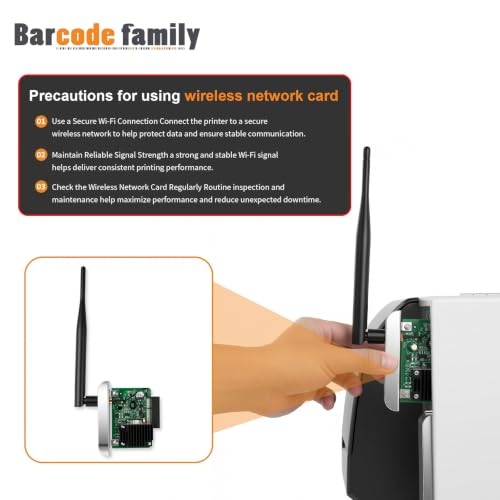
- Please Download and Install Zebra's Printer Setup App on a Mobile Device before use it.
- After-Sales Service: We provide 24H/7D service, please feel free to contact us if you have any questions, we will solve it at the first time
Which Zebra printer models is this WiFi module compatible with?
This module is compatible with Zebra ZT210,ZT220,ZT230,ZT410, and ZT420 series thermal label printers at 203DPI and 300DPI.
Will I see a "printhead is not recognized" error after installing?
No. This module is designed to install without triggering a "printhead is not recognized" error on compatible Zebra ZT210,ZT220,ZT230,ZT410, and ZT420 printers.
What do I need to do before installing this WiFi module?
Before use, download and install the Zebra Printer Setup App on a mobile device. This step is required to complete the setup process.
What after-sales support is provided with this module?
A 180-day warraty is included. Support is available 24 hours a day, 7 days a week — contact the seller with any questions for prompt assistance.

| SKU: | B0HFX341D1 |
| Brand: | BARCODEFAMILY |
| Model: | ZT210 ZT220 ZT230 ZT410 ZT420 |
| Colour: | Black |
| Manufacture: | Barcode Family |
| Colour: | Black |
Product description
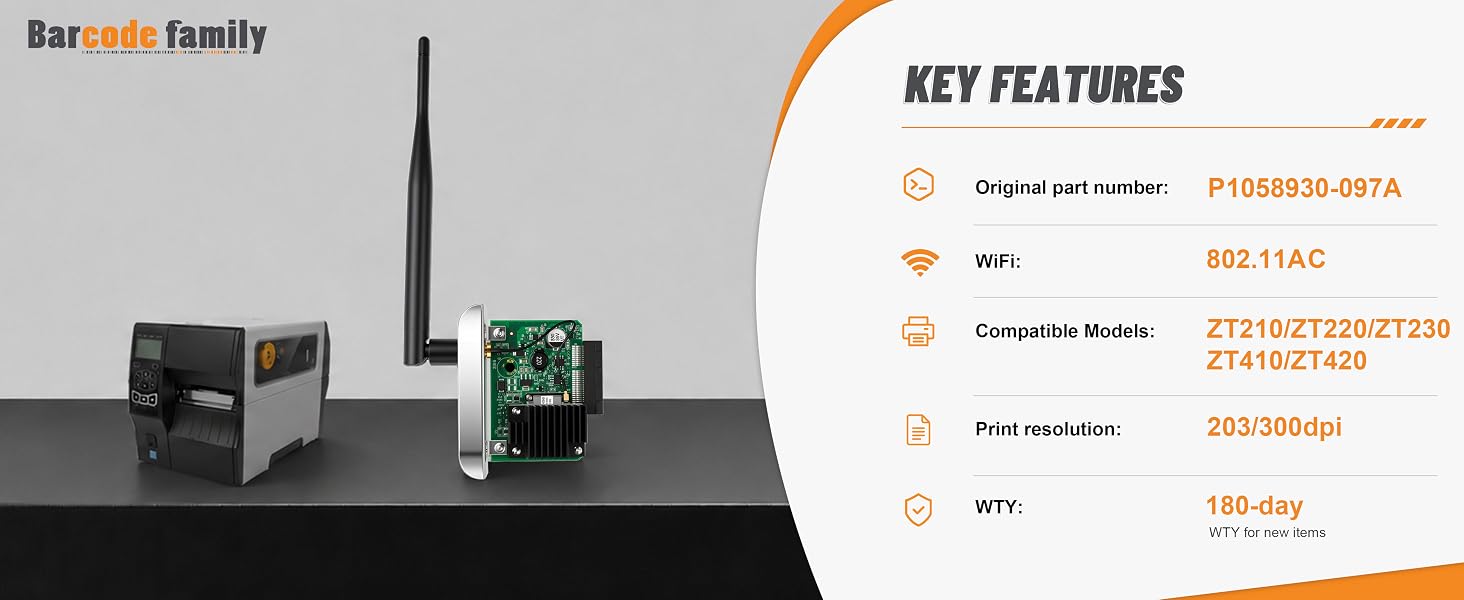
Which Zebra printer models is this WiFi module compatible with?
This module is compatible with Zebra ZT210,ZT220,ZT230,ZT410, and ZT420 series thermal label printers at 203DPI and 300DPI.
Will I see a “printhead is not recognized” error after installing?
No. This module is designed to install without triggering a “printhead is not recognized” error on compatible Zebra ZT210,ZT220,ZT230,ZT410, and ZT420 printers.
What do I need to do before installing this WiFi module?
Before use, download and install the Zebra Printer Setup App on a mobile device. This step is required to complete the setup process.
What after-sales support is provided with this module?
A 180-day warraty is included. Support is available 24 hours a day, 7 days a week — contact the seller with any questions for prompt assistance.