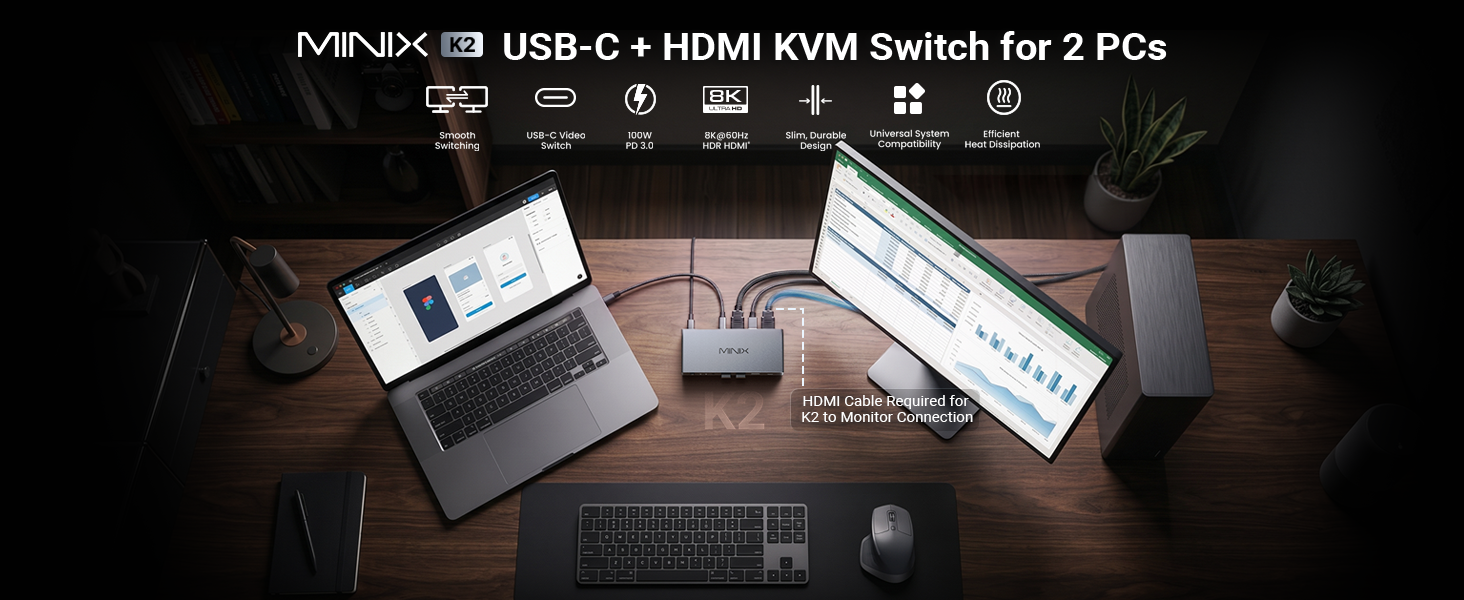
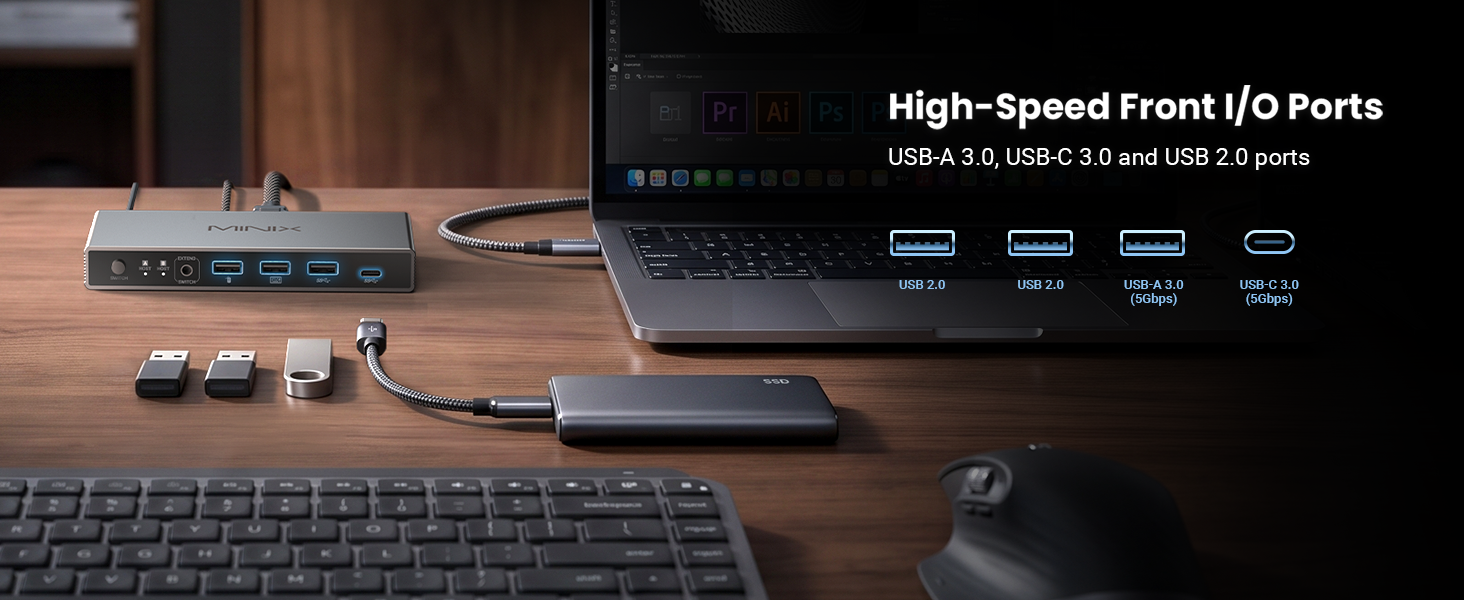
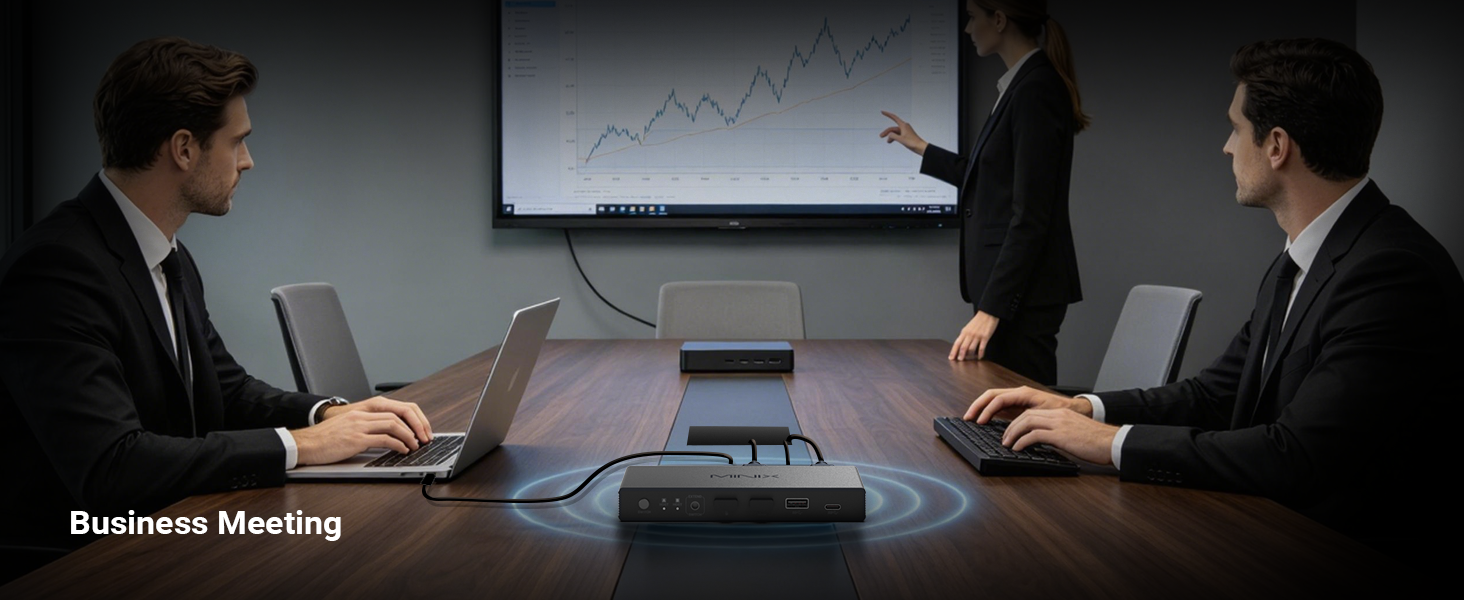
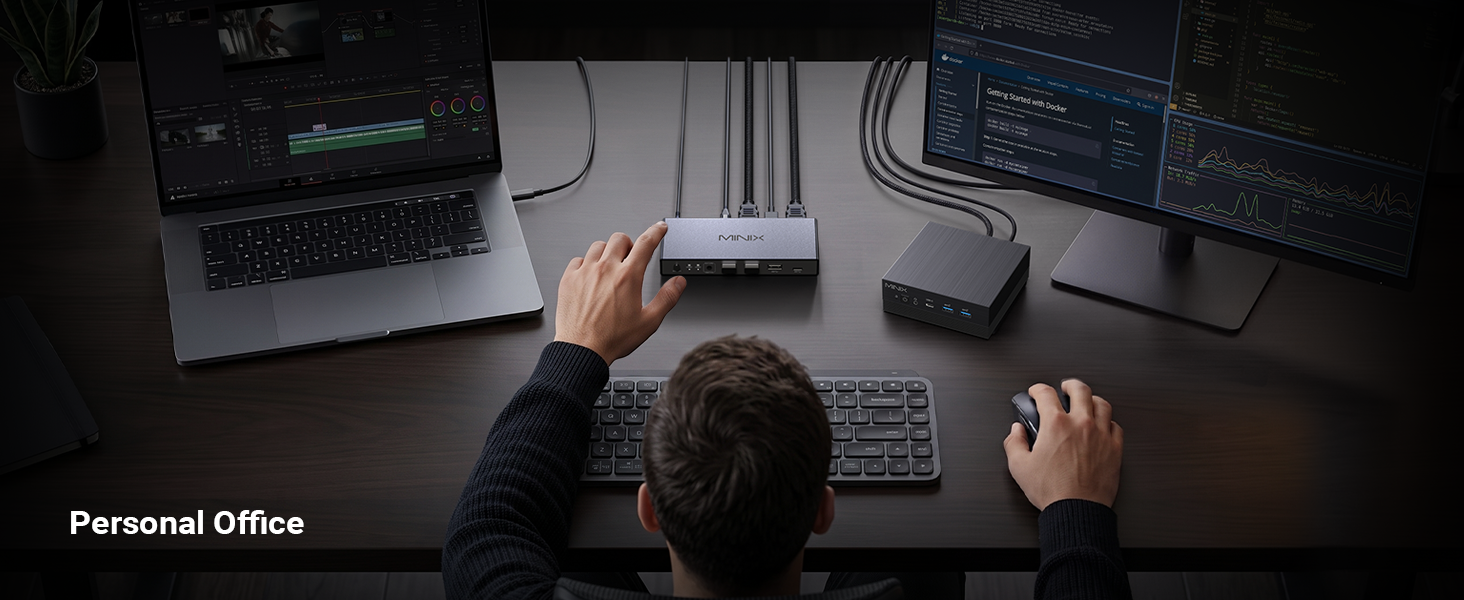
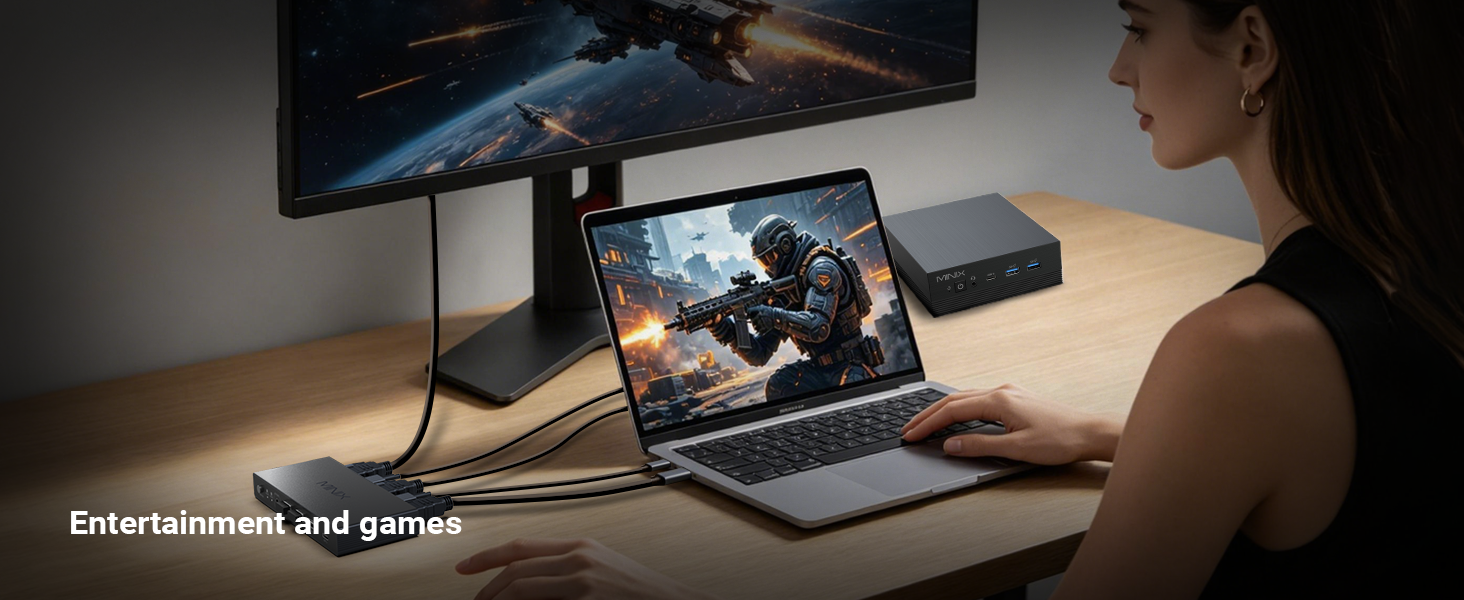
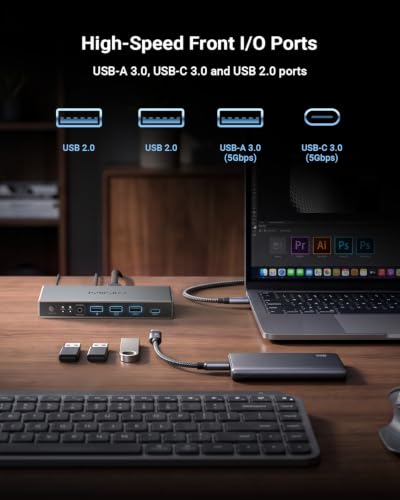
MINIX 8K USB-C+HDMI KVM Switch 1 Monitor 2 Computers for Laptop PC,Aluminum Supports 100W PD laptop pass-through. 4 USB ports to share monitor keyboard mouse printer for 1 laptop & 1 desktop
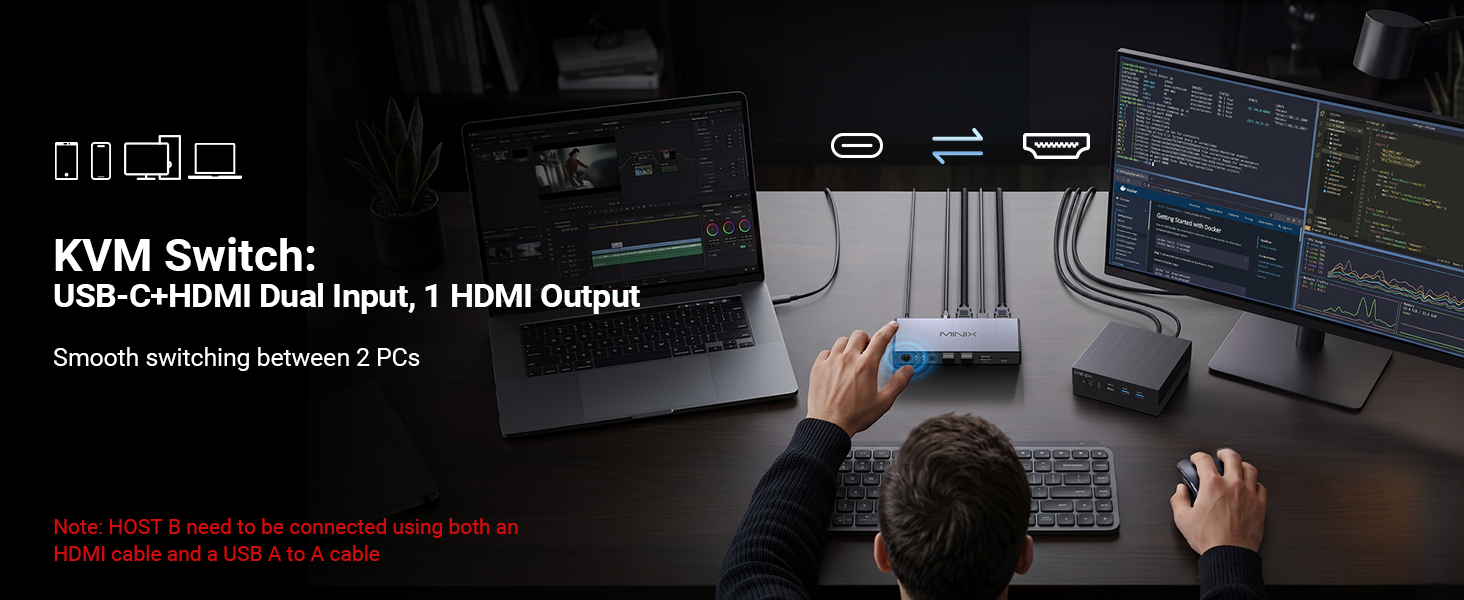
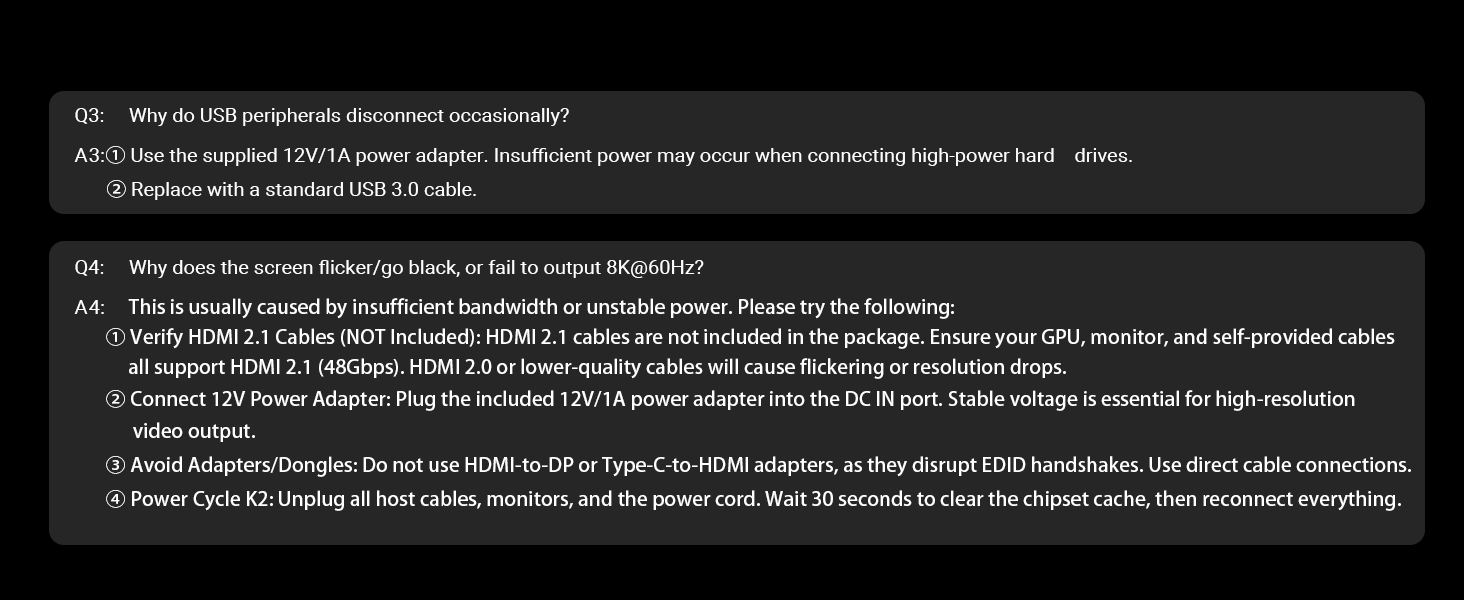
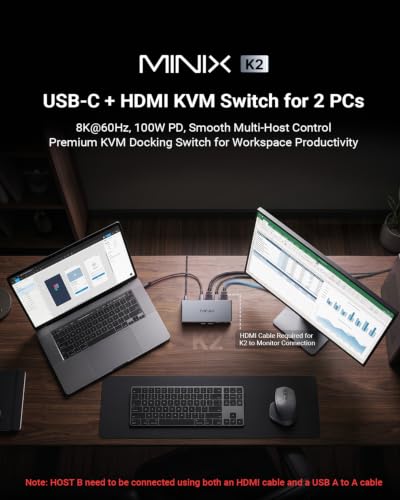
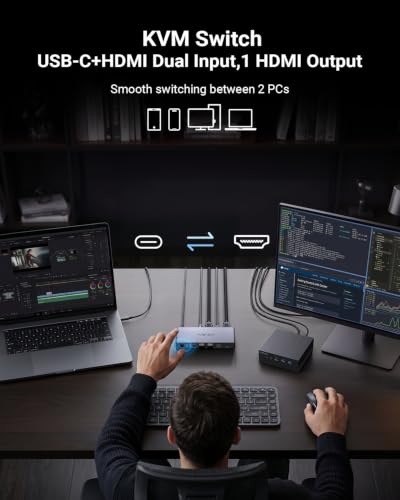
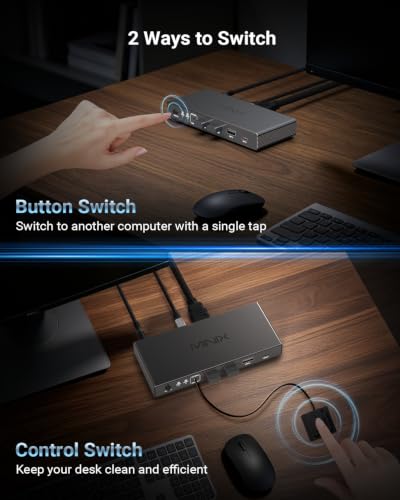
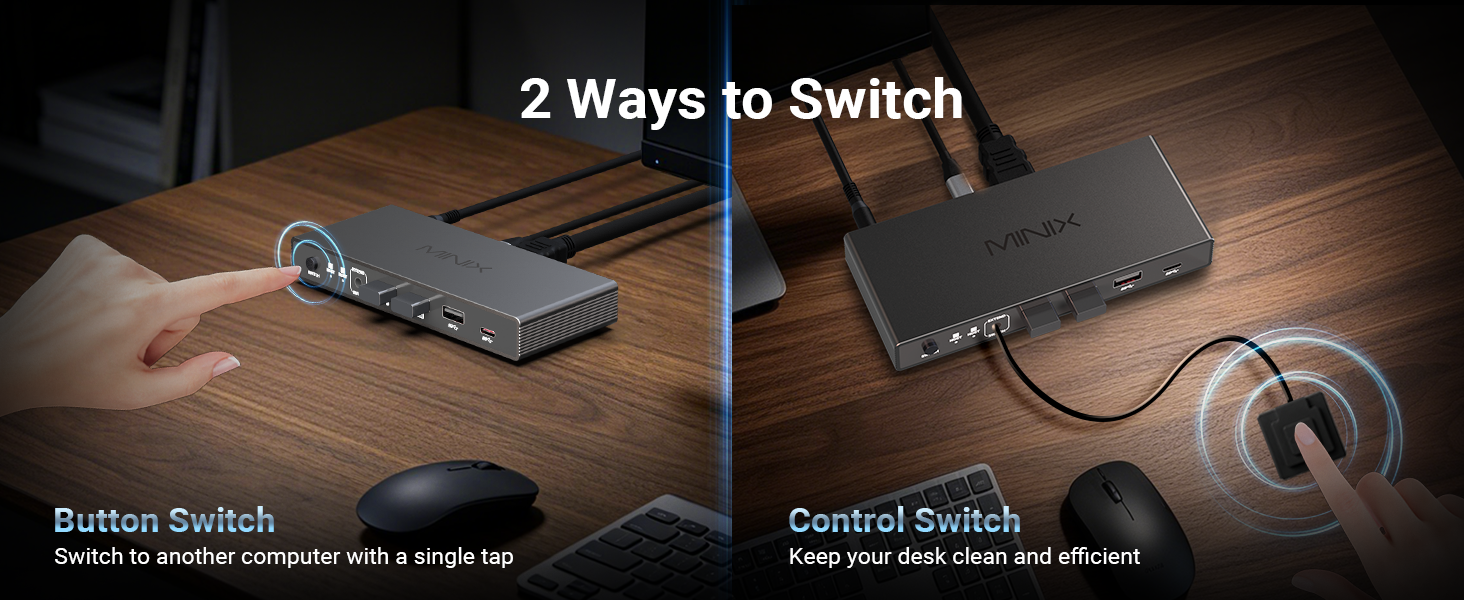
【2 Computers 1 Monitor Hub with Desktop Controller】MINIX K2 KVM Switch controls a USB-C laptop and HDMI PC seamlessly with one monitor, keyboard, mouse, and printer. No hotkey/auto-switch to ensure max stability—easily toggle via the physical button or the included desktop controller with one click
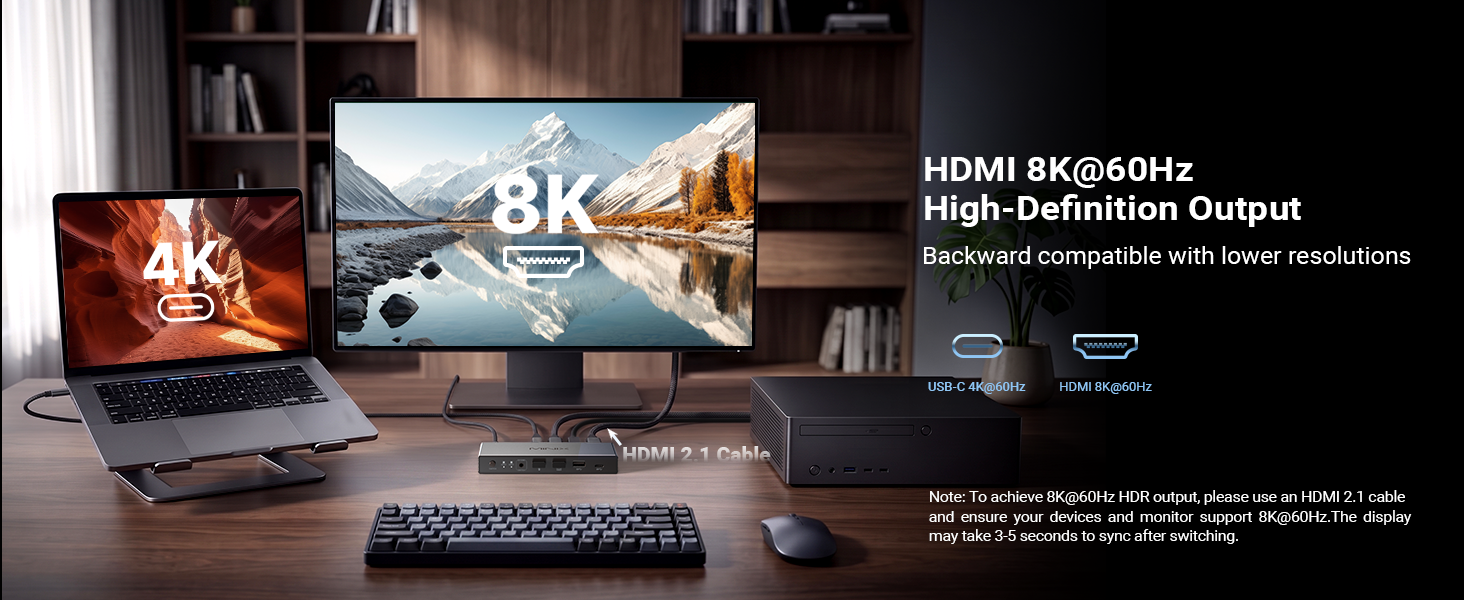
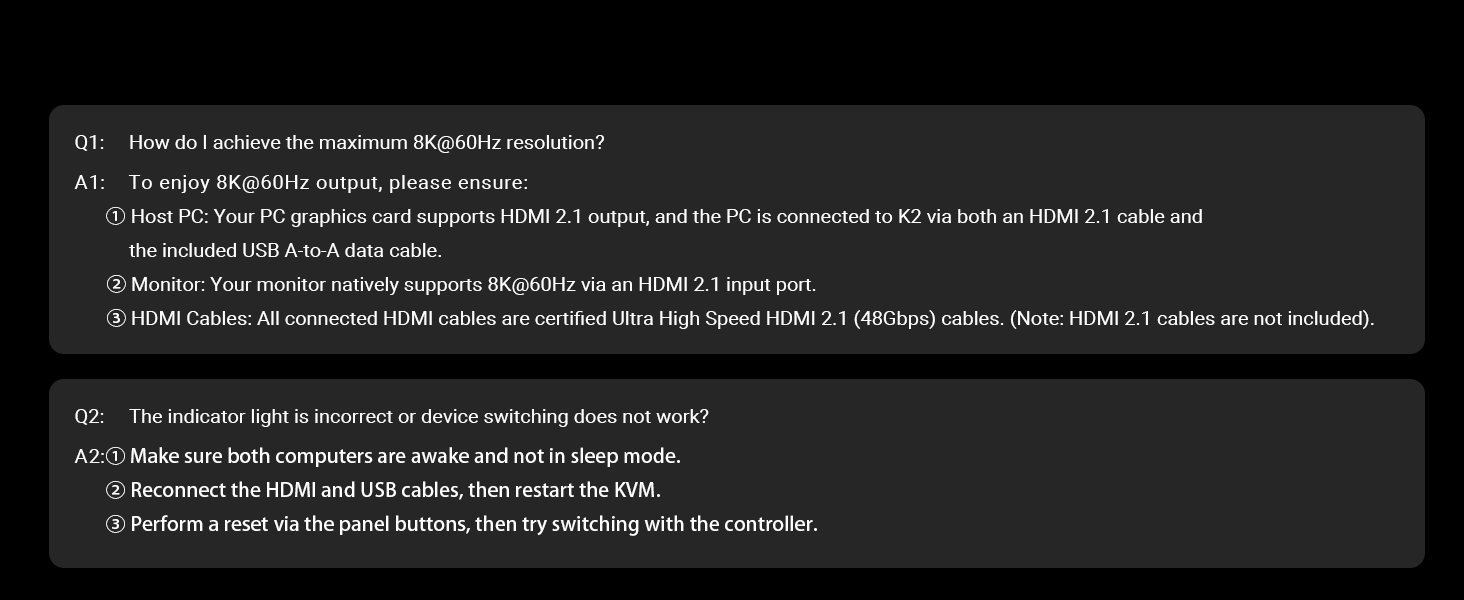
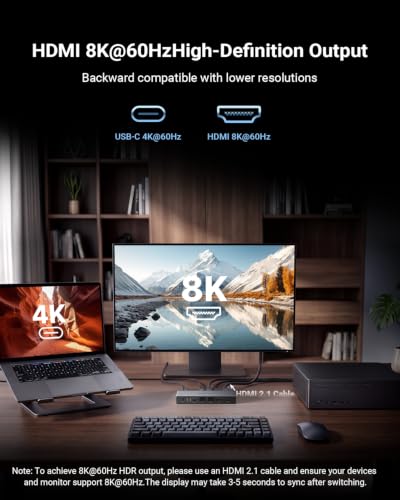
【8K@60Hz Ultra-HD Visual Feast】 Experience breathtaking 8K@60Hz clarity and HDR with the MINIX K2, backward compatible with 4K. Ideal for designers and gamers seeking low latency. [8K Setup Requirements]: Requires an HDMI 2.1 host PC (connected with USB A-to-A cable), an HDMI 2.1 monitor, and certified HDMI 2.1 cables
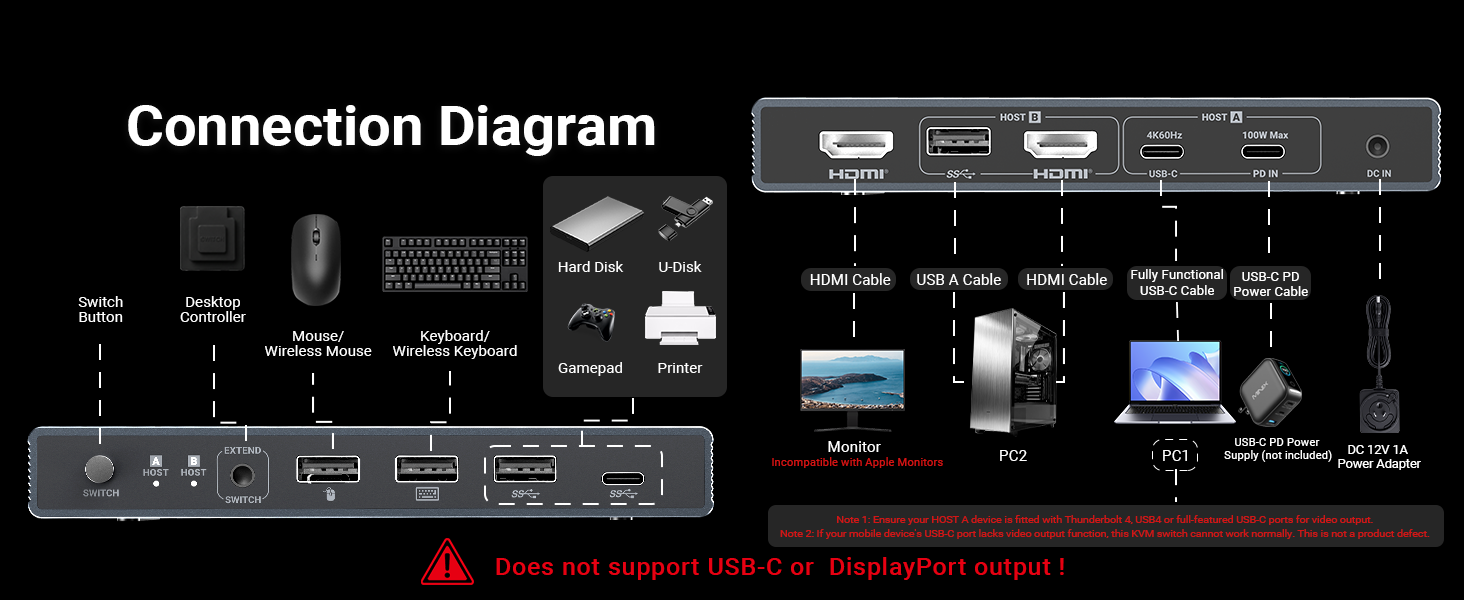
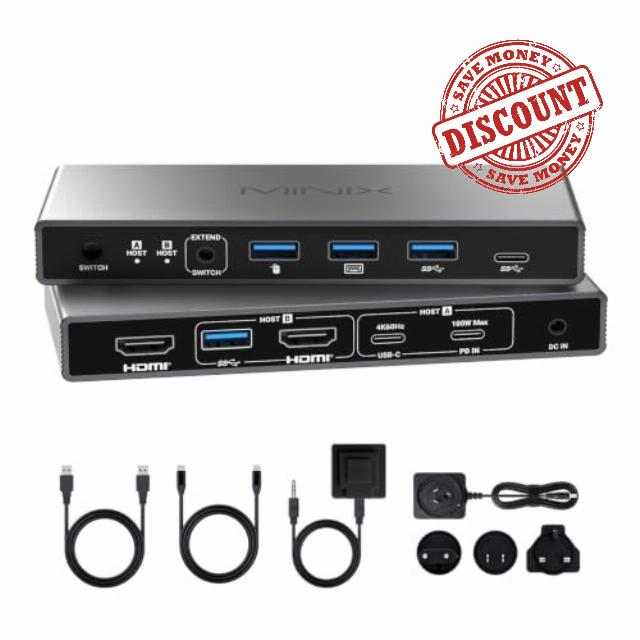
【100W PD Pass-Through Charging】The rear panel features a dedicated 100W PD IN port designed strictly for wall charger input (no data transfer, charger not included). When connected, it delivers high-speed pass-through power to your laptop via the Host A USB-C port, keeping your mobile workstation always charged
【USB-C & HDMI Inputs to 1 Monitor】 Perfect for remote workers and gamers to toggle between an office laptop and a personal PC without messy manual cable swapping. [HOW IT WORKS: 1. Connect laptop via 1x USB-C. 2. Connect PC via 1x HDMI + 1x USB data cable. 3. Plug your ultra-HD monitor into the HDMI output port.
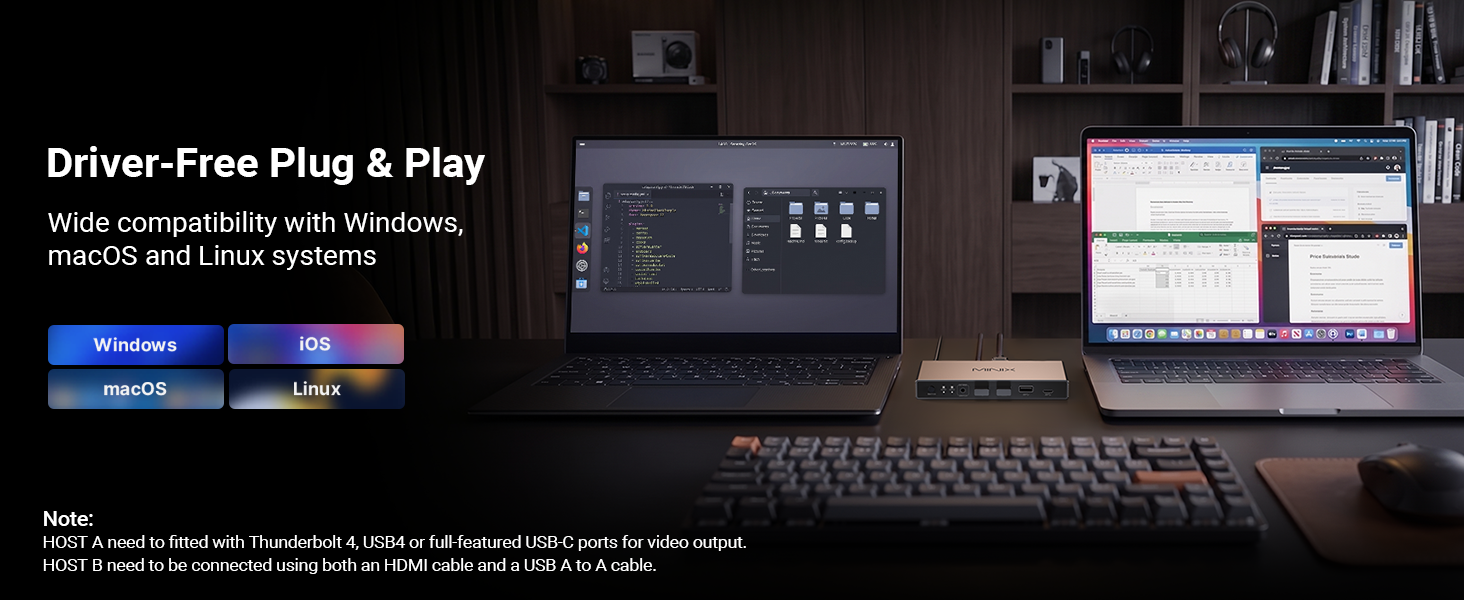
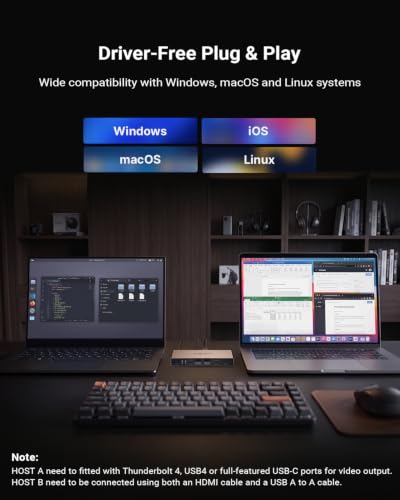
【Universal OS & Wide Compatibility】 With plug-and-play ease, this cross-platform HDMI and USB C KVM switch integrates with Windows, macOS, Linux and Android without extra drivers. It is widely compatible with MacBook Pro, MacBook Air, laptops, PCs, Nintendo Switch/Switch 2, PS5/4, Xbox, and projectors, making it effortless to share gear
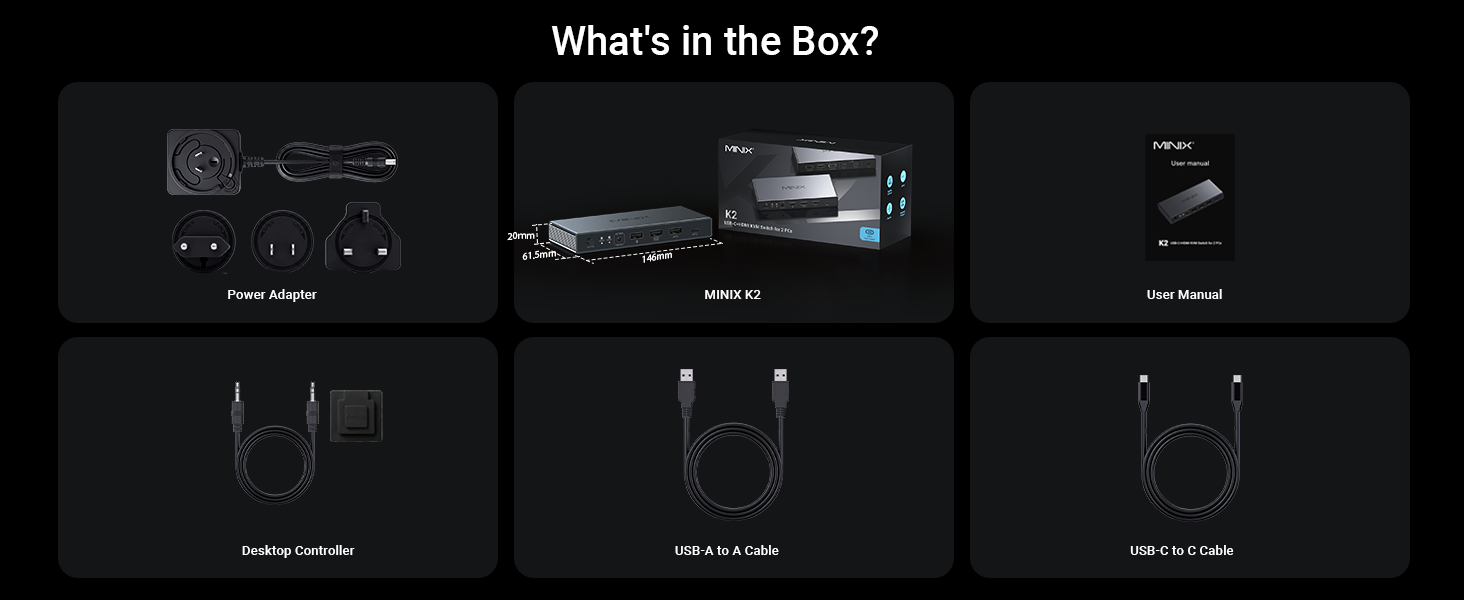
【Complete Kit & Notes】In Box: 1x K2 KVM, 1x USB C-to-C cable, 1x USB-A data cable, 1x 12V adapter, 1x Desktop controller (HDMI cables NOT included). Notes: 1. NOT compatible with Apple Studio Display. 2. Supports ONLY one HDMI monitor. 3. Device connected to Host A must support full-featured USB-C/TB4. 4. Connect 12V power for high-power USB devices. 5.Wake laptop before switching
It works with 2 computers and 1 monitor, and supports extended and mirror display modes.
Note 2
The total HDMI Output supports up to 8K@60Hz. For inputs, HOST B (HDMI) supports up to 8K@60Hz, while HOST A (USB-C) supports up to 4K@60Hz.
Note 3
No driver installation is required. It is plug and-play and recognized directly by Windows,macOS, Linux and other systems without extra software.
Note 4
Device switching is unavallable during sleep mode. Please wake up the host computer first to switch signals properly.
Note 5
Not all laptop Type‑C ports support video output. Only ports labeled Full‑Featured USB‑C, DP Alt Mode or Thunderbolt can transmit video signals; ordinary Type‑C ports are limited to charging and data transfer and cannot carry video signals.
It works with 2 computers and 1 monitor, and supports extended and mirror display modes.
Note 2
The total HDMI Output supports up to 8K@60Hz. For inputs, HOST B (HDMI) supports up to 8K@60Hz, while HOST A (USB-C) supports up to 4K@60Hz.
Note 3
No driver installation is required. It is plug and-play and recognized directly by Windows,macOS, Linux and other systems without extra software.
Note 4
Device switching is unavallable during sleep mode. Please wake up the host computer first to switch signals properly.
Note 5
Not all laptop Type‑C ports support video output. Only ports labeled Full‑Featured USB‑C, DP Alt Mode or Thunderbolt can transmit video signals; ordinary Type‑C ports are limited to charging and data transfer and cannot carry video signals.