MacBook Docking Station Dual Monitor 4K@60Hz, PD100W, Audio
MacBook Docking Station Dual Monitor 4K@60Hz, PD100W, Audio for Home Office PULWTOP Vertical Laptop Stand with 2 HDMI, 10Gbps USB-C/A, Ethernet, SD/TF, USB C Dock for MacBook Pro/Air M4/M5 – Midnigh
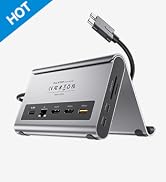
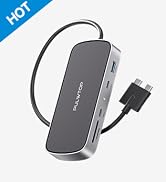
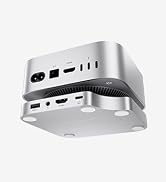
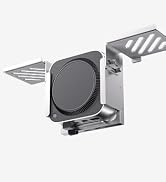
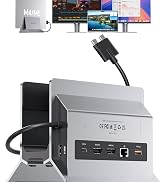
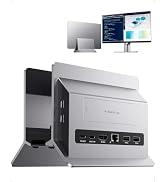
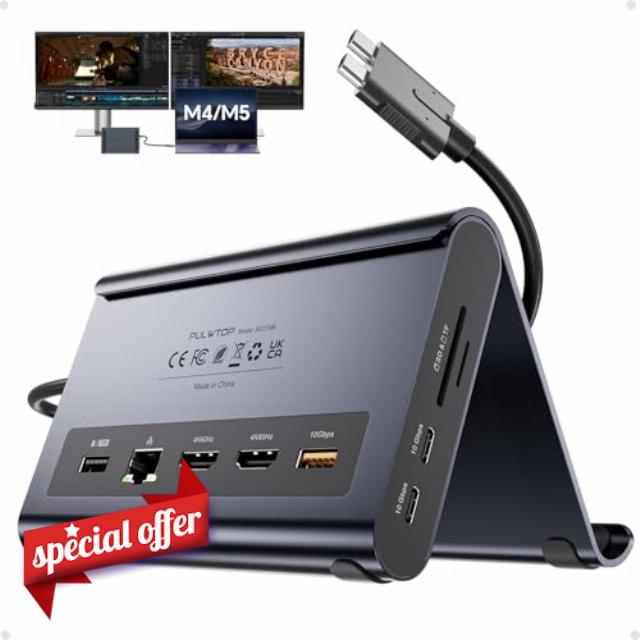
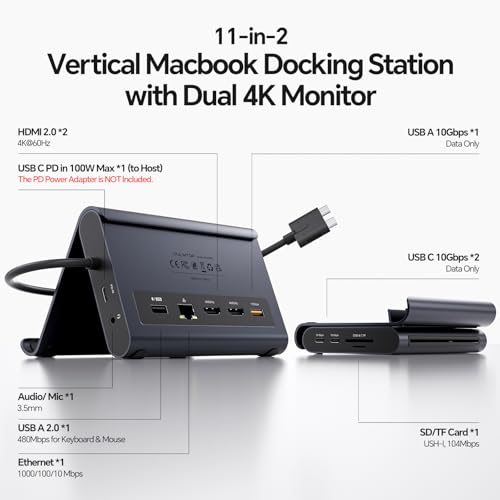
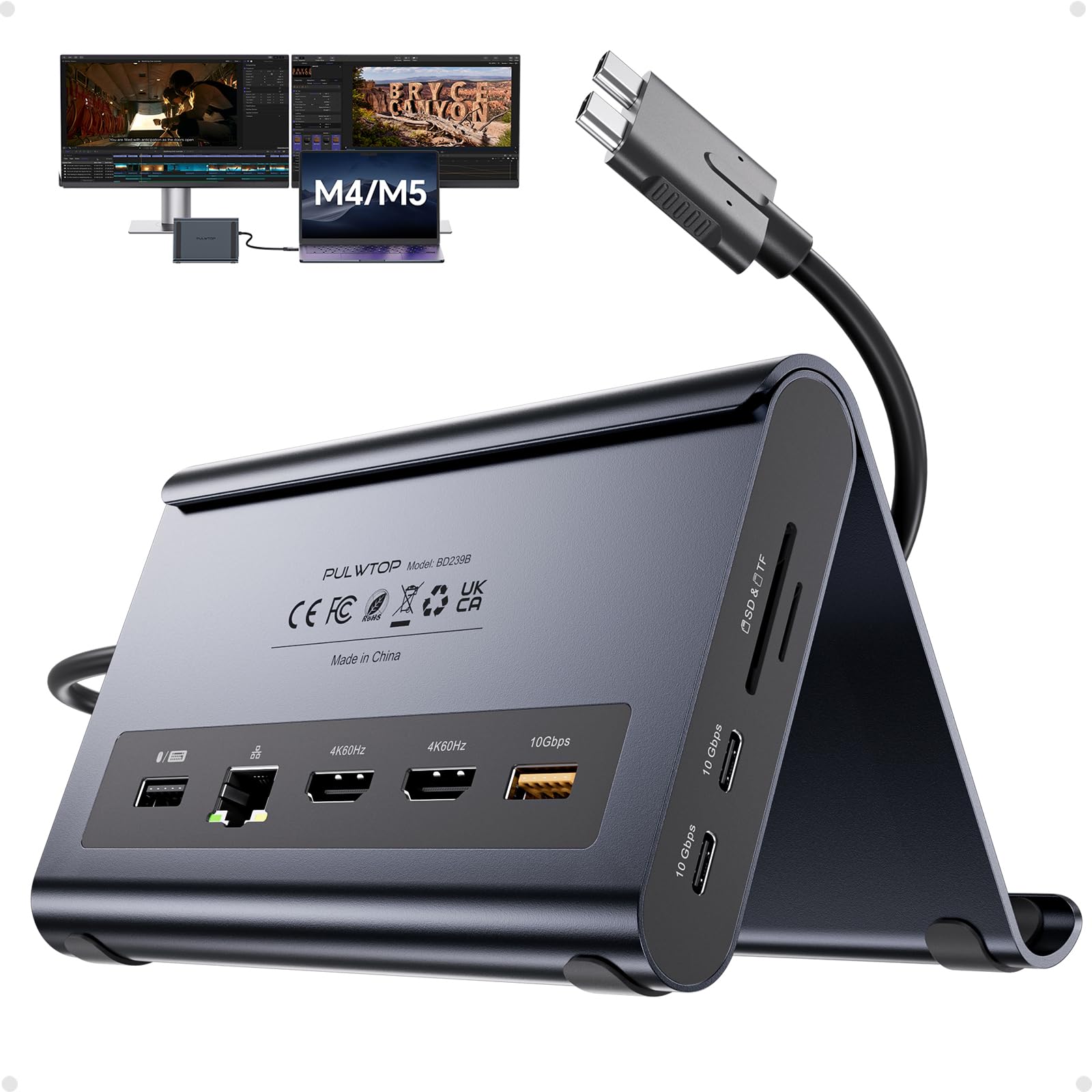
- 【2-in-1 Macbook Dock & Vertical Stand】This macbook docking station stand combines a macbook air dock with a sturdy laptop stand. Hold your MacBook in the stand, also works as a holder for tablets and phones. The macbook pro dock features 2x 4K@60Hz HDMI, 2x USB-C 10Gbps, 1x USB-A 10Gbps, 1x USB-A 2.0, SD/TF, 3.5mm Audio, and Gigabit Ethernet (RJ45) & 100W PD input (PD adapter not included).
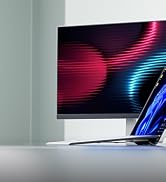
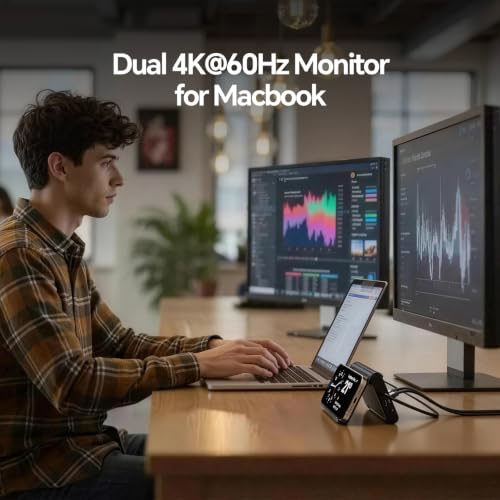
- 【Dual 4K@60Hz for MacBook Pro/Air】This macbook docking station dual monitor delivers stunning 4K@60Hz video output via dual HDMI ports — ideal for video editing, creative workflows. Transform your MacBook into a powerful dual‑monitor workstation for mirroring or extending, enjoy ultra‑smooth visuals and seamless multitasking for your laptop dock.
- 【Precision Compatibility – MacBook Only】This macbook pro docking station dual monitor is precision-engineered for MacBook Pro/Air 2016–2026 (Intel chips,M1 Pro/Max, M2 Pro/Max,M3 Pro/Max, M4 Base Chip,M4 Pro/Max,m5 Base Chip,M5 Pro/Max). ★NOT compatible with M1, M2, or M3 Base chips. Also incompatible with Windows laptops, MacBook Neo, Please verify your model before purchase.
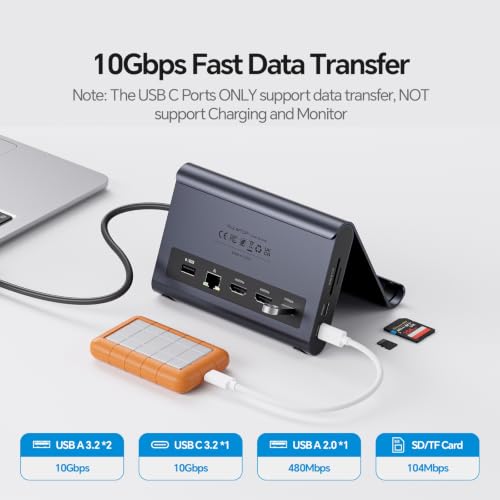
- 【10Gbps Ultra-Fast Data Transfer】This macbook air docking station delivers 2×10Gbps USB-C and 1×10Gbps USB-A (Data Only – no video & charging). Move massive 4K videos, photo libraries, or backups in seconds. Perfect for video editors, designers.usb c docking station dual monitor companion for your MacBook workflows. A dedicated USB-A 2.0 port keeps your mouse and keyboard lag‑free‑smooth precision.
- 【100W PD + Gigabit Ethernet】This macbook pro m5 docking station support Max 100W PD input and 95W output to charge MacBook Pro or Air at full speed – even under Final Cut Pro or dual monitors. Built‑in Gigabit Ethernet ensures lag‑free Zoom calls. No battery anxiety, no Wi‑Fi drops. A true docking station for macbook pro that keeps you productive all day.
- 【Steps of Clamshell Mode】 ① Go to Applications → Utilities and open Terminal. ② Enter the following command and press Enter : sudo pmset -a disablesleep 1 ③ Insert administrator password and press Enter again. Once these steps are completed, you can use dual displays while your MacBook is in clamshell mode (lid closed).✳️ Important Notes: ① If the external display still doesn't show any output after running the command, restart your MacBook. ② To revert to the default sleep behavior (which will disable clamshell mode), run the following command instead: sudo pmset -a disablesleep 0
From the brand
About Us
PULWTOP is a design‑driven R&D company delivering faster, smarter tech solutions. We specialize in Apple accessories, USB‑C hubs, Docks, Adapters, and Stands, reshape desktop tidiness at work and home, unleash digital productivity
-
Macbook Docking Station
-
iMac Usb Hub & Docks
-
New Released USB 4 Cable
-
Qi2.2 Wireless Charger
-
Mac Mini M4 Hub & Docks
-
Macbook Dock with M.2 Case
-
Windows Docking Station


| SKU: | B0H2YH49R3 |
| Weight: | 400 g |
| Dimensions: | 5.4″L x 4.21″W x 3.37″H |
| Brand: | PULWTOP |
| Model: | BD239B-Midnight |
| Colour: | Midnight |
| Manufacture: | PULWTOP |
| Colour: | Midnight |
From the brand