MacBook Docking Station Dual Monitor 4K@60Hz for MacBook

MacBook Docking Station Dual Monitor 4K@60Hz for MacBook Pro/Air M4/M5 PULWTOP Macbook Pro Stand USB C Dock with 2 HDMI, Gigabit Ethernet, 3 USB 10Gbps, SD/TF, Audio, PD for Home & office, Black
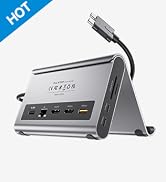
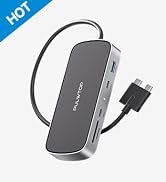
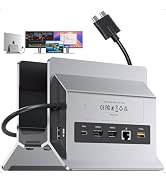
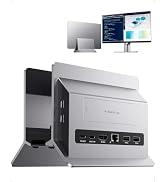
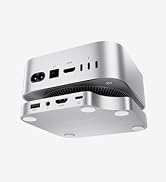
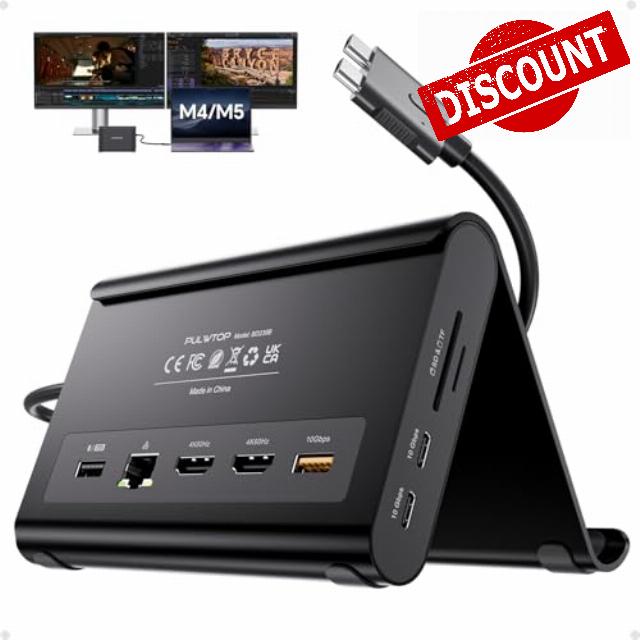
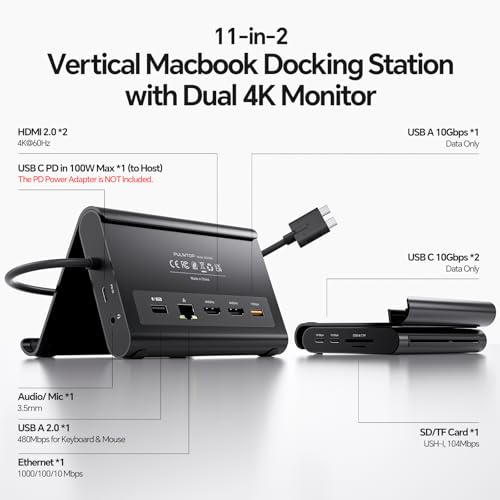
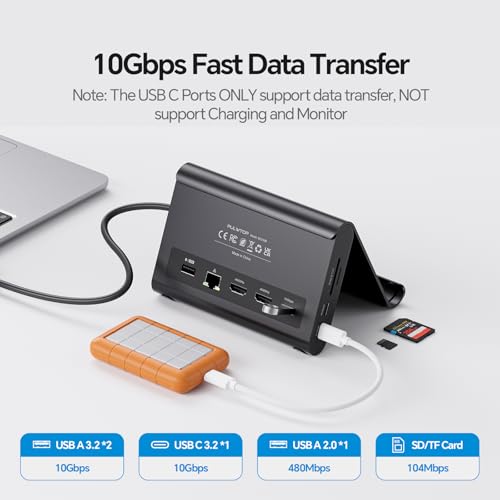
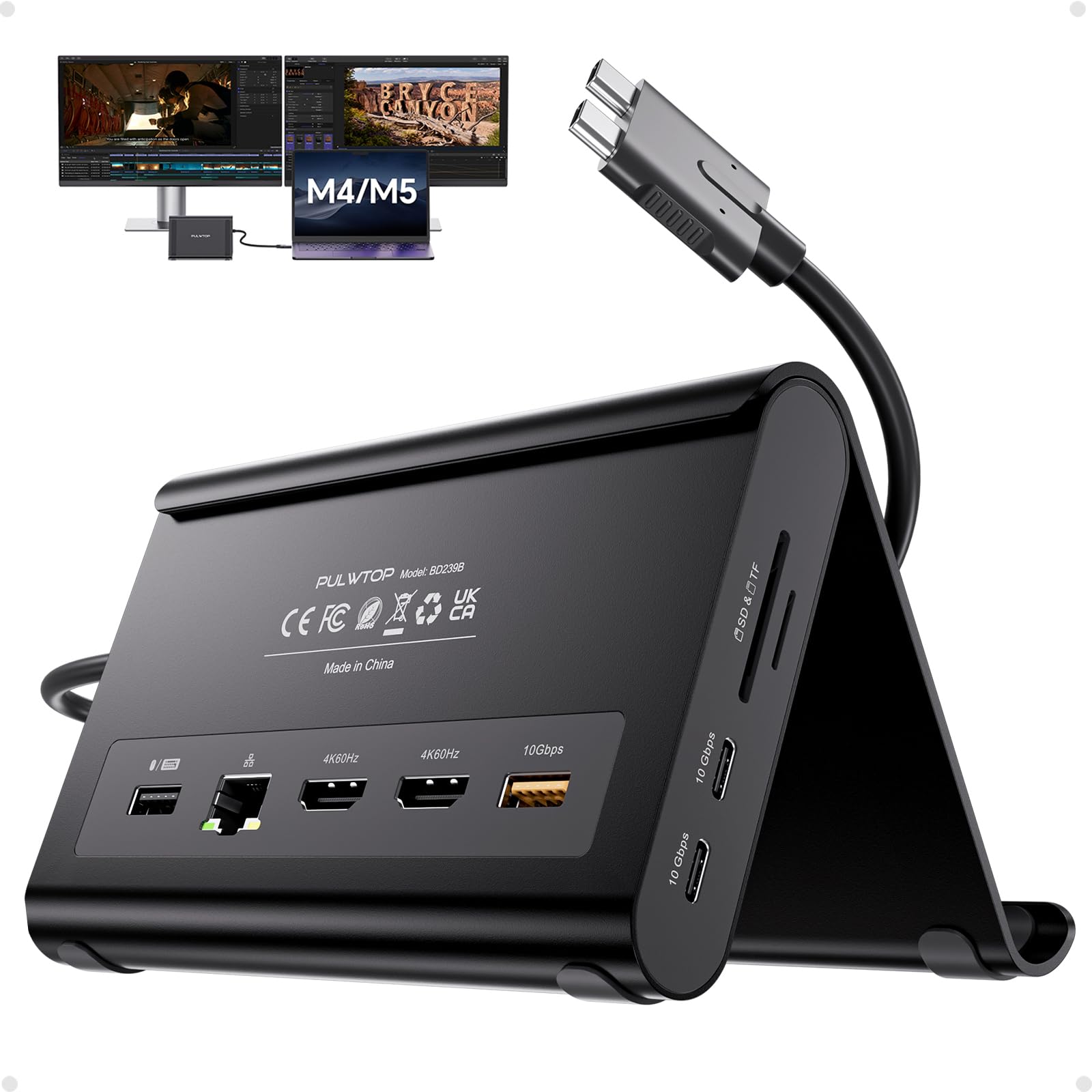
- 【2-in-1 Stand & Dock Combo】This MacBook pro docking station functions as both a sturdy stand and a multi‑port hub – lift your laptop, tablet, or phone for better ergonomics and airflow while gaining essential ports: 2× HDMI 4K@60Hz, 2× USB‑C 10Gbps, 1× USB‑A 10Gbps, 1× USB‑A 2.0, SD/TF, 3.5mm audio, and Gigabit Ethernet. Supports 100W PD pass‑through (power adapter not included).
- 【4K Dual Monitor for MacBook Docking Station】Get a true macbook pro docking station m5 experience with crisp 4K@60Hz output. This MacBook Dock supports dual monitor output up to 2× 4K@60Hz displays. Whether watching movies, attending meetings, or multitasking, it handles it all with ease.
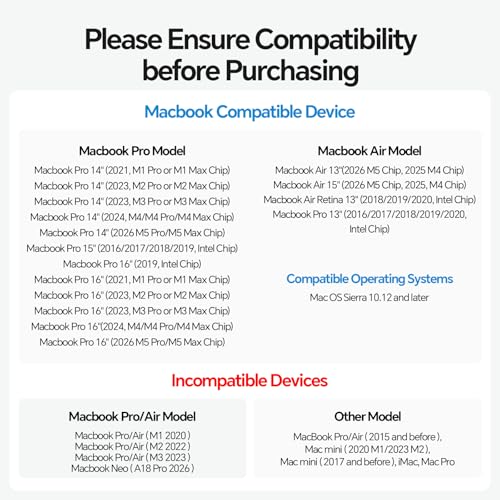
- 【Exclusive Compatibility for MacBook】This mac docking station dual monitor is designed for MacBook Pro/Air 2016–2026 (Intel, M1–M5 Pro/Max, M4/M5 base chips).DO NOT compatible with M1/M2/M3 MacBook (base chips) for dual display. Not for MacBook Neo A18 Pro, Windows or Chrome.
- 【High-Speed Data Transfer, 100W PD & Gigabit Ethernet】This macbook dock offers 2× 10Gbps USB-C ports, 1× 10Gbps USB-A port, plus 1x USB-A 2.0 port for lag-free mouse/keyboard. Charge via 100W Power Delivery (adapter required) and enjoy stable wired Gigabit Ethernet. A true macbook pro dock for power users who need speed, reliability, and all-in-one connectivity.
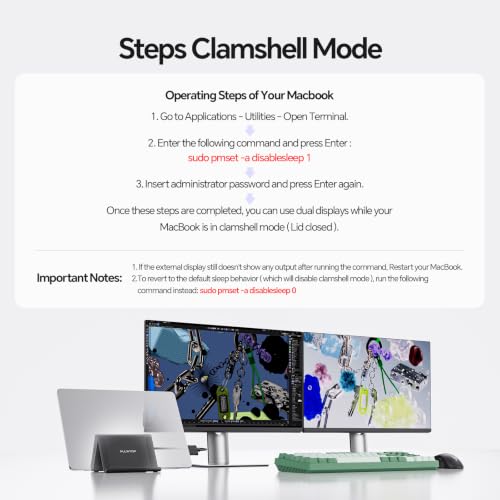
- 【Steps of Clamshell Mode】 ① Go to Macbook' Applications → Utilities and open Terminal. ② Enter the command: sudo pmset -a disablesleep 1 and press Enter ③ Insert administrator password and press Enter again.-you can use dual displays while your MacBook is in clamshell mode (lid closed). ※ Important Notes: ① If the external display still doesn't show any output after running the command, restart your MacBook. ② To revert to the default sleep behavior (which will disable clamshell mode), run the command instead: sudo pmset -a disablesleep 0
From the brand
About Us
PULWTOP is a design‑driven R&D company delivering faster, smarter tech solutions. We specialize in Apple accessories, USB‑C hubs, Docks, Adapters, and Stands, reshape desktop tidiness at work and home, unleash digital productivity
-
Macbook Docking Station
-
iMac Usb Hub & Docks
-
New Released USB 4 Cable
-
Qi2.2 Wireless Charger
-
Windows Docking Station
-
Macbook Dock with M.2 Case
-
Mac Mini M4 Hub & Docks


| SKU: | B0H1CC29PM |
| Weight: | 0.4 kg |
| Dimensions: | 5.4″L x 4.21″W x 3.37″H |
| Brand: | PULWTOP |
| Colour: | Black-macbook pro docking station dual displays |
| Manufacture: | PULWTOP |
| Colour: | Black-macbook pro docking station dual displays |
From the brand