DIY Customized Elite Series 2 Controller Compatible for Xbox
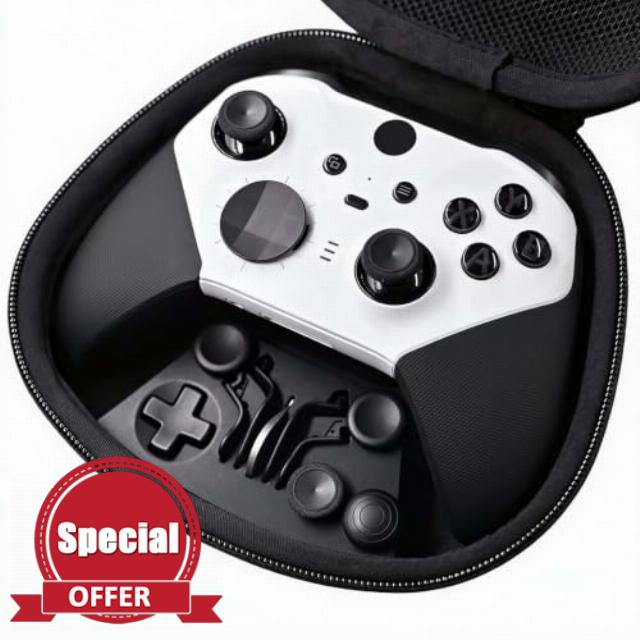
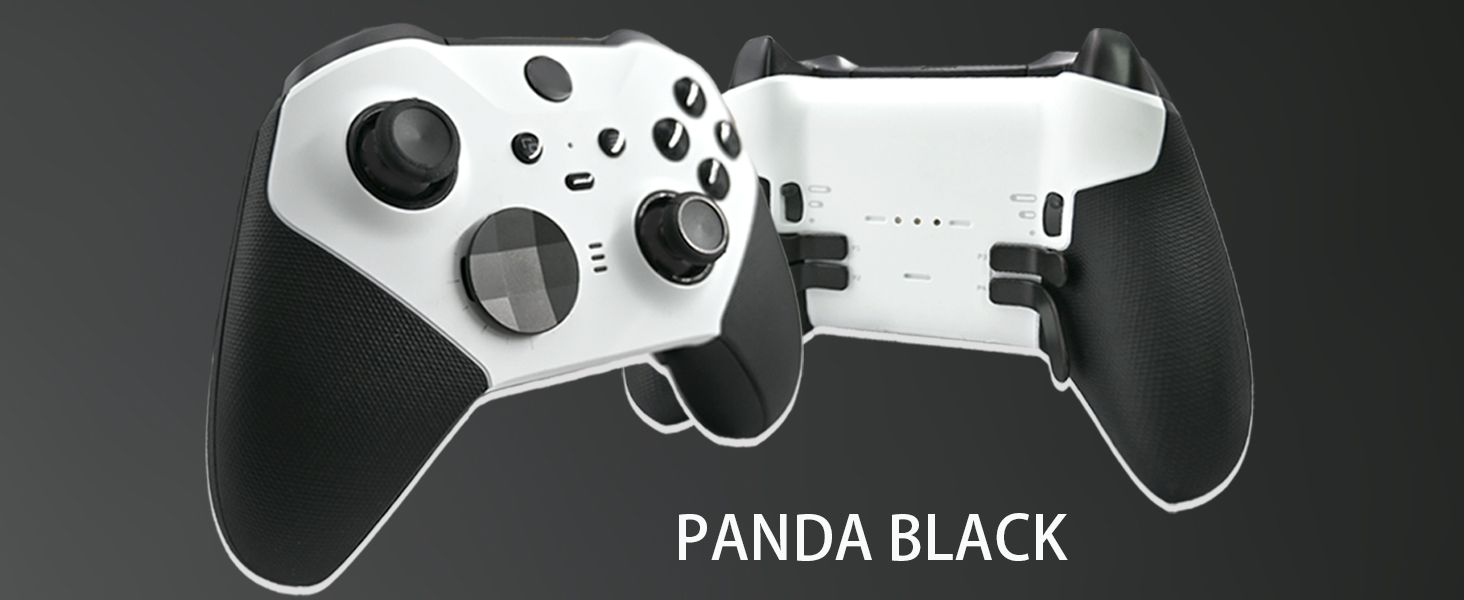
DIY Customized Elite Series 2 Controller Compatible for Xbox Elite Series 2 Panda Black Controller,Custom Soft‑Touch,Compatible for Xbox Series S|X,Xbox One,With Accessory Bag
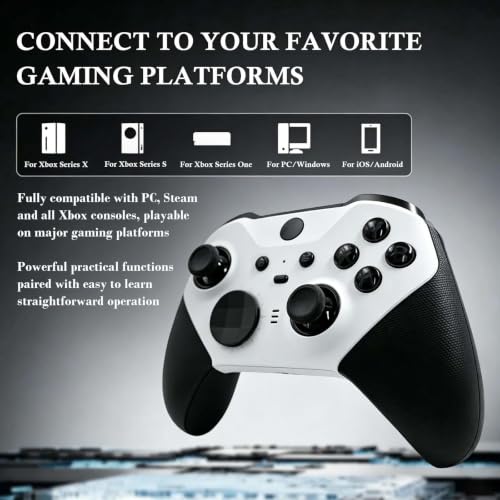
- Your Exclusive Quality Build: Built using Elite Series 2 core hardware and fitted with a sleek custom shell in an unofficial customized modification. Each unit undergoes individual testing for responsive out‑of‑the‑box gameplay
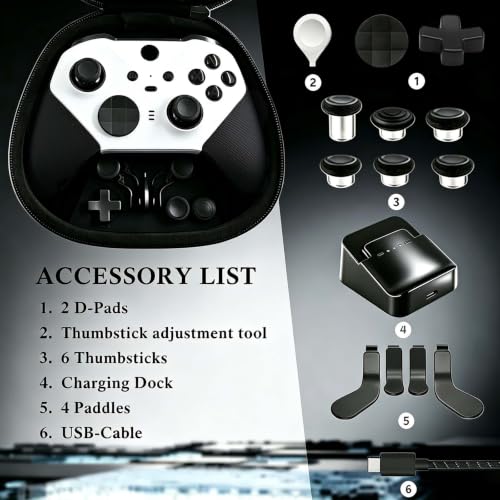
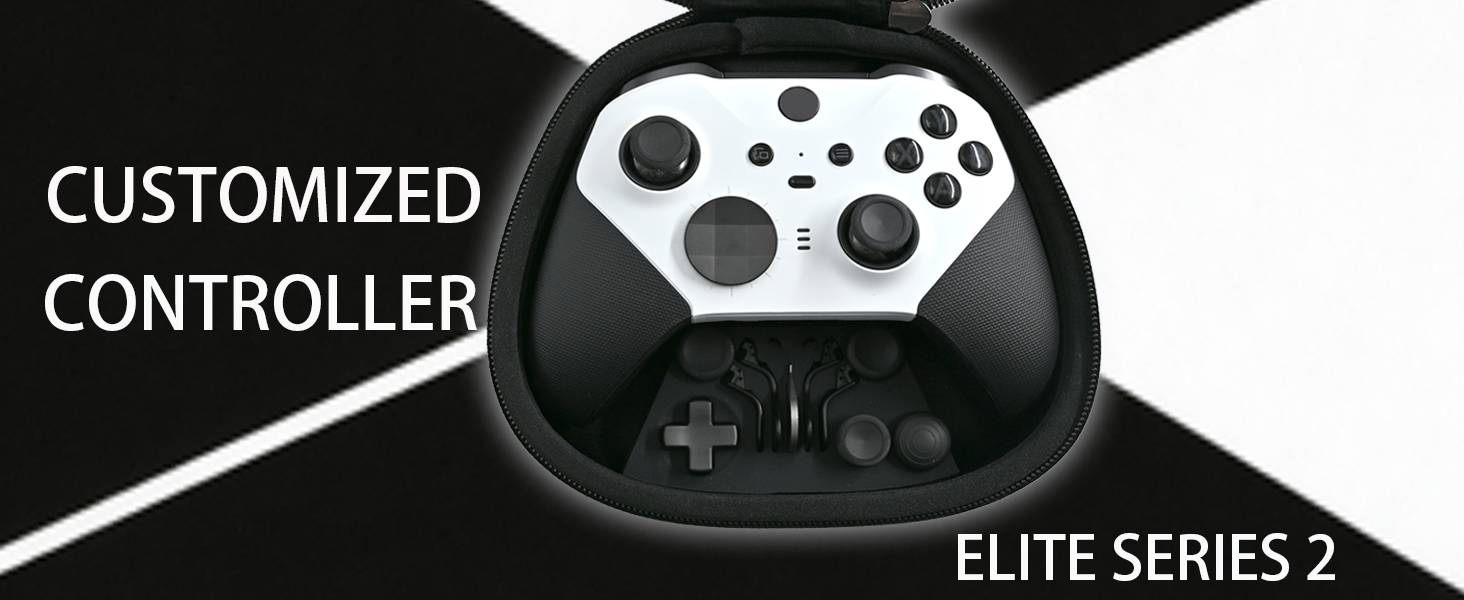
- Complete Accessory Bundle: Contains 1 customized controller, 6 interchangeable Thumbsticks, 2 replaceable D‑Pads, 4 rear back paddles, adjustment tool, charging dock, USB‑C cable and protective storage bag for full personalized modification
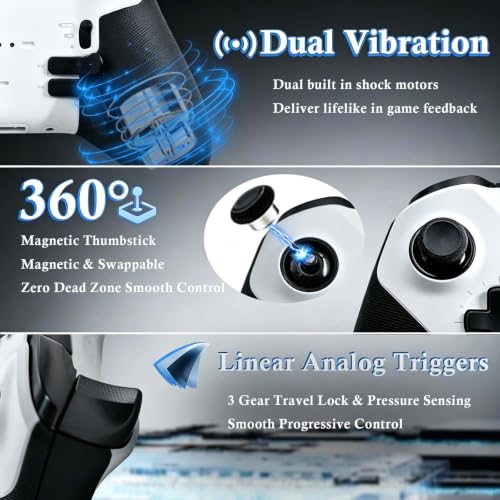
- Fashionable & One‑of‑a‑Kind Design: Panda Black DIY Elite Controller compatible for Xbox Elite Series 2, Xbox Series S/X & Xbox One. Features 360° precision adjustable Thumbsticks, vibrant responsive buttons and 256‑level pressure‑sensing triggers for ultra‑fine in‑game control
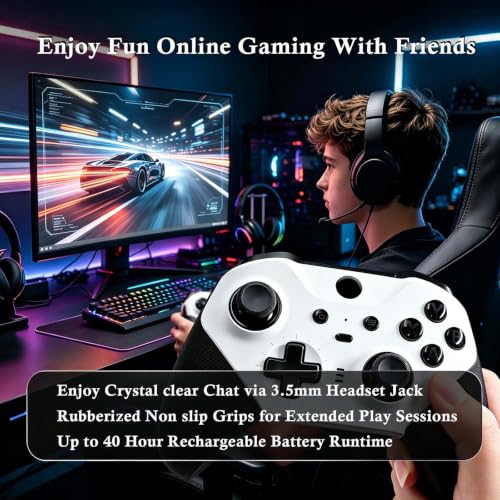
- Ergonomic Anti‑Slip Grips: Equipped with frosted micro‑textured ergonomic anti‑slip grips, the matte textured handles offer steady secure holding even during intense long‑hour gaming sessions and effectively prevent slipping of your palms
- Quick Profile Switch Function: Stores up to 3 sets of customized control profiles, you can instantly switch settings when changing games without repeated parameter configuration
Controller won’t connect to console/PC?
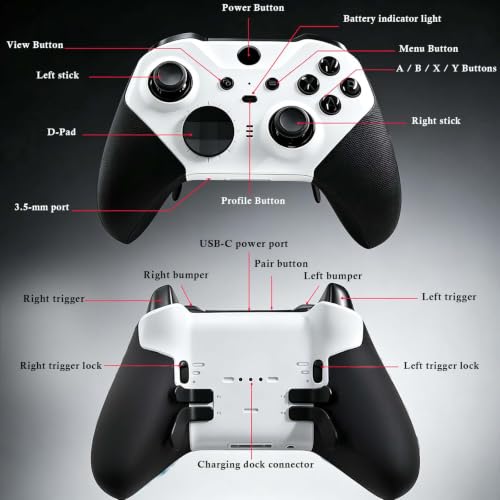
Restart controller (hold central button 10s to power off, reboot) and device. Consoles: Press both pairing buttons for 3s (lights flash) to re-pair. PC: Check Bluetooth/Wi-Fi interference; reinstall Accessories driver.
Frequent disconnections after connection?
Ensure full battery (replace/recharge). Avoid routers/microwaves. Bluetooth: Keep within 3m. Wired: Swap USB cable/port to fix contact issues.
Buttons unresponsive/laggy?
Test mapping via Accessories app. Stuck buttons: Power off, wipe gaps with alcohol-soaked cotton swab. Fully unresponsive? Contact after-sales for hardware check.
Joystick drift (automatic movement)?
Calibrate via Accessories app (Device → Calibrate). Clean gaps with compressed air. Mild drift: Use dead zone adjustment. Severe: Replace module or send for repair.
What is the product's after-sales service period?
The product comes with a 6-month after-sales service. Contact after-sales for non-human-induced faults during the 6-month after-sales service period.

| SKU: | B0HFM7V3H1 |
| Brand: | LuLuGou |
| Colour: | Panda Black |
| Manufacture: | LuLuGou |
| Colour: | Panda Black |
Product description
Controller won’t connect to console/PC?
Restart controller (hold central button 10s to power off, reboot) and device. Consoles: Press both pairing buttons for 3s (lights flash) to re-pair. PC: Check Bluetooth/Wi-Fi interference; reinstall Accessories driver.
Frequent disconnections after connection?
Ensure full battery (replace/recharge). Avoid routers/microwaves. Bluetooth: Keep within 3m. Wired: Swap USB cable/port to fix contact issues.
Buttons unresponsive/laggy?
Test mapping via Accessories app. Stuck buttons: Power off, wipe gaps with alcohol-soaked cotton swab. Fully unresponsive? Contact after-sales for hardware check.
Joystick drift (automatic movement)?
Calibrate via Accessories app (Device → Calibrate). Clean gaps with compressed air. Mild drift: Use dead zone adjustment. Severe: Replace module or send for repair.
What is the product’s after-sales service period?
The product comes with a 6-month after-sales service. Contact after-sales for non-human-induced faults during the 6-month after-sales service period.