Desk Stand Compatible with Microsoft Surface Pro & Go
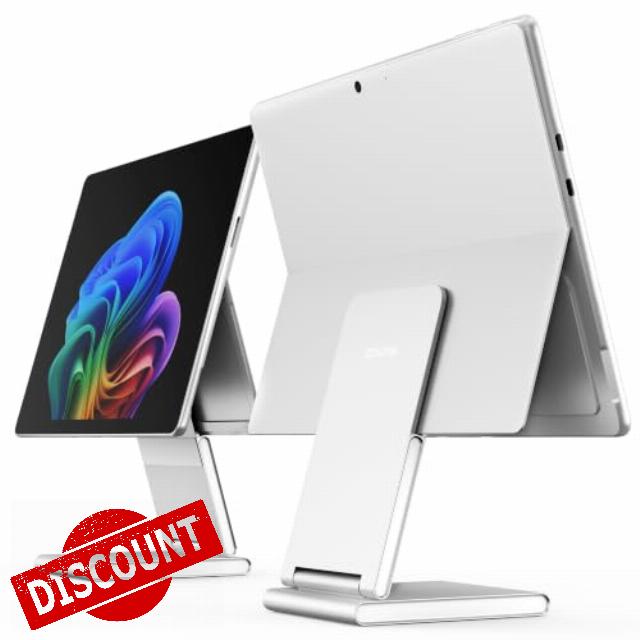
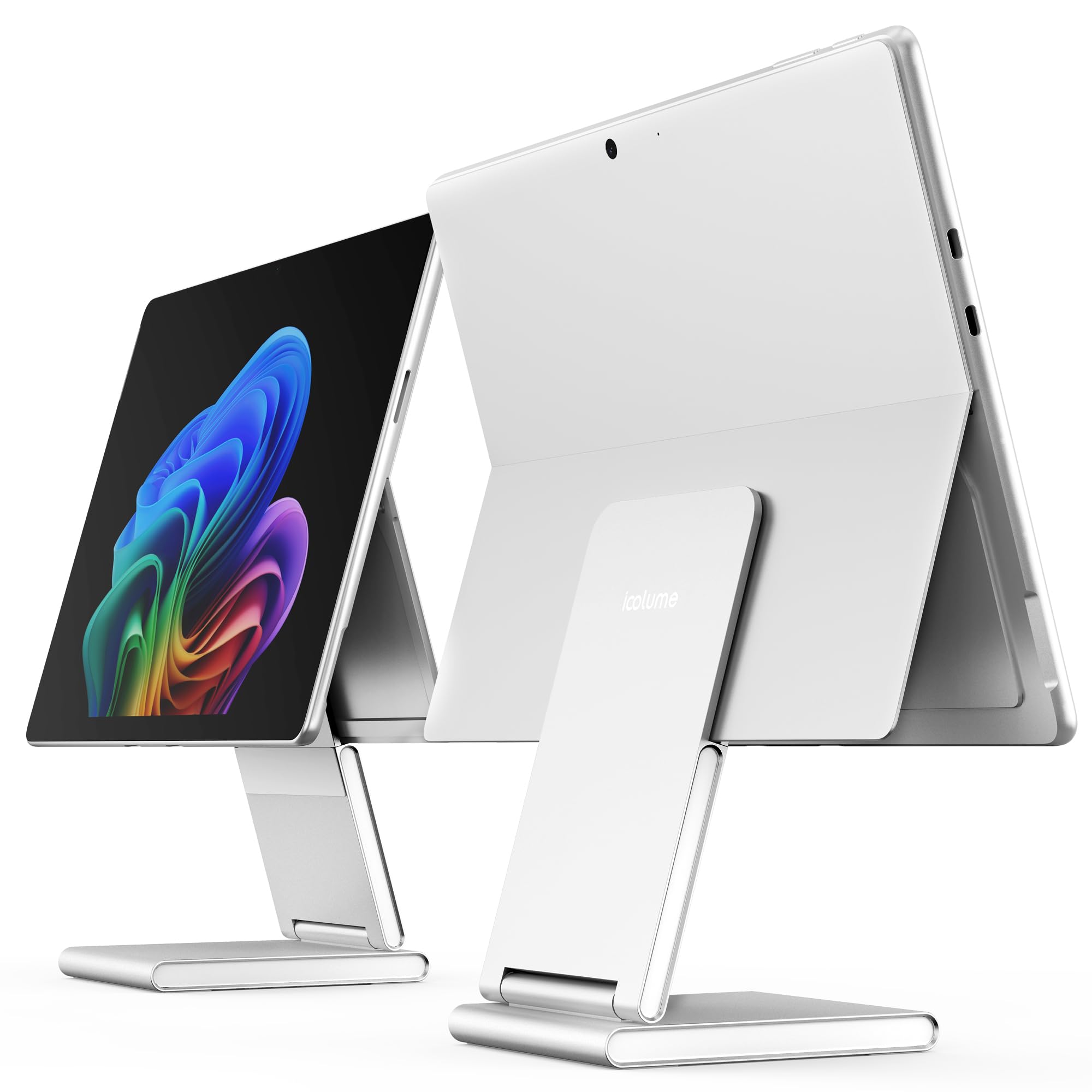
Desk Stand Compatible with Microsoft Surface Pro & Go, Foldable Elevated screen, stepless angle adjustment, aluminum body with acrylic side accents, silicone pads and storage pouch.
- COMPATIBILITY & EASY SETUP: Compatible with Microsoft Surface Pro 7, 7+, 8, 9, 10, 11 and 12, including Surface Pro 13-inch (11th Edition), and Surface Go 2, 3 and 4. Open your device's built-in kickstand, then place it on S2. For landscape use without a protective case. Not compatible with Surface Laptop or other tablets.
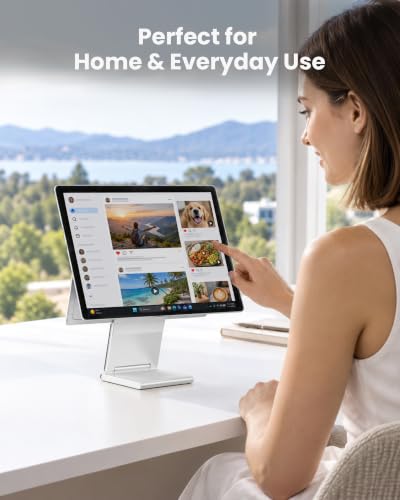
- RAISE YOUR SCREEN: This elevated desk stand lifts your compatible Surface above the desktop for a more comfortable viewing position. Bring your screen higher for work, reading and video calls, helping reduce the need to look down. The stand has a fixed height.
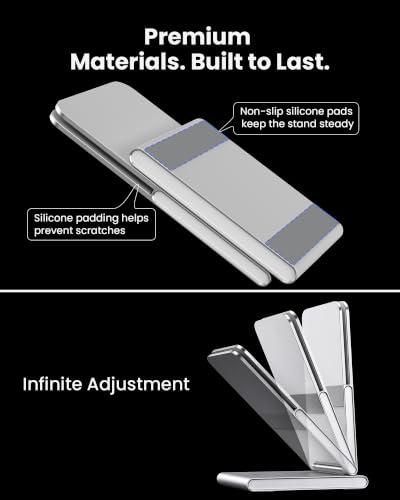
- STEPLESS ANGLE ADJUSTMENT: Fine-tune the viewing angle to suit your seating position and task. The stepless hinge lets you tilt the support smoothly for reading, screen tapping and pen use, making it easy to find a comfortable setup.
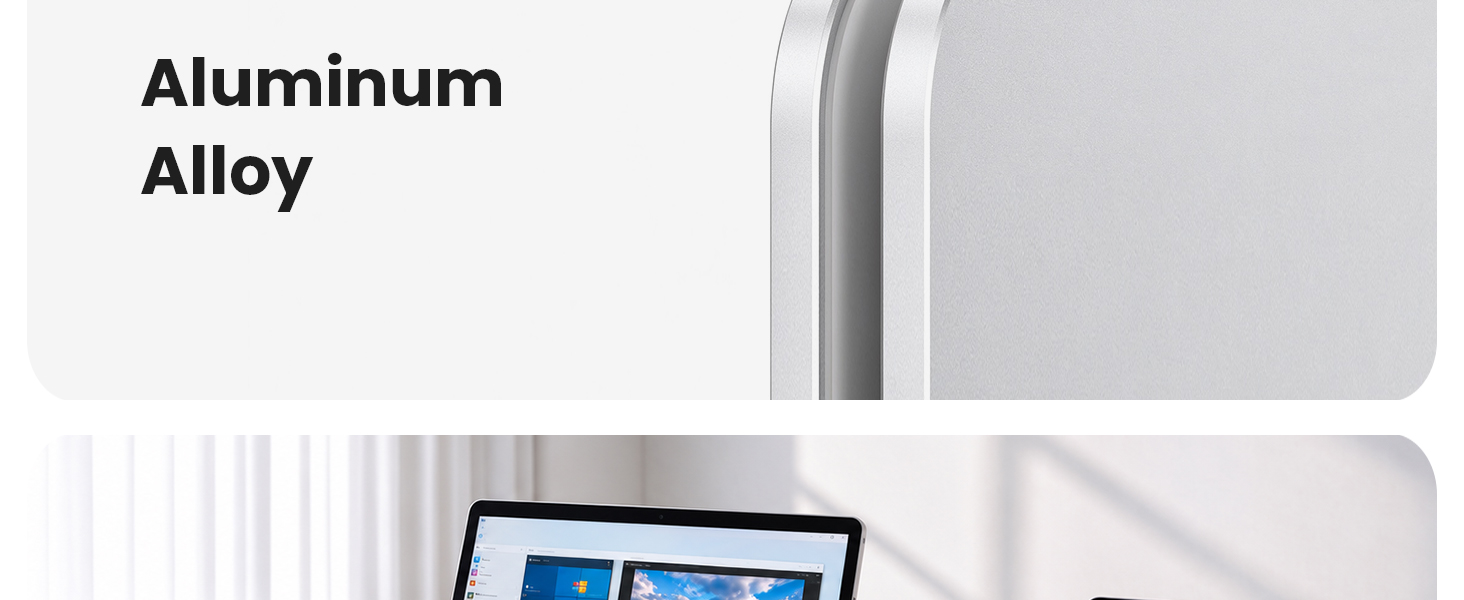
- ALUMINUM BUILD & ACRYLIC SIDE ACCENTS: The aluminum alloy body provides steady desktop support, while acrylic side accents add a refined finishing touch to the clean silver design. Silicone contact pads help reduce slipping and protect your device from direct metal contact.
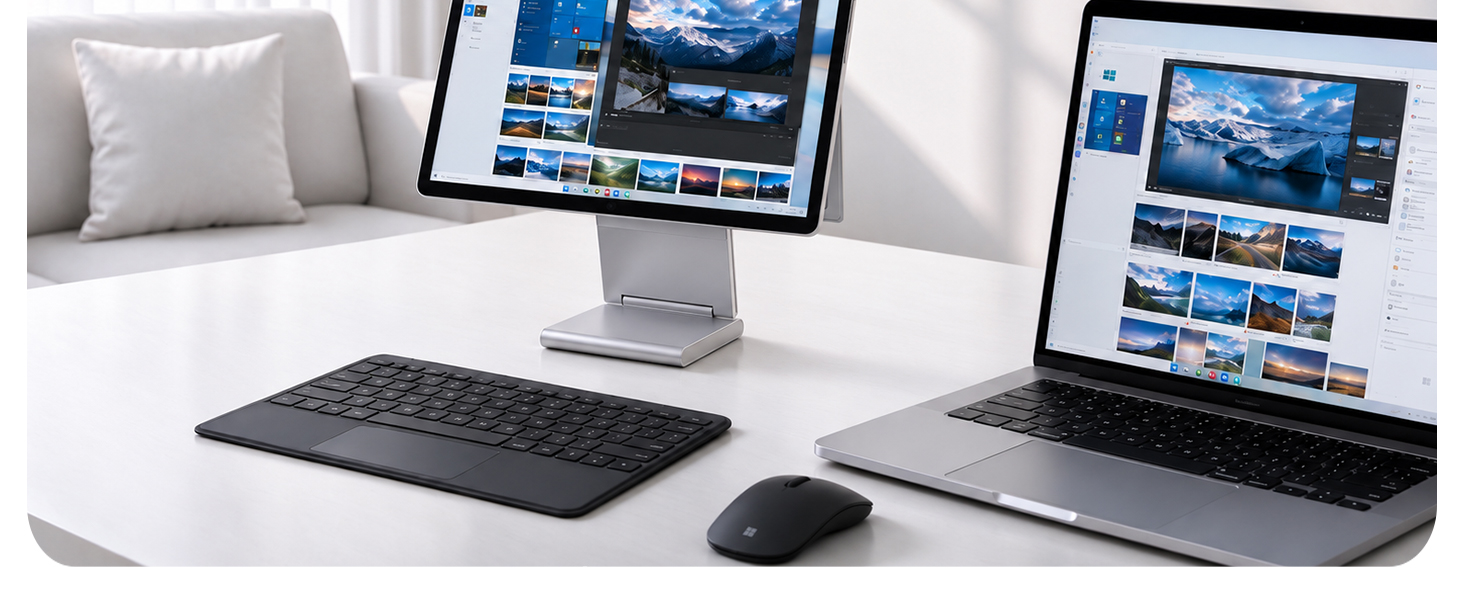
- KEYBOARD SUPPORT & PORT ACCESS: Use your compatible Surface with its Type Cover attached or pair it with a separate keyboard. The open support design keeps ports and ventilation openings accessible for your everyday desk setup.
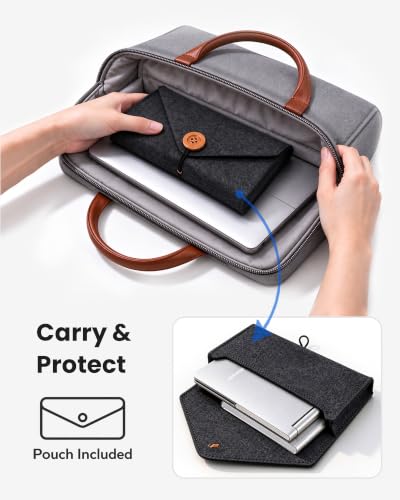
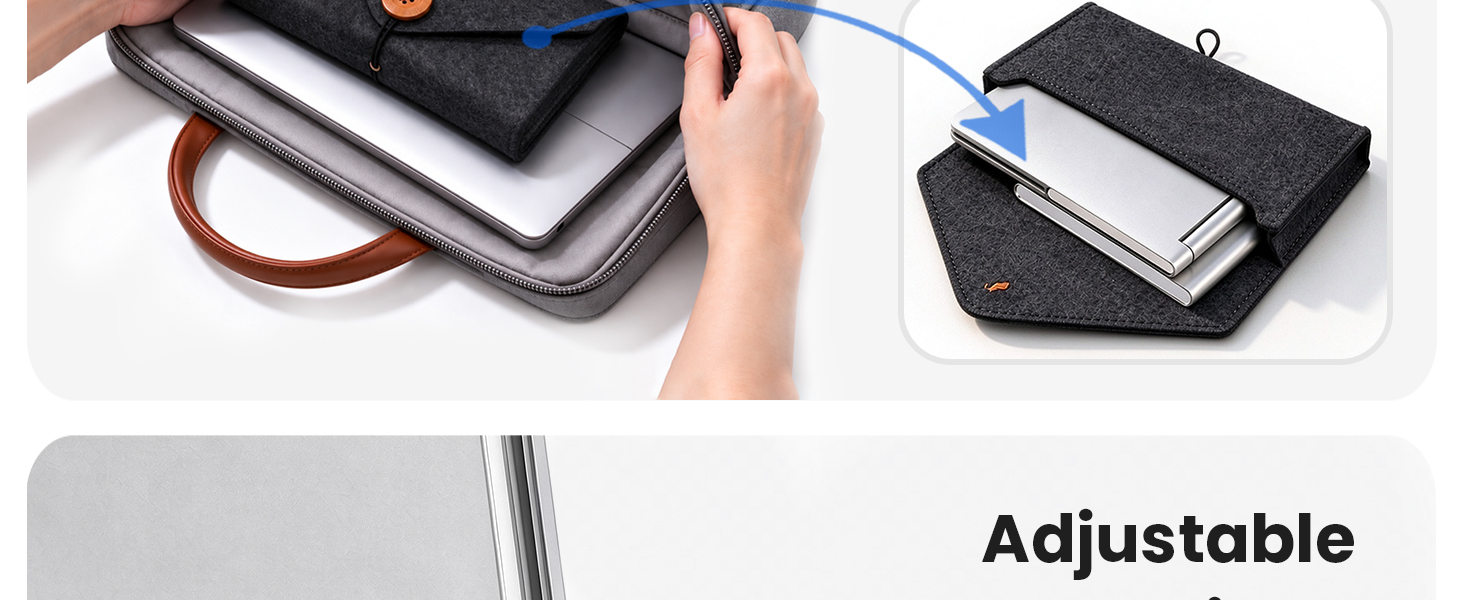
- FOLDABLE WITH STORAGE POUCH: Fold S2 down and pack it in the included storage pouch for convenient carrying between home, office and other workspaces. The pouch helps keep the metal stand separated from your Surface and other belongings during transport. Stand weight: 15.27 oz (433 g).
Which devices is the icolume stand compatible with?
The icolume stand is designed for Microsoft Surface Pro 7, 7+, 8, 9, 10 and 11, including Surface Pro 13-inch (11th Edition), and Surface Go 2, 3 and 4. It is not designed for other tablets. Use without a protective case.
Can I adjust the viewing angle?
Yes. The icolume stand offers smooth, continuous angle adjustment for a comfortable landscape viewing position. The stand raises the screen above desk level. Portrait orientation is not supported.
Is the stand stable for touch and pen use?
The aluminum alloy construction and non-slip silicone pads help keep the stand steady during everyday touchscreen and pen use. Silicone padding at the contact points helps protect your device from scratches.
Can I use a Type Cover or protective case with it?
Remove any protective case before placing your device on the stand. Open the device’s built-in kickstand first. A Type Cover may remain connected, but the stand is not designed for typing on an attached Type Cover while the device is mounted.
Is the icolume stand easy to store and carry?
Yes. Its foldable design and included storage pouch make it convenient to pack for work or travel. The aluminum alloy body and acrylic side accents add a refined look to your desk setup.



| SKU: | B0HGLD2X4G |
| Weight: | 15.27 ounces |
| Dimensions: | 8 x 4.5 x 1.57 inches |
| Brand: | icolume |
| Model: | ICO-S2 |
| Colour: | Silver |
| Manufacture: | ICOLUME |
| Colour: | Silver |
Product description

Which devices is the icolume stand compatible with?
The icolume stand is designed for Microsoft Surface Pro 7, 7+, 8, 9, 10 and 11, including Surface Pro 13-inch (11th Edition), and Surface Go 2, 3 and 4. It is not designed for other tablets. Use without a protective case.
Can I adjust the viewing angle?
Yes. The icolume stand offers smooth, continuous angle adjustment for a comfortable landscape viewing position. The stand raises the screen above desk level. Portrait orientation is not supported.
Is the stand stable for touch and pen use?
The aluminum alloy construction and non-slip silicone pads help keep the stand steady during everyday touchscreen and pen use. Silicone padding at the contact points helps protect your device from scratches.
Can I use a Type Cover or protective case with it?
Remove any protective case before placing your device on the stand. Open the device’s built-in kickstand first. A Type Cover may remain connected, but the stand is not designed for typing on an attached Type Cover while the device is mounted.
Is the icolume stand easy to store and carry?
Yes. Its foldable design and included storage pouch make it convenient to pack for work or travel. The aluminum alloy body and acrylic side accents add a refined look to your desk setup.