CXK Bone Conduction Headphones, 2026 Upgrade Open Ear
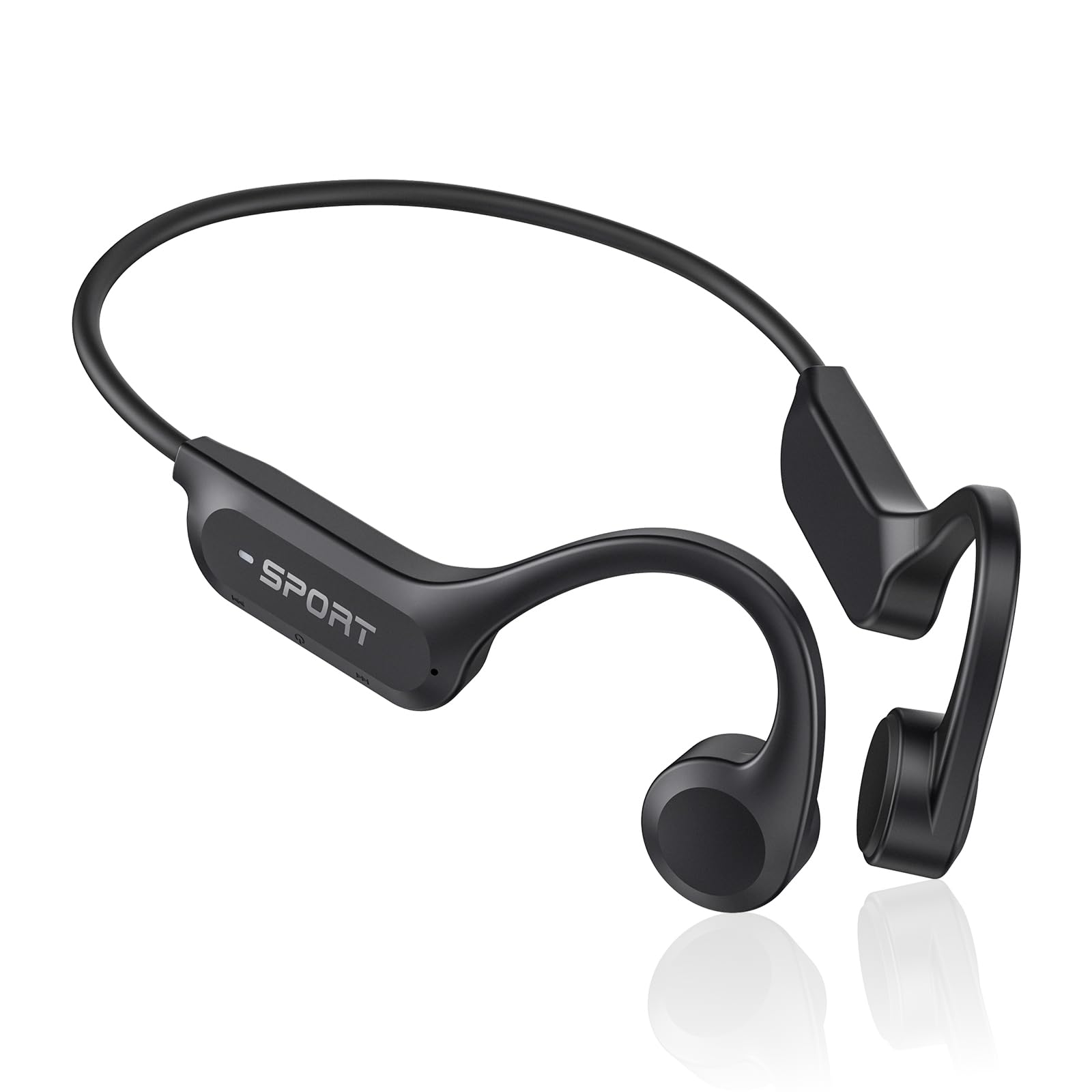
CXK Bone Conduction Headphones, 2026 Upgrade Open Ear Headphones with Mic, IPX7 Waterproof, Balanced Audio, 10H Playtime, Lightweight Sports Headphones for Running, Cycling, Walking
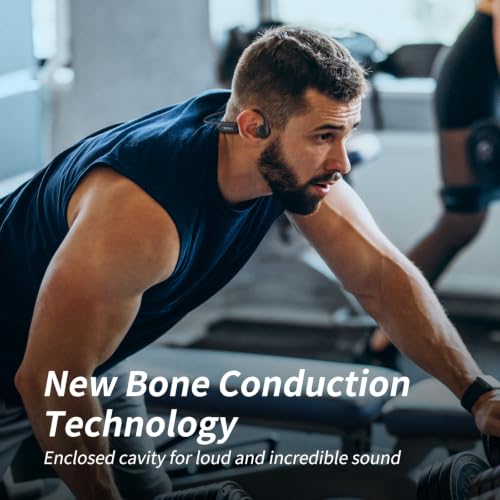
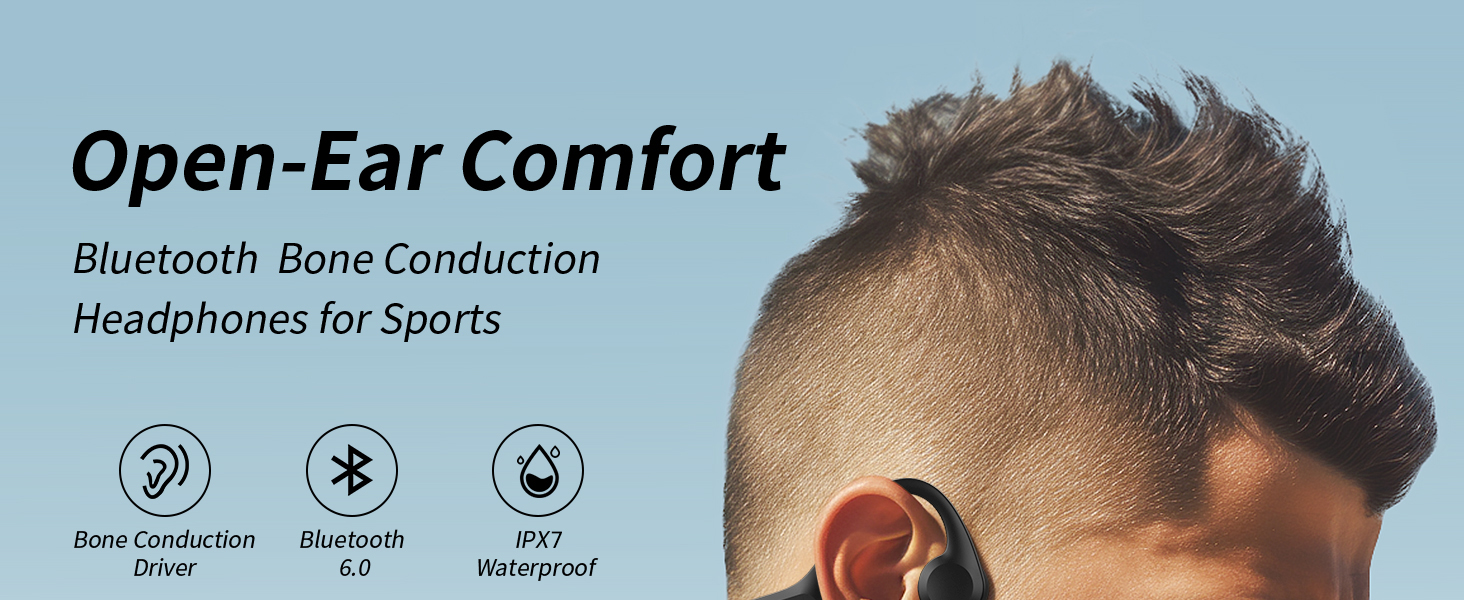
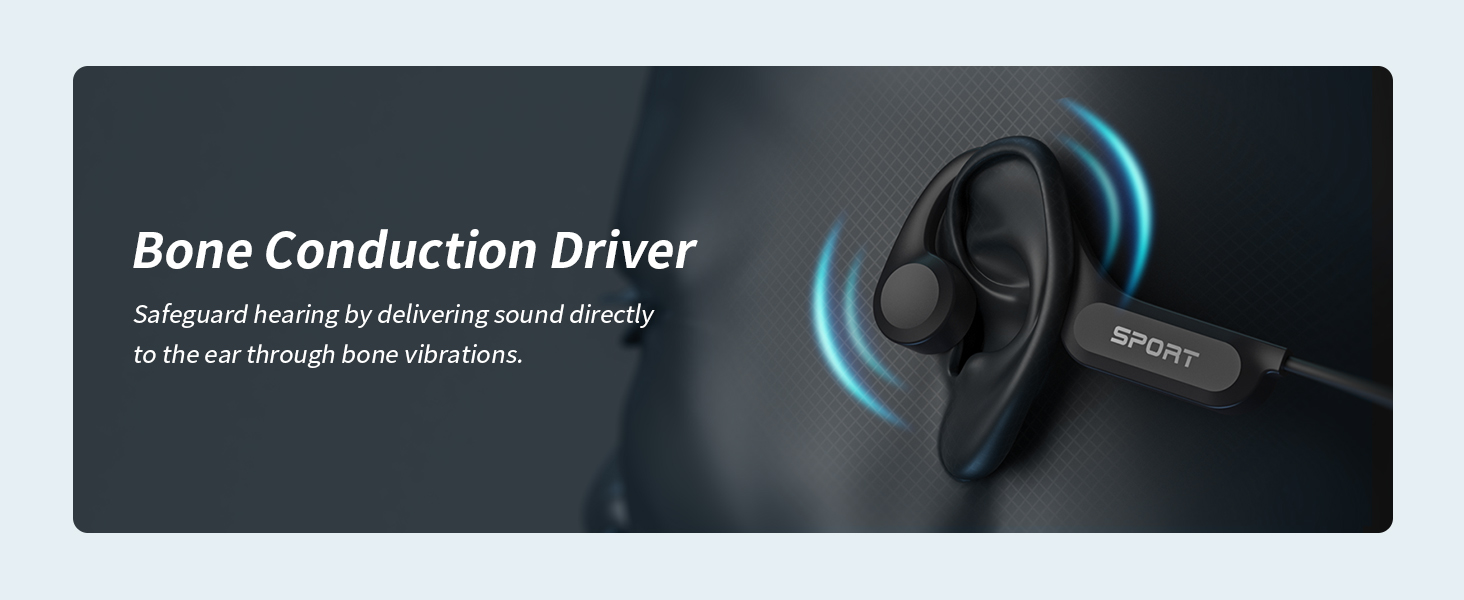
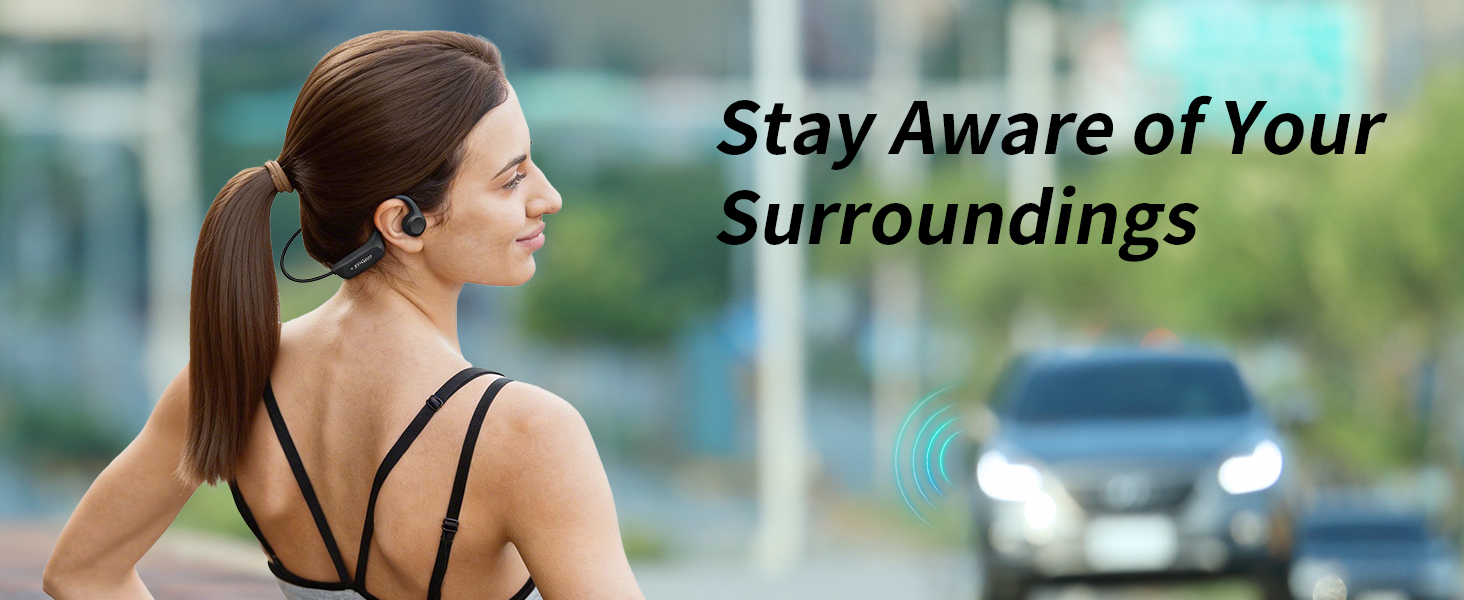
- Advanced Bone Conduction Tech: Experience clear, balanced audio with bone conduction headphones that transmit sound through your bones while keeping your ears open. The open-ear design provides lasting comfort and helps you stay aware of traffic, conversations and your surroundings during workouts, commutes and outdoor activities.
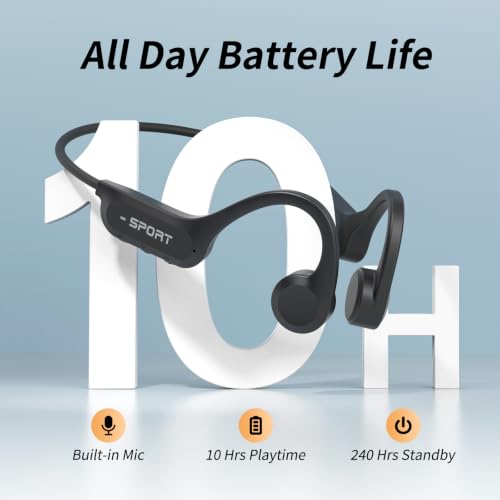
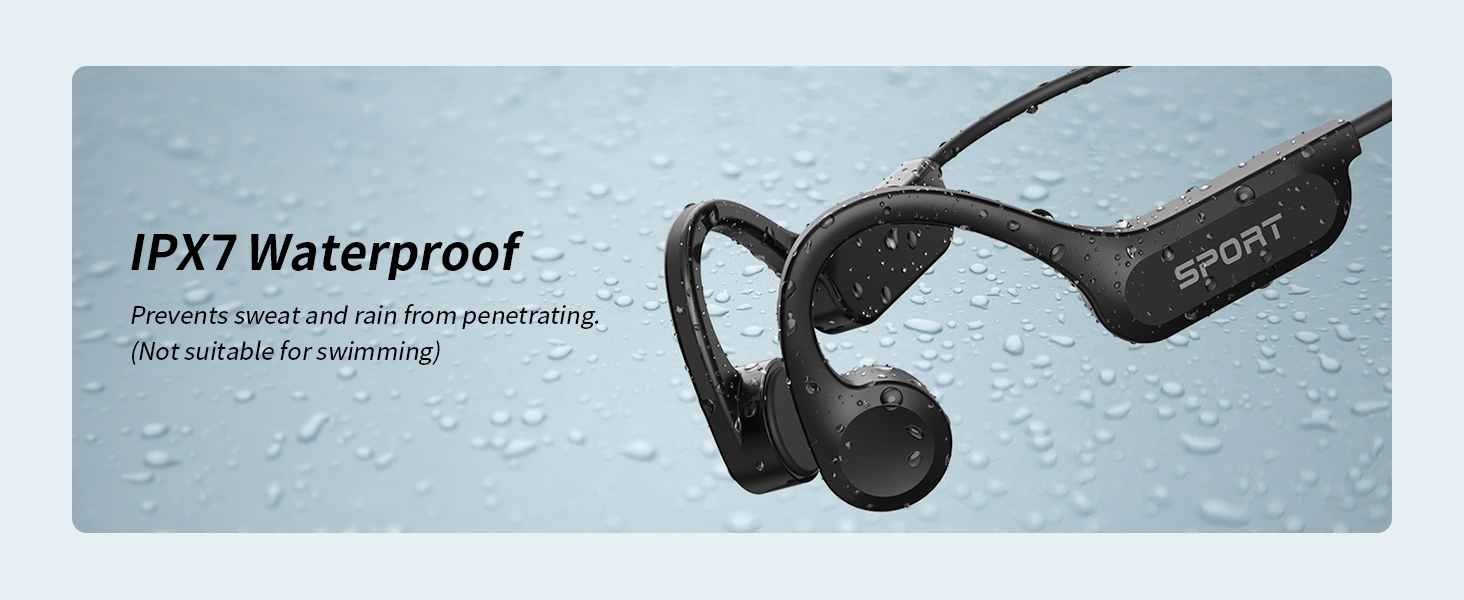
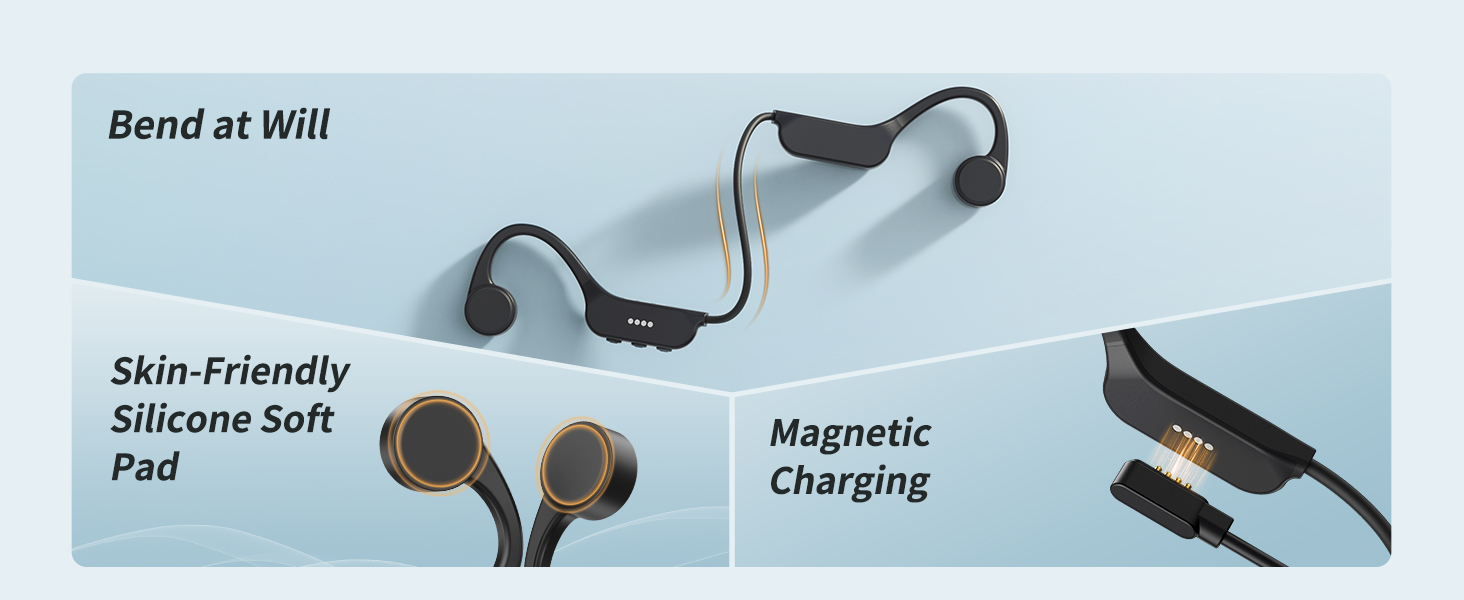
- 10H Playtime & IPX7 Waterproof: These bluetooth headphones provide up to 10 hours of music and calls on a single charge, keeping you connected throughout the day. Featuring IPX7 waterproof protection against sweat and rain, they are built for workouts, commuting, and outdoor adventures, while magnetic charging delivers a full recharge in about 2 hours. (Not suitable for swimming)
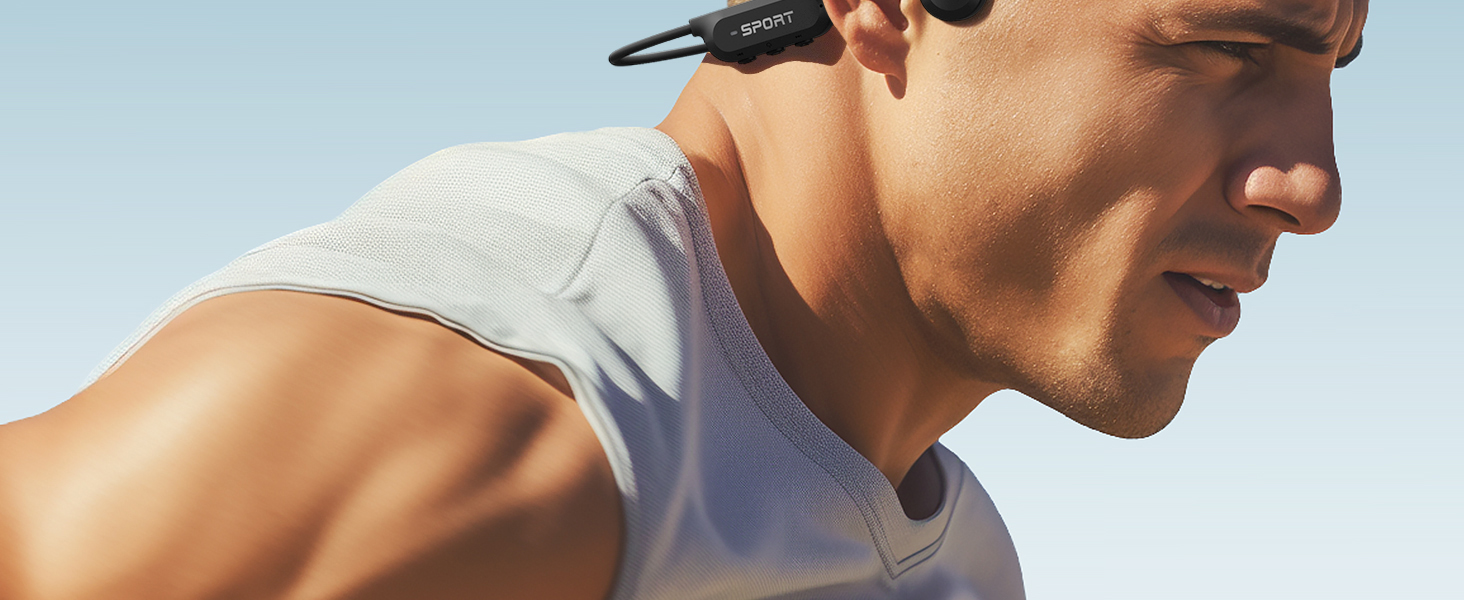
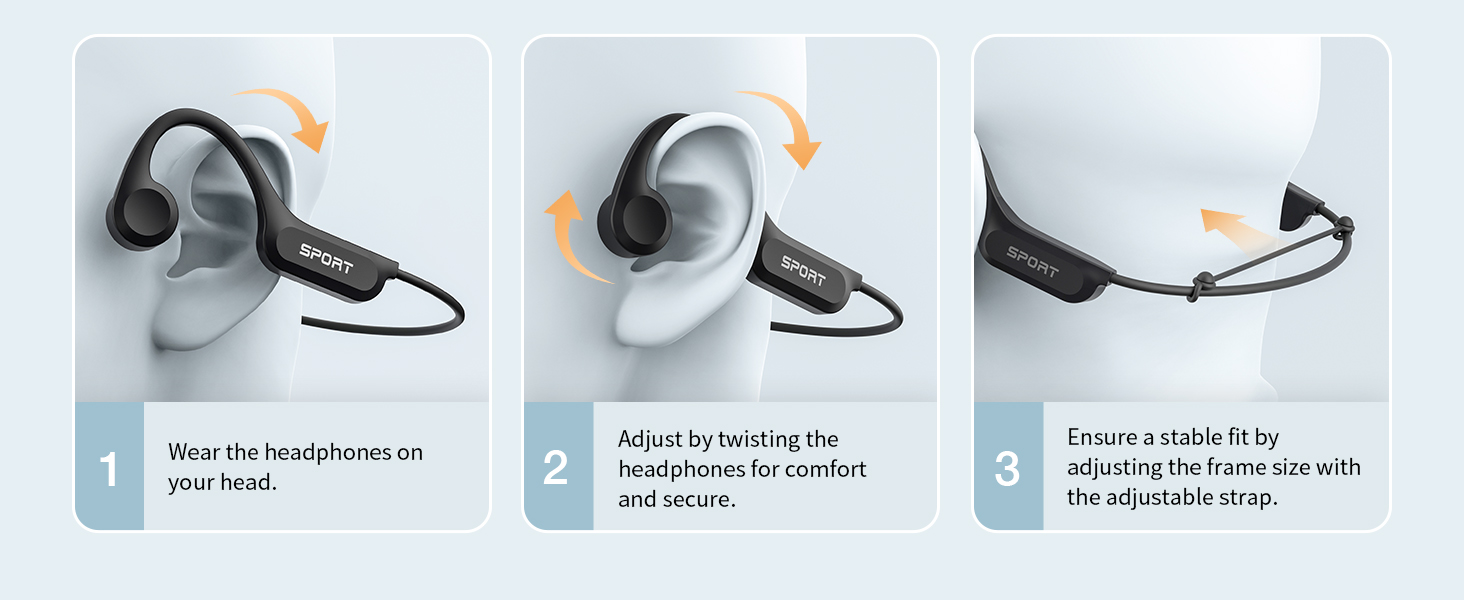
- Ultra-Light Comfort & Secure Fit: Designed for all-day wear, these open ear headphones feature a lightweight 28g wraparound design with a flexible titanium frame for a secure and comfortable fit. The open-ear structure helps reduce ear pressure and listening fatigue, while the ergonomic design stays stable during running, workouts, commuting, and everyday activities.
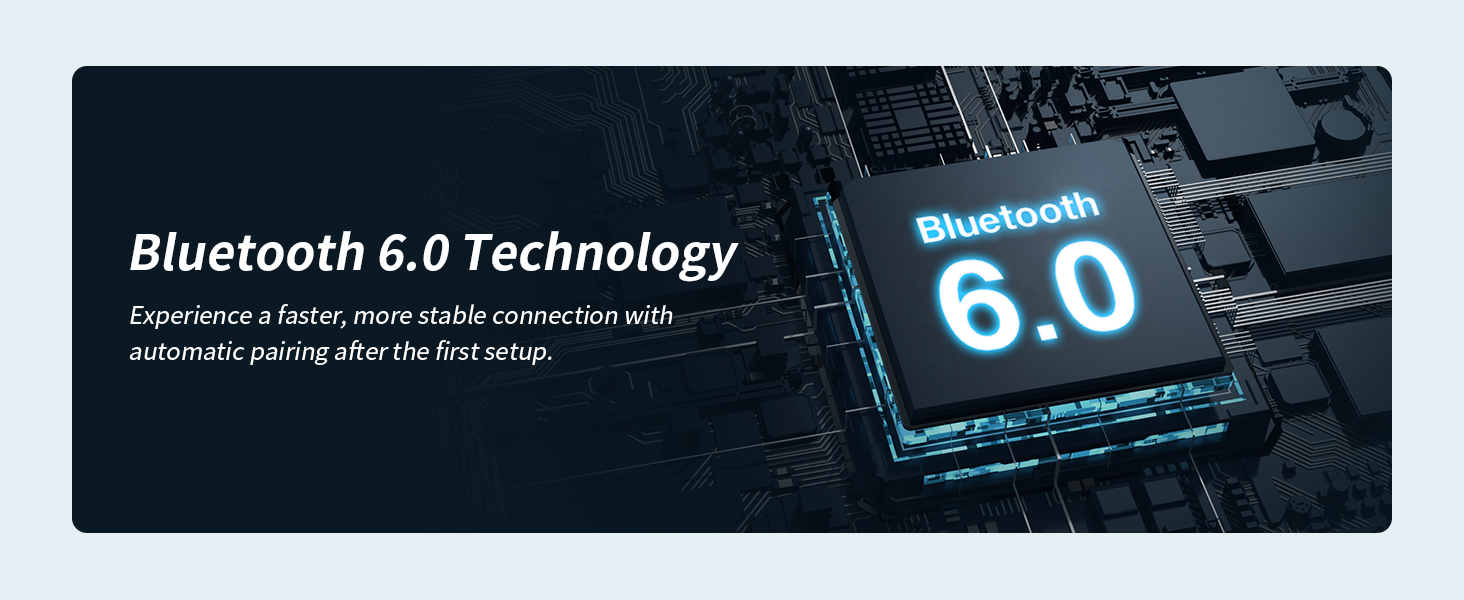
- Powerful Stereo Sound: Equipped with Bluetooth tech these bone conduction earbuds provide faster pairing and a stable wireless connection. High-performance bone conduction drivers deliver loud, clear sound with rich detail and balanced audio, while the built-in microphone ensures clear calls wherever you go.
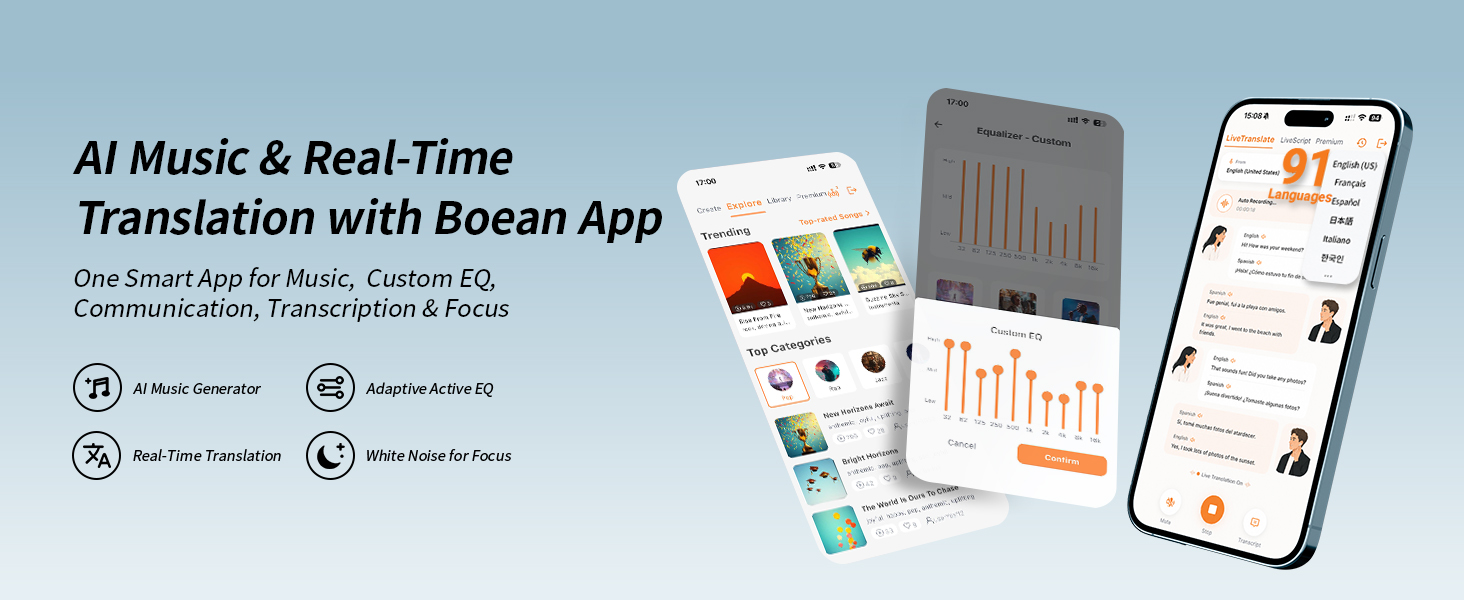
- AI-Powered Music App & Custom EQ: Pair your wireless headphones with the Boean App for a smarter listening experience. Create AI-generated songs, customize sound with adjustable EQ settings, and enjoy enhanced bass, clear vocals, and personalized profiles. Real-time translation in 91 languages makes communication easier for travel, work, and everyday conversations.
How to pair headphones for the first time?
1. Please turn on the Bluetooth function on your audio devices.
2. Press the "MFB" buttons 2s, and the red and blue lights flash on the headphones.
3. Select "X14" on the Bluetooth list of your audio devices and connect.
How to solve the problem when the headset cannot be charged?
Plug the USB type-C to charge the device. On charging mode, the red light is on until charged finishes. Once the charge finishes, the Blue light is on.
How to solve the problem when the headset does not work ?
After successfully charging, press the "MFB" buttons 2s, and the red and blue lights flash on the headphones, the headset turns on. Turn on your phone's Bluetooth function and select X14 for connection.
| SKU: | B0HCY67XTM |
| Weight: | 1.06 ounces |
| Brand: | CXK |
| Model: | X15 |
| Colour: | Black |
| Manufacture: | Shenzhen Jiechen Technology Co. LTD |
| Colour: | Black |
Product description
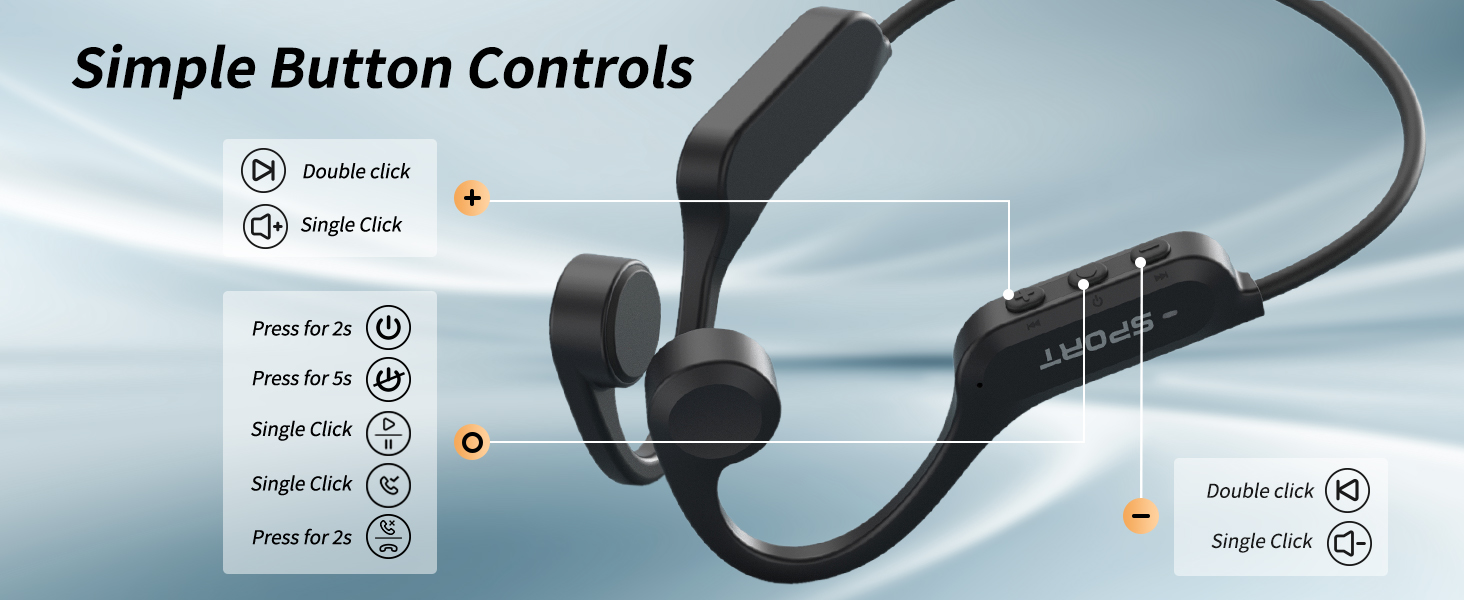
How to pair headphones for the first time?
1. Please turn on the Bluetooth function on your audio devices.
2. Press the “MFB” buttons 2s, and the red and blue lights flash on the headphones.
3. Select “X14” on the Bluetooth list of your audio devices and connect.
How to solve the problem when the headset cannot be charged?
Plug the USB type-C to charge the device. On charging mode, the red light is on until charged finishes. Once the charge finishes, the Blue light is on.
How to solve the problem when the headset does not work ?
After successfully charging, press the “MFB” buttons 2s, and the red and blue lights flash on the headphones, the headset turns on. Turn on your phone’s Bluetooth function and select X14 for connection.