15.6″ Digital Calendar Wall Touch Screen,No subscription
15.6″ Digital Calendar Wall Touch Screen,No subscription fees Electronic Wall Calendar & Photo Frame – Real-Time Google/Outlook /iCloud Sync, Chore Chart & Meal Planner, No Subscriptio
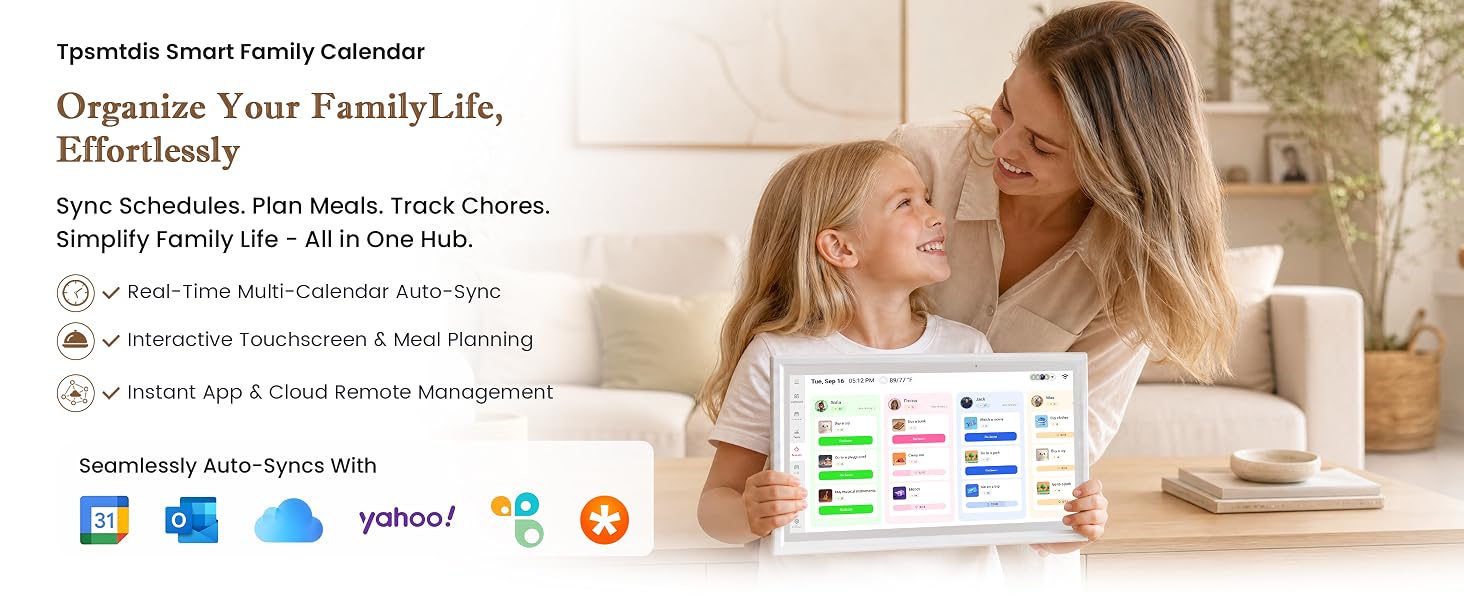
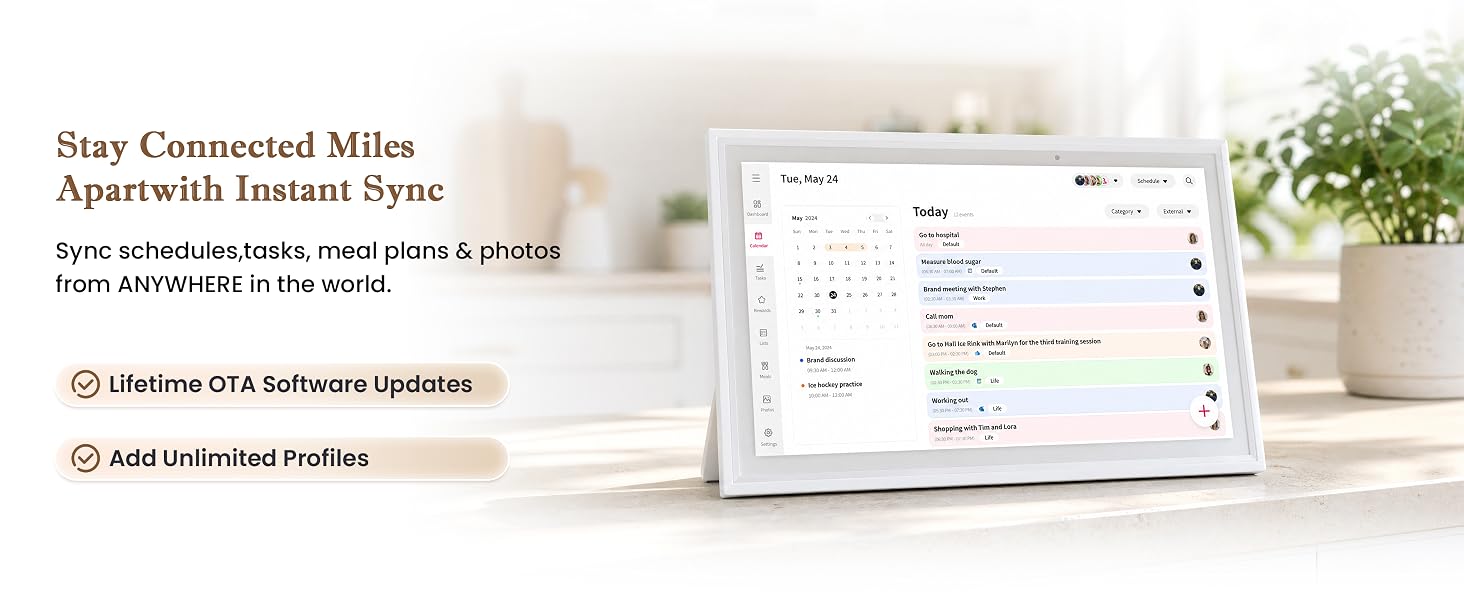
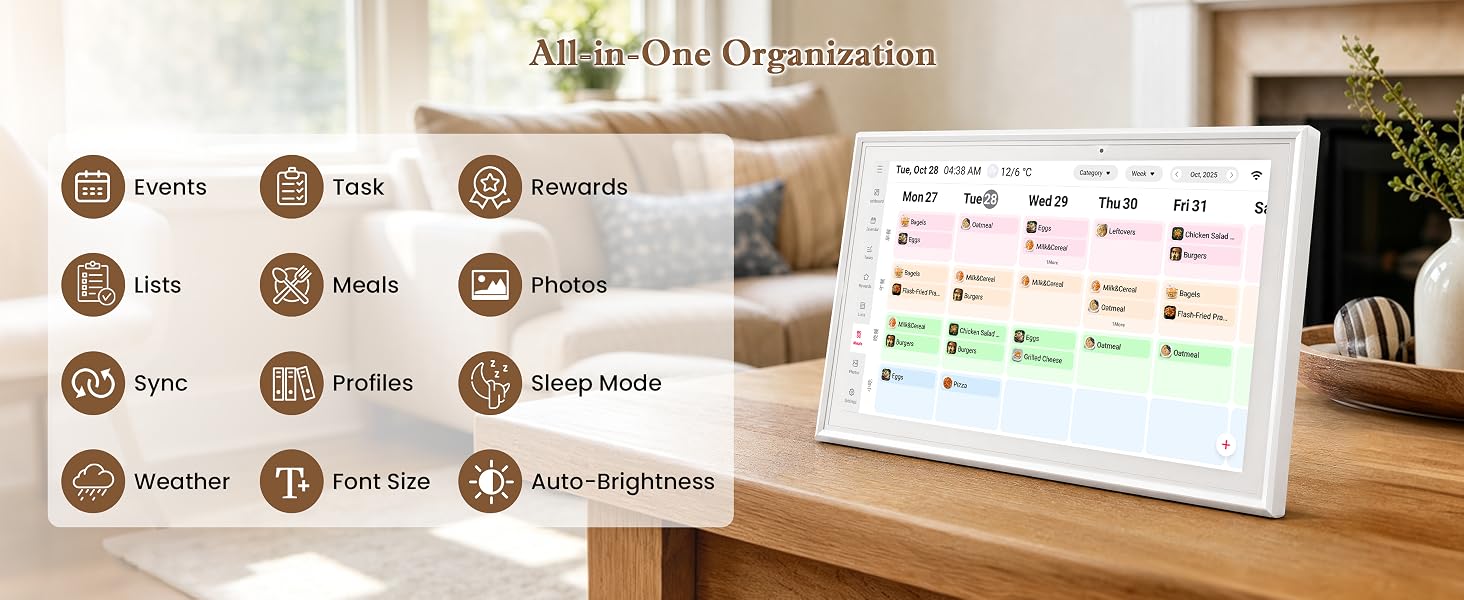
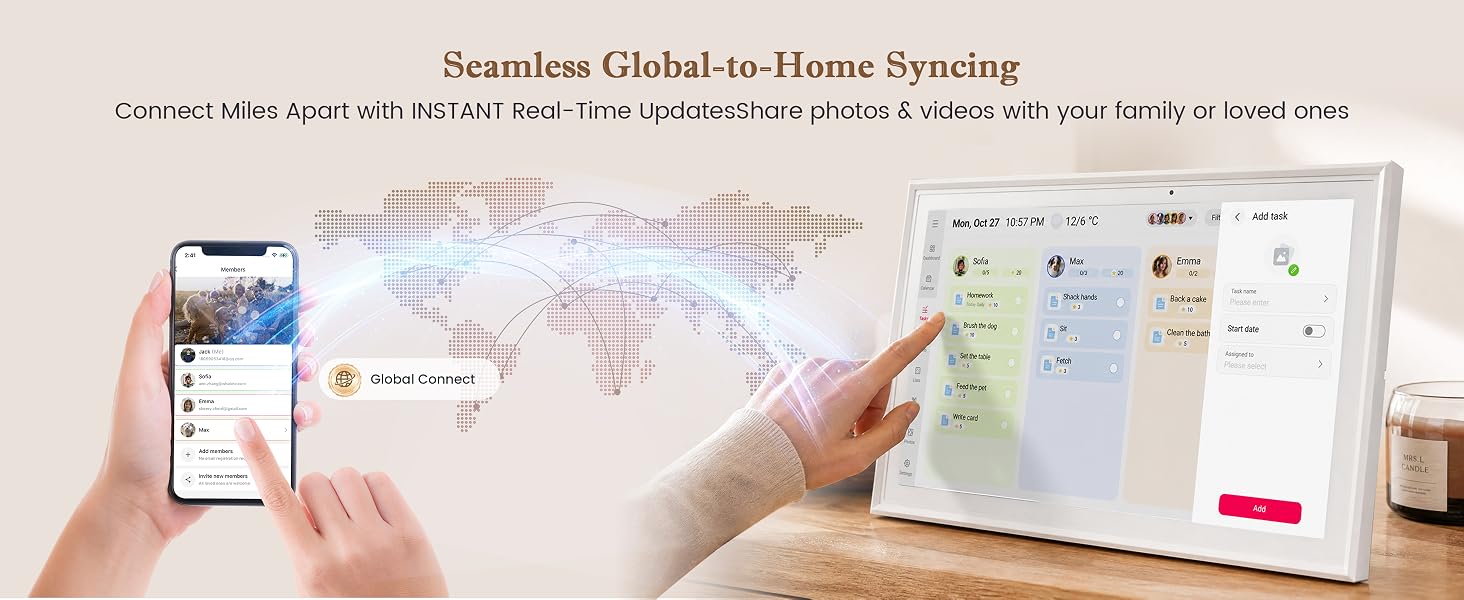
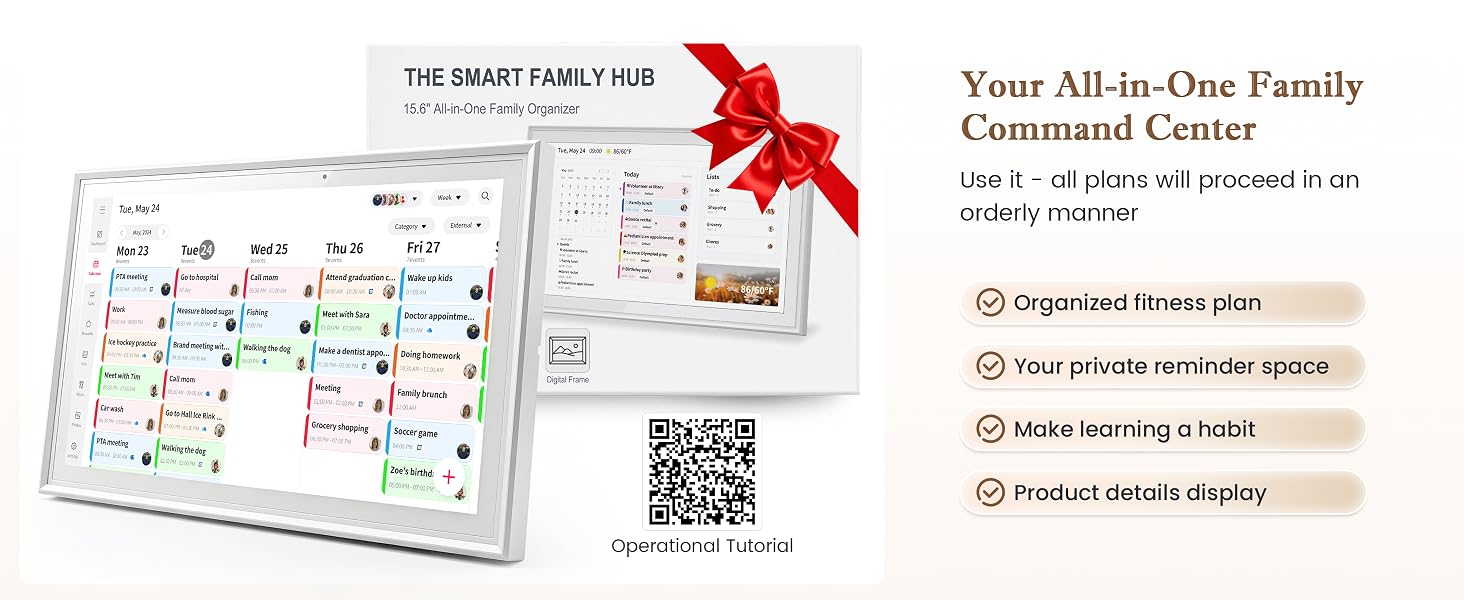
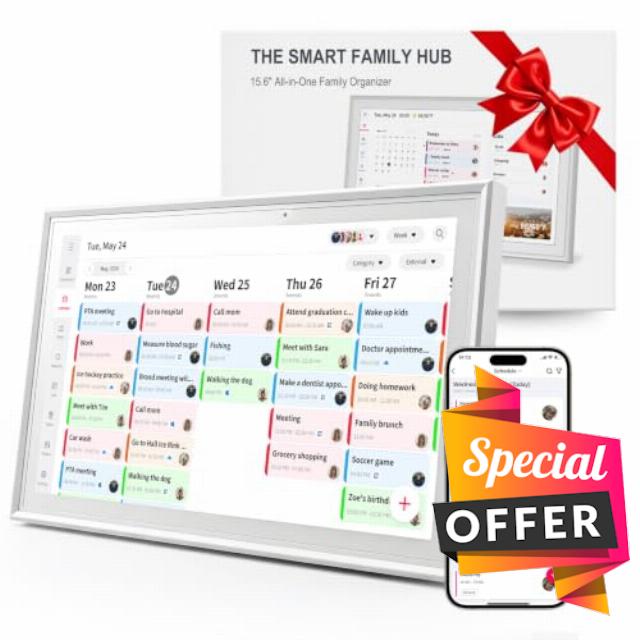
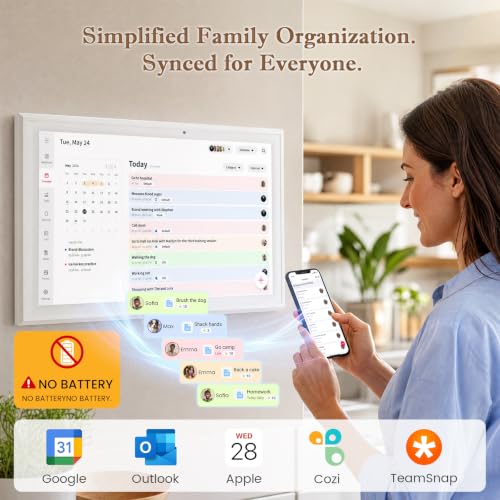
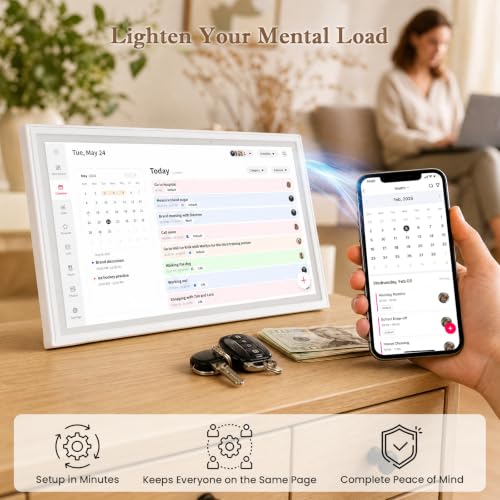
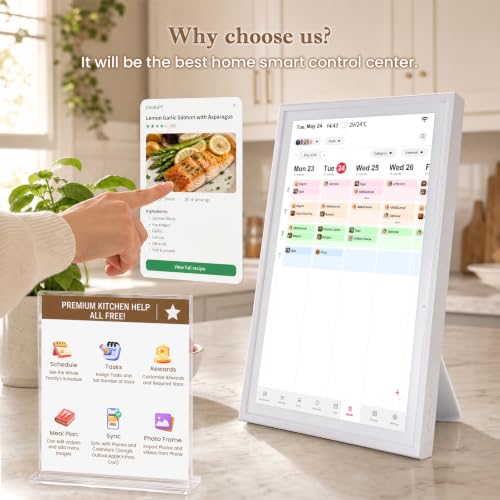
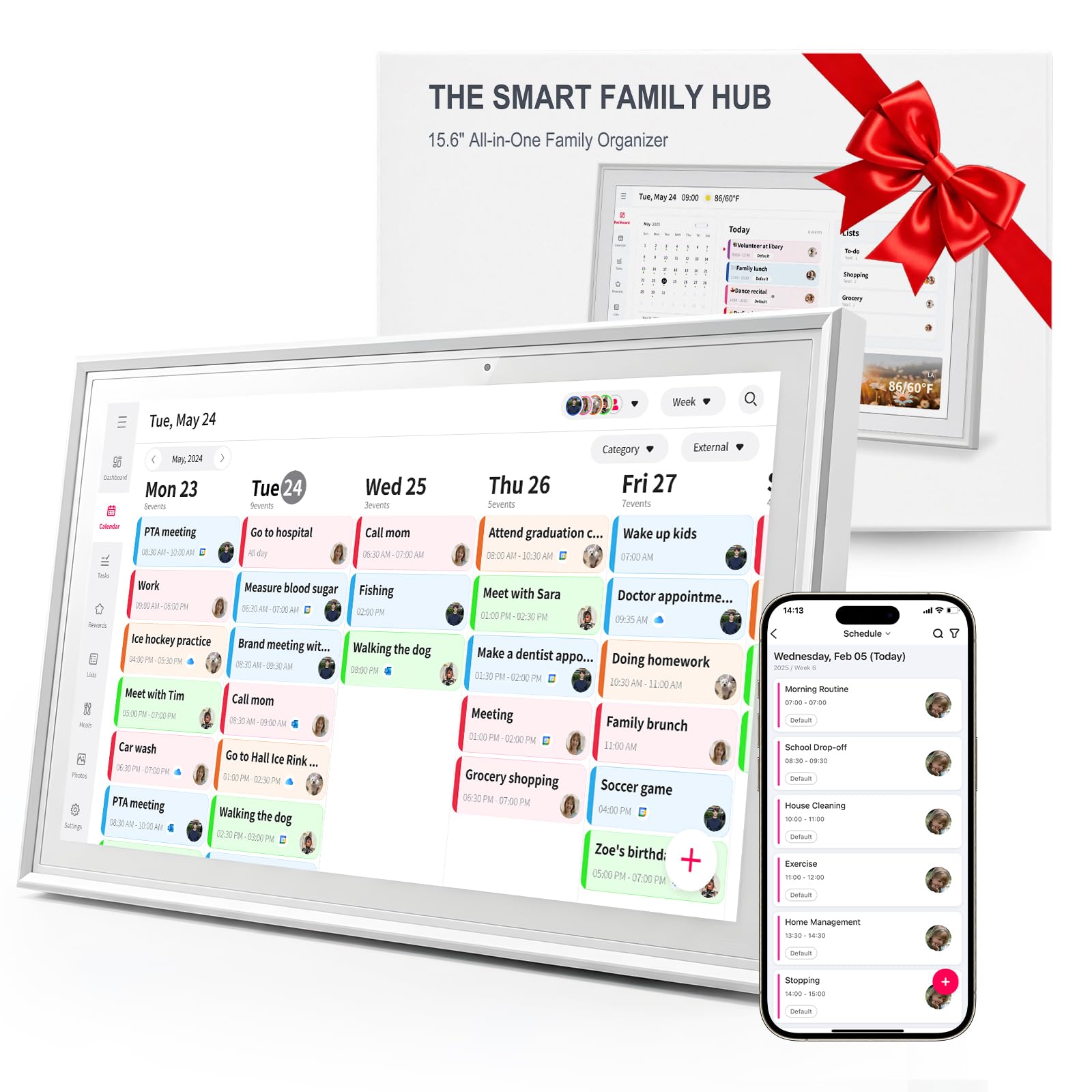
- 【All-In-One Family Organizer & Digital calendar】Time Sync Keep your entire household effortlessly synchronized. This 15.6 inch smart digital calendar seamlessly integrates with Google Calendar, iCloud, Outlook, and Yahoo. Automatically sync family schedules, appointments, and daily reminders in real time onto a large, crisp electronic wall calendar display—Ensure you never miss any of your scheduled plans digital calendar.
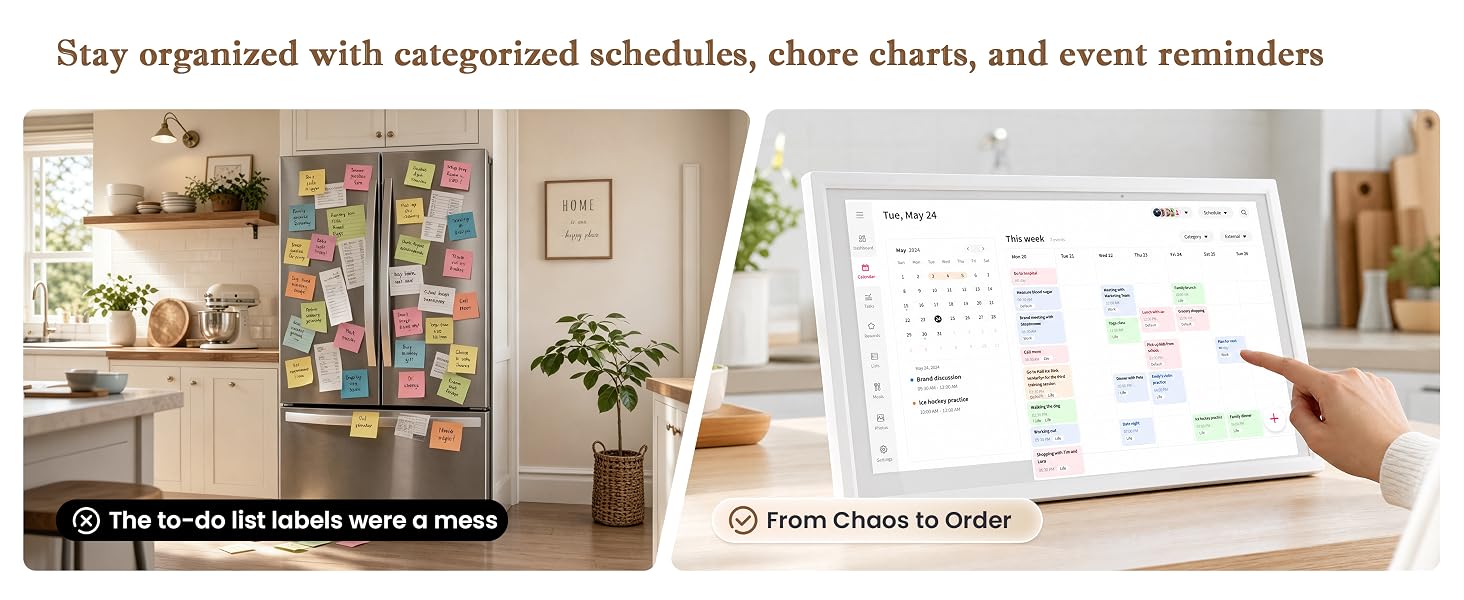
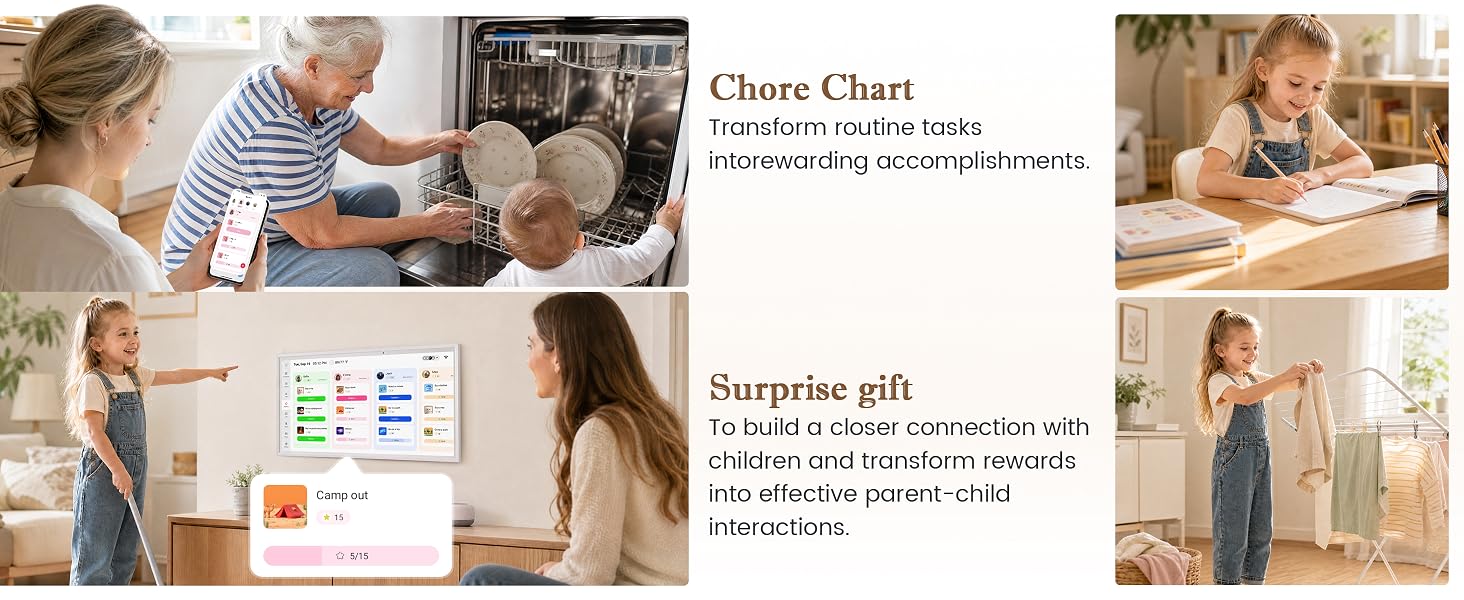
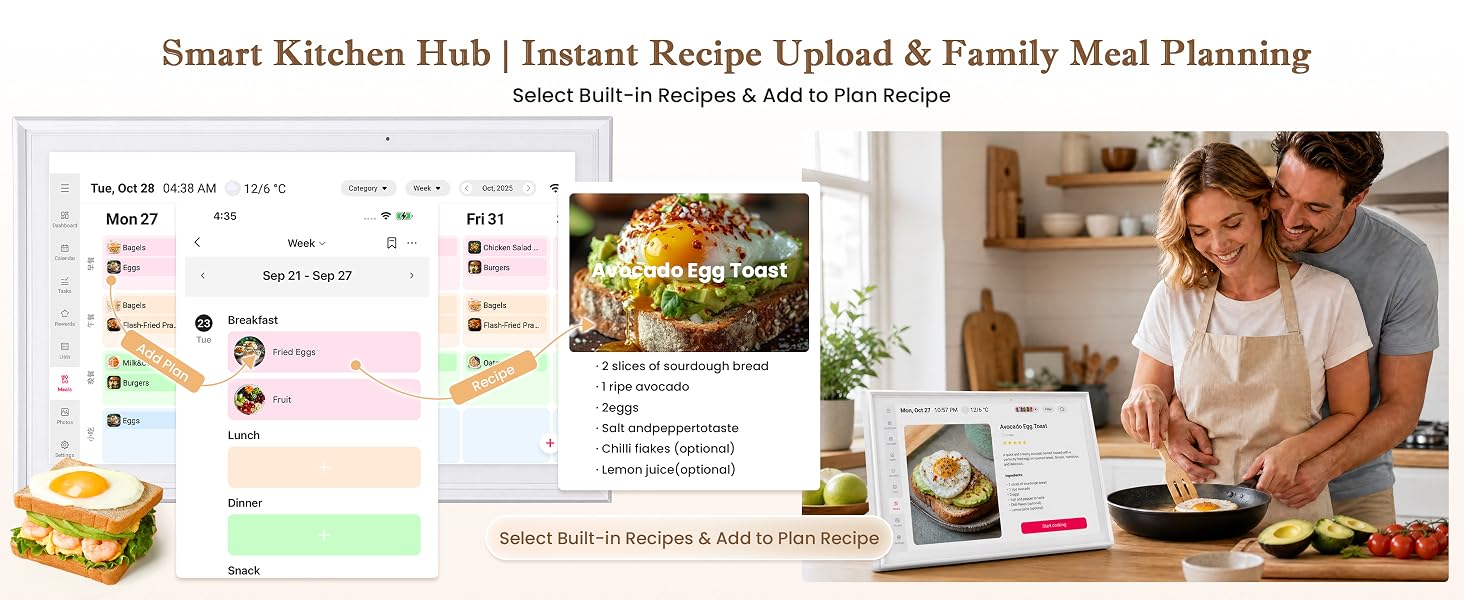
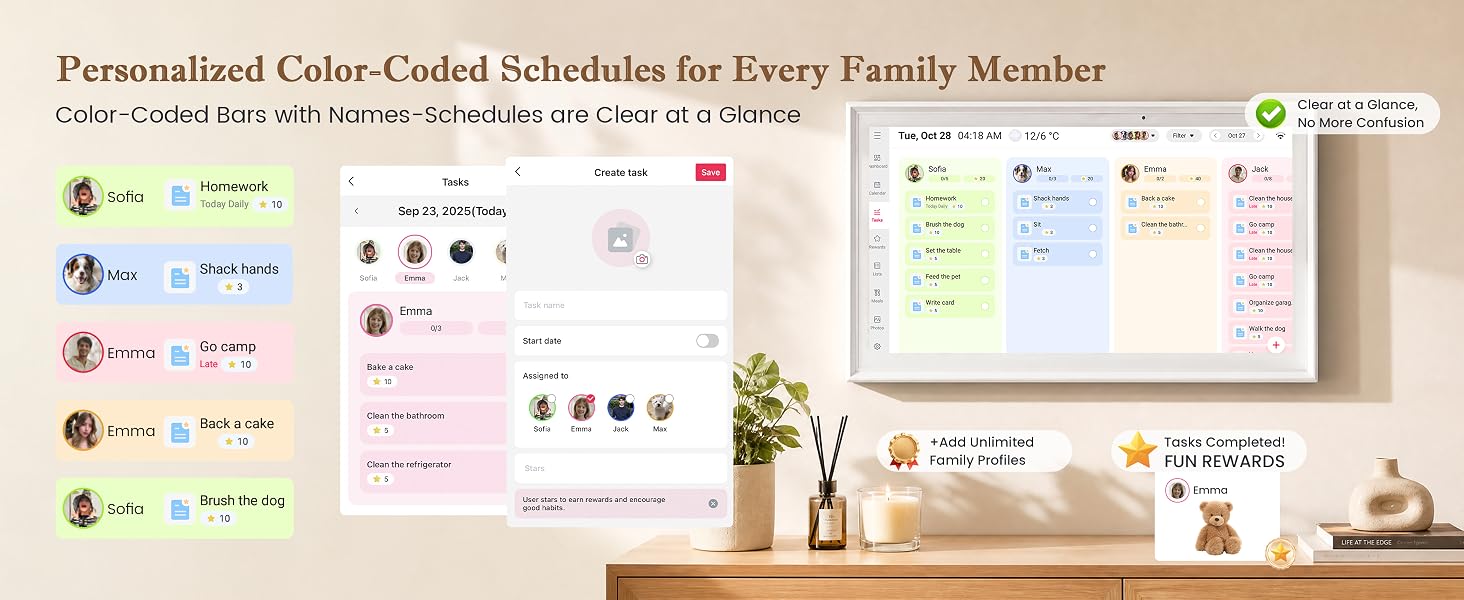
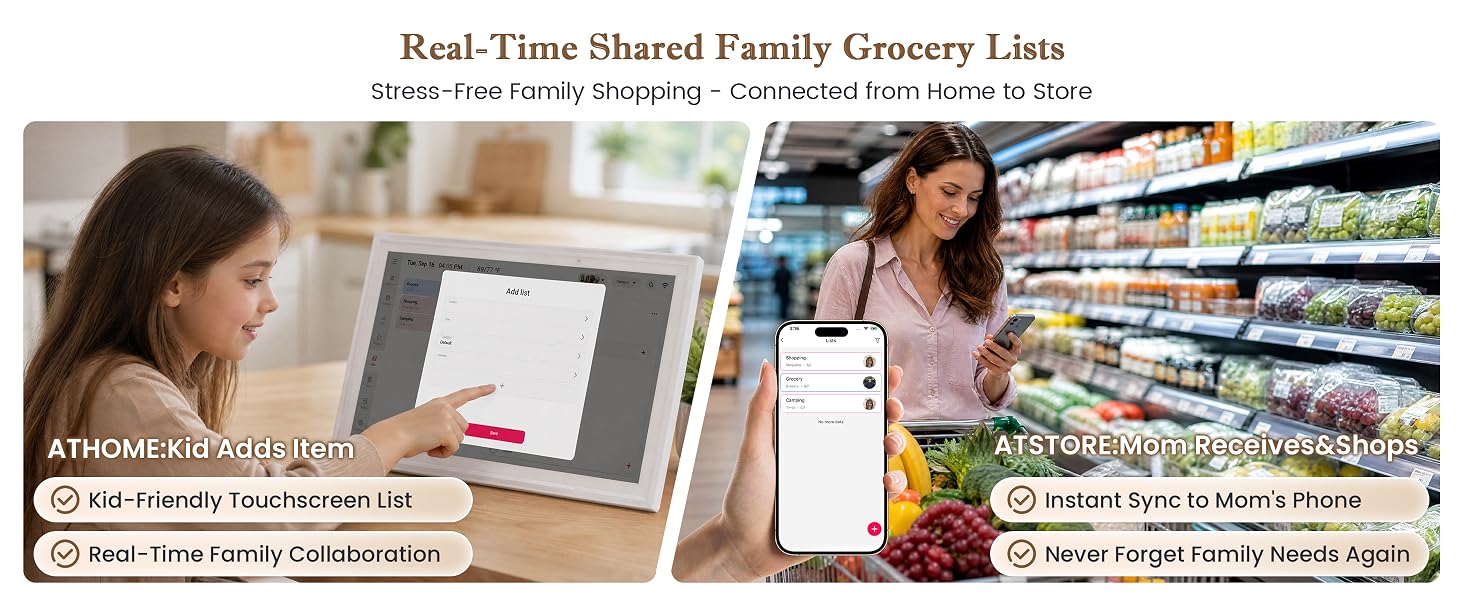
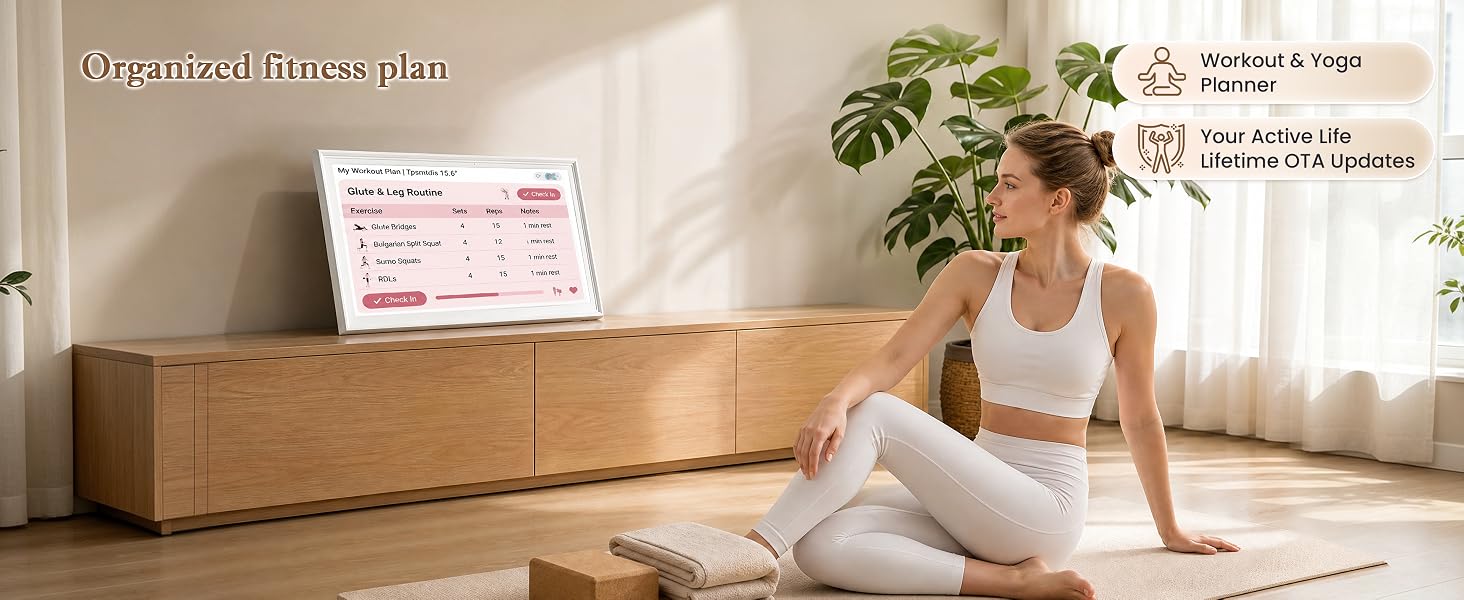
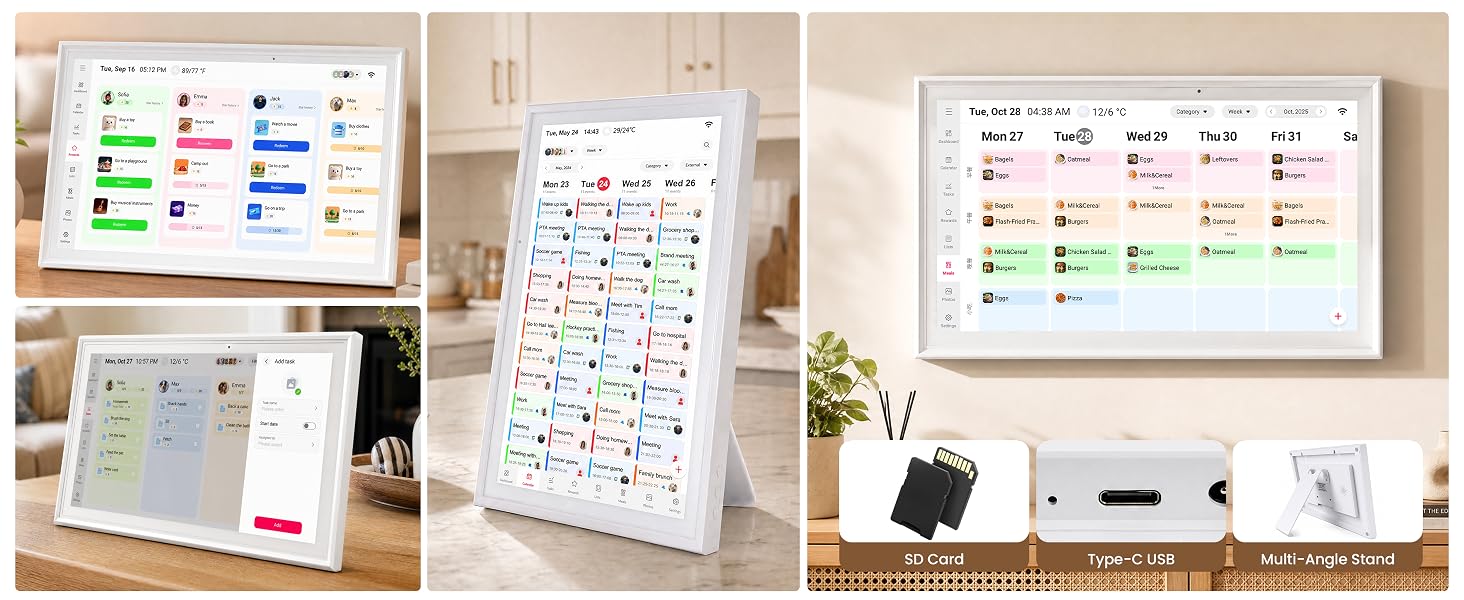
- 【Interactive Chore Chart & Meal Planner】Electronic Calendar Transform routine tasks into fun family habits. Features an interactive chore chart to assign daily duties to kids and track progress, alongside a built-in meal planner to organize weekly dinners and grocery shopping lists. Perfect as a smart home display that keeps parents, kids, and caregivers on the exact same page.
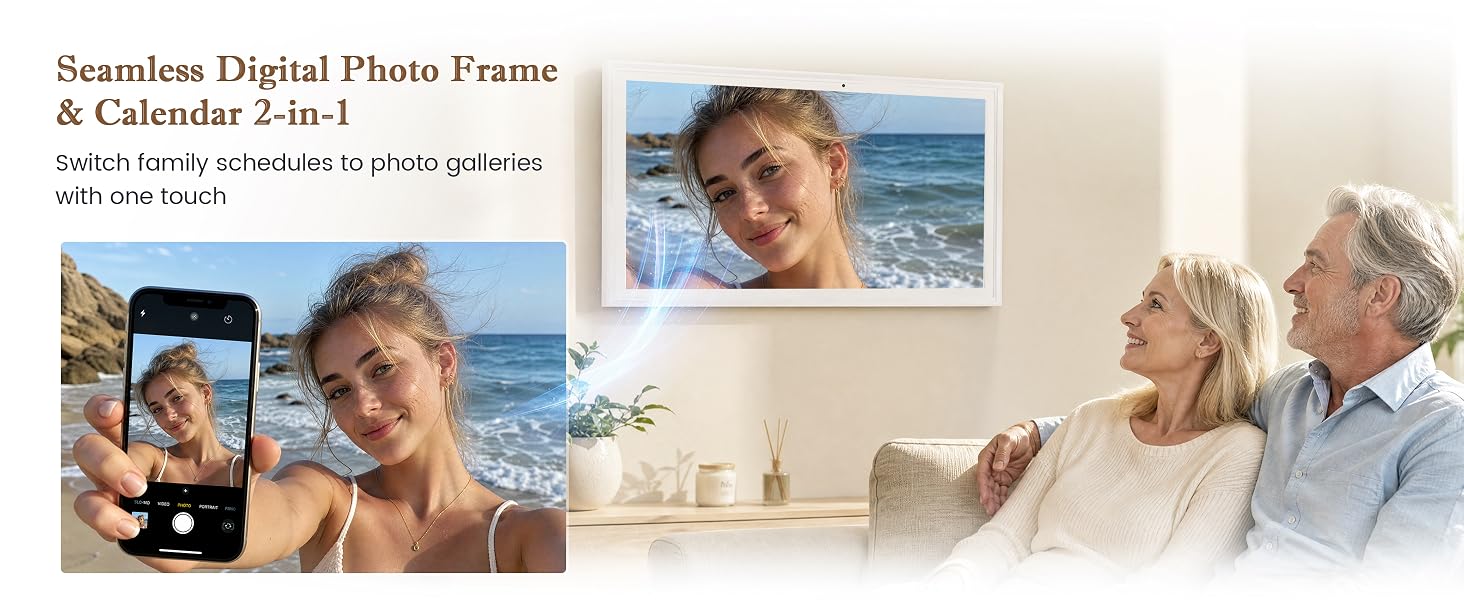
- 【Digital Calendar: Digital Picture Frame & Weather Station】More than just an electronic planner, this high-definition touchscreen display doubles as a vibrant digital photo frame. Relive cherished family memories by effortlessly displaying your photo slideshows when not managing tasks. Includes real-time weather forecasts, daily countdowns, Can be used as a desk calendar.
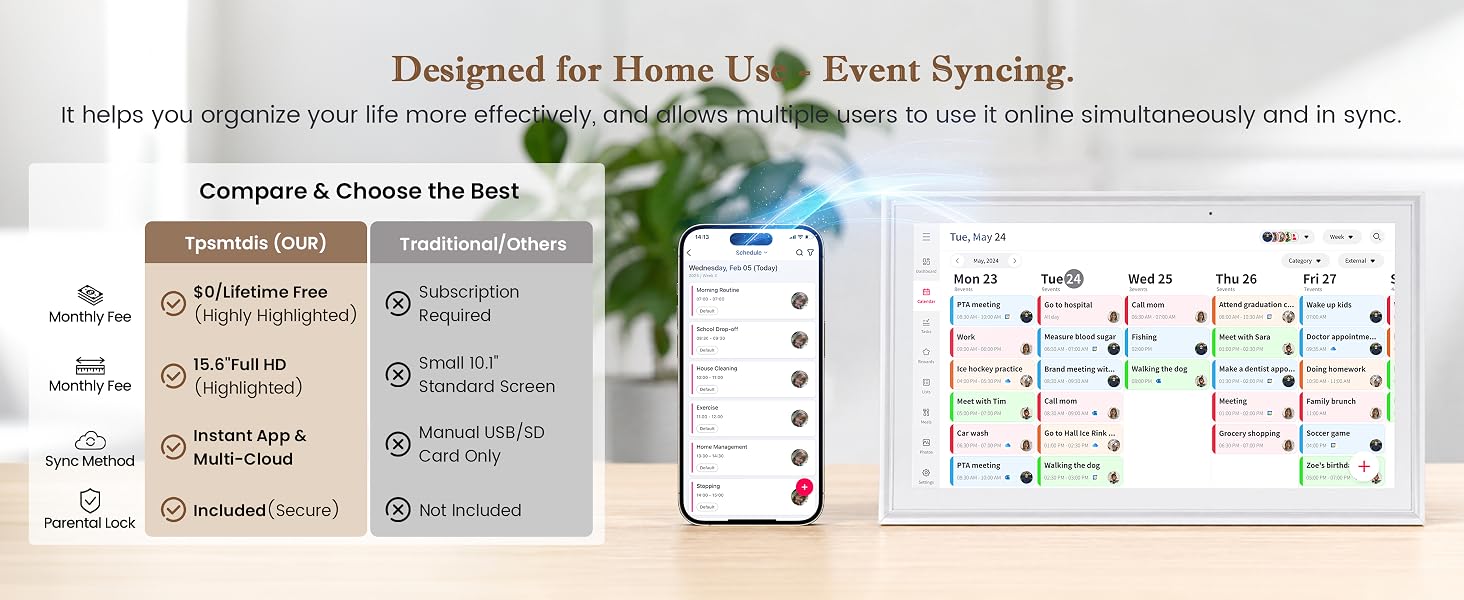
- 【Wall Mounts and Brackets & Stand Setup – No Subscription Fee】Enjoy full functionality right out of the box with zero monthly subscription fees or hidden costs. Designed with versatility in mind, it can be placed on a kitchen counter or desk using the built-in stand. The simple Wi-Fi pairing function makes it an extremely convenient and hassle-free digital calendar touch screen.
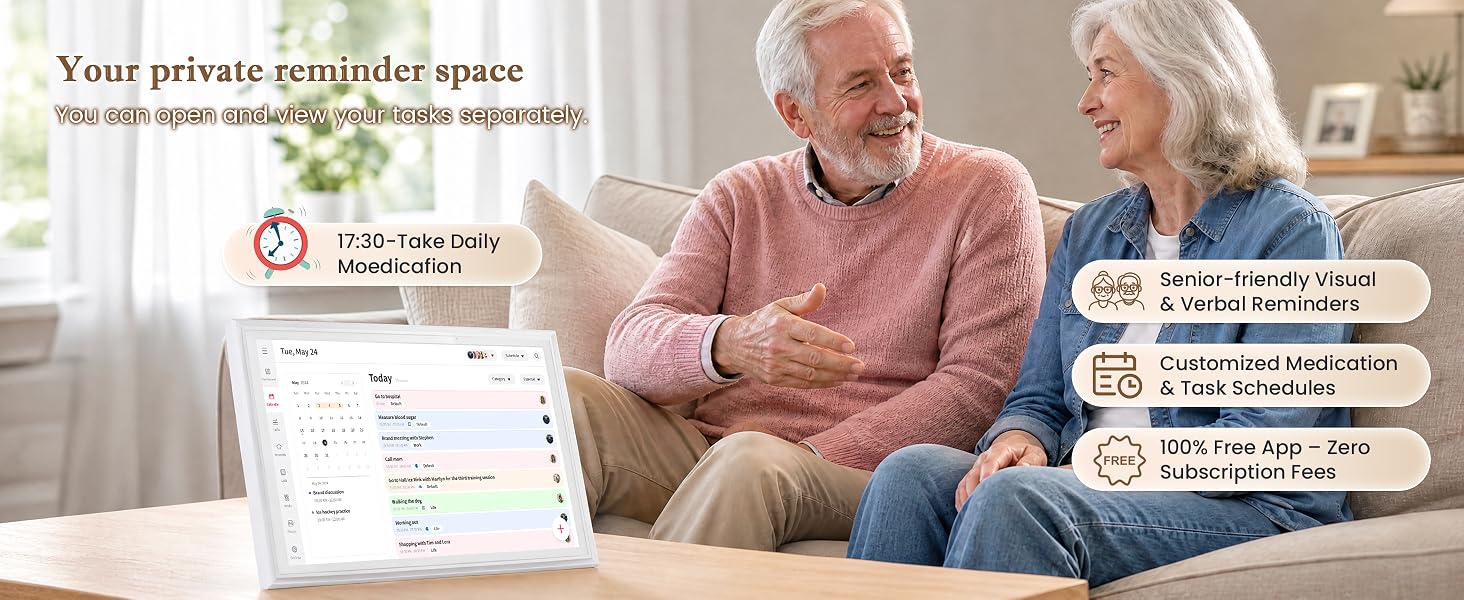
- 【Thoughtful Gift For Modern Families & Seniors】Featuring a 15.6" glare-free HD touchscreen, this digital calendar 15.6 inch model offers crystal-clear visibility, easy-to-read, and designed for users of all ages. This touchscreen digital family organizer serves as a perfect gift for busy parents, large households, or elderly family members needing a clear visual daily schedule.
- 【24/7 & 2-Year 】This 15.6-inch digital calendar is backed by 24/7 customer support and a robust 2-year warranty,You will receive the main unit, a built-in memory card (non-removable), a power cord, a mount, and an after-sales user manual.
- The video showcases the product in use.The video guides you through product setup.The video compares multiple products.The video shows the product being unpacked.
How to Sync Third-Party Calendars?
How to Sync Third-Party Calendars?
Procedure for Syncing Google Calendar
- The video showcases the product in use.The video guides you through product setup.The video compares multiple products.The video shows the product being unpacked.
How to Sync Third-Party Calendars?
How to Sync Third-Party Calendars?
Procedure for Syncing iCloud Calendar
- The video showcases the product in use.The video guides you through product setup.The video compares multiple products.The video shows the product being unpacked.
How to Sync Third-Party Calendars?
How to Sync Third-Party Calendars?
Procedure for Syncing Outlook Calendar
- The video showcases the product in use.The video guides you through product setup.The video compares multiple products.The video shows the product being unpacked.
How to Sync Third-Party Calendars?
How to Sync Third-Party Calendars?
Procedure for Syncing Cozi Calendar
- The video showcases the product in use.The video guides you through product setup.The video compares multiple products.The video shows the product being unpacked.
How to Sync Third-Party Calendars?
How to Sync Third-Party Calendars?
Procedure for Syncing Yahoo Calendar
- The video showcases the product in use.The video guides you through product setup.The video compares multiple products.The video shows the product being unpacked.
How to Sync Third-Party Calendars?
How to Sync Third-Party Calendars?
Procedure for Syncing Teamsnap Calendar
Can this smart calendar be wall-mounted or placed on a desktop? Is it easy to remove?
Yes, it supports both wall mounting and desktop placement! An adjustable desktop stand is included in the package. It is designed for easy installation and tool-free removal, making it convenient to change its location whenever you wish.
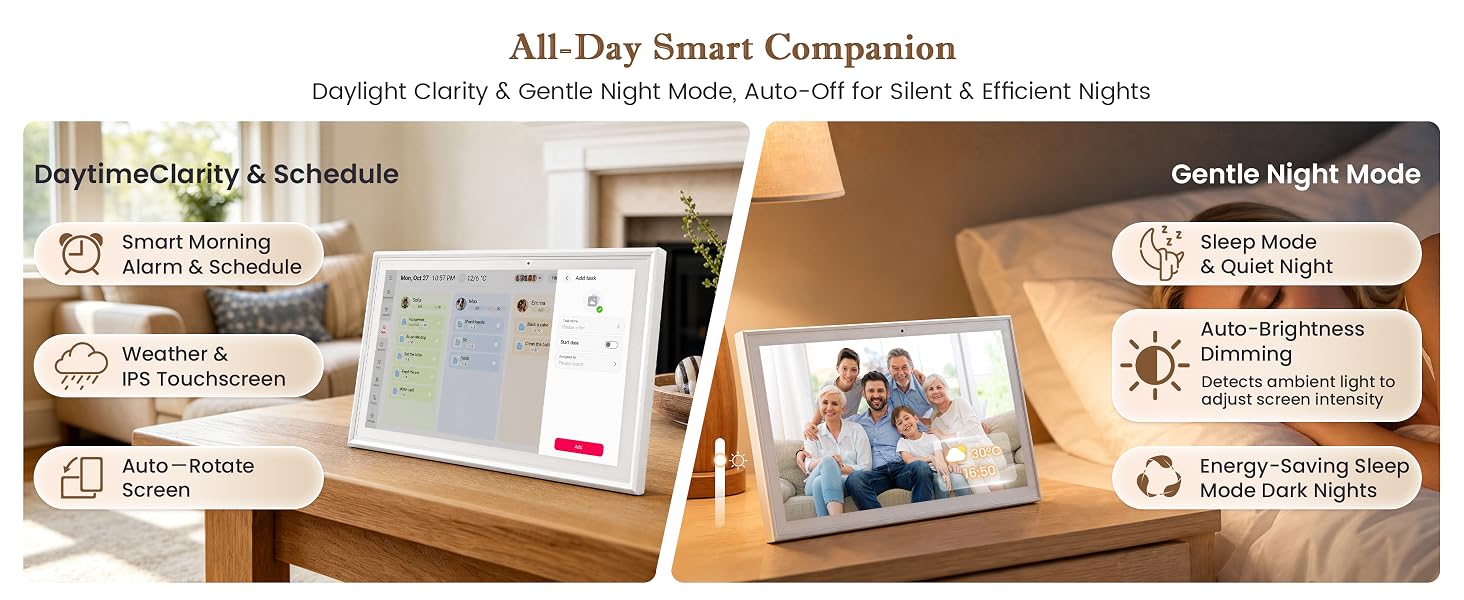
Is the screen brightness adjustable? Will it cause dizziness or feel too dim after prolonged viewing?
The display brightness offers two modes:
1.Manual brightness adjustment.
2.Auto-sensing brightness that adapts to ambient room lighting to prevent the screen from appearing too dim, paired with an anti-glare screen design.
Can it be used offline or without an internet connection? Does it require a subscription, and how do I sync my calendar?
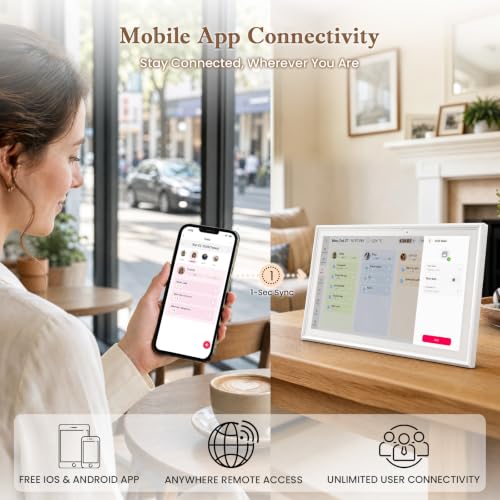
It must be plugged in and connected to Wi-Fi to function. All features are available without any subscription fees. Just download our app and follow the instructions in the manual to automatically sync with other calendar applications.
I would like to know more about apps and privacy issues?
The app utilizes secure, non-storage cloud servers and does not collect any personal private data; it requires no subscription fees for the lifetime of the service and will continue to receive updates as new features are released.
Does it support multi-user access? Can events be created directly on the screen? Does it have a reminder feature?
Yes,it supports multi-user event creation with color-coded distinction.You can also edit events directly on the device and set task reminders for specific deadlines.You can quickly obtain technical support if you encounter any issues.



| SKU: | B0HC6MS6CD |
| Brand: | Tpsmtdis |
| Part: | Chore Chart |
| Colour: | Snow White |
| Manufacture: | Tpsmtdis Company |
| Colour: | Snow White |
Product description
- The video showcases the product in use.The video guides you through product setup.The video compares multiple products.The video shows the product being unpacked.
How to Sync Third-Party Calendars?
How to Sync Third-Party Calendars?
Procedure for Syncing Google Calendar
- The video showcases the product in use.The video guides you through product setup.The video compares multiple products.The video shows the product being unpacked.
How to Sync Third-Party Calendars?
How to Sync Third-Party Calendars?
Procedure for Syncing iCloud Calendar
- The video showcases the product in use.The video guides you through product setup.The video compares multiple products.The video shows the product being unpacked.
How to Sync Third-Party Calendars?
How to Sync Third-Party Calendars?
Procedure for Syncing Outlook Calendar
- The video showcases the product in use.The video guides you through product setup.The video compares multiple products.The video shows the product being unpacked.
How to Sync Third-Party Calendars?
How to Sync Third-Party Calendars?
Procedure for Syncing Cozi Calendar
- The video showcases the product in use.The video guides you through product setup.The video compares multiple products.The video shows the product being unpacked.
How to Sync Third-Party Calendars?
How to Sync Third-Party Calendars?
Procedure for Syncing Yahoo Calendar
- The video showcases the product in use.The video guides you through product setup.The video compares multiple products.The video shows the product being unpacked.
How to Sync Third-Party Calendars?
How to Sync Third-Party Calendars?
Procedure for Syncing Teamsnap Calendar
Can this smart calendar be wall-mounted or placed on a desktop? Is it easy to remove?
Yes, it supports both wall mounting and desktop placement! An adjustable desktop stand is included in the package. It is designed for easy installation and tool-free removal, making it convenient to change its location whenever you wish.
Is the screen brightness adjustable? Will it cause dizziness or feel too dim after prolonged viewing?
The display brightness offers two modes:
1.Manual brightness adjustment.
2.Auto-sensing brightness that adapts to ambient room lighting to prevent the screen from appearing too dim, paired with an anti-glare screen design.
Can it be used offline or without an internet connection? Does it require a subscription, and how do I sync my calendar?
It must be plugged in and connected to Wi-Fi to function. All features are available without any subscription fees. Just download our app and follow the instructions in the manual to automatically sync with other calendar applications.
I would like to know more about apps and privacy issues?
The app utilizes secure, non-storage cloud servers and does not collect any personal private data; it requires no subscription fees for the lifetime of the service and will continue to receive updates as new features are released.
Does it support multi-user access? Can events be created directly on the screen? Does it have a reminder feature?
Yes,it supports multi-user event creation with color-coded distinction.You can also edit events directly on the device and set task reminders for specific deadlines.You can quickly obtain technical support if you encounter any issues.