10.1-Inch Smart Digital Calendar, HD Touchscreen Family
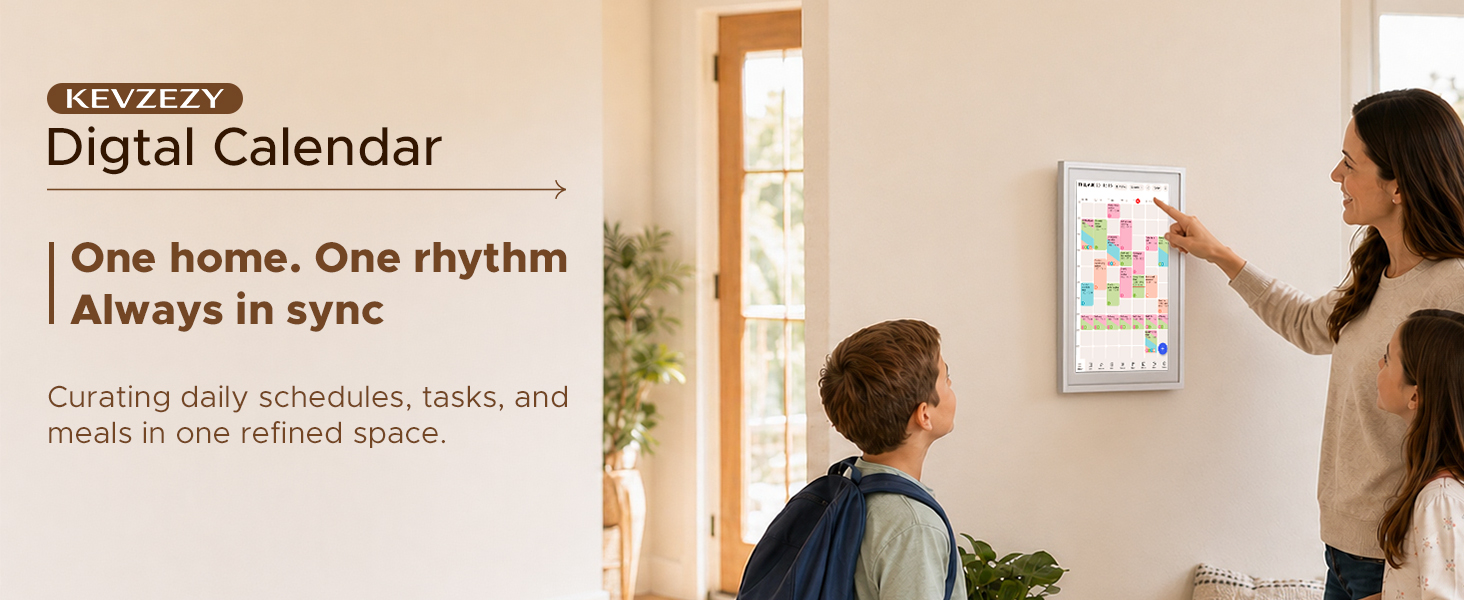
10.1-Inch Smart Digital Calendar, HD Touchscreen Family Planner Smart Family Organizer No subscription, WiFi sync, color-coded routines, chore chart, AI import, meal planning, photo display
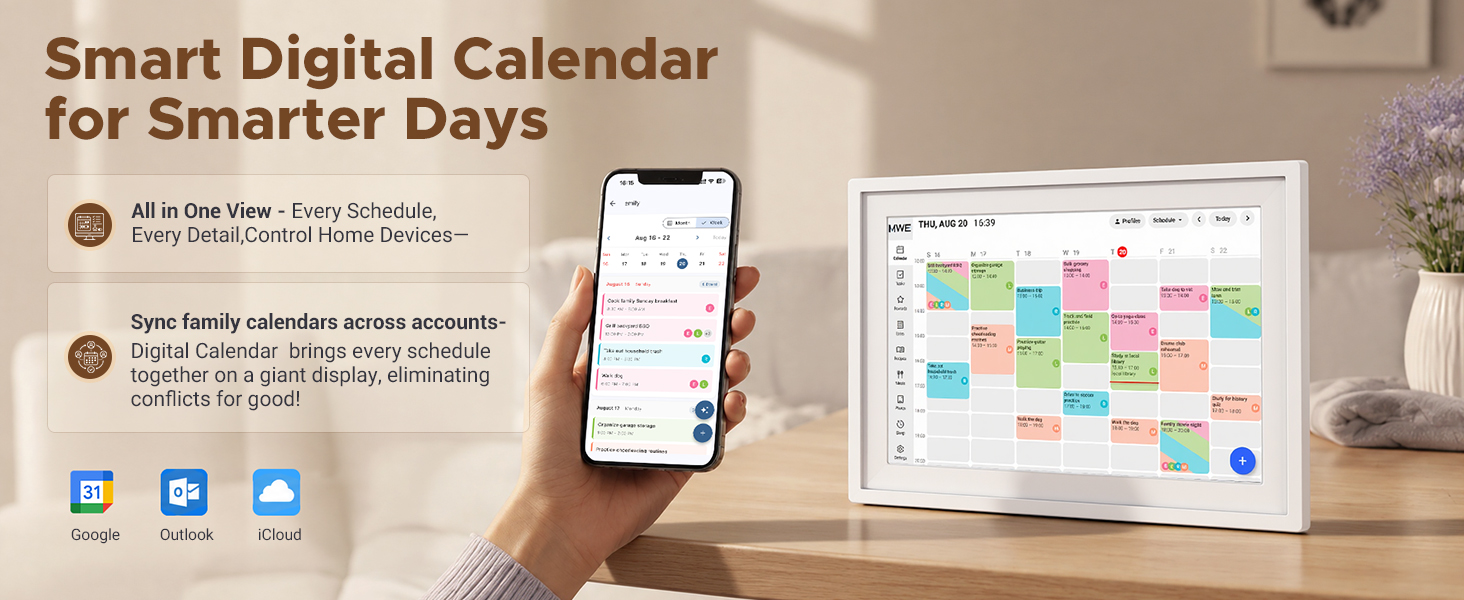
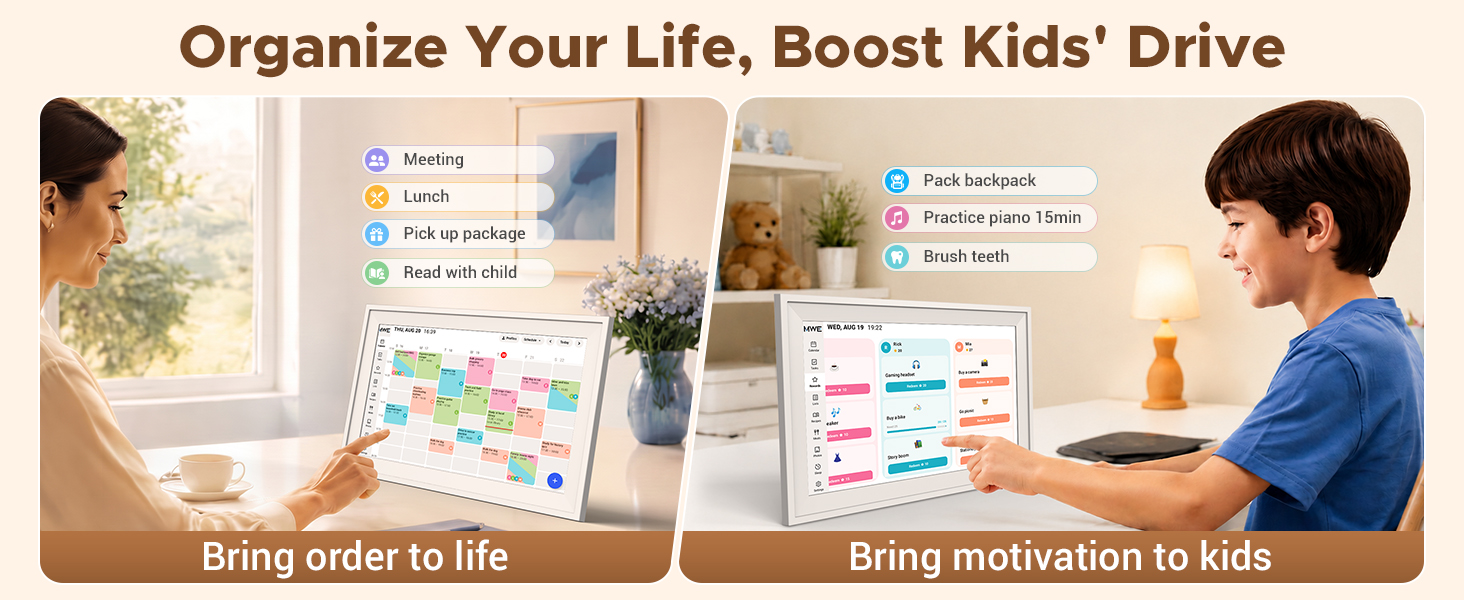
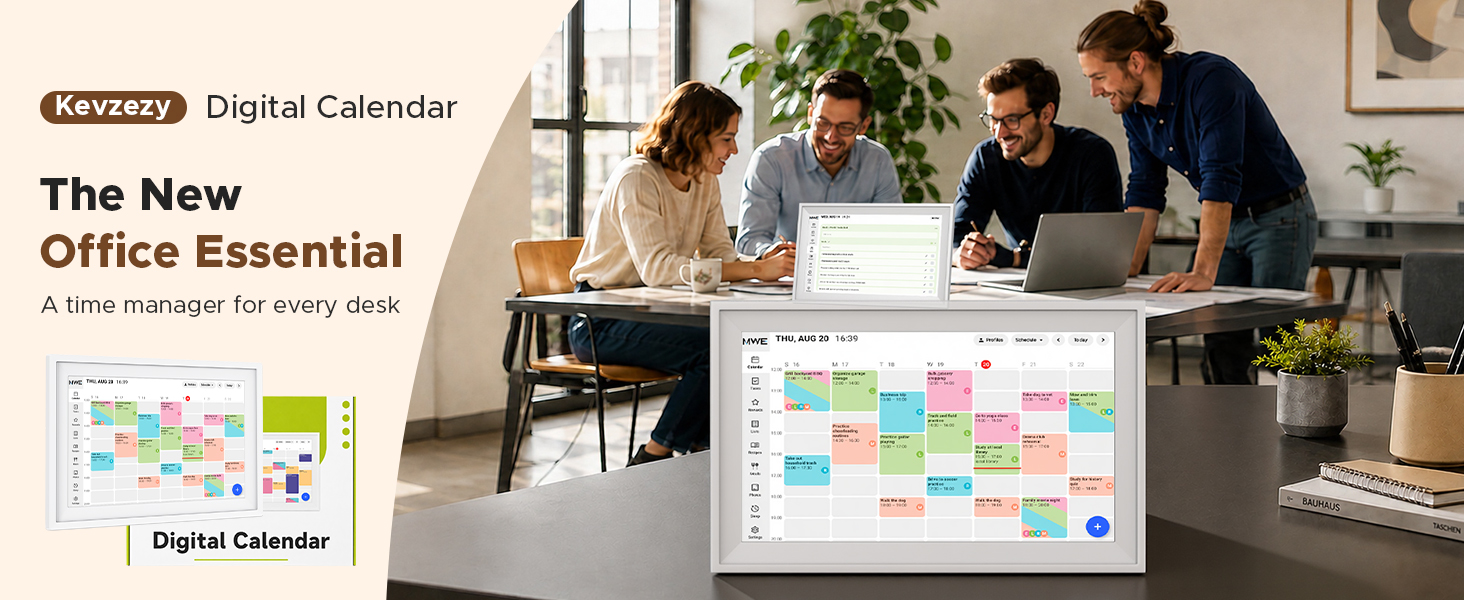
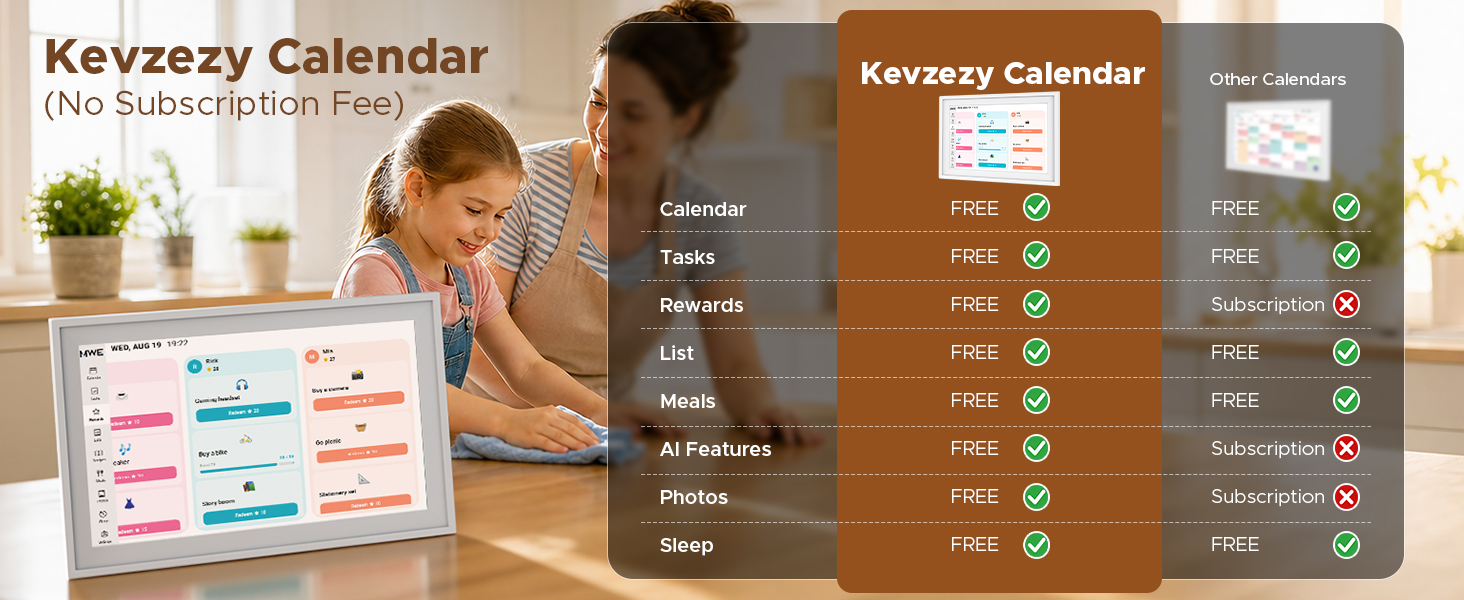
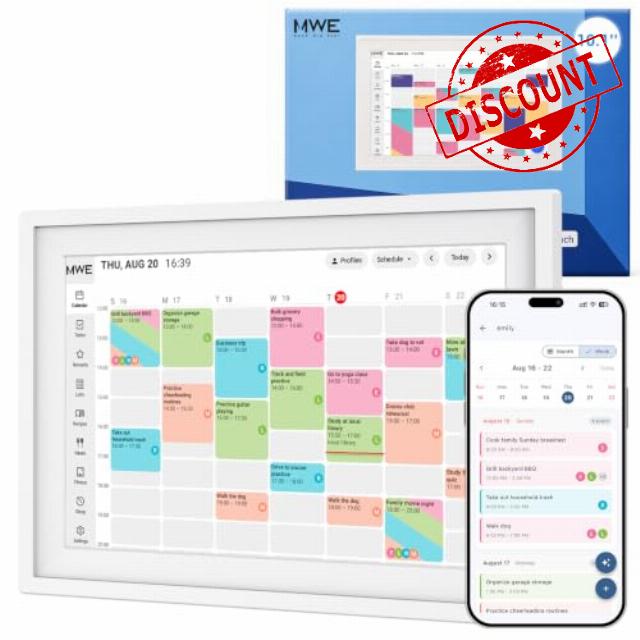
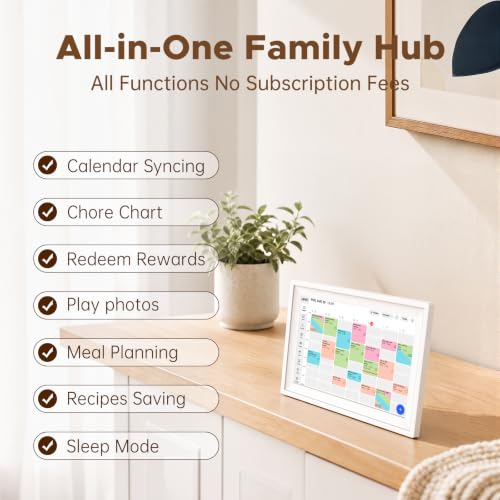
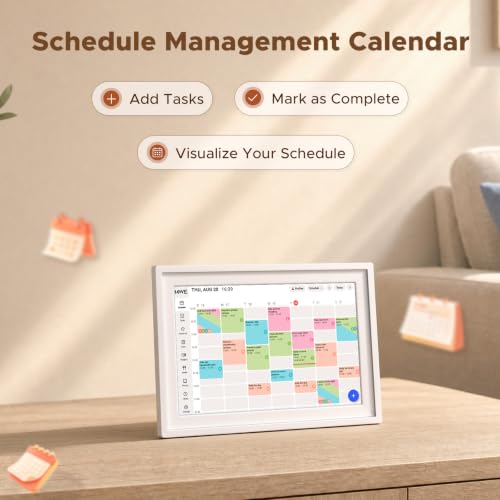
- Smart digital calendar with no subscription for scheduling: Organize appointments, school activities and work meetings on the KEVZEZY 10.1-inch HD interactive touchscreen. This digital desk calendar keeps daily plans beside your workspace, bringing a family planner and household schedule together without monthly calendar subscription fees.
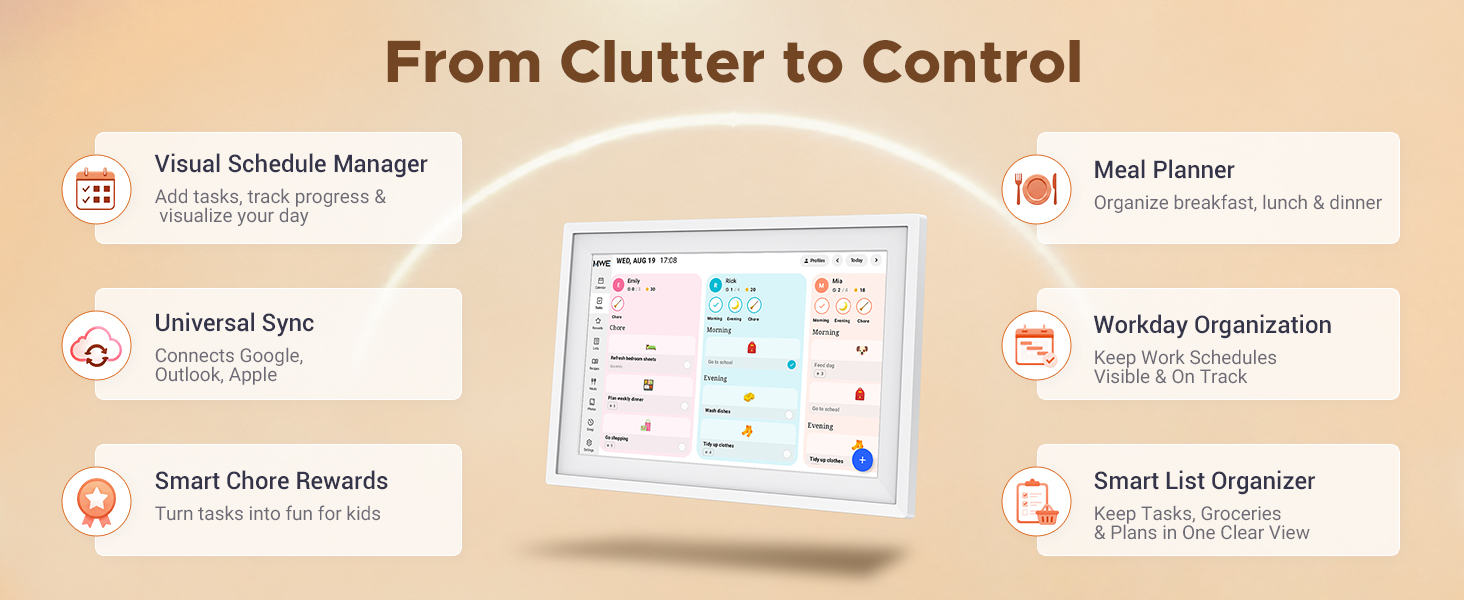
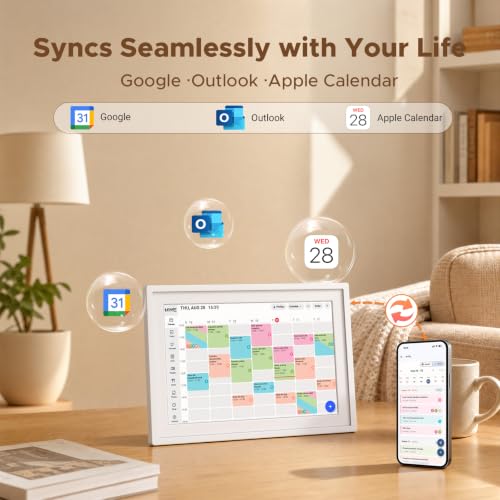
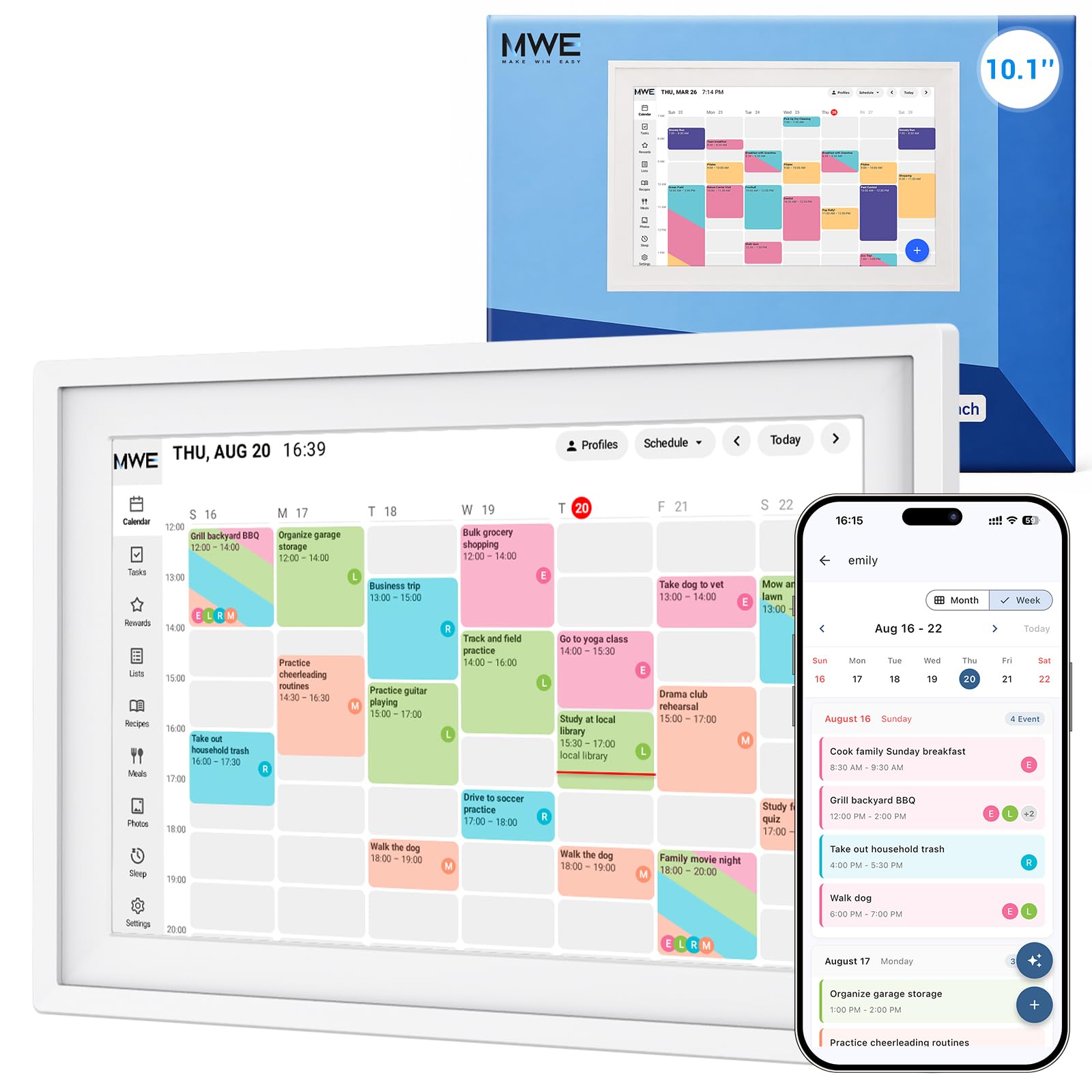
- WiFi calendar sync: Connect with Google Calendar, iCloud and Outlook to bring appointments and family plans together. Updates from your phone sync to the display, while color-coded schedules help distinguish each person's activities.
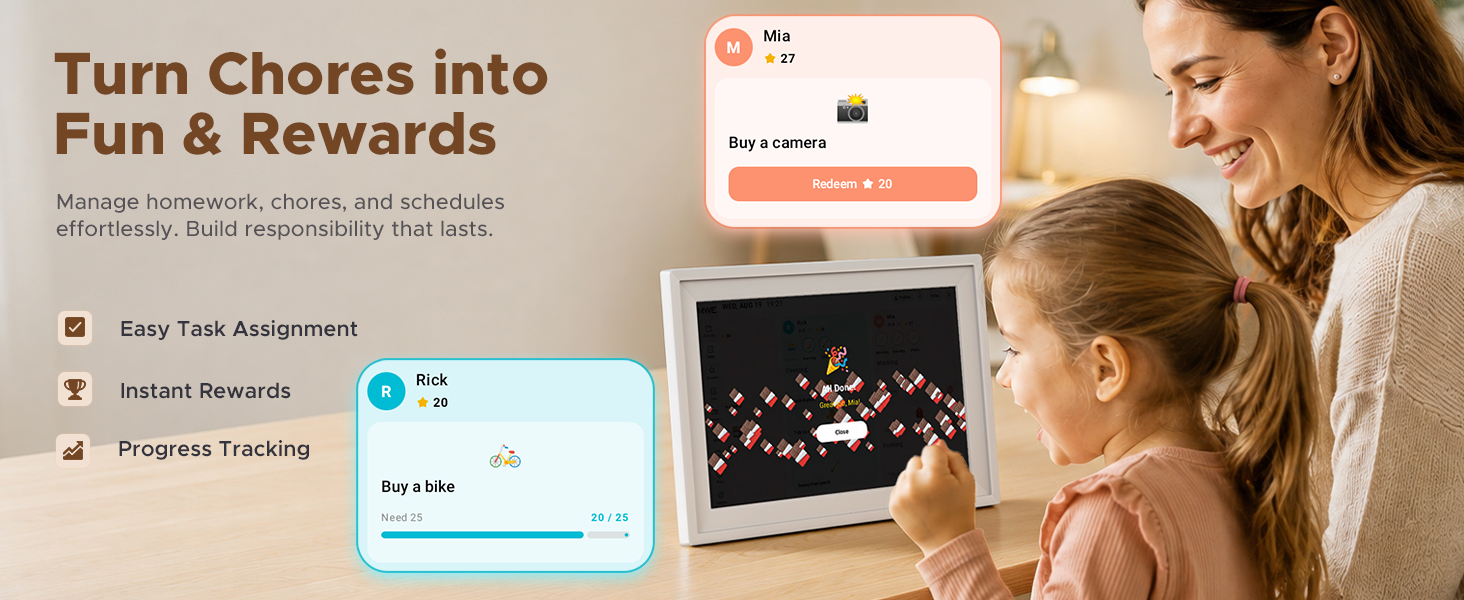
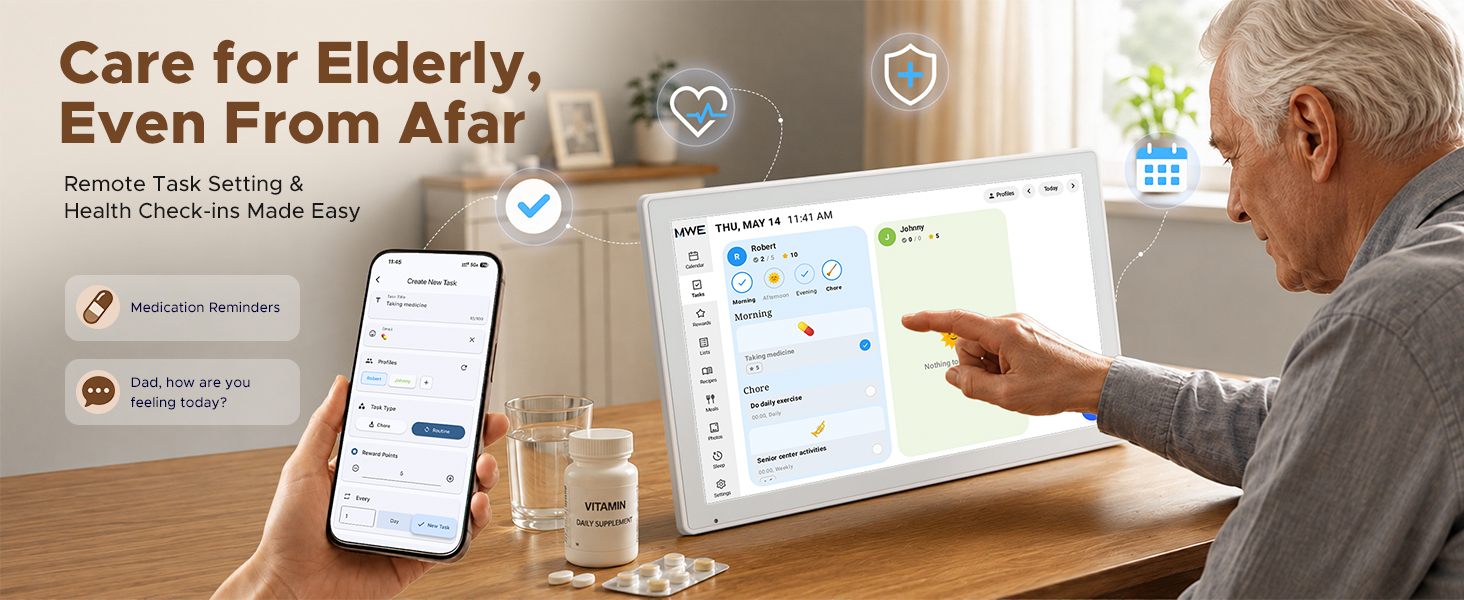
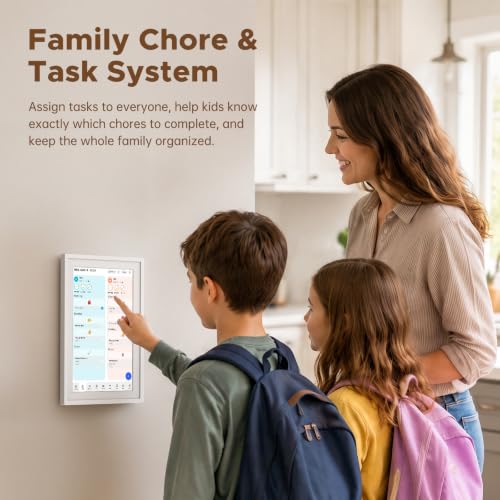
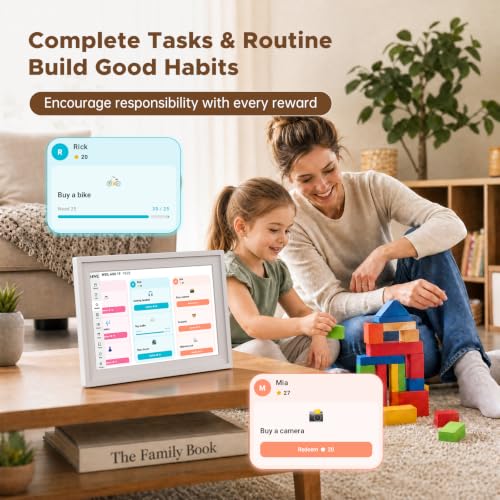
- Digital chore chart for kids: Turn household responsibilities into visible progress with a family chore chart. Assign tasks, set point values and let kids earn stars for completed chores. This interactive family organizer combines a chore tracker with shared task management, giving everyone a place to check responsibilities and celebrate progress.
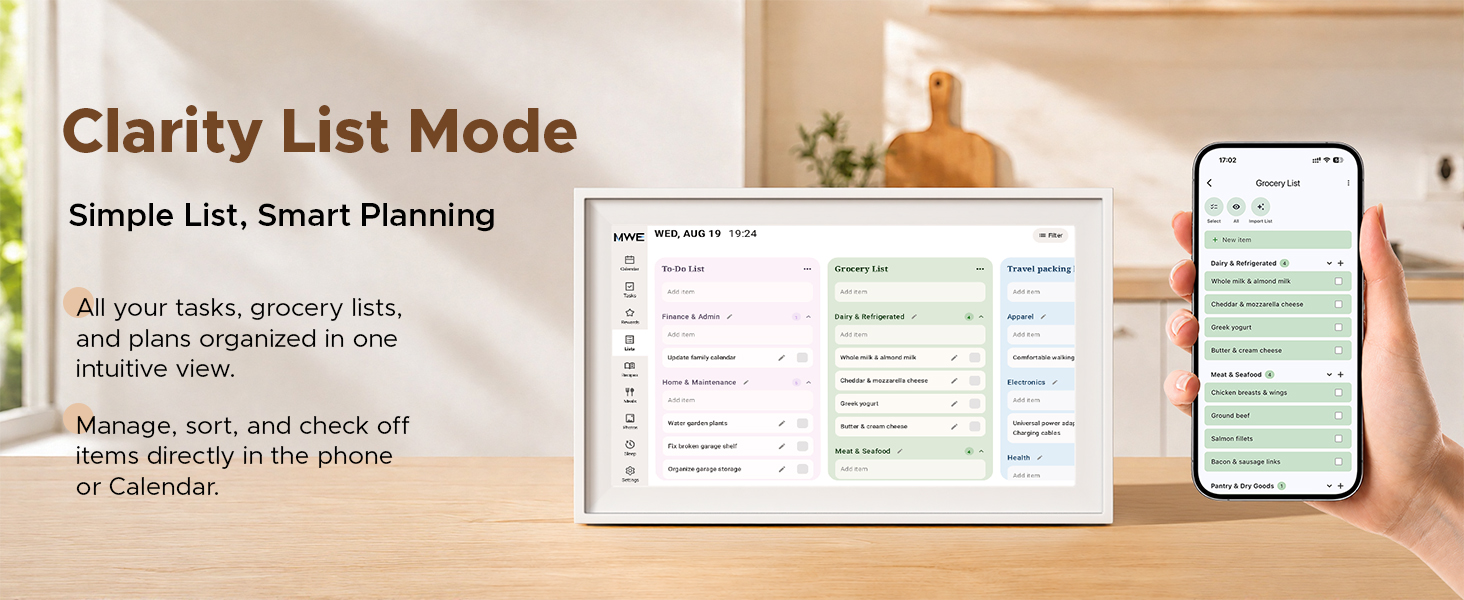
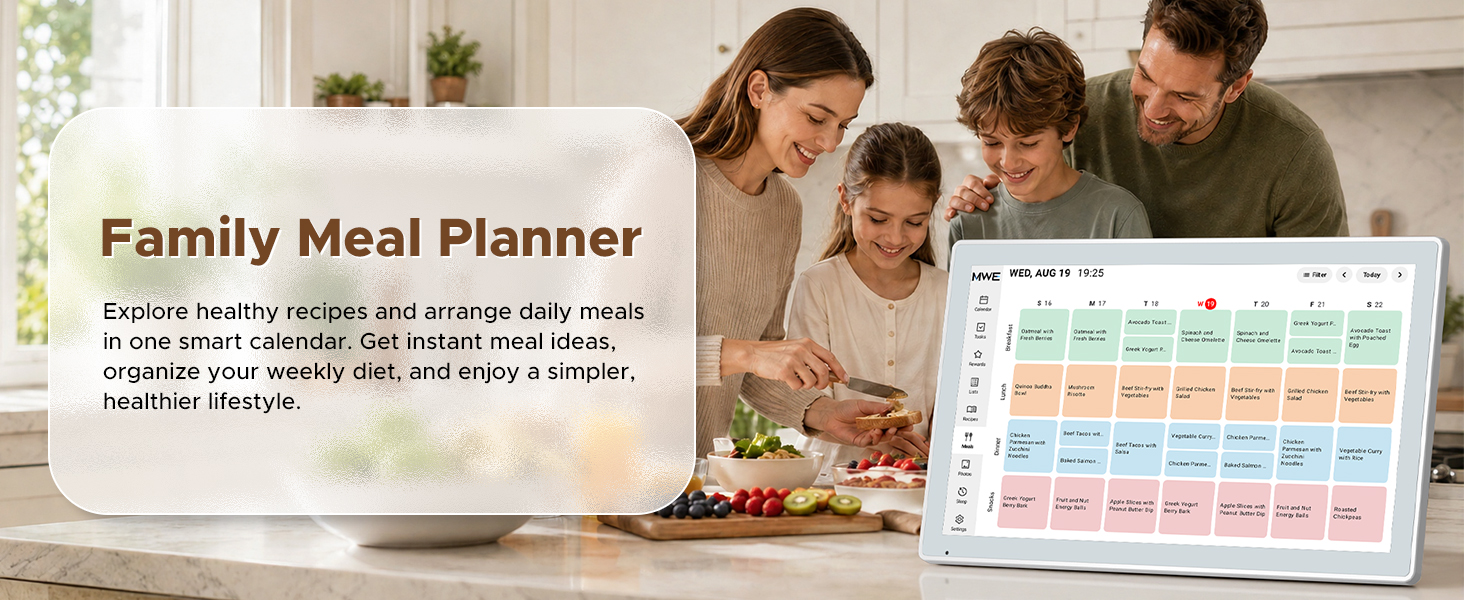
- Weekly meal planner and shared grocery lists: Coordinate breakfast, lunch and dinner alongside your family calendar. Build a weekly meal plan and update your grocery shopping list in one place, so household members can plan what to prepare and buy. Use this digital family planner to keep meals, shopping and busy schedules connected.
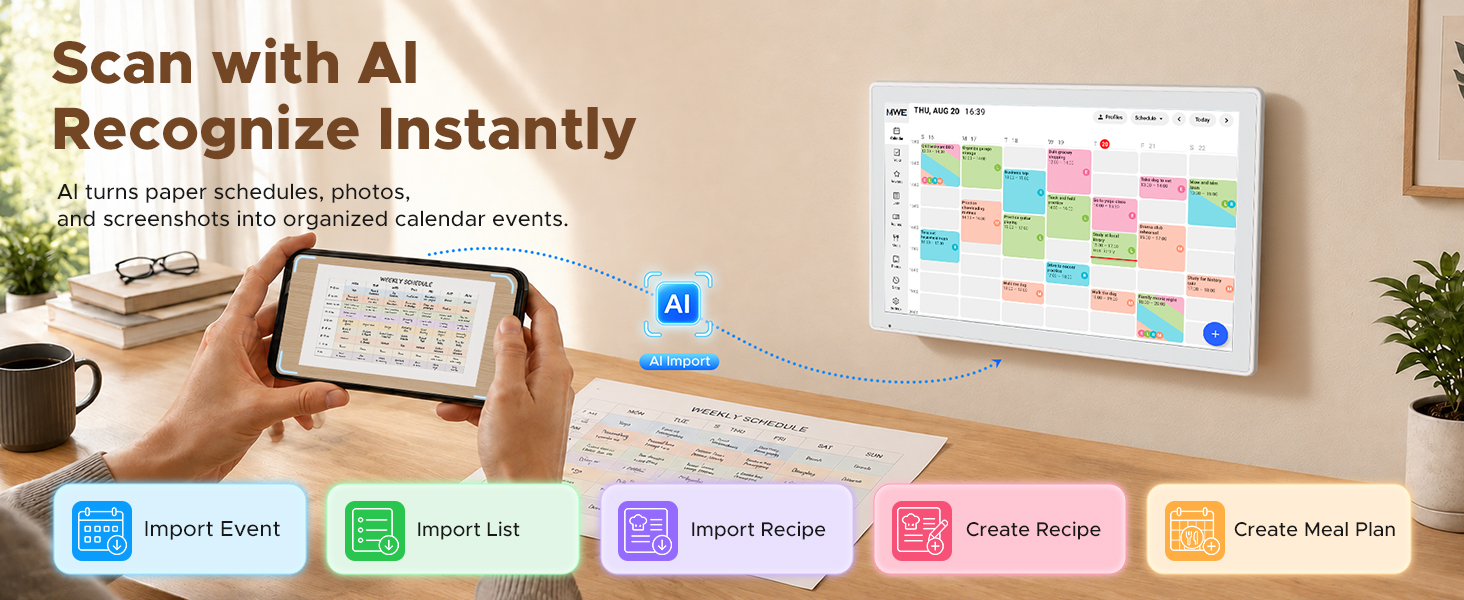
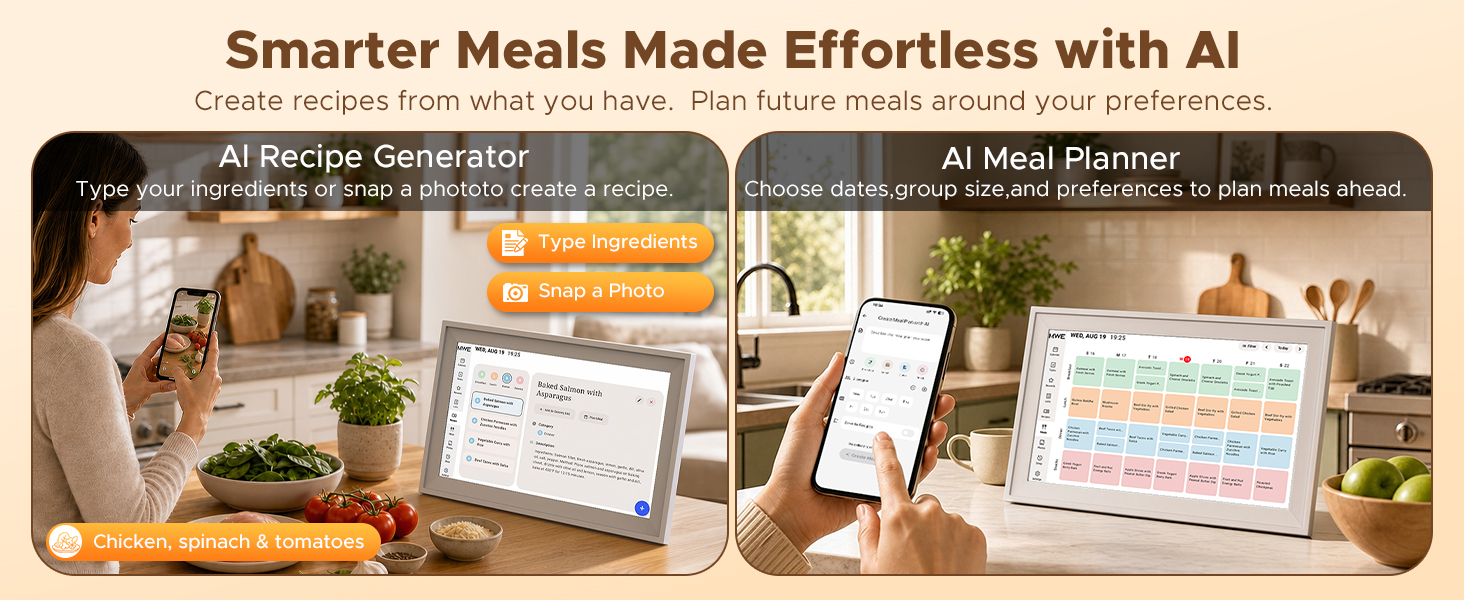
- AI schedule import and meal planning: Use AI recognition to turn paper schedules, photos and screenshots into calendar events, reducing manual entry in your digital calendar planner. Import lists and recipes, then generate recipe ideas and meal plans with AI. Bring school schedules and everyday planning into your smart family organize
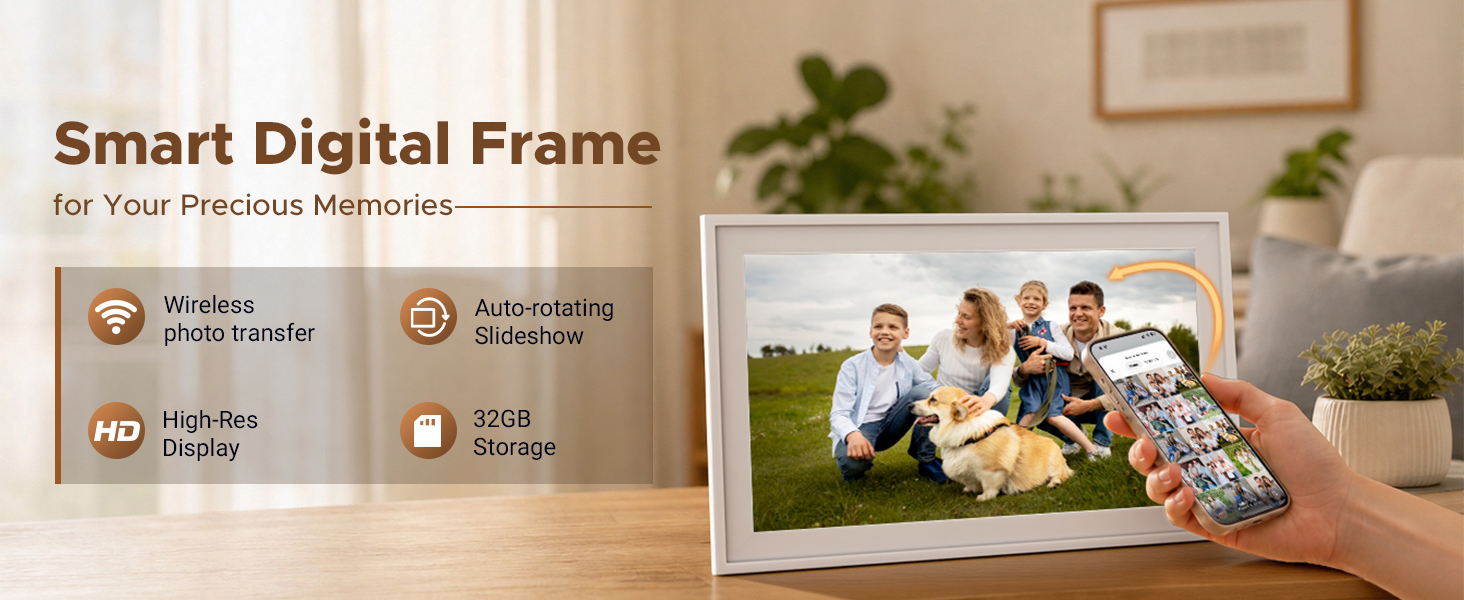
- Digital photo frame and everyday reminders: This digital calendar with reminders helps you keep track of appointments, school pickups and daily plans. When idle, the HD touch screen becomes a digital picture frame for family memories. Combine a shared schedule display and photo display in one electronic family calendar.
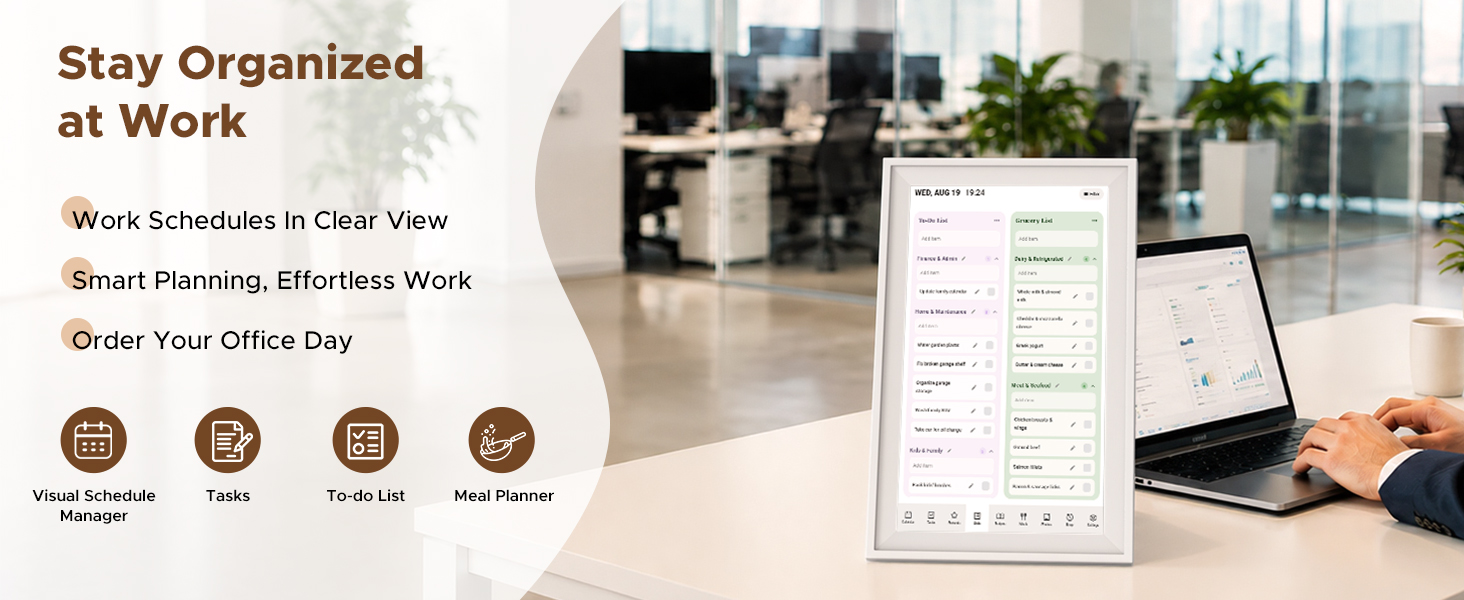
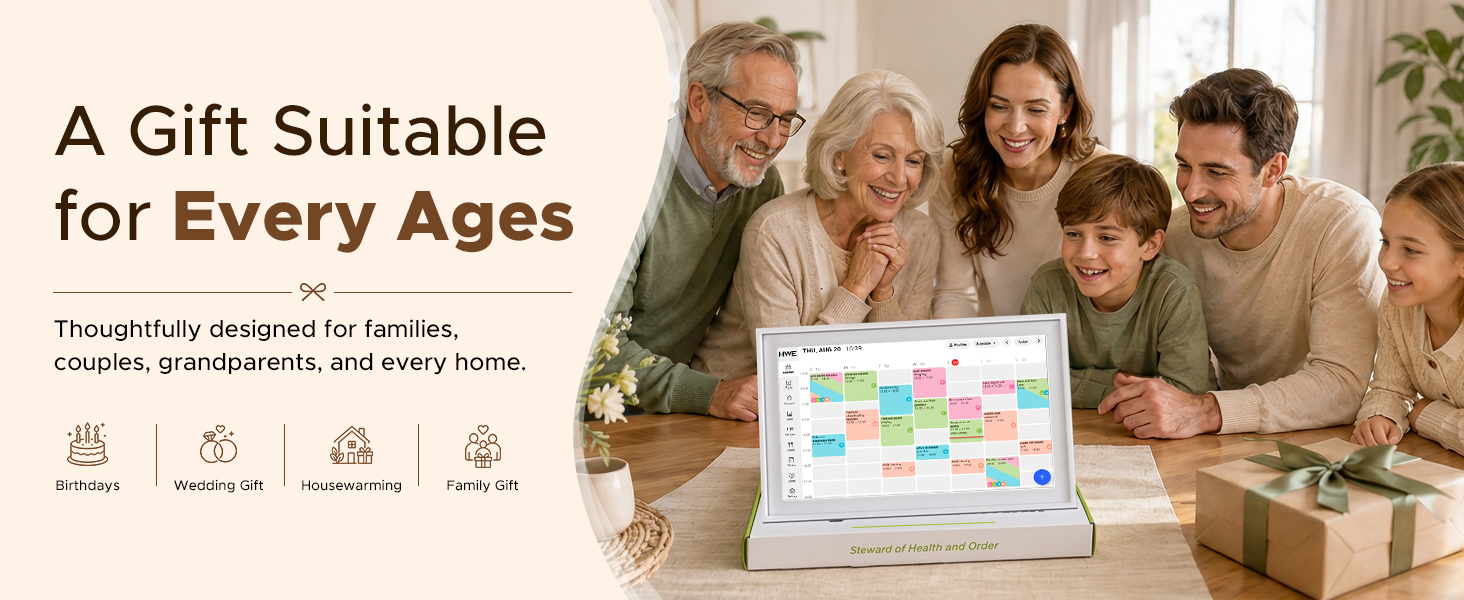
- Digital calendar with stand and gift box: The included desktop stand supports a 10.1-inch calendar for your home office desk or kitchen countertop. Use it as a dedicated office planner or a digital wall calendar for family routines. Gift-box packaging makes it a practical housewarming, wedding or holiday gift for Mom, Dad or a busy household.
Which calendar platforms can this digital calendar sync with?
It supports synchronization with Google Calendar, Apple Calendar/iCloud, and Outlook, allowing your family’s schedules to appear together on one easy-to-read display. Apple Calendar refreshes the schedule within ten minutes.
What should I do if the device cannot find or connect to Wi-Fi during initial setup?
Please enable a 2.4 GHz phone hotspot and connect the device. Keep it powered on and update to the latest software to improve router compatibility.
iPhone: Personal Hotspot > Maximize Compatibility
Android: Hotspot Settings > AP Band > 2.4 GHz
How does the chore chart help organize the family?
You can assign chores to different family members, track completed tasks, and use rewards to make responsibilities more engaging for children.
Does it include meal-planning and shopping-list features?
Yes. You can organize weekly meals, display recipes and ingredients, and create grocery or household shopping lists from one central screen.
Can family members add or update events from their phones?
Yes. Family members can add or update events from their connected mobile devices, and the changes will sync to the digital calendar through Wi-Fi. Please log in to the same account on the mobile phones of different members.
| SKU: | B0HHGWZBZY |
| Size: | 10.1″ Standard |
| Brand: | KEVZEZY |
| Part: | ZNRLBZK10 |
| Manufacture: | MWE |
| Size: | 10.1″ Standard |
Product description
Which calendar platforms can this digital calendar sync with?
It supports synchronization with Google Calendar, Apple Calendar/iCloud, and Outlook, allowing your family’s schedules to appear together on one easy-to-read display. Apple Calendar refreshes the schedule within ten minutes.
What should I do if the device cannot find or connect to Wi-Fi during initial setup?
Please enable a 2.4 GHz phone hotspot and connect the device. Keep it powered on and update to the latest software to improve router compatibility.
iPhone: Personal Hotspot > Maximize Compatibility
Android: Hotspot Settings > AP Band > 2.4 GHz
How does the chore chart help organize the family?
You can assign chores to different family members, track completed tasks, and use rewards to make responsibilities more engaging for children.
Does it include meal-planning and shopping-list features?
Yes. You can organize weekly meals, display recipes and ingredients, and create grocery or household shopping lists from one central screen.
Can family members add or update events from their phones?
Yes. Family members can add or update events from their connected mobile devices, and the changes will sync to the digital calendar through Wi-Fi. Please log in to the same account on the mobile phones of different members.