Photo, Slide & Negative Scanner with 5” Large Screen
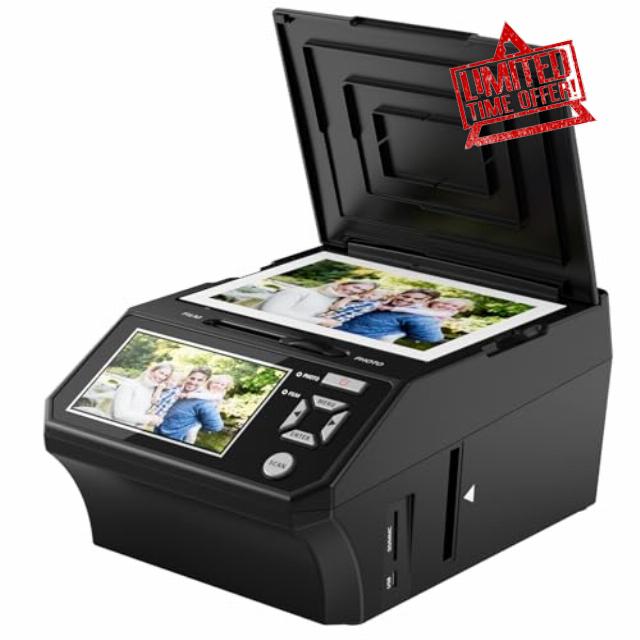
Photo, Slide & Negative Scanner with 5” Large Screen Convert 35mm/110 Negatives, Slides & Physical Photos to 22MP Digital Image, Includes 8GB SD Card, No Computer Required
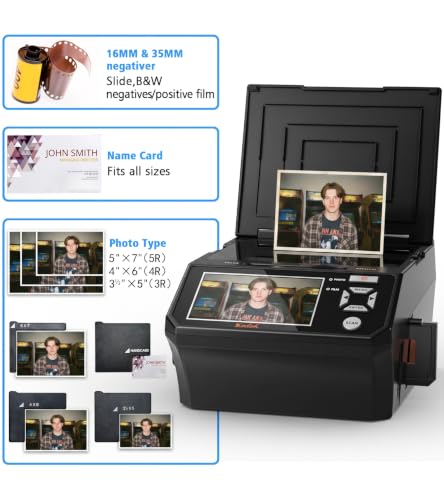
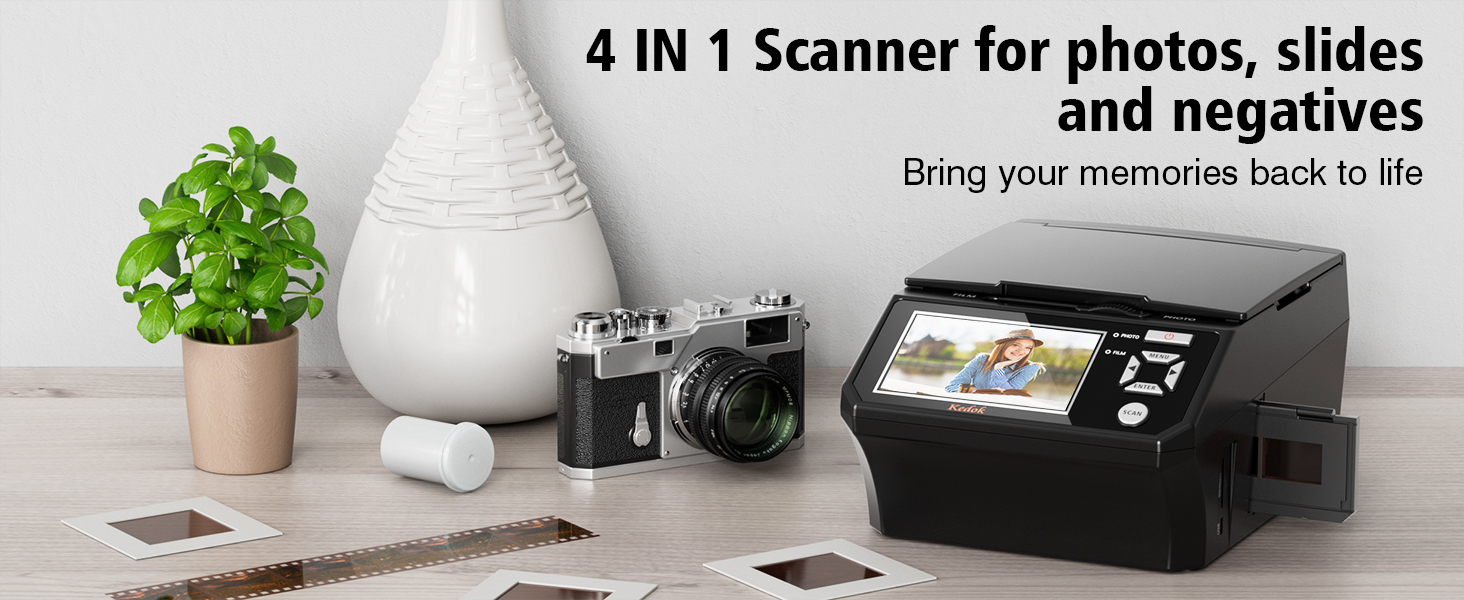
- ALL-IN-ONE DIGITAL PHOTO CONVERTER: Digitize your precious memories instantly. This versatile photo scanner for old pictures to digital effortlessly converts 35mm slides, 135 & 110 film negatives, printed photos (3R, 4R, 5R), and business cards into high-quality JPEGs. The ultimate all-in-one slide scanner to protect and modernize your family archives.
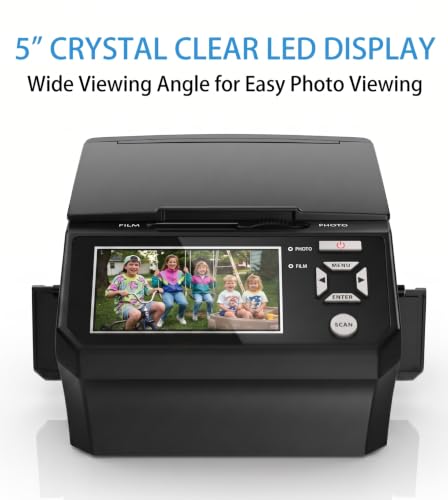
- EXTRA-LARGE 5" HD VIEWING SCREEN: Relive memories with stunning clarity. Unlike traditional models, our film scanner features a vibrant 5-inch LCD screen with wide viewing angles. Easily preview, edit, and instantly watch your vintage 135/110 negatives transform into brilliant color photos—no squinting or external monitors required.
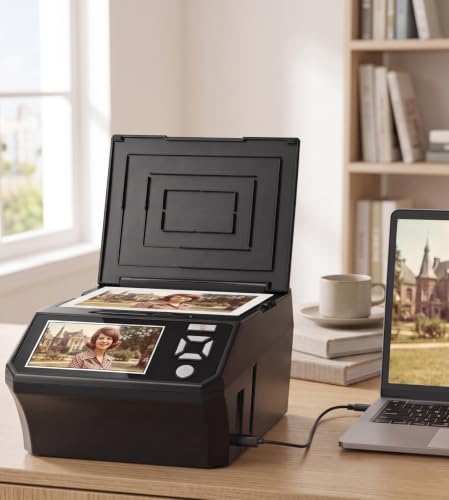
- STANDALONE & NO COMPUTER NEEDED: Experience hassle-free digitizing with intuitive "One-Touch" buttons. This negative scanner operates entirely offline—no complicated software, apps, or drivers to install. User-friendly and straightforward, it makes the perfect gift for parents and grandparents wanting to convert their slide collections with ease.
- FAST SCANNING & INSTANT ARCHIVING: Declutter your home and rescue physical photos from fading. This high-speed picture scanner captures images in seconds and saves them directly to the provided SD card. Once digitized, simply plug the device into your PC or Mac via USB to easily transfer, share, or display your photos on digital frames.
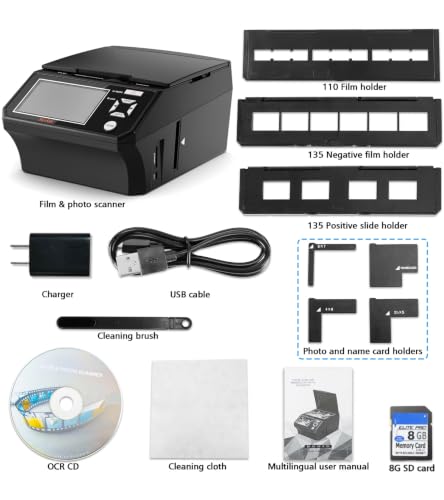
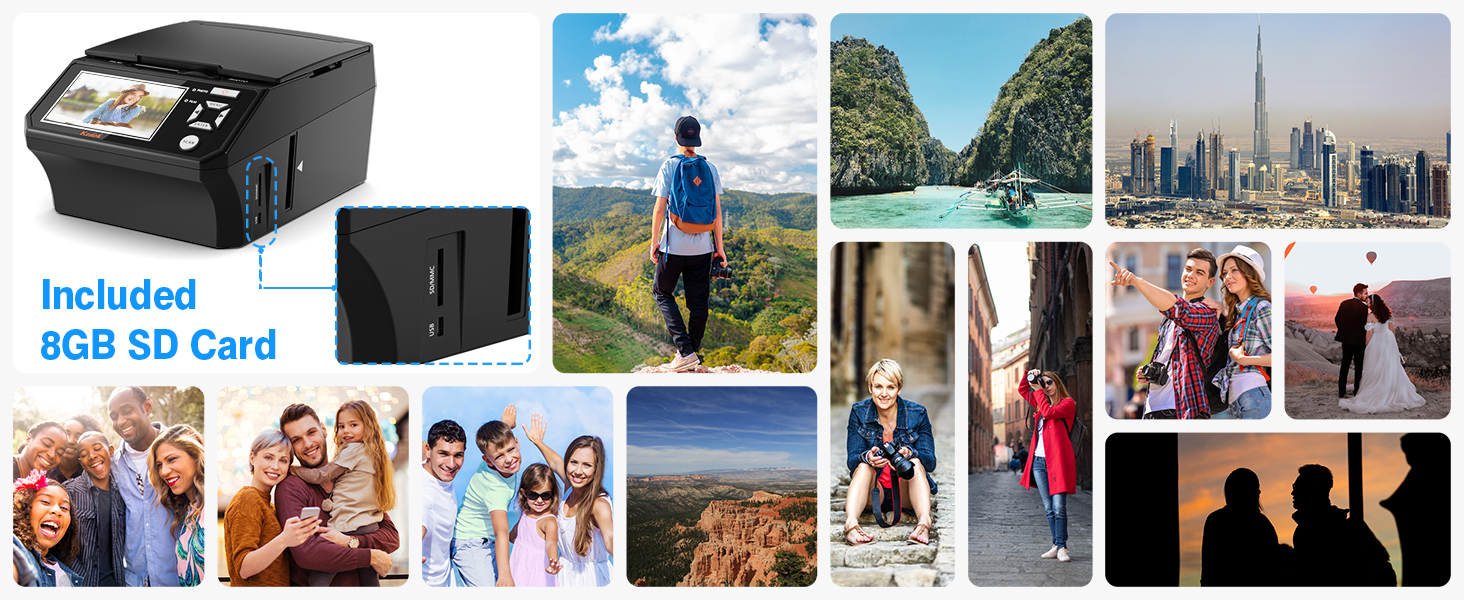
- COMPLETE BUNDLE & 3-YEAR WARRANTY: Start scanning right out of the box! This comprehensive photo digitizer kit includes the scanner, film/slide holders, photo trays, an 8GB SD card, cleaning brush, power adapter, and USB cable. Backed by a reliable 3-year warranty and customer support for complete peace of mind.
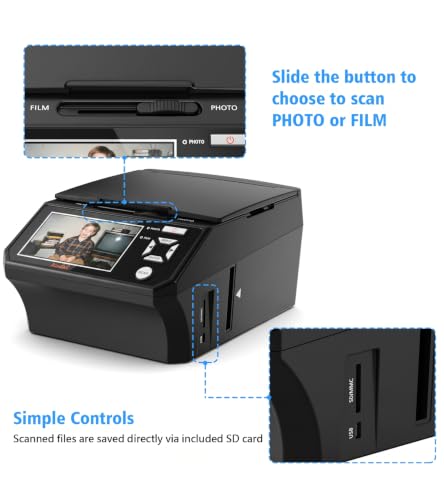
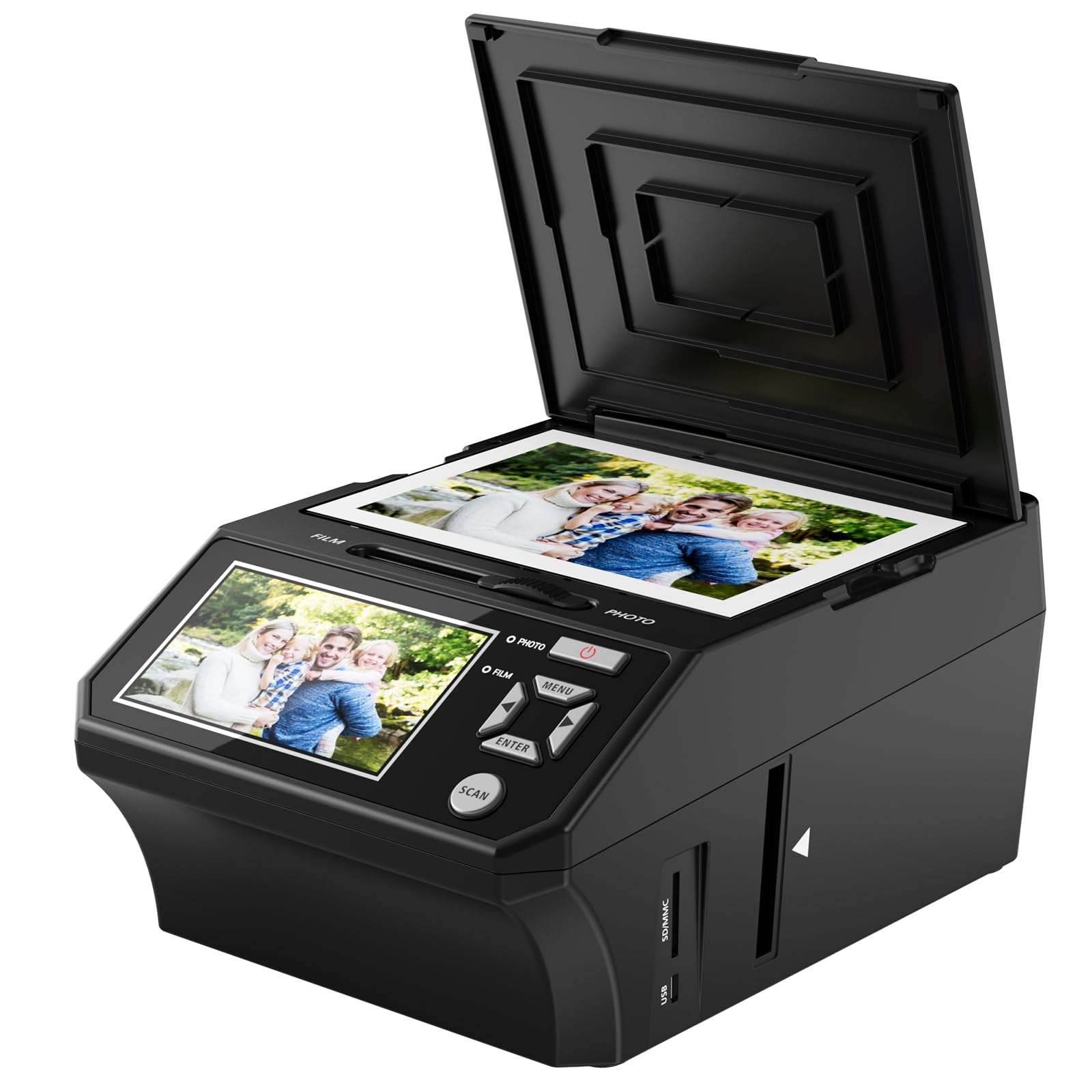
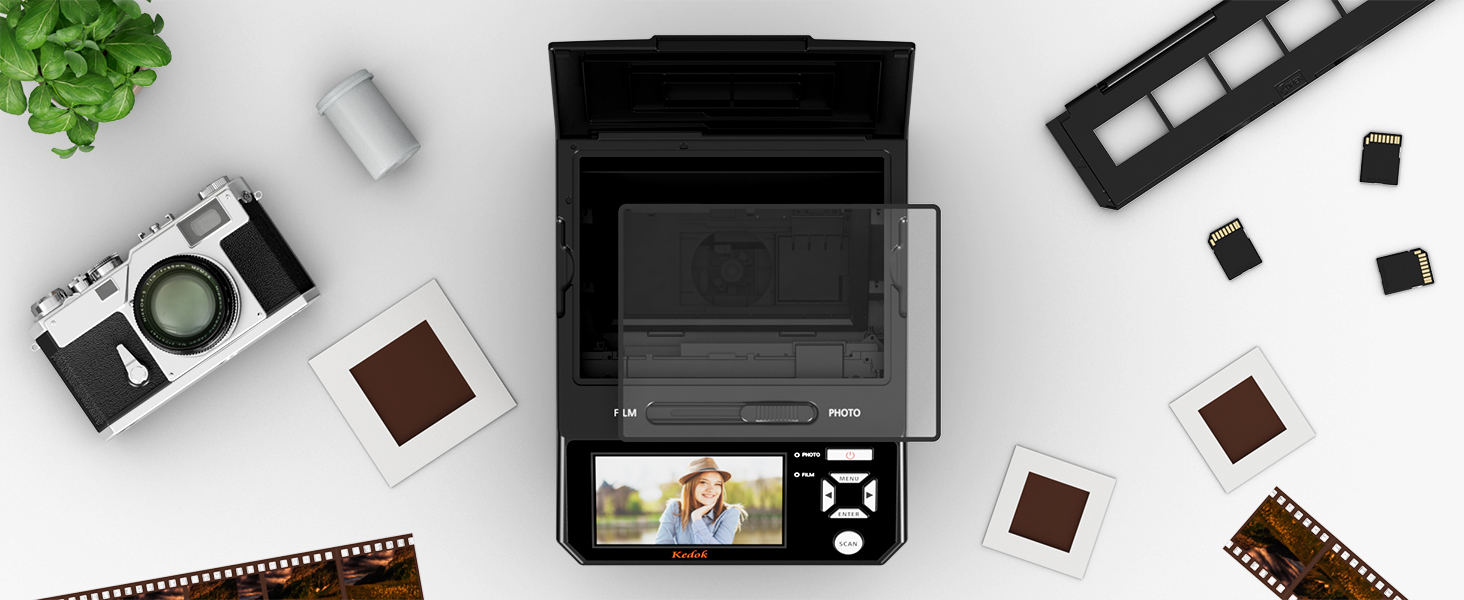
- When scanning photos, please turn the toggle to "Photo"
- Lay the proper adapter onto the upper left corner of the scanner's PC board at the mark, place the photo at the scanner, and make sure the photo is back side up. Then cover the scanner's lid
- When scanning films, please turn the toggle to "Film"
- We have 3 types of film holders: 110 film holder, 135 film holder, and 6 frames film holder.
- Note: Handle slides with care. Any dust scratches or fingerprints will show up on your saved images. You'd better to cotton gloves when handling slides.
SAVE OLD PHOTO MEMORIES
The film and photo scanner has built in 128MB of memory. Or you can save digital files to an SD card ( included 8GB memory card). To transfer the digitized photos, simply plug the USB connection cable into any USB port on your PC or Mac and put the scanner in USB transfer mode.
How can I get the best quality scan possible?
Ensure the film/slides/photo are clean and that you clean the inside of the scanner with the included cleaning brush immediately before scanning.
What film can the Film scanner scan?
The 22MP Digital Film Scanner allows you to view and convert old color and B&W negatives [135, 110mm] and 35mm slides and business cards and photos [5R, 4R, 3R] to digital photos.
What needs to be note when scanning negatives/slides?
The toggle switch should be set to ‘FLIM’; enter the menu FILM TYPE option to select the corresponding film mode.
What needs to be note when scanning photos?
The toggle switch should be set to ‘PHOTO’; enter the menu ‘Crop’ option to select the corresponding photo size.
| SKU: | B0HCB5S3N4 |
| Weight: | 1.5 kg |
| Brand: | DigitPro |
| Manufacture: | DigitPro |
Product description
![convert negatives [135, 110mm] and 35mm slides and business cards and photos to digital photos](https://warehousediscounts.net/posts/wp-content/uploads/2026/09/14bd4014-a93c-4930-a801-eac8c2c3db8b.__CR001464600_PT0_SX1464_V1___.jpg)
 5" LCD Screen for Instant Viewing
The photos you scan can be adjusted directly on the 5-in screen for exposure, RGB, mirroring and flipping. These simple operations no longer need to be imported into professional software to complete.
” data-position=”triggerHorizontal” />How can I get the best quality scan possible?
Ensure the film/slides/photo are clean and that you clean the inside of the scanner with the included cleaning brush immediately before scanning.
What film can the Film scanner scan?
The 22MP Digital Film Scanner allows you to view and convert old color and B&W negatives [135, 110mm] and 35mm slides and business cards and photos [5R, 4R, 3R] to digital photos.
What needs to be note when scanning negatives/slides?
The toggle switch should be set to ‘FLIM’; enter the menu FILM TYPE option to select the corresponding film mode.
What needs to be note when scanning photos?
The toggle switch should be set to ‘PHOTO’; enter the menu ‘Crop’ option to select the corresponding photo size.