NexFoto 32 Inch Touchscreen Large Digital Picture Frame

NexFoto 32 Inch Touchscreen Large Digital Picture Frame, 64GB Electronic Photo Frame FHD WiFi, Add Photos from Google Photos, Share Videos via APP/USB, Send Greeting, Gifts for Housewarming/Mom, Black
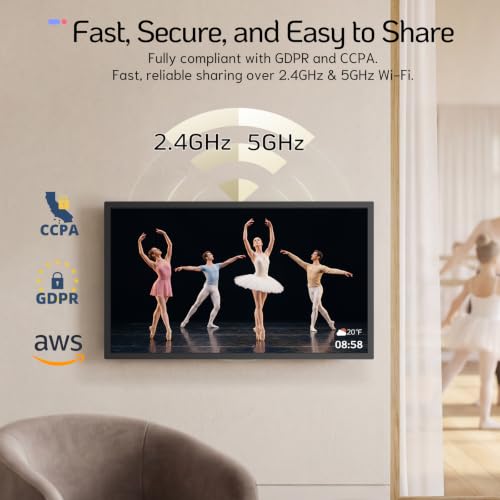
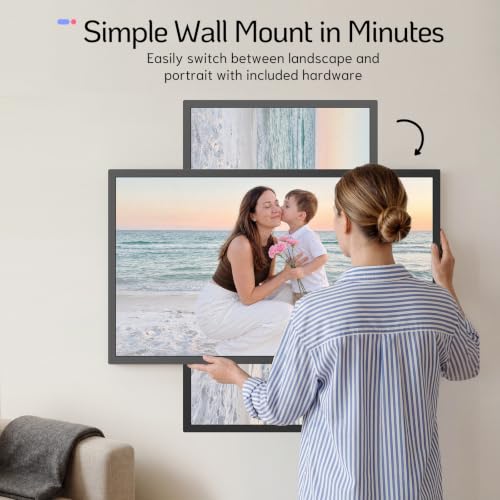
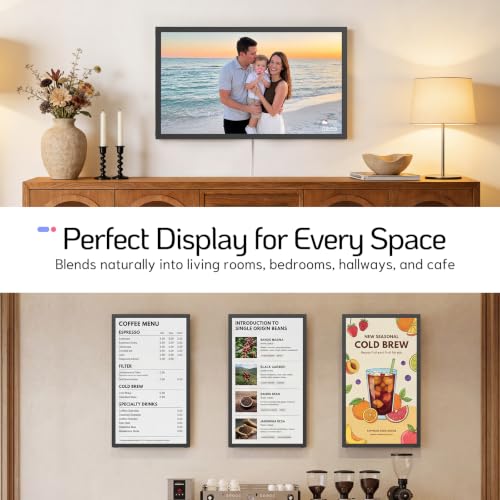
- Showcase Your Personal Gallery: NexFoto Wifi-enabled electronic picture frame (compatible with 2.4GHz and 5Ghz) brings your art collection and photo album to life on your wall. You can easily explore a diverse range of visual art, including masterpieces and NFT art. The minimalist modern design enhances your home decor, extra large digital photo frame can be freestanding or wall mounted, and its wall-mounted design featuring a swivel mount for easy rotation, providing a gallery-like viewing experience
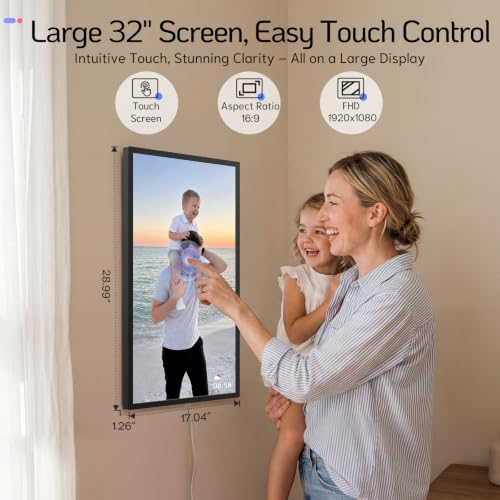
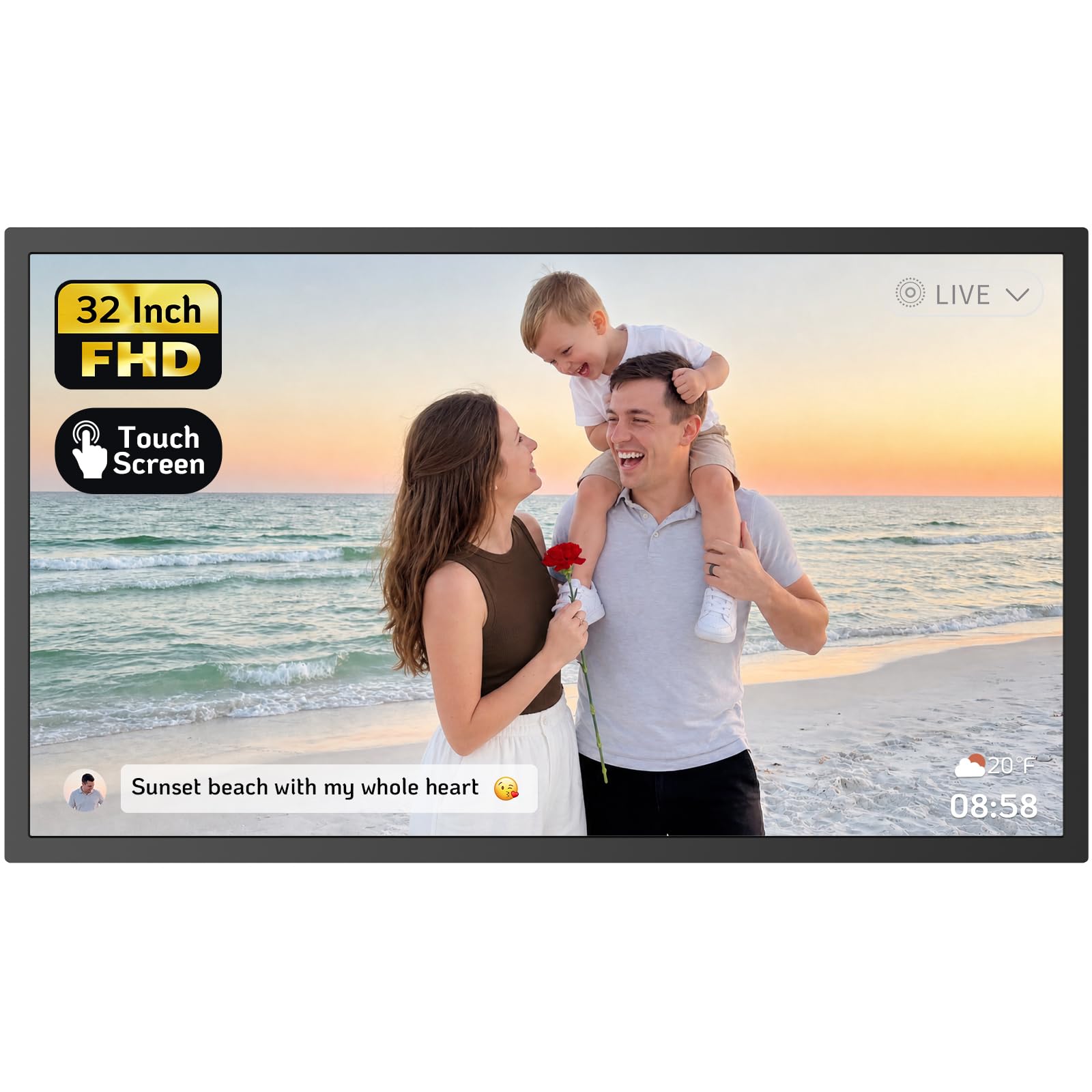
- 32 inch Touch Screen and 64GB Memory: The NexFoto 32-inch digital frame features 1920 x 1080 FHD Glossy Touch Screen (aspect ratio 16:9) that showcases your memories in vibrant colors and sharp details, while the IPS display technology brings much wider viewing angles. With 64GB internal memory, this digital picture frame can store up to 160,000 pictures, supports mirco SD card extended storage (up to 64GB, not included). Enjoy cloud-based storage convenience, absolute privacy and security
- Easy Setup and Impressive Functions: NexFoto digital photo frame allows users to upload pictures from Google Photos to the frame via the NexFoto app, 50 photos at a time. Multifunctional custom settings, sush as caption, slideshow playlists, weather, calendar, clock and sleep mode, meeting your various needs. The video picture frame features an user-friendly interface, making it easy to use for people of all ages. You can use the built-in photo editor in the NexFoto app to preprocess your photos and videos and ensure stunning results.
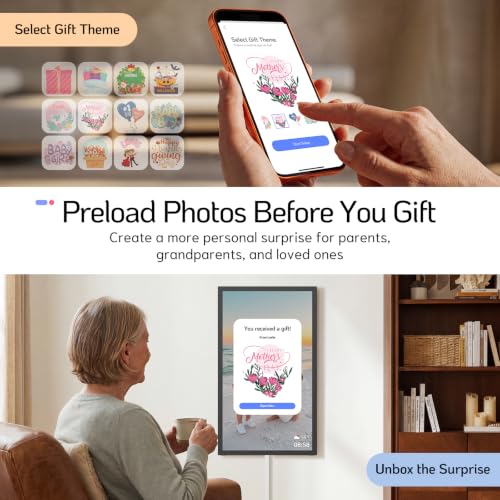
- Warm Gifts with Loved Ones: NexFoto digital frames with an exquisite gift-ready box, instantly update your life moments and send instant or timed wishes to electronic photo frame at anytime and antwhere. This digital frame for photos can be as a perfect gift for Mother's Day, Father's Day, Chritsmas, Birthdays, Weddings, Housewarmings, Anniversaries, Valentine's Day or any special events. What they received was not just a digital photo frame, but also your love, care and company, help you stay connected with your loved ones
- Premium Quality & Two-Year Warranty: NexFoto is committed to delivering top-quality digital photo frames in the industry. Our two-year warranty allows you not to worry about any problems with the product. If you have any questions, our team is available to provide the most satisfactory response within 12 hours. We go beyond just selling great products, we strive to provide an exceptional service experience to ensure that every customer is happy with their purchase
From the brand
-
Walnut Series
-
Wedding Series
-
Large Display
| SKU: | B0HCTNGT7M |
| Weight: | 26 pounds |
| Size: | 32 inches |
| Dimensions: | 28.99″L x 17.04″W |
| Brand: | NexFoto |
| Model: | NF-H320B-T-FH-BB-N-US |
| Colour: | Black |
| Manufacture: | NexFoto |
| Colour: | Black |
| Size: | 32 inches |
From the brand



I like this digital frame. It performs well. Nice picture resolution and touch screen. Having the capability of using a usb flash drive is great. That was an important feature I really wanted.
The reason for the 4 star rating is the software and app. It is not the most user friendly app. It takes some time to figure things out, especially loading and unloading pictures. The biggest drawback to the app/software is that you cannot shut the frame on or off from the app and some of the settings have to be set on the frame itself and not within the app.
Perfect for your loved ones!
My parents loved this! Unfortunately it burnt in their house fire, but I will be purchasing them a new one!! It is easy to setup! Quality is great-very sturdy! I got it during prime days and the price was great!
frame with mutliple feeds
gift for mother’s day. we can all upload the photos with the mobile application (not so good from email) and upload music from a memory stick (download from itunes). easy to use. i recommand
If you’re on the fence about this photo frame DO NOT WAIT! Order it! Order it for yourself, for your mom and dad, grandparents, aunts, uncles or friends, I purchased one for my mom for Mother’s Day, my dad for Father’s Day and my aunt for her birthday! My parents absolutely LOVE theirs!
I have tried out a few digital photo frames, and NexFoto is one of the best in photo management.
Pros:
_64GB memory, and a motion sensor.
_Screen color saturation is good, and speaker sound is acceptable.
_Photos can be transferred from a cell phone APP. Support USB, MicroSD, and USB-C for pc.
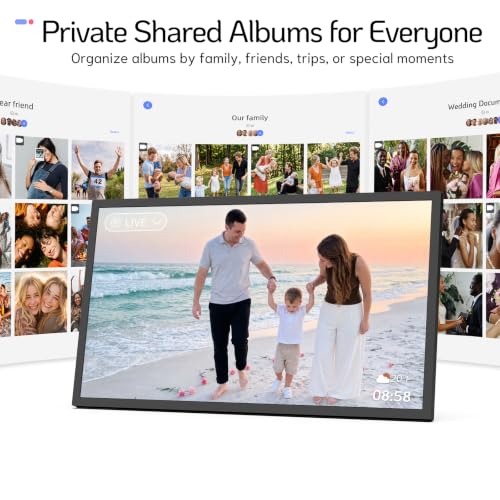
_Photos/Videos can be copied from USB(64GB USB is included), MicroSD into separate albums. I named my albums by year/place/friends/family. It is convenient to slide show the albums on the Playlist. If you have thousands of photos on the frame and don’t have individual albums, it will take a while to view your desired photos.
_Software update. NexFoto’s support team welcomes users’ feedback and comments, and will implement appropriate changes.
_Great customer service and technical support team!
Cons:
_I have two software updates on my frame. The software has improved.
However, the delay in response when the selection is pressed on the touchscreen may cause the user to press the selection multiple times. If this happens, an error message will appear: ‘Nexfoto isn’t responding. Close APP or wait.’
This message can be annoying if it appears too frequently.
I hope a fix is included in the next software update.
Looks Great, But App Needs Work
Let’s start with transparency: I received this NexFoto digital frame through Amazon’s Vine program to test out, but this review is entirely based on my own experience. No payment involved!
I’m already a fan of digital frames. I have several from different brands. They just make displaying your favorite memories so easy! So, I was excited to try this one. The NexFoto definitely looks good, with a sleek design, nice packaging suitable for gifting, and can be displayed in both landscape and portrait modes.
The display itself is a 1280×800 HD screen with a 16:10 aspect ratio. That ratio is great for a modern, cinematic view, but there’s a catch. If you’ve got older photos in different ratios (like 4:3), they might not fit perfectly without stretching or cropping. The image quality isn’t the absolute best, but it’s decent, showing my photos clearly and with good colors.
Storage wise, 32GB of built-in memory is fantastic for photos, and it’s not meant to replace your cloud storage anyway. Plus, you can pop in an SD card (up to 32GB) if you want more space, though I didn’t test out bigger cards myself.
From features perspective, the motion sensor is a neat energy-saving idea, though mine was a bit hit-or-miss about turning on when someone was around. Thankfully, you can set a timer for the frame, which is super useful for scheduling on/off times. Other fun features include a clock/alarm, weather icon, and the ability to play music. I personally like my photos without clutter, but those extras might be perfect for an older person!
Now, the make-or-break part: uploading photos. Connecting the frame to Wi-Fi was simple, but sadly it only works on 2.4 GHz networks. The VPhoto app is mandatory for uploading and sharing photos. Setting it up was okay, and it even lets you connect multiple frames. However, this is where the honeymoon ended. The app interface is clunky, there’s no way to edit or crop photos within it, and I ran into glitches where it wouldn’t respond. It’s really frustrating because the basic idea of sharing photos to the frame is good, but the execution is rough.
Overall, I’d give this NexFoto frame 3.5 stars. It looks good, has decent display quality, plenty of storage, and some neat features. But that app and its limitations take a big chunk out of the potential, making me wary of recommending it wholeheartedly.
A hit with Grandma!
What a great idea to share photos/ short videos with those who don’t use social media!
This device really looks just like a regular picture frame, and can be placed on a table (using the stand) or can be mounted vertically or horizontally on the wall.
(just remember it needs to be plugged into the wall via the long cord)
The screen is clear and sharp and very bright (the brightness is adjustable).
The display is a touchscreen to make it easier to use, and I was impressed by how sensitive and responsive the touchscreen was. It allows the user to cycle through menus such as the local weather and a clock function (with choice of clock displays and an alarm feature if desired). It even offers music playback of media from the USB port or SD card.
I wasn’t overly impressed by the VPhoto app, but once the frame is configured initially you don’t really need to use it for the main purpose of this frame – sharing of photos!
You simply need to add the email address of someone you want photos from – this then will trigger the device to email them with the unique email address of the picture frame. Once added to the approved list, that user can then simply email photos/videos they want to share directly to the picture frame. It is really very simple to do.
Now Grandma can see photos of the grandkids without fussing with emails or social media – the photos will play as a slideshow on the frame. Highly recommended for the less computer savvy!