Yubico – YubiKey 5 NFC – Multi-Factor authentication (MFA
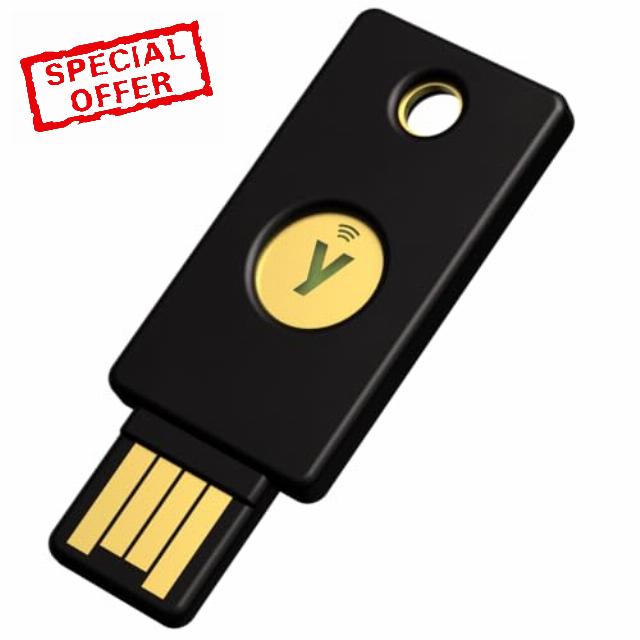
Yubico – YubiKey 5 NFC – Multi-Factor authentication (MFA) Security Key and passkey, Connect via USB-A or NFC, FIDO Certified – Protect Your Online Accounts
- POWERFUL SECURITY KEY: The YubiKey 5 NFC is the most versatile physical passkey, protecting your digital life from phishing attacks. It ensures only you can access your accounts
- WORKS WITH 1000+ ACCOUNTS: Compatible with popular accounts like Google, Microsoft, and Apple. A single YubiKey 5 NFC secures 100+ of your favorite accounts, including email, password managers, and more
- FAST & CONVENIENT LOGIN: Plug in your YubiKey 5 NFC via USB and tap it, or tap it against your phone (NFC), to authenticate. No batteries, no internet connection, and no extra fees required
- MOST SECURE PASSKEY: Supports FIDO2/WebAuthn, FIDO U2F, Yubico OTP, OATH-TOTP/HOTP, Smart card (PIV), and OpenPGP. That means it’s versatile, working almost anywhere you need it
- PRIMARY & SPARE KEYS: Just like having a spare house key, we recommend buying two YubiKeys – one for daily use and one as a spare. That way you’ll never get locked out of your accounts
- YUBICO AUTHENTICATOR APP: Compatible with the safest authenticator app experience across mobile and desktop
- PROVEN SECURITY (FIRMWARE 5.7): Features YubiKey Firmware 5.7, providing seamless multi-factor authentication (MFA) and phishing-resistant protection across your favorite accounts
From the brand
Meet Yubico, the creator of the YubiKey: the #1 security key that works with your favourite applications and services.
Usernames and passwords are not enough to protect your accounts. Using a security key as two-factor authentication is a simple and proven method for protecting your identity, accounts and devices.
The YubiKey is loved by the world’s largest brands and millions of users.
YubiKey works with hundreds of services and applications
What accounts can I secure with YubiKey?
YubiKey works with hundreds of services and applications. Search for "Works With YubiKey" for list of compatible services.
How do I get started using YubiKey?
1. Log in to the service you want to secure and check if it supports security keys.
2. Look for the option to add two-factor authentication or security keys. Setup instructions may vary.
3. Follow the instructions to register your YubiKey by plugging it in or tapping it on your device.
4. You're now ready to use your YubiKey. Remember to register a spare key in case of loss or theft.
What is the difference between YubiKey and Security Key by Yubico?
YubiKey 5 is our most versatile security key supporting authentication to a wide range of services and applications using not only FIDO protocols but also OTP, OATH and Smart card/PIV. It also comes in additional form factors incl. Lightning and Nano, and can be used with the Yubico Authenticator app.
The Security Key by Yubico is the more affordable option that supports FIDO2/WebAuthn and FIDO U2F protocols only. Some common services that use these are Google and Microsoft accounts, Dropbox, X, Coinbase and 1Password.
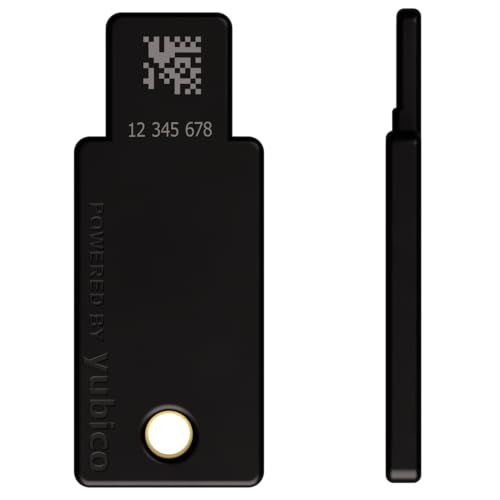
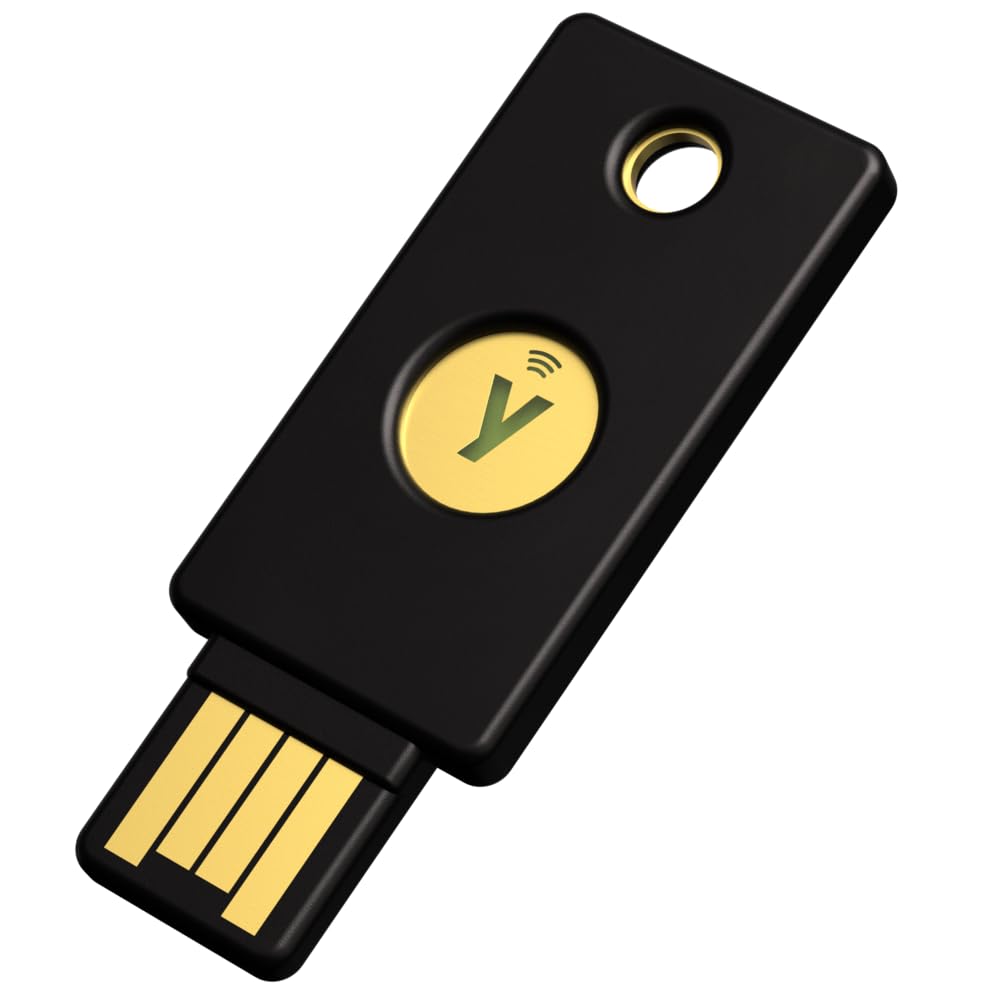
| SKU: | B07HBD71HL |
| Weight: | 2.86 g |
| Brand: | Yubico |
| Model: | Y-237 |
| Colour: | Black |
| Manufacture: | Yubico |
| Colour: | Black |
From the brand

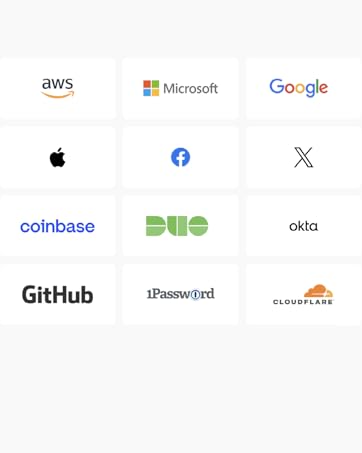
YubiKey works with hundreds of services and applications
What accounts can I secure with YubiKey?
YubiKey works with hundreds of services and applications. Search for “Works With YubiKey” for list of compatible services.
How do I get started using YubiKey?
1. Log in to the service you want to secure and check if it supports security keys.
2. Look for the option to add two-factor authentication or security keys. Setup instructions may vary.
3. Follow the instructions to register your YubiKey by plugging it in or tapping it on your device.
4. You’re now ready to use your YubiKey. Remember to register a spare key in case of loss or theft.
What is the difference between YubiKey and Security Key by Yubico?
YubiKey 5 is our most versatile security key supporting authentication to a wide range of services and applications using not only FIDO protocols but also OTP, OATH and Smart card/PIV. It also comes in additional form factors incl. Lightning and Nano, and can be used with the Yubico Authenticator app.
The Security Key by Yubico is the more affordable option that supports FIDO2/WebAuthn and FIDO U2F protocols only. Some common services that use these are Google and Microsoft accounts, Dropbox, X, Coinbase and 1Password.
I’ve been using the Yubico YubiKey 5 NFC for a few months now, and it’s hands-down one of the best investments I’ve made for my online security. This little device is a powerhouse—super easy to set up and incredibly effective at keeping my accounts safe.
The two-factor authentication (2FA) works flawlessly with all my major accounts—Google, Microsoft, LastPass, you name it. I love that it supports both USB-A and NFC, so I can tap it on my phone or plug it into my older laptop without any hassle. It’s FIDO-certified, which gives me peace of mind knowing it’s a legit, industry-standard security tool. Setup was a breeze—just plug it in, register it with my services, and I’m good to go. The build quality is fantastic too; it’s tiny but feels tough enough to survive being on my keychain daily.
My only tiny regret? I wish I’d sprung for the USB-C version instead of this USB-A one. My newer devices are all USB-C, and while this works perfectly with adapters, spending a bit more upfront would’ve saved me that extra step. That’s on me, though—not a knock on this product!
The Yubico YubiKey 5 NFC is an exceptional two-factor authentication device that provides an additional layer of security to protect your digital identity. This compact and versatile key has become an integral part of my online security strategy, and I am thoroughly impressed with its performance and reliability.
The standout feature of the YubiKey 5 NFC is its ability to provide strong two-factor authentication. It combines something you have (the physical key) with something you know (your password) to verify your identity. This significantly enhances security by thwarting unauthorized access and protecting against phishing attacks or password breaches.
The YubiKey 5 NFC offers a range of authentication methods, including one-time password (OTP), FIDO Universal 2nd Factor (U2F), and NFC. The NFC functionality allows for seamless and convenient authentication on NFC-enabled devices, such as smartphones or tablets. Simply tap the YubiKey to the device, and it securely verifies your identity, providing a frictionless experience.
Setting up the YubiKey 5 NFC is straightforward. It is compatible with a wide range of platforms and services, including popular ones like Google, Facebook, Dropbox, and many more. The YubiKey works with major web browsers and operating systems, making it incredibly versatile and adaptable to your specific needs.
The build quality of the YubiKey 5 NFC is exceptional. It is made of durable materials, ensuring longevity and reliability. The key is designed to withstand physical wear and tear, and it is water-resistant, making it suitable for various environments and conditions.
The portability of the YubiKey 5 NFC is another advantage. Its compact size allows you to easily carry it on a keychain or in your pocket, ensuring that it is always accessible when needed. The absence of batteries or moving parts adds to its convenience, as there is no need for charging or maintenance.
Yubico, the company behind the YubiKey, is known for its commitment to security and privacy. The YubiKey 5 NFC undergoes rigorous testing and encryption protocols to ensure the highest level of protection for your sensitive data. It provides peace of mind, knowing that your online accounts and digital assets are safeguarded against unauthorized access.
In terms of value, the YubiKey 5 NFC is an excellent investment. Its robust security features, versatility, and compatibility with a wide range of services make it a worthwhile addition to your digital security arsenal. With the rising threat of cyberattacks and identity theft, the YubiKey provides a simple yet powerful solution to protect your online presence.
In conclusion, I highly recommend the Yubico YubiKey 5 NFC to anyone seeking stronger security for their digital life. With its seamless authentication process, durable construction, and broad compatibility, it sets the standard for two-factor authentication devices. Invest in the YubiKey 5 NFC and take control of your online security, ensuring that your accounts and personal information remain secure.
Digitally padlock your accounts
It’s quite brilliant, I love the concept, since it’s a physical USB it’s never gonna be hacked as it requires a physical touch and it’s interesting to learn about the new technology involved, I’ve secured my Google and Binance. Granted it doesn’t work for free on every service. BitWarden charge a subscription to open the feature for example, not all websites offer YubiKey protection as well, but those 2 are important to me. Adds another layer of security to 2FA and account recovery options. I won’t lose it because it doesn’t leave my room, it has key chain hole if you do want to travel with it, I haven’t needed to, but a professional employee might find it useful to have 2 instead of 1, for the workplace, also it could benefit from wider adoption to even securely login to devices without an onscreen password, like a key card type function, keeping the USB as it is so stolen hard drives, USB sticks and laptops prove useless to physical thieves and set option to lockout for some time or data wipe if wrong YubiKey is used, a little bit pricey but I think the technology has a lot more scope and potential than just Internet accounts to protect from physical theft and sale of stolen devices as well. It lives up to the hype imo well worth it. I’m glad to have it.
I ordered this to use with my ev certificates only to find that I couldn’t use it for what I bought it for even though it is fully variable of working for it. Regardless I have been using it for 2fas logins on all my accounts and websites and it works well. It also works when you use it with an otg adapter on a phone. Although it’s not needed when it has nfc. Great product.
I have used a YubiKey for authentication at work for the past 3 years and while reviewing hardware MFA security keys did quite a bit of research of the various keys out that and the compatibility of the key with different solutions including the ability to authenticate with Windows Hello login, using passkey instead of BIO authentication and this one is one of the few recommended. Additionally, I liked the idea of using it with my cell phone as well and have setup many sites to use passkey authentication including ones like “login.gov” which supports and advocates for passkeys. Tonight I took the YubiKey out of my laptop and authenticated to a web site I had previously setup from my laptop with my mobile phone. I chose “passkey” for authentication then placed the YubiKey against the back of my cell phone with my finger on the touch pad and it immediately authenticated and logged it successfully. Now I can key from both devices once a key pair is setup for a web site so completely portable. You do have to enable NFC from your phone as it is likely off by default.
I would buy this again and it works better and is a much easier and more way to login (authenticate) than passwords which are easily compromised. If I knew it was this easy and worked so well before I would have bought it long ago as the FIDO 2 keys have been available for a long time, it is just that many people do not know much about them.
I’ve been using an older version of the Yubico key for a while now. This version is a really good upgrade from the earlier editions — mostly because of the included NFC capability.
I strongly recommend buying two of these at a time if you can. They’ll still work, but having a backup stored somewhere safely can really make things easier if you ever lose your original. It fits on a keychain and I’ve never had a problem with the older one that I’ve had for about 10 years.
The only downside to these is that not every website or company implements this as an option for 2-factor identification. It’s simply bizarre to me that I can use this on quite a few websites with the extremely noticeable exception of *every* *single* financial institution that I do business with. (I know there are some banks that do, though).
Once you set it up, it’s easy to do. The only complaints that I get from most people is that it’s just a hassle to have to log-in and take the extra 5 (maybe 10) seconds to pull out the key to log into your account.
This is a must if you use a password manager. If all you’re using is single-factor on your Dashlane or LastPass or 1Password you need to consider the extra security by taking this extra step (for whatever password manager you use — and you really *need* to be using a password manager, btw).
You do need to make sure to read the instructions which can be a little technical, but Yubico has a great set of tutorials that make it fairly simple (plus there are a ton of instructional videos on YouTube that are helpful as well). Or just get your techie friend to help.
You don’t really need to use this for every single website, and there are a lot of websites that don’t use it, but for the ones where you have any personal or financial information, it’s becoming more and more of an almost necessity.
Before you buy, make sure to read up a little on how they work and that will let you know which one will work better for you.
Overall, these are a great way to provide a fairly significant increase in your online security. Realize, however that it won’t guarantee that you won’t be part of a breach, but you at least can feel better about someone being able to take over your important accounts by guessing your password or stealing your phone/computer/tablet.
If someone steals both, then all bets are off. That’s why you keep the Yubico key on your keychain and your computer somewhere else.
I’d recommend these for people who have a need for extra security online.
Also, remember that (so far and contrary to what you may hear or read anecdotally), there hasn’t been a single case where this type of 2FA has been breached when it’s been used correctly.
This YubiKey is an absolute must-have for anyone who takes online security seriously. It works exactly as expected, adding an extra layer of protection while being fast and reliable in daily use.
Note: I’m reviewing the USB-A version, as it’s currently the more versatile plug, but they do have USB-C versions which, I’m sure, work just as well. This is a solidly-build product from a reputable company.
Why This YubiKey Stands Out:
* Compact & Well-Designed — The size is perfect for keychains, lanyards, or slipping into a wallet, and the durable metal contacts ensure it won’t wear out easily. The design is minimalist but incredibly functional, with a simple tap-to-authenticate process.
* Excellent Value for Money — Compared to the risks of an account takeover, the cost of a YubiKey is a small price to pay for peace of mind. Unlike software-based 2FA (which can be phished or compromised), a physical key is far more secure and lasts for years without needing replacements.
* Easy Setup & Wide Compatibility — Works seamlessly with a variety of services that support FIDO2, U2F, and OTP. Setup is straightforward, and once configured, authentication is instantaneous—just plug it in and tap.
* No Batteries, No Hassle — One of the biggest advantages of a hardware key—it just works. No need to worry about app permissions, phone battery, or network access.
* Multiple Use Cases — Whether it’s for personal accounts, work-related authentication, or securing admin access, this key is invaluable. (Obviously only use this for work if you’re authorized to do so by your manager and IT team!)
Designed for Maximum Security from Factory to User
One thing I really appreciate is how Yubico designs and manufactures these keys in a secure environment. They come in a sealed package with limited handling, ensuring that you’re getting a 100% secure token, direct from the factory. This is critical for security-conscious users, as it eliminates the risk of tampering or supply chain attacks.
Buy Two, One for Backup!
If you’re serious about security, always have a backup key stored somewhere safe (literally in your safe). If you lose your primary key, recovering access to secured accounts can be a nightmare. YubiKeys last for years, so having two is a smart investment.
It’s worth noting that this version uses USB-A, not USB-C, but it works perfectly for setups that don’t require (or have) USB-C.
Final Thoughts:
If you’re still relying on SMS-based 2FA, it’s time to upgrade. A hardware security key like this is a game-changer, providing real protection against phishing, credential stuffing, and account takeovers. Buy two, keep one as a backup, and secure your accounts the right way. Highly recommended!
If you do not already have a pretty good idea how to use this thing, you might have some initial trouble.
I did.
And I have a degree in computer information systems. And I’ve used computers and smartphones for years. But you can’t see moly take it out of the box and use it like it’s child’s play.
Hardware security is anything but intuitive or simple. And I can usually deal with computer-based items with no problem. But the software side, the lack of anything remotely like universal support and just the various features of this thing should be better explained to prospective buyers before they spend over $100 (many say you must buy at least two) on something that they may not be able to properly implement as planned.
That said, with the right setup in place, it can be an excellent way of partitioning different users of the same computers as to basically everything they do on the machines in a simple and easy transition on, say, a business environment especially. It prevents problems of knowing for sure who did what on the machines with almost no possibility of error with very little difficulty. Also, users can configure their preferences as they like, without causing any change to anyone else’s configuration of their preferred or needed environment.
The best thing about it is that even if your. Password becomes compromised, no one can log in as you. Not without the Yubico key, one per employee. This can be remarkably helpful iin myriad ways, for users as well as managers. No key, no login. No matter what. Not for the user in question, anyway. And if one has no key, no login period.
But you have to know well what you’re getting into. And have a team (IT would be the obvious choice) who understands fully all aspects of the technology and how to monitor and administer the company computers consistent with the nature of the technology—which can be very tricky.
But it’s very powerful and makes things so much easier and seamless relative to past technologies which were far inferior in many ways, for a great number of reasons. It cleans things up very nicely when implemented properly.
But it can be a lot to take in if one doesn’t already know the technology well. Much to learn. Something that the vendors of these relatively new products don’t seem keen on revealing in their advertising.
Are you looking for a secure and convenient way to protect your online accounts and computers from unauthorized access from hackers or genius level, curious, tech-savvy teens? If so, the YubiKey may be just what you need.
One of the things I really appreciate about the YubiKey is its versatility. It works with a wide range of devices and services, though I was surprised how few I was using.
The YubiKey has been a game changer for me, particularly when it comes to my kids, who seem to have an uncanny ability to memorize even randomly generated passwords, like this one LYJbW8Vc5R7LCNVJ! With the YubiKey, I can rest assured that my accounts and laptop are secure, even if my kids manage to guess or steal my passwords.
I did have issues setting up one of my laptops with the software from Yubico. When I installed the software, I discovered that the password option had disappeared from the settings. I don’t think it was their software. I am 99% certain it was something the kids did before hand; we had been using a pin# to access it. I tried everything I could think of to reset the password or find a workaround, but nothing seemed to work.
Eventually, I had no choice but to system restore the laptop to its default settings. It was a bit of a drastic solution, but I was at my wit’s end and couldn’t think of any other way to reset the password. Unfortunately, this meant that I lost all my installed programs. It was a major setback, but at least I was able to retain access to my files and set a new password with the login manager.
Overall, I would highly recommend YubiKey to anyone looking for a simple and effective way to protect their online accounts and devices. It’s a versatile and user-friendly tool that provides an added layer of security to keep your information safe from prying eyes, and genius kids.