Soundcore Anker P42i Wireless Earbuds with Adaptive ANC
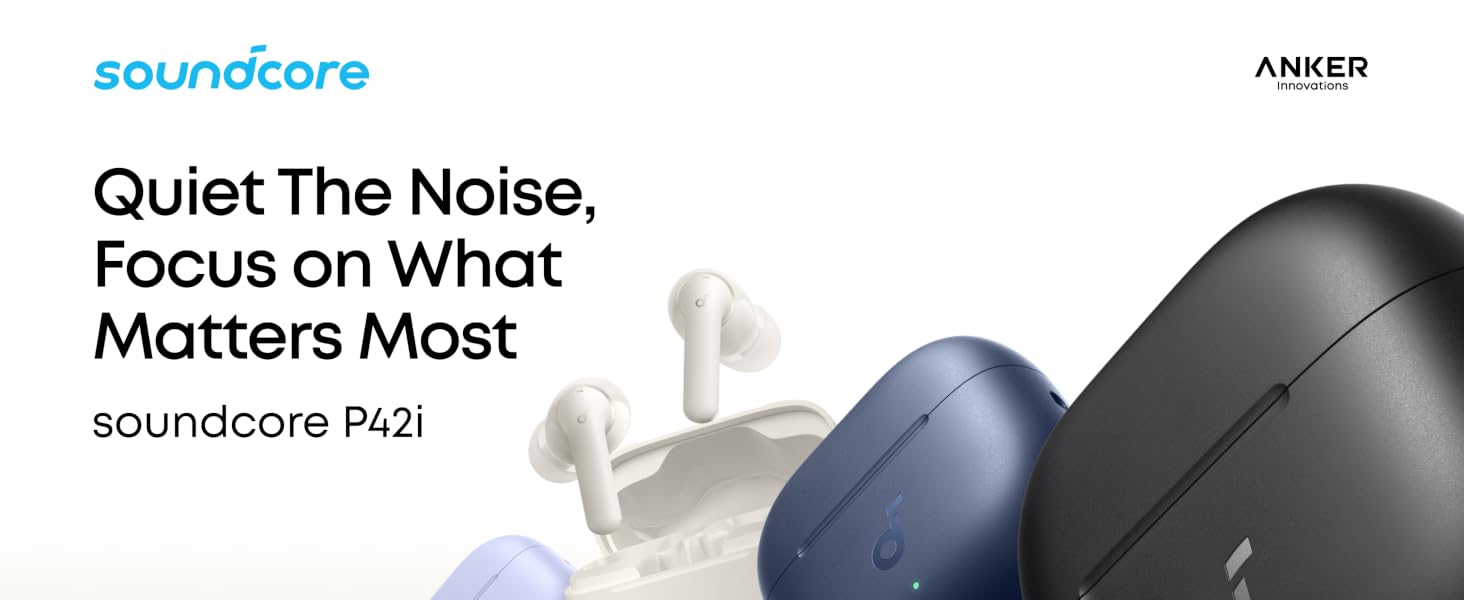
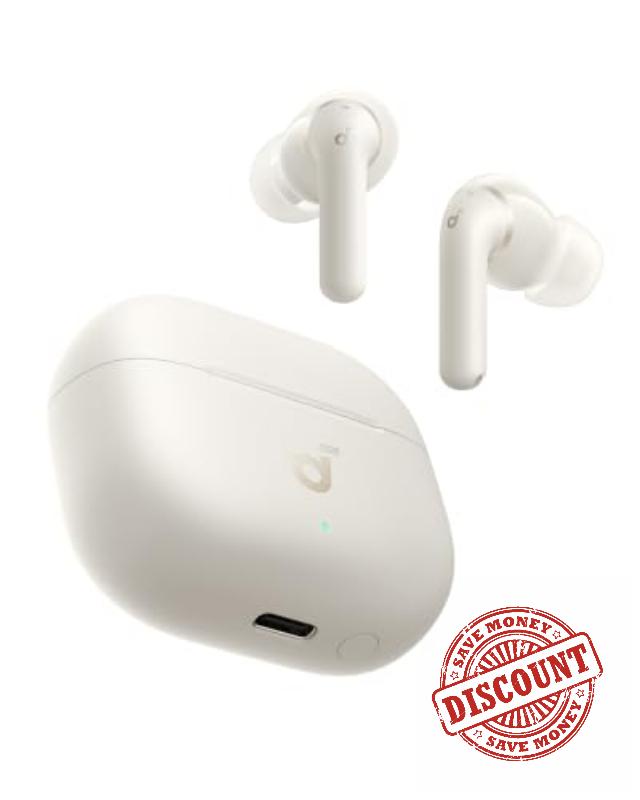
Soundcore Anker P42i Wireless Earbuds with Adaptive ANC for Daily Noise Natural Mode for Concerts & Live Events, Hi-Res Audio with LDAC, 56H playtime, AI Clear Calls, Wireless Charging, IP55
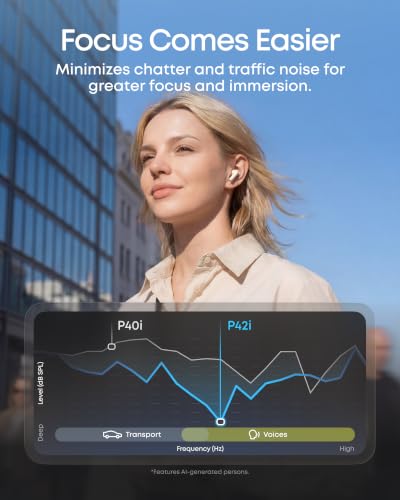
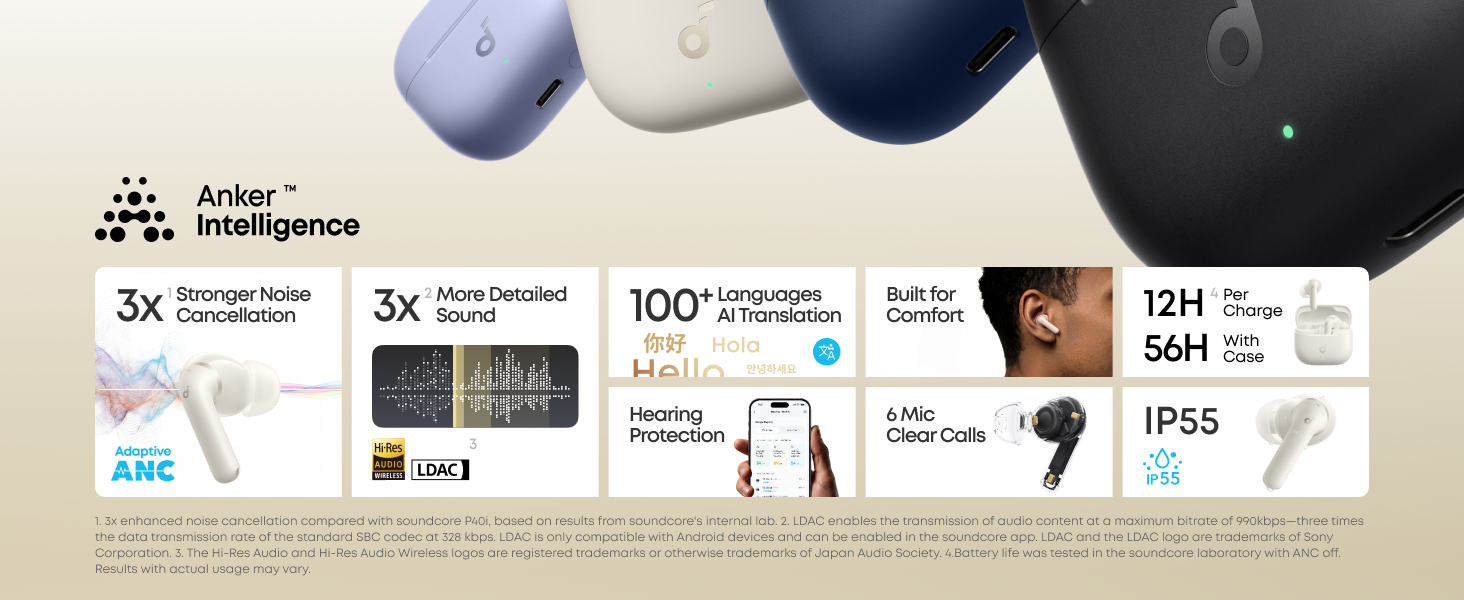
- Tune Out Everyday Noise: Real-time adaptive ANC helps hush traffic, crowds, and other daily noise by responding to your surroundings automatically, so you can focus more easily and enjoy a more immersive listen—up to 55 dB.
- Hi-Res Certified Sound with LDAC: Experience stunning, lossless Hi-Fi audio. Powered by LDAC, and Hi-Res Audio, these noise-cancelling earbuds reproduce musical nuances, delivering rich, well-balanced treble and bass.
- Made for Loud Live Moments: Made for concerts, festivals, and big games, Natural Mode lowers loud live sound more evenly, so it feels easier on your ears while voices, music, and the atmosphere stay clear and natural.
- 6 AI-Enhanced Mics for Clear Calls: Whether you’re in a busy office, on a crowded train, or out on a windy street, 6 AI-enhanced mics help your voice come through clearly by reducing the noise around you.
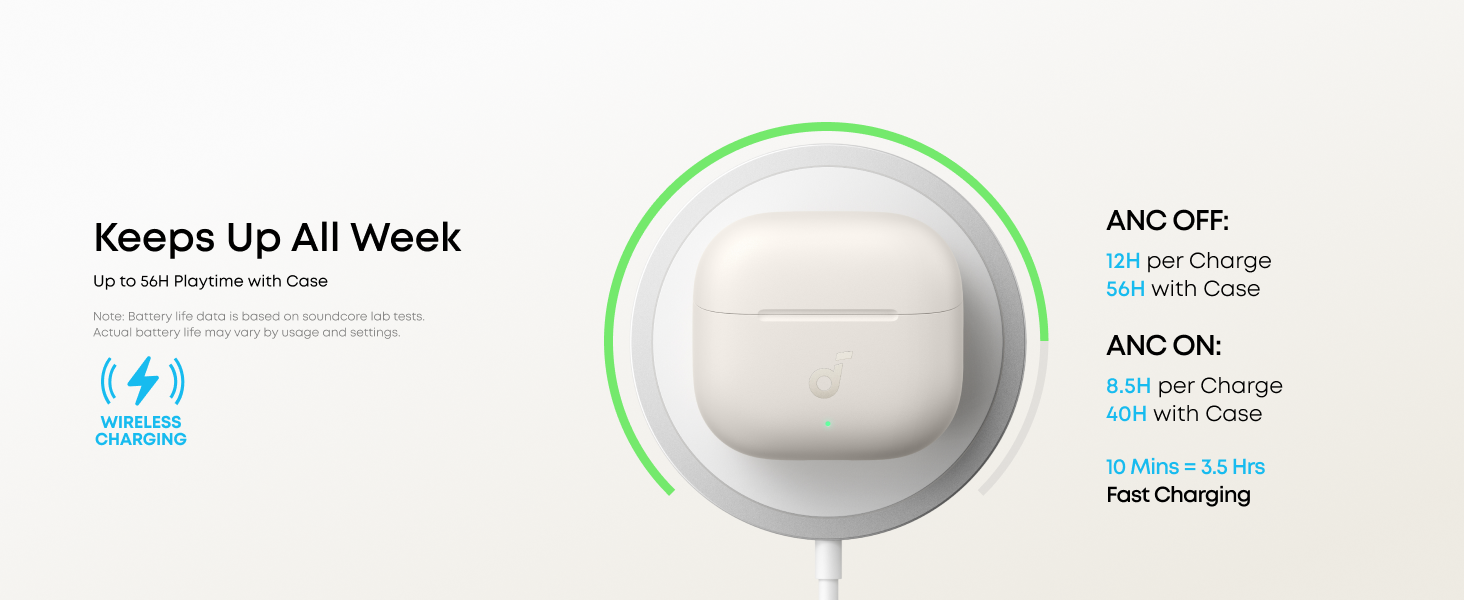
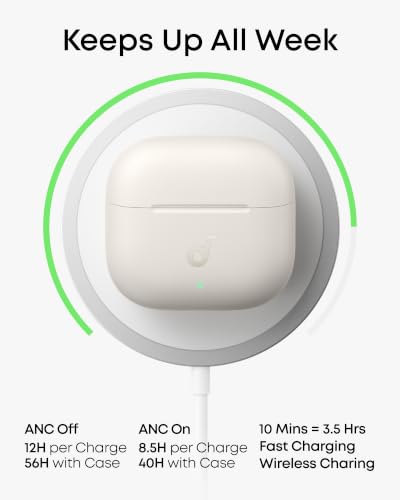
- Ultra-Long Playtime & Fast Charging: Enjoy up to 12 hours of playtime on a single charge (56 hours with the case). Even with ANC on, get 8.5 hours per charge and 40 hours total. A 10-minute charge gives you up to 3.5 hours of listening.
What should I do after connecting the Soundcore P42i for the first time?
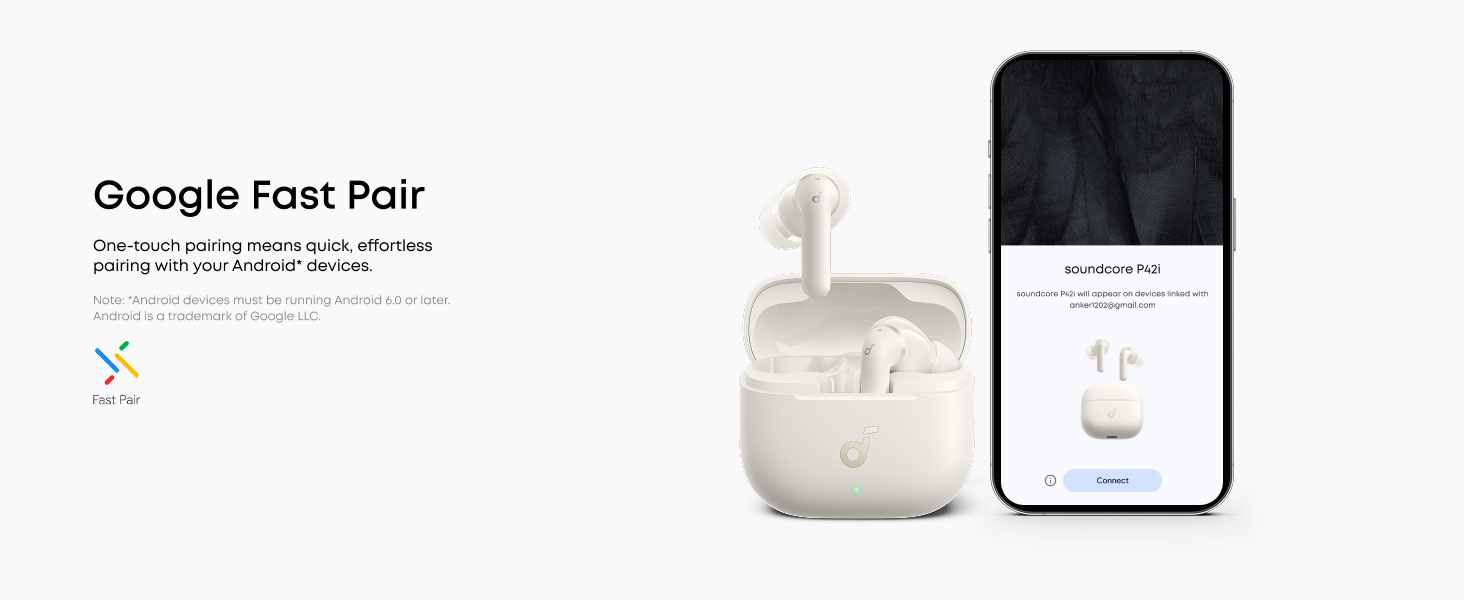
After pairing your soundcore P42i, download the soundcore app to update your earbuds and enjoy the latest features, performance improvements, and a better overall experience.
How long is the battery life of soundcore P42i?
– ANC on: 8.5h earbuds / 40h total
– Normal: 12h earbuds / 56h total
– Calls with ANC: 5h earbuds / 25h total
– ANC + LDAC: 6h earbuds / 27h total
– Fast charge: 10 min = 3.5h playtime
What are Immersive mode and Natural Mode?
Immersive mode reduces noise as much as possible for a more focused, distraction-free experience. Natural Mode lowers background noise while keeping you more aware of the sounds around you.
How do I adjust touch sensitivity?
-You can adjust touch sensitivity here:
Product page > Controls > Touch Sensitivity
-You can also turn off touch and wear-detection tones here:
Settings > Prompt Tone
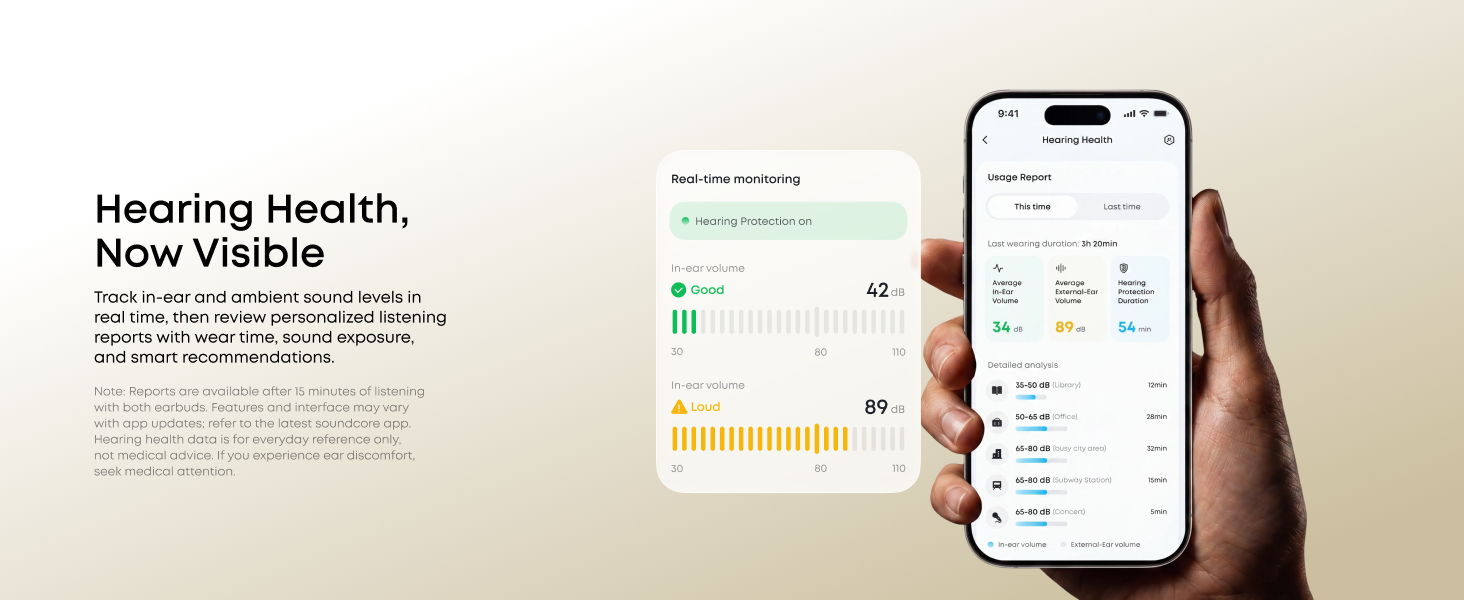
How to Protect Your Hearing Health with the Soundcore P42i?
Use the app to take a hearing test for each ear and view the results. Wear both earbuds for 15 minutes to get a listening report with sound levels and average daily volume.











| SKU: | B0GZYYD2LR |
| Weight: | 52.3 g |
| Brand: | Soundcore |
| Model: | D1205 |
| Colour: | Creamy White |
| Manufacture: | Anker |
| Colour: | Creamy White |
Product description
What should I do after connecting the Soundcore P42i for the first time?
After pairing your soundcore P42i, download the soundcore app to update your earbuds and enjoy the latest features, performance improvements, and a better overall experience.
How long is the battery life of soundcore P42i?
– ANC on: 8.5h earbuds / 40h total
– Normal: 12h earbuds / 56h total
– Calls with ANC: 5h earbuds / 25h total
– ANC + LDAC: 6h earbuds / 27h total
– Fast charge: 10 min = 3.5h playtime
What are Immersive mode and Natural Mode?
Immersive mode reduces noise as much as possible for a more focused, distraction-free experience. Natural Mode lowers background noise while keeping you more aware of the sounds around you.
How do I adjust touch sensitivity?
-You can adjust touch sensitivity here:
Product page > Controls > Touch Sensitivity
-You can also turn off touch and wear-detection tones here:
Settings > Prompt Tone
How to Protect Your Hearing Health with the Soundcore P42i?
Use the app to take a hearing test for each ear and view the results. Wear both earbuds for 15 minutes to get a listening report with sound levels and average daily volume.
Gut, aber Bass lastig.
Man soll ja nicht immer mit dem negativen anfangen und so muss ich sagen : Bin vom NC echt beeindruckt. Hut ab.!
Auch die Bedienung ist ok. Man hrt einen deutlichen Ton bei lauter/leiser oder sonstige Kontaktbefehle. Die Stelle fr kontakt ist ohne weiteres klar. Man soll ja nicht immer mit dem negativen anfangen und so muss ich sagen : Bin vom NC echt beeindruckt. Hut ab.!
Auch die Bedienung ist ok. Man hrt einen deutlichen Ton bei lauter/leiser oder sonstige Kontaktbefehle. Deutliche Kontaktstelle.
Von Laden und entladen kann ich nicht viel sagen, Habe beobachtet dass die Buds sich unterschiedlich entladen, ist aber vielleicht vom Verbrauch der einzelnen abhngig.
Da ich aber an Tinnitus leide und auch etwas schwerhrig bin, bevorzuge ich am Equalizer, die Hhen Toneinstellungen.
Aber Egal wie sehr ich die Bsse runterdrehe, ist Bass immer noch prgnant. Die Hrer sind also meiner Meinung nach Bass lastig. Das mag wohl und bestimmt vielen gut gefallen, aber fr mich ist ein Manko.
Vom Laden bzw. entladen kann ich nicht viel sagDeutlicher Kontakt.en. Habe beobachtet dass die Buds sich unterschiedlich entladen, ist aber vielleicht vom Verbrauch der einzelnen abhngig.
Da ich aber an Tinnitus leide und auch etwas schwerhrig bin, bevorzuge ich am Equalizer die Hhen Toneinstellungen.
Aber Egal wie sehr ich die Bsse herunterdrehe, ist Bass immer noch prgnant. Die Hrer sind, meiner Meinung nach also Bass lastig. Das mag wohl und bestimmt vielen gut gefallen, aber fr mich ist ein Manko.
Deswegen nur 4 Sterne
I dont get why this Earbuds have only 4.1 stars, or so many bad reviews compared to other Soundcore products…
I tried first they p30 model, and they were good but the microphone is not the best…
And with this ones, i love it.
After 40 min workout the battery still remain 100%
The Noise cancellation is really good, while i was working and i cant hear the costumer even when im not playing music, then i use the Transparency mode and i can hear people clearly.
The sound for Music is super good, i used to have the Airpods Pro 3, and there is nothing to envy to them.
The fit is perfect for my ear, they dont fall while im working out
And a thing i love, is the control. easy to tap, and u can customize. With Airpods pro 3 i use to make mistakes, like pause the music, or even hang a phone call because they are super sensitive.
100% recommended
Value
This is one of the best NC airbuds under $100 and i really liked it for the duration i used it. I can comfortably use it during commute and listen to music with only a little outside noise. And my favorite part is the customization (definitely worth customizing) and the battery life. I can charge it for 1 hour and have no need to charge it for 4-5 to even a week with 2-3 hour use daily. But I gave it a 4 star cause it doesn’t fit my ear properly and hurts after long use. Other than that 5/5 buds
Incredible.
These are incredible. I’ve tried:
Skullcandy Dime
Skullcandy ANC
Skullcandy Evo
Anker P3oi
Anker p4oi
I’ve crunched all the numbers, compared all the features and these are without a doubt the most value for price. They solve every single requirement that I have.
The ANC is amazing. Sound quality is amazing.
The battery duration is great and easy to monitor with the case & notification bar. You can even turn off the tapping sounds on the controls which is cool. The fit is comfortable & the earbuds don’t fall out or pop like earlier models.
What I Love:
Unbeatable Value: For what you pay, the feature set—adaptive ANC, Hi-Res Audio, and incredible battery life—makes these feel like a premium pair of earbuds without the high price tag.
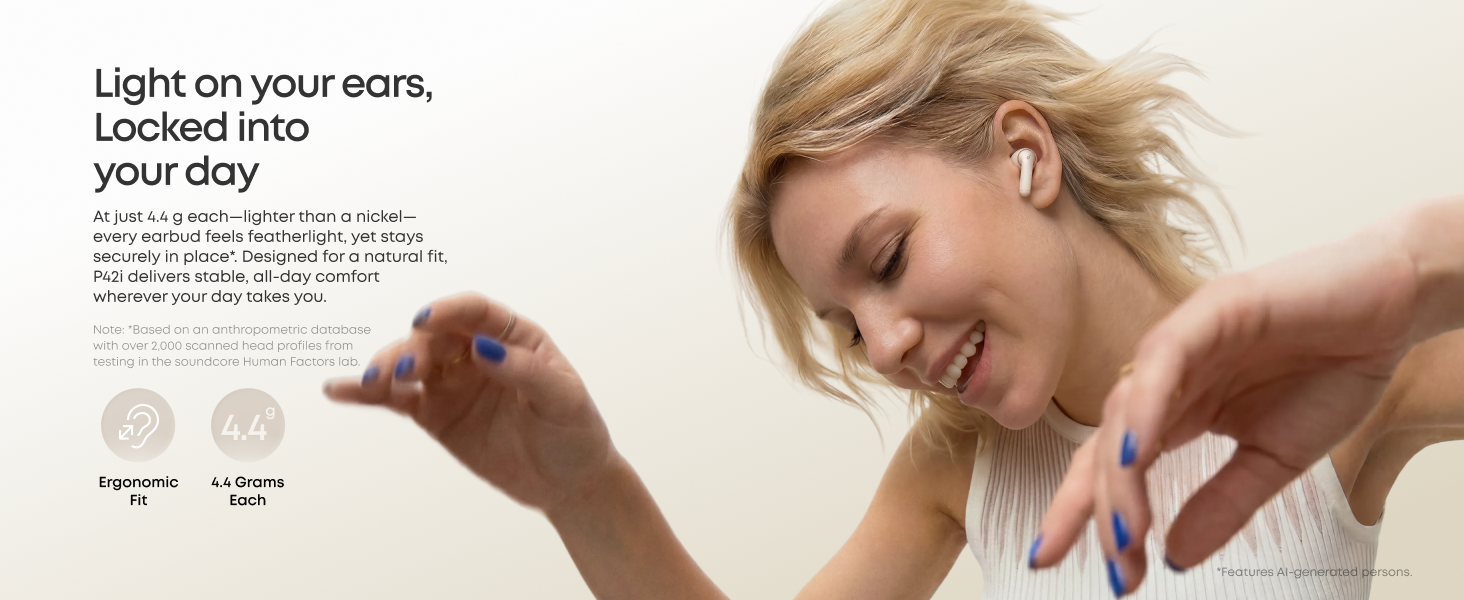
Super Comfortable Fit: They sit very naturally in the ear. I can wear them for hours at a time without any ear fatigue or pressure points.
Great Sound Quality: Clear audio and solid noise cancellation for daily listening and calls.
The Reason for 4 Stars:
Awkward Case Insertion: My only real complaint is the way the earbuds seat back into the charging case. The orientation feels a bit unintuitive and awkward, so it takes a moment to align them correctly every time you put them away.
Overall, if you can look past the slight learning curve with the charging case, these earbuds are an incredible value and comfortable enough for all-day wear!
I like i
After searching and etc. I wanted something affordable. Not too strong on the pocket but also an actual upgrade. I am glad I bought this. To me this is a good upgrade from the ear buds I had. Long lasting battery, compact, and what I like the most is the ability to use it under my work headset. As someone who works in the oilfield in noisy area this is perfect for me. It has some sort of ability for noise canceling. It detects when there is noise and it kicks in. Some AI noise cancelation.
Worth every penny
I was surprised by the quality of these. They’re a fraction of the price of the mainstream wireless buds, but perform amazingly.
I have a hard time keeping earbuds in my ears for some reason, and these lock right in without being uncomfortable. the ANC is powerful and it’s easy to toggle between ANC and transparent modes. There’s a pass-through mode where you can adjust the volume of your surroundings without sacrificing quality. I have yet to test this but it seems like it would be extremely useful for concerts when you don’t want hearing loss.
The sound quality is perfect honestly. My main complaint is to adjust the EQ, you have to download the bloated Soundcore app. It has a lot of useless things that I couldn’t care less about, I just want an easy way to adjust my EQ and save it to my earbuds.
I did try the bottom-end pair, the ~20 dollar soundcore wireless earbuds that had a very large amount of positive reviews. I can say for the quality of the case, the sound quality and build quality of the earbuds, as well as the powerful ANC, it’s worth spending the extra dosh getting a pair that’ll last.
I don’t trust Vine customer reviews of free products, so I thought I’d spend a minute to drop a review of these new Soundcore P42i earbuds that I spent my own money on.
TLDR — These are good noise cancelling earbuds that are a great choice (and value) for both everyday use, critical listening of high quality and lossless music, and for making calls or recording voice audio where there isn’t a lot of background noise.
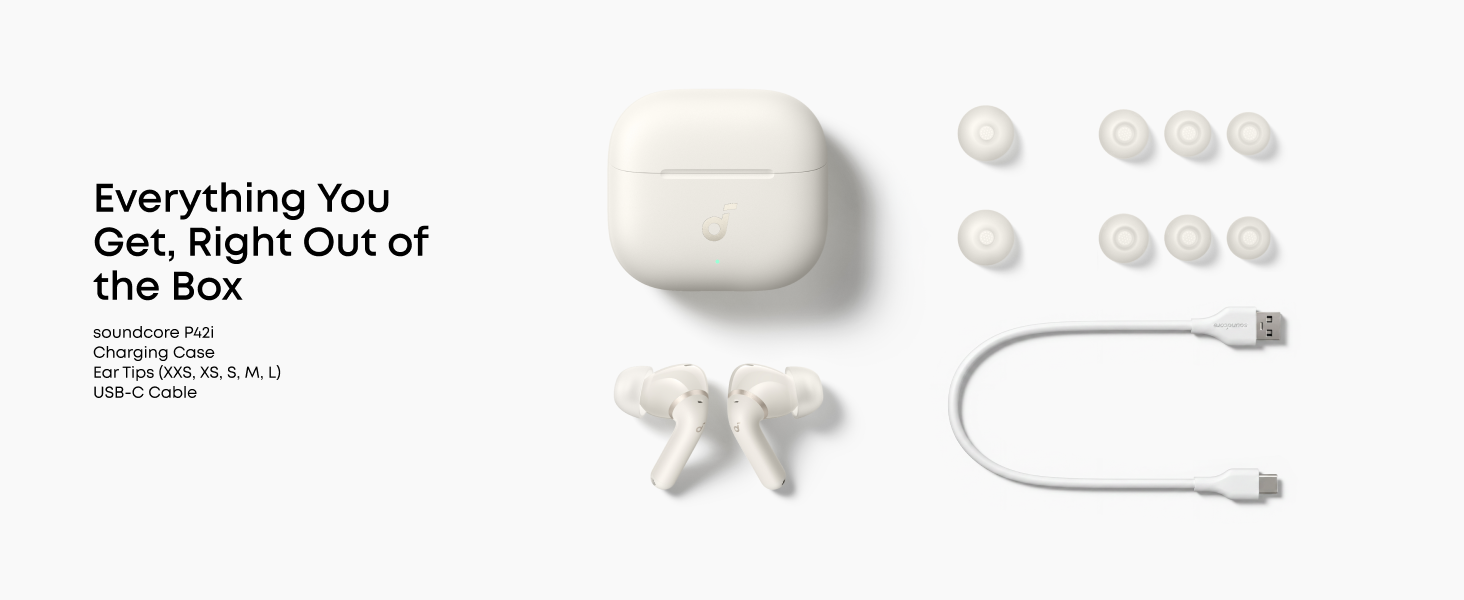
Are these the right type of earbuds for you? If you’re not comfortable with silicone tips inserted into your ear canal, then you are better off the open ear style of earbuds like the AeroFit 2, Sport X20 or C50i clip-ons. The P42i’s come with a range of well-made tips sized from XXS to L to ensure a comfortable and snug fit. I like how the easy to clean silicon tips have their own grill to prevent earwax from getting your earbuds.
You will need to have some patience and a little time to properly set up your new earbuds using the easy-to-follow instructions and Soundcore app. When first connecting the earbuds, you will need to update their firmware (twice if you want to use supported Spatial Audio or the LDAC codecs). If you have a modern flagship phone, you will want to set up the sound customization in your phone’s settings (for example, Adapt Sound on Samsung phones) before proceeding on the Soundcore app.
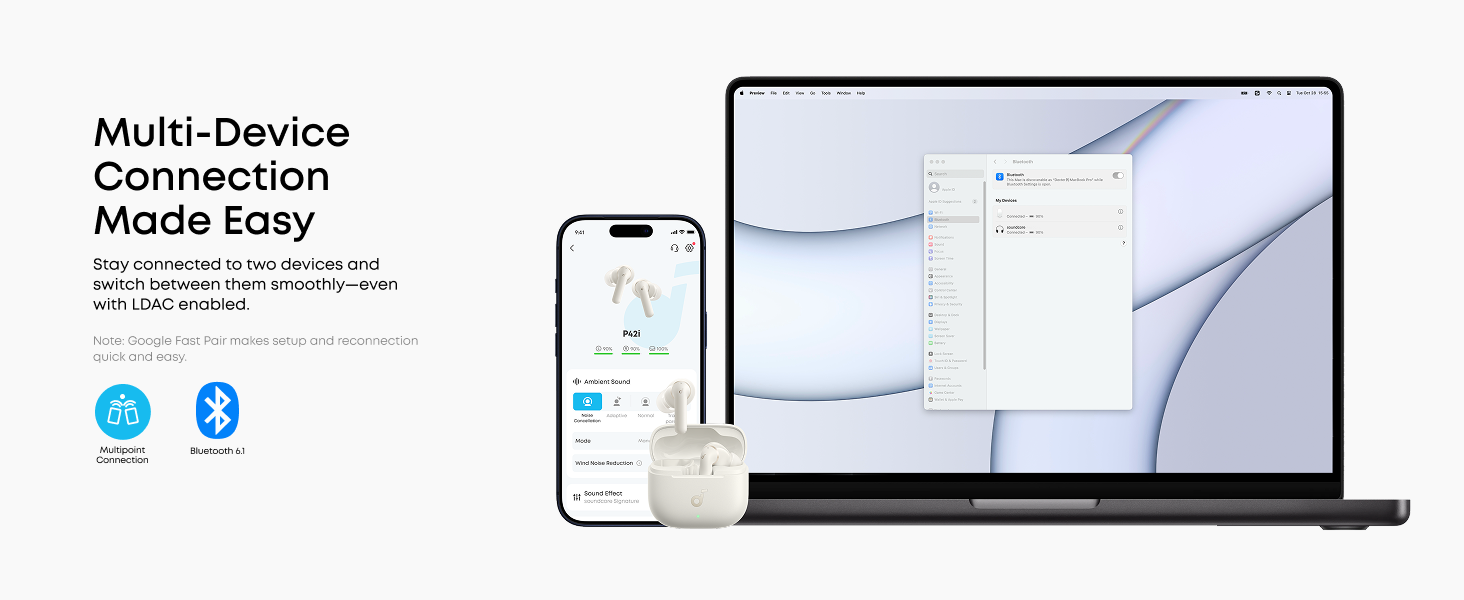
There are a ton of useful features on the app including maximum vs adjustable adaptive noise cancellation, a gaming mode (reduced latency at some cost to audio quality), multi-device connection, enabling the Hi-Res Audio LDAC codec. Enabling LDAC to improve audio quality is something I’d recommend everyone (on Android) do if their device supports it, unless it causes their Bluetooth connection to become unstable.
I also own the EarFun Air Pro 4 earbuds which are also both highly rated and well-reviewed (and cheaper at $62.99 at the time of this review). Audio quality is extremely subjective, but (on Android 16) I find the P42i’s Bluetooth 6.1 and LDAC sound quality to be superior to the Air Pro 4’s Bluetooth 5.4, even with the latter’s options for aptX lossless and LE audio. Your results with iOS may vary. If you have an older phone, check out the Soundcore P40i earbuds for only $41.99, albeit without LDAC or aptX support.
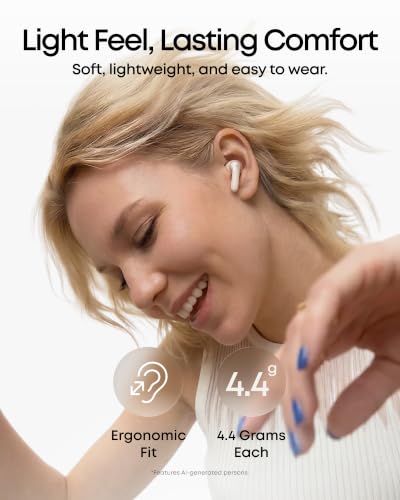
Pros: Outstanding audio quality (with LDAC enabled) with no perceivable distortion and a wide frequency response (though only the low end of 20Hz is listed in the specifications); long battery life (8-12 hours per charge) and charging in the case for up to 56 hours; a lightweight, secure, comfortable fit suitable for running or the gym; amazing adjustable noise reduction (up to 55db); and an 18-month manufacturer’s warranty against defects.
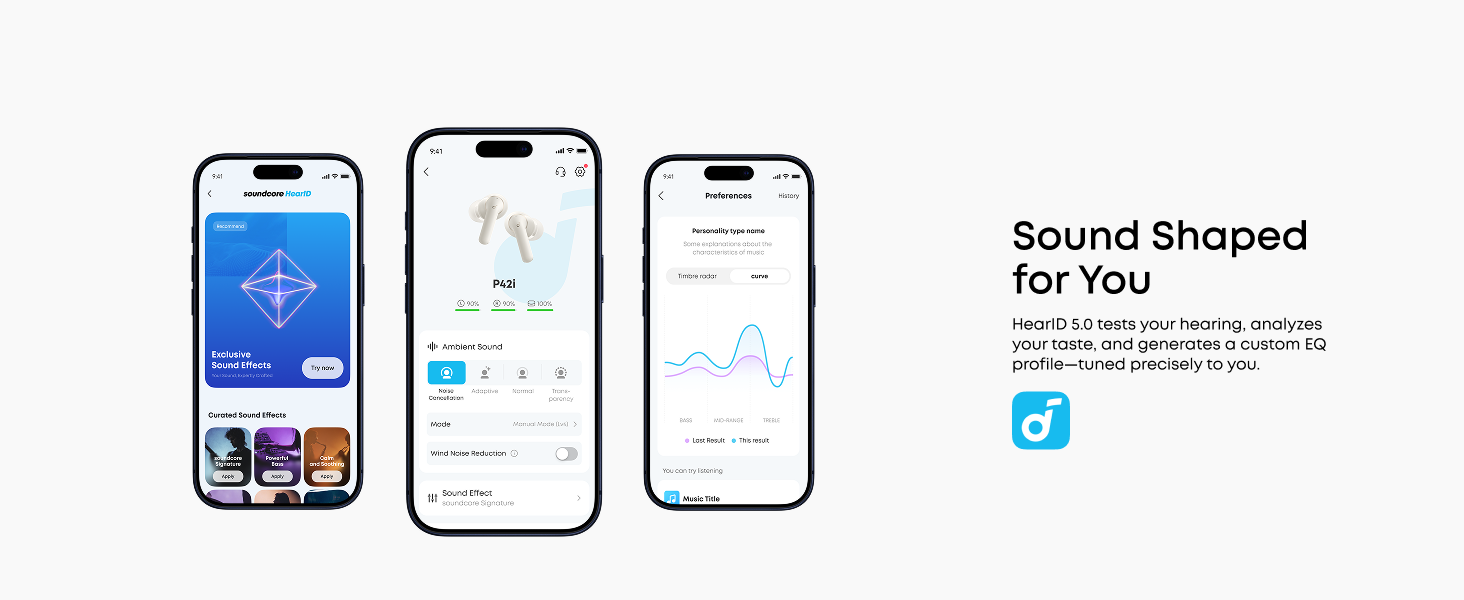
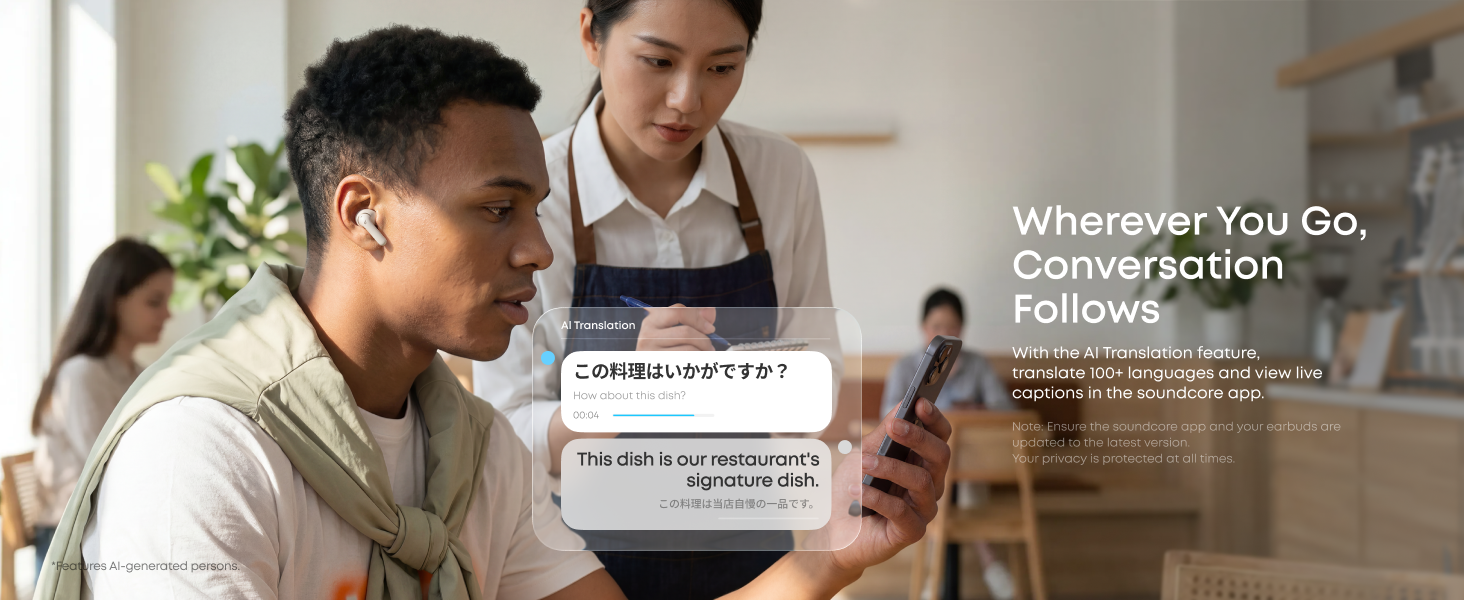
Cons: A little complicated and time consuming to set up; helpful AI features like a personal assistant, live translation and a provided hearing test may cause data privacy concerns (note: the Soundcore app states that no data is shared with third parties); and the HearID equalizer function is complicated and gimmicky (a classic equalizer is buried within the settings).