Photo Stick,512GB Flash Drive for Phone Photo Storage
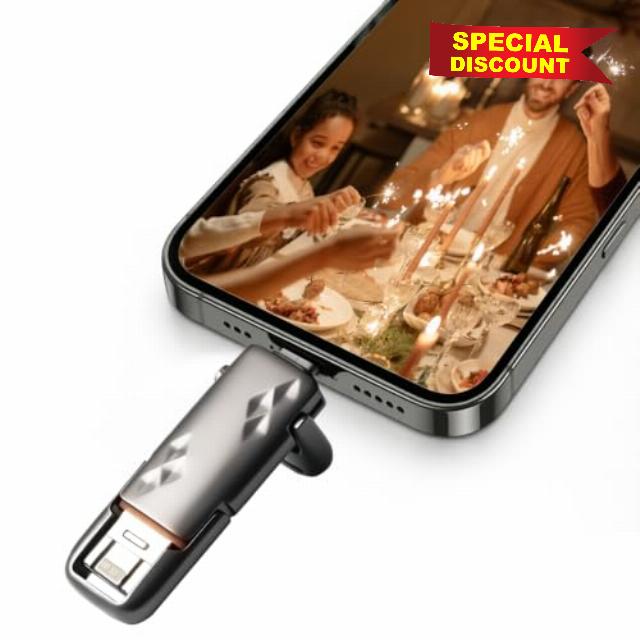
Photo Stick,512GB Flash Drive for Phone Photo Storage Live Photo Support,High-Speed Thumb Drive,External Memory Stick,Portable Phone Storage,Easy Backup for Phone/PC/Table
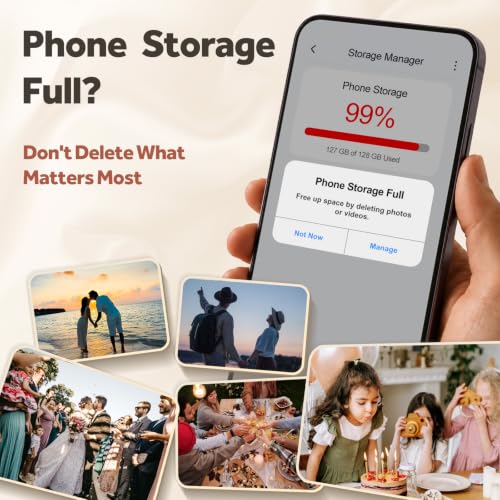
- 【512GB Massive Storage,Fewer Painful Choices】LONGWIND photo stick holds thousands of photos and hours of video,giving you breathing room when phone storage runs low—so you do not have to rush to decide what to keep and what to delete.
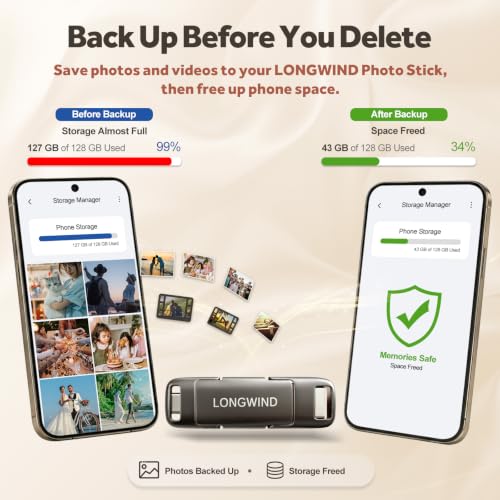
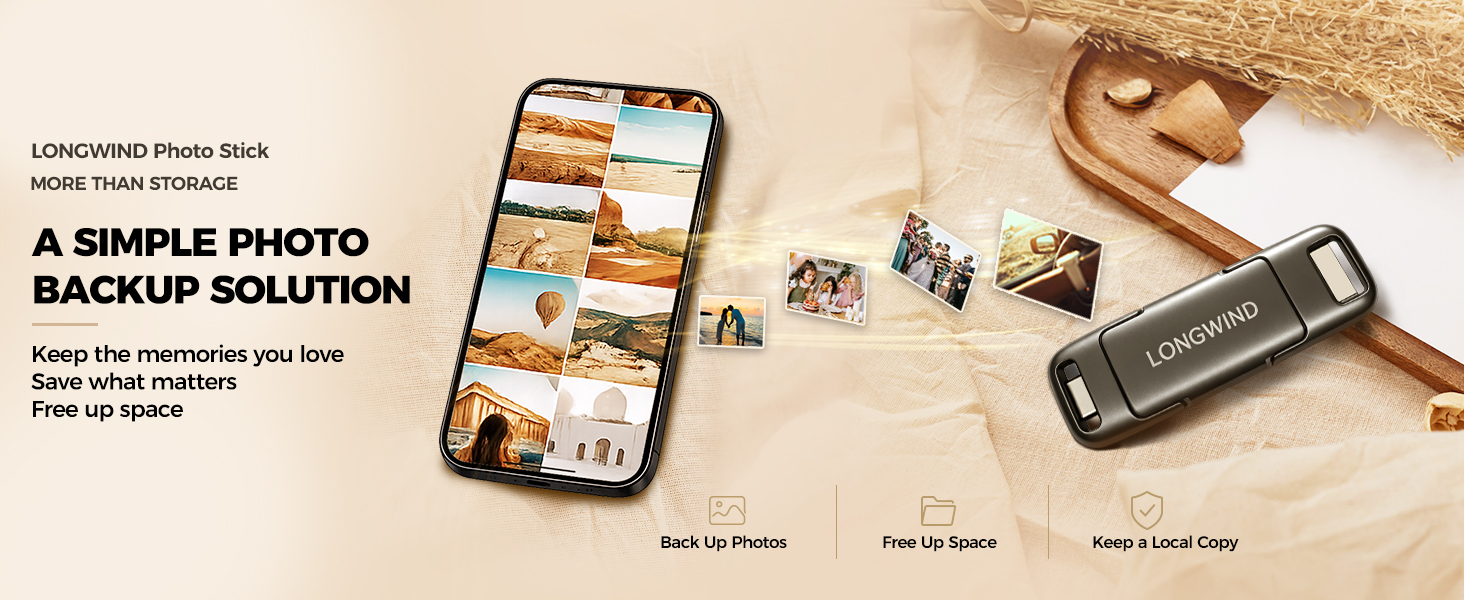
- 【Back Up Photos,Make Room for More】Use LONGWIND flash drive to save photos and videos directly to the drive,with no Wi-Fi needed.Keep your favorites close,keep your phone ready for the next picture,video,or adventure.
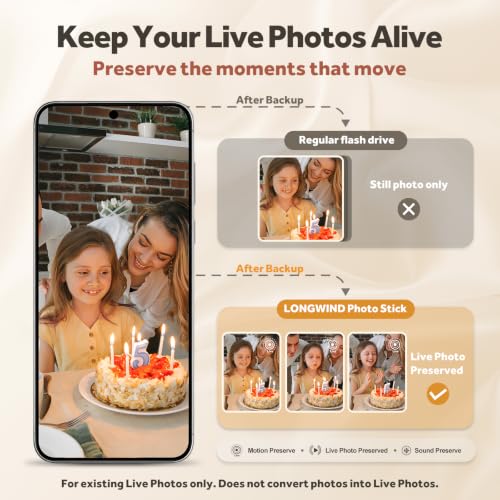
- 【Back Up Live Photos,Preserve Motion and Sound】LONGWIND thumb drive backs up existing Live Photos with motion and sound,so your favorite moments stay more than a still image.Keep your live photos alive,more than a photo,more of the moment.
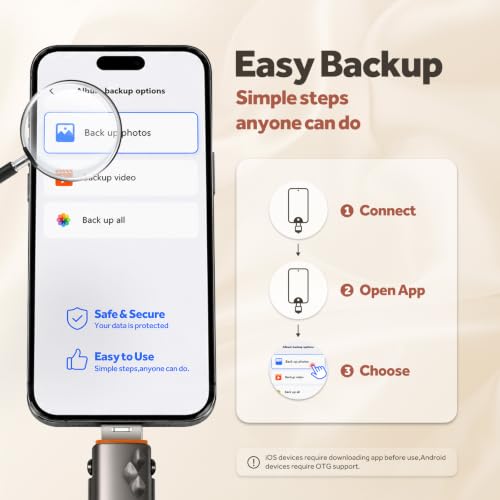
- 【Easy Backup,One Simple Step】LONGWIND photo stick makes photo backup simple.Just connect,choose what matters,and save your memories without complicated steps.No confusing setup,no extra hassle.IOS device need to download the app from the App Store before use,while Android only needs to open your OTG function.
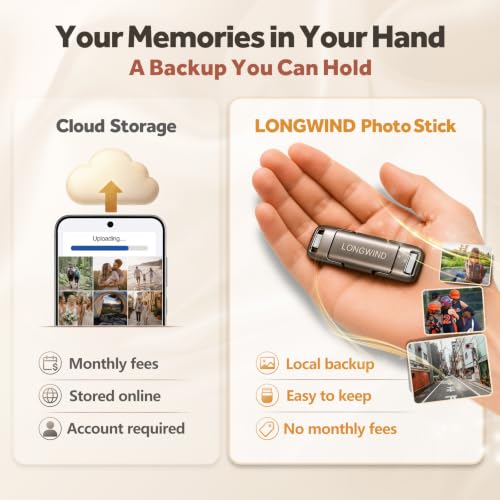
- 【Portable Local Storage, Keep Memories Within Reach】LONGWIND USB drive gives you 512GB of storage you can carry,access,and manage yourself.Keep important memories stored locally,with no monthly cloud fees to keep using that space.Keep them close.Keep them yours.
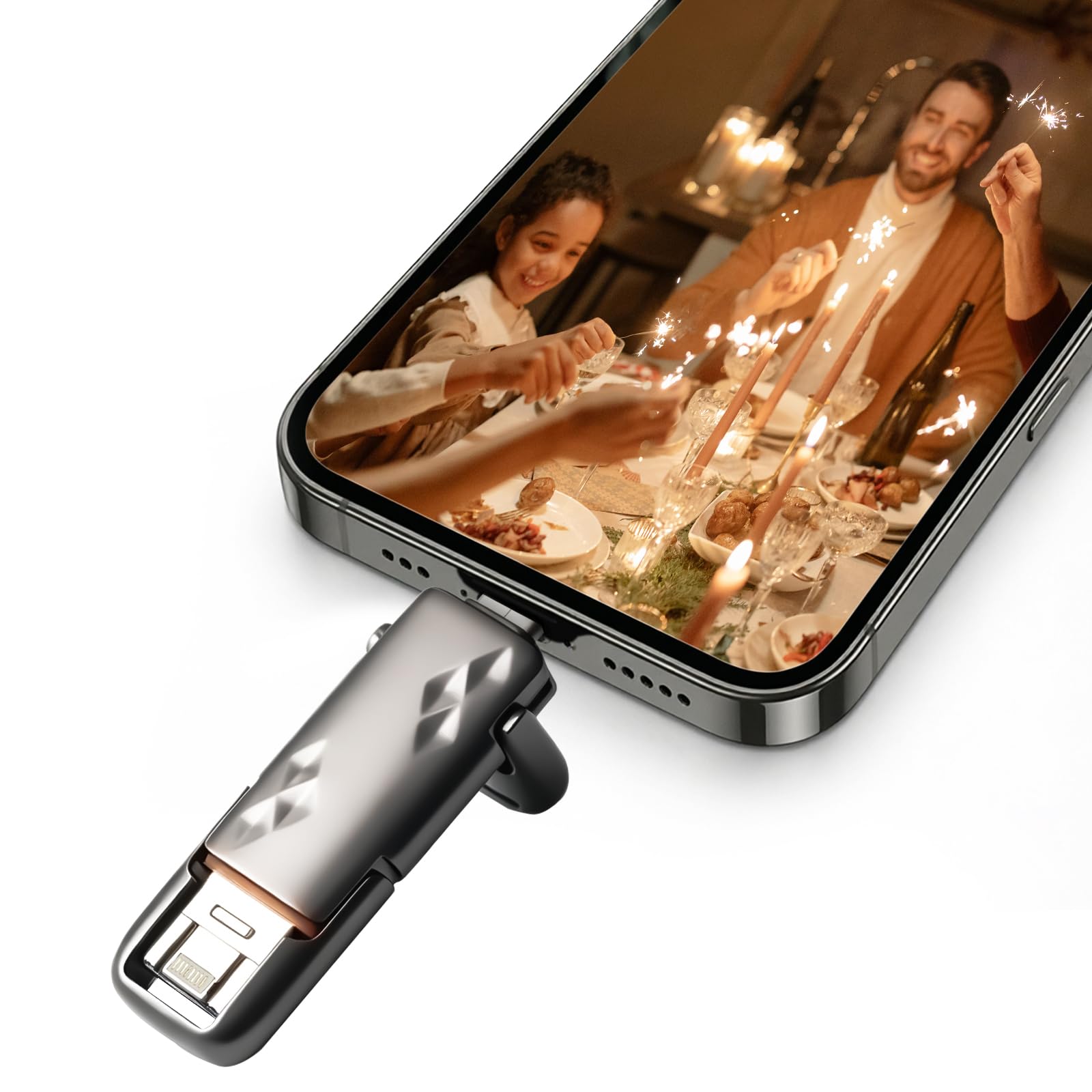
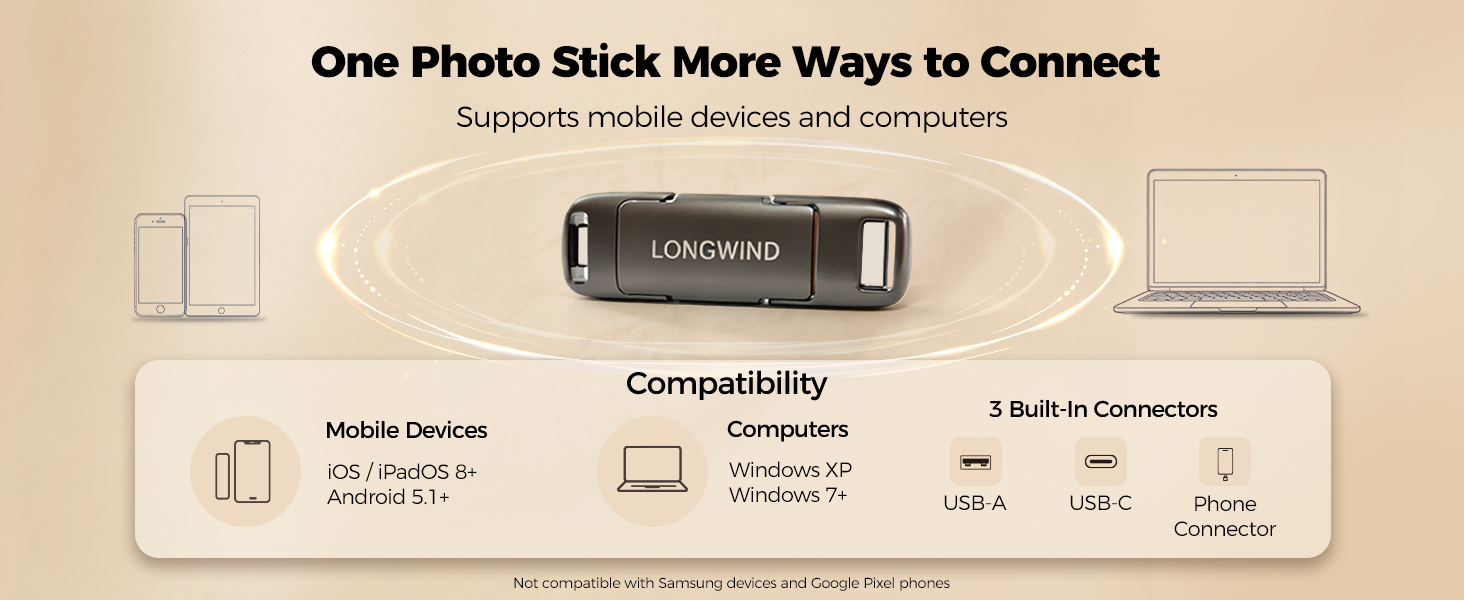
- 【3 Built-In Connectors, No Extra Adapter Needed】LONGWIND usb thumb drive includes USB-C,USB-A,and a third built-in connector.The 3rd connector is integrated into the USB-A connector.Simply press the edge and open the USB-A to access it—No separate adapter required.
I found the USB-C and USB-A connectors. Where is the third connector?
The third connector is built right into the USB-A connector. Press the edge of the USB-A connector to open it, and you’ll see the third connector inside. This clever 2-in-1 design combines two connectors in the same compact space.
How do I transfer photos from iOS Devices to flash drive?
Connect the LONGWIND flash drive,use the Ubackup app on iOS,select photos or videos,and transfer them to local storage.This Phone storage flash drive helps manage growing photo libraries without Wi-Fi or cloud upload.
Does LONGWIND flash drive save Live Photos with motion and sound?
Yes. LONGWIND photo stick backs up original Live Photos with motion and sound from compatible devices.It preserves existing Live Photos only and does not convert photos into Live Photos.
Are my photos stored on the app or on the flash drive?
Your photos are stored on the LONGWIND USB drive,not inside the app.Ubackup app helps transfer selected photos and videos,while the LONGWIND photo storage stick keeps your files saved on physical local storage without cloud upload or monthly fees.
What if I have trouble accessing my photos or files on the USB drive?
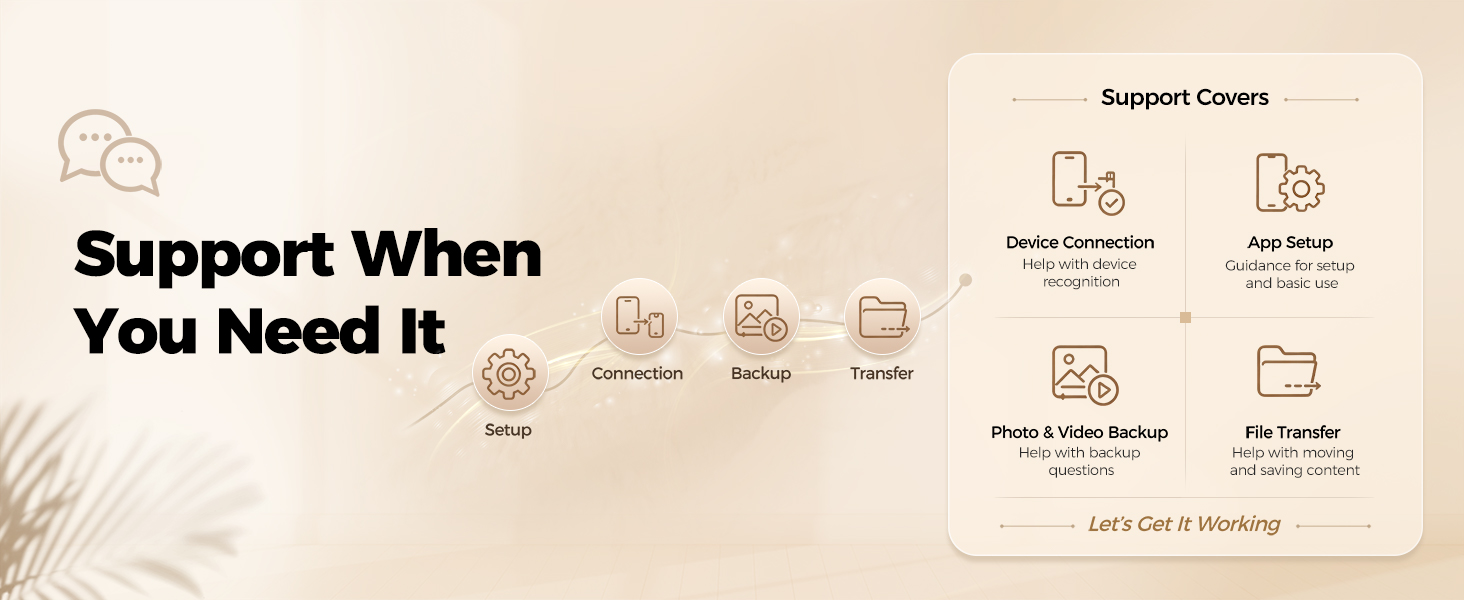
Your memories matter.LONGWIND USB drive is designed to store photos and files locally with reliable everyday use.If you have any issues with your drive or app, our support team is ready to help.

| SKU: | B0H5BMCG64 |
| Brand: | LONGWIND |
| Colour: | Graphite Gray |
| Manufacture: | LONGWIND |
| Colour: | Graphite Gray |
Product description
I found the USB-C and USB-A connectors. Where is the third connector?
The third connector is built right into the USB-A connector. Press the edge of the USB-A connector to open it, and you’ll see the third connector inside. This clever 2-in-1 design combines two connectors in the same compact space.
How do I transfer photos from iOS Devices to flash drive?
Connect the LONGWIND flash drive,use the Ubackup app on iOS,select photos or videos,and transfer them to local storage.This Phone storage flash drive helps manage growing photo libraries without Wi-Fi or cloud upload.
Does LONGWIND flash drive save Live Photos with motion and sound?
Yes. LONGWIND photo stick backs up original Live Photos with motion and sound from compatible devices.It preserves existing Live Photos only and does not convert photos into Live Photos.
Are my photos stored on the app or on the flash drive?
Your photos are stored on the LONGWIND USB drive,not inside the app.Ubackup app helps transfer selected photos and videos,while the LONGWIND photo storage stick keeps your files saved on physical local storage without cloud upload or monthly fees.
What if I have trouble accessing my photos or files on the USB drive?
Your memories matter.LONGWIND USB drive is designed to store photos and files locally with reliable everyday use.If you have any issues with your drive or app, our support team is ready to help.
Great Storage for Photos and Videos
I’ve been really happy with this photo stick so far. The 512GB capacity is perfect for backing up a large number of photos and videos without having to rely on cloud storage. I especially like that it has multiple connectors, so I can use it with my phone and then plug it into my computer without needing extra adapters.
I recently used it to transfer a bunch of family photos and videos from my phone to free up some storage, and the process was surprisingly easy. It’s also nice knowing that I can keep a backup of important memories in one place. The compact size makes it easy to keep in a bag or even a pocket when traveling.
The transfer speed has been good for my needs, and I really like that Live Photos can be backed up with their motion and sound. Overall, this is a convenient and useful little drive, and I would definitely recommend it.
Convenient easy to use
This flash drive is really handy! I love that it works with both my phone and computer, which makes transferring photos, videos, and other files quick and easy. The 512GB of storage gives me plenty of space, and the multiple connectors mean I don’t have to mess around with extra adapters. It’s compact, convenient, and great for backing up files or freeing up space on my phone. Definitely a useful little device to have!
Flash Drive useful and convenie
This dual storage Flash Drives is excellent
I was able to easily transfer between my devices without cables. It’s compact, convenient and with a great storage capacity (512 GB) It’s great for photos, videos, documents and other important foles.
Backup USB for your phone
I bought this USB On-The-Go drive for my Samsung Galaxy to back up photos while traveling and away from my computer. It’s a great way to free up space on my phone without carrying a laptop.
For Android, simply remove your phone case, plug in the drive, open My Files Internal Storage DCIM Photos, select your photos, tap Copy, choose USB Storage 1, and tap Copy Here.
It works with both Android and iOS. I don’t have an iPhone, but I understand the included software makes file transfers easier.
Overall, this is a small, convenient backup drive that works exactly as intended and is perfect for traveling.
Bye apple cloud
I was surprised how quickly this product transferred and saved 10 years of photos from my smartphone & tablet. It was easy ties and I think worth the money since I no longer pay $10/month for Apple cloud to store the photos. I like the size, portability, and how lightweight it is. It looks like it is compatible with my laptop too so I might start on backing those photos too since I still have space leftover on the stick & take full advantage of the versatility.
Works really good!
I’m happy with my purchase of the Longwind photo stick 512 flash drive. Works as advised! Pretty easy to use and fast speed. The drive is 512 that more than enough for all my photos and videos on my phone to clear up space with paying a subscription. Great playback and sound. No complaints.