NIIMBOT M2 300 DPI Thermal Transfer Label Maker, Blue
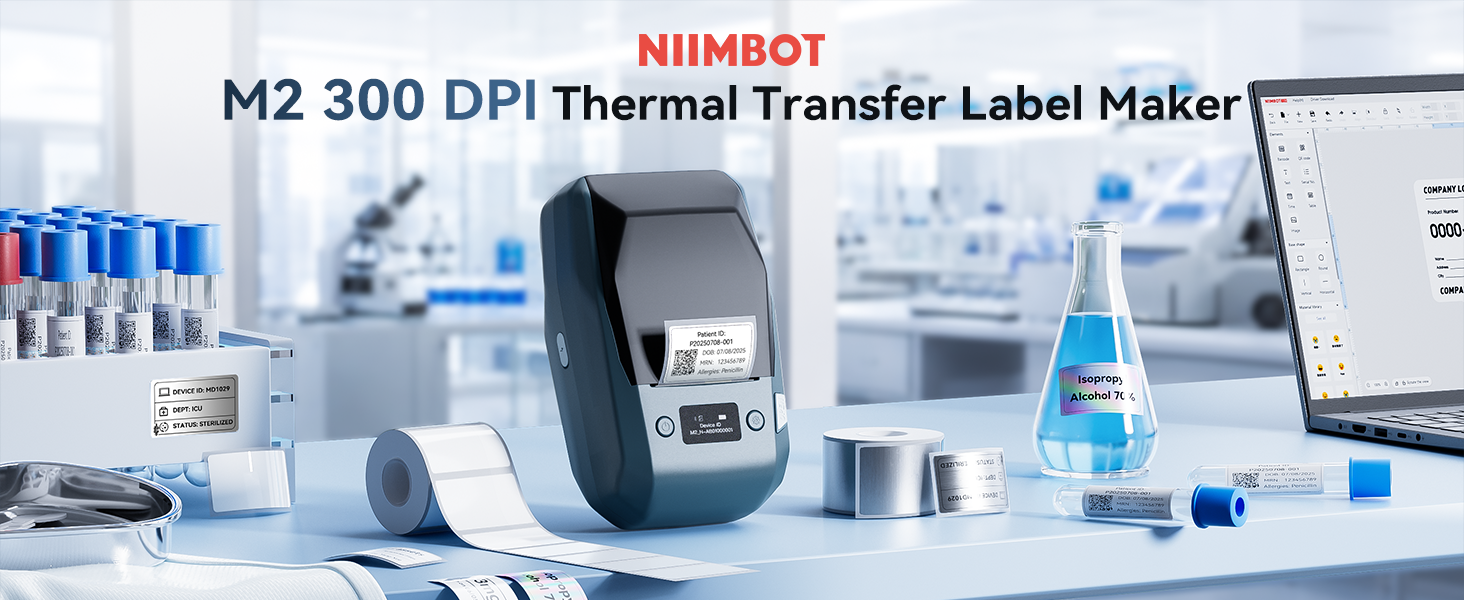
NIIMBOT M2 300 DPI Thermal Transfer Label Maker, Blue Long-lasting Labels for Small Business, Vial, Asset, Labs, Jewelry, Cables and Storage, Compatible with Phones and PC
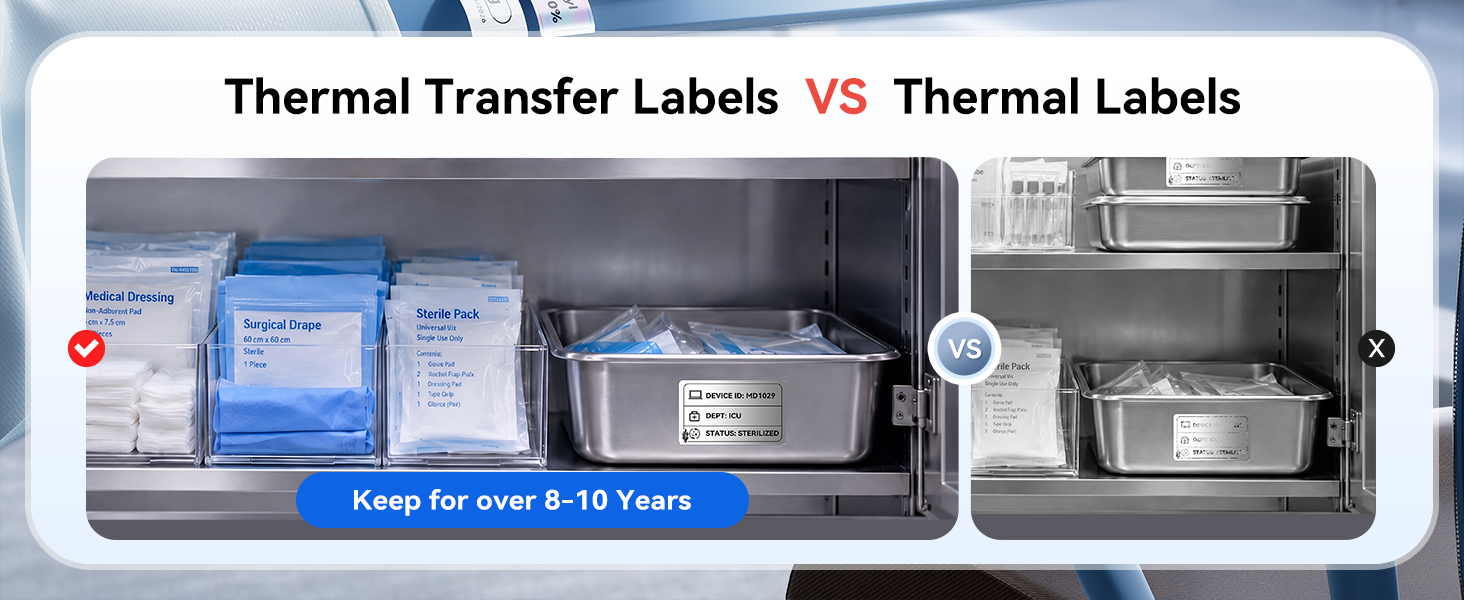
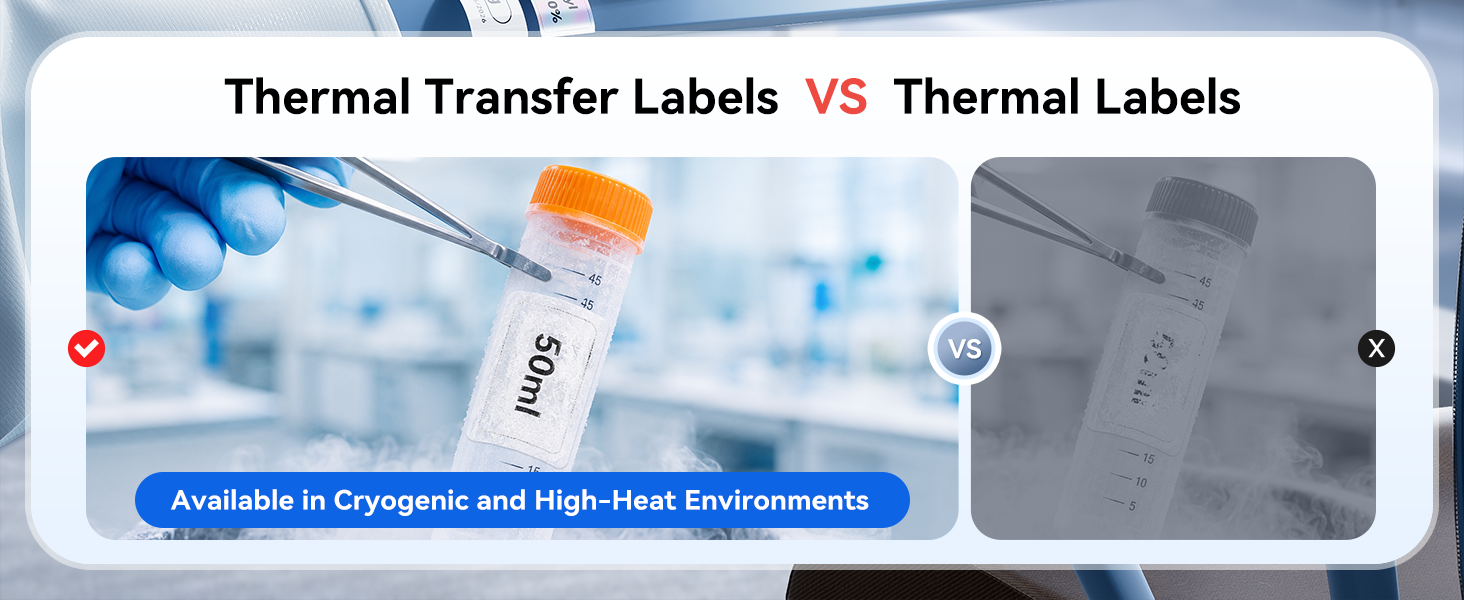
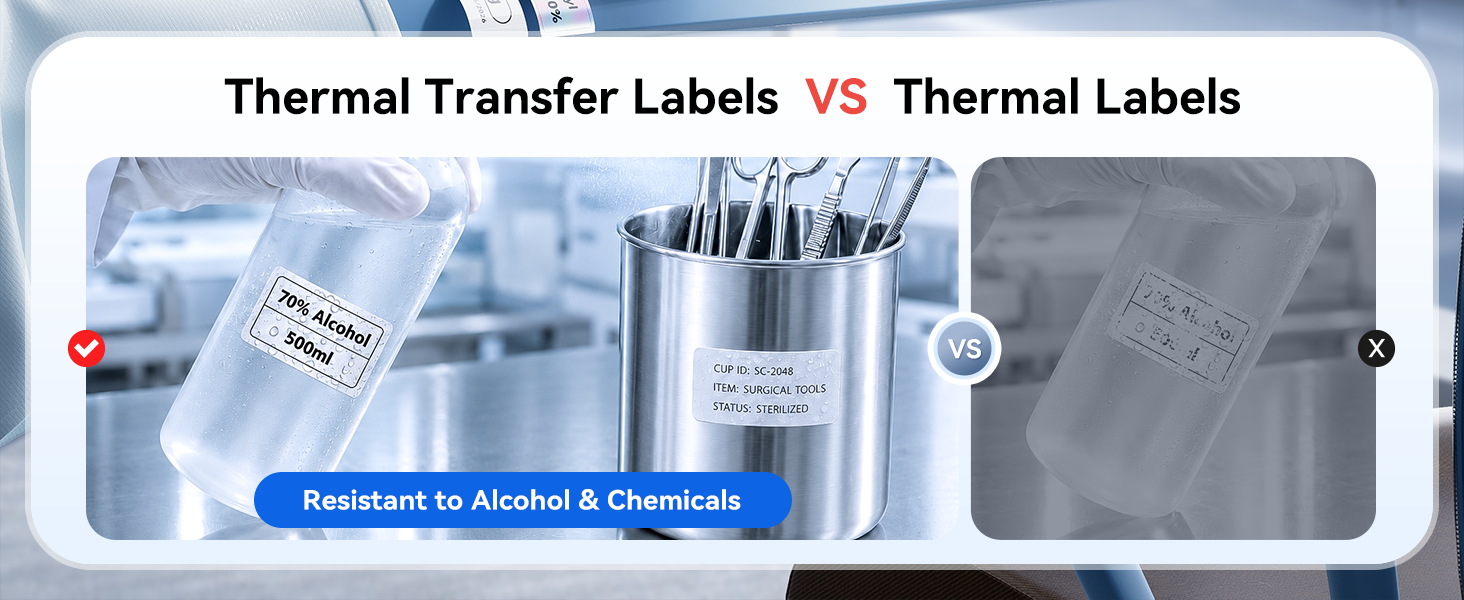
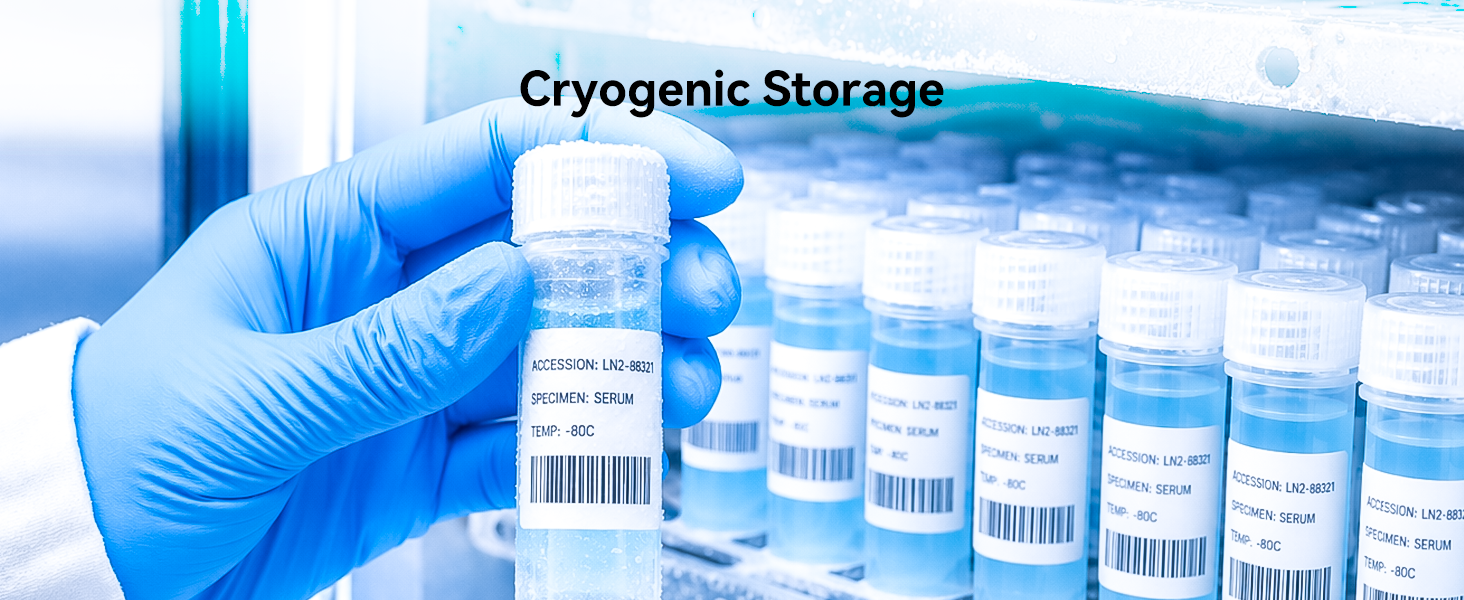
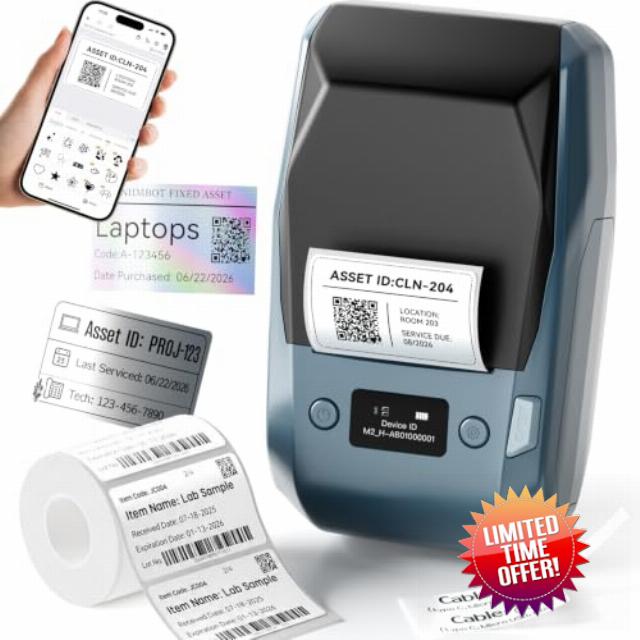
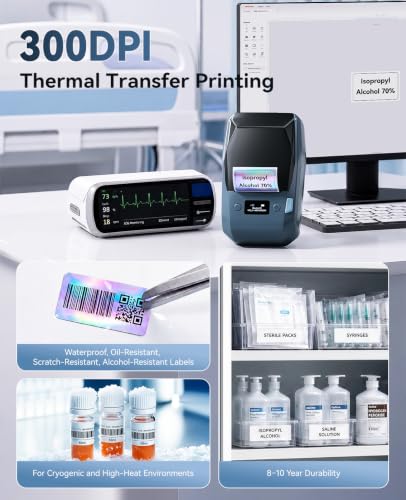
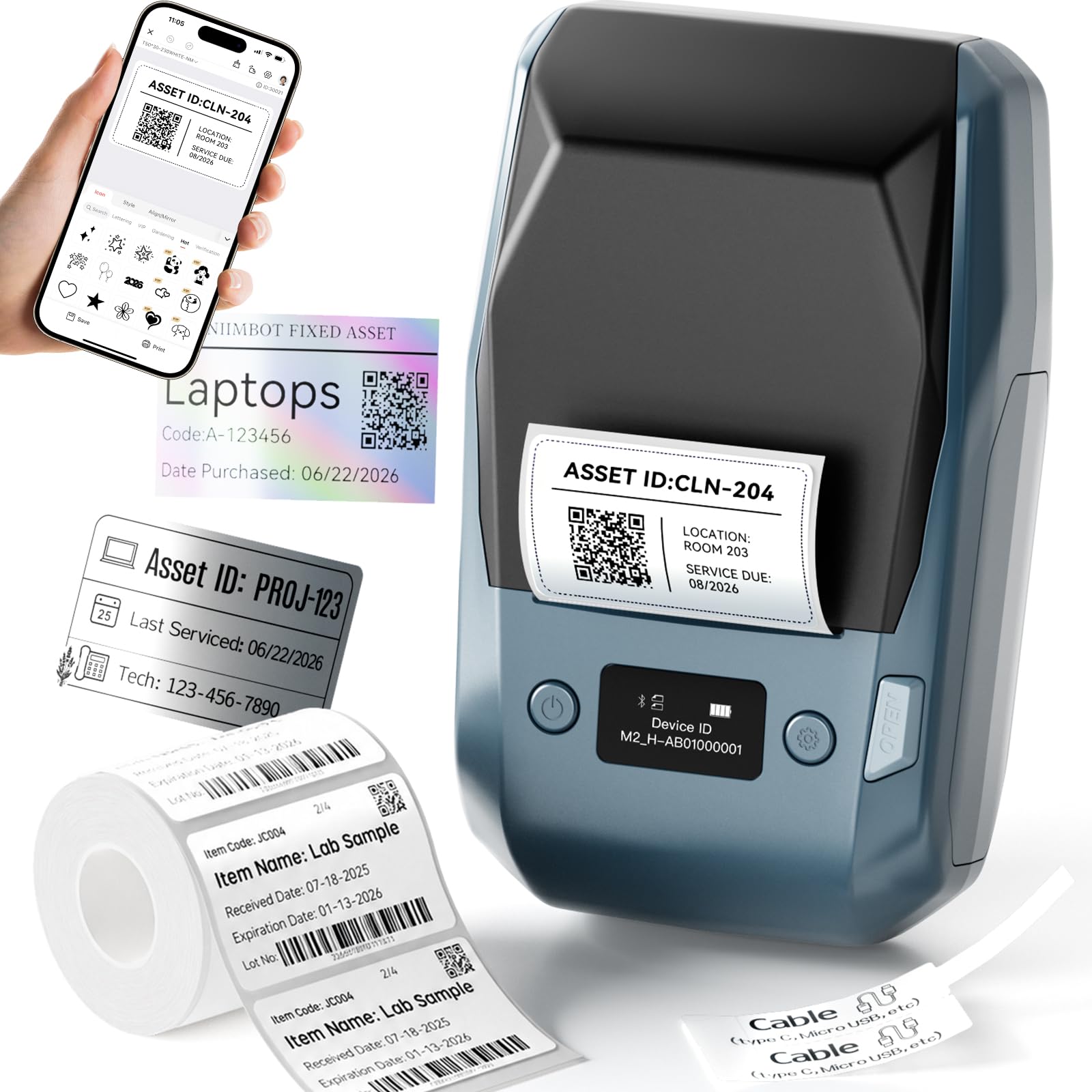
- 【300 DPI Thermal Transfer Printing for Durable Labels】NIIMBOT M2 label maker features advanced 300 DPI thermal transfer printing technology, producing sharp text, barcodes, QR codes, logos, and graphics with exceptional clarity. Unlike traditional thermal label makers, it creates waterproof, oil-resistant, scratch-resistant, and fade-resistant labels designed for extreme environments from -4°F to 248°F. Printed labels remain readable for 8–10 years, making it an ideal thermal transfer label maker for inventory management, product labeling, asset tracking, and organization.
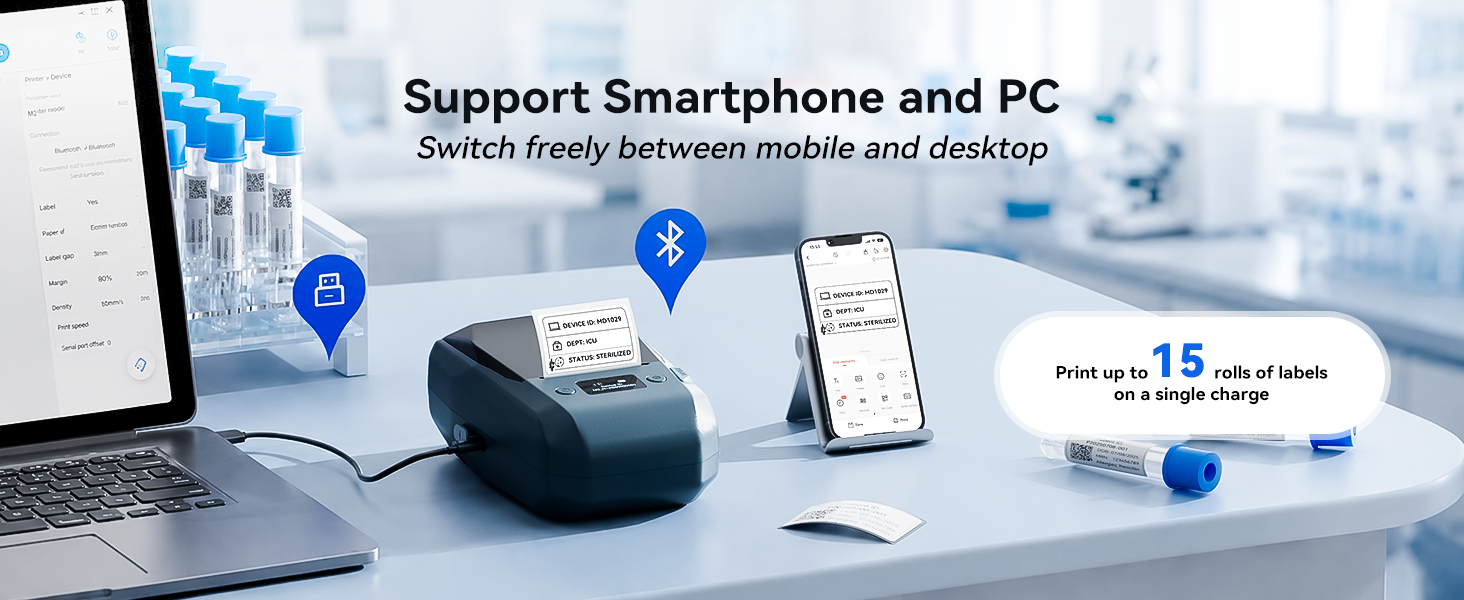
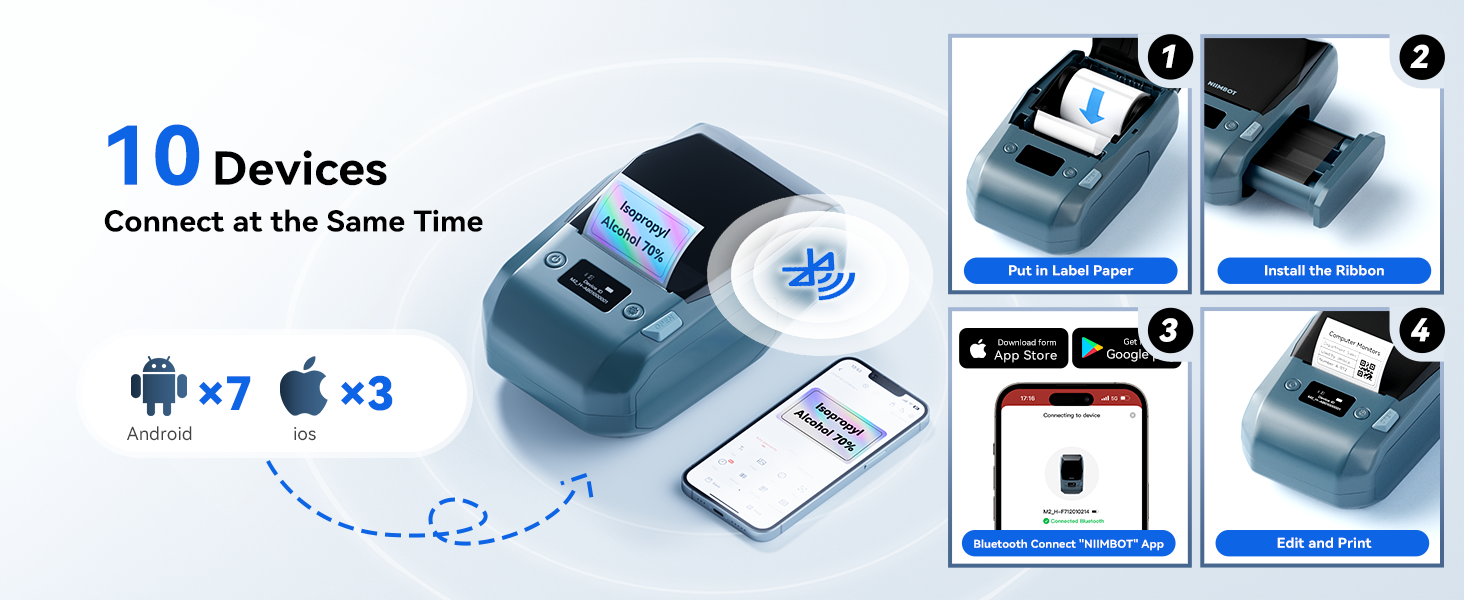
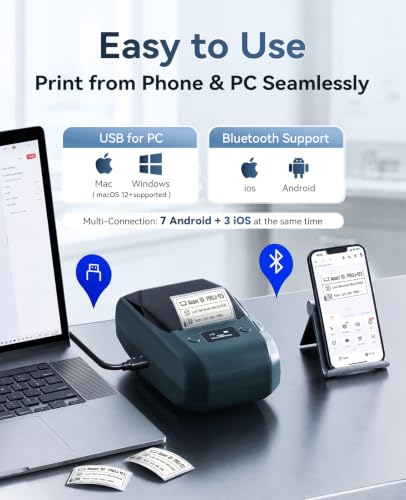
- 【Bluetooth & USB Multi-Device Connectivity】The NIIMBOT M2 label maker easily connects with iOS & Android phones via Bluetooth, supporting up to 10 devices simultaneously (3 iOS + 7 Android) for team use, supporting fast creation of barcode labels, inventory labels, shipping labels, and identification labels, improving efficiency for small business and industrial labeling workflows. For PC users, it also supports USB connectivity with official drivers, enabling more advanced content editing. Switch freely between mobile and desktop.
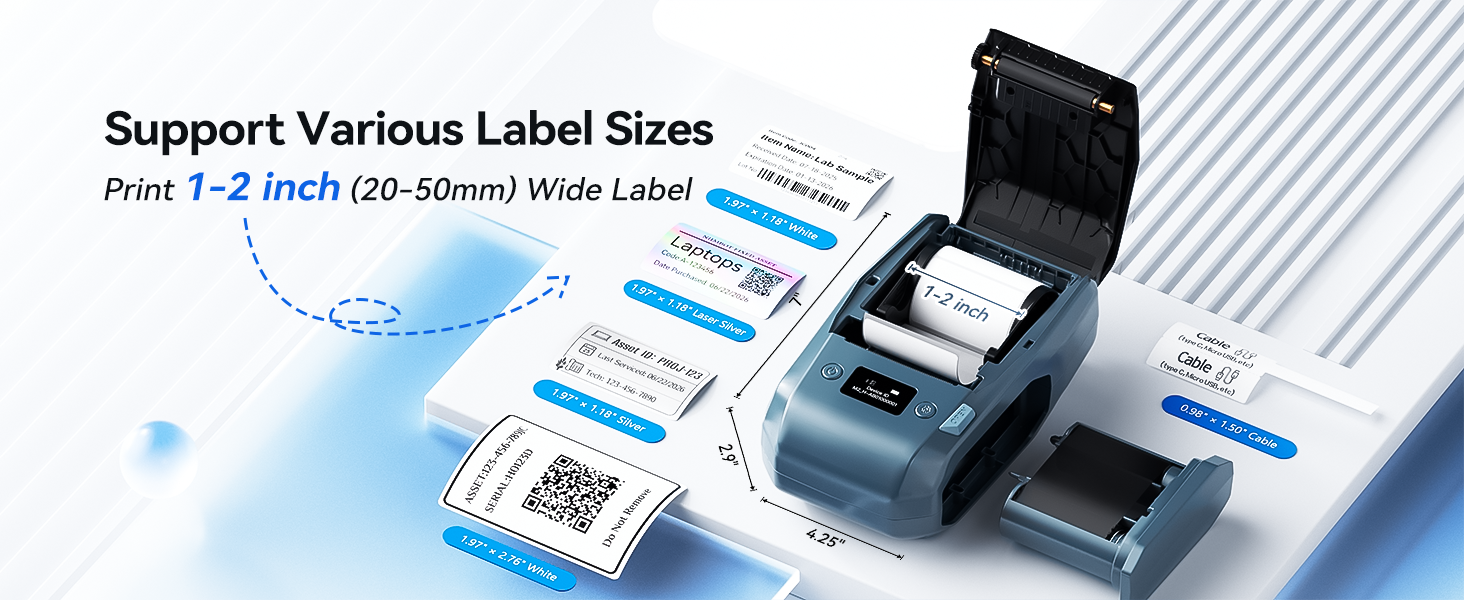
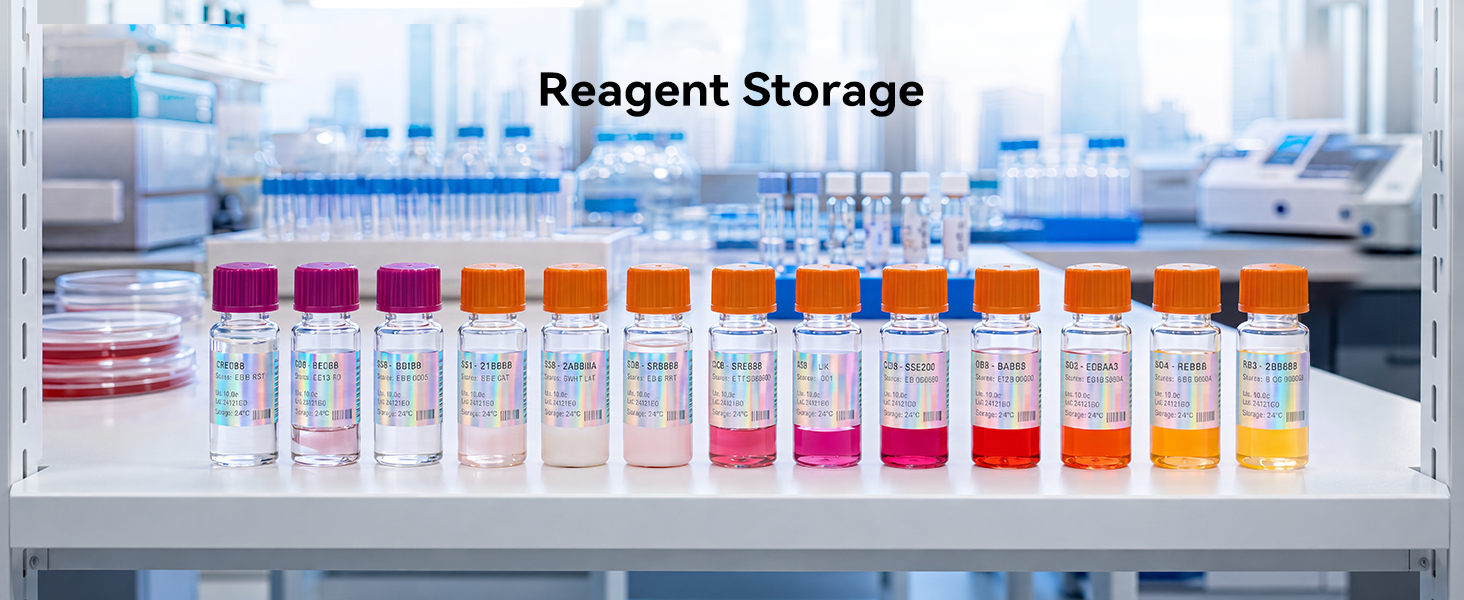
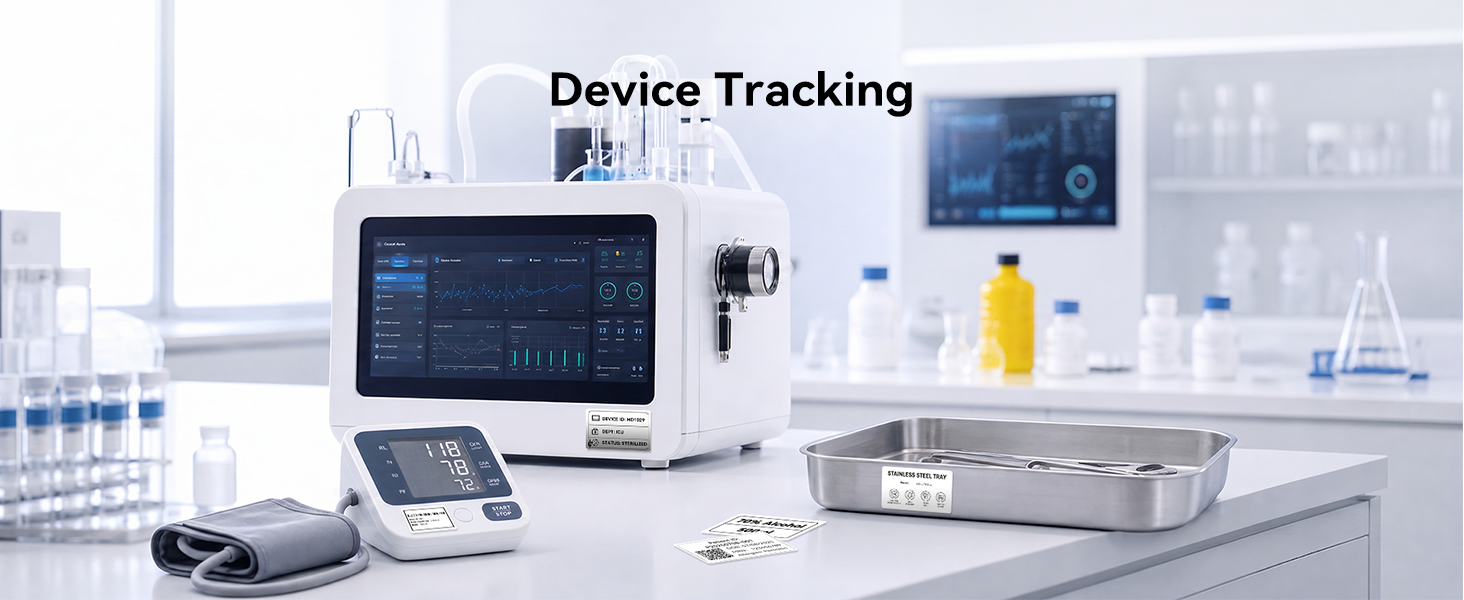
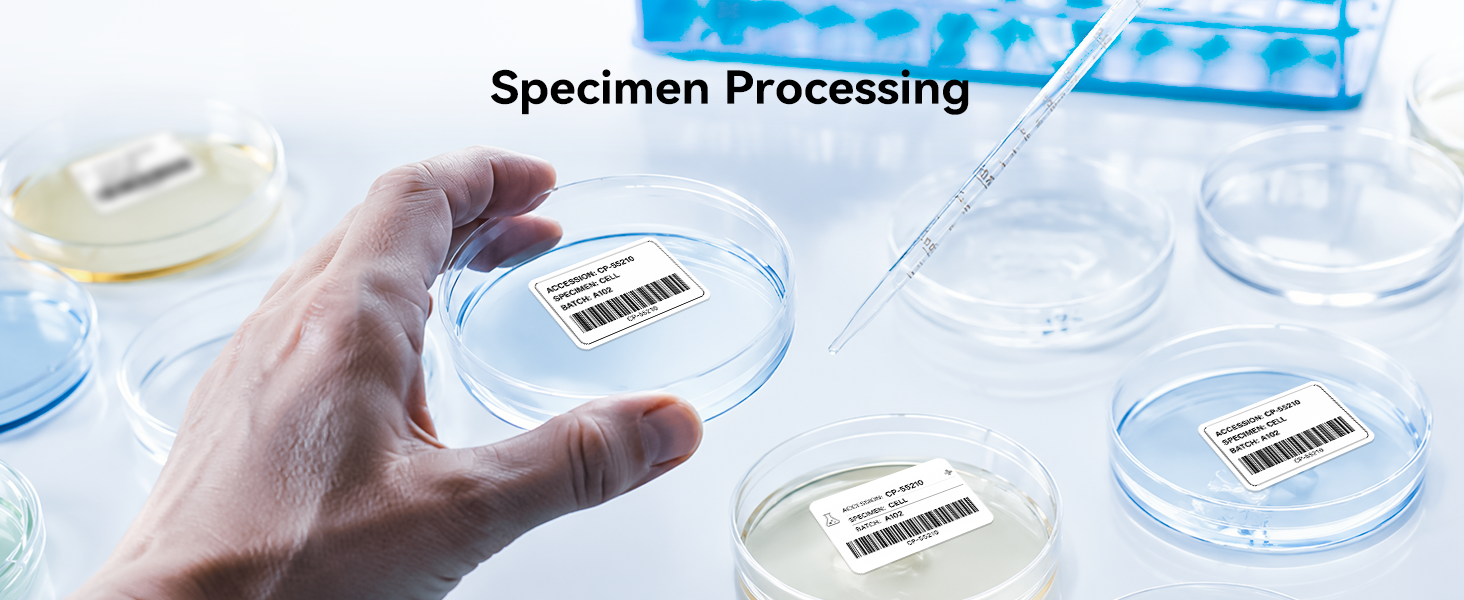
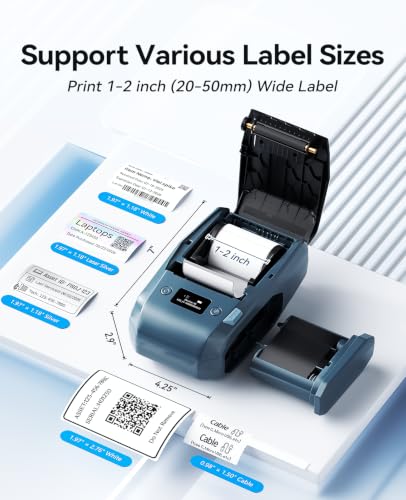
- 【1-2 Inch Label Width for Multiple Applications】NIIMBOT M2 label printer supports label widths from 1-2 inch(20-50mm) and print lengths up to 9 inch(240mm), allowing you to create everything from retail price tags and product packaging labels to freezer labels, vial labels, centrifuge tube labels, and storage labels. One machine handles a wide range of labeling needs for inventory management, laboratory sample labeling, industrial equipment labeling, communication cable marking, and office asset tracking systems.
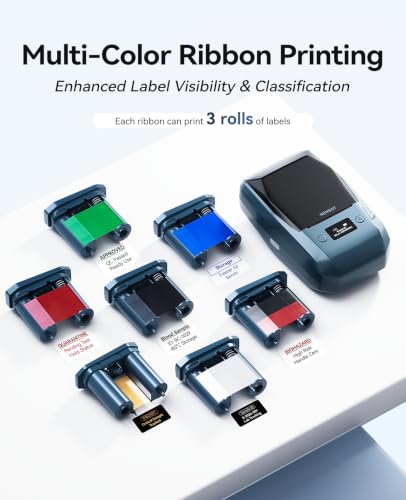
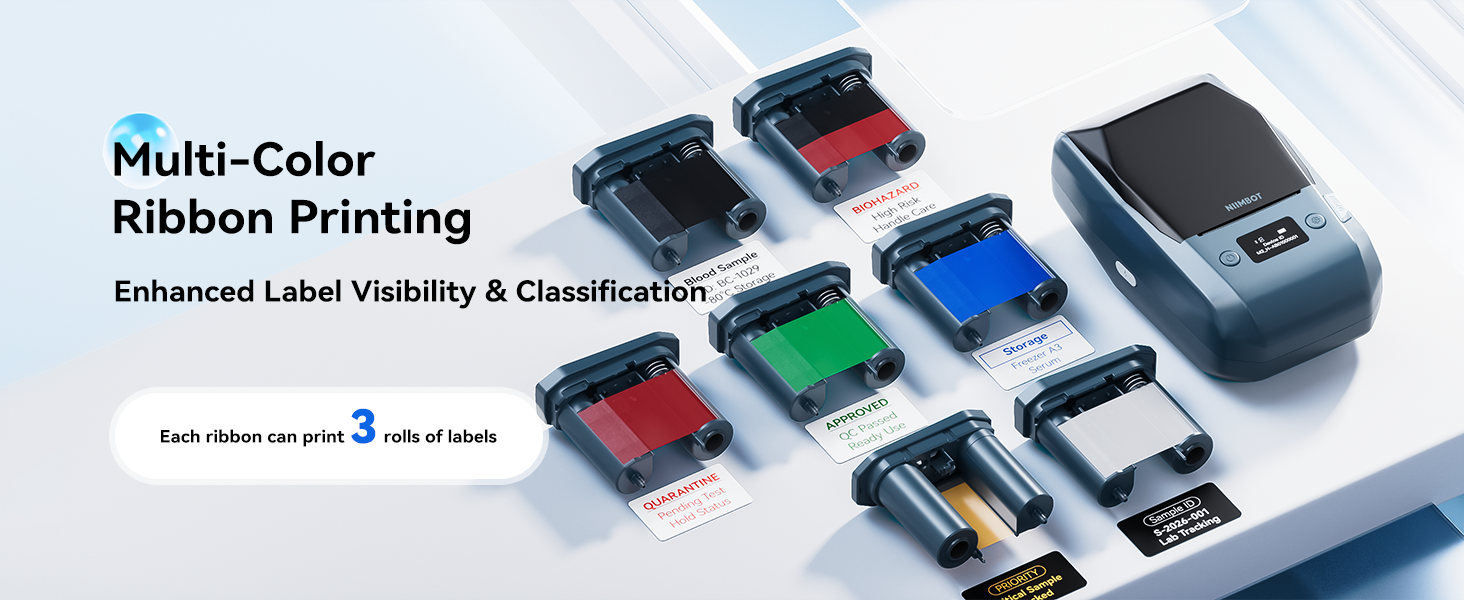
- 【Multi-Material & Multi-Color Ribbon Support for Professional Labels】NIIMBOT M2 label maker supports synthetic paper, PET, PVC, transparent labels, and specialty label materials, combined with multiple ribbon colors including black, white, red, blue, green, and gold. This enables high-contrast and durable labels for equipment identification, structured inventory systems, laboratory samples, industrial components, and commercial product labeling.
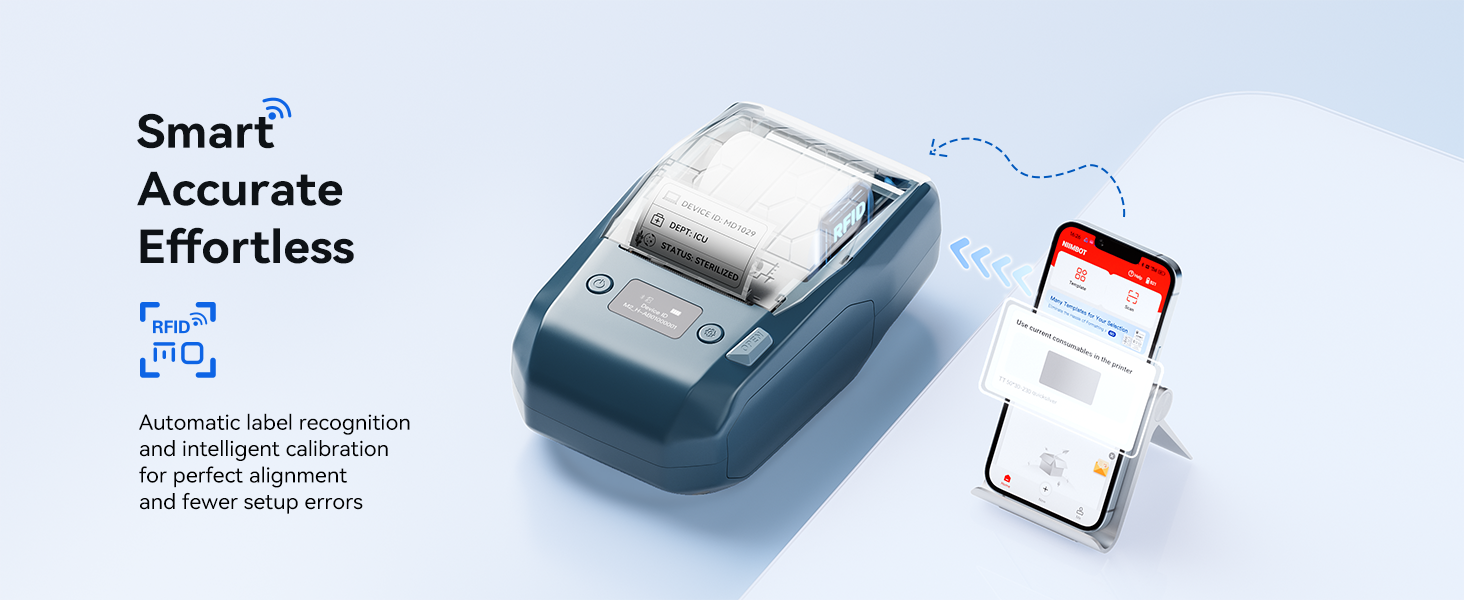
- 【Rechargeable Label Maker for Continuous Use】NIIMBOT M2 label maker is equipped with a built-in 2000mAh rechargeable battery and Type-C charging, providing enough power to print up to 15 rolls of labels on a single charge. Featuring automatic label recognition, intelligent paper calibration, and compact portability, it is ideal for small business operations, warehouse management, industrial labeling, laboratory sample tracking, and office asset organization.
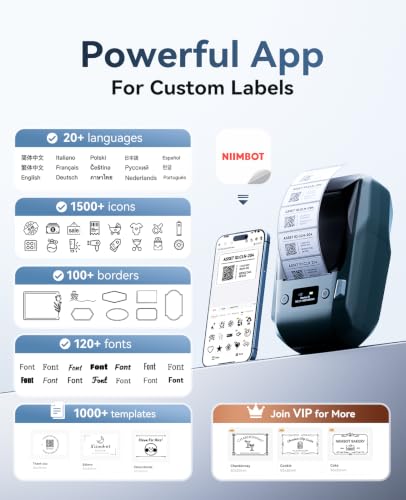
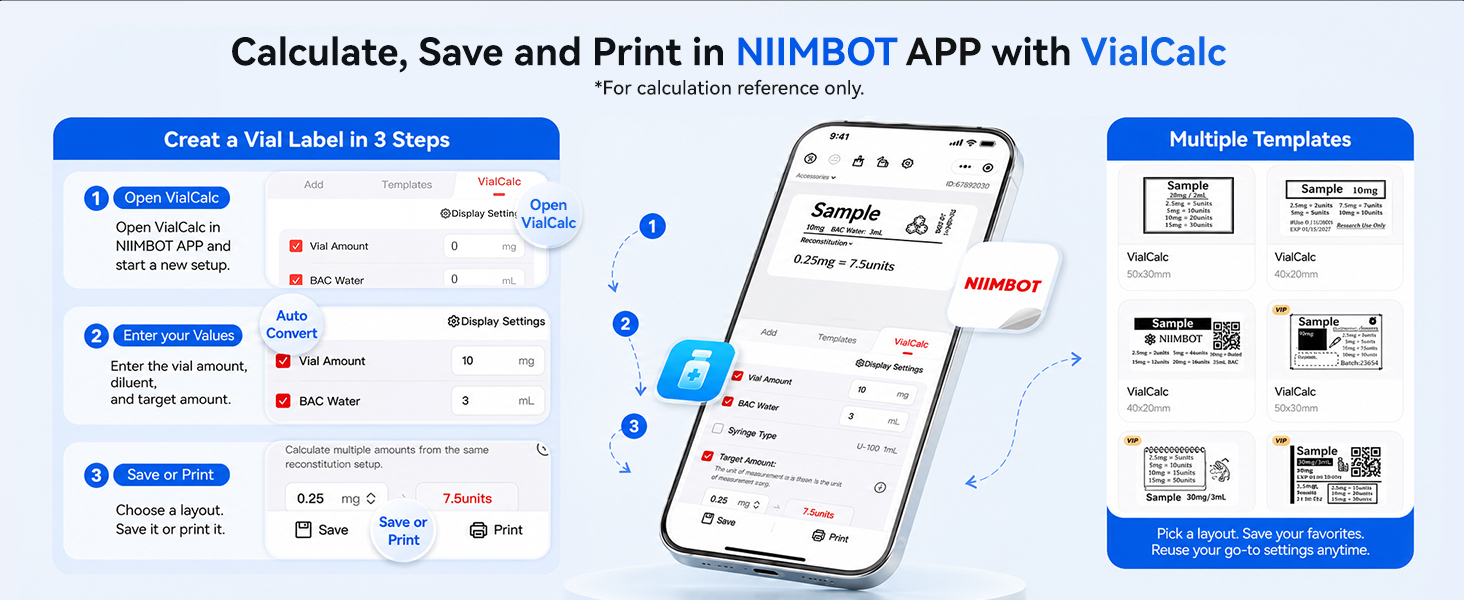
NIIMBOT Powerful App for Auto-Calculation

| SKU: | B0H5W7GLSH |
| Weight: | 795 g |
| Brand: | NIIMBOT |
| Model: | M2-Blue |
| Colour: | Blue |
| Manufacture: | NIIMBOT |
| Colour: | Blue |
Product description
NIIMBOT Powerful App for Auto-Calculation
Great compact thermal transfer label make
I ordered the NIIMBOT M2 thermal transfer label maker for home use, helping me label the contents of storage bins and totes. The labels the M2 prints are high quality, and since they’re thermal transfer, can withstand heat better than labels printed by other label makers such as my Brother P Touch. My garage gets quite hot during the hot summer months, so it’s great I don’t have to worry about the labels fading. I also love that the labels with the M2 are multi-line, unlike the P Touch label maker, allowing me to include more text. It can print labels up to 2 inches wide and 9 inches in length. It also supports printing in multiple colors provided you purchase the colored ribbon. There is a downside of the labels costing more due to having to purchase the ribbon and label stock. But I feel it’s worth it for the higher quality labels it prints.
Since the M2 does not have a built in keyboard or display, it does require using the Niimbot iOS/Android app wirelessly over Bluetooth. Or it can be used with a PC via USB. The Niimbot app is easy to use and comes with many templates to get started quickly designing and printing labels. In addition to text, you can also add graphics, barcodes and QR codes, making this a very versatile label maker.
The M2 has a 2000mAh internal battery charged via USB-C. It can print up to 15 rolls on a single charge. I love that I can use the M2 anywhere without needing to have it plugged into an outlet.
The M2 is definitely worth it if you’re looking for a versatile label maker for home or business use.
Makes Organizing a Collection Much Easie
I got this label maker to help organize my growing Pokmon collection, and it’s been one of the most useful tools I’ve added to my setup.
The print quality is excellent, with sharp, easy-to-read labels that look much more professional than handwritten ones. The app was easy to figure out and offers plenty of customization options without feeling overwhelming.
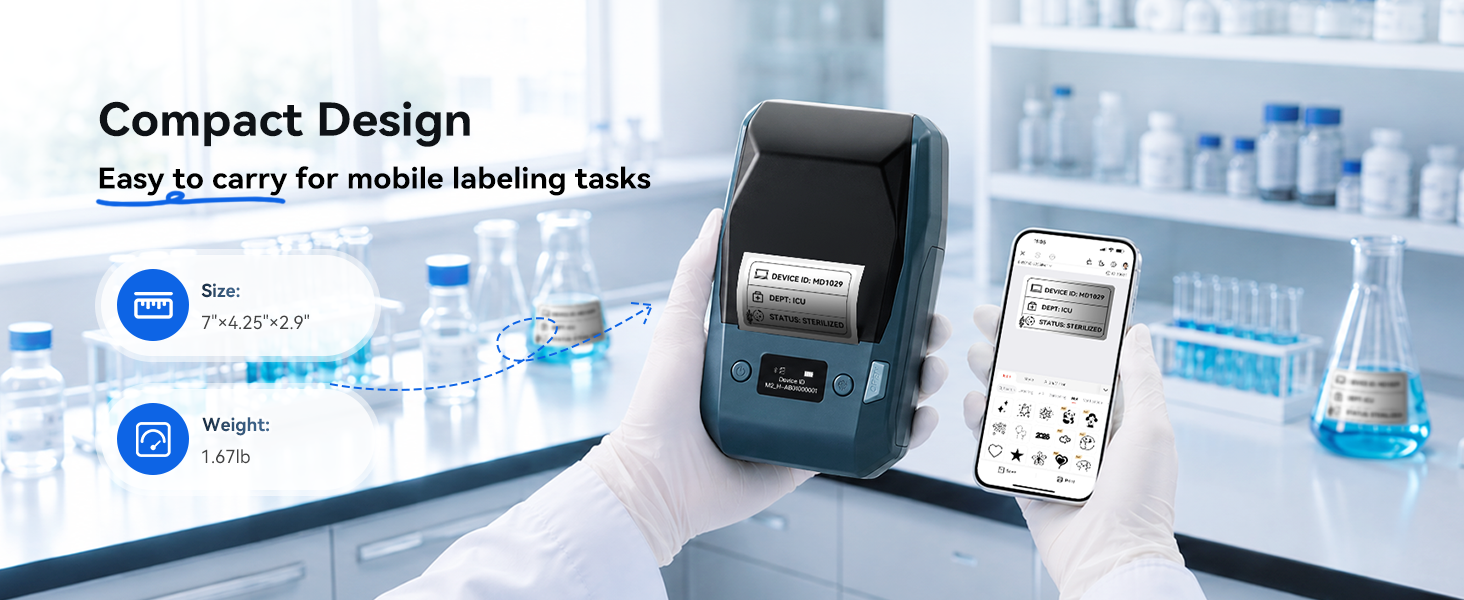
I also like that it’s compact enough to keep on my desk without taking up much space. Once paired with my phone, creating and printing labels is quick and straightforward.
It’s definitely more expensive than a basic label maker, but the print quality and ease of use make it worth the investment. If you like keeping things organized, this is a tool you’ll find yourself reaching for more often than you expect.
I compared the NIIMBOT M2 to my existing NIIMBOT B1, and my main takeaway is that they serve different needs.
The M2 does look and feel like a more industrial machine. It’s heavier, feels sturdier, and the labels themselves are clearly more durable. I could feel the difference right away. The M2 labels seem to use a heavier stock and have more of a protective coating than the labels from the B1. I also did some basic heat testing, and the M2 labels held up better.
NIIMBOT advertises the M2’s higher 300 DPI resolution, and I could see some improvement in print quality in my simple test. I tried printing a black-and-white image of Monet’s Water Lilies, and while the M2 looked a bit better, it still comes down to printing a monochrome image on a label maker. For me, the resolution improvement alone would not justify the higher price.
The biggest practical difference is durability and consumables. The B1 is a direct thermal printer, so you only need labels. The M2 is thermal transfer, which means you need both labels and a ribbon. That gives you tougher, longer-lasting labels, but it also makes it more expensive to run. Based on current NIIMBOT store pricing, the B1 is generally cheaper per label, while the M2 costs more because you’re paying for both the label stock and the ribbon. In exchange, you get better long-term durability and more ribbon color options.
Another nice M2 feature is color choice. You can print in different colors depending on the ribbon, but only one color at a time (except for one ribbon that has a black and red option printing at the same time). That may be useful for business, inventory, lab, or asset labeling where visual organization matters.
For home use, I would personally recommend the B1 because it is less expensive and simpler to maintain.
For business use, or if you need labels that will last longer and hold up better to tougher conditions, the M2 makes more sense.
I couldn’t figure out the difference between this particular M2 Thermal Transfer printer and Niimbot’s other M2 Thermal Transfer printers. They look the same, but there’s at least 3 different ones with different ratings.
This one is great for thermal labels that have to withstand extreme temps as most thermal printed items will fade, especially if you leave it out in the sun (looking at you, receipt paper).
I currently own the Niimbot B2 that I use for home stuff, as well as for gifts, so I am familiar with using their app. But there are 2 apps, Niim and Niimbot and the M2 is only compatible with Niimbot.
The app itself is relatively easy to use, and you can also set it up on your PC and connect the printer to it as well if you prefer. The Niimbot app is geared towards more commercial/industrial use, but you can use it for home as well. This app also has firmware updates that Niim doesn’t have. I kind of wish the company would just have one app that does it all.
This printer can print labels in other colors, but you have to buy the appropriate colored ribbon cartridge, so that’s an extra cost. If you want different labels, that’s an extra cost. If you want VIP access to different things on the app, that’s also an extra cost.
Overall, I think this printer and the system is an awesome fit for a small business, or a lab because of its utility in creating labels that can withstand those environments.
For home or personal use, I would definitely choose another model.
Setting up a new homelab server rack usually means dealing with a massive bundle of identical network lines, so having a reliable way to organize everything was high on my list. Pulling this unit out and linking it to my phone took under two minutes, and the text on the labels came out noticeably sharp. The thermal transfer process gives the printed text a solid, durable feel that doesn’t smudge when handling the wires during routing. Wrapping the small tags around tight Ethernet cables went smoothly, and the sticky backing held fast without peeling at the edges. I ran off about thirty individual line tags in one sitting, and the automatic feed kept every strip aligned without wasting material. The physical footprint is compact enough to sit right on top of my server chassis while I work. It is slightly heavier than basic direct thermal options because of the internal ribbon mechanism, but that extra heft feels well built. Leaving it running on battery power for an entire afternoon of network mapping barely drained the indicator.