NIIMBOT B2 Label Maker Machine with Tape, 2 Inch Portable
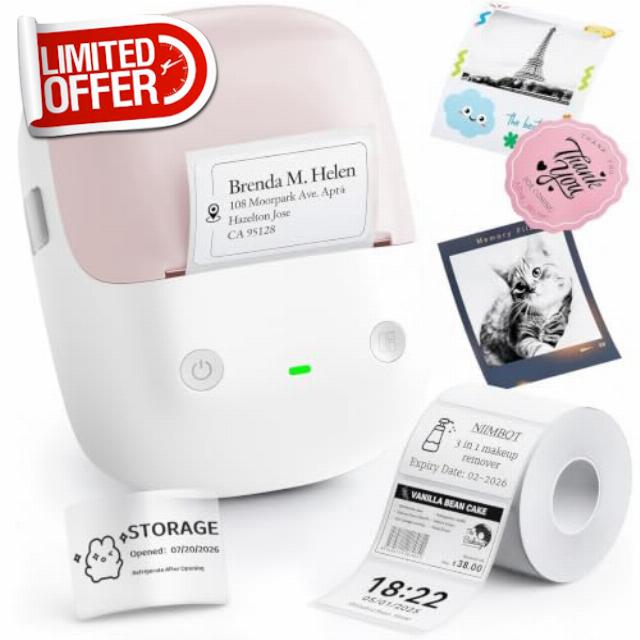
NIIMBOT B2 Label Maker Machine with Tape, 2 Inch Portable Label Printer Thermal Label Printer with Multiple Templates for Small Business,Office,Home,School (Pink)
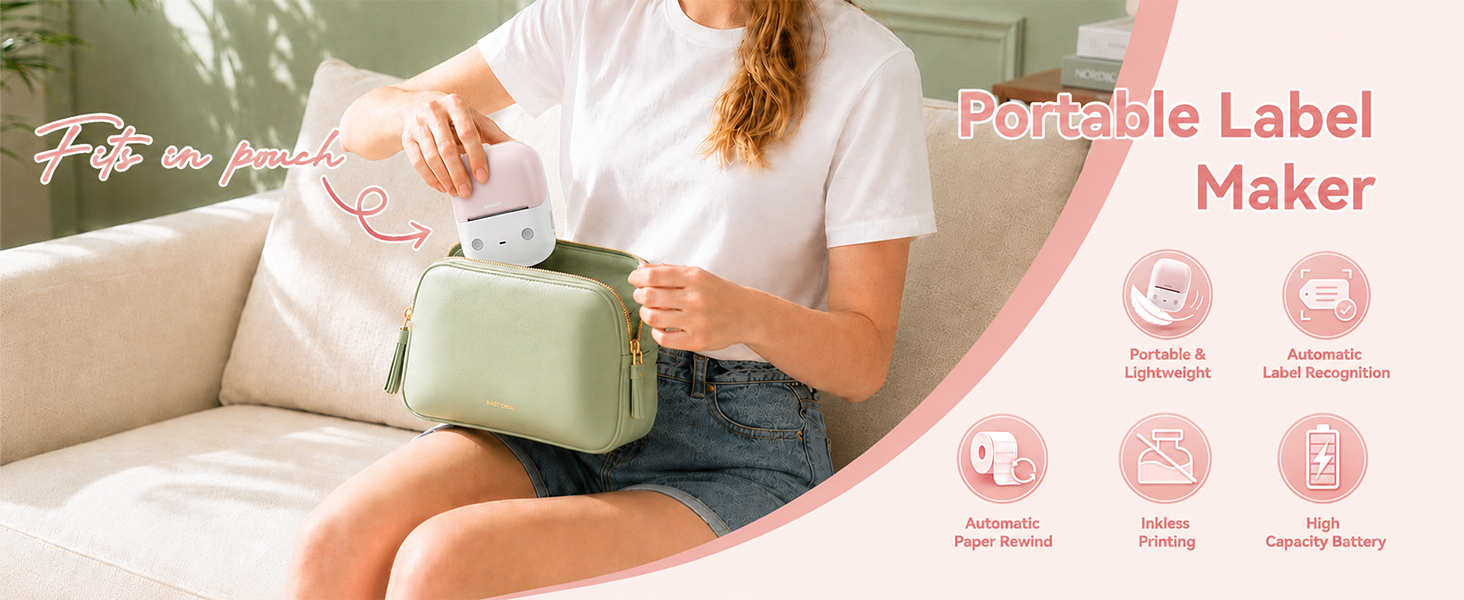
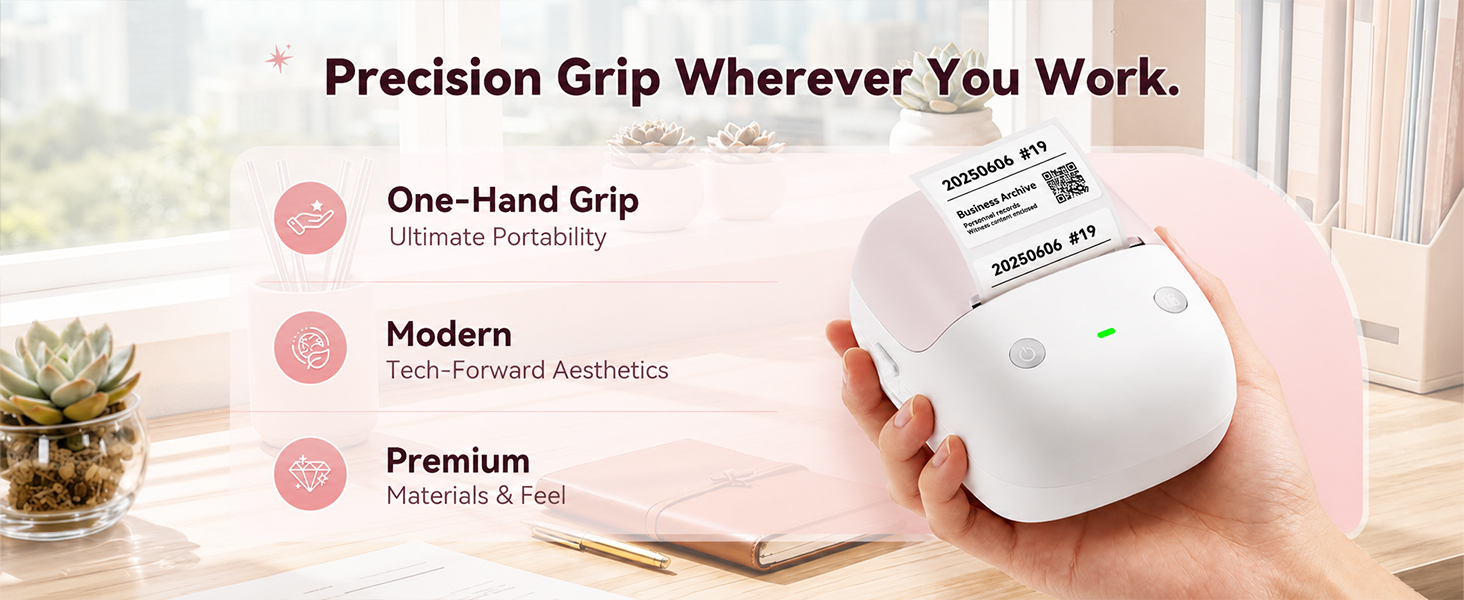
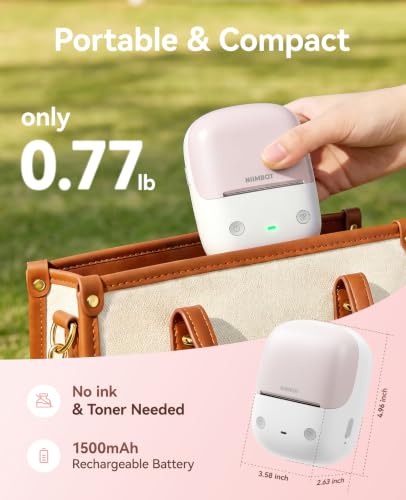
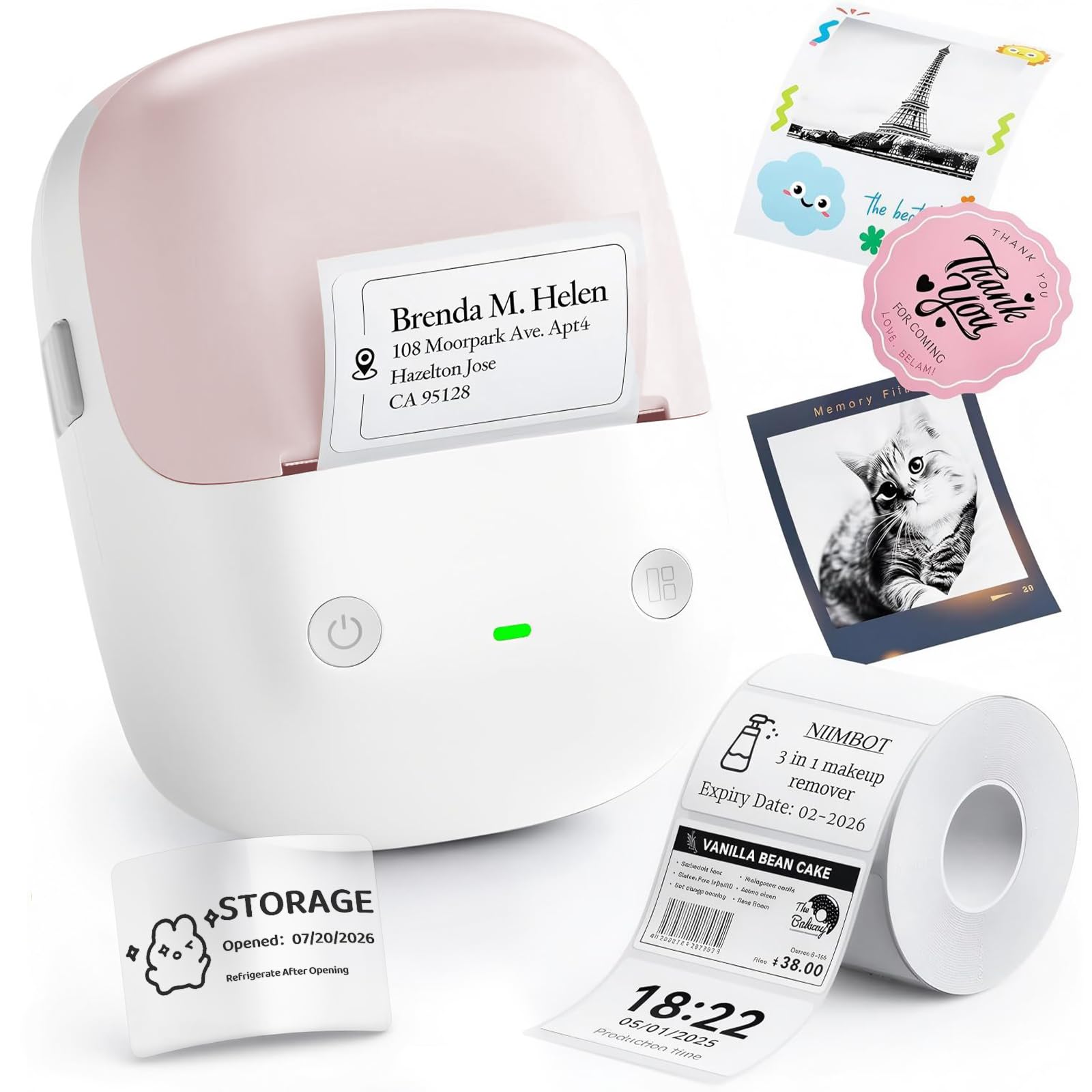
- Ultra-Light & One-Hand Operation: The NIIMBOT B2 Bluetooth label printer weighs just 352g—same as a smartphone—for pocket or bag storage; its ergonomic grip enables smooth one‑handed use, perfect for home, office, or on‑the‑go labeling
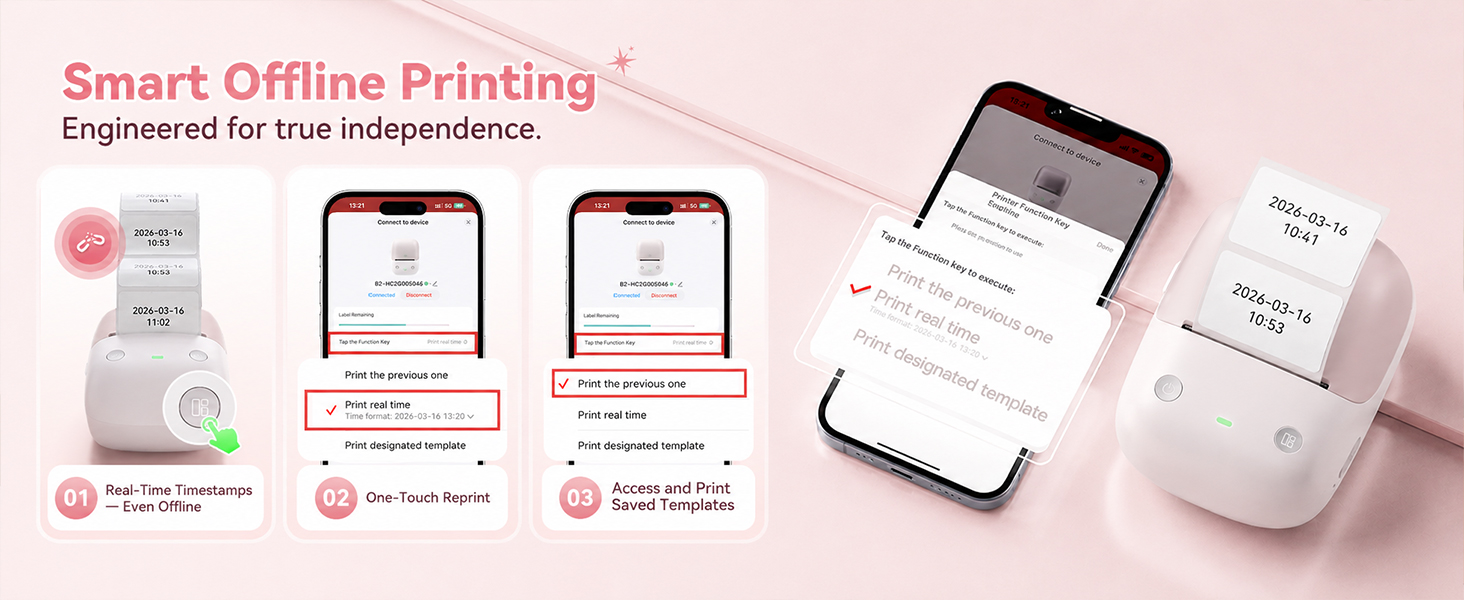
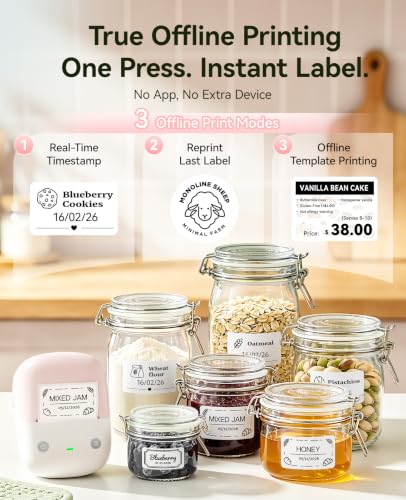
- Zero Ink Cost and Smart Offline Mode: Thermal printing uses no ink, toner, or ribbon, saving you money on every label. The upgraded offline mode lets you reprint the last label with one touch, add timestamps automatically, or choose from built-in templates – all without Bluetooth or a smartphone. Perfect for quick relabeling, inventory updates, or when your phone is out of reach
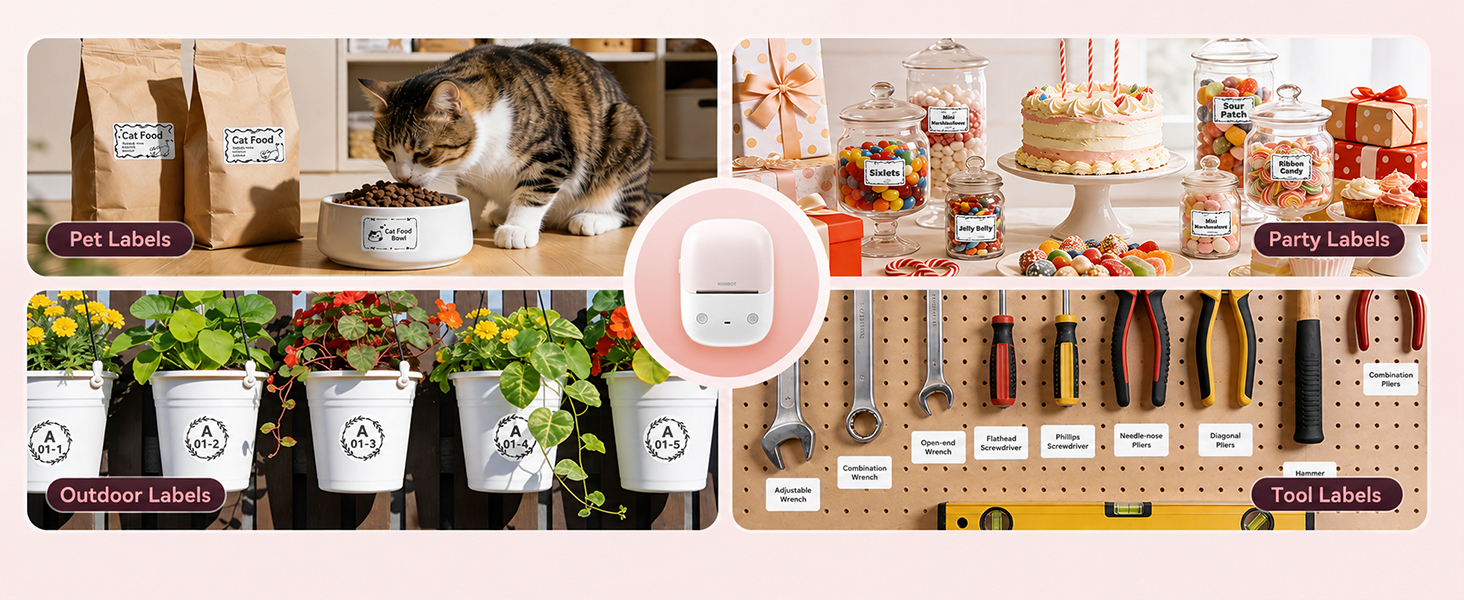
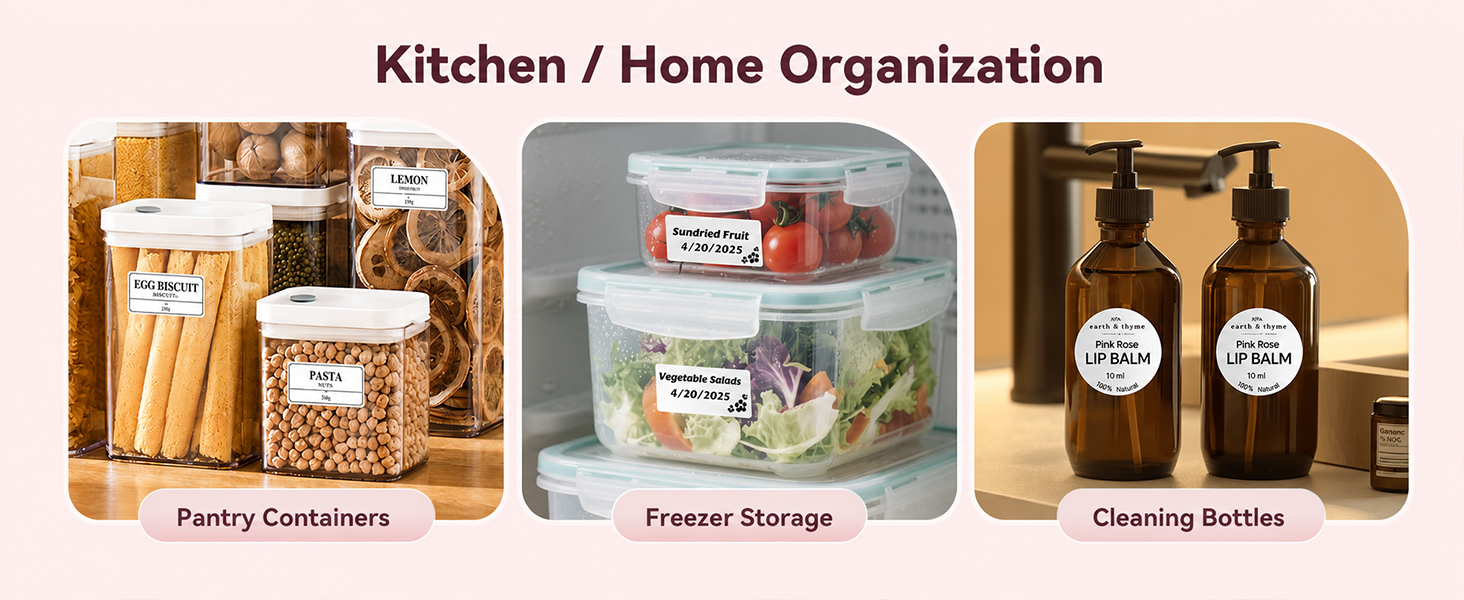
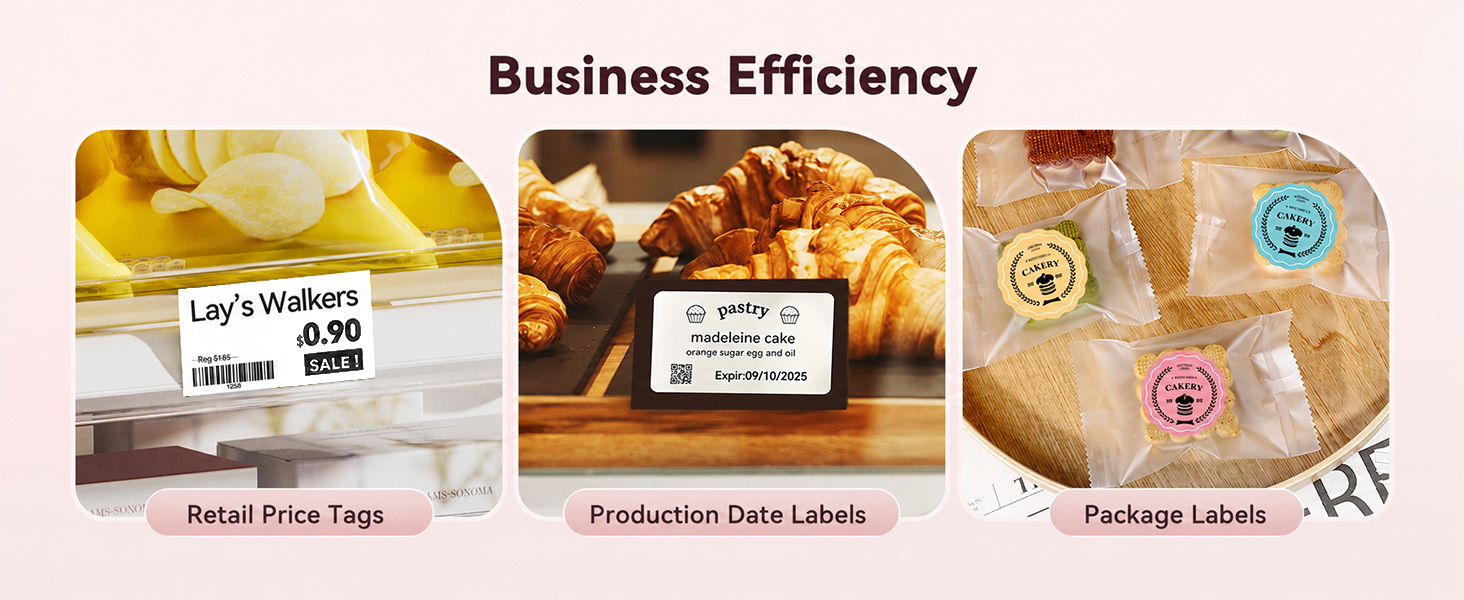
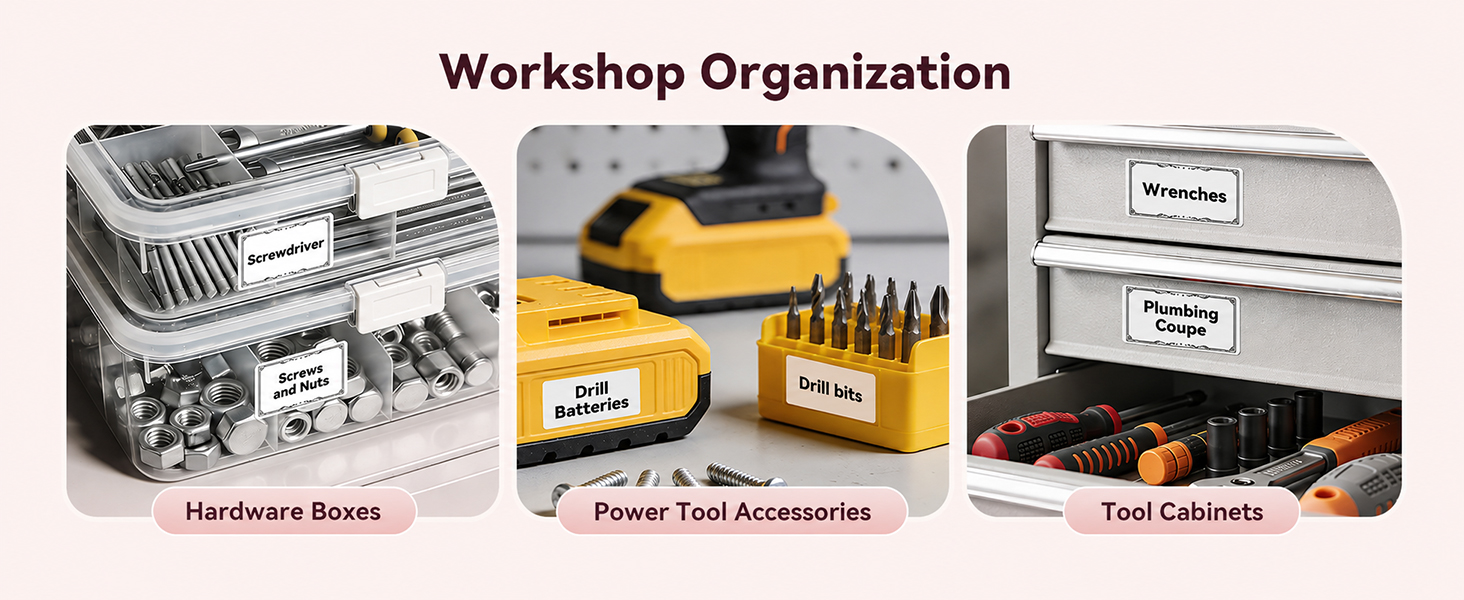
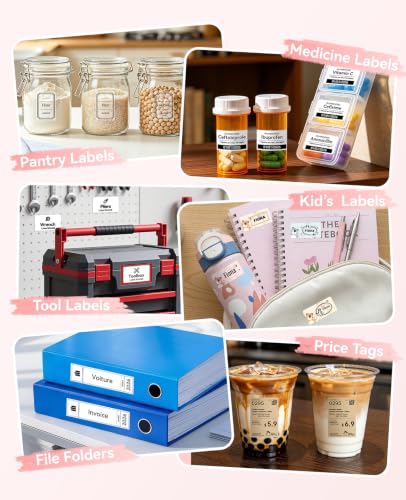
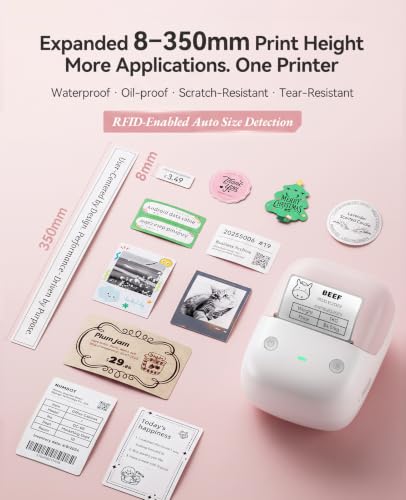
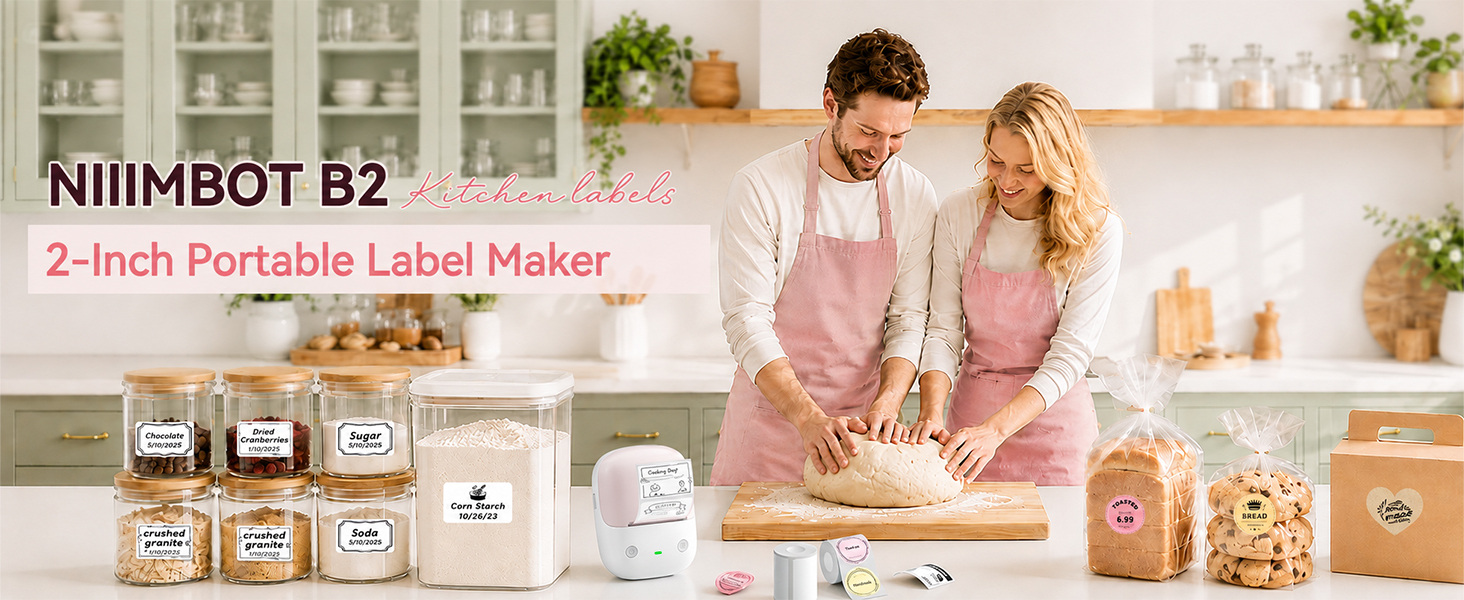
- 【Versatile for All Needs】Supports label widths from 20 to 50 mm and works with white, colored, round, and transparent papers. Whether you are organizing your kitchen and pantry, managing office files and school tags, or pricing retail and warehouse items, this all-in-one printer handles every task with ease. One printer, endless possibilities
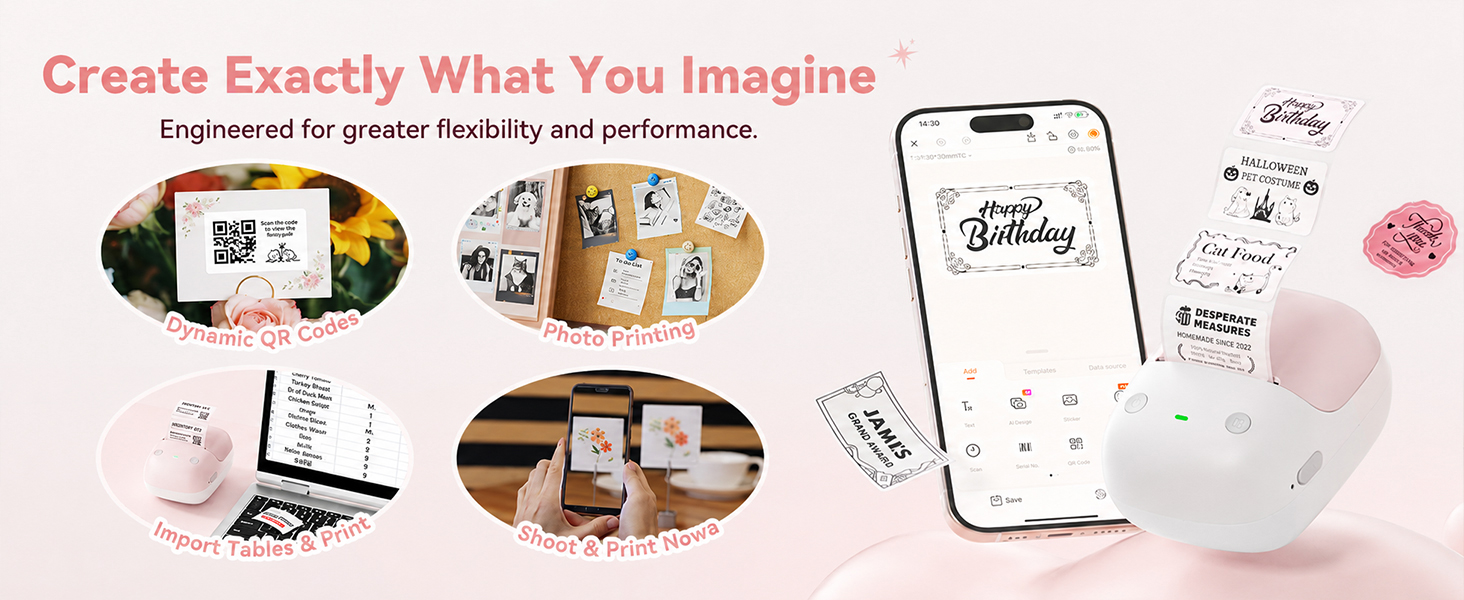
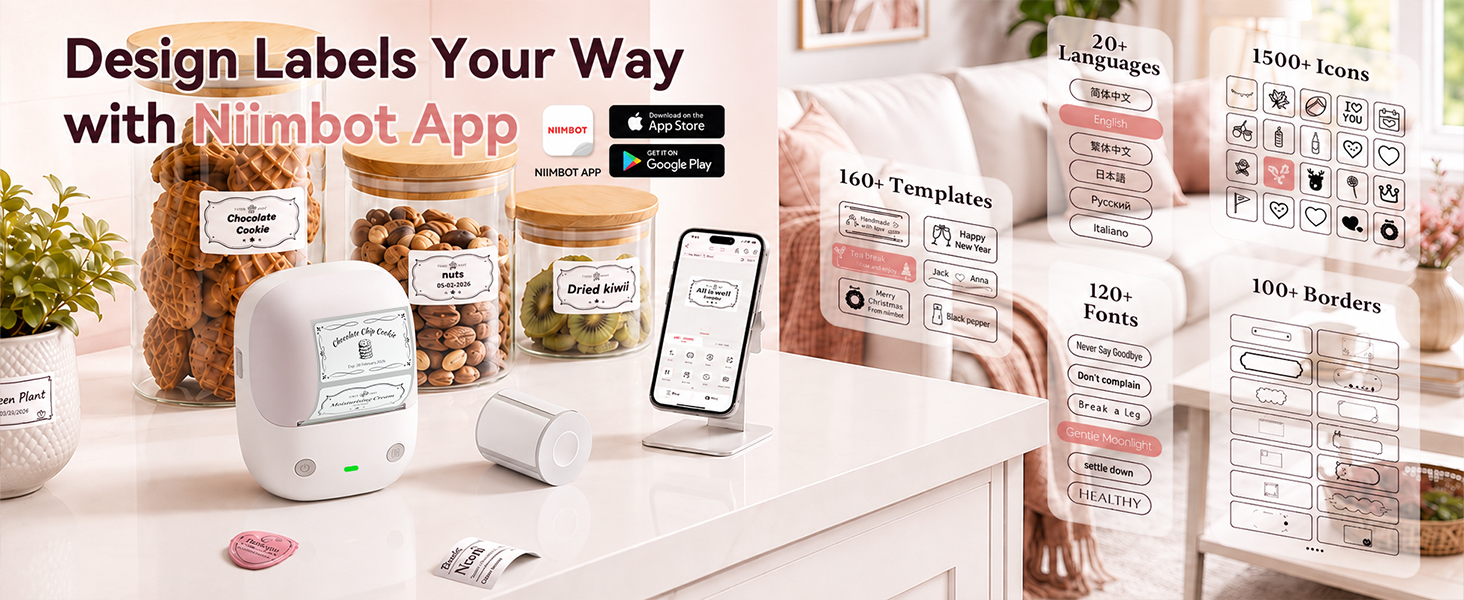
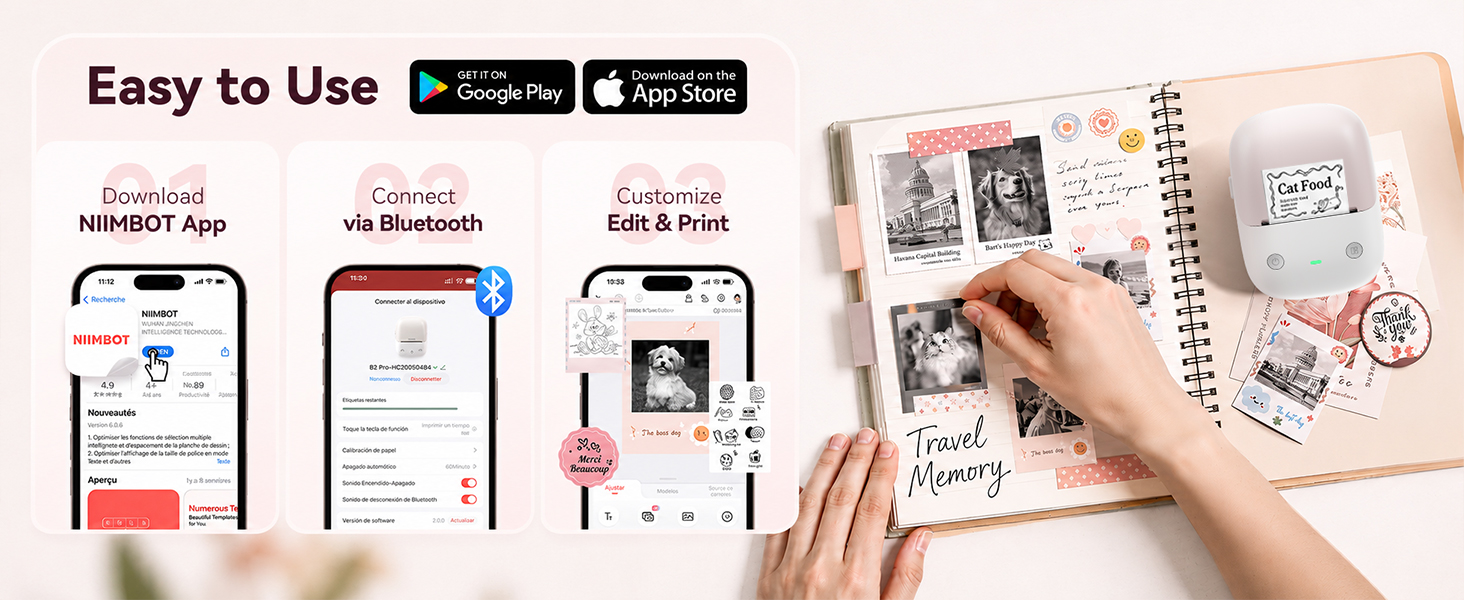
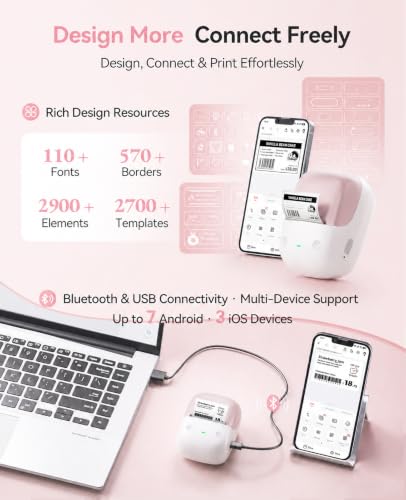
- Smart App Customization & Cross‑Platform Compatibility: Works with iOS, Android, and PC with auto‑label detection; offers 60+ fonts, 100+ borders, 1,600+ symbols, plus barcode, QR code, and photo printing for full customization of text, size, and layout
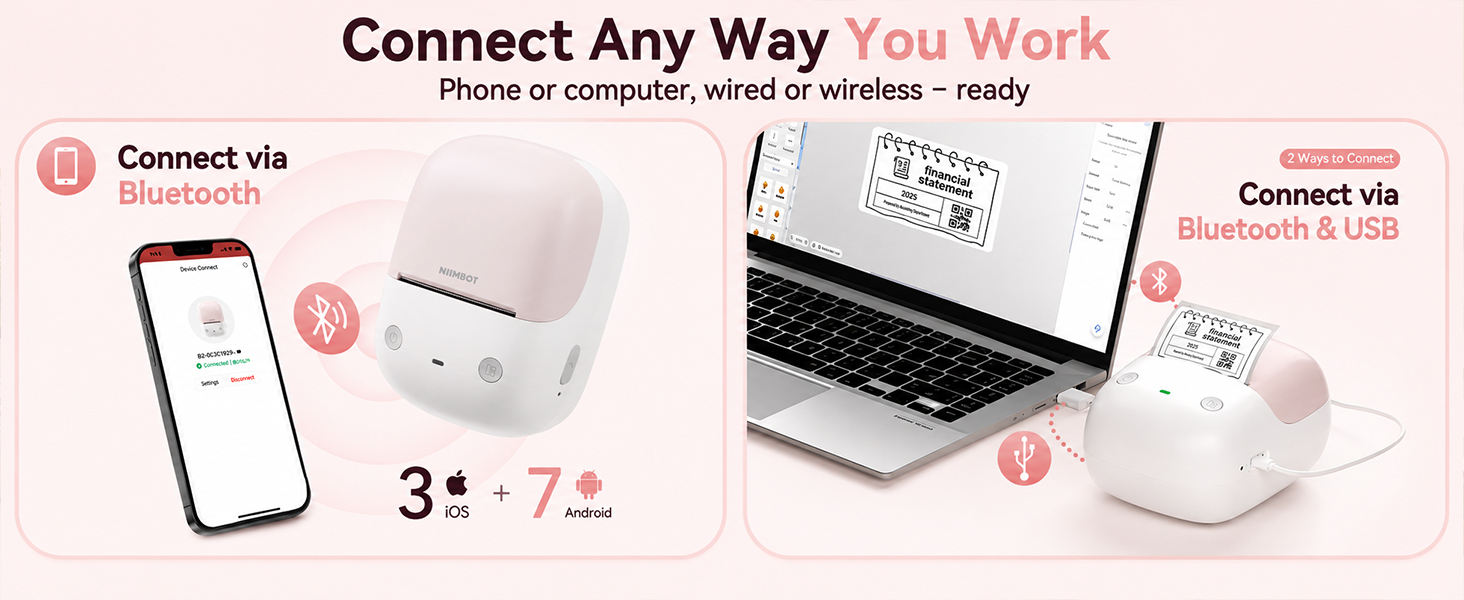
- Seamless Multi-Device Compatibility: Connect effortlessly via Bluetooth to iOS, Android, and Windows PCs, or use the USB cable for direct computer printing (free driver included). Supports up to 10 smartphones simultaneously – 3 iOS and 7 Android – so you can switch between devices without re-pairing. Perfect for shared office or family use
| SKU: | B0GS57RR1K |
| Weight: | 352 g |
| Brand: | NIIMBOT |
| Model: | B2 |
| Colour: | Pink |
| Manufacture: | NIIMBOT |
| Colour: | Pink |
Product description
This has been a really fun product to learn and very easy to set up. It connects quickly via Bluetooth and comes with a starter roll that’s a good size for experimenting before committing to larger designs. I originally needed gift labels for a baby shower and didn’t have anything appropriate on hand, so I created my own using this label maker and was surprised by how many customization options there are. The app has tons of fonts, icons, and border designs, plus a large library to download more, which makes it easy to get creative.
Print quality is crisp and readable at normal label size, and printing is very quick with minimal noise. The labels stick well as stickers and have held up fine for my purposes so far, mostly gift labeling, with no smudging when applied. The app is generally easy to use, though there are still a few functions I haven’t figured out and the instructions feel limited, plus I noticed a couple minor typos in the app. Overall, the label size feels just right, and it’s a fun, versatile tool for both practical labeling and creative projects.
Finally, a Label Maker I Can Use From My Compute
I already own several label makers, but this one is a game changer for me because I can use it from my computer instead of having to do everything from my phone.
I get tired of typing and designing labels on a small phone keyboard, so being able to download the NIIMBOT software to my Windows computer and create my labels there is a huge plus. I can still use the phone app when I want to, but having both options makes this much more convenient.
Setup was pretty simple. I downloaded the software, connected the printer, loaded the label roll, and was able to start printing. The print came out clear and easy to read.
It’s also a thermal printer, so there’s no ink cartridge to deal with. The printer itself is compact and doesn’t take up much space.
I have other label makers, but the computer compatibility is what makes this one stand out for me. Sometimes I just want a regular keyboard and a bigger screen when I’m making a bunch of labels, and now I have that option.
I’ve used a few smaller label makers before, but this one feels much more capable while still being very easy to use. Setup was quick and straightforward. The Bluetooth connection paired with my phone without any issues, and I was printing labels within just a couple of minutes of opening the box.
One of the biggest things that stood out to me is how fast this printer works. Labels print almost instantly, which makes it really convenient when creating multiple labels at once for storage bins, office supplies, or shipping items. The print quality is sharp and clear as well.
The ability to print images is honestly one of the coolest features. I wasn’t expecting image printing to work this well on a thermal label printer, but logos, icons, and simple graphics come out looking surprisingly good. It adds a lot more flexibility compared to basic text only label makers.
The app is also very well done. The preloaded templates are extremely helpful and make it easy to create professional looking labels without spending time designing everything from scratch. There are plenty of options for home organization, business use, and general labeling.
I’ve also been happy with the adhesive on the included labels. They stick well to plastic bins, cardboard, paper, and other smooth surfaces without peeling up at the corners.
Overall, this is an excellent portable label maker that combines fast printing, easy setup, and a very user friendly app. The image printing capability and helpful templates really make it stand out from simpler label makers.
If you’re not familiar with Amazon Vine, it’s a program where reviewers get products in return for honest opinions. Some reviews can sound a bit generic, but I try to keep mine practical and genuinely useful.
Even though the items are free, Vine members do pay taxes on their value, so I only request things I truly intend to use. I mention this because it matters, there’s no incentive for me to oversell a product. If something is great, I’ll say so. If it’s not, I’ll be just as open about that.
Love these Niimbot printers. If you are in the market for a small portable printer that can handle multiple size labels, then look no further. I have most of the different NIIMBOT printers and love every single one of them. I keep one in different places throughout my house and garage. These newer 300 DPI are the best. They print very clear and legible labels. They can even print black-and-white photos if you get the right paper. This particular model will print both red and black. You have to buy the right labels and it’s too bad that NIIMBOT doesn’t ship some of those with this unit. Hey Niimbot, if you’re reading this start including some of the better labels with the unit. While this may be a gripe of mine I’m not taking away any stars.
These units connect to the app effortlessly. The app is very well thought out and has tons of included features. The Label has some type of embed chip that makes the machine and app automatically recognize it so you don’t have to change all of the settings. It does it automatically. I will say it one more time, if you are in the market for a thermal printer that is super easy to use and makes fantastic labels then this is what you need to get. All of the NIIMBOT printers I have work great and I’ve had zero troubles with them. The labels are not that expensive either. Here is a pic of a smaller label that i made for my fertilizer jar to show hiw well it prints fine print.
Great little printer and fun to use!
Love these little machines!! They print great, fast and super easy to use. My wife uses them in the kitchen, the garden, garage and basement! I use the labels to keep my electronics projects organized. Better than a brother p-touch label maker.
This is a fun little gadget. It makes labels quickly and easily. There is an app that you use to make your labels. They have hundreds of templates to choose from. There are categories to help you find a template style easier, such as Home, Work, Name Tags. The templates are easy to alter with the information you want on there. I let my daughter try it and she made one with a QR code. When I scanned the code a cute picture of my grandbaby popped up. I have another label with a picture of my grandbabies on it. It is on my water bottle. The pictures are black and white and a little grainy, but they are still impressive to me.
The printing is very quiet. A nice change from normal printers. The power button is pretty quiet as well. Inserting the labels is an easy task. It just takes a few seconds to complete. The time it took to charge was very short (maybe 30 minutes). This is probably due to the fact it had some power when it arrived. That was 30ish hours ago. I haven’t charged it since. We have made about 10 labels in that time.
The pictures and text have all come out perfectly aligned on the label. It is Bluetooth enabled. Set up is quick. There is a user guide on the app, along with customer support. You can buy more labels through the store in the app. They have the basic white labels but they also offer some really cute labels, such as holiday or bakery style. The price for the labels is reasonable I think. The price of the device however feels a bit steep to me. But I think the convenience and ease of use of this label maker might make this product worth the expense.
My Newest Obsession I Want to Label EVERYTHING!
Okay, I absolutely LOVE this little label maker! This is one of those purchases that I knew I would use, but I didn’t realize just how much fun I would have using it. I love designing things and I’m already a big fan of organizing and labeling, so this has quickly become my newest obsession.
First of all, the machine itself is so cute and compact. I got the pink one, and I love that it doesn’t look like some big, clunky office label printer. It’s small enough to keep nearby, and since it’s rechargeable and portable, I can easily take it wherever I’m working instead of being tied to one desk or outlet.
The app is probably my favorite part. It was very easy to figure out, and you can either create your own labels from scratch or choose from premade templates. If you enjoy designing and customizing things like I do, there are so many possibilities. You can change fonts, add borders and symbols, adjust the layout, and even create things like QR codes and barcodes.
And this thing is FAST! Once I finish designing a label and hit print, it comes out almost immediately. Because it uses thermal printing, there are also no ink cartridges or toner to replace, which makes it even more convenient.
Another feature I really love is being able to swap out the label rolls. It supports different sizes and styles of labels, so I’m not stuck making the exact same little sticker every time. Depending on the roll you install, you can make larger organizational labels, smaller stickers, round labels, transparent labels, colored labels, and more.
I’ve already thought of so many things I want to use it for. It’s perfect for pantry and kitchen organization, storage bins, drawers, office supplies, files, product labels, pricing, school items, gifts, and general household organization.
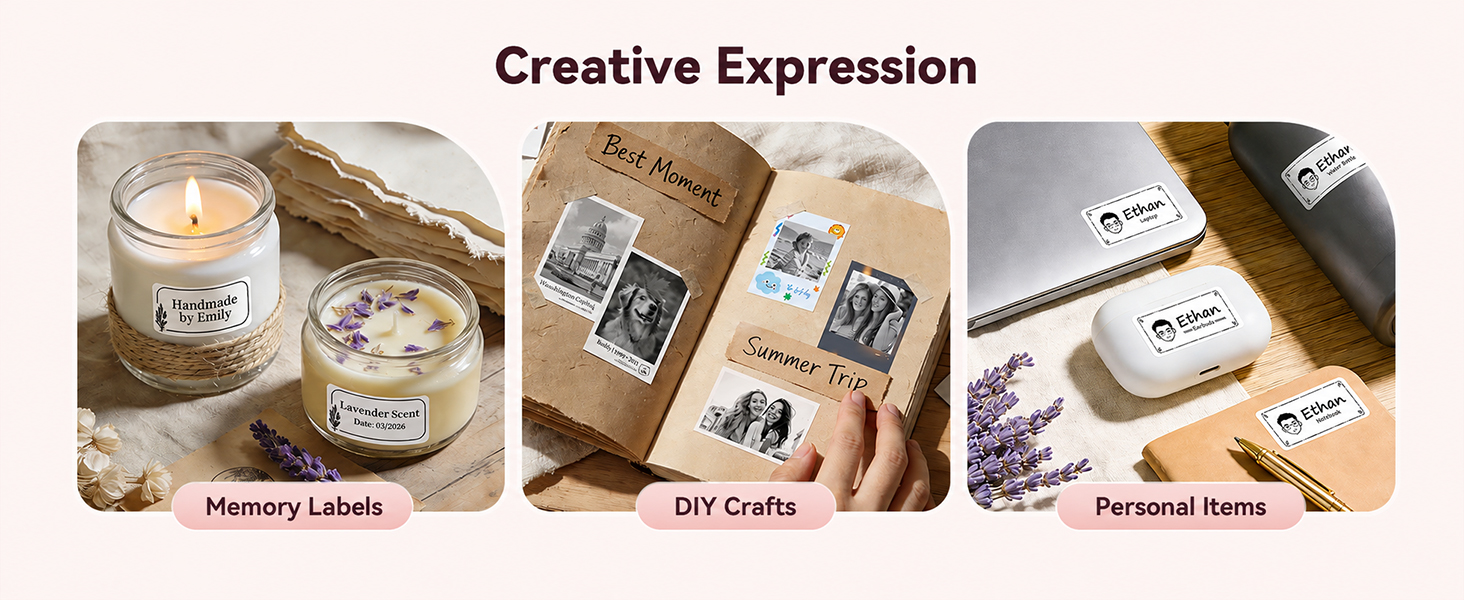
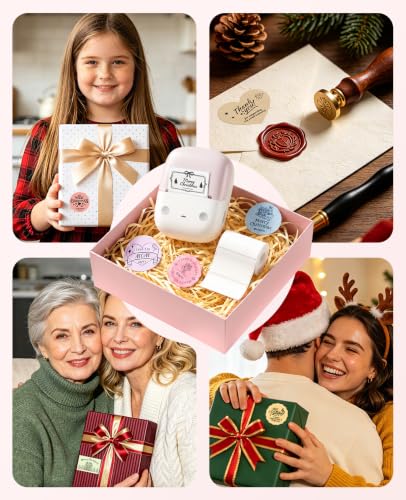
But you definitely don’t have to use it strictly for boring organizational labels either. You can make cute “Thank You” stickers for packages or gifts, personalized stickers, decorative labels, and all sorts of other things. The more I play around with the app, the more ideas I come up with.
I also really appreciate that I don’t have to drag out a regular printer, load sticker paper, design an entire sheet, print it, and then cut everything apart just because I want one or two labels. With this, I can design exactly what I want on my phone and have a finished sticker in seconds.
For anyone who loves organizing, crafting, designing, small business packaging, or just putting cute labels on everything, this thing is dangerous—in the best possible way!
I honestly can’t say enough good things about it. It’s cute, portable, easy to use, prints incredibly fast, doesn’t require ink, and the ability to change label sizes makes it much more versatile than I expected.