MFi Certified 256GB iPhone Photo Stick, High-Speed USB Flash
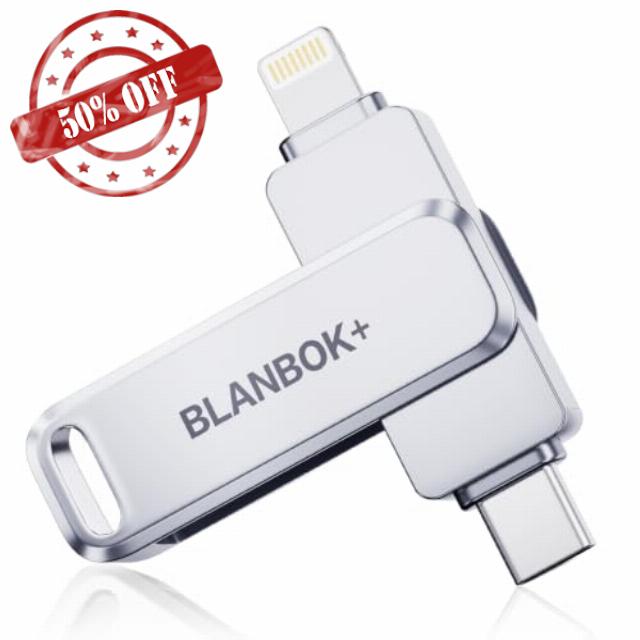
MFi Certified 256GB iPhone Photo Stick, High-Speed USB Flash Drive Memory Storage for Video Backup, Compatible for iPhone/iPad/Android/PC (Silver)
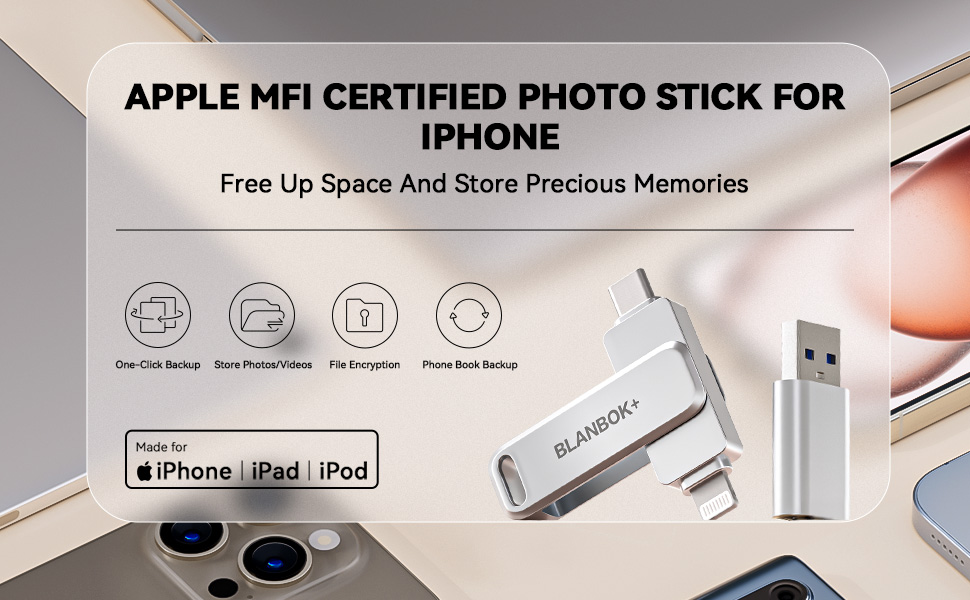
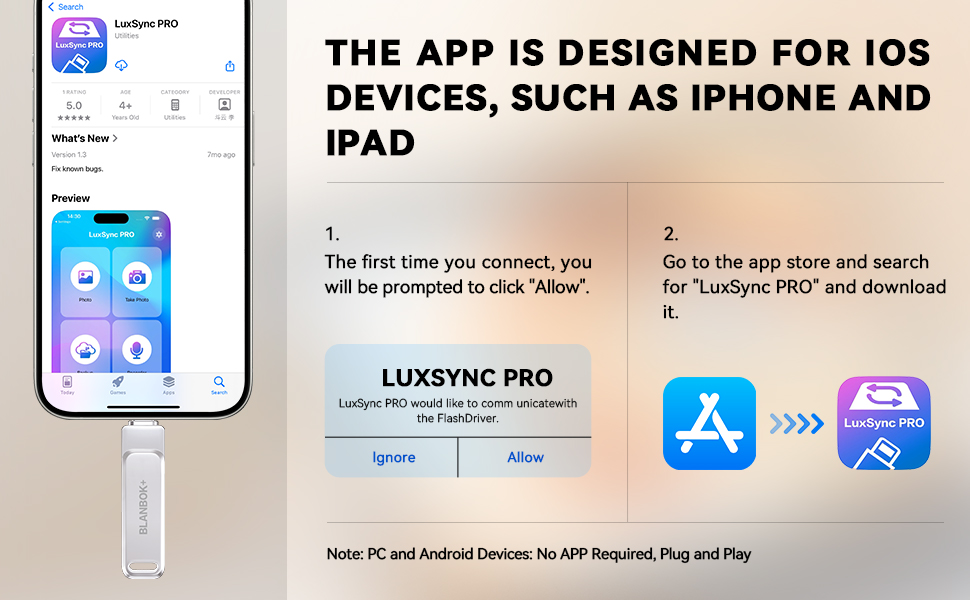
- Convenient & Easy to Use: This MFi-certified 256GB/512GB iPhone flash drive lets you back up photos, videos, and phone book directly from your phone with just one tap using the dedicated app. You can also transfer files to your computer via the USB port for double-layer data protection. (Note: For iPhone/iPad, download the "LuxSync PRO" app from the App Store. For Android, simply enable OTG—no extra app required.)
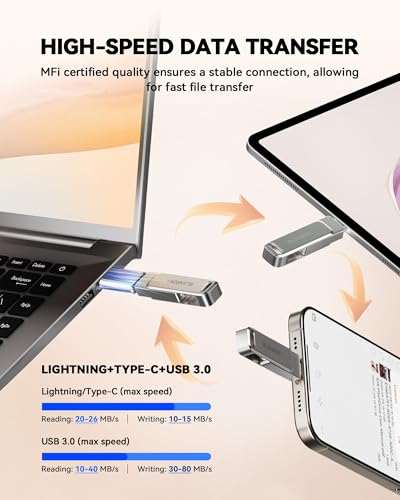
- Fast Data Transfer: Equipped with a high-speed interface and premium flash memory chips, this photo stick ensures quick transfers of large files, high-resolution photos, and HD videos. It’s built to resist high temperatures, water, dust, shocks, and magnetic interference, and includes a convenient keychain design so you can carry it safely wherever you go.
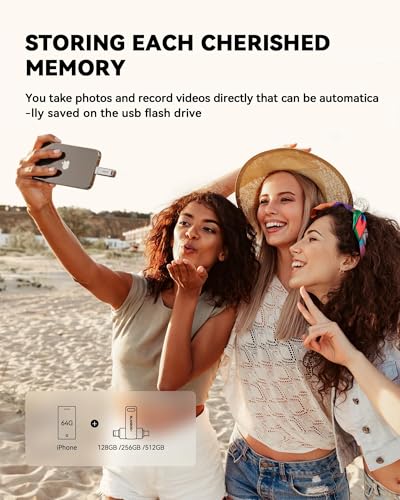
- Ample Document & Photo Storage: With 256GB/512GB of storage and Lightning/Type-C/USB connectivity (adapters included), this storage stick lets you easily move files across devices—no cables, iTunes, or iCloud needed. Keep your important photos and documents secure and accessible, and never worry about running out of iPhone storage again.
- Free Up Phone Space: Compatible for iOS 12.1+, OTG Android phones, and computers, this memory stick helps you offload unused or large files to free up valuable space. Enjoy a faster, smoother iPhone and make room for new apps, photos, and data.
- Your Data, Under Your Control: Keep your sensitive files secure with the option to encrypt the entire drive or selected folders through the companion app. We stand behind our product—if you have any questions, our support team is always ready to assist. Note: The actual available capacity may vary from the labeled 256GB/512GB due to differences in how devices calculate storage (1GB = 1,000MB by manufacturers vs. 1GB = 1,024MB by operating systems).
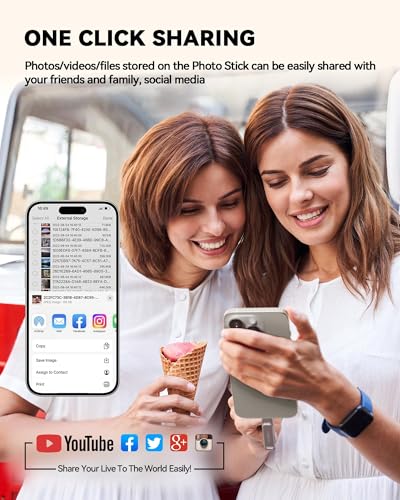
BLANBOK+ MFi Certified Memory Stick – Enables easy data sharing among different devices.
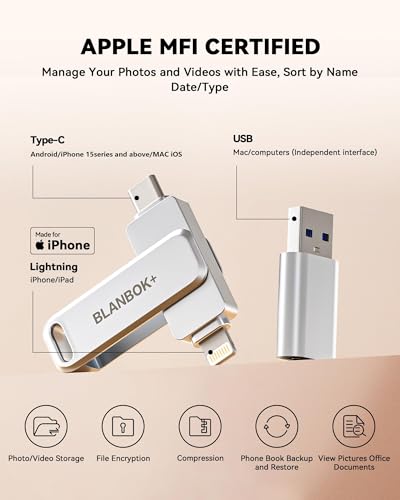
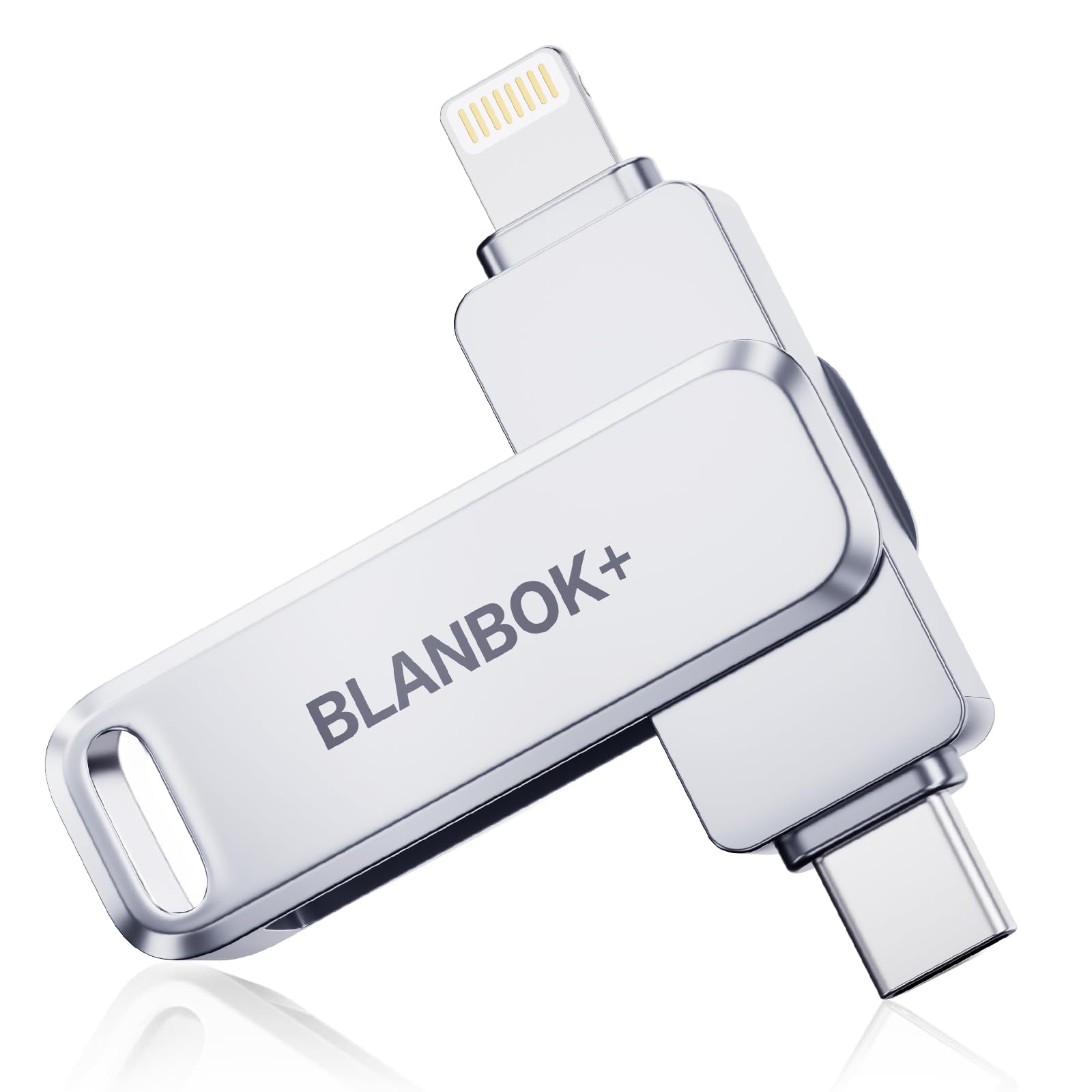
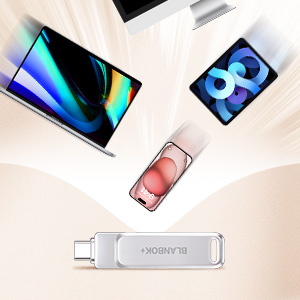
- The BLANBOK+ photo stick has versatile interfaces (lightning, Type C, and USB A with an adapter), ensuring compatibility with iPhone, iPad, OTG Android, PC, and devices with standard USB ports. This simplifies data transfer between devices for easy sharing.
- Compact and Portable: The iPhone storage flash drive measures just 2.5 * 0.5 * 0.3 inches, making it small, exquisite, and easy to carry wherever you go.
Sleek and Tough Metal Casing
This type c flash drive has a sleek and stylish metal casing, making it perfect for on-the-go use. Its durability ensures maximum protection for the internal chips and data. The lightweight design allows for easy portability, whether it's in a pocket, on a keychain, or in a bag. It's perfect for everyday use, work, or travel.
Dual Chip Design
The dual-chip design of the usb c thumb drive allows for simultaneous reading and writing of data, improving transfer speed. Compared to traditional single-chip designs, the dual-chip design allows for faster transfer of large amounts of data and enhances the durability of the pendrive.
One-Click Backup
With BLANBOK+ usb drive 256gb, you can easily backup and manage files without relying on iTunes. Using our mobile app, you can conveniently manage files, phone book, photos, and videos on your phone and quickly backup them to mini flash drive, saving storage space on your phone. Additionally, you can share files on the usb thumb drives and store your captured videos, photos, or favorite movies on the 256GB flash drive for direct viewing.
High Compatibility
The usb c storage flash drive supports the read and storage of various file formats, including documents, photos, videos, and audio, which can be easily stored and backed up on the USB drive. It supports the following systems – iOS 12.1 or higher versions, MacOS, Windows, and Android.
Protect File Privacy
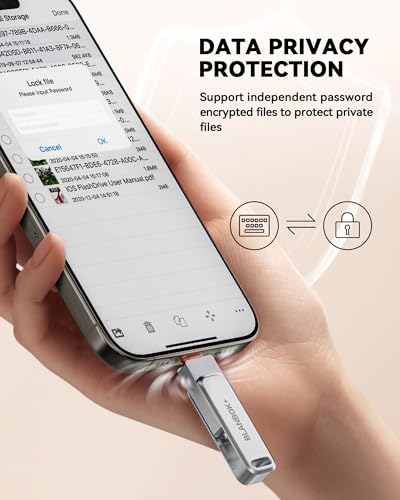
The BLANBOK+ iPhone photo transfer stick includes a dedicated password and Touch ID feature for encrypting file information within the app. Setting a password or utilizing Touch ID helps safeguard your private files from theft or leaks.
More Storage Space for Your iPhone
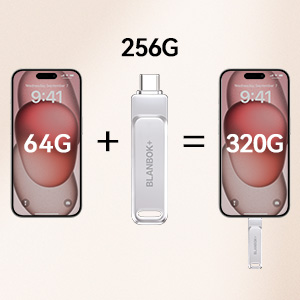
Expand storage effortlessly: With a memory stick for iphone, you can easily store files externally and free up space on your phone. Whether it's photos, videos, documents, or music, you can conveniently store and access them anytime. Enjoy a lighter phone and more freedom in your life.
Remarks:
1.To use the encrypted flash drive on your iPhone or iPad, you need to download the app "LuxSync PRO" from the App Store. In case the iphone storage flash drive is not recognized by your phone, uninstall the "LuxSync PRO" app, restart your phone, and manually download the app again from the App Store.
2.If you have previously backed up files on iCloud, you will need to download the files to your phone or iPad from iCloud and then copy them to the USB flash drive.
3.The usb storage flash drive is only compatible for Android phones that have the OTG function. You can find the external USB storage in the "File Manager" app on your phone. If your phone doesn't work, you need to open the phone settings to enable the OTG connection.
Please Note:
1.Media files downloaded from iTunes or other third-party applications cannot be transferred or viewed due to digital rights management protection.
2.For small-capacity lightning flash drives that have better compatibility, the preferred format is FAT32. For large-capacity USB flash drives, it is recommended to use exFAT format. If the photo storage device is unable to transfer files, you can convert the format from FAT32 to exFAT by formatting. However, remember to save the files before formatting to prevent data loss.
3.After using the photo stick, ensure that you turn off any apps related to the iphone thumb drive and gently unplug the usb jump drive to prevent any damage to the files stored on it.
| Add to Cart | Add to Cart | |||||
| 3.6 out of 5 stars7 | 4.2 out of 5 stars687 | 4.2 out of 5 stars687 | 4.1 out of 5 stars5,932 | 4.1 out of 5 stars5,932 | 4.1 out of 5 stars5,932 | |
| — no data | — no data | — no data | $27.99$27.99 | $28.99$28.99 | — no data | |
| 256GB | 256GB | 256GB | 256GB | 256GB | 512GB | |
| Lightning +Type-C +USB | Lightning +Type-C +USB | Lightning +Type-C +USB | Lightning +Type-C +USB | Lightning +Type-C +USB | Lightning +Type-C +USB | |
| Work with iPhone/iPad/Android/MacBooks/Windows PC | Work with iPhone/iPad/Android/MacBooks/Windows PC | Work with iPhone/iPad/Android/MacBooks/Windows PC | Work with iPhone/iPad/Android/MacBooks/Windows PC | Work with iPhone/iPad/Android/MacBooks/Windows PC | Work with iPhone/iPad/Android/MacBooks/Windows PC |

| SKU: | B0HDNL5GJQ |
| Brand: | BLANBOK+ |
| Model: | BLA2431 |
| Colour: | Silver |
| Manufacture: | BLANBOK+ |
| Colour: | Silver |
Product description

Remarks:
1.To use the encrypted flash drive on your iPhone or iPad, you need to download the app “LuxSync PRO” from the App Store. In case the iphone storage flash drive is not recognized by your phone, uninstall the “LuxSync PRO” app, restart your phone, and manually download the app again from the App Store.
2.If you have previously backed up files on iCloud, you will need to download the files to your phone or iPad from iCloud and then copy them to the USB flash drive.
3.The usb storage flash drive is only compatible for Android phones that have the OTG function. You can find the external USB storage in the “File Manager” app on your phone. If your phone doesn’t work, you need to open the phone settings to enable the OTG connection.
Please Note:
1.Media files downloaded from iTunes or other third-party applications cannot be transferred or viewed due to digital rights management protection.
2.For small-capacity lightning flash drives that have better compatibility, the preferred format is FAT32. For large-capacity USB flash drives, it is recommended to use exFAT format. If the photo storage device is unable to transfer files, you can convert the format from FAT32 to exFAT by formatting. However, remember to save the files before formatting to prevent data loss.
3.After using the photo stick, ensure that you turn off any apps related to the iphone thumb drive and gently unplug the usb jump drive to prevent any damage to the files stored on it.
 MFi Certified 256GB iPhone Photo Stick, High-Speed USB Flash Drive Memory Sto… MFi Certified 256GB iPhone Photo Stick, High-Speed USB Flash Drive Memory Sto… | 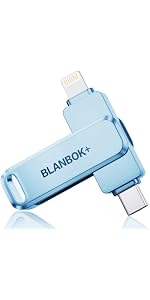 MFi Certified 256GB iPhone Photo Stick, High-Speed USB Flash Drive Memory Sto… MFi Certified 256GB iPhone Photo Stick, High-Speed USB Flash Drive Memory Sto… | 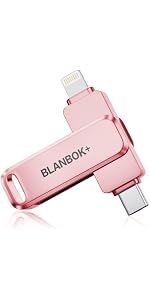 MFi Certified 256GB iPhone Photo Stick, High-Speed USB Flash Drive Memory Sto… MFi Certified 256GB iPhone Photo Stick, High-Speed USB Flash Drive Memory Sto… | 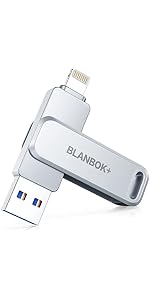 MFi Certified 256GB Flash Drive for iPhone Photo Stick, USB Memory Stick High… MFi Certified 256GB Flash Drive for iPhone Photo Stick, USB Memory Stick High… | 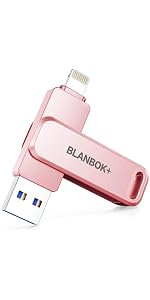 MFi Certified 256GB Flash Drive for iPhone Photo Stick, USB Memory Stick iPho… MFi Certified 256GB Flash Drive for iPhone Photo Stick, USB Memory Stick iPho… |  Apple certfiied 512GB photo stick for iPhone Apple certfiied 512GB photo stick for iPhone | |
|---|---|---|---|---|---|---|
| Customer Reviews | 3.6 out of 5 stars7 | 4.2 out of 5 stars687 | 4.2 out of 5 stars687 | 4.1 out of 5 stars5,932 | 4.1 out of 5 stars5,932 | 4.1 out of 5 stars5,932 |
| Price | — no data | — no data | — no data | $27.99 | $28.99 | — no data |
| Storage Volume | 256GB | 256GB | 256GB | 256GB | 256GB | 512GB |
| Connectors | Lightning +Type-C +USB | Lightning +Type-C +USB | Lightning +Type-C +USB | Lightning +Type-C +USB | Lightning +Type-C +USB | Lightning +Type-C +USB |
| Suitable for | Work with iPhone/iPad/Android/MacBooks/Windows PC | Work with iPhone/iPad/Android/MacBooks/Windows PC | Work with iPhone/iPad/Android/MacBooks/Windows PC | Work with iPhone/iPad/Android/MacBooks/Windows PC | Work with iPhone/iPad/Android/MacBooks/Windows PC | Work with iPhone/iPad/Android/MacBooks/Windows PC |
Compatible iPhone 15
Cl en mtal 2 en 1, avec une connectique usb A d’un ct, et Lightning de l’autre ct.
Un adaptateur usb A vers usb C est fourni, qui permet l’utilisation dans mon cas sur un iPhone 15 pro.
Via l’appli, il y a la possibilit de sauvegarder les photos, vidos, contacts, mais galement de filmer directement en utilisant le stockage de la cl.
User Friendly Operatio
The Blanbok Drive arrived promptly the next day and worked perfectly out of the box.
I easily moved files from my iPhone to the Blanbok without the use of the included instructions.
This is a well made beautiful drive with a metal casing that protects it’s data.
I’m really enjoying how simple it is to connect this flash drive to my phone and transfer photos. The LuxSync PRO app makes everything seamless — I can back up my pictures and videos with just one click, and it instantly frees up space on my iPhone. The data transfer is super fast, and I love that I can also plug it into my laptop to double-save everything. Definitely one of the most convenient and user-friendly storage solutions I’ve used!
Beau design et pratique
A ma grande surprise, j’ai reu cette cl 2 en 1 dans une trs belle bote, ce qui donne une image trs haut de gamme. Je m’en sert pour sauvegarder aussi bien les donnes sur mon iPad que sur mon PC qui a un port de type C. Une seule cl pour 2 appareils diffrents. Encombrement minimum! Je recommande +++
This is a neat little device. I have looked and looked (and bought) some earlier devices that said they would do what this one really does. I am quite happy with its ability to copy photos via the lightning connector on my iPhone and then, through its USB connector, allow those photos to be quickly placed on my computer. Despite the negatives listed below, I would still buy this little device!
Now the rest of the story…… These are the negatives so hang on. The instructions are VERY poorly translated to English, and they leave out some steps too. I devoted several hours in trying to piecemeal things to arrive at the REAL instructions. Finally figured it out, and then hand wrote my own set of instructions. This is the only negative to the Blanbok+ device. So, be prepared to wade through it and then write out your own corrections and additions to the poorly (no, make that awfully) worded instructions. Now, once you have done all that, the Blanbok+ is quite easy to use.
I couldn’t be happier with my recent purchase of the MFi Certified 128GB Flash Drive for iPhone! This little device has been an absolute lifesaver for managing my photos and files. The build quality is fantastic, and its compact size makes it super convenient to carry around.
The ease of use is what really sets this flash drive apart. The plug-and-play functionality worked seamlessly with my iPhone, and the MFi certification gives me peace of mind knowing it’s fully compatible and safe to use. The transfer speeds are impressively fast, both for backing up my photos and for moving files between my phone and computer.
It’s so satisfying to free up space on my phone without having to rely on cloud storage or Wi-Fi. I can now keep all my photos, videos, and documents in one secure place while still having plenty of room to spare.
If you’re looking for a reliable, high-quality flash drive for your iPhone, this is the one! Highly recommended for anyone who needs extra storage or wants to back up their important files.
Hochwertiger Multi USB Stick
Die Verpackung muss einfach Mal erwhnt werden – man hat das Gefhl, man packt ein neues Handy aus! Hammer. Der Stick selbst fhlt sich sehr hochwertig an – der Lightning Anschluss ist fr mich eine absolute Neuheit, habe ich noch nirgends gesehen und mit Samsung Handy und iPad kann ich nun Bilder transferieren. Fr USB C gibt es leider einen Adapter, wenn der Stick Lightning und USB C dran htte, wre es wohl praktischer, aber dafr ziehe ich keinen Punkt ab, denn das wusste ich ja vorher.
Die Betriebsanleitungen ist mit Screenshots bebildert! Hammer!