KingSpec 1TB M.2 NVMe Gen3 SSD 2280, 3500MB/s Read Speed
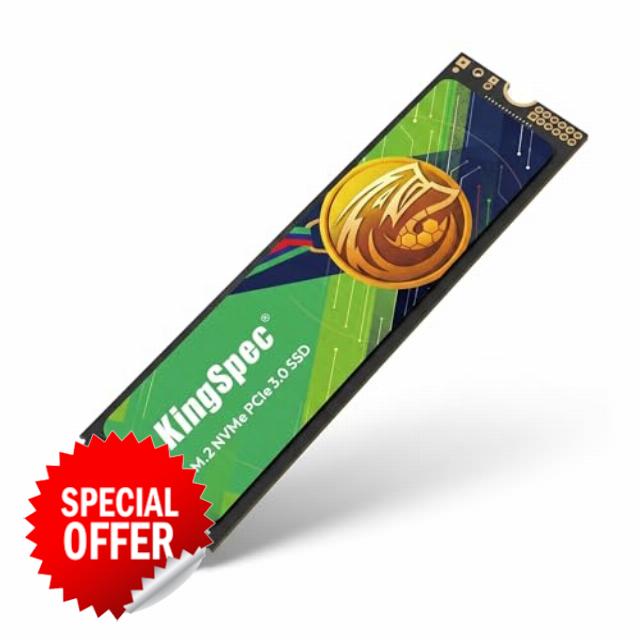
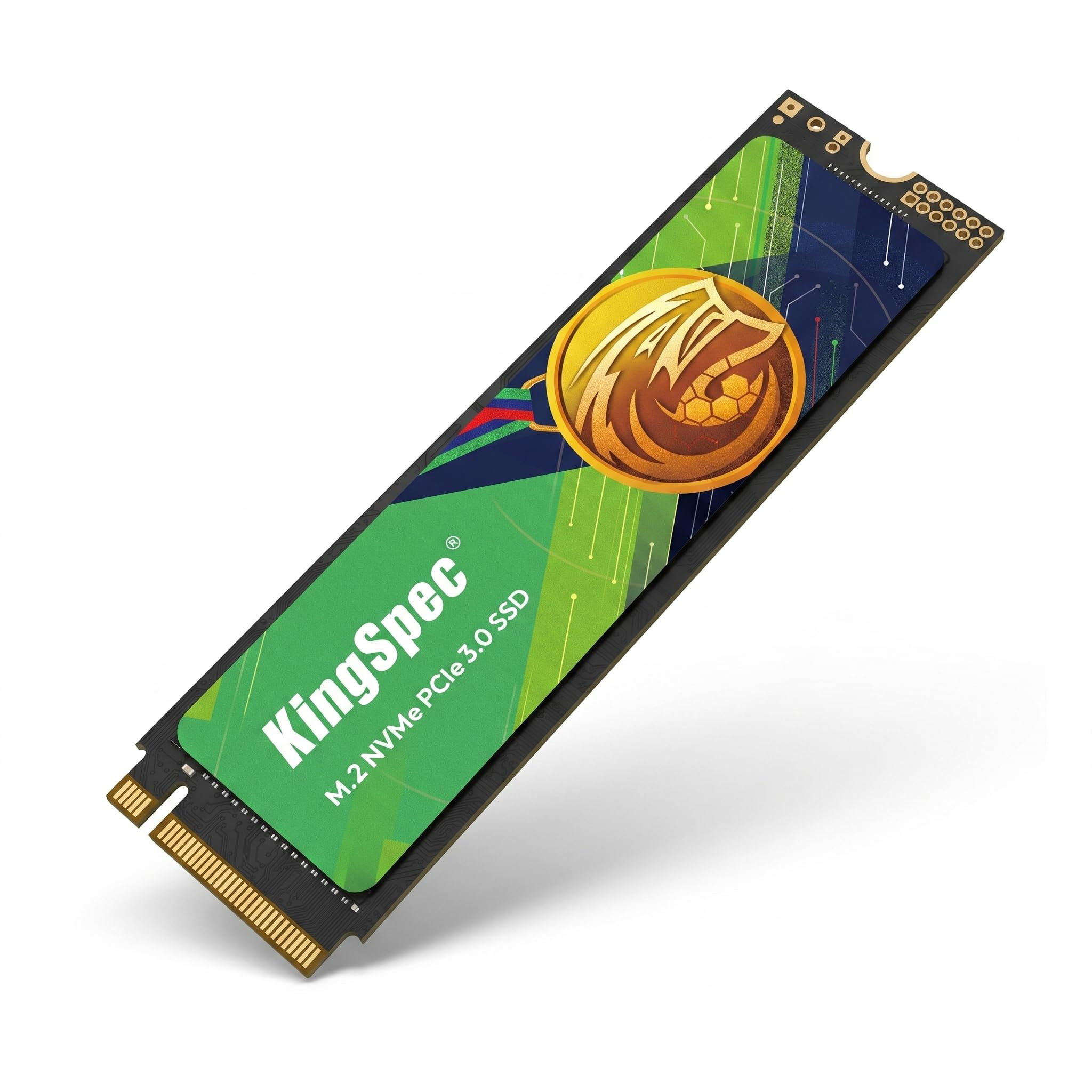
KingSpec 1TB M.2 NVMe Gen3 SSD 2280, 3500MB/s Read Speed, for Laptop PC PCIe 3.0 Internal Solid State Drives, 3D NAND Flash, Ideal for Soccer Season Gaming, video editing, fast boot & upgrades
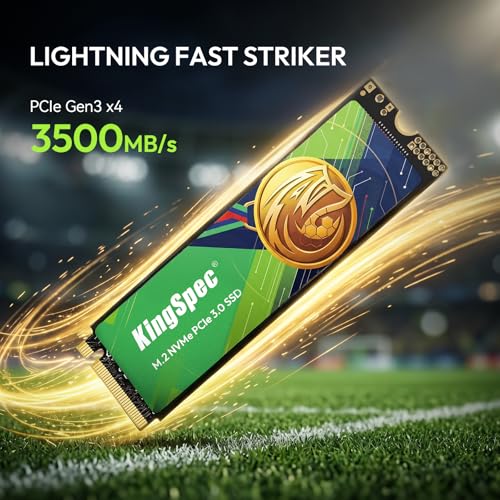
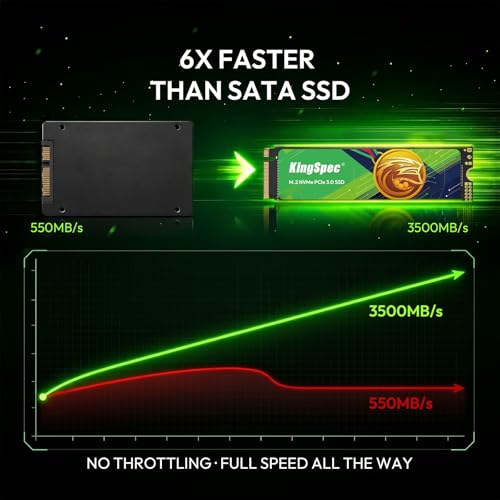
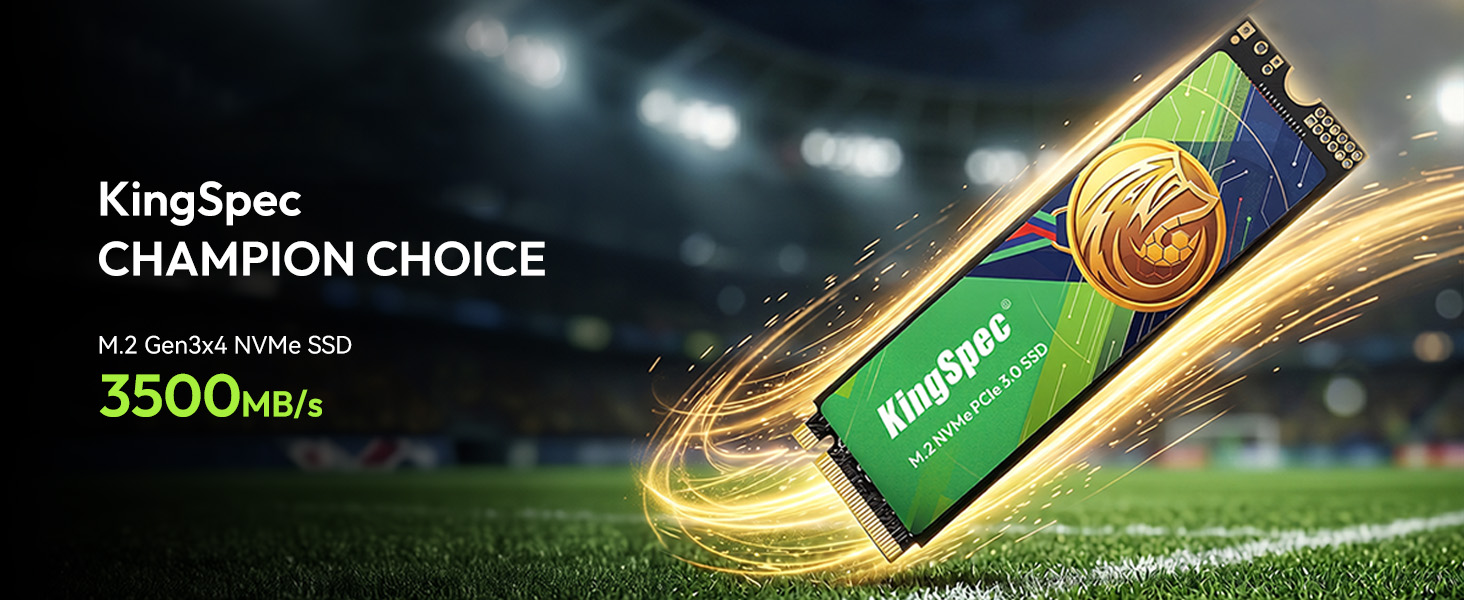
- Massive 2TB Capacity & Blazing 3500MB/s Speed: This 2TB NVMe SSD drive features 3D NAND flash with sequential read speeds up to 3500MB/s (PCIe Gen3 x4). In real use, it runs 6x faster than a typical SATA SSD and 20x faster than an HDD. That means you can transfer a 20GB 4K soccer replay in just 6 seconds, boot Windows in 8 seconds, cut game loading times in half, and store 50+ AAA games, 500,000 photos, or 200 hours of 4K video
- Built for soccer season & instantly upgrade your media PC: Optimized for home theater PCs, streaming devices, and living room computers, this 2TB M2 SSD holds entire tournament replays, 4K highlights, and complete match libraries with zero buffering. Turn an old computer into the ultimate soccer – season viewing machine – connect it to a projector or big – screen TV, jump back to any moment instantly, and keep your console storage free
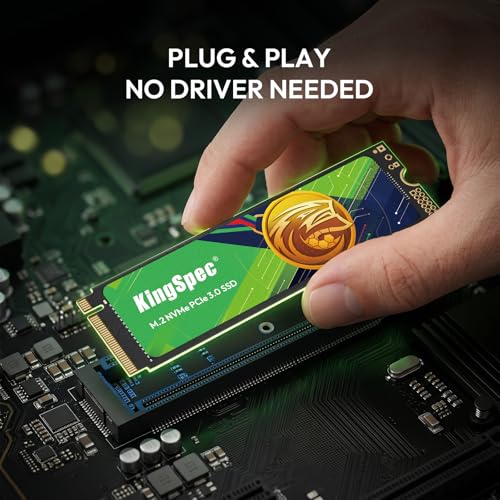
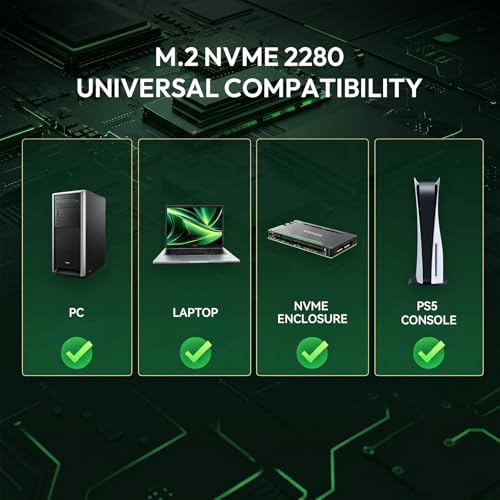
- Tool-Free Installation & Universal M.2 Compatibility: Designed for easy DIY upgrades in any laptop, desktop, or mini PC with an M.2 2280 NVMe slot (PCIe 3.0). No extra cables, drivers, or brackets needed – just plug and play. Clone your old drive in minutes using free migration software (download available on official site). Works perfectly with Windows, Linux, and ChromeOS
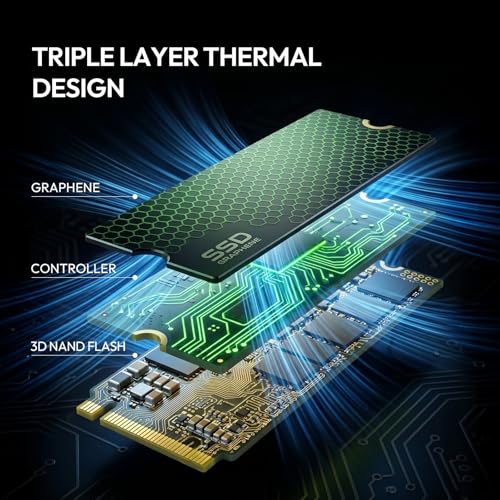
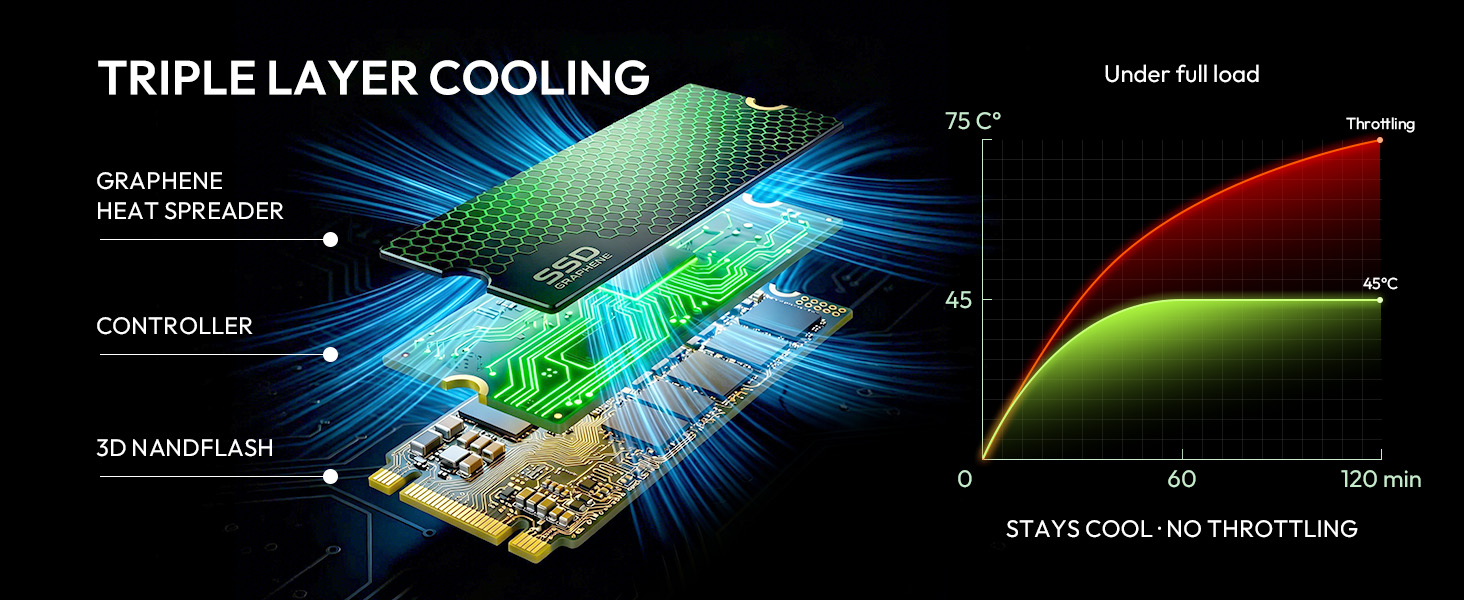
- Enhanced Heat Dissipation & Long-Lasting 3D NAND: Built with advanced thermal throttling technology and a low-power controller to prevent overheating under sustained gaming sessions. The high-quality 3D NAND flash memory delivers up to 1.5 million hours MTBF, ensuring stable performance for marathon gaming, video editing, and 24/7 server use. No extra heatsink required in most laptops
- 3-Year Warranty & Advanced Data Protection: Each drive undergoes rigorous testing with wear-leveling, and bad-block management algorithms. Enjoy stable performance with low latency and high IOPS for demanding applications. Backed by KingSpec’s 3-year limited warranty and free technical support – upgrade your system with confidence
Will this NVMe SSD fit my laptop or desktop, and does it work with my motherboard?
Fits most M.2 M-key slots with NVMe support. PCIe Gen3 x4, also works in Gen4 slots at Gen3 speed. It's not compatible with PS5 consoles. Check your device's M.2 type and protocol before buying.
How much faster is this than a regular SATA SSD or an old hard drive for gaming?
Up to 3500/3000 MB/s read/write. About 6-7x faster than SATA SSD, 30x vs HDD. Loads games, boots system, transfers large files noticeably quicker.
Is a heatsink really necessary, or will it thermal throttle under heavy use?
Not required for everyday use. For sustained workloads, use your motherboard's M.2 cover. The drive auto-throttles if temps get too high to prevent damage.
My new drive isn’t showing up in Windows. What are the first steps to fix this?
Go to Disk Management > initialize & format it. If still not visible, re-seat the drive, enable NVMe in BIOS, or update chipset/storage controller drivers.
How can I transfer my existing Windows and files over to this new SSD?
Use free cloning software (e.g., Macrium Reflect). Connect SSD as secondary, clone all partitions, then switch boot order in BIOS. Backup important data first.

| SKU: | B0H2H4B1GX |
| Weight: | 18.14 g |
| Size: | 1 TB |
| Brand: | KingSpec |
| Manufacture: | KingSpec |
| Size: | 1 TB |
Product description

Will this NVMe SSD fit my laptop or desktop, and does it work with my motherboard?
Fits most M.2 M-key slots with NVMe support. PCIe Gen3 x4, also works in Gen4 slots at Gen3 speed. It’s not compatible with PS5 consoles. Check your device’s M.2 type and protocol before buying.
How much faster is this than a regular SATA SSD or an old hard drive for gaming?
Up to 3500/3000 MB/s read/write. About 6-7x faster than SATA SSD, 30x vs HDD. Loads games, boots system, transfers large files noticeably quicker.
Is a heatsink really necessary, or will it thermal throttle under heavy use?
Not required for everyday use. For sustained workloads, use your motherboard’s M.2 cover. The drive auto-throttles if temps get too high to prevent damage.
My new drive isn’t showing up in Windows. What are the first steps to fix this?
Go to Disk Management > initialize & format it. If still not visible, re-seat the drive, enable NVMe in BIOS, or update chipset/storage controller drivers.
How can I transfer my existing Windows and files over to this new SSD?
Use free cloning software (e.g., Macrium Reflect). Connect SSD as secondary, clone all partitions, then switch boot order in BIOS. Backup important data first.
works grea
This 512GB NVMe SSD is an excellent upgrade for anyone looking to improve the performance of an older desktop or laptop without spending a lot of money. Installation was quick and straightforward, and once installed, the difference in overall system responsiveness was immediately noticeable. Boot times are much faster, applications open quickly, and everyday tasks feel much smoother.
The drive delivers solid performance for a PCIe Gen3 SSD. Large files transfer quickly, programs load without long wait times, and it handles everyday computing with ease. Whether you’re browsing the web, editing documents, or managing photos and videos, it provides the speed needed to keep everything running efficiently.
I also found it to be a great option for gaming. Games load much faster than they do from a traditional hard drive, and level transitions are noticeably shorter. While it isn’t the fastest NVMe drive on the market, it offers more than enough performance for most gamers and everyday users without paying premium prices.
The overall build quality feels good, and the drive operated reliably throughout testing. It remained stable during large file transfers and extended use without any noticeable slowdowns. The 512GB capacity is also a nice middle ground, providing enough room for Windows, applications, and a healthy library of games or files.
For anyone building a budget PC or upgrading an older system, this drive offers excellent value. It provides a significant improvement over SATA SSDs and mechanical hard drives while remaining affordable. It’s also compatible with a wide variety of desktops and laptops that support M.2 PCIe Gen3 drives.
Overall, this is a dependable and well-performing SSD that offers a great balance of speed, capacity, and value. If you’re looking for an affordable way to make your computer feel faster and more responsive, this drive is an excellent choice and an upgrade that most users will notice immediately.
Solid NVMe Drive for Everyday Work & Gaming
got this SSD to upgrade my old laptop that was beginning to feel slow and sort of worn down. It was so easy to install it (right in the M.2 slot) and the system picked it up right away. No weird configs or anything. The speed improvement was the first thing I noticed. My laptop boots in like 6–7 seconds now, compared to almost a minute before. Apps open fast, and even big files load smoother. I play some light gaming (nothing crazy, just casual stuff during soccer season breaks), and the SSD helped a lot with loading times. It doesn’t make my laptop a gaming machine, but it does make it feel faster and more responsive. The advertised read speed of 3500MB/s seems pretty accurate based on the tests I ran. I am not a pro benchmark guy, but the numbers looked close and the realworld performance matches it. Copying large folders is way quicker now. I also like that the drive stays cool. I touched the area after running some heavy tasks and it wasn’t burning hot like my old SATA SSD used to get. Build quality is good too. The SSD feels solid and not cheap or flimsy. You can tell it fits perfectly in the slot so it didn’t wiggle or anything. I have been using it for a few weeks now and not a single crash, freeze, or weird noise has ever happened. Everything just works perfectly.
Fast, Easy Upgrade for an Older PC
I installed this 512GB NVMe SSD in an older desktop that still supported PCIe Gen3, and the upgrade made a noticeable difference in everyday performance. Windows booted much faster, applications opened quickly, and game loading times were significantly shorter than with the SATA SSD I was replacing.
Installation was straightforward, and the drive was recognized immediately by the BIOS. After formatting and installing the operating system, I ran a few file transfers and everything felt responsive. For everyday tasks like web browsing, office work, and gaming, I didn’t notice any performance bottlenecks.
The drive stayed reasonably cool during normal use, although I paired it with the motherboard’s built-in M.2 heatsink. If you’re planning to do long file transfers or heavier workloads, a heatsink is probably worth using if your system doesn’t already have one.
The only reason I’m giving it 4 instead of 5 stars is that while performance has been solid so far, I haven’t owned it long enough to comment on long-term durability. That said, it has performed reliably during the first several weeks of use with no disconnects or errors.
Overall, this is a good value Gen3 NVMe SSD for anyone looking to speed up an older laptop or desktop without spending a premium. It’s a noticeable upgrade over SATA storage and offers plenty of performance for everyday computing and gaming.
Pay attention to what generation nvme is supported by your motherboard to make the most of this
I was upgrading the storage on my Acer Nitro from 2020. Its motherboard only supports Gen 3 NVME and older so this was a very efficient and effective upgrade for the money. I would not recommend this as a boot drive or anything for a more modern machine from 2026 since you might as well splurge for a more current generation, but it is fast and works just fine so far for my 2020 machine.
super fast storage upgrade
Got this solid state drive because I was running completely out of room on my main computer and needed a quick storage upgrade. It was incredibly easy to install since it just slides right into the motherboard slot and my operating system recognized it immediately after a quick format. I use my machine for a decent amount of gaming and editing large videos and the read speeds on this thing are pretty darn impressive compared to my older drives. Everything boots up instantly and transferring massive files takes seconds which is a huge timesaver for me. As far as the build quality goes, the stick itself feels really solid with a rigid circuit board that did not flex or feel brittle when I was pushing it into the slot. It also manages heat surprisingly well since I have not noticed any slowdowns even during my longest gaming sessions. I have no qualms with the construction and fully expect the memory chips on this to hold up for the long haul. It is a fantastic value considering how much speed and space you get in return. Overall this is a highly capable drive that makes upgrading your storage super easy and reliable!
Overall decent quality drive so far, but transfer speed is iffy on large files.
Put this in my laptop as a second drive to store photos and videos from my dive trips on. Overall, it’s a decent drive and works fine. The biggest issue I noticed with it is the transfer speed is hit or miss. It starts transferring fast but seems to slow down significantly after a bit when transferring large video files. I noticed this even more when using Adobe Premier to edit and render videos, it takes noticeably longer to render larger videos directly to this drive than it does my primary name brand drive. This isn’t a huge issue for me personally as I’ve started just rendering directly on my main drive and transferring finished files to this after render and the slower transfer time isn’t an issue as it can move them in the background while I work on other things.