JADENS Dual-Band Wi-Fi 4×6 Shipping Label Printer for Small
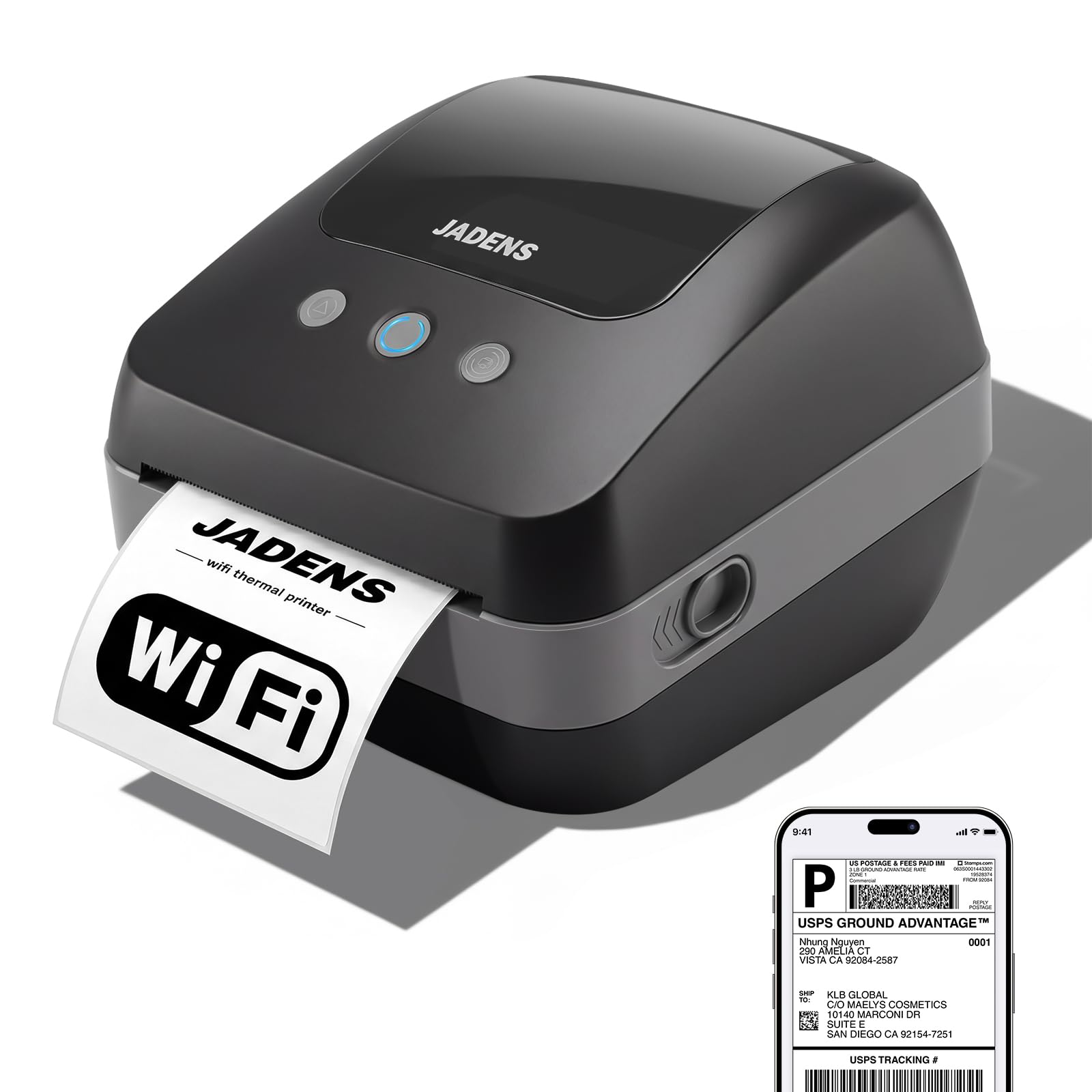
JADENS Dual-Band Wi-Fi 4×6 Shipping Label Printer for Small Business & Home AirPrint Not Supported, Black
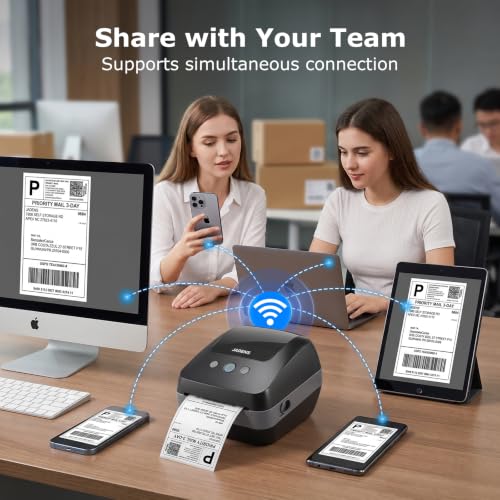
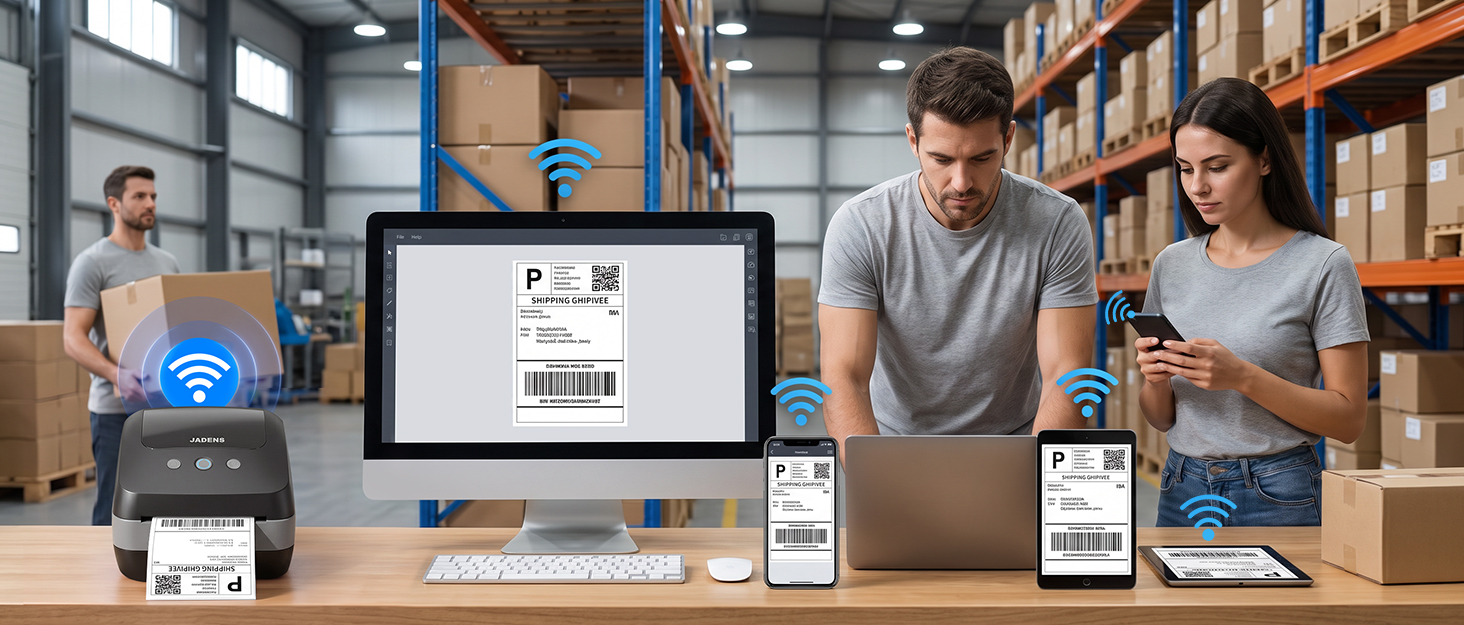
- Dual-Band Wi-Fi & LAN Network Sharing: Easily print from multiple devices (iOS, Android, Windows, Mac) simultaneously with 2.4G/5G Wi-Fi or wired LAN. The built-in smart queueing manages concurrent tasks flawlessly, meaning team members can print at the same time without dropping orders or disconnecting.
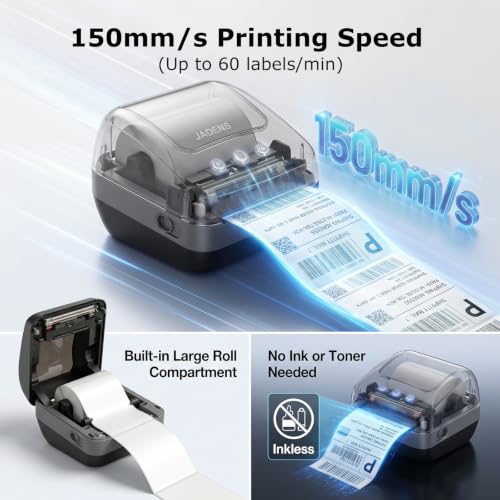
- Blazing Fast 150mm/s Printing: Equipped with an industrial-grade print head to output clear, crisp 203 DPI labels at a rapid speed of 1 second per 4×6 shipping label. No ink, toner, or ribbon is needed, saving you time and long-term operational costs.
- Reversible Core Converter & Built-in Compartment: The patented internal paper holder features dual-side reversible adapters to fit both large and small roll cores (under 20mm and over 20mm). The built-in paper compartment keeps your desktop neat and your labels dust-free.
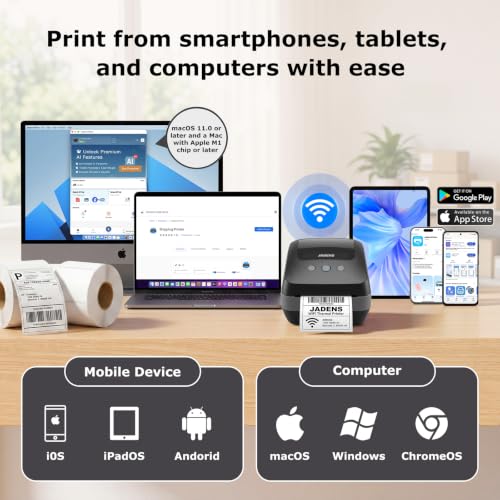
- Wide System Compatibility: Fully supports JADENS App for wireless printing on iOS, Android, and Apple Silicon Mac (M-Series). Easily configure on Windows, Intel-based macOS, and Chromebook via our official drivers and extensions.
- Universal Media & Cost-Saving: Works with any standard 4-inch thermal labels (including 4×6 shipping labels, SKU barcodes, circular stickers, and mailing labels). Free from proprietary cartridge locks to save your business up to 90% in media costs.
From the brand
-
JADENS Suppies
-
JADENS Thermal Printer

| SKU: | B0H4YCQK2P |
| Weight: | 2.6 pounds |
| Brand: | JADENS |
| Model: | JD-410WF |
| Colour: | Black |
| Manufacture: | JADENS |
| Colour: | Black |
From the brand
Reliable
I’ve been using this for shipping packages and it’s made things so much easier. I was a little worried it would be a pain to set up, but it was actually really simple. I like being able to print the labels right from my phone without having to mess with a bunch of cords. The labels come out clear and it prints pretty quickly too. It’s also a nice size and doesn’t take up a ton of space on my desk. Definitely glad I bought it, especially for how much time it saves me when I have several packages to get out.
Great product!
Great little label printer! The WiFi connection is convenient, setup was easy, and it prints clear labels quickly without needing ink. It’s compact, reliable, and perfect for organizing packages, storage, and everyday labeling.
Total lifesaver for my small shop
Setup was a breeze, and the Wi-Fi works flawlessly with my phone and Mac. It prints shipping labels super fast, text is razor sharp, and no ink needed! The built-in roll holder keeps my desk tidy. Absolute workhorse, totally worth every penny.
This appears to be the latest printer from Jadens (at least the FCC certification has July 2026 dates) and it’s a bit of a beast.
In the box we have the printer, a USB A-B cable, an A-C adapter, power adapter, a small sample roll of labels, a manual and a quick-start guide.
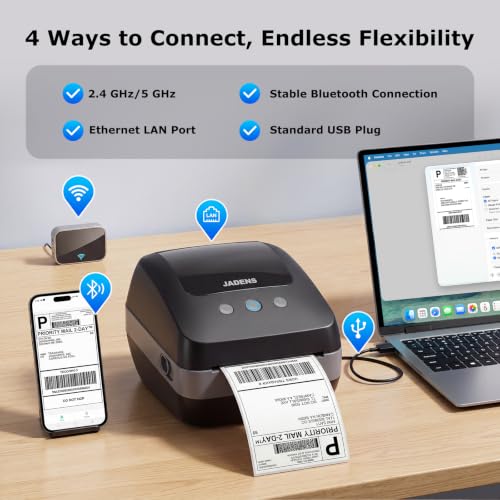
Connectivity wise you can talk to this via Bluetooth, wired network, USB, WiFi 2.4Ghz or WiFi 5Ghz. There are Windows, MacOS, Android and iOS apps from which you can design and print out labels.
For me, setting up was easy; I used the Android app and it found the printer immediately via Bluetooth and let me join it to my network. That was easy. Network wise it just exposes one port (9100). Looking at network traffic it appears to send a PING to an Australian residential IP address at startup (why??) but then doesn’t talk to the internet.
I could not find any way of disabling bluetooth afterwards. This potentially is a security issue; an attacker could connect to your printer and instruct it to print out a tonne of rubbish. Yes they have to be near by but if you’re using this in a store front then that could easily be the case.
The flexibility in network connectivity extends to the internals as well; the paper roll holder is on springs so they will automatically adjust to the width of the labels you put in. And if your roll of labels has a small inside tube then you can flip over the arms to handle the smaller diameter. It’s so flexible that I was able to put in some 2.25″ point-of-sales thermal paper (not labels at all) and it accepted it just fine and printed on it. (The rip bar isn’t really designed for continous feed paper, so it doesn’t always tear cleanly, but I don’t hold that against this printer; it was designed for labels with perforations between them).
After loading paper into the printer and closing the lid the printer will try and retrieve any excess and auto-align the label. This should result in less waste.
In use the Android app is “busy”. It definitely wants to be part of your logistics pipeline, as well as advertising to you (other printers, AI, consumables). Jaden don’t just want to sell you a printer, they want to be an ecosystem. To that end the app wants you to also create a cloud account. Fortunuately you don’t need to do any of this; it just becomes an annoyance.
The main use of the app would be to design and print labels, and it works just fine for this even while using it as a “guest” user. You can save designs locally on your device for reprinting without needing the cloud. There are templates provided that you can adjust the designs, or you can create new from scratch. This will print barcodes, QR-codes, text, images… pretty much anything that can fit on a label can be printed (the obvious use case is shipping labels, but it’s not limited to that at all). The app comes with a LARGE selection of clip art for various holidays and events, kids entertainment/learning, AI generated images… even stuff that doesn’t appear to make sense to print on labels… why would you print a maze for kids to solve on a label?
I did not test the Windows app and I don’t have a Mac.
There is no official support for Linux, but you can download CUPS drivers from the Jadens web site; this includes PPDs and a filter. It worked just fine on my Debian 13 install talking over the network. There’s no app or design help, it just lets you print. This filter also really wants to enforce the “label” concept so with my 2.25″ paper the longest I could configure cups was 2.25×5.5″; the result about 23×33 lines; after 33 lines it left a blank line which would normally be the label perforation. You have to use this filter because the communication protocol appears to be proprietary; you just can send text to the network port and have it print, you need to go via the filter.
If the app wasn’t so in your face about really wanting a cloud account and the lack of ability to lock down bluetooth once the device has been set up means I’m only rating this as 4*. The printer functionality is solid and flexible and fast!
The best purchase you can make for your business
I have an eBay business selling cards and have been using a Jadens Bluetooth printer for a few months now. I LOVED that printer, especially because it was pretty affordable at around $60ish, but my biggest gripe was that I could only use it with my phone and I had to go one by one with my labels. The big issue with that is that I’d sometimes miss that I would have somebody place back to back orders that I could have combined (eBay for some reason doesn’t let you combine in the app) and also for some reason you can’t multi select documents in the Jadens app so selecting a packing slip and label for 10-20 orders is incredibly tedious. As my business scaled it became one of my biggest pain points.
Then I found this and OMFG I never knew I could get so excited over a printer. Setup was relatively easy and the power cable from my Bluetooth printer works with this one (keep in mind they’re the same brand, don’t try it if they’re not). The instructions are super comprehensive. My only hiccup was installing the wrong driver twice, but that was absolutely user error and my own impatience. The Jadens site is actually really well organized.
I will say that I couldn’t log into my account on the desktop app for some reason, it kept trying to make me register my product, but wouldn’t let me actually register. That said, you don’t have to log in and can use it as a guest with no issue.
Once logged in it’s easy to use and they give you a roll of labels to start off that is bigger than it looks. Having said that, I recommend the flat labels personally. The label roll is convenient and sits inside the device, but it annoys me how they curl and I prefer the flat labels personally, although you do need a separate holder for those.
Printing is a thousand times faster and easier now that I can do it from my laptop. BUT I can still use my phone just as easily! I use WiFi for my laptop and Bluetooth for my phone so when I get a one off order I can print from my phone and use the laptop for the batch orders.
This is streamlining things so much and is making this side of my business so much better. It doesn’t just print shipping labels though. I also used the software to create little Thank You stickers that I put on cards for a little personal touch and have gotten compliments. Included in the app are also some coloring stickers and some other goodies.
The app is so comprehensive and it amazes me it’s all free honestly. When I first was looking for a thermal printer, I wasn’t sure what to buy because there are so many brands out there and I didn’t want to waste money on some cheap drop shipped brand. I took a chance on Jadens and I am so glad I did.
Prints Clean and Sharp
Really happy with it so far. Setup was easy and the print comes out clean and sharp, even with small details. Great for a small business to print shipping labels.