GBNONPLN Bluetooth Thermal Shipping Label Printer, 4×6
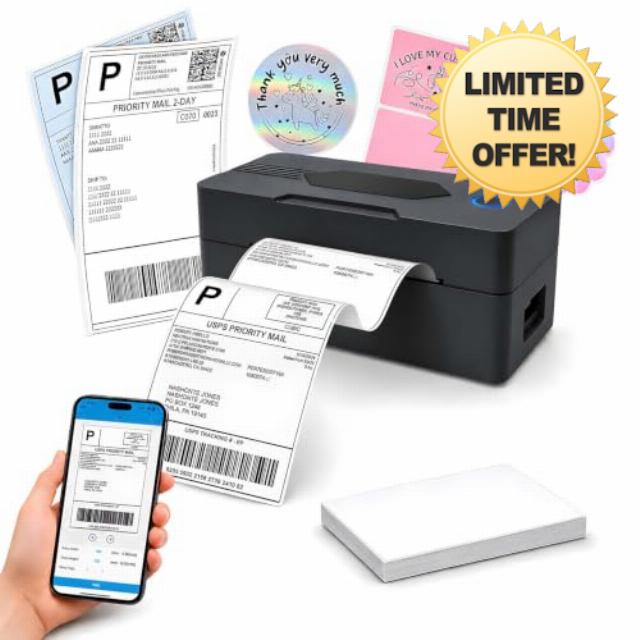
GBNONPLN Bluetooth Thermal Shipping Label Printer, 4×6, Matte Black Wireless, For Small Business, Compatible with Android, iPhone, Windows & Mac, Widely Used for Amazon, Etsy
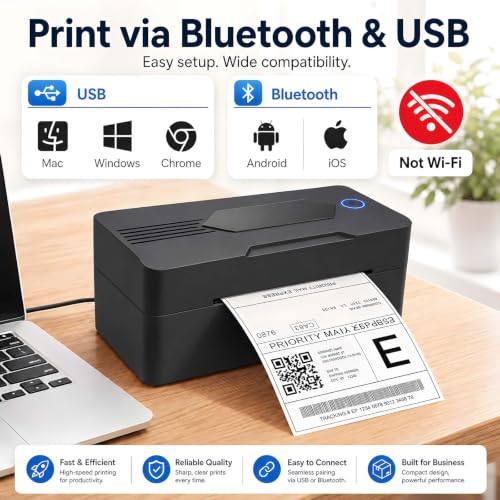
- Bluetooth Printing for Mobile Devices: Connects to compatible iOS and Android mobile devices through the mobile app specified in the user manual. Bluetooth is available for mobile printing only. Wi-Fi is not supported.
- USB Printing for Computers: Connects to Windows and macOS computers using the included USB cable. Install the required printer driver before first use. Bluetooth is not available for computer printing.
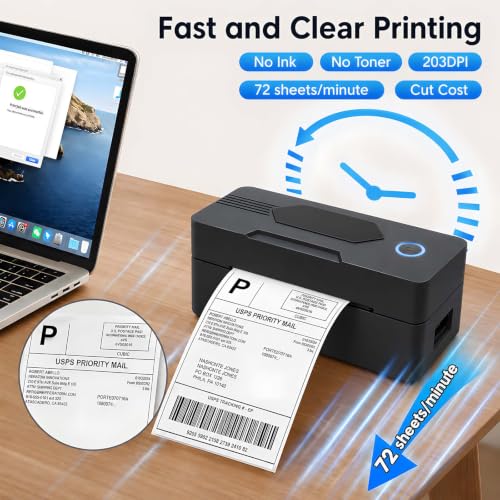
- 203 DPI Direct Thermal Printing: Uses 203 dpi direct thermal technology for shipping, address, barcode, and inventory labels. No ink or toner is required.
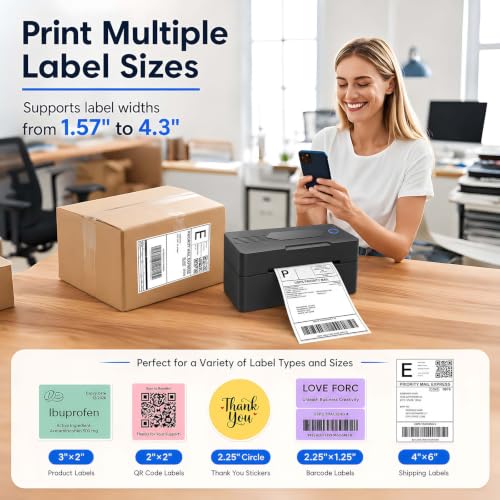
- Print Speed and Label Width: Prints at speeds up to 160 mm/s and supports direct thermal labels from 35 to 104 mm (1.37 to 4.1 inches) wide.
- PDF Label Printing: Save the label file as a PDF before printing. Supports compatible PDF label files from shipping and e-commerce platforms, including 4 x 6 inch shipping labels.
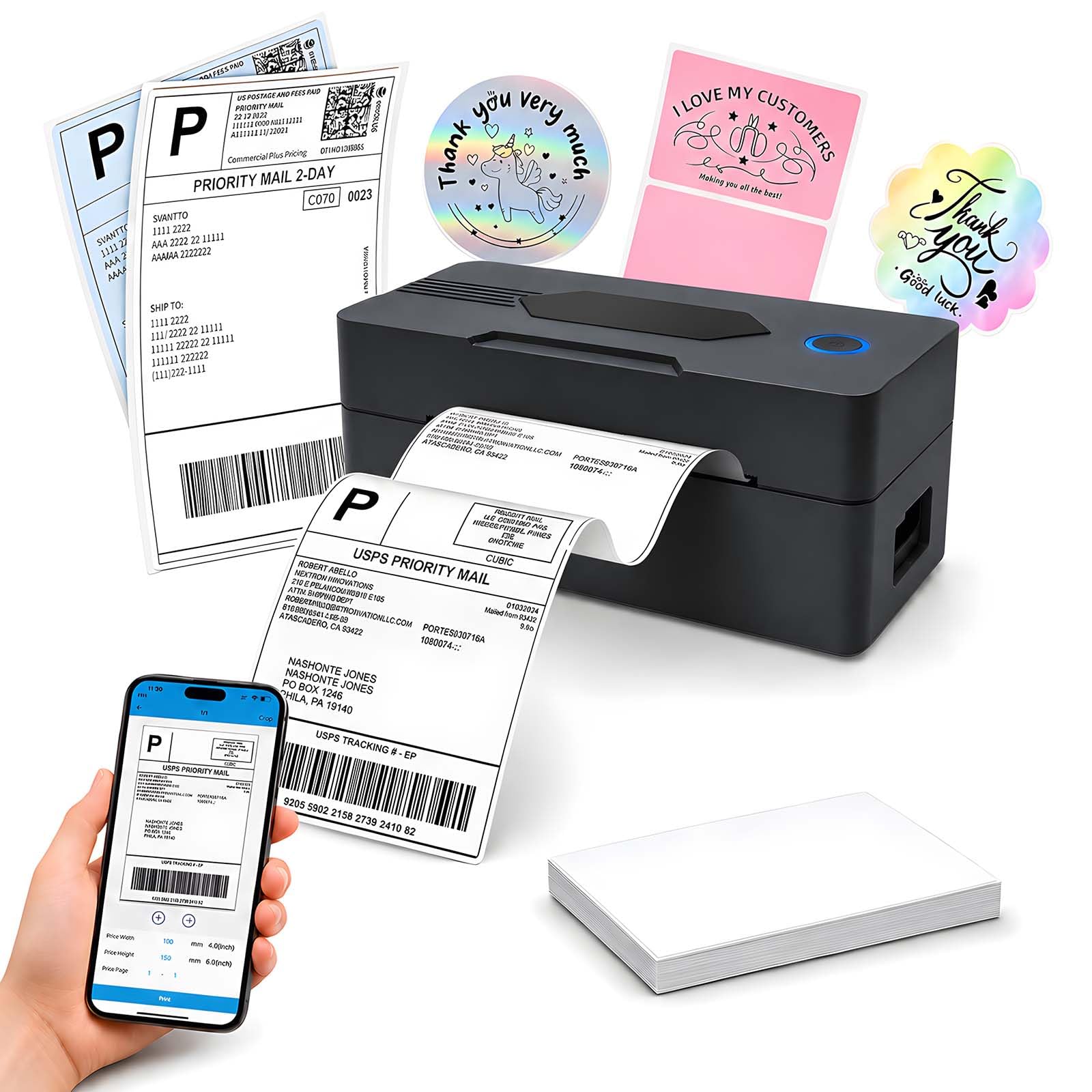
Mobile Printing Step 1: Install the mobile app specified in the user manual: Printed Label for Android devices or Zlabel for iOS devices. Step 2: Turn on the thermal label printer and enable Bluetooth on your phone or tablet. Step 3: Open the app, search for the printer, and complete the Bluetooth connection inside the app. Select the label size and file type, then start printing. Note: Bluetooth pairing must be completed through the app. Wi-Fi is not supported. Computer Printing Step 1: Turn on the thermal label printer and connect it to your Windows or macOS computer using the USB cable. Step 2: Follow the instructions in the user manual to install the correct Model 9270 driver for your computer’s operating system. Step 3: Open the shipping label file, select the printer and label size, and start printing. Note: Computer printing requires a USB connection and the appropriate printer driver. Package Contents 1 Thermal Label Printer 1 User Manual 1 Power Adapter 1 Type-C Cable 30 Test Labels Direct Thermal Printing This 4 x 6 label printer uses direct thermal technology and does not require ink or toner. It prints at 203 dpi and includes automatic label-position adjustment for supported thermal labels.
| SKU: | B0H6YTQJLN |
| Brand: | GNBONPLN |
| Model: | POS-9270 |
| Colour: | Matte Black |
| Manufacture: | GNBONPLN |
| Colour: | Matte Black |
Easy set up, hard trouble aligning labels but figured it out in a snap, good starter amount of labels, print quality is 9/10 for it being a thermal printer, you can print other things too not just labels which I thought was cool, the physical manual wasnt very helpful but the online was so i recommend scanning the qr code. The adhesive is just as good, easy connection, i recommend staying at the 4×6 size as the 4×7 will make your printer start glitching. the size is wonderful for storage and reliability overall is 9/10 aswell.
Works great wish I had bought this before i started selling lol this works great and the app is easy to use and has troubleshooting section plus video, it loads the reverse of what I thought it would but that was me and there instructions quickly straightened my brain up ( read instructions and look at pics ) and it’s an easier experience lol