Bluetooth Thermal Shipping Label Printer, 4×6, White
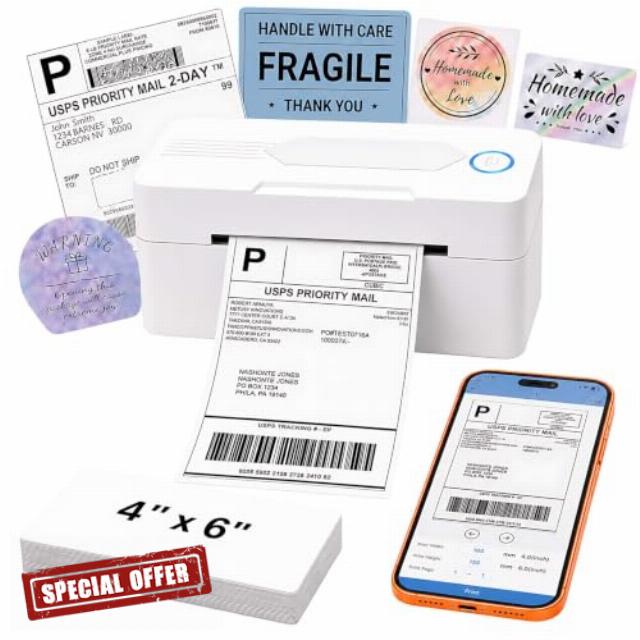
Bluetooth Thermal Shipping Label Printer, 4×6, White Wireless Thermal Label Printer for Small Business, Compatible with Android, iPhone, Windows & Mac
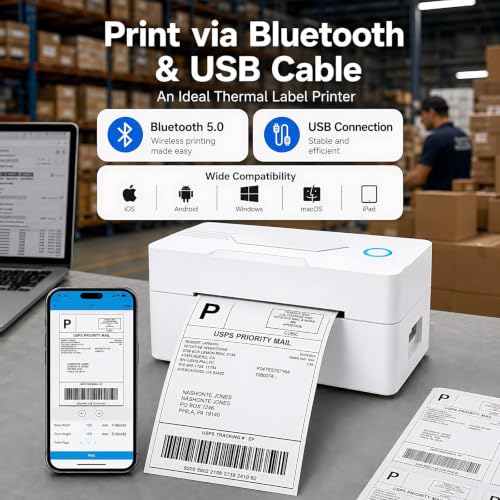
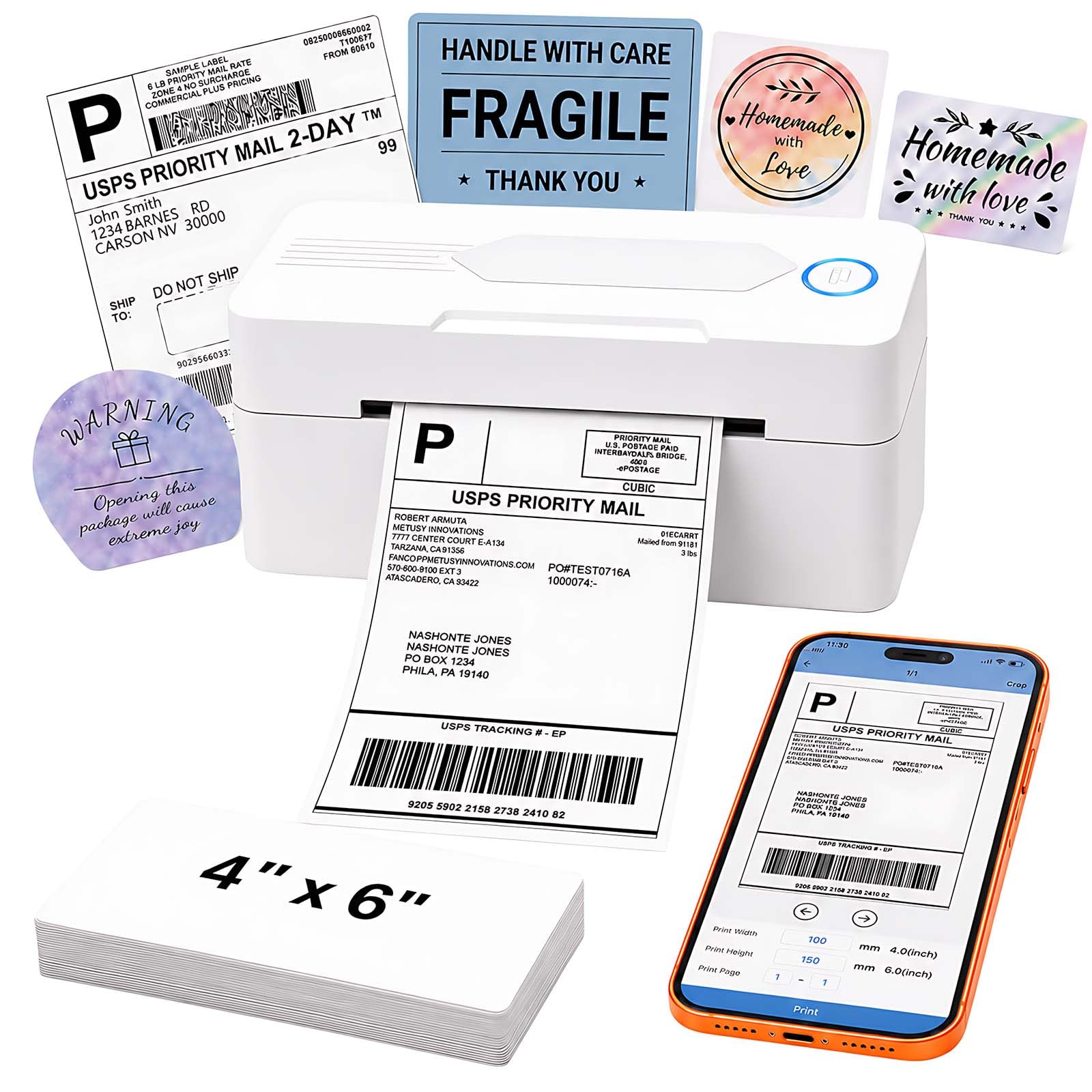
- [Print via Bluetooth] – The bluetooth shipping label printer supports wireless printing via bluetooth connection. For IOS and Android – need to download the Bluetooth Printing App (Android App: Printed Label, iOS App: Zlabel). Note: Bluetooth only works for Android and iOS, Wi-Fi is not supported.
- [Print via USB Cable] – The shipping label printer for Windows and Mac OS systems via USB cable. For PC printing needs to download the driver. (Note: All devices cannot be directly connected to Bluetooth and need to be used through the driver).
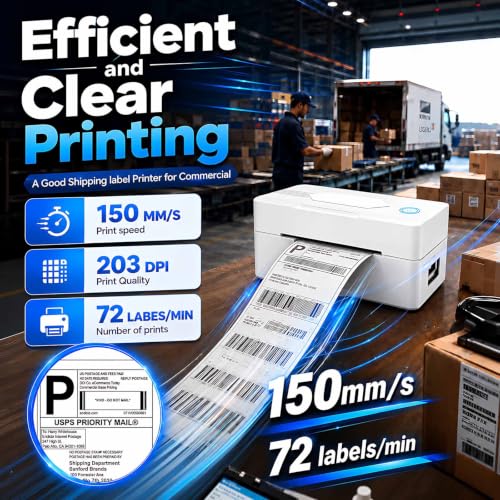
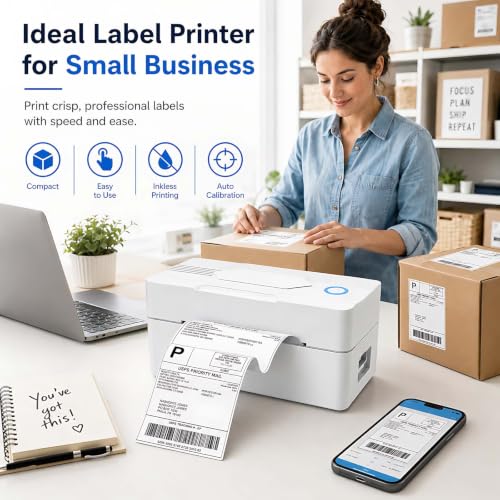
- [Premium Thermal Printing] – Experience clear and professional label printing with our high-quality thermal printer. With 203 DPI resolution, perfect for shipping labels, inventory management and more. Say goodbye to ink and toner, saving you money and eliminating the hassle of replacing cartridges.
- [Fast & Efficient Printing] – Increase productivity with our fast and efficient thermal label printer. With a print speed of up to 160mm/s and support for thermal labels of 35-104mm((1.37-4.1inch)), it is perfect for various labeling tasks. Save time and do more with our fast printing capabilities.
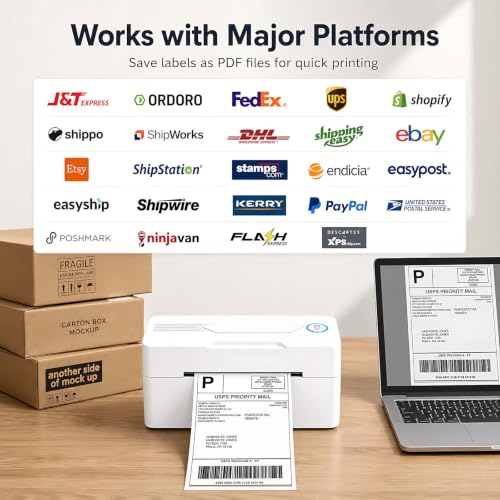
- [Multi Platform Label Printing] – This thermal label printer is compatible with all major sales platforms(Note: please save and download as PDF format first). Very suitable for your small online business to send packages and print labels.
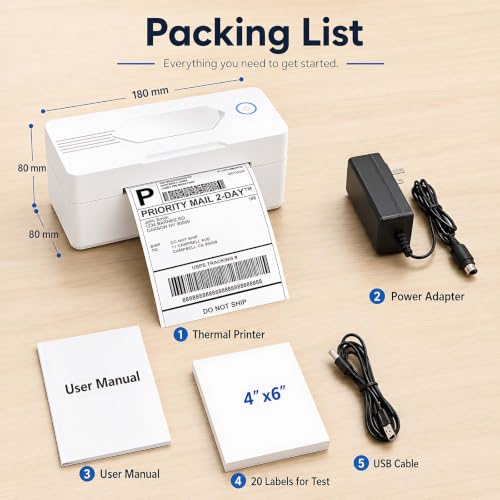
- [What's in the Box]- Package includes everything you need to get started: 1 x 4×6 label printer, 1 x power adapter, 1x Type-C Cable, 1 x user manual and 30 x test labels. Enjoy easy setup and seamless printing with this all-inclusive kit.
1.Phone and Tablet Start Print:
Step 1: Scan QR code download the App (Android App: Printed Label, iOS App: Zlabel).
Step 2: Turn on the blutooth label printer and your phone’s or tablet’s Bluetooth.
Step 3: Click the App to search for the bluetooth signal, connect it via Bluetooth in the App, and select the paper size and file type to start printing.
2.Laptop/PC Starts Printing :
Step 1: Turn on the thermal label printer and connect it to the computer using a USB cable.
Step 2: Go to “This PC”,open the Disk ,double click”Download driver and view User Manual”web page to download the driver and watch the installation tutorial videos,Select your print model to download 9270 driver.
Step 3: Please check your laptop/PC’s operating system (OS) download and install the correct 9270 driver from the website . Select and open your shipping label and print.
3.Package includes:
1xThermal printer
1xUser Manual
1xPower Adapter
1x Type-C Cable
30x Test labels
4.More Cost Effective:
The upgraded thermal printing technology allows the 4×6 thermal label printer no need for ink or toner, making your work more cost-effective. 203DPI high-definition printing, easy to scan and read. Automatic adjustment of label position functionto prevent paper waste.
| SKU: | B0H94JZGM1 |
| Brand: | PKMHLXS |
| Model: | POS-9270 |
| Colour: | White |
| Manufacture: | PKMHLXS |
| Colour: | White |
I had a label Printer of a different brand that was a good little workhorse and lasted for eight years. It finally died and I was hesitant to purchase this one because of the fantastically low price. I am more than happy with my purchase. This Printer is definitely a workhorse and is actually better than the one I had A+ plus plus
I’m beyond happy with this!!! I travel frequently for work and run my own business. I constantly have to ship orders and print labels. This is small, light weight, and perfect to travel with! I have trouble setting up the wifi so I just connected it directly to my computer and it works perfectly!! Thanks!!
5 stars for the pricetoperformance ratio. The only reason I’m leaving out a star is because it can’t use Bluetooth on Windows. Why make it Bluetoothcompatible everywhere else but still require USB for a computer? It seems like an easy fix, and with that, it would be a perfect setup.
Easy to use. Wirelessly connects with ease once you download the app. Print speed is great. Very reliable piece of equipment and a great value for what it does makes my life a lot easier with shipping out packages all the time. It’s small and compact and be put just about anywhere that’s out of your way. Overall great printer for the price.