ASUS Ascent GX10 AI Supercomputer, DGX Spark, NVIDIA GB10
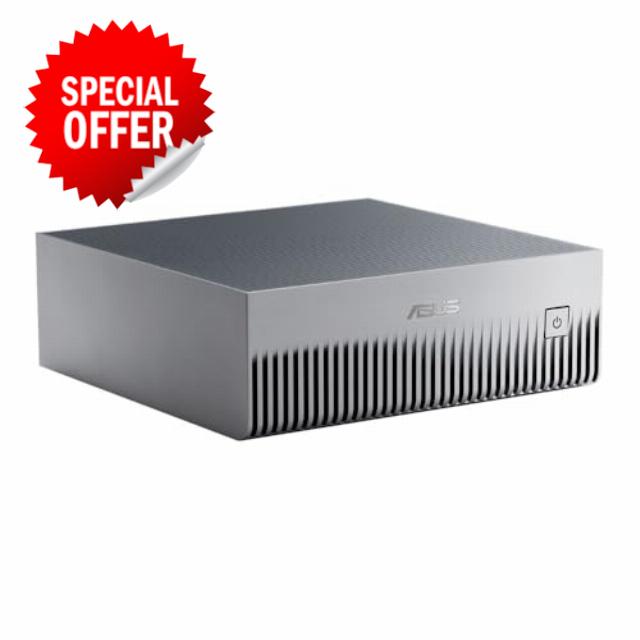
ASUS Ascent GX10 AI Supercomputer, DGX Spark, NVIDIA GB10 Superchip, 128GB LPDDR5x, 1TB PCIe Gen4 NVMe SSD, Wi-Fi 7 & BT5.4, Agentic AI Ready, Supports OpenClaw, NemoClaw, Stackable Chassis
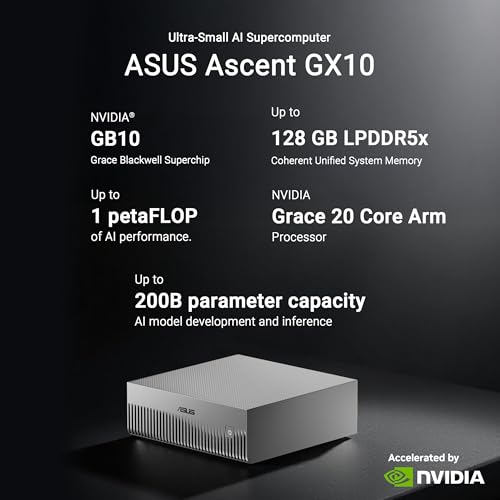
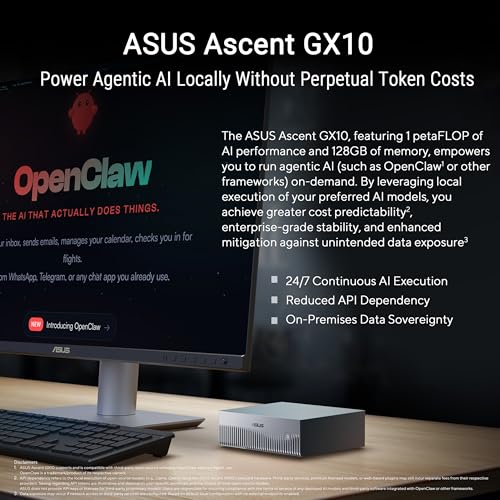
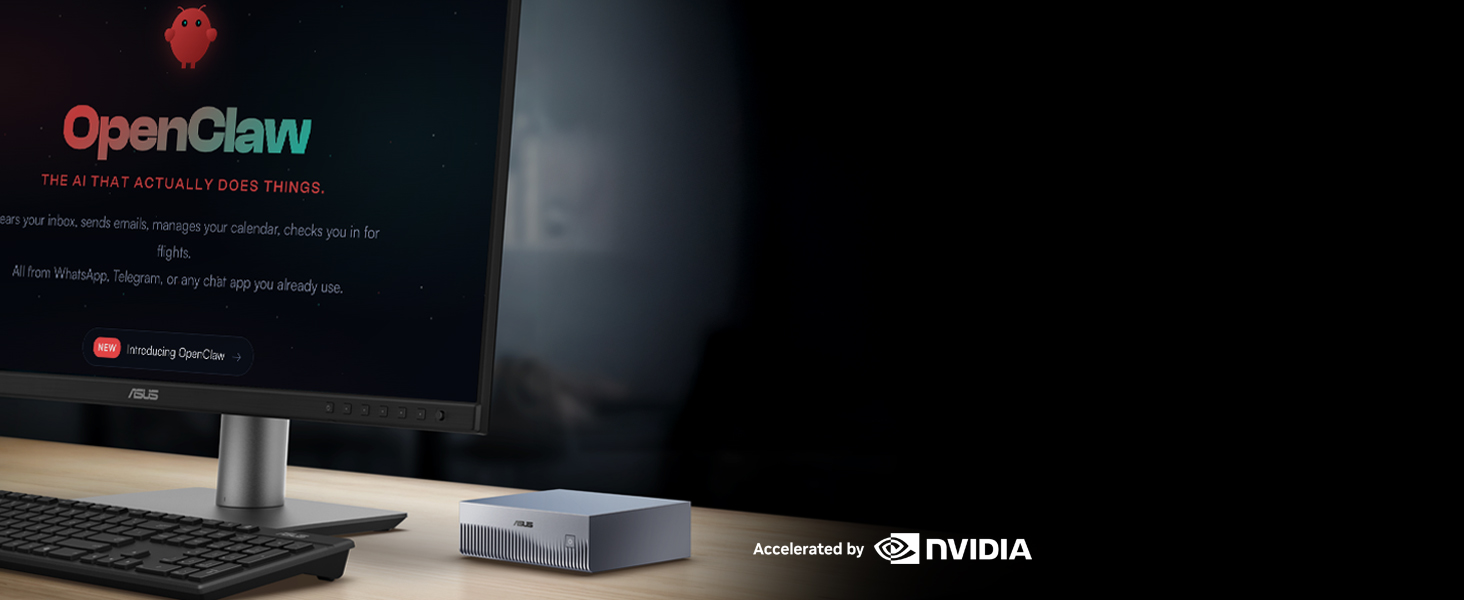
- Extreme AI Performance: Powered by NVIDIA GB10 Grace Blackwell Superchip delivering 1 petaFLOP of AI performance and 128GB memory for 200B model fine-tuning.
- Developer-Optimized Platform: Designed for AI developers building secure, long-running agentic workflows, with compatibility across frameworks such as OpenClaw and NemoClaw, supporting private on-device inference, sandboxed execution, and governed data access.
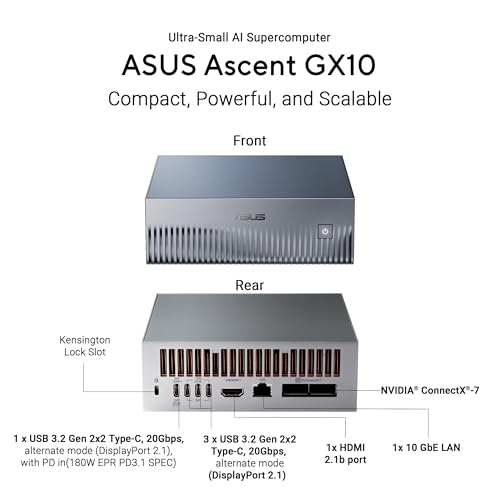
- Scalable Architecture: Featuring NVIDIA NVLink-C2C for ultra-fast CPU-GPU memory communication and NVIDIA ConnectX-7 networking to support dual GX10 system stacking, unlocking superior scalability and performance.
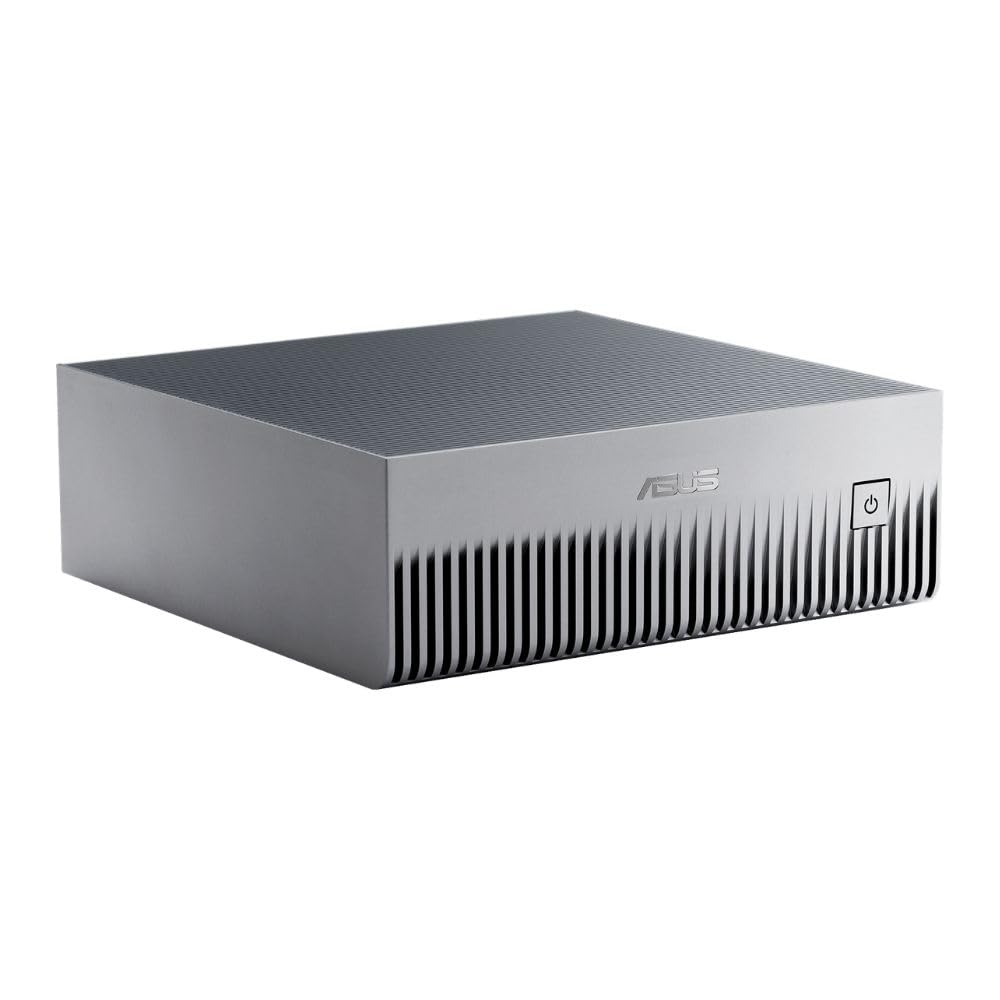
- Advanced Thermal Design: Engineered cooling ensures sustained high performance and reliability in an ultra-small form factor.
- Full Stack AI Solution: The GB10 and NVIDIA AI software stack provide a full stack solution for AI development and deployment.
Behold the ASUS Ascent GX10 Personal AI Supercomputer, a revolutionary force echoing the power of NVIDIA DGX Spark with its cutting-edge NVIDIA GB10 Superchip. Unleashing petaflop-scale AI on your very desktop, this marvel ignites the potential of developers, AI researchers, and data scientists, fostering local AI breakthroughs with unparalleled performance and ingenuity.



| SKU: | B0G1MQYHRD |
| Weight: | 3.3 pounds |
| Size: | 128 GB |
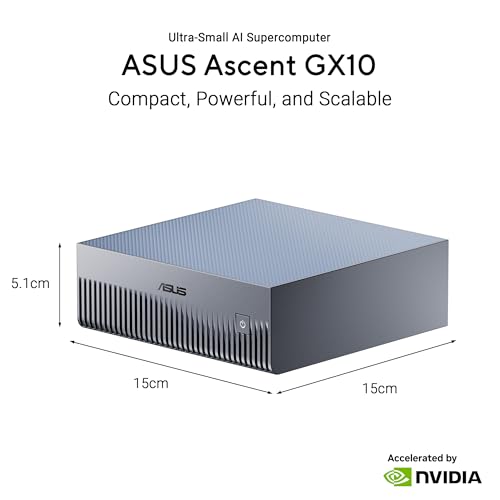
| Dimensions: | 5.91 x 5.91 x 2.01 inches |
| Brand: | ASUS |
| Model: | GX10-GG0010BN |
| Colour: | Stellar Gray |
| Manufacture: | ASUS |
| Colour: | Stellar Gray |
| Size: | 128 GB |
From the manufacturer
The video showcases the product in use.The video guides you through product setup.The video compares multiple products.The video shows the product being unpacked.ASUS Ascent GX10
ASUS Ascent GX10 AI Supercomputer
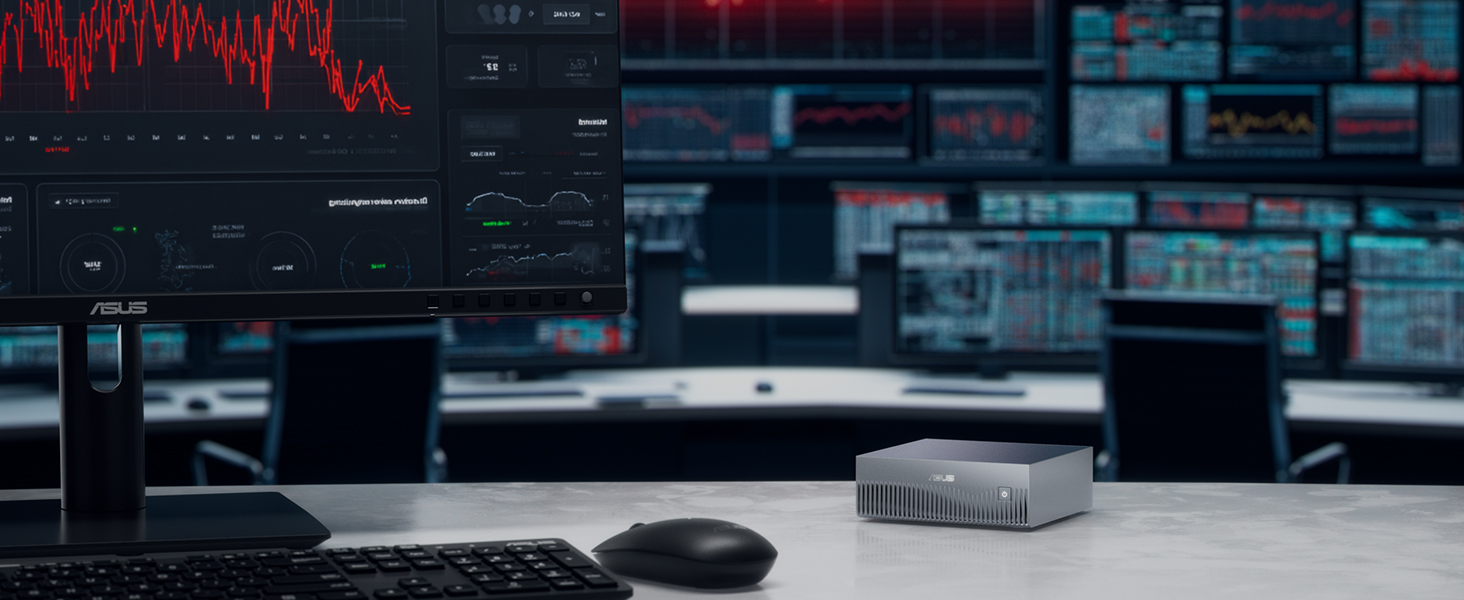
Compact, Powerful, and Scalable
ASUS Ascent GX10, accelerated by the NVIDIA GB10 Grace Blackwell Superchip and AI software stack, delivers a full-stack agentic AI platform to securely build, run, and deploy autonomous AI agents locally, supporting frameworks like OpenClaw and Hermes Agent.

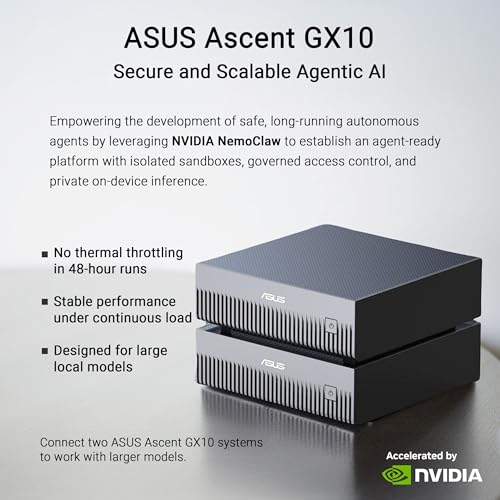
Secure & Scalable Agentic AI with NVIDIA NemoClaw
ASUS Ascent GX10 with NVIDIA NemoClaw enable safe, local, and scalable autonomous agents.
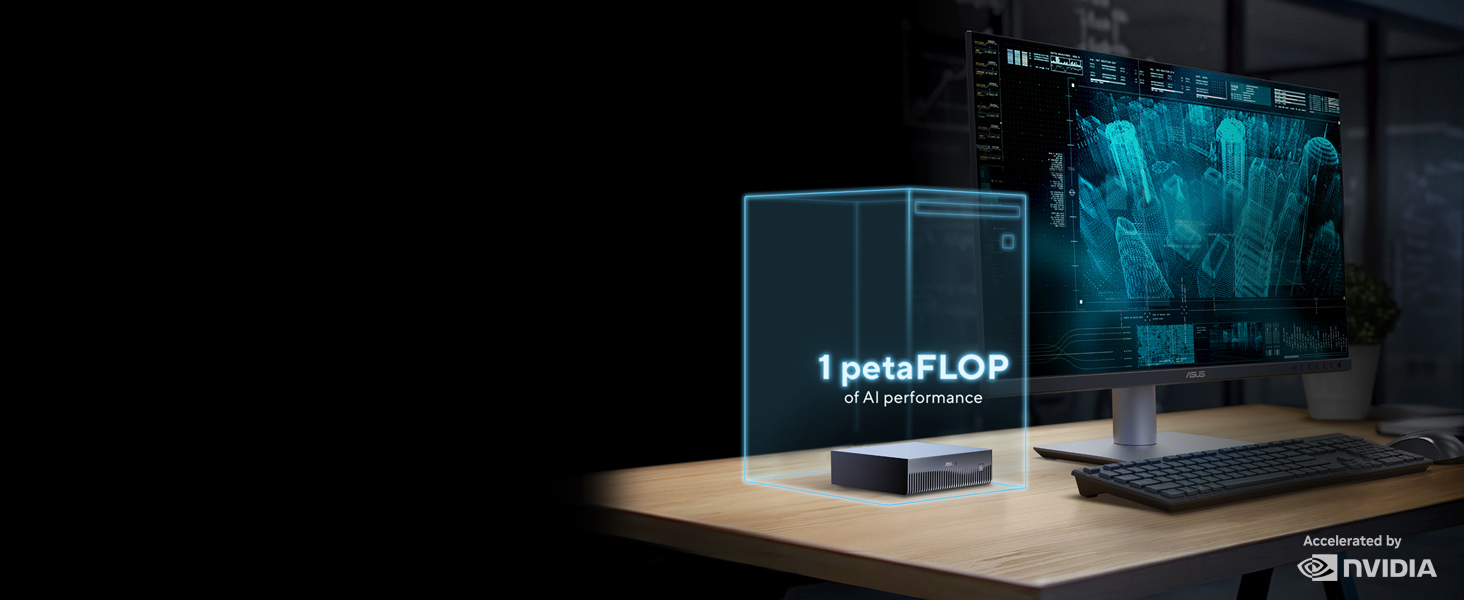
Up to 1 petaFLOP of AI performance using FP4
Delivers exceptional AI performance, enabling seamless handling of large AI workloads.
128 GB LPDDR5x Coherent Unified System Memory
Empowers model development, experimentation, and inferencing with ample memory capacity.
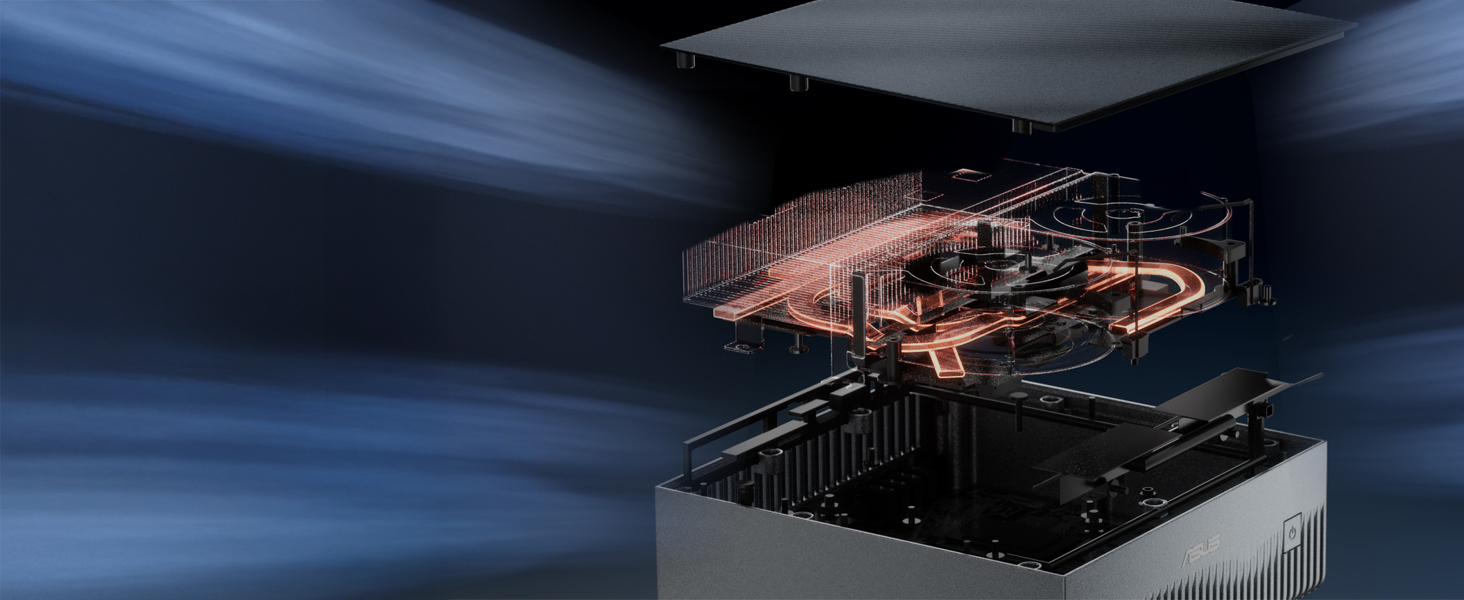
Precision-Crafted for Ultimate Thermal Efficiency
ASUS Ascent GX10 handles demanding AI with dual-fan cooling and 1.6× better thermal efficiency.
Double the Power with Two ASUS Ascent GX10 Units
Delivers 2 petaFLOPs, 256GB memory, 405B parameter support, and up to 8TB storage.
Revolutionary AI Performance on Your Desktop




UPDATE after 9 months: These machines are BEASTS. I now have 2 of these machines and even set up the QSFP networks between them and tested some models up to 200GB of VRAM with very good results. My “daily driver” configuration though has a 110GB VRAM (qwen3.6-35b-a3b MoE with MTP doing 55-63tp/s) for a single system with the other running several others (CohereTranscribe, Gemma2:9b, Nemotron-3-Nano-Omni). My agents are running VERY nicely using these. HIGHLY recommended!! I am also modifying my original review after discovering that my vLLM configuration (completely MY fault) likely caused the memory corruption I initially encountered. I’ve not seen an issue with that machine since.
UPDATE after 3 months: I am revising my review. First, the device is MUCH more stable after the installed M2 drive was replaced and the O/S reinstalled. Since that, I have had much better luck. Currently, it’s hosting 3 models simultaneously with very good performance: a Cohere Transcribe for some local transcription, a Nemotron-3-Nano (not reasoning) with a smallish context window for some frequent utility work (I run AgentZero from another system and keep all the Utility calls local), and a Nemotron-3-Nano-Omni for my general purpose usage (I do regular OCR tasks and processing). I use vLLM and Docker for isolation, and the Nemotron models are FABULOUS on this device!
This machine works perfectly for my coding workflows. I was constantly hitting context limits with my 4090 but now I can utilize cline in a dual model mode with a litellm proxy. I point fast to my 4090 gpu ollama model and my deep thinking model to a 120g moe model on the Gx10 with 256k context which I could push more.
This is the exact setup I was hoping for utilizing the speed of my gpu and ram of the Gx10.
I want to say that the review by Regular Person hit the nail on the head, and I totally forgot about running this headless, and now I am. Thank you.
I want to add to their review by saying that the negative reviews by influencers early on are a blessing in disguise if you are trying to look at other computers for anything shared memory 128gb+. This is available and I feel lucky to have picked not only a GB10 but my favorite brand ASUS.
No one is talking about the build quality of ASUS. All I can say is do your own research and see that ASUS built this from scratch, it is not reference with a few extra things. I am a fan of the ASUS TUF line and ROG. This is because they use top notch parts/pieces that are military spec and last longer than you need. This unit is exactly that. They designed and made their own board, and the parts are all high quality for this unit to be certified MIL-STD 810H. The cooling is also all their own design. Don’t take my word, look it up.
I’m not in IT or computer science, I’m an enthusiast. If you are like me, then I highly recommend having something like Google Gemini Pro ready when you begin the startup. My hand was held the entire time during the setup, and let me tell you, I could not have set this up the way I wanted without using another AI for all my dumb questions. I almost had a heart attack on the very first major update when it was supposed to reboot and didn’t. Gemini told me to wait up to 25 minutes before pressing the power, and I followed the recommendations to the T.
I am super excited to begin my new supercomputer journey with Hermes, Deepseek as of today and ready to start building and sharing my journey for others to see. I have never seen technology advance like AI is doing and developing faster and faster, so fast I moved beyond subscriptions, and my video card opensource models. Hopefully I can make this profitable, as that is what I told my wife in order to justify the purchase.
Enjoy everyone!
I think it is important to note that many reviews on the Grace Blackwell machines that are from late 2025 or early 2026 may not apply anymore. This runs the Nvidia Ubuntu operating system, and Nvidia has really been great about fixing a lot of problems the system had in running this very different architecture when it was first released.
This is my 2nd system. These systems are getting more and more pleasant to own and use every week – support for them is growing in the opensource world, and NVIDIA is pushing out docker containers that are ready made to do many things well if you choose that path- they offer playbooks with easy step by step instructions that make it seem more like you are getting great software custom made for these new architectures in addition to a great machine for the price you pay.
I was a bit disappointed that adding the $$$ cable and clustering 2 together didn’t really give me the one combined machine I’d hoped for, but I do like my current set up. (It worked fine,and let me run a huge model, but it just wasn’t optimal for my use to do so.) On this machine, I am only using it for inference. I am running VLLM on it, currently with Qwen 3.6 31B but it’s always available. I have ran larger models on it, but this seems to be the sweetspot for me with the agentic systems that connect to it. I hardly ever go past 65% system memory I have room to grow but system availability is WONDERFUL if I don’t consider reboots due to system upgrades.
Do expect FREQUENT UPDATES. Nvidia has been pushing updates almost daily – sometimes multiple times a day, and they all require reboot.
The NVIDIA sync program works great for this machine. I run mine headless – you can set it up headless too if you like. I did, and didn’t have a bit of trouble. I do suggest that you go ahead and make a repair boot-able USB disk – you can get that on the NVIDIA site. This is NOT regular Ubuntu.
I am disappointed by people posting negative reviews that buy these systems for gaming. They are NOT for gaming natively. These are AI machines. This will keep your inference in-house if that’s what you want – one is enough to power a small business with inference with a model that is good at tool call, and vision.
Whether or not you should get a 1tb or a 4tb one depends a bit on how you are going to use it. I have one with 4tb that I use for storing multiple models, but I got this one with 1tb because it is only ever going to run 1 model and vllm. 1tb is more than enough to store a few models and vllm. It depends on your use case. I’d get the 4 if I wanted to do more like generative work with diffusion models, comfy-UI/voice/ music. I do those things on my 4tb and run Ollama too, but if you are going to run multiple services like that, even though you have the HUGE combined memory pool, you still have to think about how you are going to allocate and time resource use.
The graphics look great running generative text or image to video. Video is smooth as can be.
It handles heat well – but inference is HOT. I highly recommend that you do NOT point the backside at you – it can be like having a small space heater right next to you. I learned that the hard way.I have mine on a stainless steel commercial kitchen table and that is VERY helpful if you have more than one of these running. It’s not as bad if they are not always available. Just remember, inference is HOT. If they get too hot, they will go into thermal throttling. I find they really do need a cool room, and good airflow for optimal operation.
There’s more than enough ports, but they are a bit tight. I do like the power button on the front. They use a regular Ethernet port, and have wireless capability built in.
Good value imo
Absolutely phenomenal and plug and play / out of the box ease. Essentially the G3 iMac of 2026, if you want to get your hands on some real DIY AI supercomputer capability, this is a great first piece of hardware.
They are great for local inferencing of 100-300B MoEs
Two of these run DeepSeek V4 Flash (a top 20 global model that is expected to get substantially better in future checkpoints) at 50 token/s. It’s an absolute gem for local inference.
And yeah, these go better in pairs. A decent chunk of their cost is the 200Gbps NIC they come with, which is nearly a waste not to put to use.
First, be aware the seller charges a 10% restocking fee. $300 plus $160 for insurance from UPS to send it back was a lot of money to find out that the DGX Spark does not live up to the hype for my use case.
Overall, the hardware is good. I didn’t hear a whisper of the fan in 3 days of testing either. I have read that the Nvidia version is loud. I would recommend the Asus Ascent for its design.
My problem is with the software. DGX OS is easy to set up, but it is locked into CUDA 13. I first tried to run the newest Nemotron Nano using NIM, but it has a requirement for CUDA 13.1. After upgrading, I kept getting so many errors indicating a mismatch between CUDA and the OS that I reinstalled the OS, which took an hour.
Next I tried GPT-OSS:120B running under Ollama, and while it worked, I got roughly 10-15 tokens per second. NIM did work, but it was not any faster. So this supercomputer which is supposed to be able to handle 200 billion parameter models is very slow if you can get it to work.
Depending on your usage, if you just want to do inference, any cloud service will take years to equal the cost of the DGX Spark. My RTX 5090 runs Nano and GPT-OSS:20B at 100-200 tokens/s, and it was the same cost. It has the added benefit of running Cyberpunk 2077 at the highest settings at 100+ fps too.
This review is solely on the models mentioned. YMMV for other models or use cases. If you buy a Spark, the Asus Ascent is a good choice.