Wireless Apple CarPlay Screen with Fast Auto Connect, 7″ Portable Android Auto Display for Car, Backup Camera, Bluetooth Audio, Voice Assistant & GPS Navigatio
REGULAR PRICE: £39.99
About this item
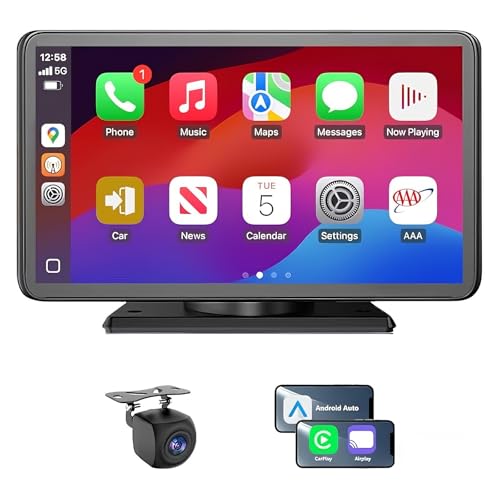
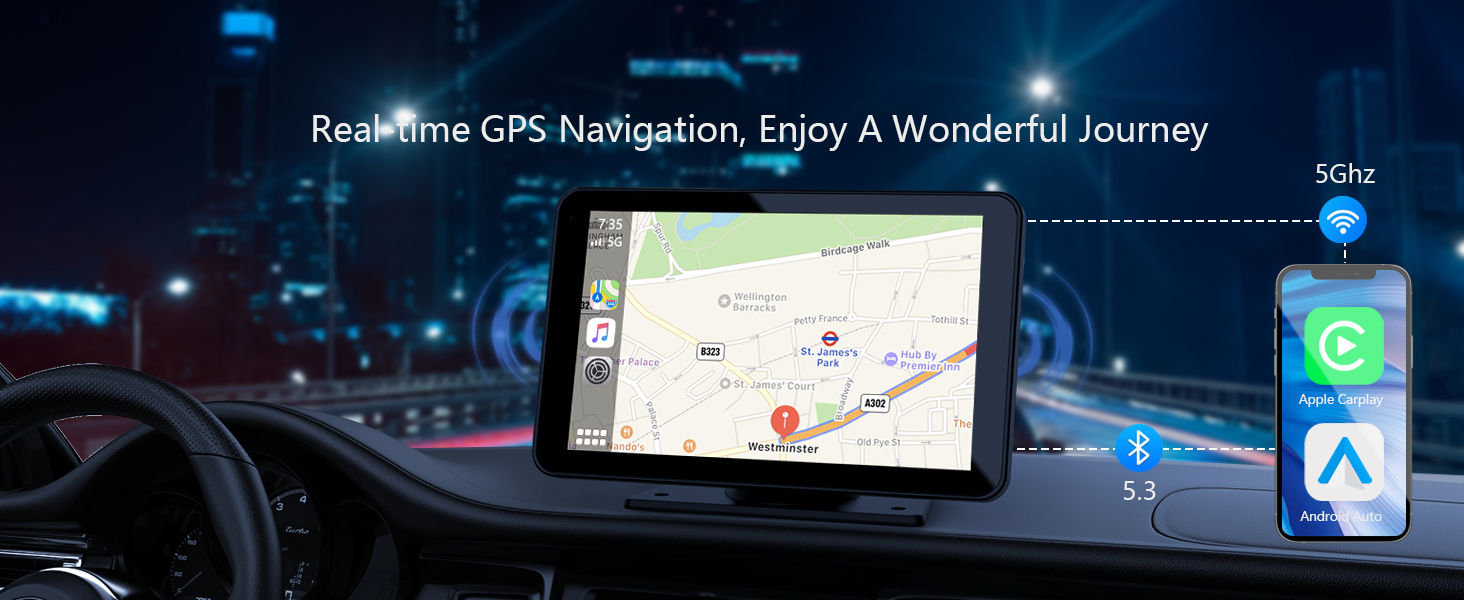
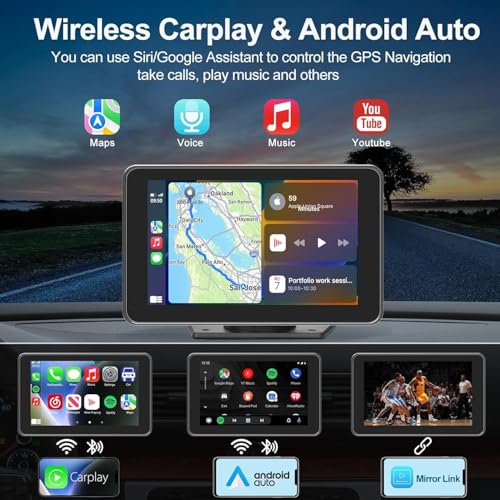
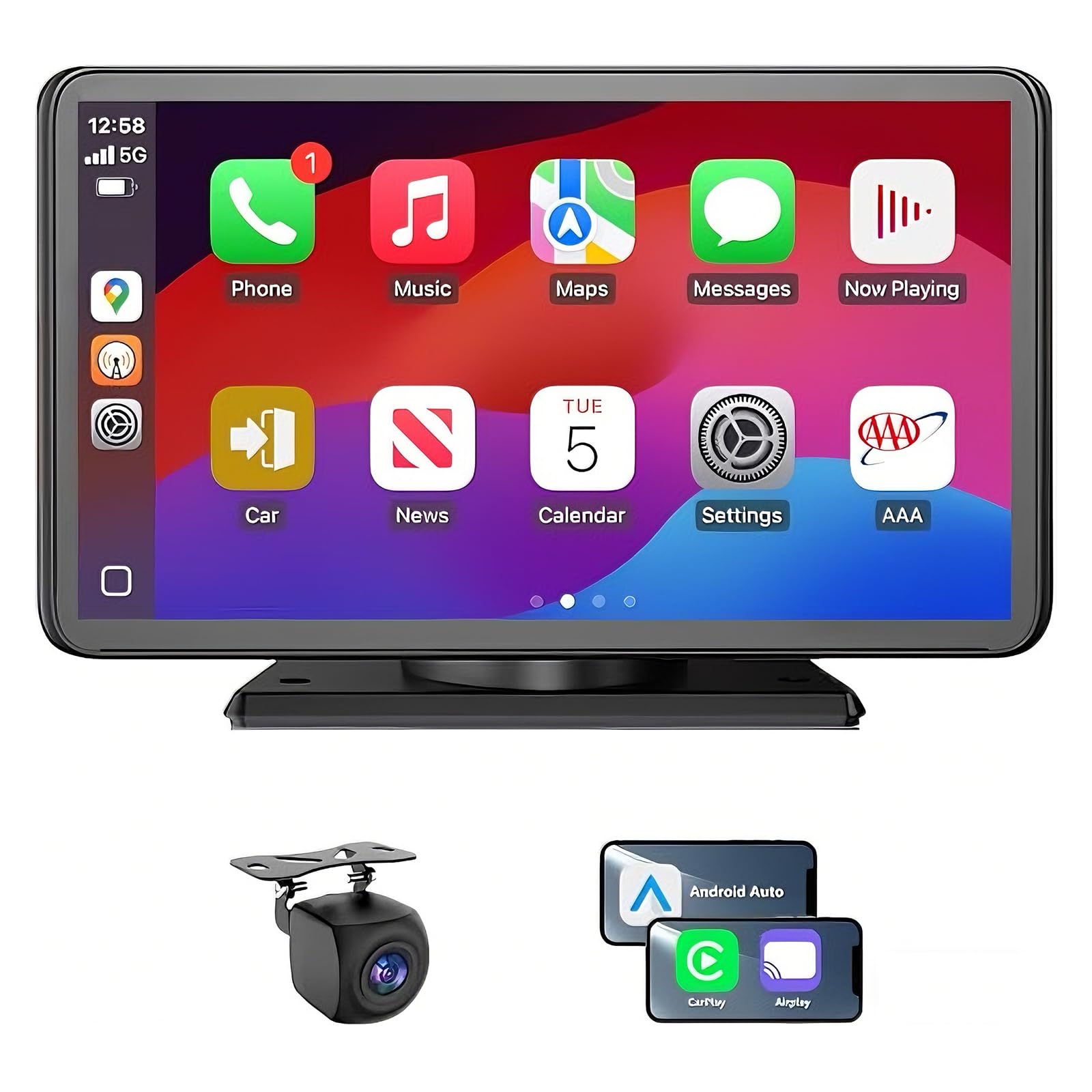
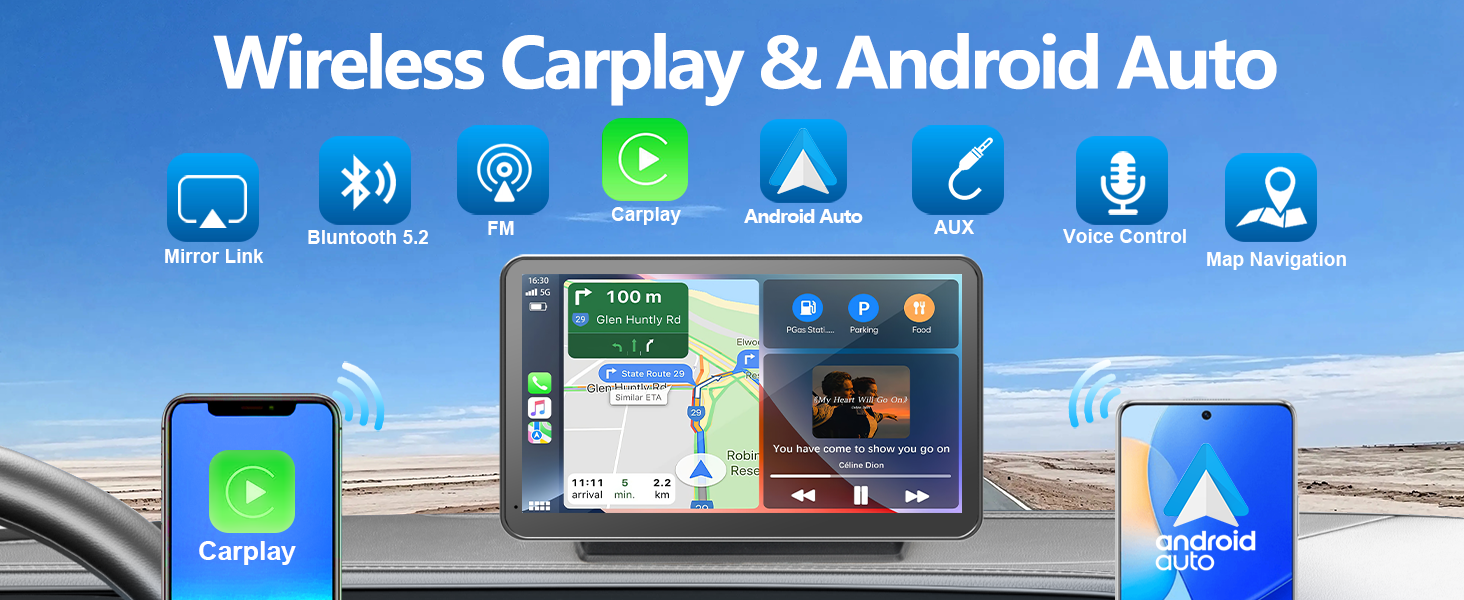
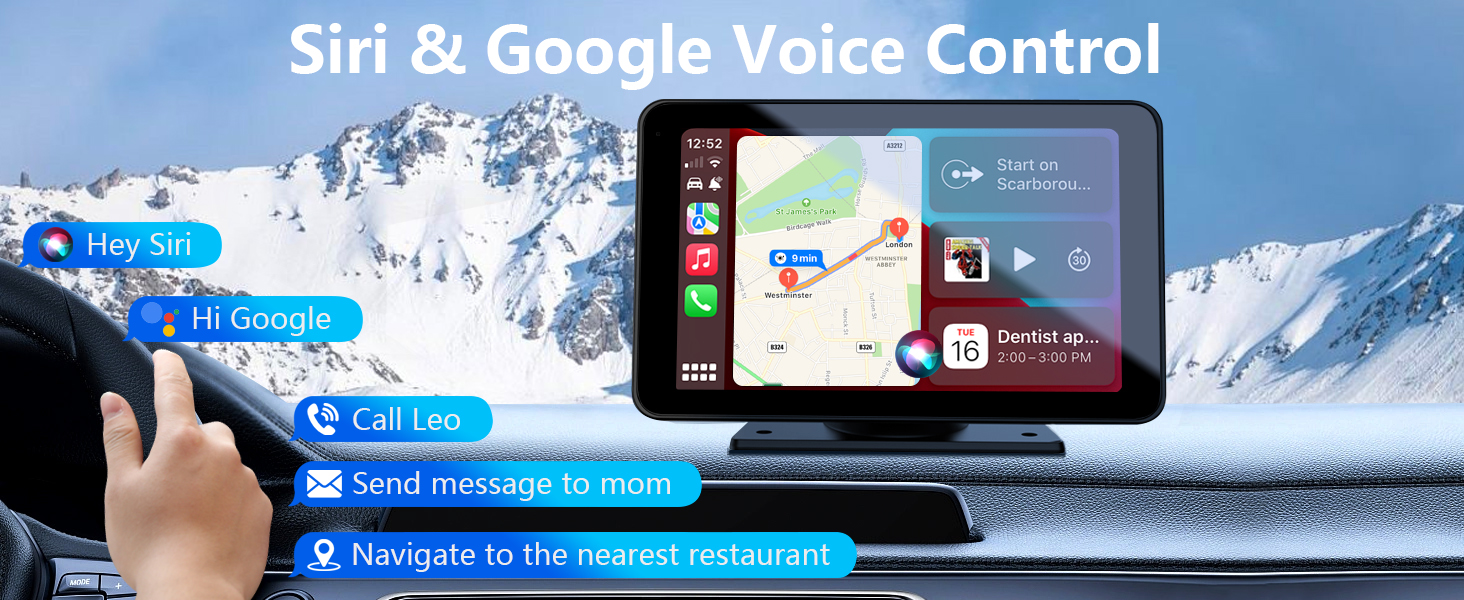
- 【Wireless Carplay & Android Auto】Connecting your phone to the Carplay Stereo via Bluetooth and Wi-Fi, you can enable wireless Carplay and Android Auto.With the 7" touch screen, you can access your smartphone's apps, access map navigation, email, messages, music and more while driving safelyand other features while driving safely, as well as use Siri or Google Assistant voice to control the Car play screen
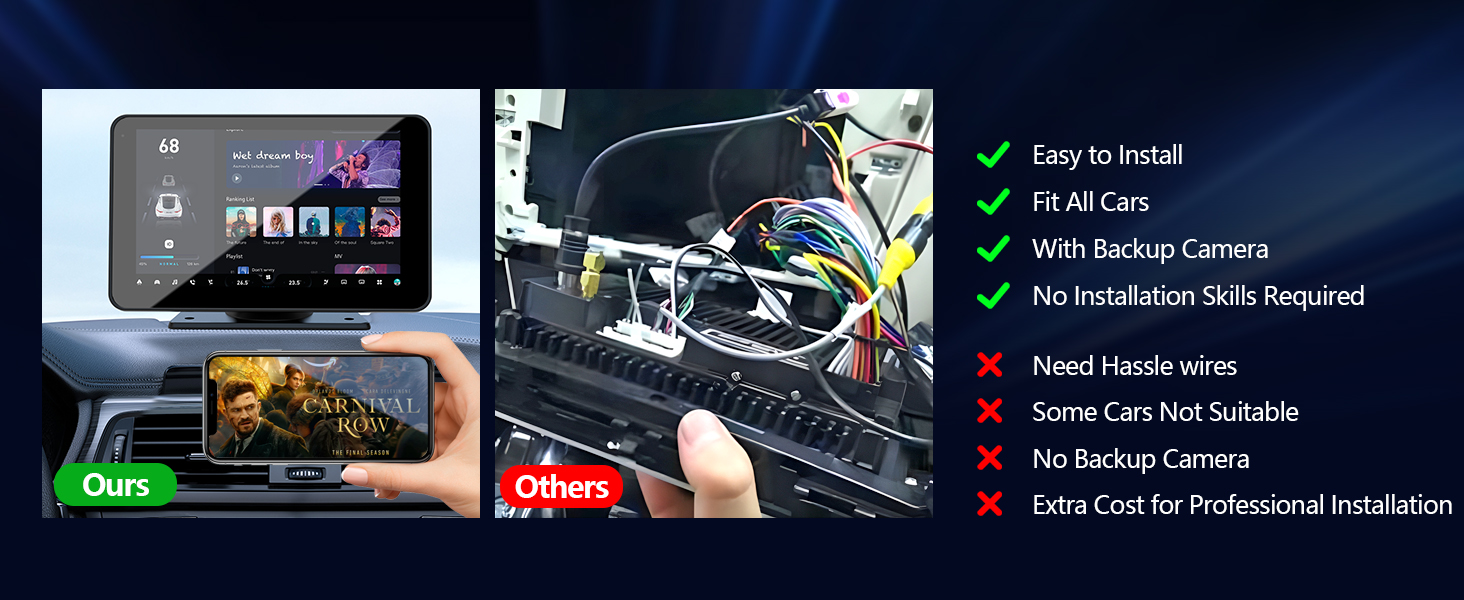
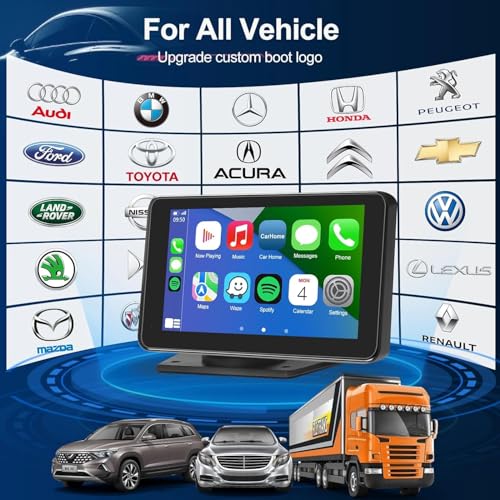
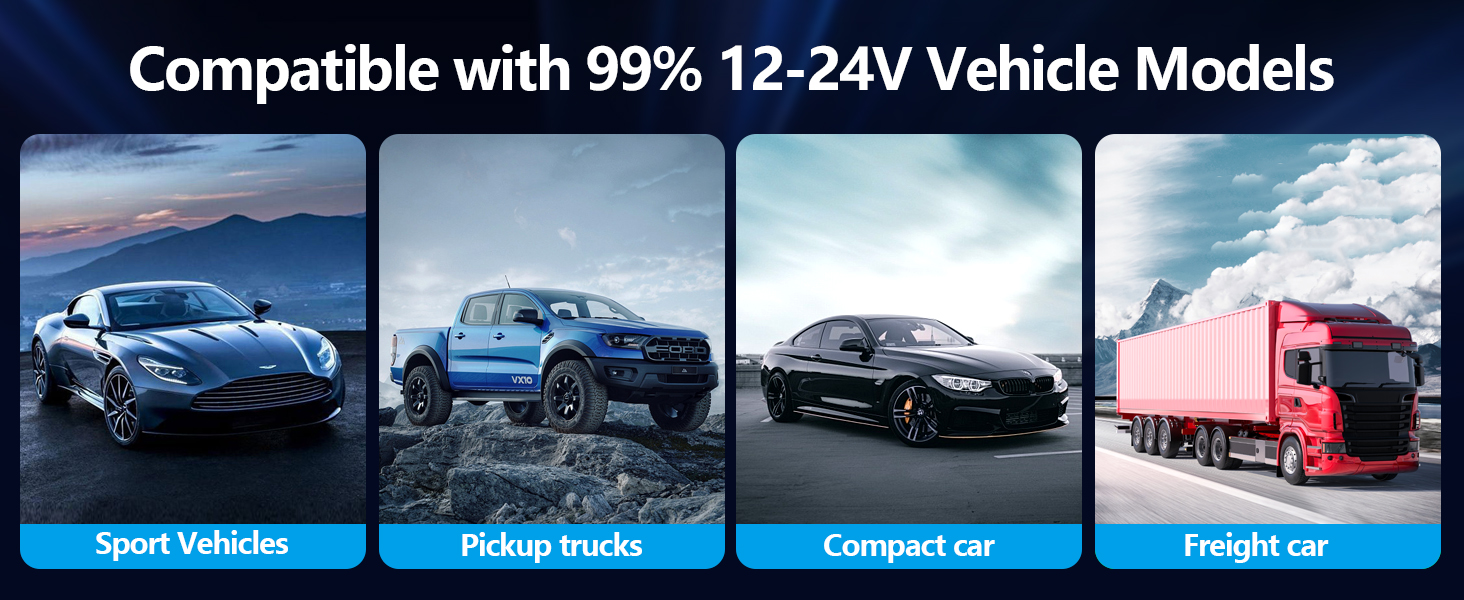
- 【Easy Installation& Fit All Vehicles】Carplay Screen for car equipped with the rotatable suction cup mount and a self-adhesive bracket ,the apple car play screen can be fixed to the dashboard console , convenient to install and disassemble. This portable carplay stereo's working voltage is DC 12V~24V, suitable for almost all kinds of cars, RVs, and pickups.trucks, caravans, vans, trailers, campers, etc
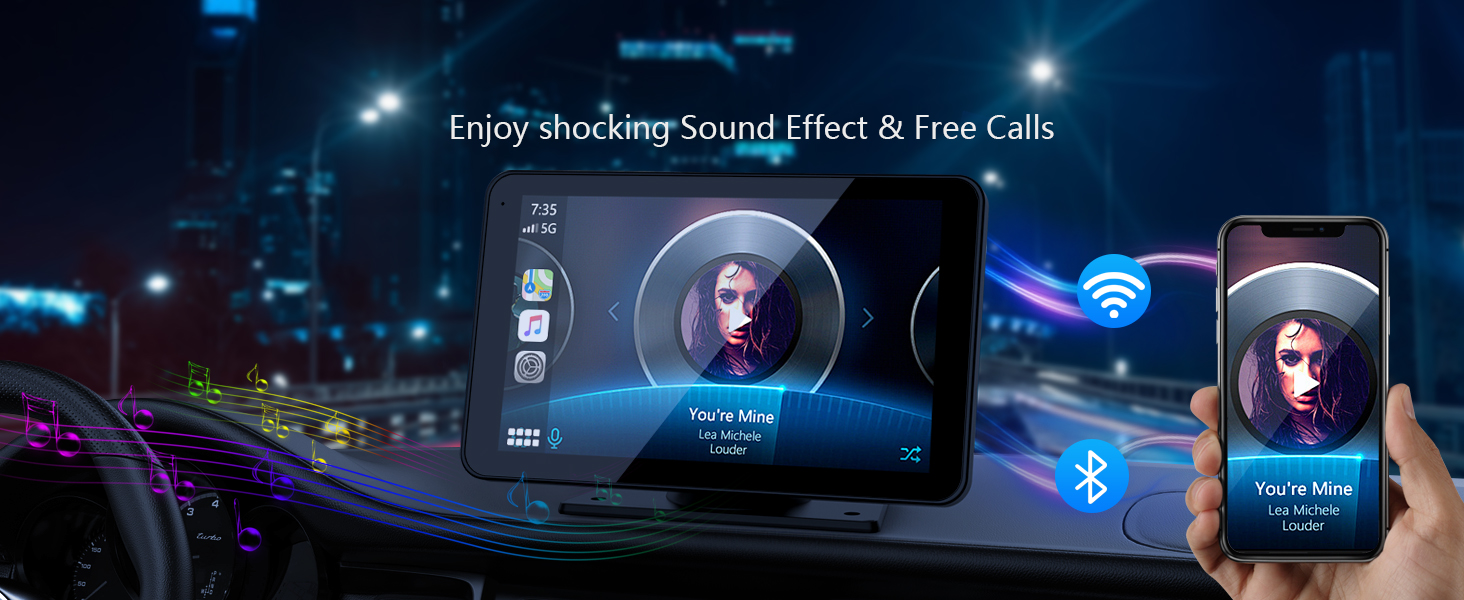
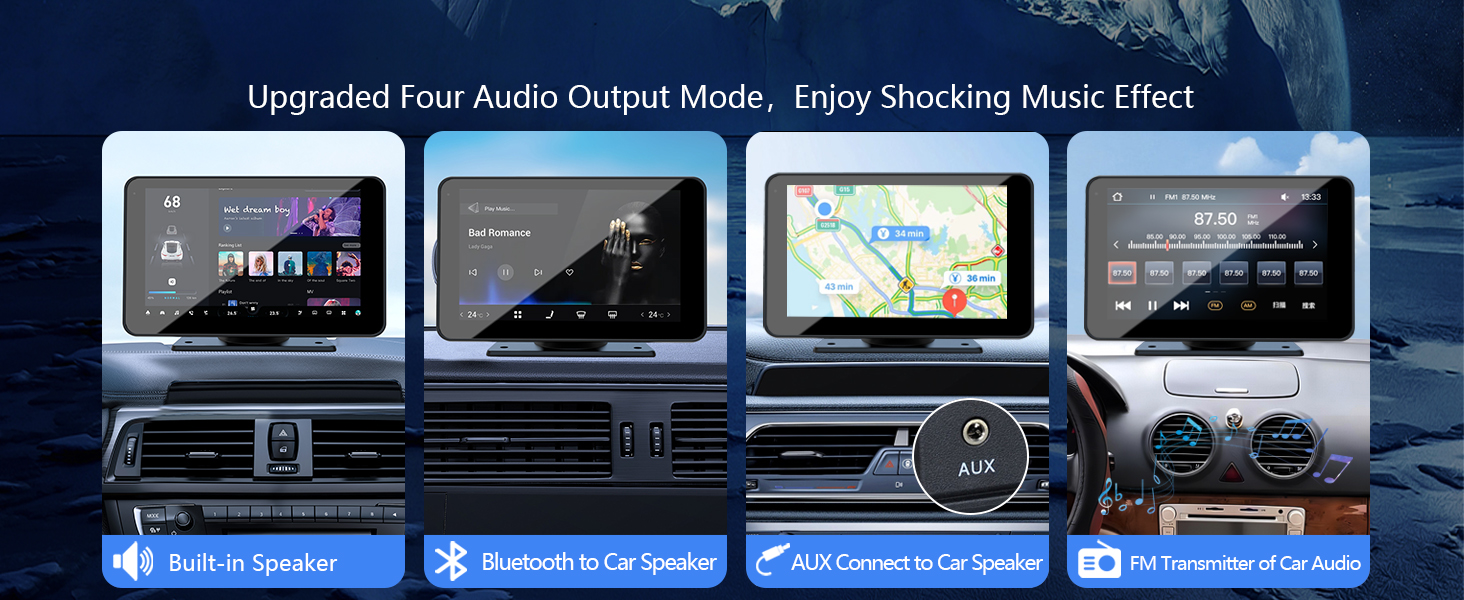
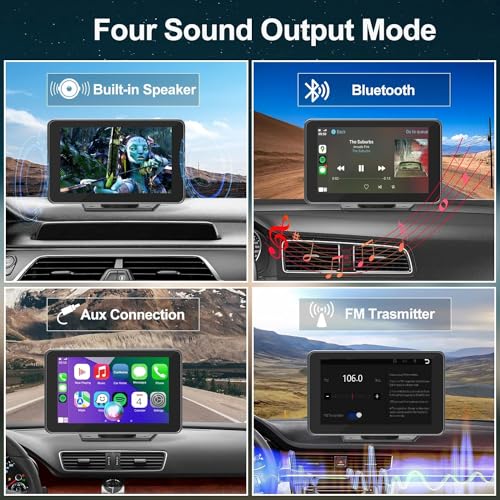
- 【Upgraded Audio Output Mode】Multifunctional touch screen carplay adds the function of connecting to car speakers via Bluetooth , greatly improving the sound quality of touch screen car stereo. You can use Bluetooth to transmit audio to the car stereo speakers for a louder sound. You can also use AUX, FM Transmitter, and a built-in speaker to get audio, giving you flexible options for enjoying your favorite music and audio content
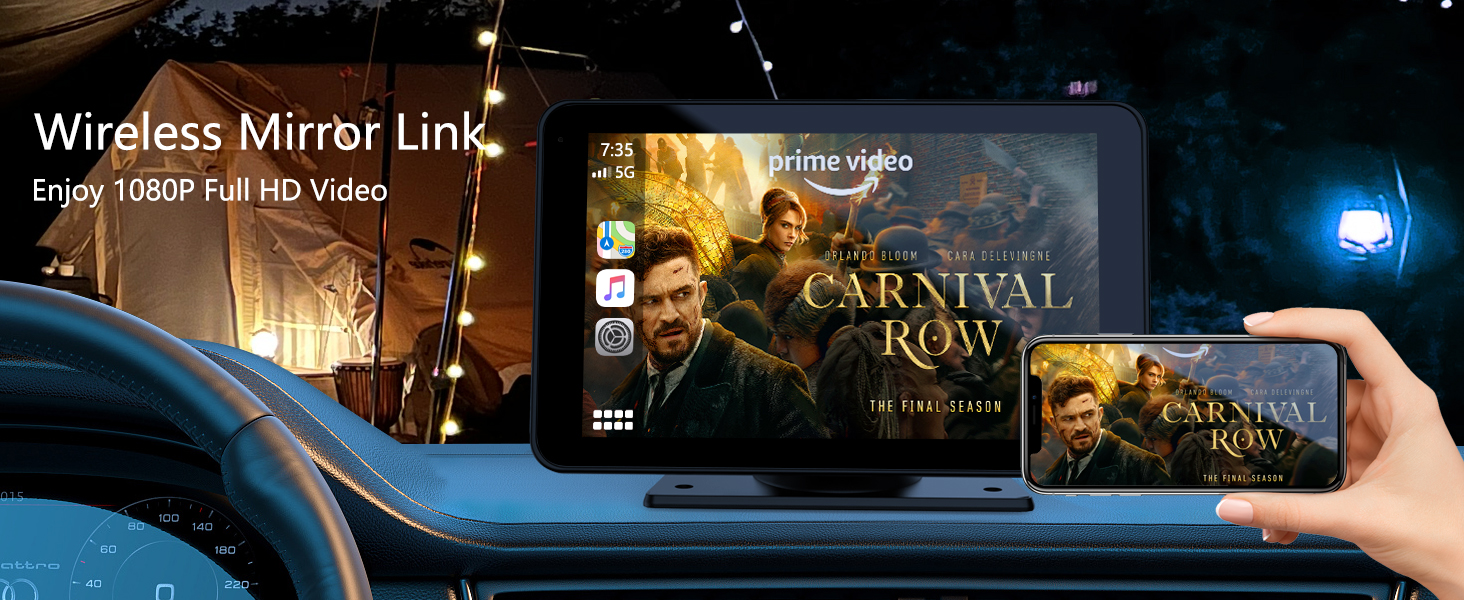
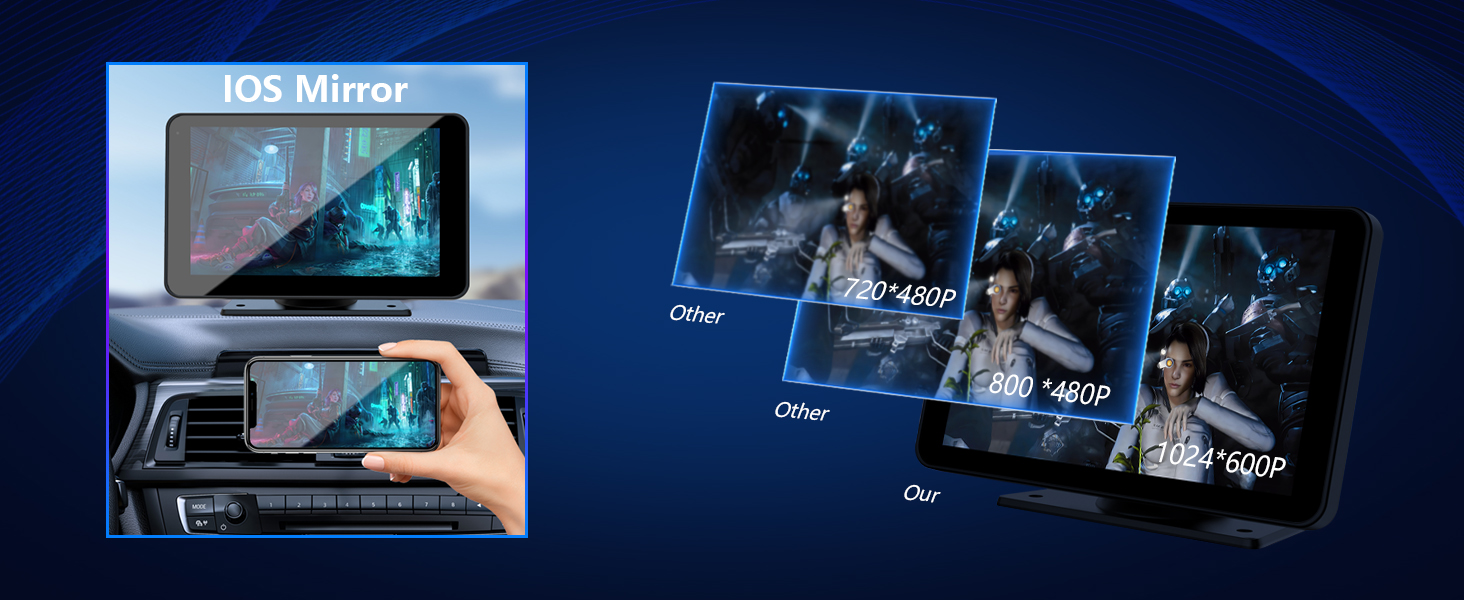
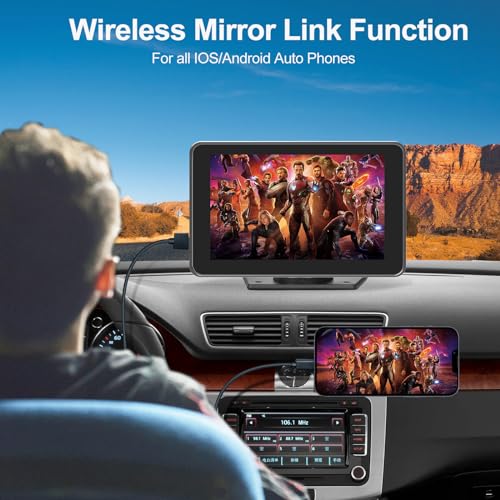
- 【Wireless Mirror Link & 2.5D HD Touch Screen】Portable car radio with Bluetooth supports smartphone wireless mirror link functionality for both Android and iOS devices.This apple car play radio features a resolution of 1024*600 2.5D HD touch screen and supports to 1080P videos. Even outdoors or on trips, you can enjoy the high-definition large-screen video experience
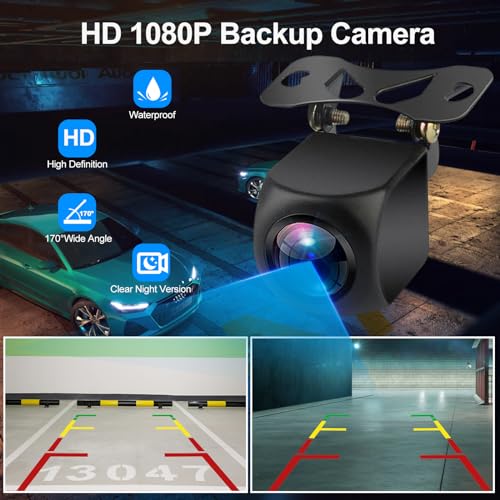
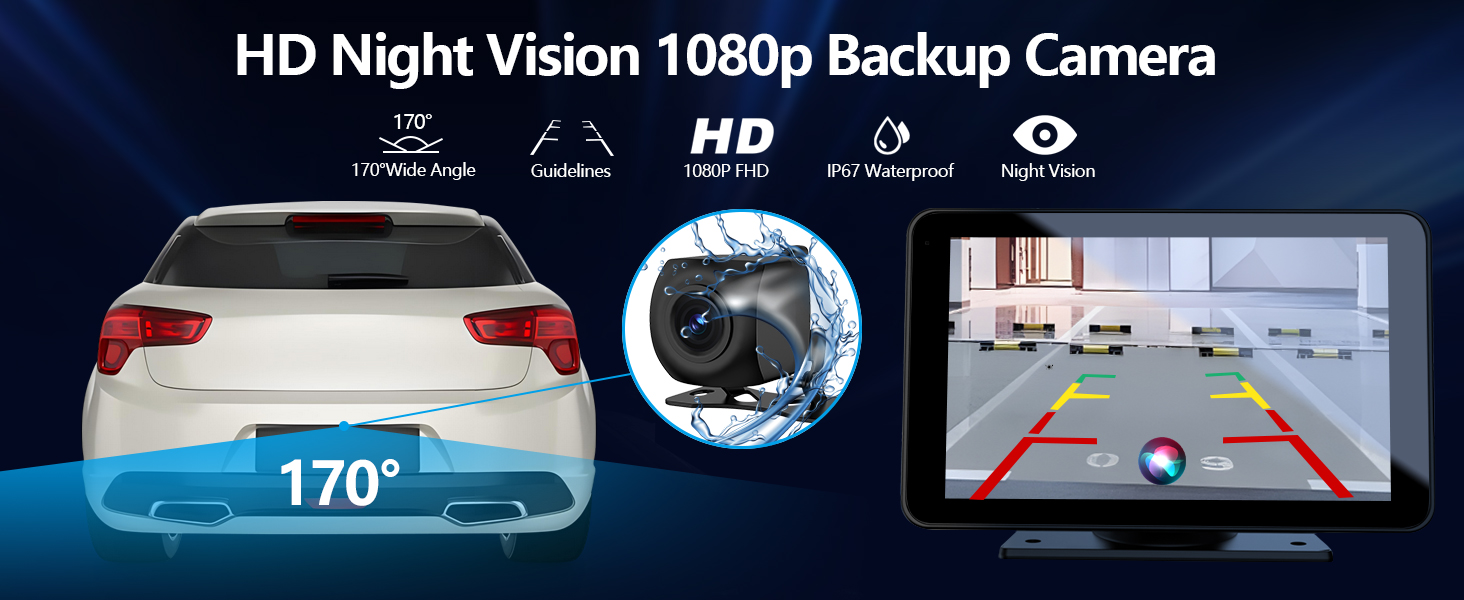
- 【Safer Parking with Backup Camera】 FUNAURORE 7-inch wireless carplay display screen comes with a waterproof and HD rearview camera ,the portable car stereo also supports night vision. While reversing, the backup camera automatically shows the image on the apple carplay stereo screen , making night parking simpler and safer
Product description
Car stereo doesn’t have sound ?
1. Please make sure you have chosen the audio output channel on the fourth icon on the main menu; if not, the sound will still be coming through your phone.
2. Please check if you set the volume to zero, or mute the radio.
Backup camera shows no signal ?
1. Please check all the wires are connected tightly and correctly. The reversing trigger wire (red thin wire) needs to be connected to the positive pole of the reversing light.
2. Please make sure the AV IN interface is inserted to the bottom.
Disconnection sometimes or cannot connect to Bluetooth ?
1. Please reset the unit to factory mode.
2. Please delete all the other non-related Bluetooth connection records on your phone.
Music auto-play after connect to this android auto screen ?
Please kindly note , it has nothing to do with the unit, it is the music app in your phone that matters, you can try to do some settings that don't allow it to auto-play after connect to any other speakers or Bluetooth device.
No sound on the FM transmission channel?
After enabling FM, tune your car radio to the frequency shown on the CarPlay screen.

| SKU: | B0DCVNDB95 |
| Weight: | 0.88 Pounds |
| Dimensions: | 7.36"L x 0.9"W x 4.21"H |
| Brand: | FUNAURORE |
| Model: | Wireless CarPlay 7" |
| Colour: | Black |
| Manufacture: | FUNAURORE |
| Colour: | Black |
Product description
Car stereo doesn’t have sound ?
1. Please make sure you have chosen the audio output channel on the fourth icon on the main menu; if not, the sound will still be coming through your phone.
2. Please check if you set the volume to zero, or mute the radio.
Backup camera shows no signal ?
1. Please check all the wires are connected tightly and correctly. The reversing trigger wire (red thin wire) needs to be connected to the positive pole of the reversing light.
2. Please make sure the AV IN interface is inserted to the bottom.
Disconnection sometimes or cannot connect to Bluetooth ?
1. Please reset the unit to factory mode.
2. Please delete all the other non-related Bluetooth connection records on your phone.
Music auto-play after connect to this android auto screen ?
Please kindly note , it has nothing to do with the unit, it is the music app in your phone that matters, you can try to do some settings that don’t allow it to auto-play after connect to any other speakers or Bluetooth device.
No sound on the FM transmission channel?
After enabling FM, tune your car radio to the frequency shown on the CarPlay screen.
Excellent value for the price. I got this unit for Android Auto. It works decently enough for the price. It works *better* than the Android Auto unit that came standard in my 2022 Corolla Cross SUV, but its still not without its flaws….. the touch screen is a little finicky/old school. But the audio has several options for how you want to connect it to the car audio. The adhesive did NOT stick to the car, but I had to use another adhesive called “alien tape” that solved that problem. The cords are very long, so if u have a larger vehicle or a truck- this should work great. The back up camera definitely works, but i didnt hook it up with the wiring b/c my vehicle already has a good quality back up camera, so this back up camera was unnecessary for me (but it seems like excellent quality for a back up camera if u do need that.) I was considering hooking that up as a dash cam instead, but haven’t actually tried that yet. The zoom in/zoom on the touch screen, for the Google maps is frustrating to me because it doesn’t respond very well. The touch screen is low quality. Think like a Garmin GPS from 2007. Not very sensitive. The brightness has to be adjusted manually basically every time I get in the car depending on how bright it is outside (very easy to do) but I find this to be annoying. But like I said, you get what you pay for. This is a great product for the price point. I got a different Android Auto unit for another vehicle that we have that has a 10.2″ screen & it was closer to $100 and its a WAYYYY NICER product than this cheap $50 unit. But if you’ve never had andriod auto b4 & looking to upgrade the tech in an older vehicle, by all means this product will not disappoint. But if you want a nicer quality one- get a more expensive product. This was still money well spent!! The insurance was not necessary. This product sincerely cuts down on distracted driving & its easy enough to use for what I need. I do use this unit every day. It’s nice to see the map on the screen & still have the turn by turn directions on my phone screen. I would definitely recommend this product to a friend!! I dont know if the screen mirroring actually works or not? I can’t get that feature to work? Not sure about that. But I have a newer Samsung galaxy phone for reference and we put this unit in a Toyota sedan. Fits perfectly on the dash, looks very nice. Love the wireless connection with the phone. This product can easily upgrade a 1990s or early 2000s vehicle up to the same level of technology as a brand new vehicle!!! Love these!!
Came with everything it said it would. Easy to install and works well. Probably going to order 4 more for my other vehicle. Would even work for a side by side or a golf cart. Thinking about putting one on the lawn tractor.
This thing is amazing… A cheap way to have android auto in my car. Was very easy to setup… And connected via Bluetooth to my phone and car factory radio.
The installation was super easy and quick no complicated setup at all. I was able to use it in my car right away with all the CarPlay features working perfectly. The screen is clear, responsive, and makes driving so much safer and more fun. I also love that it includes a rear camera, which is a huge plus for parking and reversing.