UGREEN 8K@60Hz Displayport KVM Switch 1 Monitors 2 Computers
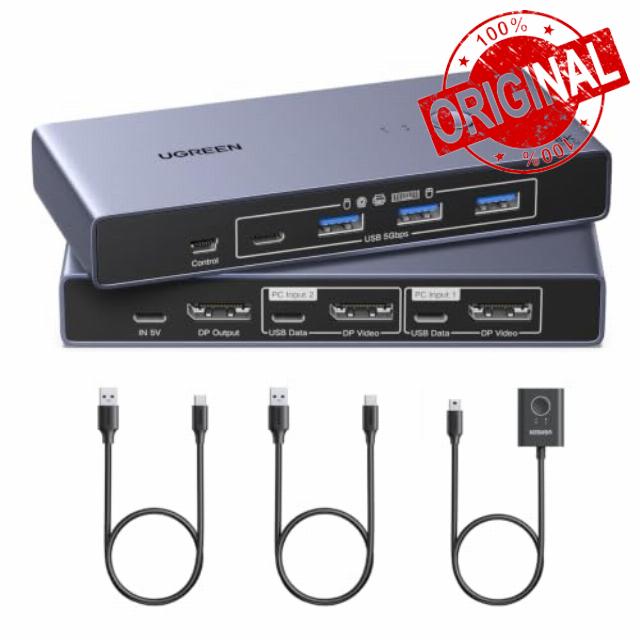
UGREEN 8K@60Hz Displayport KVM Switch 1 Monitors 2 Computers with 4 USB 3.0 Ports Aluminum Support 4K@240Hz Share One Monitor Keyboard Mouse U-Disk Printer with 2 USB Cables
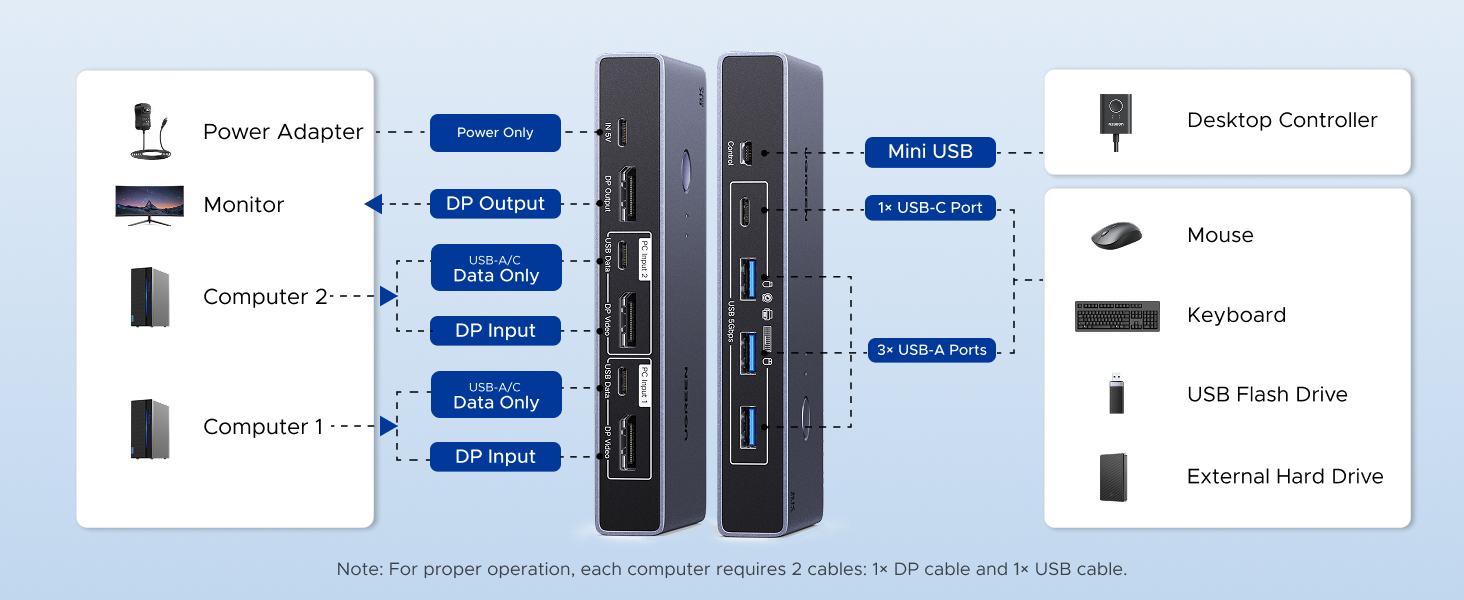
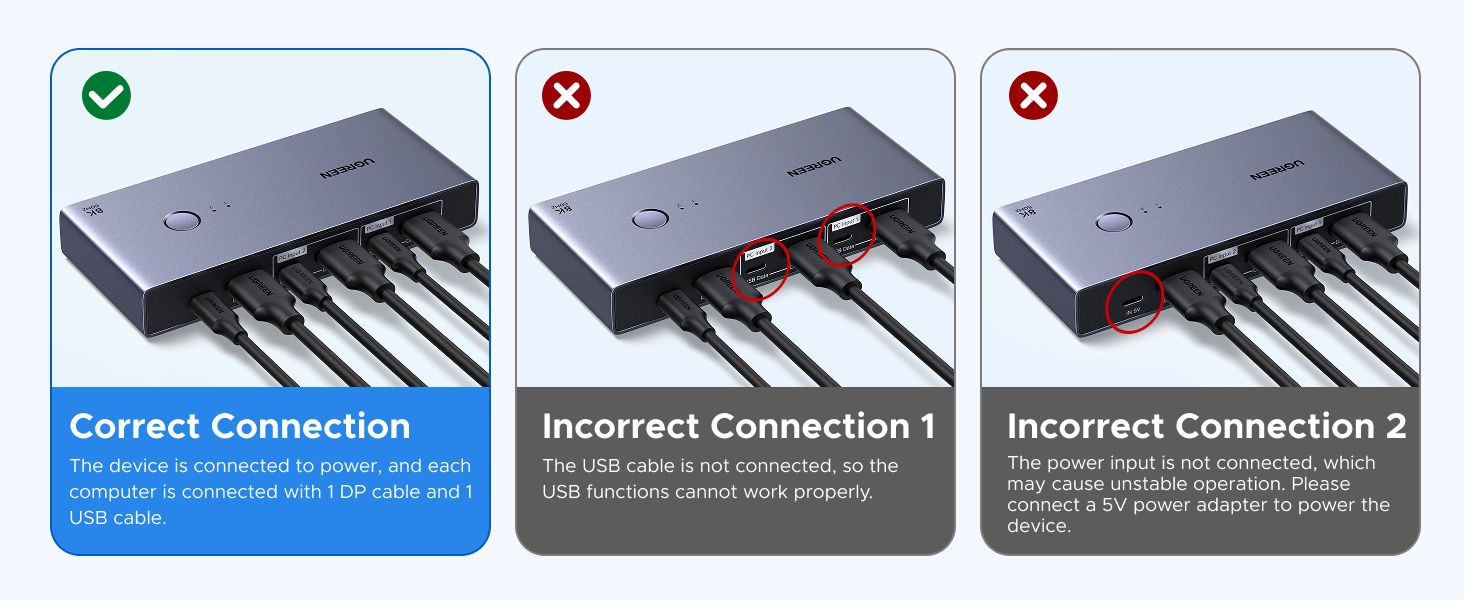
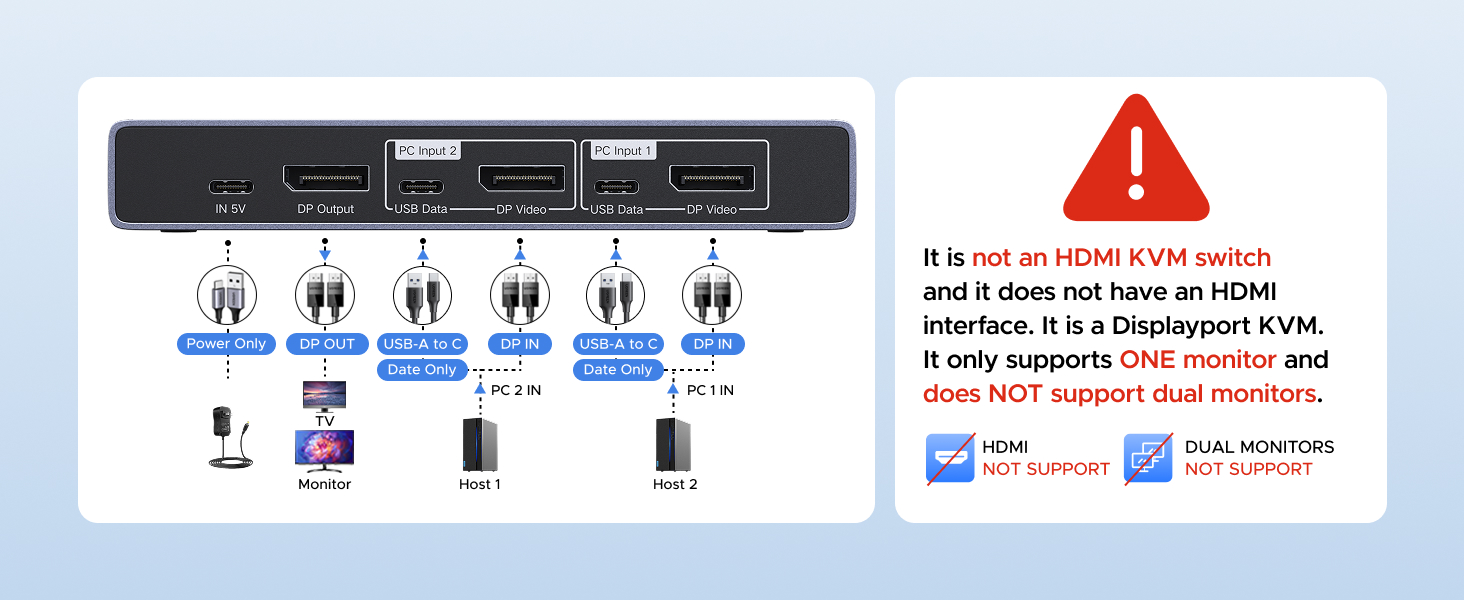
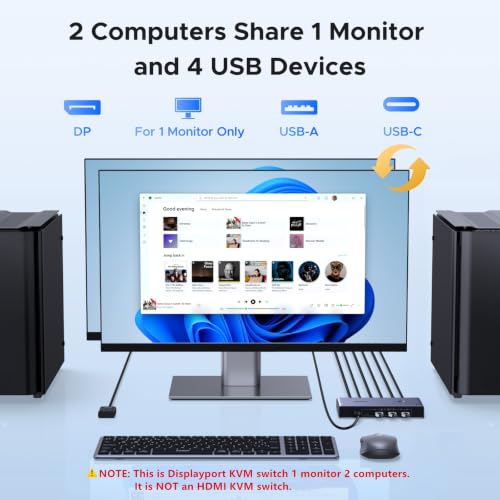
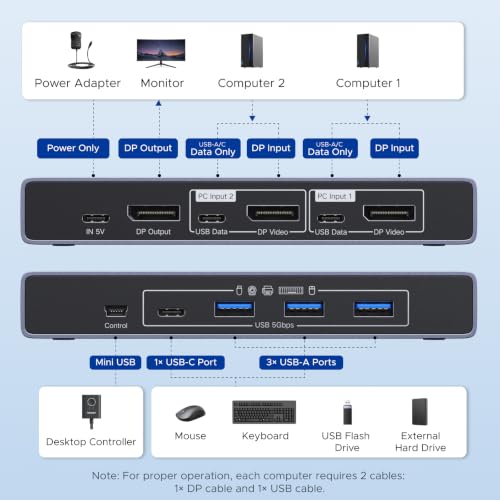
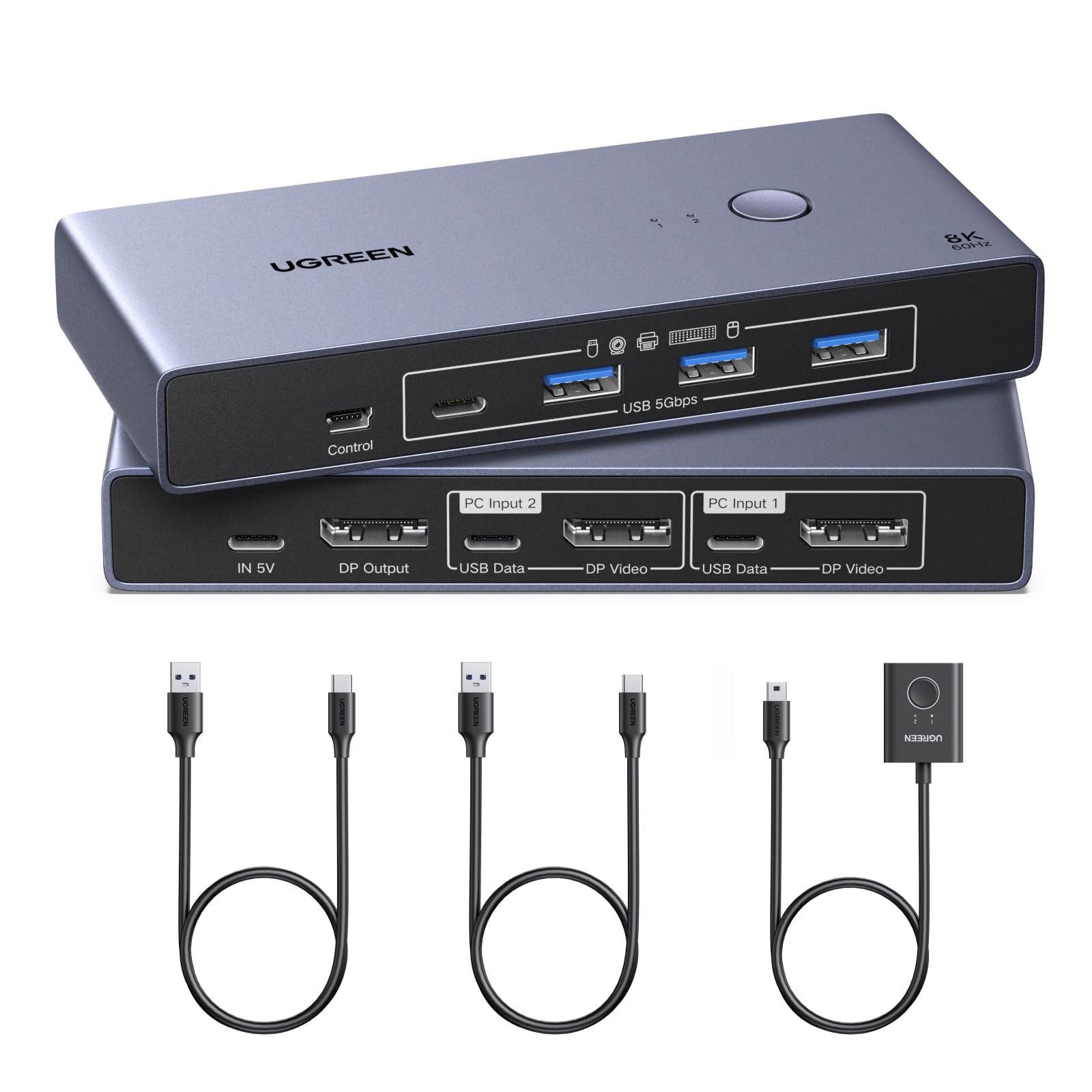
- Note: 1, It is NOT an HDMI KVM switch and it does NOT have HDMI interface. It only supports One monitor. 2, Each computer must connect 1 DP cable + 1 USB data cable to ensure working properly. 3, It does not support EDID emulation. 4, USB-C power cable and power adapter are NOT included. DP cables not included
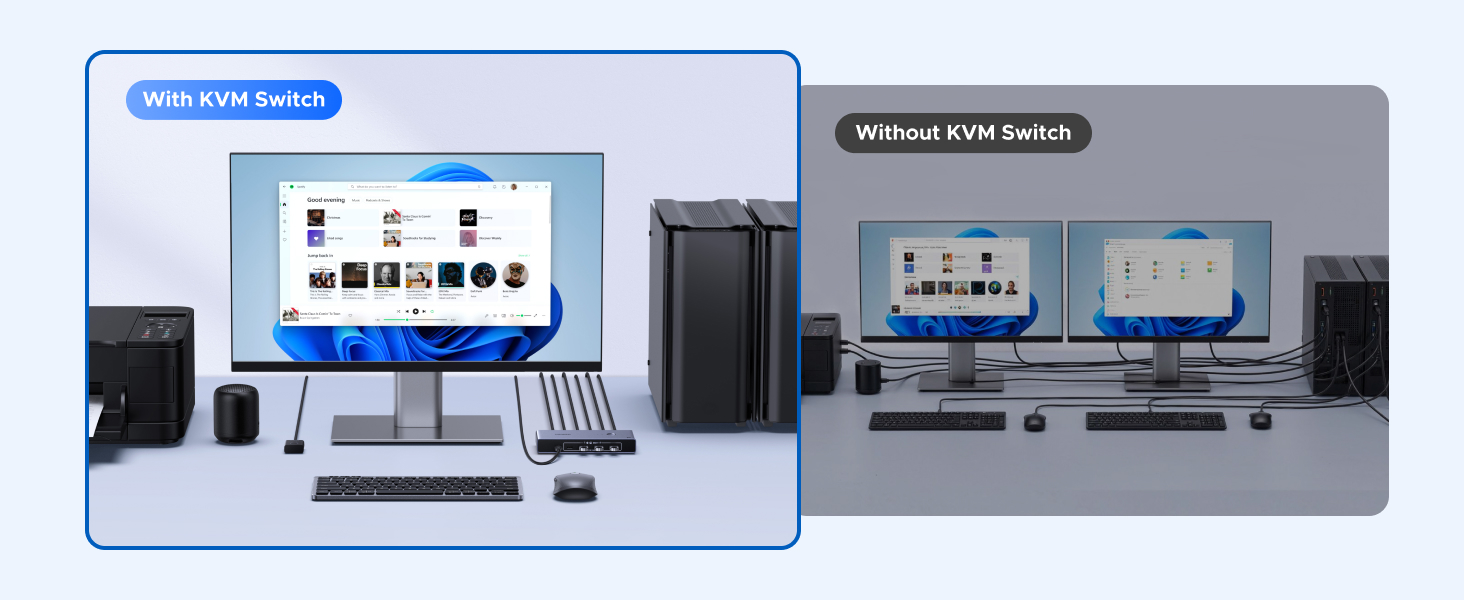
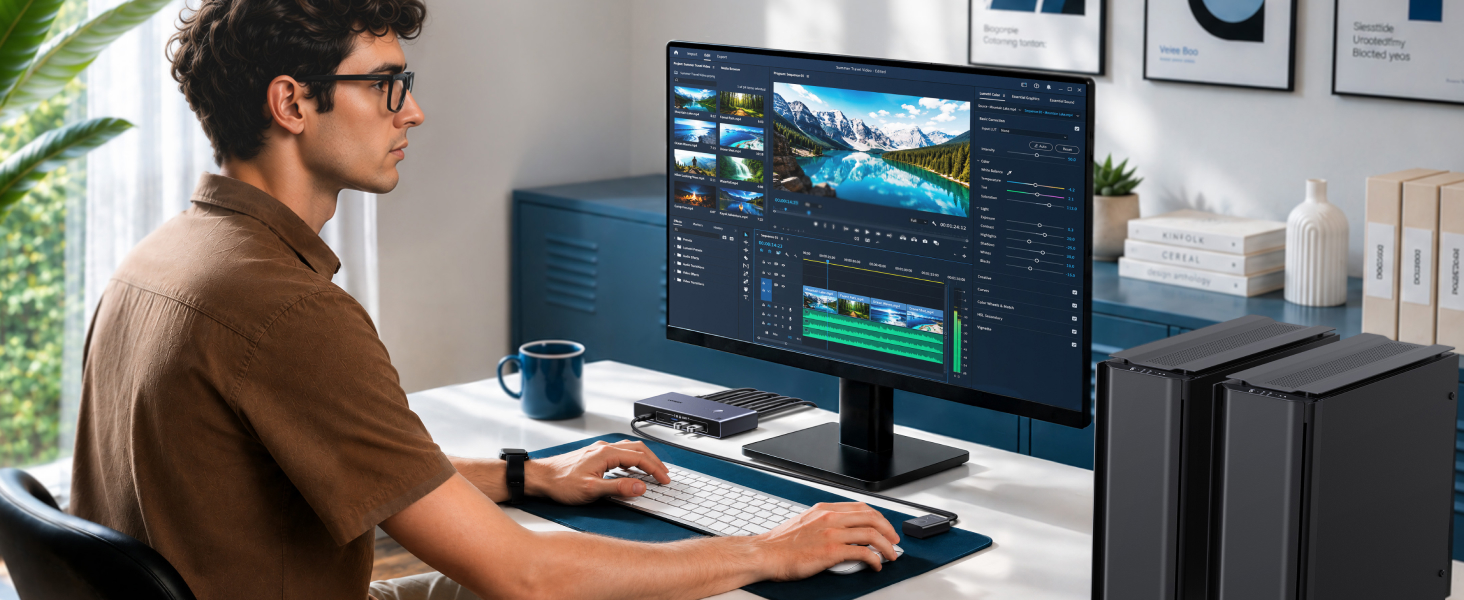
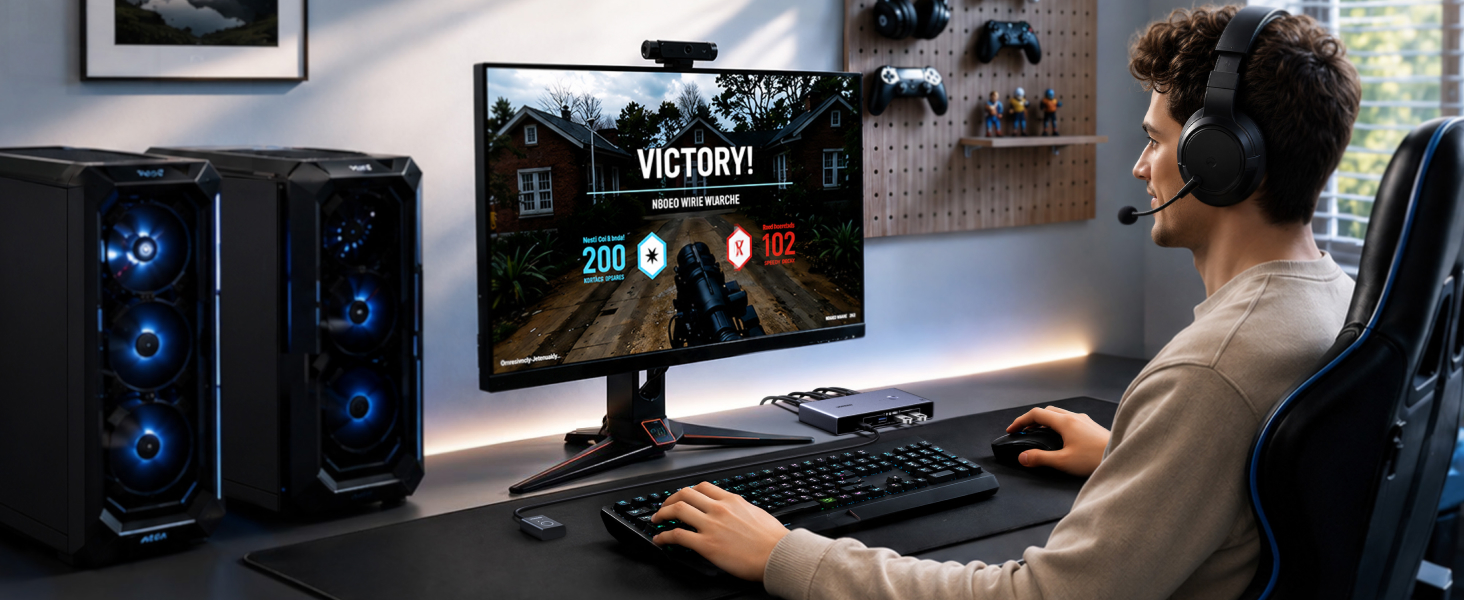
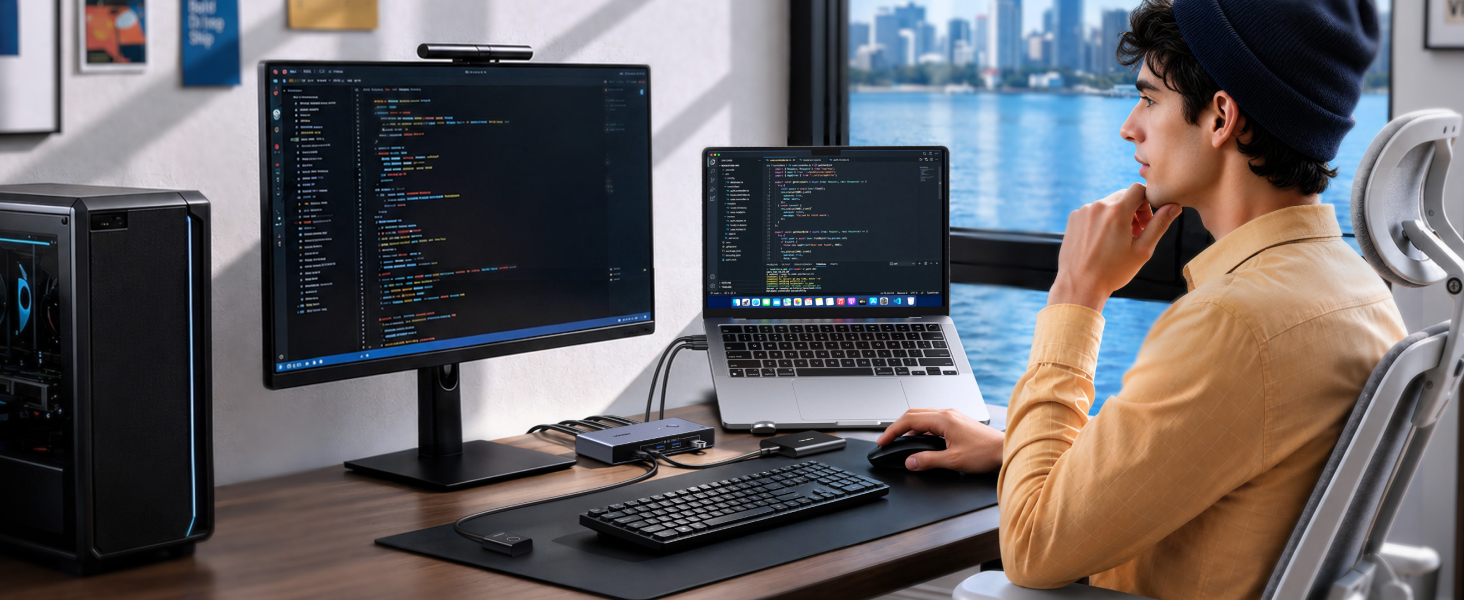
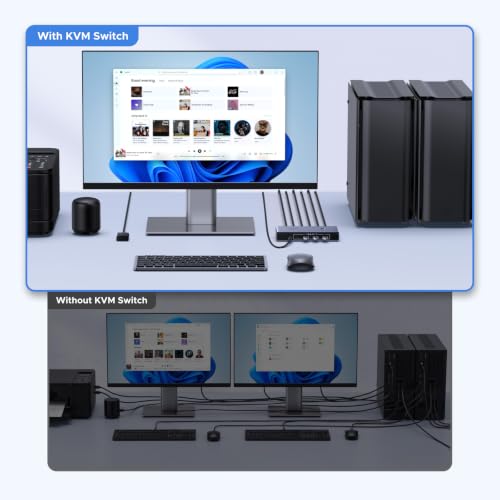
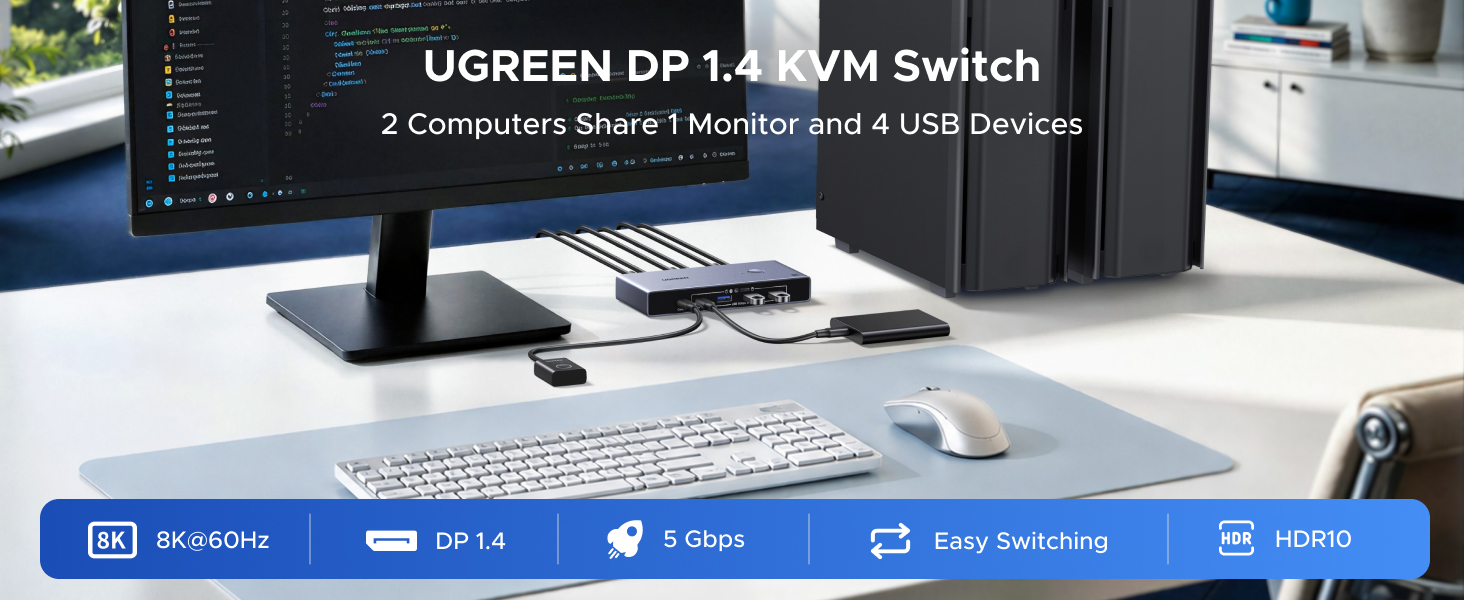
- Displayport KVM Switch 1 Monitor 2 Computers: This DP KVM switch allows 2 computers to share a monitor and 4 USB 3.0 devices such as a set keyboard, mouse, hard drives, webcam, U disk and printer. You can easily switch between two computers on one monitor, which helps to maximize productivity. UGREEN KVM switch is ideal for both professional and home office setups
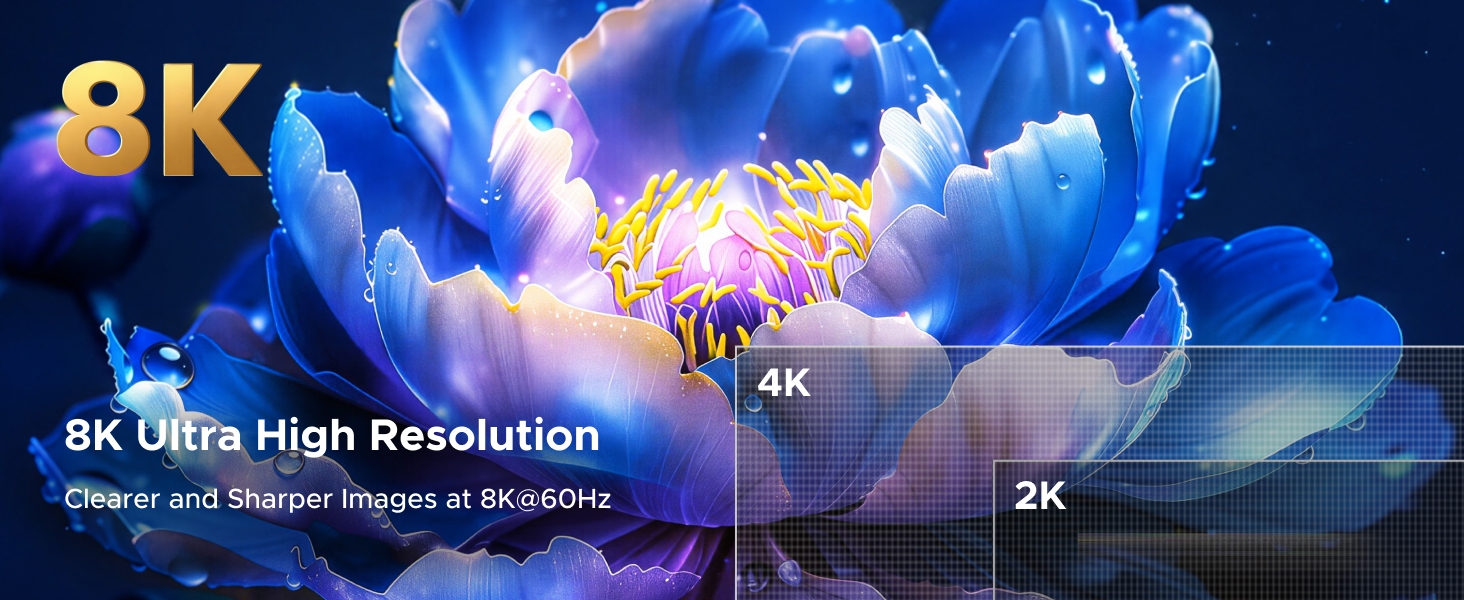
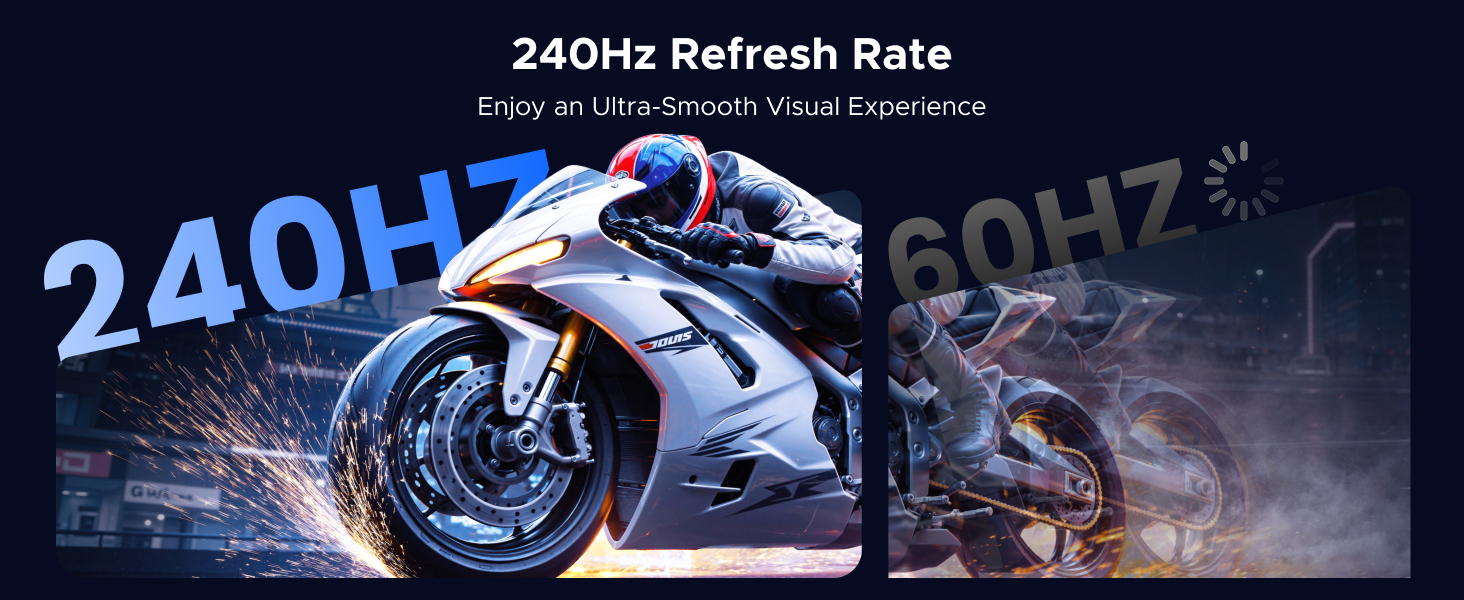
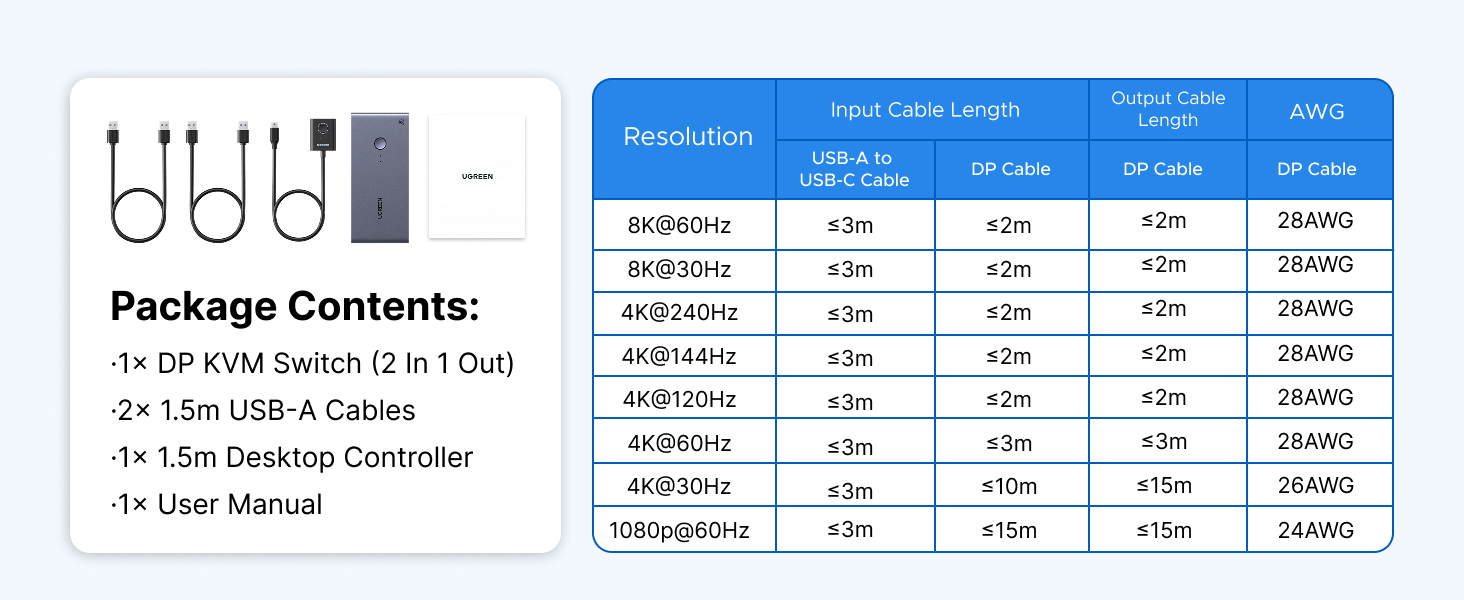
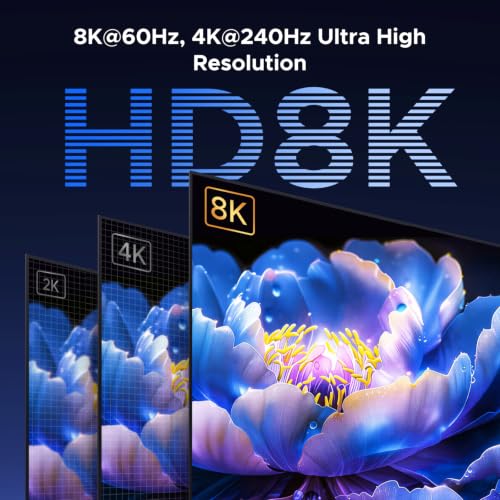
- Ultra HD 8K@60Hz Resolution: This DP 1.4 KVM switch displayport supports resolution up to 8K@60Hz and is backward compatible with 8K@30Hz, 4K@240Hz/144Hz/120Hz/60Hz/30Hz, 1080p and below, ensuring crystal-clear and highly detailed visuals. NOTE: If need to achieve 8K@60Hz resolution, your computers and monitor need to support 8K resolution, and you need to use standard 8K DP1.4 cable input and output should be within 6.6FT/2m 28AWG. (DP cables not included)
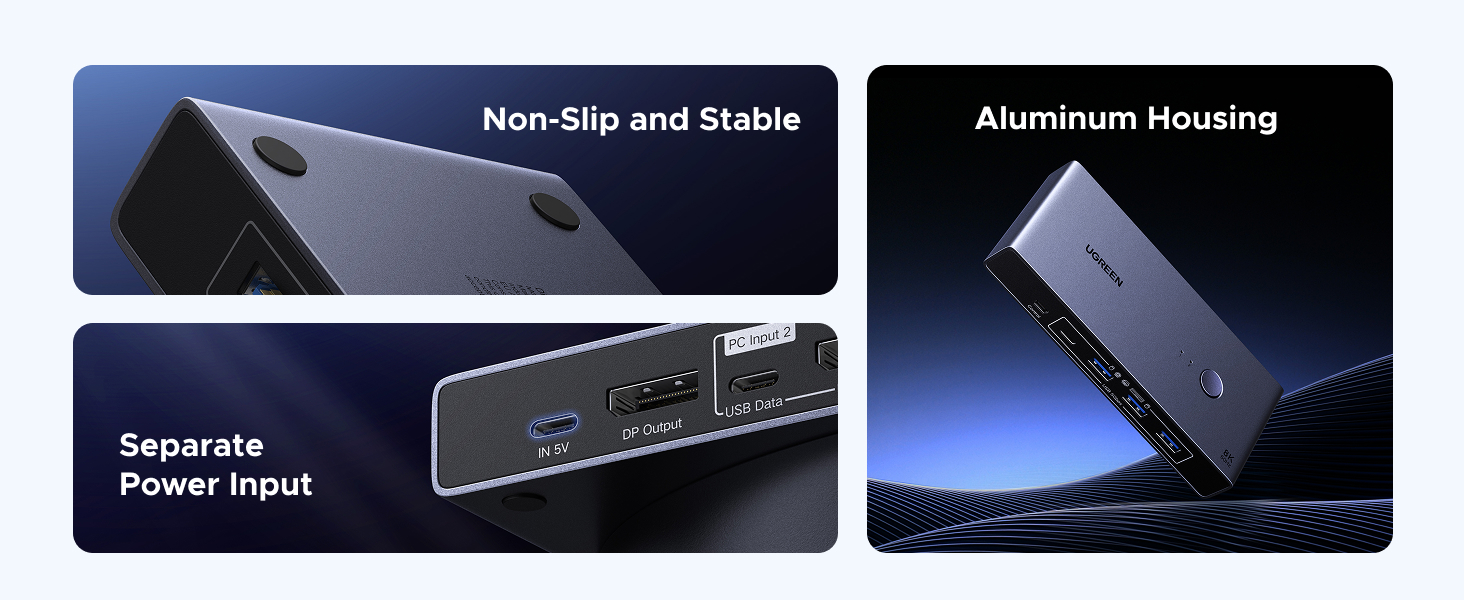
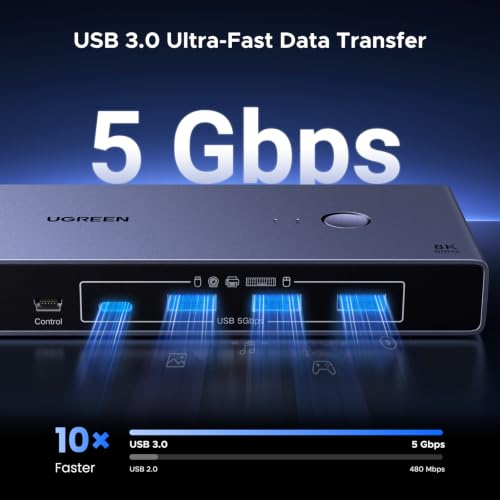
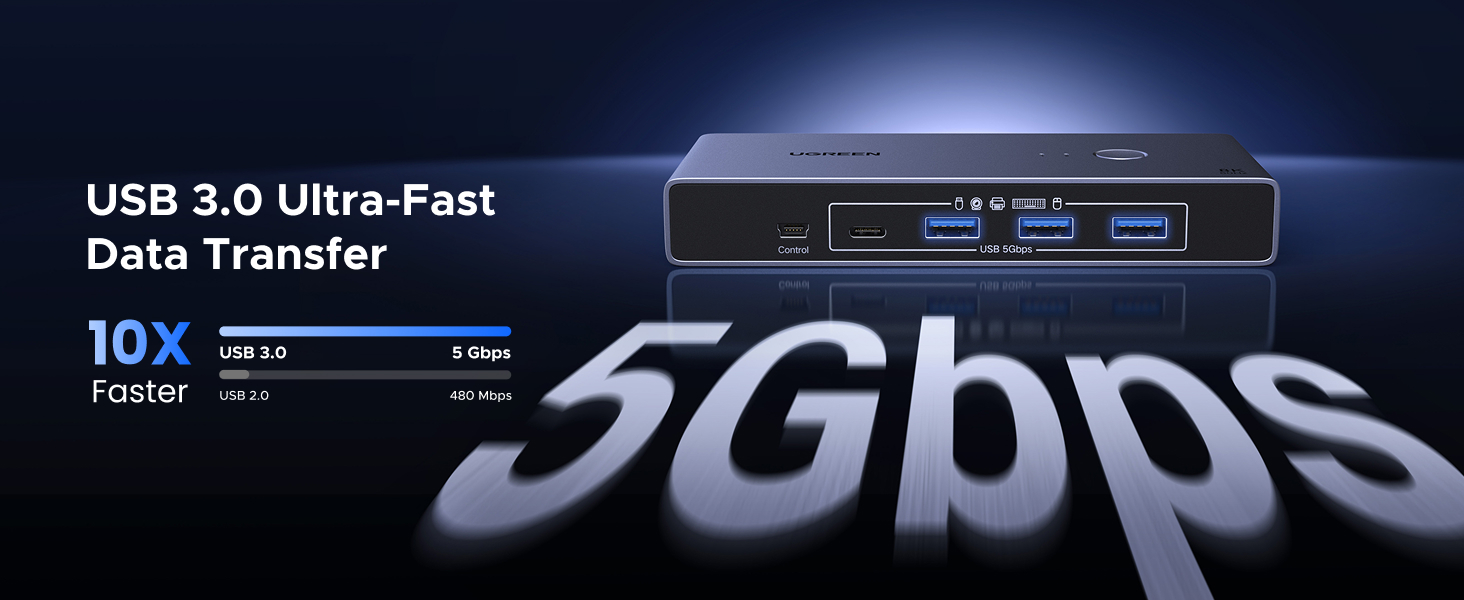
- With 4 USB 3.0 Ports: This usb kvm switch features 4 USB 3.0 ports (3*USB-A+1*USB-C) with ultra-fast data transfer speeds up to 5Gbps for sharing mouse, keyboard, USB flash drives, printer, hard drives, webcams and other USB devices. It allows faster file and picture transfer to make work and life easier and more convenient. NOTE: To ensure normal use, please ensure IN 5V USB C Port Charging to the power source
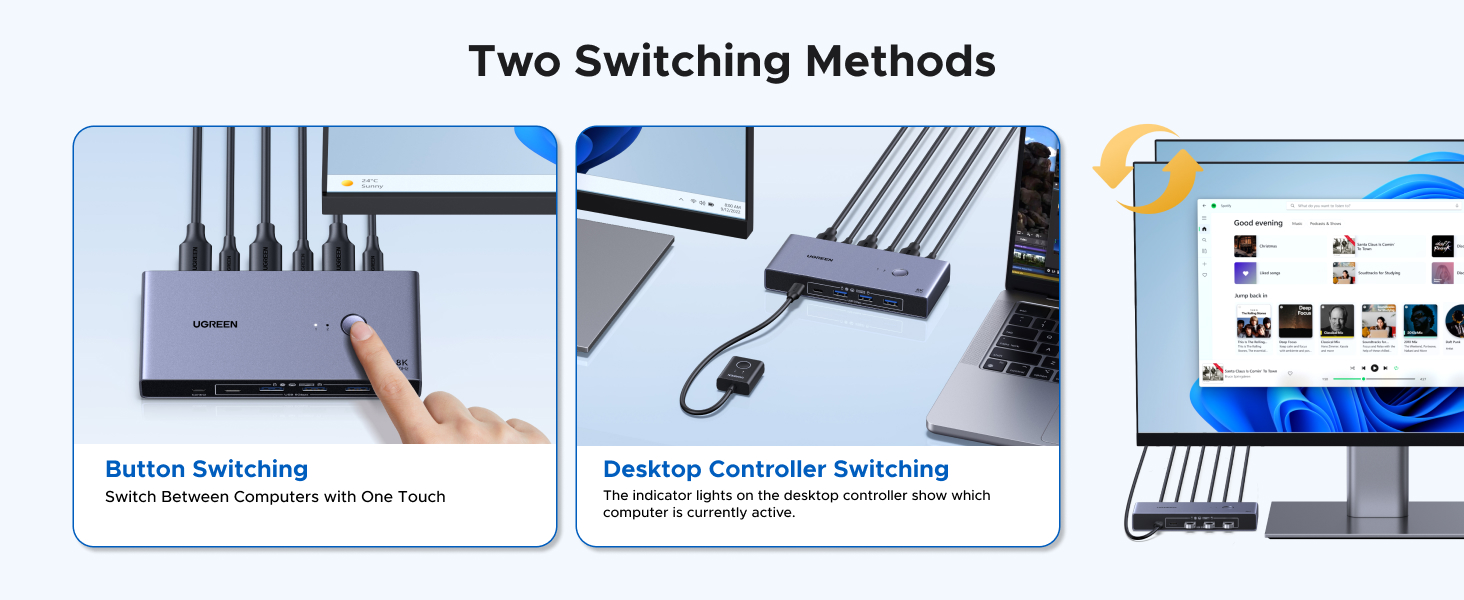
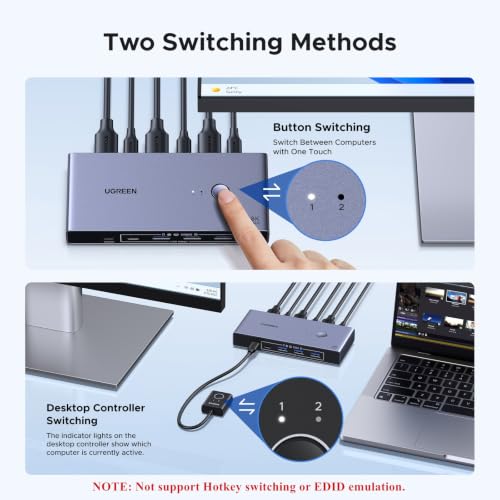
- Two Switching Ways: This KVM switches offers two seamless switching methods, the One-Button switching for direct control and the desktop controller switching to position the unit discreetly (under desks or out of sight) while keeping the controller handy on your workspace. With a single press, switch between computers instantly—reducing desk clutter, and streamlining productivity. NOTE: Not support keyboard shortcuts (hotkeys) toggles and EDID emulation. Switching is not supported in sleep mode, please make sure your computer is not in sleep mode before switching
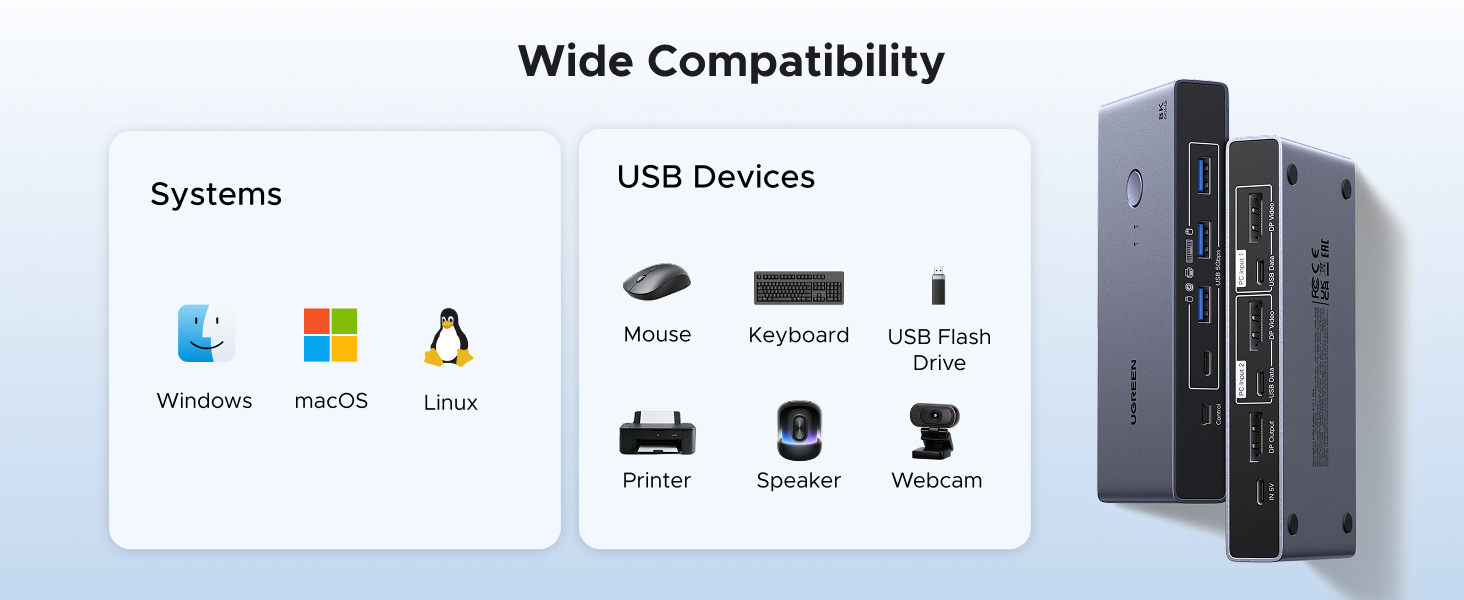
- Wide Compatibility & Package List: This monitor switch for 2 computers supports Windows 11/10/8.1/8/7, Mac OS, and Linux systems. Just plug and play, driver-free. Package List: 1* DP KVM Switch, 2* USB A to C Cables, 1* Desktop Controller, 1* User Guide. (NOT included DP cables, USB-C power cable and power adapter.)
This is DisplayPort KVM switch. It only supports ONE monitor.
| SKU: | B0GTPW6ZMN |
| Dimensions: | 3.75"D x 2.26"W x 0.94"H |
| Brand: | UGREEN |
Product description
This is DisplayPort KVM switch. It only supports ONE monitor.
La solucin definitiva para controlar dos ordenadores con un solo monito
Se trata de un switch KVM DisplayPort de UGREEN es una herramienta imprescindible para quienes trabajan con dos ordenadores simultneamente en el mismo escritorio (por ejemplo, un PC personal y otro PC de trabajo) y desean eliminar el caos de cables y perifricos duplicados. Este dispositivo permite compartir un nico monitor, teclado, ratn y otros accesorios USB entre ambos equipos con solo pulsar un botn.
Como es habitual en la marca UGREEN, la calidad de construccin es sobresaliente. El chasis metlico de aluminio transmite solidez, ayuda a la disipacin del calor y le confiere un aspecto premium que queda muy bien sobre el escritorio. A pesar de ello, muchos usuarios optan por ocultarlo bajo la mesa para mantener el rea de trabajo despejada.
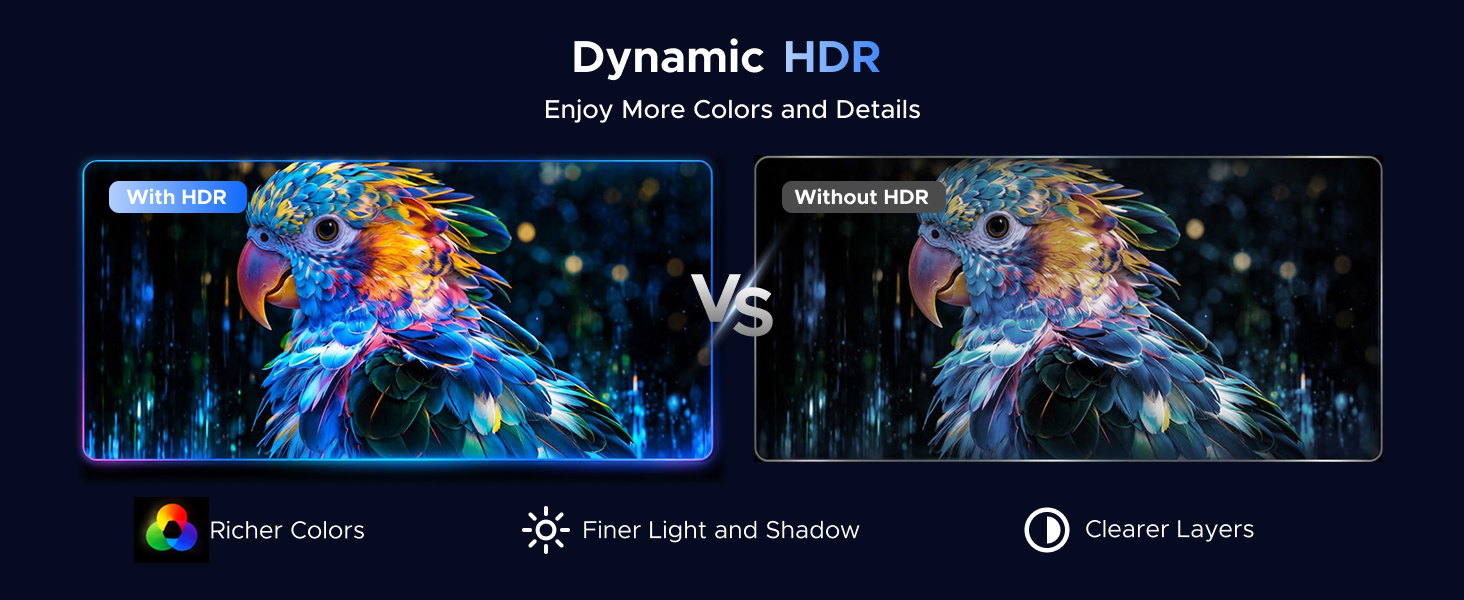
La conectividad y los estndares soportados es uno de sus puntos ms fuertes. Al utilizar el estndar DisplayPort 1.4, el switch soporta unas resoluciones bastante altas de hasta 8K a 60Hz, por lo que es perfecto para jugadores o creadores de contenido, ya que soporta configuraciones de 4K a 240Hz (si tu monitor y tarjeta grfica lo permiten). Tambin es compatible con HDR, lo que garantiza colores vivos y detalles ntidos. En el uso diario normal (como 4K a 60Hz en un escritorio de trabajo), la imagen es estable y no presenta cortes ni problemas siempre que se usen cables cortos y de cierta calidad
El dispositivo cuenta con un hub USB de 5Gbps integrado que ofrece:
3 puertos USB-A 3.0.
1 puerto USB-C 3.0.
Estos puertos permiten compartir no solo el teclado y el ratn, sino tambin discos duros externos, impresoras o cmaras. Eso s; para garantizar la estabilidad al conectar dispositivos que consumen mucha energa (como discos duros), es recomendable utilizar un adaptador de 5V USB-C (no incluido).
Cambio de Equipos: Rpido y Cmodo
La transicin entre un ordenador y otro es prcticamente instantnea. El switch ofrece dos formas de cambiar de equipo: la primera es mediante un botn en el dispositivo, situado en la parte superior del chasis. La segunda es mediante un pequeo botn externo que podremos instalar en cualquier lugar de nuestro escritorio y que permite ocultar el KVM debajo de la mesa y tener solo el pequeo interruptor a mano, manteniendo el espacio ordenado. Tanto el KVM como el mando cuentan con indicadores LED para saber qu equipo est activo.
Lo que NO incluye:
Antes de comprar, debes tener en cuenta que el paquete es minimalista en cuanto a cableado de vdeo y corriente:
NO incluye cables DisplayPort. Necesitars al menos tres cables DP (dos para los PC al switch y uno del switch al monitor). Si usas un porttil sin salida DP, necesitars un cable adaptador (ej. USB-C a DisplayPort).
NO incluye adaptador de corriente a la pared.
El fabricante desaconseja conectarlo a travs de docking stations para evitar incompatibilidades.
Conclusin:
Si buscas simplificar tu espacio de trabajo y compartir un monitor de alta resolucin y varios perifricos entre dos ordenadores, el UGREEN DP 1.4 KVM Switch es una inversin fantstica. Su construccin robusta, su capacidad para manejar altas tasas de refresco sin latencia y la comodidad de su mando de escritorio lo convierten en una opcin altamente recomendable, siempre que tengas en cuenta que debers aportar tus propios cables DisplayPort.
All of your ports will thank you
This has replaced a simple USB peripheral switch I was using to swap a keyboard, mouse and other devices between a PC and laptop, and it has taken that setup to the next level by adding display switching as well.
One thing worth making very clear from the start: no display cables are included. None. You get the KVM itself and the USB cables, but you will need to supply the DisplayPort cables (and adapters, if required).
For my PC this was straightforward, as I had spare DisplayPort outputs on my GPU and spare cables available. The laptop was a little more involved, as it doesn’t have a DisplayPort output but does support USB-C DisplayPort Alt Mode. I’ve never owned a USB-C to DisplayPort cable, so I needed to buy one. Which I did.
Once everything was connected, it performed flawlessly. Plugging devices in works exactly as expected, switching is almost instant, and I have had no issues with dropped peripherals, lost connections or display problems. Full 4K 240Hz works perfectly, as do lower resolutions and refresh rates.
I have mainly been using the wired remote switch because the KVM itself is tucked away under my desk in a storage tray. In that situation, the remote is incredibly useful. If you are constantly switching devices on and off your desk, it may be less important, but I would much rather have the option available than not.
The remote has a clear indicator showing which input is active. I found this so important on my previous peripheral switch, although it is less critical here because my two computers have very different desktop environments, making it obvious which one is selected. The KVM itself has the same indicator, but as mine is hidden away I never see it.
The aluminium housing gives it a premium feel and should help with heat dissipation and long-term durability. It’s a shame mine is hidden out of sight, because it is actually a device that looks good enough to leave on a desk.
For the price, this is an easy recommendation. Without a device like this, your alternatives are either constantly swapping cables, buying a second monitor, or replacing your existing monitor with one that has enough inputs. Add in the simplicity and benefits of sharing USB devices as well, and the value becomes even clearer.