Epson EcoTank ET-2903 Wireless All-in-One Color Supertank
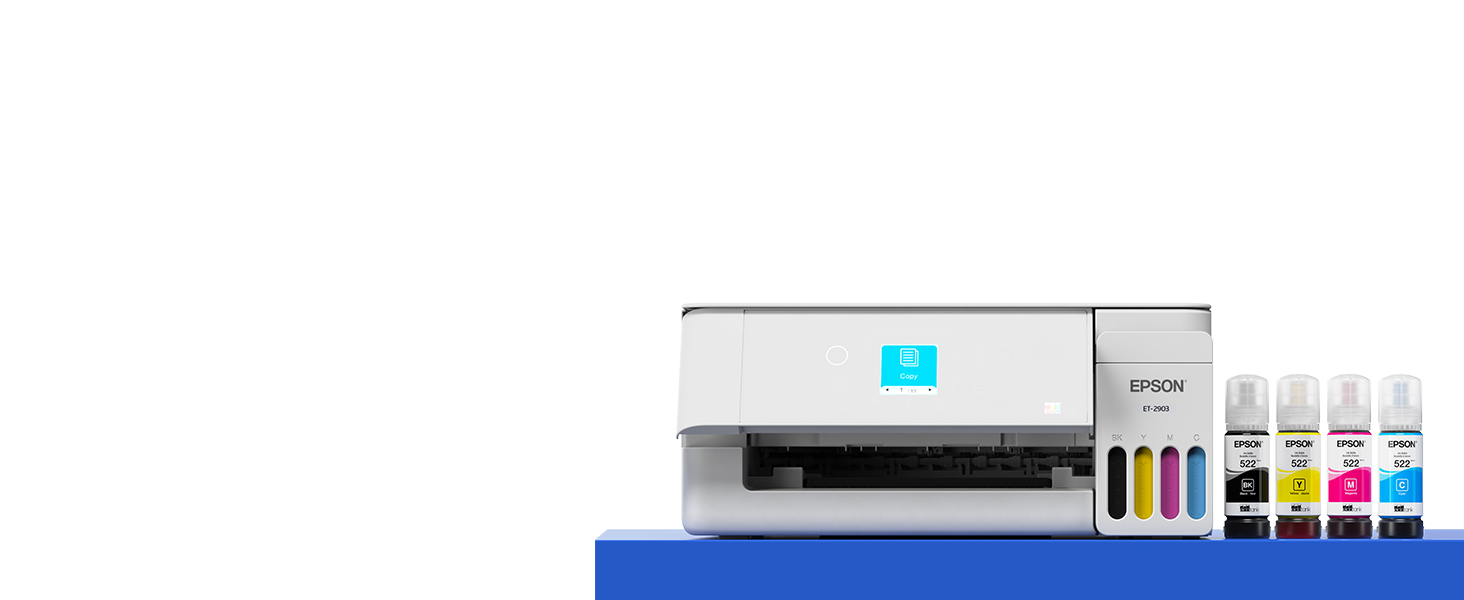
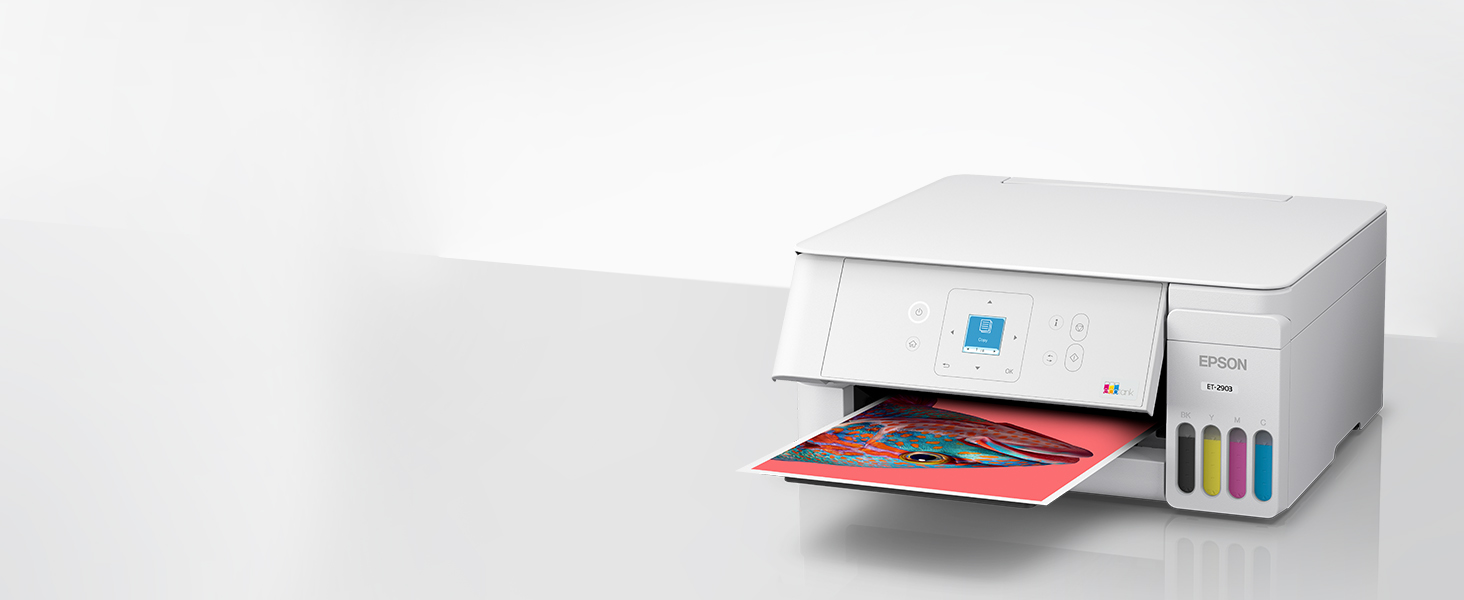
Epson EcoTank ET-2903 Wireless All-in-One Color Supertank Printer with up to 3 Years of Ink, Refillable Tanks, Perfect for Home, 11 PPM, 1.44″ Color Screen, Built-in Scanner – White
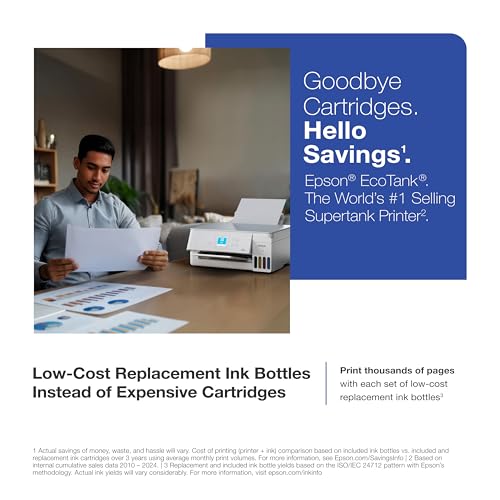
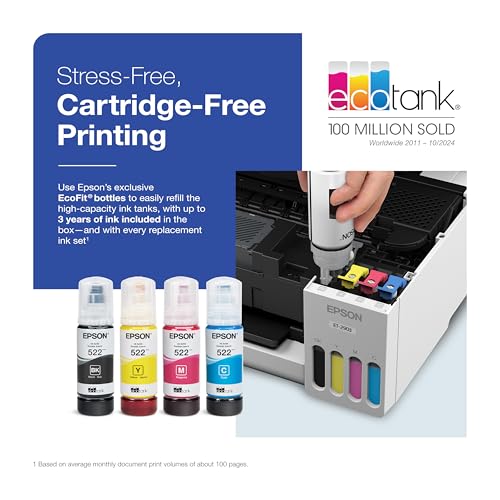
- Epson EcoTank includes enough ink to last up to 3 years⁴.
- WORRY-FREE PRINTING — Epson EcoTank comes with enough ink to print up to 3,600 pages black/6,500 color⁹ for fewer out-of-ink frustrations. Each replacement ink bottle set is equivalent to about 80 cartridges¹⁰
- SIMPLE INK REFILLING — Supersized ink tanks and uniquely keyed EcoFit bottles make refilling ink simple—no mess, no stress and no ink bottle mix-ups; fits in virtually any workspace
- THE WORLD’S #1 SELLING SUPERTANK PRINTER² — Epson invented EcoTank to revolutionize the way people print; we’ve sold 100 million EcoTanks worldwide⁷ and this is our 7th generation of cartridge-free printers
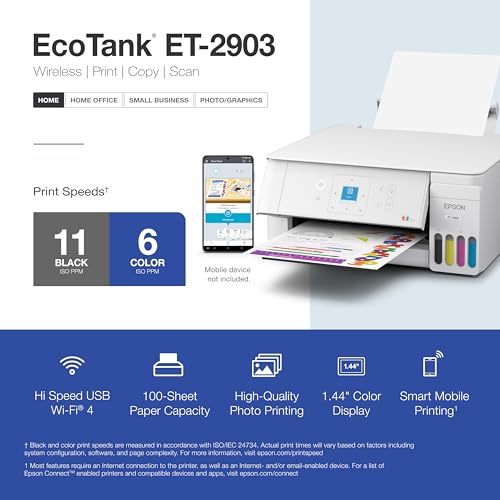
- KEY PRODUCTIVITY FEATURES — 11 black/6 color ISO ppm print speeds with zero warmup time, 100-sheet paper tray, high-resolution flatbed scanner and a 1.44" color display for simple navigation
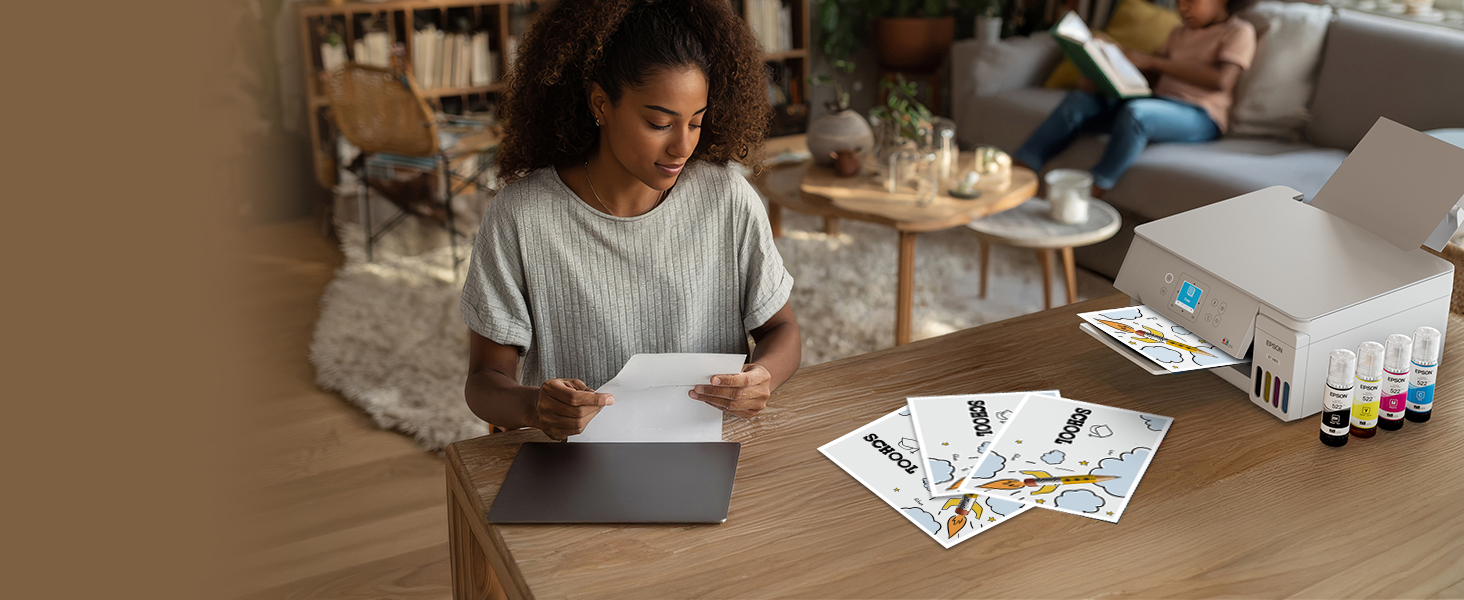
- STUNNING PHOTOGRAPHIC PRINT QUALITY — High 5760 x 1440 dpi print resolution for exceptional photos and text; enjoy amazing image quality on a wide range of media
- WIRELESS & MOBILE PRINTING⁶ — Print and scan from the convenience of your smart device with enhanced mobile printing from the Epson Smart Panel app⁵; supports Apple AirPrint, Mopria Print Service and Mopria Scan
- ENGINEERED FOR RELIABILITY — Epson Heat-Free technology delivers a unique permanent printhead designed to last the life of the printer, plus professional-grade reliability with duty cycle more robust than its predecessor³
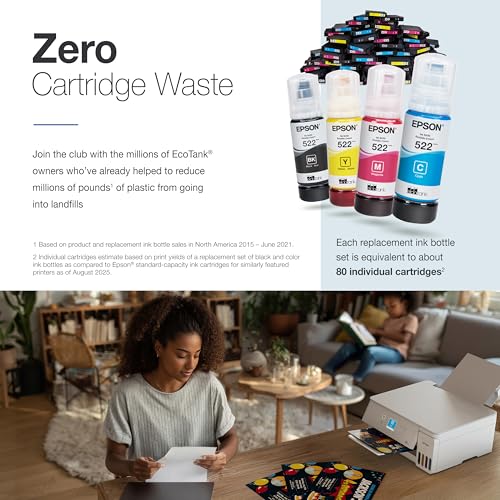
- ZERO CARTRIDGE WASTE — Join the club with the millions of EcoTank owners who’ve already helped to reduce millions of pounds¹¹ of plastic from going into landfills
- USE GENUINE EPSON INK ― For optimal print quality and performance. Non-genuine ink could cause damage not covered by the printer’s limited wnty.
Introducing the EcoTank ET-2903—Perfect for Easy, Everyday Home Printing. Say goodbye to expensive cartridges with the Epson EcoTank ET-2903, the newest innovation from a recognized leader in photographic printing. Combining simplicity with a modern design, the ET-2903 features advanced technology that enhances both performance and print quality, making it an ideal choice for everyday printing—including content created by AI. Powered by Heat-Free technology, the ET-2903 delivers print speeds faster than its predecessor³. And unlike conventional thermal inkjet printers, its unique permanent printhead is engineered to last the life of the printer. Designed to be simple and error-free, refilling ink is a breeze with large ink tanks and uniquely keyed EcoFit bottles—no mess, no stress and no ink bottle mix-ups. And with enough ink in the box to last up to three years⁴, you’ll enjoy affordable, worry-free color printing without the hassle of frequently replacing cartridges. Featuring built-in USB and Wi-Fi for seamless connectivity, along with the user-friendly Epson Smart Panel app⁵, you can easily print, scan, and more directly from your computer or wireless mobile device⁶. Choose Epson EcoTank, the World’s #1 Selling Supertank Printer². With more than 100 million units sold globally⁷ across seven generations of innovation, EcoTank consistently delivers affordable, photo-quality prints, making it a reliable choice for all your printing needs.

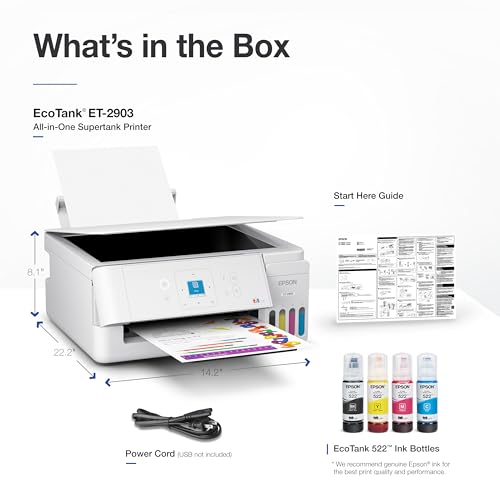
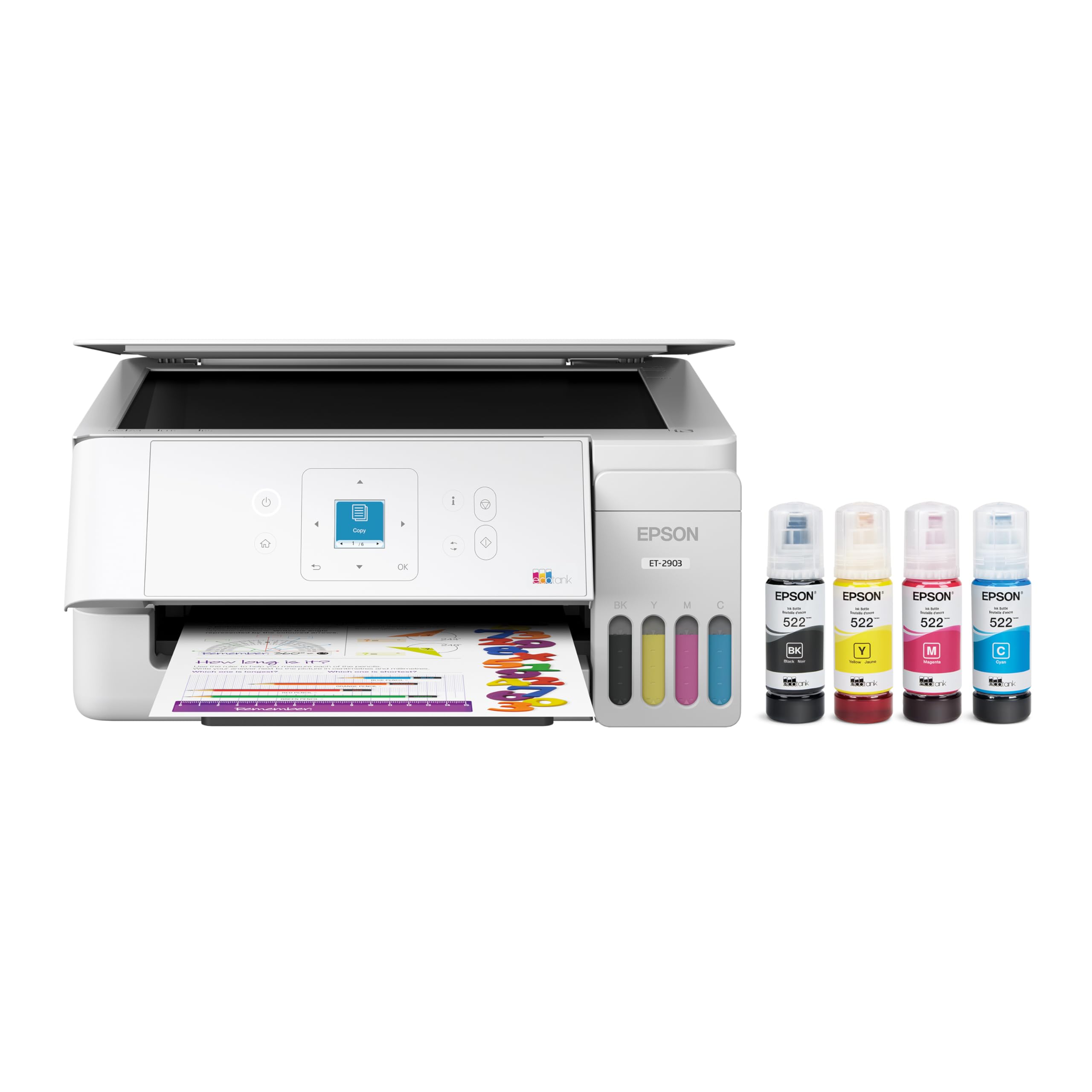
| SKU: | B0GSSJNVVN |
| Weight: | 9.3 Pounds |
| Brand: | Epson |
| Colour: | White |
| Colour: | White |
From the manufacturer

Incredible Value
Affordable Color Printing
Each set of EcoFit replacement ink bottles is equivalent to about 80 ink cartridges¹⁰
Stress-Free Printing
Up to 3 Years of Ink Included in the Box⁴
Print in color all you want without the hassle of frequently replacing ink cartridges
Reliable Design
Engineered for Reliability
Unique permanent printhead is designed to last the life to the printer
Photo Print Quality
Stunning Photographic Print Quality
High 5760 x 1440 dpi print resolution for exceptional photos and text
Zero Cartridge Waste
Refillable Ink Tanks for Zero Cartridge Waste
Epson EcoTank owners help to reduce millions of pounds of plastic¹¹ from going into landfills
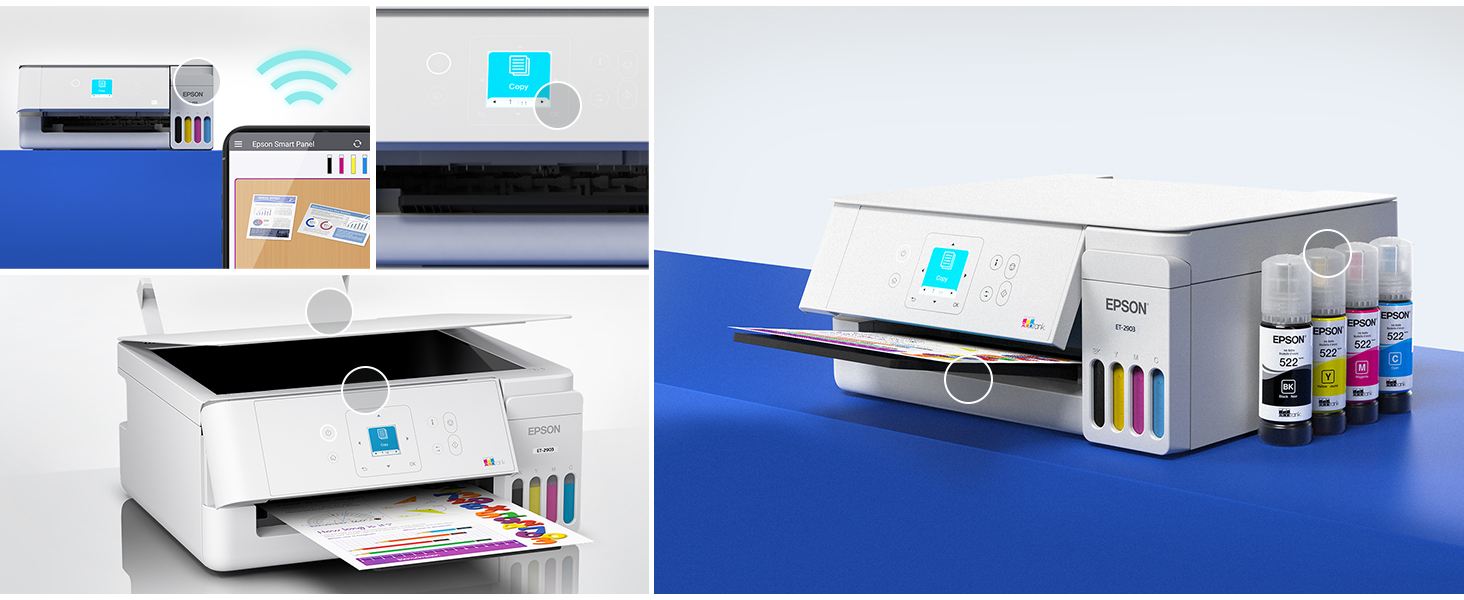 Robust Paper Handling
100-sheet paper input tray
” data-position=”triggerHorizontal” />Stunning Print QualityPowered by Epson MicroPiezo print technology. EcoTank produces incredible photographic print quality from a recognized leader in photographed printing
” data-position=”triggerHorizontal” />Uniquely Keyed EcoFit Ink BottlesMakes refilling ink simple. No mess, no stress and no ink bottle mix-ups
” data-position=”triggerHorizontal” />Meet the EcoTank Family of Printers
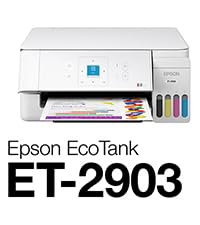 Print / Copy / Scan | 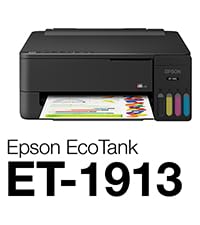 | 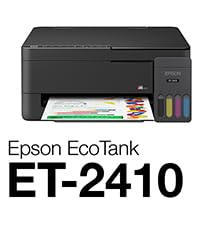 Print / Copy / Scan |  Print/Copy/Scan/Wide-Fmt. | |
|---|---|---|---|---|
| Customer Reviews | 4.3 out of 5 stars32 | — | 5.0 out of 5 stars3 | 4.0 out of 5 stars2,528 |
| Price | $179.00 | — | $179.00 | — |
| Included Ink | Up to 3-Years of Ink | Up to 3-Years of Ink | Up to 3-Years of Ink | Up to 2-Years of Ink |
| Printing Technology | MicroPiezo Heat-Free Tech. | MicroPiezo Heat-Free Tech. | MicroPiezo Heat-Free Tech. | Claria ET Premium 6-color inks |
| Maximum Print Speeds | 11 PPM Black / 6 PPM Color | 11 PPM Black / 6 PPM Color | 11 PPM Black / 6 PPM Color | 16 PPM Black / 12 PPM Color |
| Connectivity | Wi-Fi 4, Apple AirPrint, USB | Wi-Fi 4, Apple AirPrint, USB | Wi-Fi 4, Apple AirPrint, USB | Wi-Fi 5, Apple AirPrint, USB |
| Color Display | 1.44″ LCD Display | – | – | 4.3″ LCD Touchscreen |
| Paper Input Tray | 100-Sheet | 100-Sheet | 100-Sheet | 150 Sheets |
| Auto Two-Sided Printing | – | – | – | ✔ |
| Epson Smart Panel App | ✔ | ✔ | ✔ | ✔ |
Disclaimers
1 Actual savings of money, waste, and hassle will vary. Cost of printing (printer + ink) comparison based on included ink bottles vs. included and replacement ink cartridges over 3 years using average monthly print volumes. For more information, see Epson.com/SavingsInfo | 2 Based on internal cumulative sales data 2010 – 2024. | 3 Versus the ET-2803. | 4 Based on average monthly document print volumes of about 100 pages. | 5 Requires Epson Smart Panel app download. Data usage fees may apply. | 6 Most features require an Internet connection to the printer, as well as an Internet- and/or email-enabled device. For a list of Epson Connect enabled printers and compatible devices and apps, visit epson.com/connect | 7 Worldwide 2011 – 10/2024. | 8 Actual savings and costs will vary considerably based on print tasks, print volumes and usage conditions. Savings and cost per ISO page are based on the cost of replacement ink bottles and the cost of enough standard cartridges to achieve the total page yields of the bottles using the MSRP (USD) and yields for Epson standard-capacity ink cartridges for similarly featured Epson consumer inkjet printers as of August 2025. | 9 Part of the ink from the included bottles is used for initial setup; yields are lower than those of replacement ink bottles. Replacement and included ink bottle yields based on the ISO/IEC 24712 pattern with Epson’s methodology. Actual ink yields will vary considerably for reasons including images printed, print settings, temperature and humidity. Yields may be lower when printing infrequently or predominantly with one ink color. All ink colors are used for printing and printer maintenance, and all colors must be available for printing. For more information, visit epson.com/inkinfo | 10 Individual cartridges estimate based on print yields of a replacement set of black and color ink bottles as compared to Epson standard-capacity ink cartridges for similarly featured printers as of August 2025. | 11 Based on product and replacement ink bottle sales in North America 2015 – June 2021.
pson EcoTank ET-2903
Bought the Epson 2903 printer to print out photos for my sons celebration of life. I have printed out over 300 photos using only about 25% of the ink. I was impressed. I used Microsoft Excel to insert 4 pictures to a page sizing to 3.7 X 4.93. I link the printer to my laptop using an UBS cables because I also have a Laser print and this make it easy to change back and forth between the two printers.
For as long as I have been setting up home offices, the traditional ink cartridge has been my absolute greatest nemesis. There is nothing quite as frustrating as firing up a crucial document only to be met with that dreaded, blinking low-ink warning right when you are on a tight deadline. That is exactly why bringing the white Epson EcoTank ET-2903 Wireless All-in-One Color Supertank Printer into my workspace has been an absolute breath of fresh air. Finished in a clean, minimalist white, this machine completely bypasses the antiquated, expensive cartridge ecosystem. It looks incredibly sleek and modern sitting on my desk, blending seamlessly into my setup without projecting the bulky, industrial vibe of older, traditional machines. Right out of the gate, it feels like a highly engineered, premium piece of technology designed specifically to make daily document management drastically easier and far more efficient.
The sheer brilliance of this printer lies in its wildly innovative cartridge-free supertank architecture. Instead of swapping out tiny, expensive plastic squares every few weeks, this machine utilizes massive, front-facing ink reservoirs. Epson incredibly includes up to three years of ink right in the box, which equates to roughly eighty individual standard cartridges. Loading the ink is where the engineering truly shines; the proprietary EcoFit 522 ink bottles are uniquely keyed to their specific color slots, making it physically impossible to mix up the cyan, magenta, yellow, or black. The bottles automatically stop dispensing the exact moment the tank is full, ensuring a completely foolproof, zero-spill experience. Not only does this system save a phenomenal amount of money over the lifespan of the printer, but it also dramatically reduces the massive amount of plastic waste normally destined for landfills. Plus, being able to physically see exactly how much ink I have left at a mere glance provides unmatched peace of mind.
When it comes to putting ink on paper, this machine is an absolute powerhouse that consistently delivers remarkably crisp, professional-grade results. It reliably pushes out sharp, highly legible black text documents at a brisk 11 pages per minute, making quick work of dense contracts, shipping labels, and lengthy reports. The color performance is equally stunning, operating at 6 pages per minute to produce vibrant, perfectly saturated graphics and incredibly high-quality photo prints. The color accuracy is truly exceptional, giving life to presentations and flyers with punchy, true-to-life tones that never look washed out. Coupled with a highly convenient 100-sheet rear paper capacity, the entire printing process is incredibly smooth and uninterrupted. I am never bogged down constantly reloading the tray, allowing me to effortlessly maintain my momentum during demanding, high-volume workdays.
Beyond its spectacular printing capabilities, the built-in flatbed scanner and copier transform this unit into a comprehensive command center for all of my document needs. The scanner captures physical media with spectacular clarity and high-resolution detail, making the process of digitizing old tax records or preserving physical photographs incredibly easy and accurate. Navigating through all of these robust features is remarkably intuitive, thanks to the dedicated 1.44-inch color display located right on the front panel. The screen is bright, responsive, and paired with a highly logical button layout that allows me to initiate copies, execute scans, or perform quick maintenance tasks without ever having to boot up my laptop or dive into convoluted software menus.
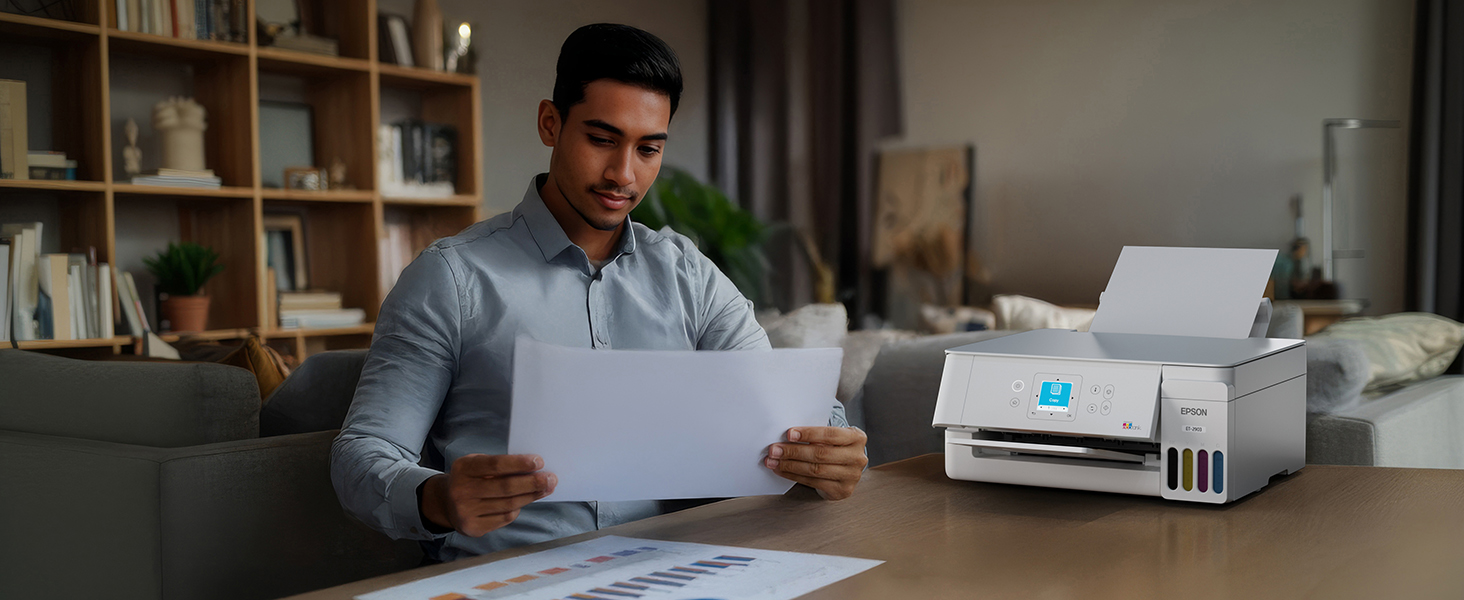
The wireless connectivity is the final piece of the puzzle that makes this printer an absolute joy to operate on a daily basis. Equipped with high-speed Wi-Fi 4, it establishes a rock-solid connection to my home network that never drops or wavers. The smart mobile printing functionality is incredibly seamless; I can easily select a photo or document on my smartphone while lounging in the living room and have it instantly printing in the office down the hall. It completely untethers me from the desk, offering a level of modern convenience that I simply refuse to live without. The Epson EcoTank ET-2903 is a phenomenally capable, remarkably efficient, and incredibly fun machine to use. It entirely eliminates the stress and extortionate costs of traditional printing, delivering a flawless user experience that I cannot recommend highly enough for anyone looking to seriously upgrade their productivity game.
Good, sharp print. Easy set up and I like that I can monitor the ink levels from the front panel. The screen is very small and a little difficult to read because of the small print but doable. Good purchase
This is a great printer for the money. Easy set up! Just follow the prompts and you’ll be ready to print in no time. Was easy to connect to WiFi too. I was so tired of paying the high price for cartridges! The bottle ink was super easy to load and print quality is great!!