Buoan Fingerprint Door Lock, Smart Fingerprint Door Knob
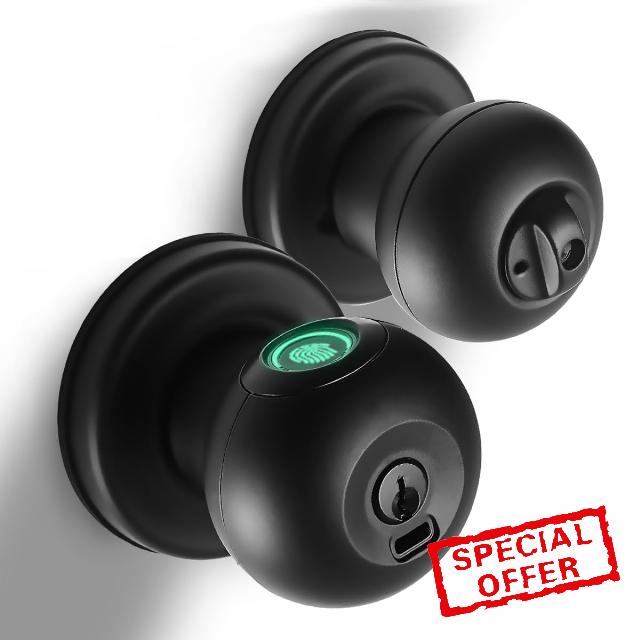
Buoan Fingerprint Door Lock, Smart Fingerprint Door Knob with Lock, Biometric Black Door Lock, Keyless Thumbprint Entry Door Lock for Bedrooms, Hotels, Apartments, Offices and Garages
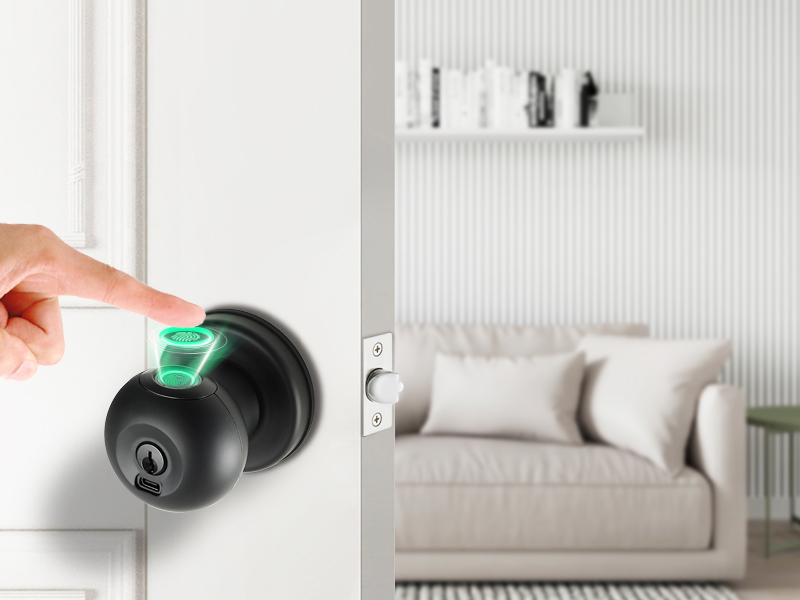
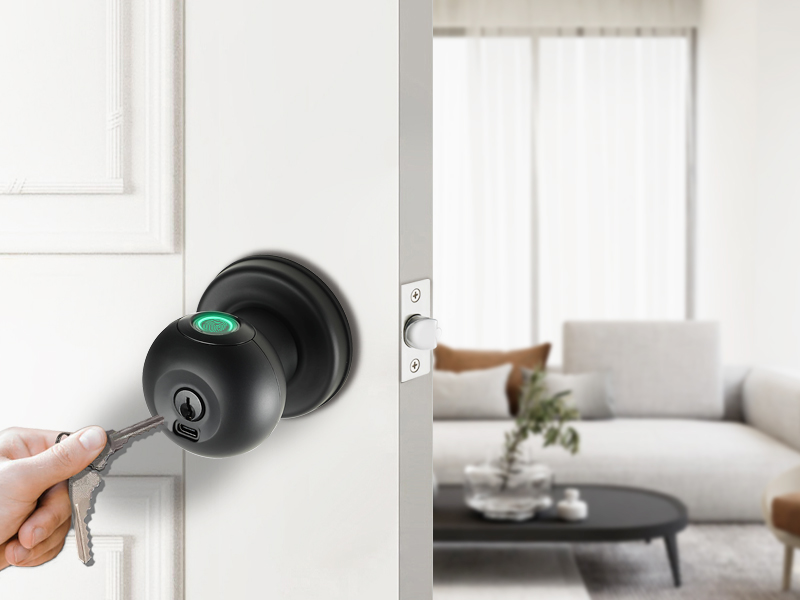
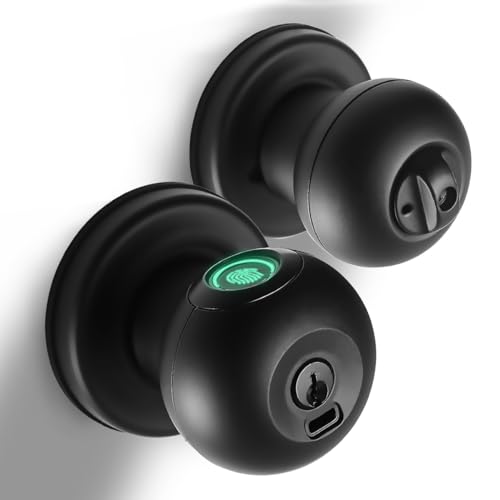
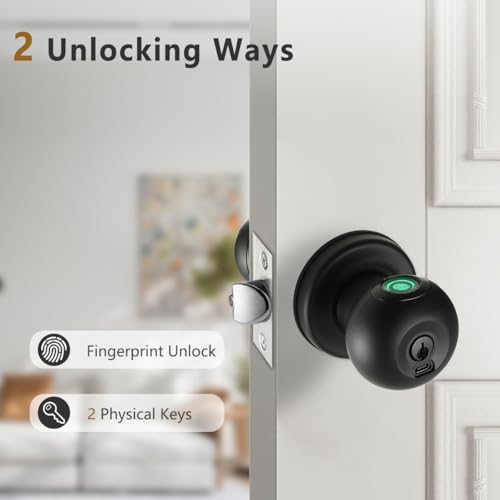
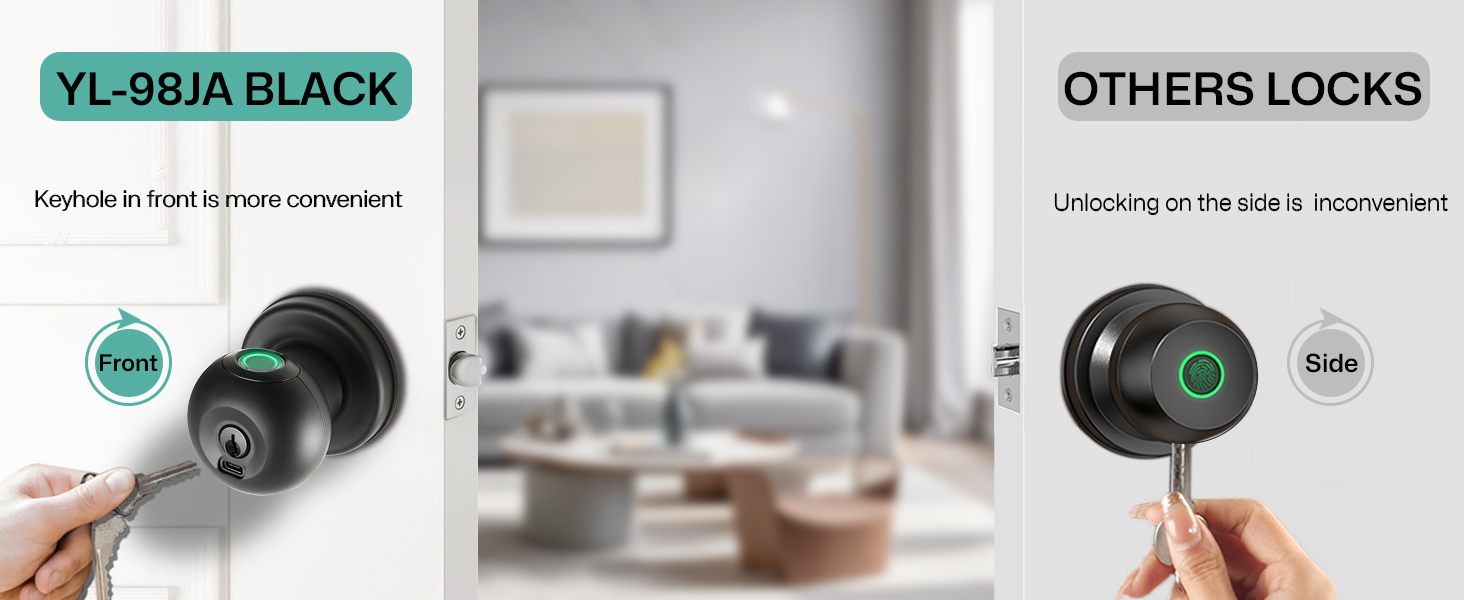
- 2 Unlocking Ways: Buoan Smart Door Knob supports fingerprint unlocking and mechanical backup key unlocking. Provide a more convenient and secure way to enter your home!
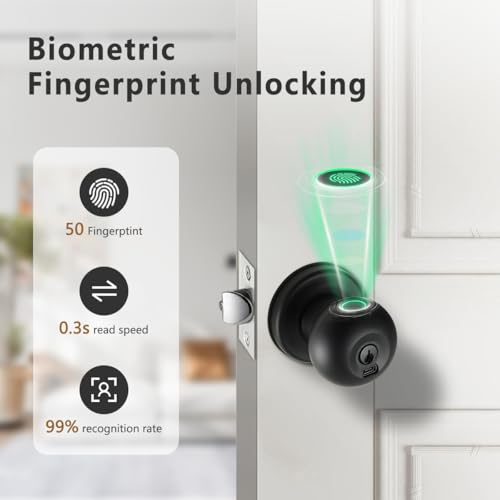
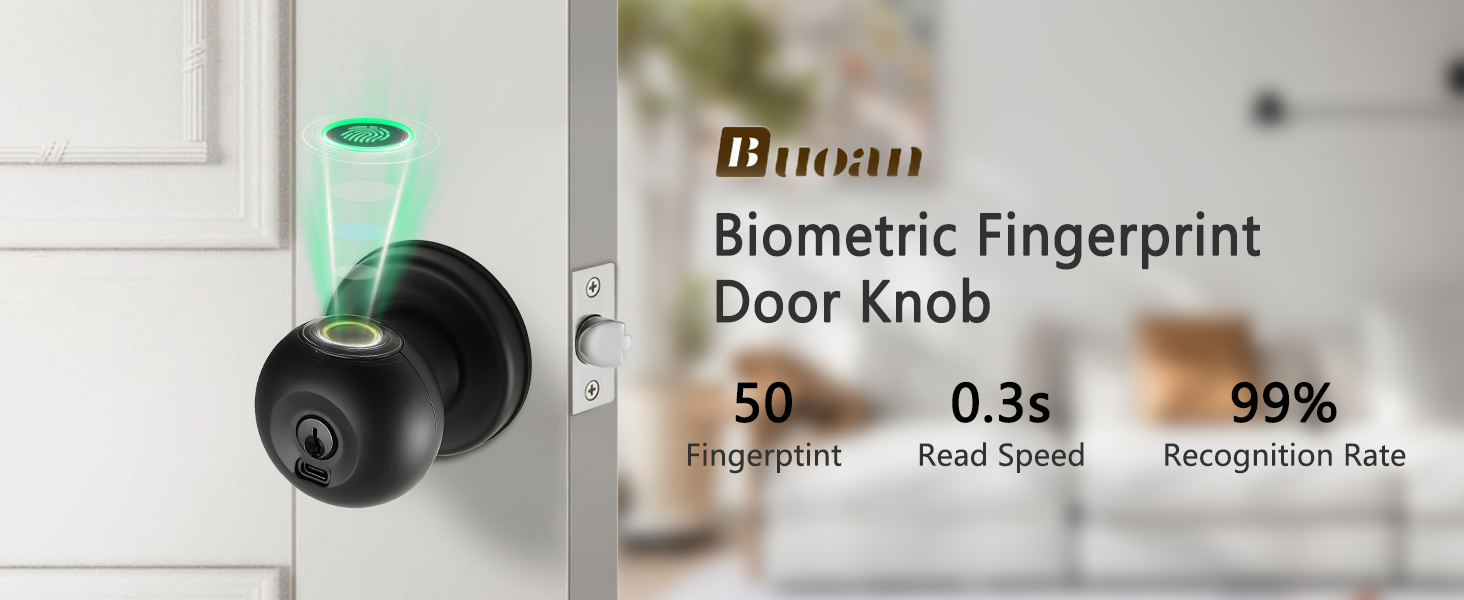
- 0.3s Biometric Fingerprint Recognition: The biometric fingerprint door handle has an advanced 360°fingerprint sensor, 99% recognition rate, 0.3 reading fingerprint speed. It can store up to 50 fingerprint users, making it easier for your family and friends to use.
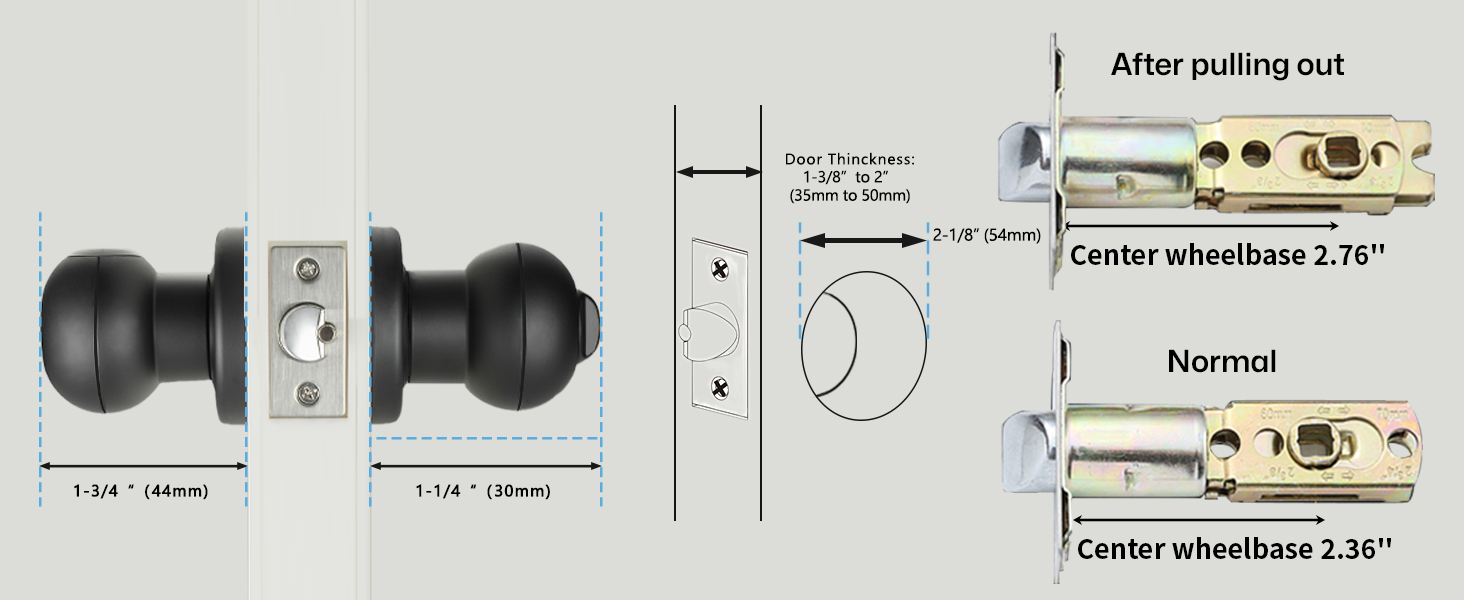
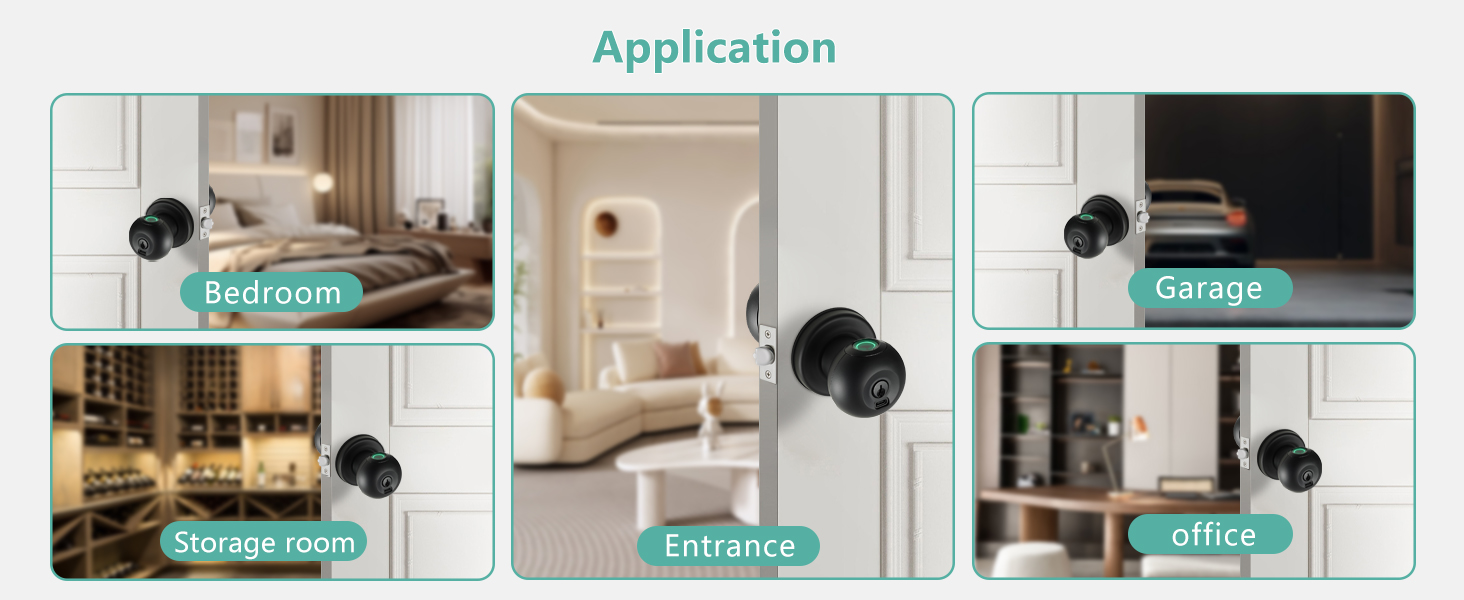
- Easy to Install: The fingerprint door knob can be easily installed with a screwdriver in minutes and fits most US door. And suitable for residence, front door, bedroom, apartment, office, garage, hotel, etc.
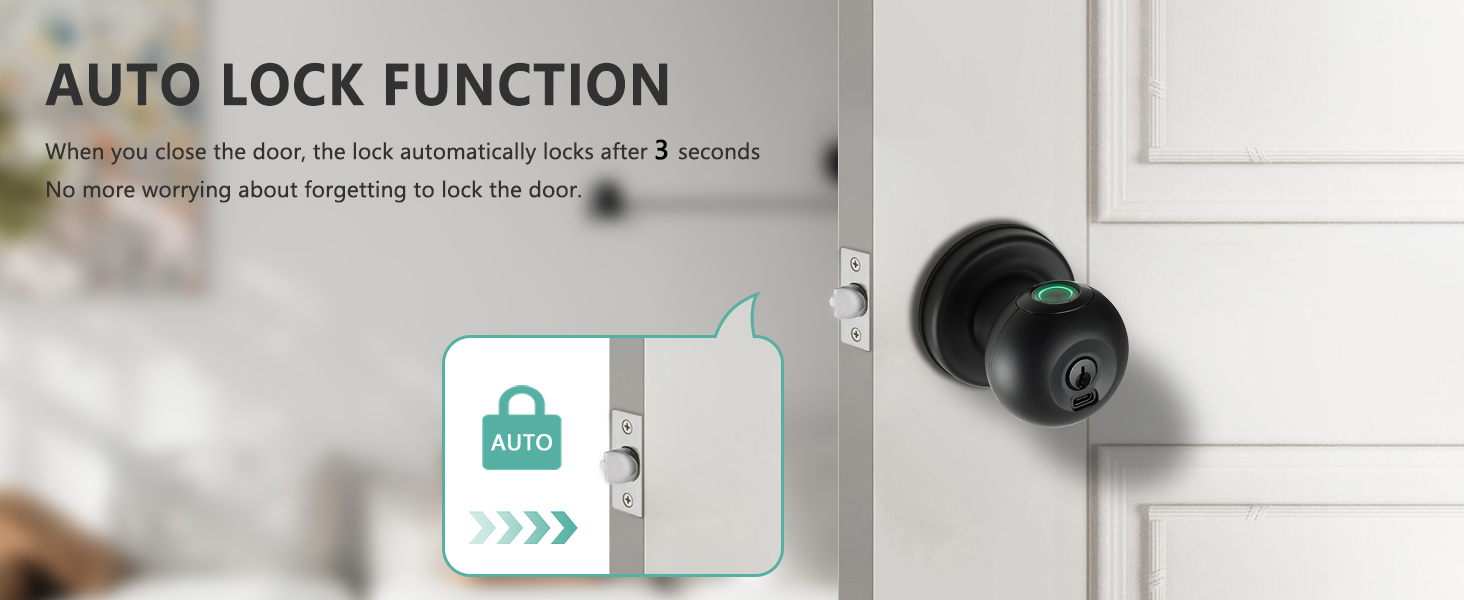
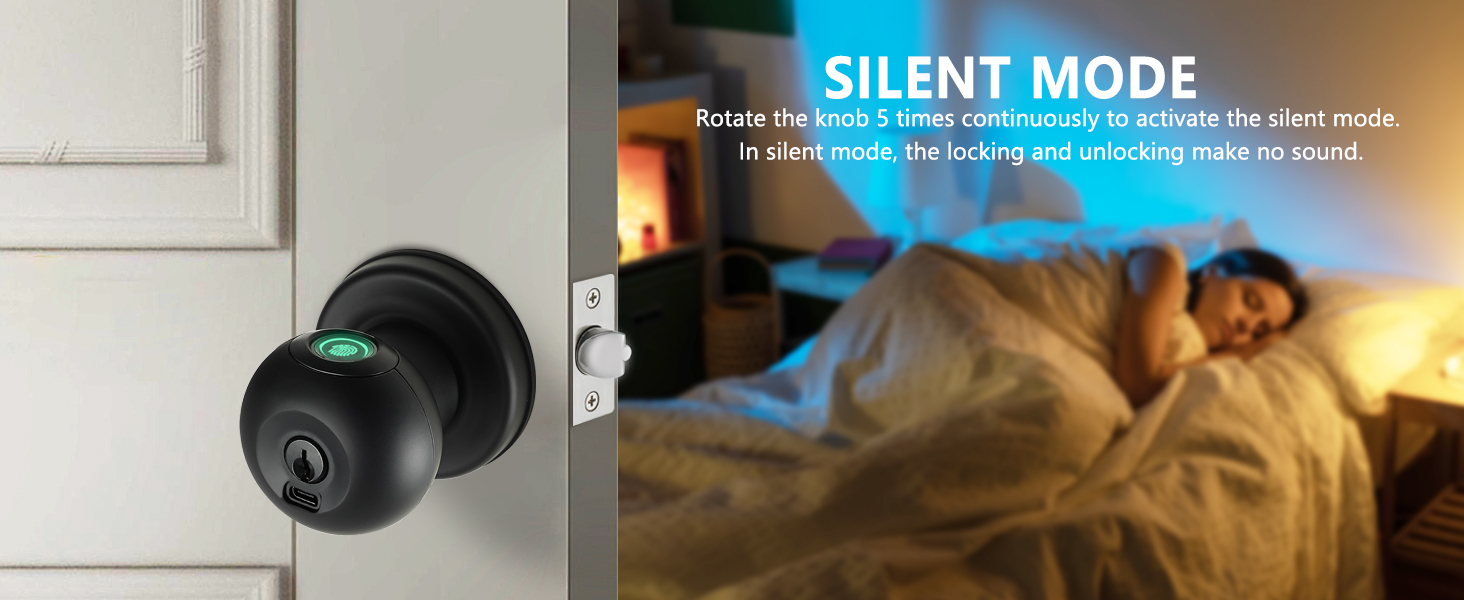
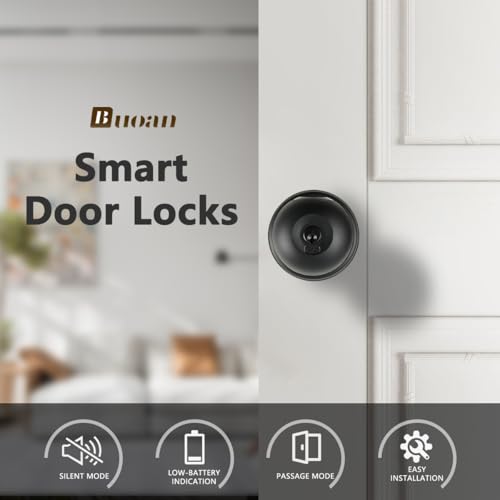
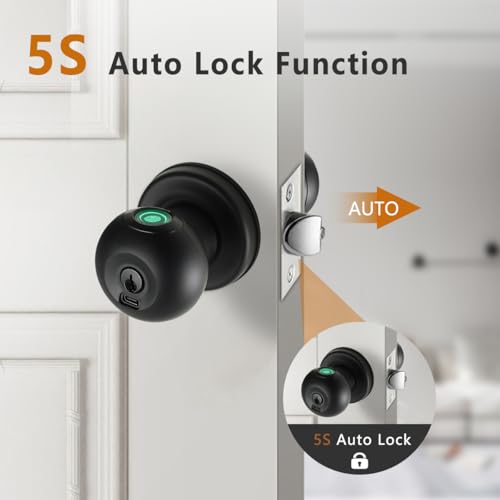
- Auto-Locking: This door handle locks automatically after you close the door for 5s.(The automatic locking function cannot be turned off.) This can better ensure your safety, even if you forget to lock it sometimes. There are also silent and passage modes for your different life scenarios.
- Customer Service: Fingerprint door lock provides 30 days return policy, replacement within 12 months (if there is a quality problem). 24 hours email or phone technical support.
2-IN-1 Unlocking Ways
Fingerprint Unlock
YL-98JA can add 50 fingerprints, better for your life convenience.
Key Unlock
Provide two physical keys to avoid an emergency when the lock runs out of power.
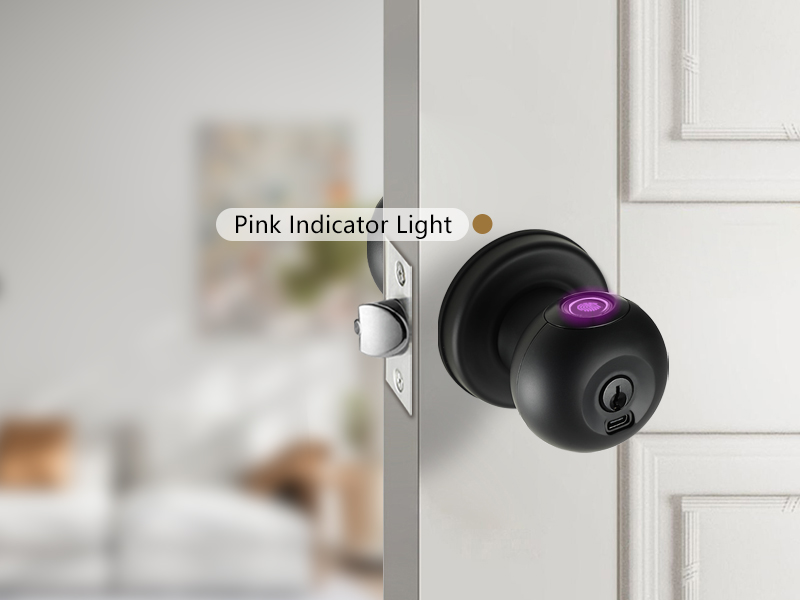
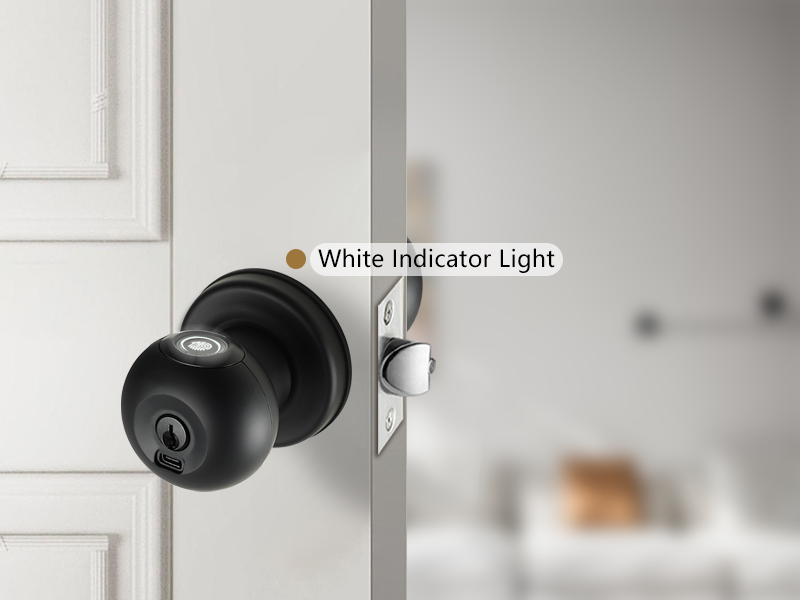
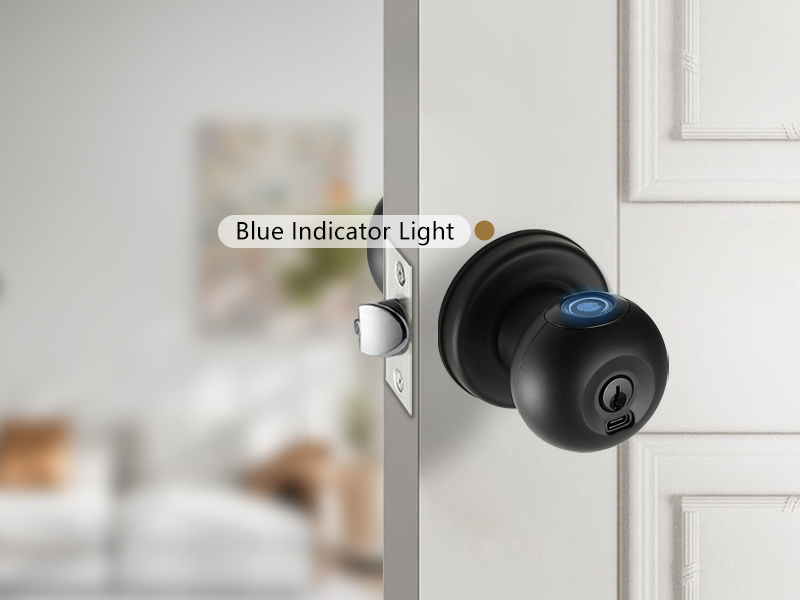
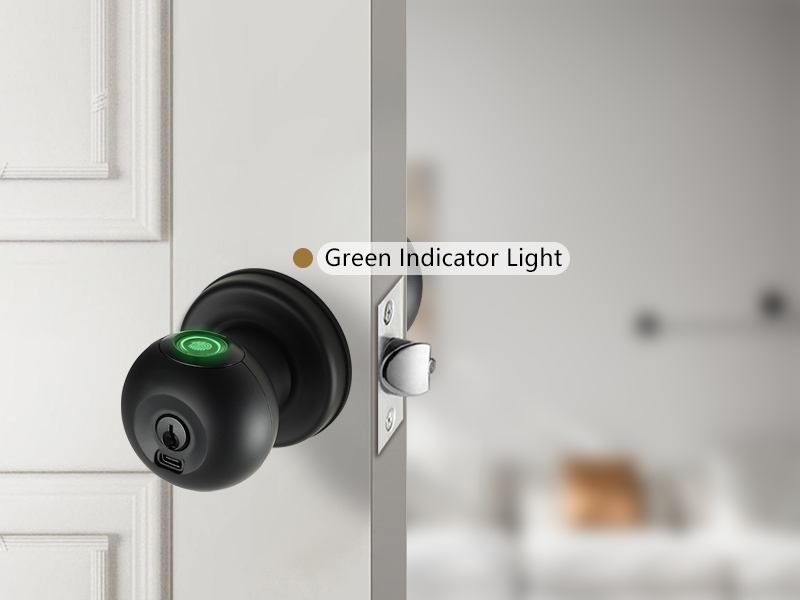
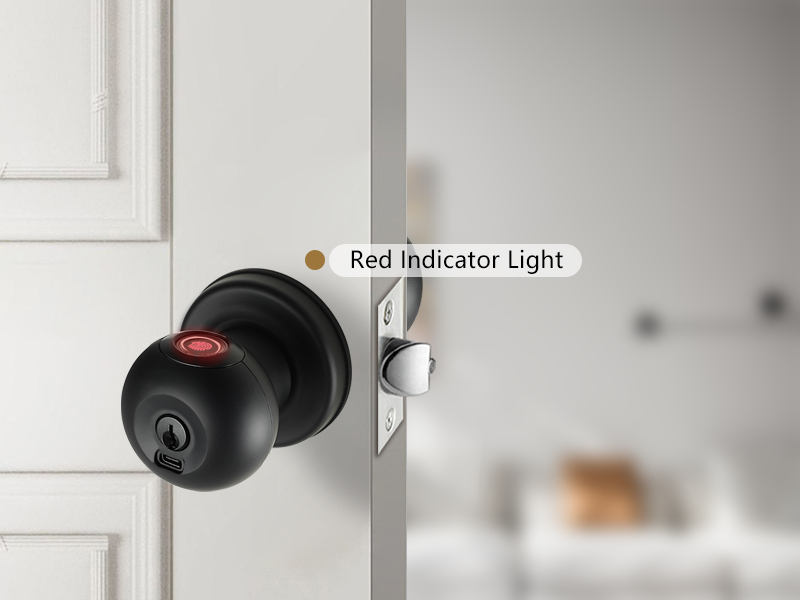
Indicator Color Description
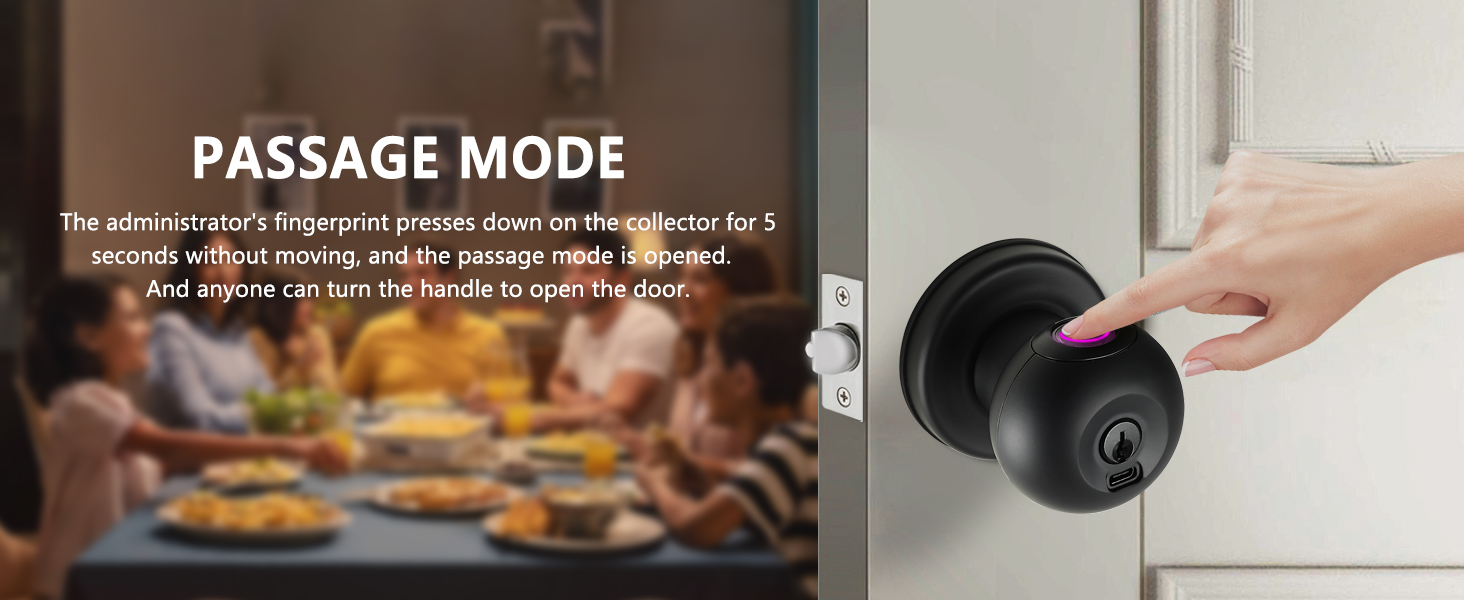
Passage Mode
Admin's fingerprint pressed on collector. Indicator turns pink, 10 beeps. Passage mode opens.Anyone can turn the handleto open the door.
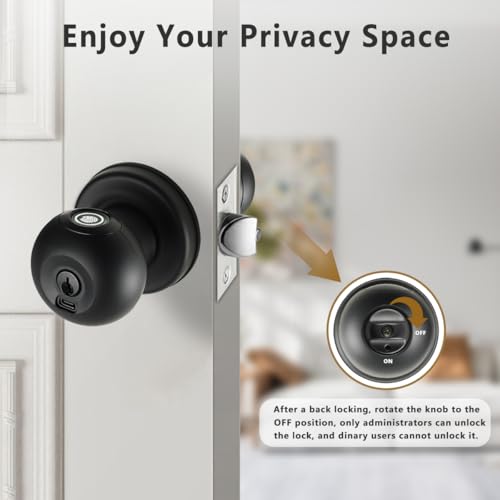
Back Locking Function
Rotate the knob to the OFF position,and the door will be locked. At this time, only the administrator can open the door, and the user cannot open it.In this state, when the user'sfingerprint is read, the indicator light will be white,and the door cannot be opened.
Setting Mode
Anyone can turn the handle to open the door.
Added Fingerprint/ Unlocked
If the indicator light is green, it means you have successfully unlocked it.lf you are in setting up mode,the indicator green indicates that you have successfully added the fingerprint.
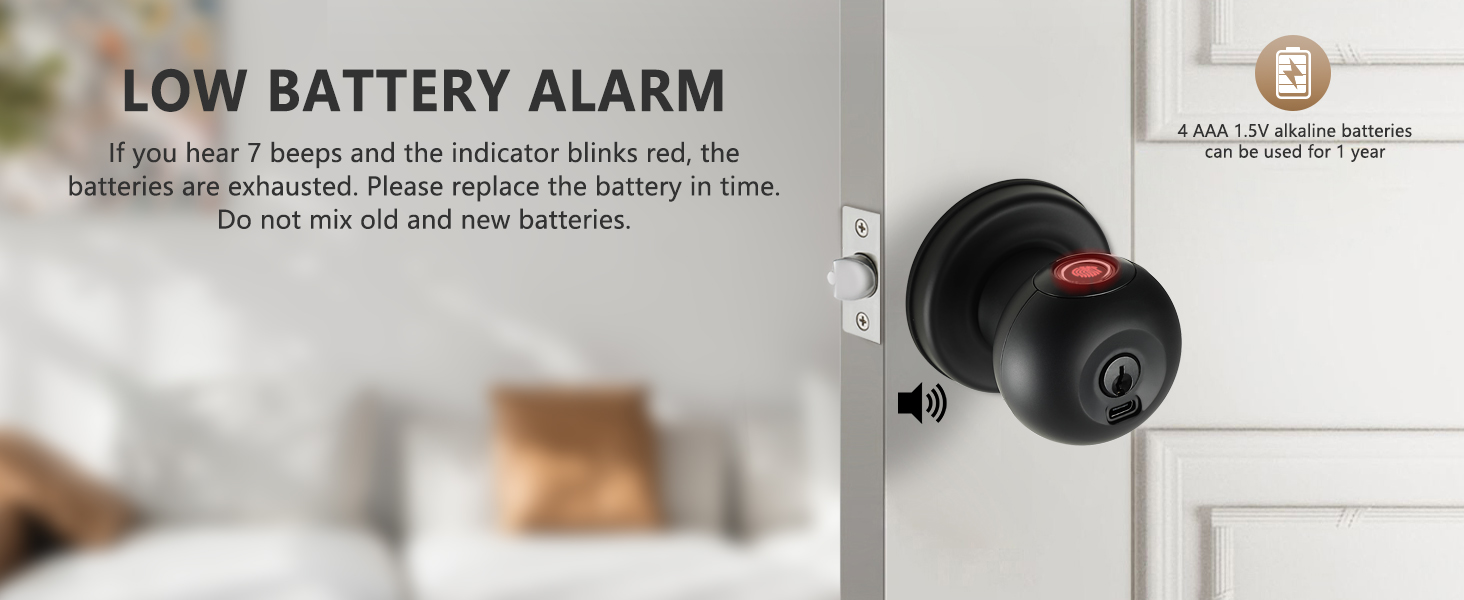
Low Battery Alarm
If you hear 7 beeps and the indicator blinks red,the batteries are exhausted.Please replace the battery in time.Do not mix old and new batteries.
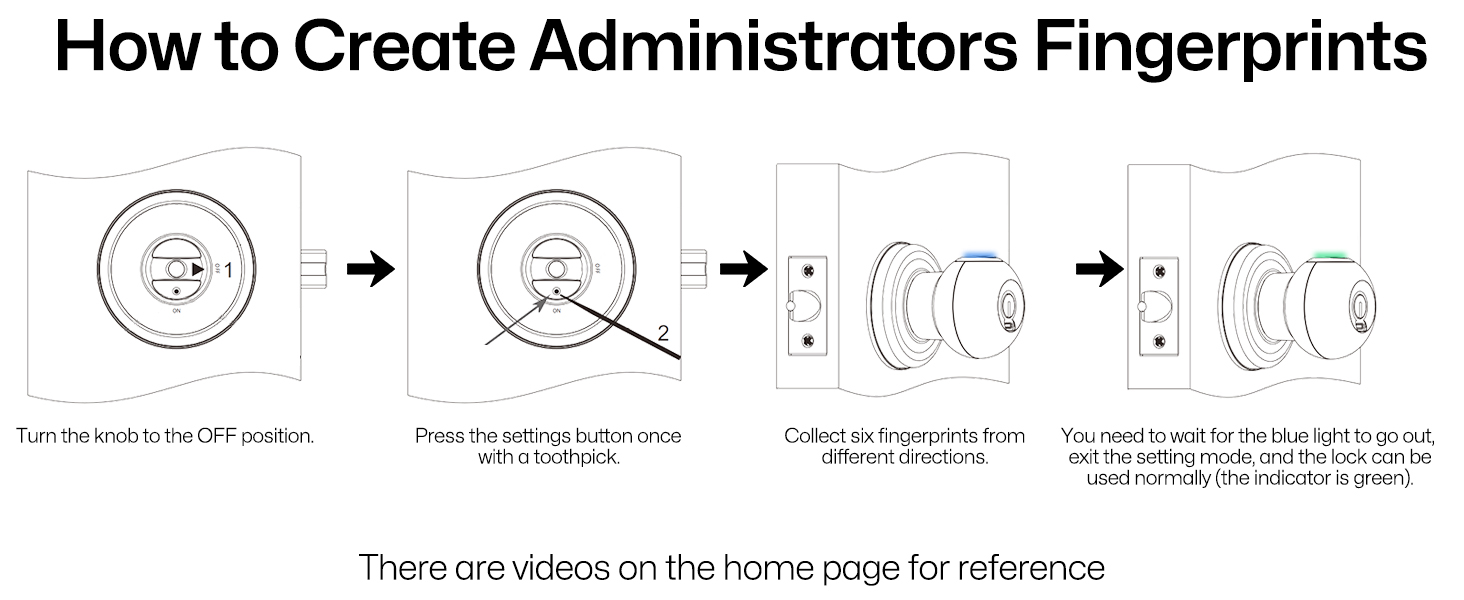
How to Install and Use
| SKU: | B0D397TY1Z |
| Dimensions: | 7.4"L x 2.95"W |
| Brand: | Buoan |
| Model: | YL-98JA-Black |
| Colour: | Black |
| Pack Quantity: | 1 |
| Manufacture: | Buoan |
| Colour: | Black |
| Quantity: | 1 |
Product description
2-IN-1 Unlocking Ways
Fingerprint Unlock
YL-98JA can add 50 fingerprints, better for your life convenience.

Key Unlock
Provide two physical keys to avoid an emergency when the lock runs out of power.
Indicator Color Description
Passage Mode
Admin's fingerprint pressed on collector. Indicator turns pink, 10 beeps. Passage mode opens.Anyone can turn the handleto open the door.
Back Locking Function
Rotate the knob to the OFF position,and the door will be locked. At this time, only the administrator can open the door, and the user cannot open it.In this state, when the user'sfingerprint is read, the indicator light will be white,and the door cannot be opened.
Setting Mode
Anyone can turn the handle to open the door.
Added Fingerprint/ Unlocked
If the indicator light is green, it means you have successfully unlocked it.lf you are in setting up mode,the indicator green indicates that you have successfully added the fingerprint.
Low Battery Alarm
If you hear 7 beeps and the indicator blinks red,the batteries are exhausted.Please replace the battery in time.Do not mix old and new batteries.
How to Install and Use
I really like this doorknob
I really like this door handle. Bought it so I could keep the kids out of my office area. My wife and I both have our finger prints on it and it works every time. Also wasn’t too hard to figure out how to install. I have since bought another one.
Lock functionality, instructions straightforward
I was a bit hesitant to buy this fingerprint door lock because of some negative reviews, but I followed the instructions carefully and it worked exactly as described. Setup was straightforward, and registering fingerprints was easier than I expected.
The lock responds quickly and reliably, and it’s been very convenient not having to carry keys around. It feels secure and works well for everyday use in my space.
I love this doorknob for interior doors but I would never use this doorknob on an exterior door because like most of the digital locks they spend little effort on the backup, keyed lock and that makes them easy to pick. The over all construction is very good. Its sturdy and the thumb print scanner works well. I installed three of them on my kids doors because they are at that age where they want some privacy. So my wife and I put our thumb prints in as the two “administrator” prints which means we can open the door even if the kids use the manual lock. We need to be sure we can get in in case of emergency and when we need to put laundry away. Its easy to install and its works great. You can add up to 60 prints. Also
The administrators can turn them off if needed by simply holding your finger on the scanner for several seconds. You can also turn off the beeping sounds.
Have bought two
These are sturdy, and fit well with any modern home design. The locking mechanism is consistent and easy to use, and it’s a great price relative to comparable models. The knob is heavier than a standard knob, and seems well constructed. Had it for a year now, and it’s held up perfectly.
Bel ajout a un appartement intellige
J’ai achet cette poigne une premire fois pour mettre sur notre porte de chambre. Puis on a tellement aim qu’on en a acheter un seconde pour la porte d’entre de notre appartement.
Elle est facile a installer. Il est galement simple de crer un administrateur ainsi que d’autre utilisateur (peu crer jusqu’ 50 utilisateur )
. Elle se verrouille automatiquement quand la porte est ferme. Bien qu’elle s’ouvre avec l’empreinte,il y a galement une serrure rgulire pour ouvrir la porte au besoin . Fonctionne a batterie. Je garde quand mme un double de la cl dans mon sac main histoire de ne pas me faire prendre a arriver a la maison alors que les batterie de la poigne sont morte.
Elle a un mode passage qui fait en sorte qu’elle ne se verrouille plus si la porte est ferm ce qui permet de faire des aller retour sans avoir a rescanner son empreinte a chaque fois. Faut tout simplement pas oublier de la remettre en mode normal pour qu’elle se verrouille a nouveau.
Un belle ajout notre petit appartement intellige