Brother INKvestment 5010 Wireless Color Inkjet All-in-One
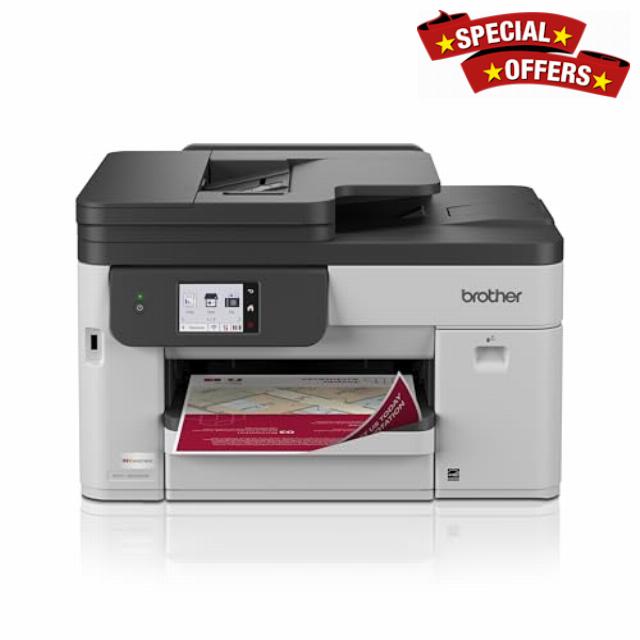
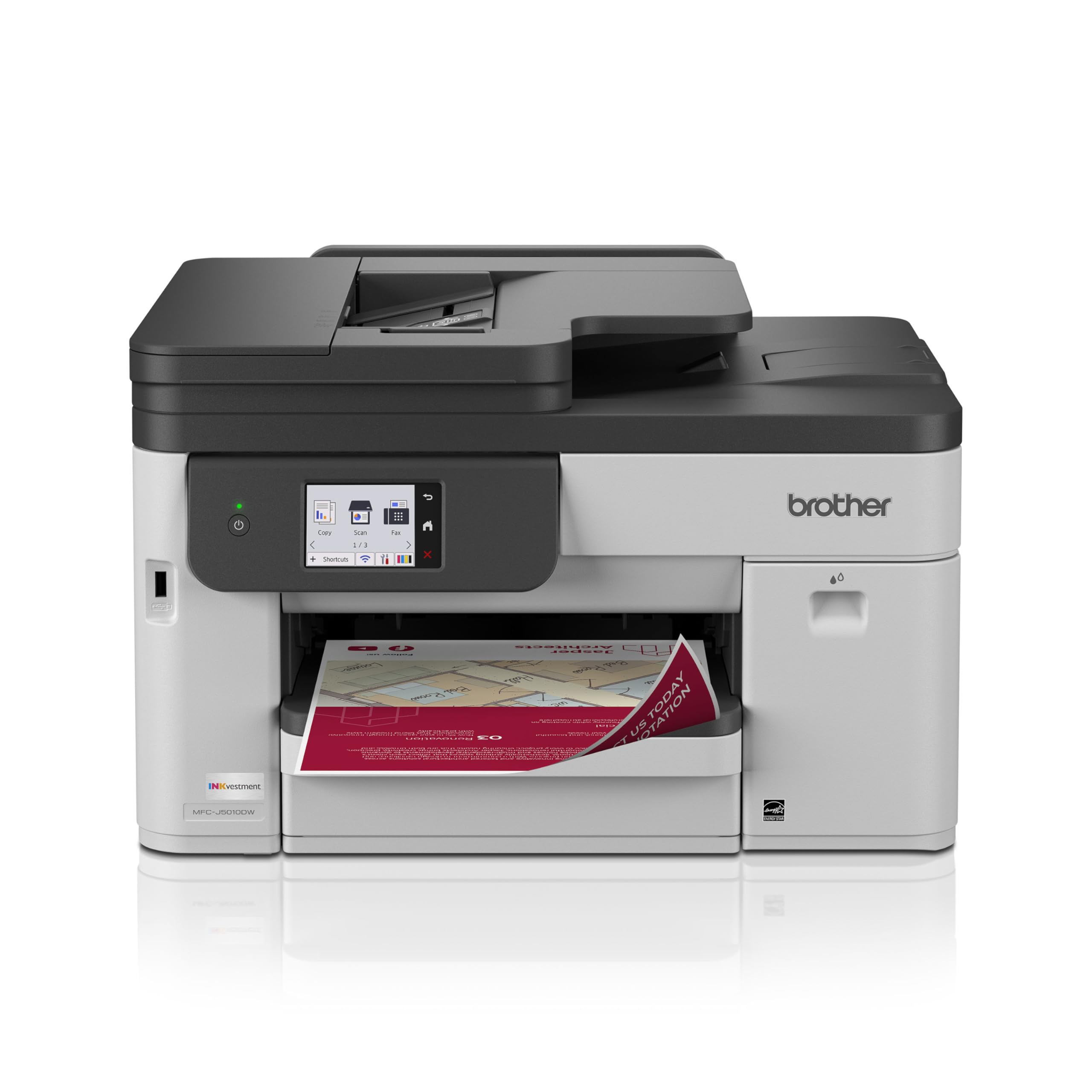
Brother INKvestment 5010 Wireless Color Inkjet All-in-One Printer with Automatic 2-Sided Copy & Scan with 2.7” Color Touchscreen (MCF-J5010DW)
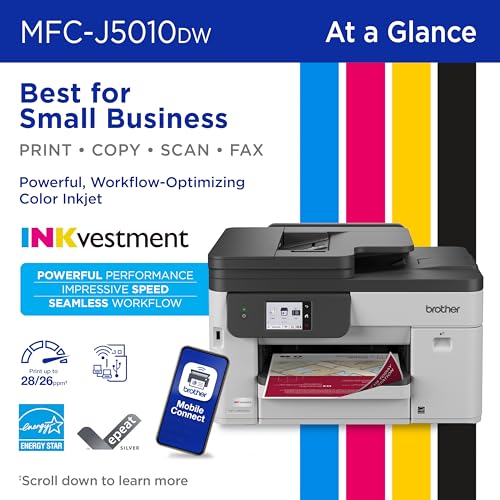
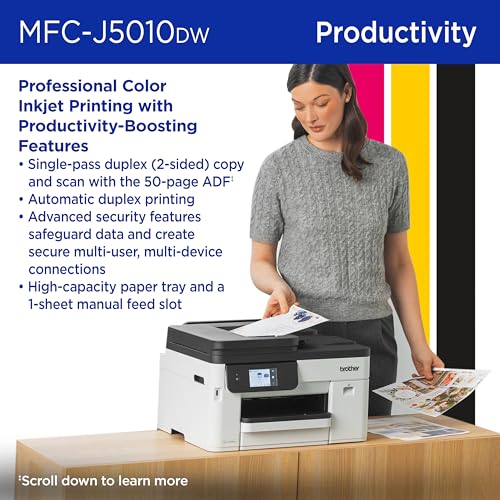
- BEST FOR SMALL BUSINESS: Print, copy, scan, and fax with one powerful device, with advanced security features for business. Includes one 1,800-page yield black ink cartridge and one 750-page yield cartridge for each color in cyan, yellow, and magenta.
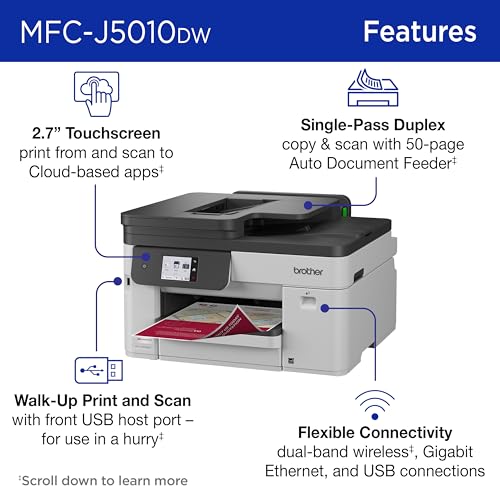
- PRODUCTIVITY-FOCUSED FEATURES: A 250-sheet paper tray, 50-page single-pass duplex (2-sided) automatic document feeder (ADF), and automatic duplex printing on paper up to 8.5”x14”. Print speeds up to 28 pages per minute (ppm) black / 26 ppm color.
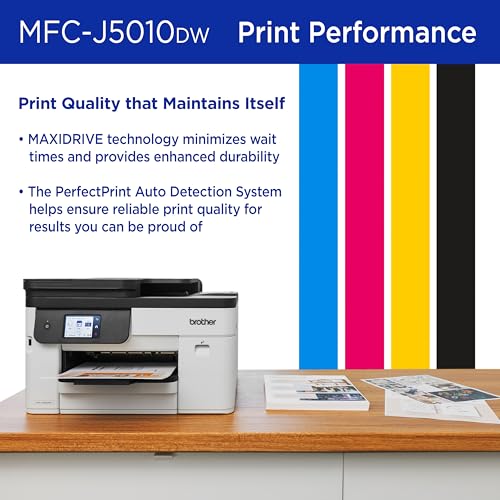
- SUPERIOR PRINTING: Engineered with the Brother PerfectPrint Auto Detection System, which helps ensure reliable, consistent print quality and performance you can depend on for all your business reports, presentations, and more.
- SEAMLESS CONNECTIONS: Simplify your workflow with Wi-Fi Direct and multiple connection options, including wireless network interfacing, Ethernet, and USB. Plus, print from and scan to popular cloud apps directly from the 2.7” color touchscreen.
- THE BROTHER MOBILE CONNECT APP: Put the power of printing at your fingertips. Go mobile with the simple-to-use Brother Mobile Connect app, which delivers easy on-screen navigation for print, copy, scan, and device management from your mobile device.
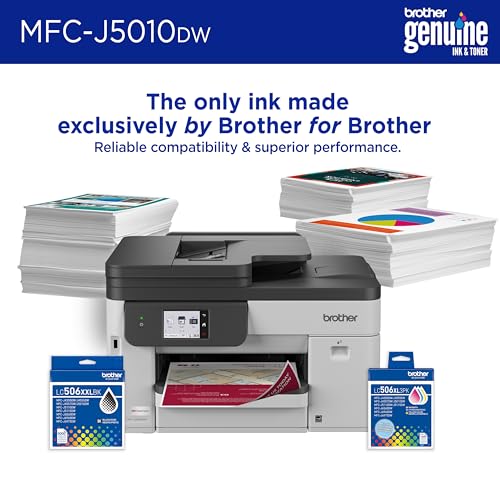
- BROTHER GENUINE INK: Reliable performance you can count on. Brother Genuine Ink is quality-tested to work seamlessly with your Brother printer. Choose Brother Genuine LC506 Ink, the only brand we recommend for use with your printer.
From the brand
-
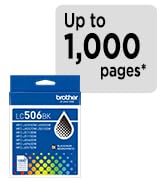
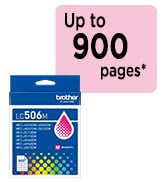
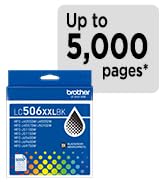
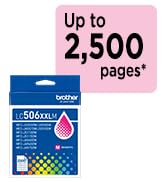
Standard Yield Ink
-
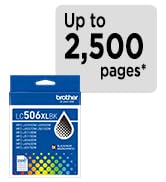
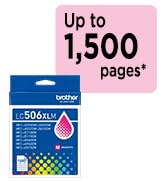
High Yield Ink
-
Super High Yield Ink
-
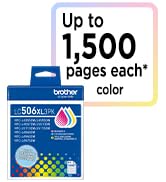
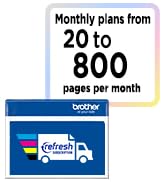
Multipacks & Auto Delivery
| SKU: | B0GTN9ZGRS |
| Weight: | 30.9 Pounds |
| Brand: | Brother |
| Colour: | White |
| Colour: | White |
From the brand
This printer is great. I had a Lexmark for over 16 years and it finally stopped working. I was skeptical about buying this printer but after reading the reviews I decided to try it. At this time I’m loving it. It prints quick and copies just as fast. I can sit in my downstairs and if there is something I want to print from my phone or IPad I can do it with no problems. I talk to a friend who swears by the Brother printers. So I recommend the Brother printers if you are in the market to buy one.
This Brother INKvestment printer was easy to set up using our home’s wireless network. I mainly set it up to print from my compter, but you can also print from your phone.
Here’s what I like:
– Easy wireless setup
– The touchscreen is simple to use and easy to navigate
– Automatic two sided printing, copying, and scanning is a nice feature and helps save paper
– Print quality is sharp for everyday documents, and the color prints look good for school projects, work, and general home use
– The paper tray holds a good amount of paper
– So far, I haven’t had any paper jams
A couple of things to keep in mind: the printer is on the larger side, so it does take up a decent amount of desk space. I also haven’t owned it long enough to speak to the longevity of the ink and how long it lasts, but the print quality has been good so far (see photo).
Overall, it’s been a reliable printer for everyday home use and has worked well for what we need.
This printer was exceptionally easy to set up. Connecting it to my network was straightforward, and I was printing within minutes without any issues.
The first thing that stood out to me was the print speed. For my home use, it feels incredibly fast. While this model is clearly designed with higher-volume office printing in mind, it handles occasional home printing effortlessly and is a noticeable upgrade from what I’m used to.
The automatic two sided printing is a feature I appreciate, and the large ink capacity should be a real advantage for anyone who prints frequently. The scanner and copier functions are equally easy to use, and the 2.7-inch color touchscreen makes navigating the menus simple and intuitive.
I’ve also had very good experiences with Brother printers in the past. They’ve proven to be reliable over the years, and I’ve had success using compatible aftermarket ink cartridges. While I can’t yet comment on the long term reliability or ink compatibility of this particular model, my previous experience with the brand gives me confidence.
Overall, this is an impressive all-in-one printer with fast performance, simple setup, and features that make it suitable for both busy home users and small office environments.
Very pleased with this printer. Setup was straightforward, the wireless connection was easy to configure, and it was up and running in just a few minutes. Print quality is excellent for both everyday documents and color printing, producing sharp text and vibrant colors.
The automatic two-sided printing, copying, and scanning features are a huge convenience and help save both time and paper. The touchscreen is responsive and easy to navigate, making common tasks simple to perform.
One of the biggest advantages is the INKvestment system, which provides excellent ink capacity and helps keep operating costs reasonable. Overall, this is a feature-packed all-in-one printer that performs reliably and offers excellent value for home or office use.
As with all inkjet printers, only time will tell how the product does over the long haul, especially with a printer just introduced to the market. So far, so good.
Easy set-up, great print quality.
My ten-year old HP, which I loved gave out. I planned to replace it with a newer model, but a daughter told me to look at everything available before settling. So, I used Amazon’ rating system to check out all models with good ratings. This model had perfect five-star ratings, but only a handful of them and all from Amazon’s “beta testers.” I decided to give it a try, knowing that I would be among the very first to purchase one. I’ve had it now for about three weeks and I’m very pleased. Set-up was a breeze; akin to setting up a new iPhone. Print quality is excellent and print time is extremely fast, especially for an inkjet. Purchase price was very competitive. I’d buy it again. I think Brother has a winne
As an Amazon Vine Voice, I received this product at no cost in exchange for my honest, unbiased review. My goal is always to give a straightforward assessment of quality, durability, and real-world usability.
Getting this connected to my network and devices was about as painless as setup gets, no fighting with drivers or hunting down the right settings, it just found everything and got to work. It has turned into a solid little production printer for my small office, handling all of my printing needs without me having to think twice about it. The Brother app is a nice bonus on top of that, letting me print straight from my phone whenever I need something without having to sit down at a computer first. I have not run into any complaints with it so far, it has just been doing its job quietly in the background, which is really all I want from a printer. Build quality feels solid for what it is, nothing about it feels cheap or flimsy, though I will know more about long term durability the more I put it through regular use. For a small office setup where you need something that connects easily and just runs reliably, this has been hitting the mark so far. If you want a wireless printer that handles the basics well and adds the convenience of phone printing without a complicated setup, this is a solid pick.
I’ve been using the same Brother black and white laser printer in my office for at least a decade, and it continues to work solidly.
I wanted to add a color printing option and was considering Epson but decided to stick with Brother since it has served me so well. I think I made a good choice.
Although it’s larger than my simpler laser printer, it’s still relatively compact given its feature set. Everything is neatly and purposefully placed, with clear indications as to what does what and where things go.
Prints come out fast, almost surprisingly so. They slow down considerably if you select the highest quality settings and resolution when printing – but the improvement in color consistency, image, and text fidelity is significant. It’s an inkjet, and even at the highest quality text still has that slightly fizzy inkjet look to it, but you need to look closely to see it. Generally speaking, the print quality – particularly onto high-quality paper, is quite good.
Scanning is quick from the flat bed or the automatic feeder, which can handle multiple pages.
Setup is fast and easy, and they handhold you through it as much as they can. You are prompted to download their app as the preferred setup method (that’s what I did), but I was also able to quickly access features with my Mac’s native printer settings and the Brother desktop app. The only cable you must plug in is the power cord, but you can optionally connect with USB and Ethernet, and connect a cable for faxing. I have no issues just using the wireless connection.
During setup, you install the included ink (these are lower-yield “starter” cartridges), output a test page and check for problems. It also has an automated alignment process that uses the scanner plus a page that it prints. These worked flawlessly for me.
The full manual is not included in the box – just quick start and troubleshooting guides. You can access it on their website, and it’s worth doing because many things aren’t explained at all in the basic startup instructions. Things like the manual feed, scanning options, and so on.
They advertise a resupply subscription program which has different pricing options depending on your monthly page count need. But it’s not required to sign up for this to use the printer normally.
I think the printer is reasonably priced and a good option for a family, solo office, or a small team. Super high output users might need a more robust model, but for me this is excellent.