TP-Link 16 Port Gigabit Switch Easy Smart Managed Plug
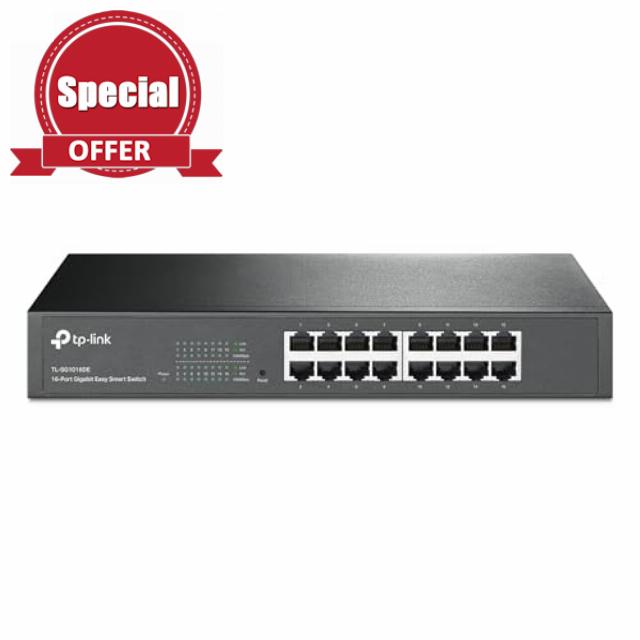
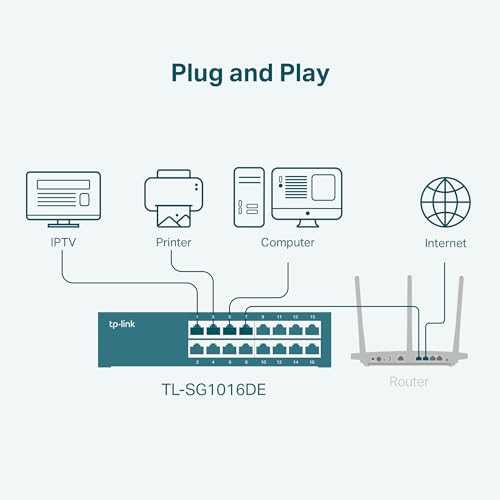
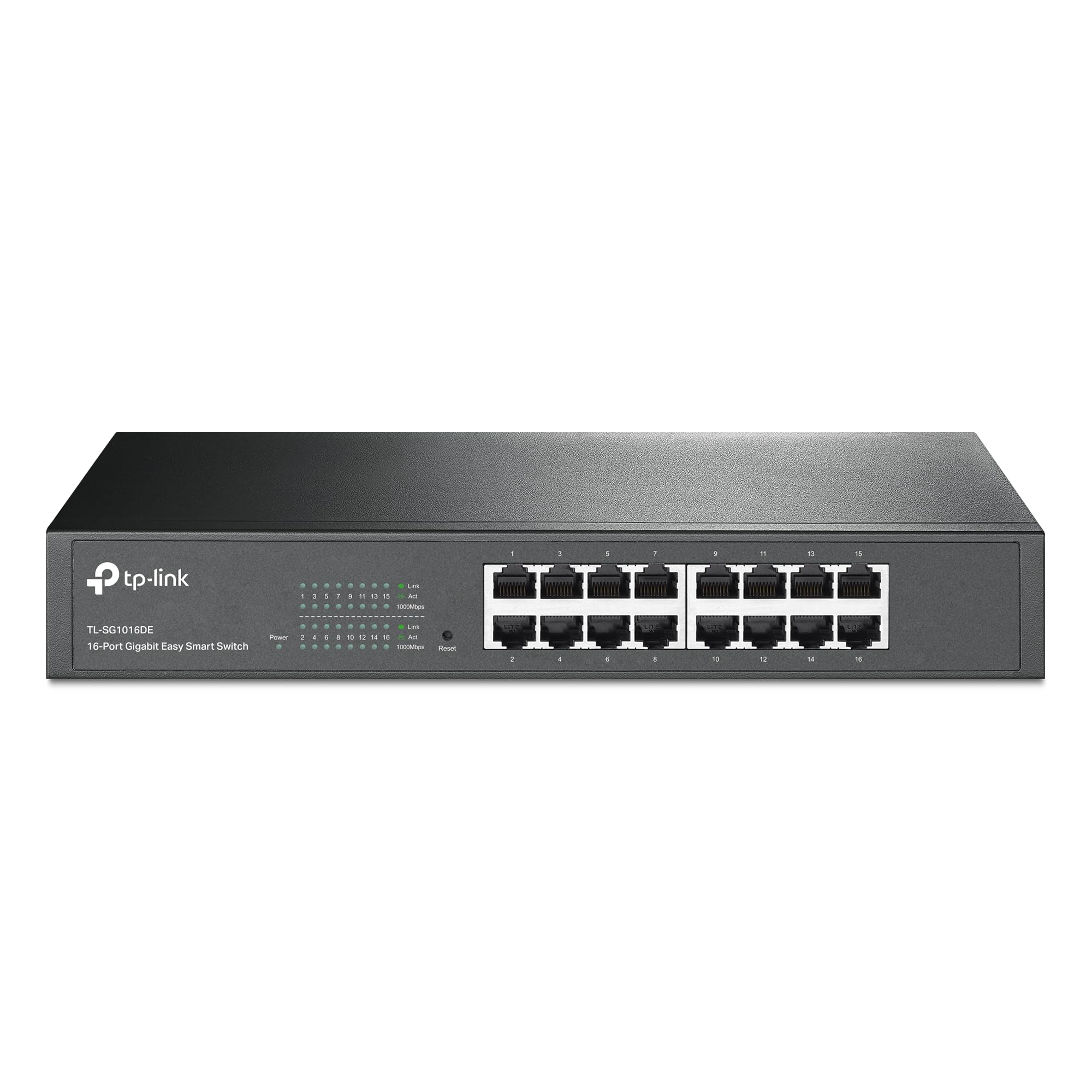
TP-Link 16 Port Gigabit Switch Easy Smart Managed Plug & Play Desktop/Rackmount Sturdy Metal w/ Shielded Ports Support QoS, Vlan, IGMP & Link Aggregation (TL-SG1016DE),Black
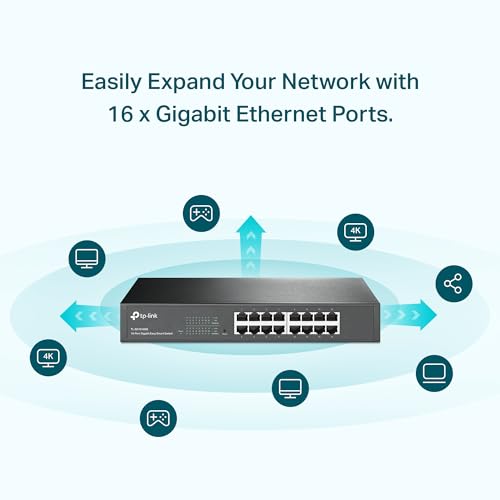
- 16-Gigabit ports provide instant large file transfers
- 9K Jumbo frame improves performance of large data transfers
- Effective network monitoring via Port Mirroring, Loop Prevention and Cable Diagnostics
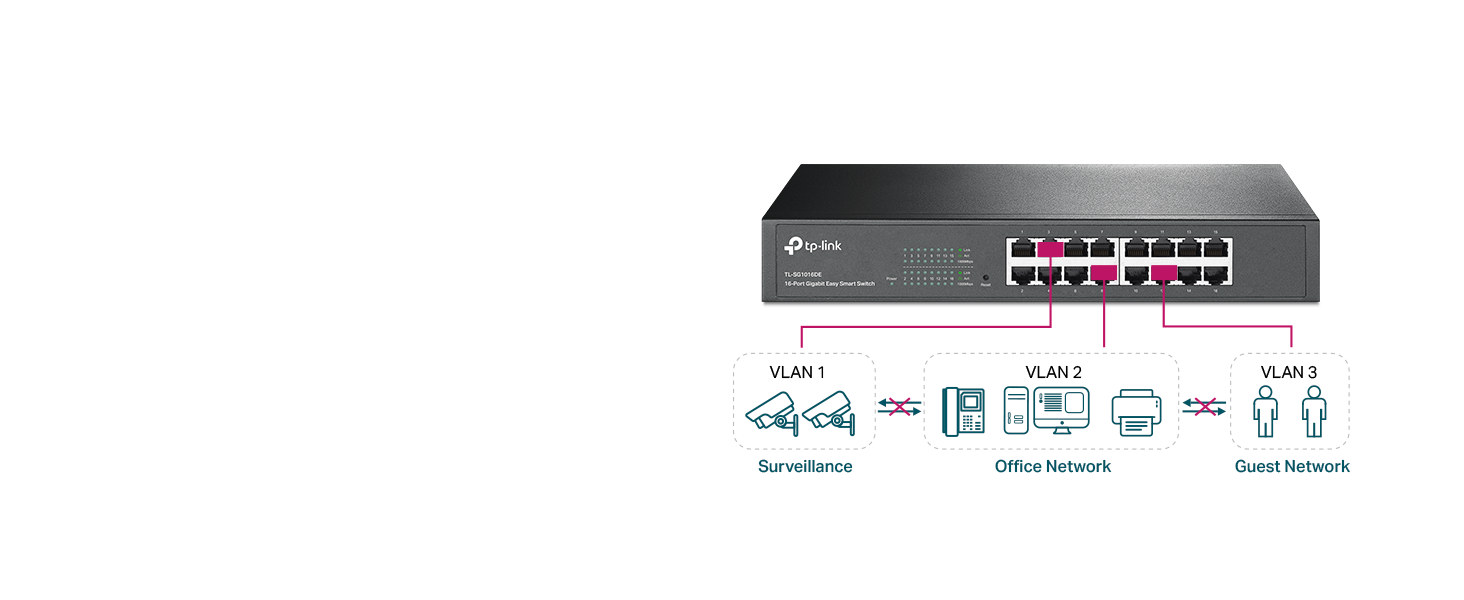
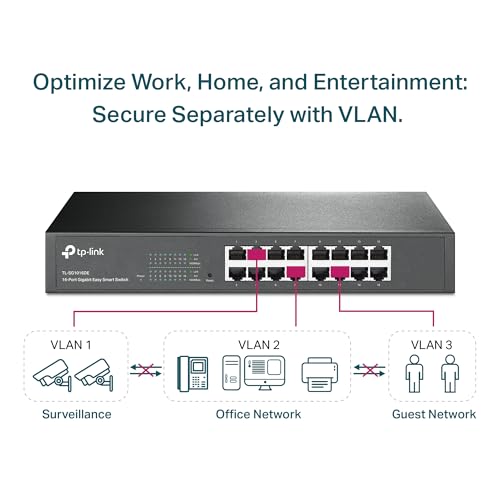
- Abundant VLAN features improve network security via traffic segmentation
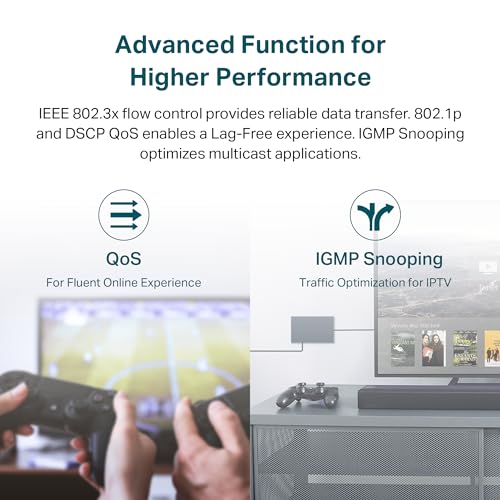
- IGMP Snooping optimizes multicast applications
- Port and tag-based QoS enable smooth latency-sensitive traffic
- Backed by our industry-leading 3-year warranty and free technical support from 6am to 6pm PST Monday to Fridays, you can work with confidence.
TP-Link 16-Port Gigabit Ethernet Easy Smart Managed Switch.


| SKU: | B00K4DS67C |
| Weight: | 2 Pounds |
| Dimensions: | 15.75"L x 9.84"W x 3.15"H |
| Brand: | TP-Link |
| Model: | TL-SG1016DE |
| Colour: | Black |
| Manufacture: | TP-Link |
| Colour: | Black |
From the manufacturer
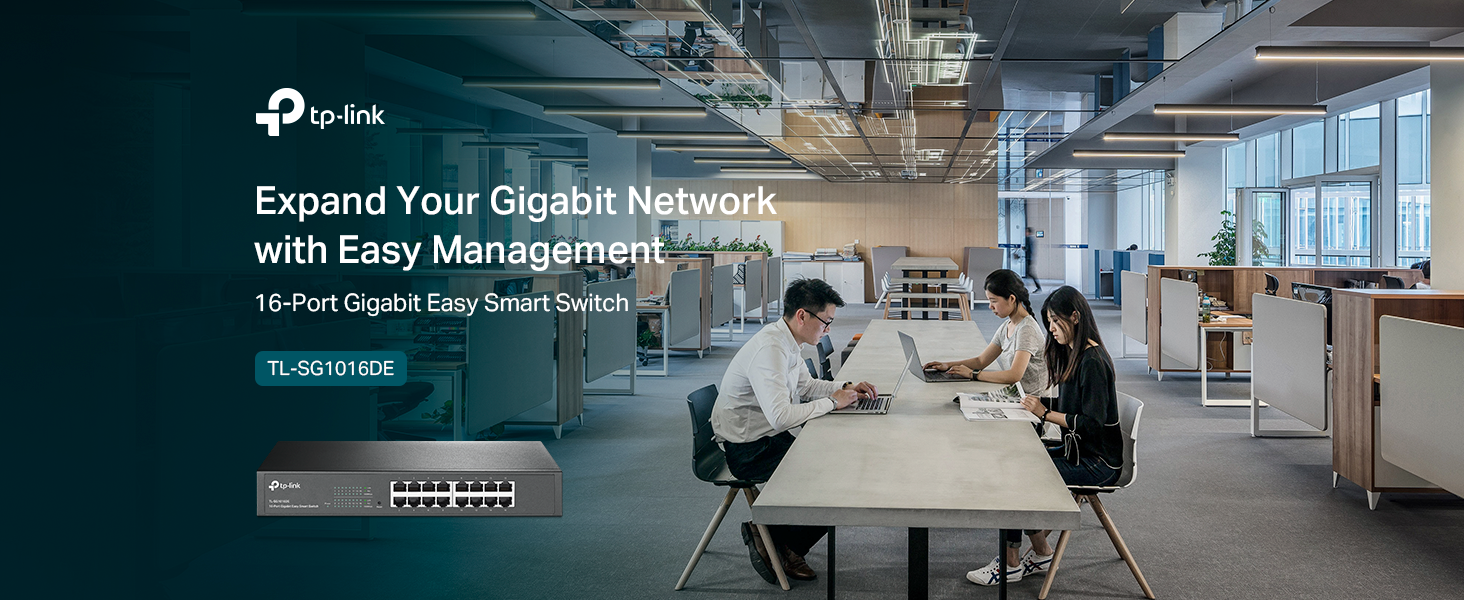

Secure with VLAN features
VLANs allows you to create secure, high-performing network segments for different devices.
QoS for Lag-Free Experience
QoS takes control of traffic – prioritize devices for optimal performance.
IGMP Snooping for Multicast Optimization
IGMP Snooping optimizes network multicast traffic delivery for enhanced multimedia applications.
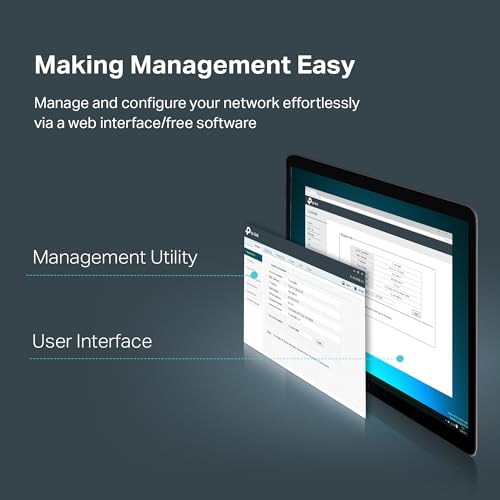
Making Management Easy
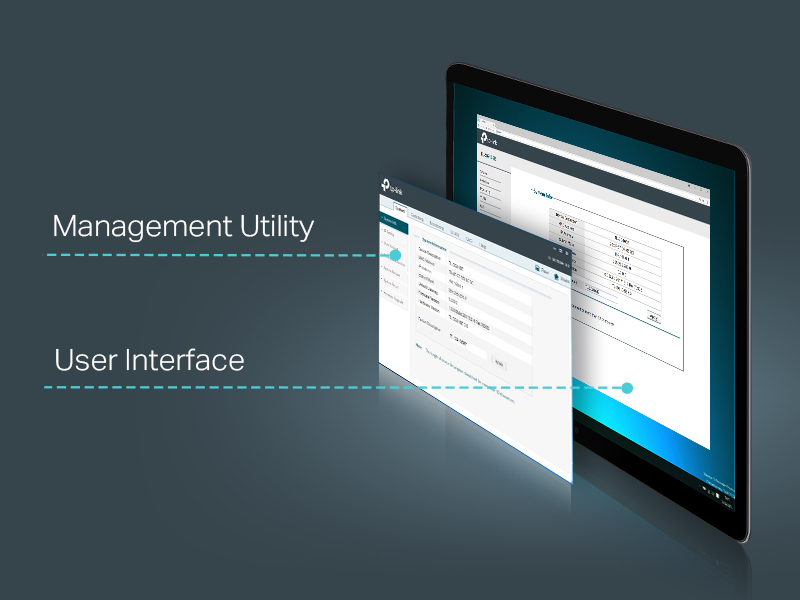
TL-SG1016DE offers monitoring dashboard for users to observe traffic behavior. Through its web-based user interface and free management utility, the TL-SG1016DE offers a variety of useful features, including network monitoring, traffic prioritization, and enhanced QoS.

Good switch, problem to get to setup scree
No fan, no noise, many good features. Day after installation working good. Problem to login. Have to plug router network cable to the switch, and then unplug router network cable, to get to set up screen. I have to unplug router cable because router setup screen pop up first, and then will not be able to get to switch setup screen. Without plugin router cable on beginning, I couldn’t get to switch setup screen. I tried to use Google Chrome, Windows Explorer, Opera, Firefox. In my case router support is required to get to switch settings. My mistake, after installing CD, included in package, no more any issues to login to a switch. After few weeks, I can tell : this is the best switch I ever had. Highly recommend, 100%
We don’t like wifi for security purposes, so we normally use wired LAN. Unfortunately, even some decent name brands have failed us after some time and we kept needing more ports. I finally bought this one after reading some online reviews in computer blogs. The build quality is superb, but that is what you’d expect of something that is meant for professional use. Though I have been a computer professional, I use this in my home! It works great and would be fine either for consumers or in smaller/medium size shops.
It’s a neat 16-Port Switch. Much better than the TRENDnet one that I had previously. Has all the features I need, LAGG, QoS, VLANs, and is managed, or “Web Smart” as they say. It can be configured through a browser, or through a software Utility. No console here though, but, I don’t need it.
Runs great, is silent, and is easy to configure. I also have it’s little brother, the TP-link TL-SG108E, from the same product family.
Overall, a great managed switch at a great price if you need something more advanced for your home/small business network than a regular unmanaged switch. You won’t find anything better at this price.
TLDR: I recommend it. Configuration is confusing, and it pays to read this thread: https://forum.pfsense.org/index.php?topic=76022.0
I bought this as a part of my home network revamp. I needed to separate my network into 3 VLANS: A DMZ for public-facing servers, a guest network with only internet access, and a internal network with access to both internet and the DMZ. Finally, one magical port connects to a Linux-based firewall which contains all the routing rules between the VLANs. Bottom line, the switch just needed to support assigning ports to one of 3 VLAN ID’s that were fully separate from each other and 1 magical port that is a member of all the VLANs.
This switch was by far the lowest cost 16-port gigabit VLAN switch I could find, which I loved. In fact, it was cheaper than a 16-port dumb switch I found at a local brick and mortar store. Bottom line is, it does work as advertised. It’s as fast as any unmanaged switch I’ve used, silent/fanless, and doesn’t get too warm.
However, the one thing I’ll ding it on is ease of setup. I’m not a stranger to managed/smart switches, but setting up VLANs on this thing is pretty confusing. The documentation basically walks you through one very specific example with 2 VLAN ID’s and two switches connected together. It tells you what boxes to check in the Web UI (Tag / Untag / PVID), but it makes zero effort to actually explain WHY you are selecting each of the options. As a result, if you want to set up a network slightly different from the one shown, you have to play guess and check. It took me a few hours on my first attempt to actually understand how it works.
A great resource I’ve found is this thread on the pfsense forum, particularly this post by “robi”: https://forum.pfsense.org/index.php?topic=76022.msg415938#msg415938
TP-LINK should just ship with a printout of that post instead of the useless gibberish manual they include!
Worked perfectly for my home application. I used the 16-port TL-SG1016DE Easy Smart for my rack and while the switch is a bit heavy in the rear for the rackmount extensions to handle, it still works decently if you push the rear up to bend the brackets and make it level. I suppose it’s due to the fact that the L-shaped rackmount brackets are long and not very thick, so they warp a bit under the weight of the switch pulling down in the rear. Also, unless you have a 90 degree power adapter, you’ll need approximately 8 inches of room, from front to rear of your rack, to allow for the power cable (this was installed in a small patch panel rack for my application).
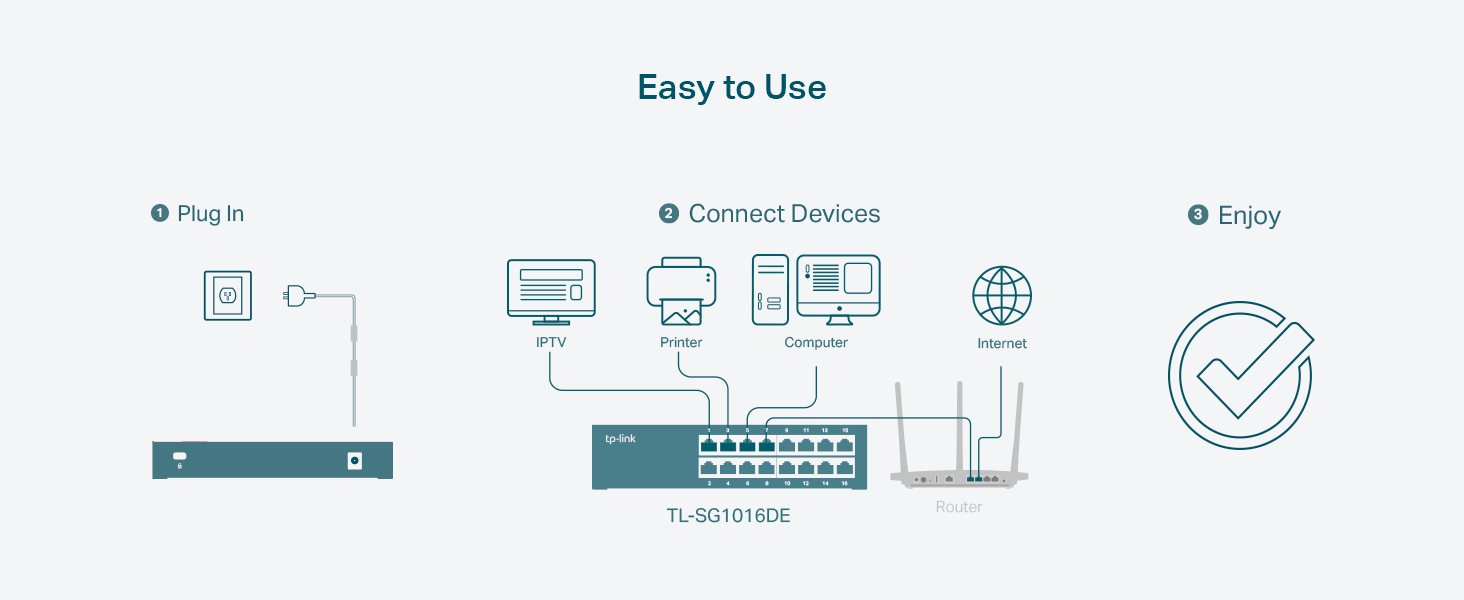
As far as how the switch works, I have had no issues so far. I’m using 12 of the 16 ports at any given time and the thing barely emits any heat. The software was pretty simple to install, just had to assign it an IP address that wasn’t in range with the switches default, login and all settings were simple to configure. The default subnet is 192.168.*.* while my router uses the 10.8.*.* range, so other than giving it a compatible IP address, it would work strait out of the box with no configuration needed.
To sum things up, I would definitely buy again and most likely will buy another as my network grows — simple setup, quality appearance, high quality ports and leds, very low heat generation and most importantly: half the price of competitors!
I bought two of these for my home. So many computers I couldn’t keep up. So after setting it up. It managed very well and I can control the bandwidth speed all everything plug-in. Also upgrade the firmware with no issues. If your really trying to learn about switches. This one will teach you a thing or two.