Razer Basilisk V3 Customizable Ergonomic Gaming Mouse
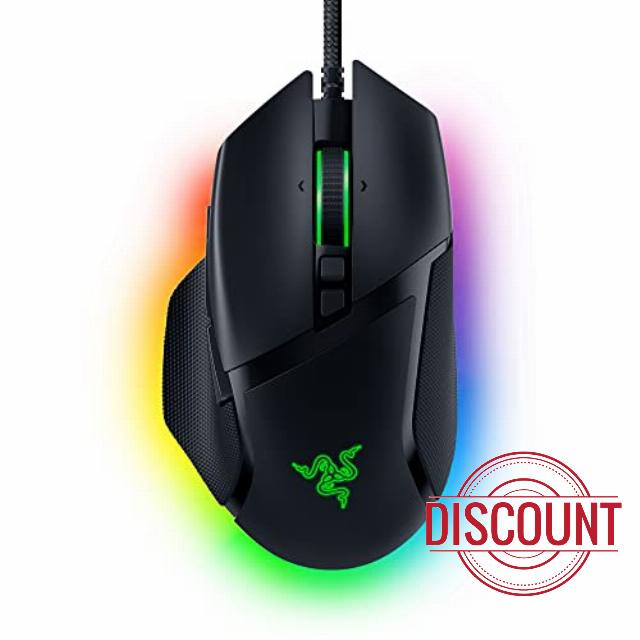
Razer Basilisk V3 Customizable Ergonomic Gaming Mouse: Fastest Gaming Mouse Switch – Chroma RGB Lighting – 26K DPI Optical Sensor – 11 Programmable Buttons – HyperScroll Tilt Wheel – Classic Black
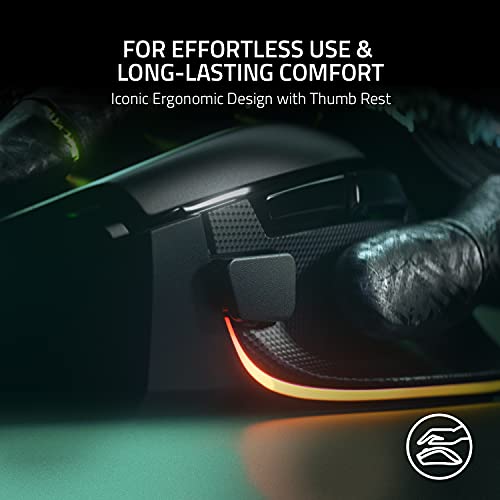
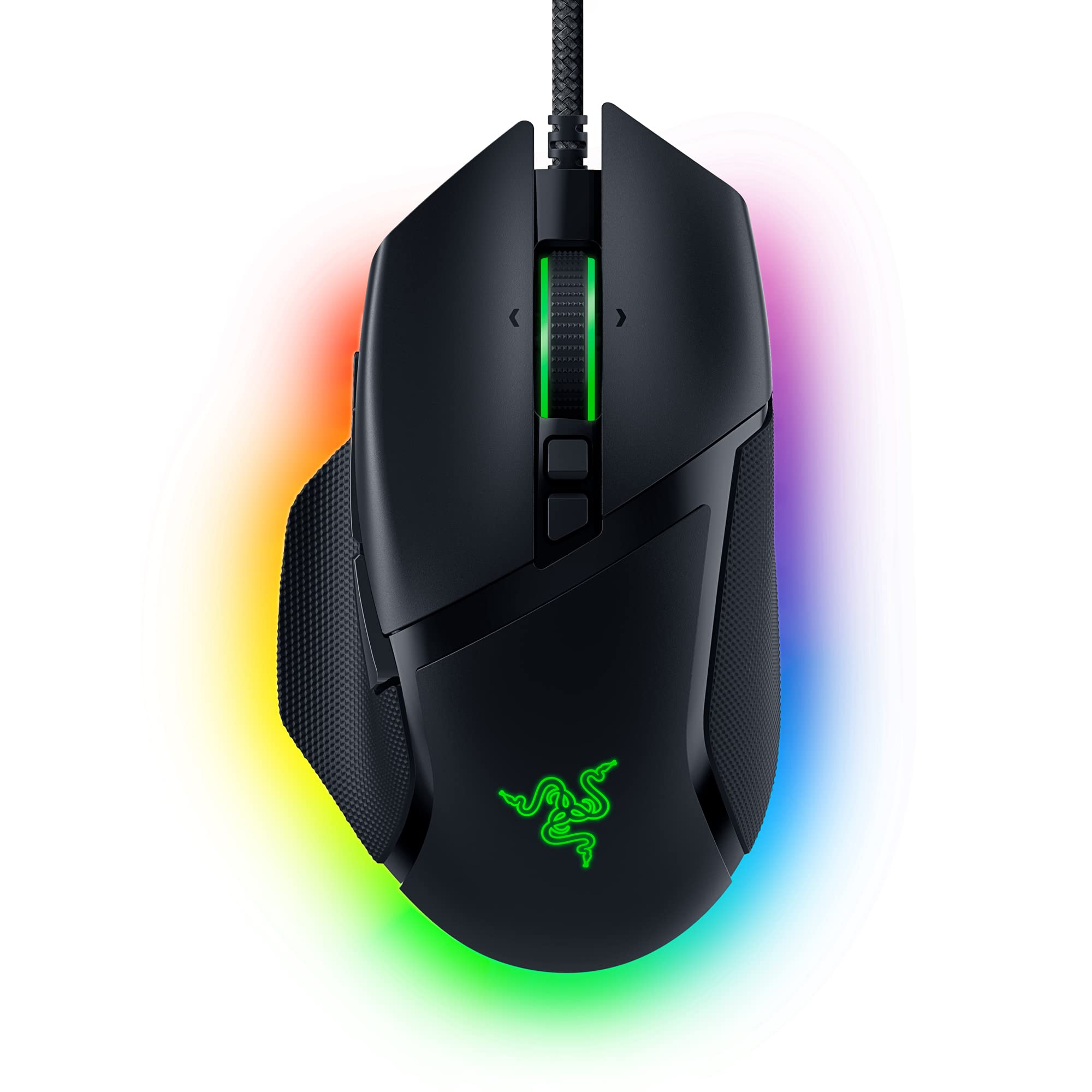
- ICONIC ERGONOMIC DESIGN WITH THUMB REST — PC gaming mouse favored by millions worldwide with a form factor that perfectly supports the hand while its buttons are optimally positioned for quick and easy access
- 11 PROGRAMMABLE BUTTONS — Assign macros and secondary functions across 11 programmable buttons to execute essential actions like push-to-talk, ping, and more
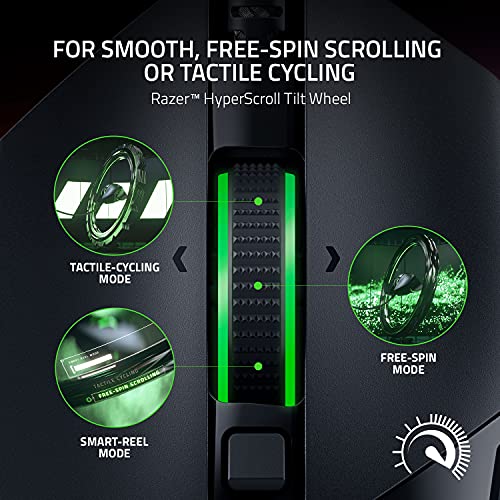
- HYPERSCROLL TILT WHEEL — Speed through content with a scroll wheel that free-spins until its stopped or switch to tactile mode for more precision and satisfying feedback that’s ideal for cycling through weapons or skills
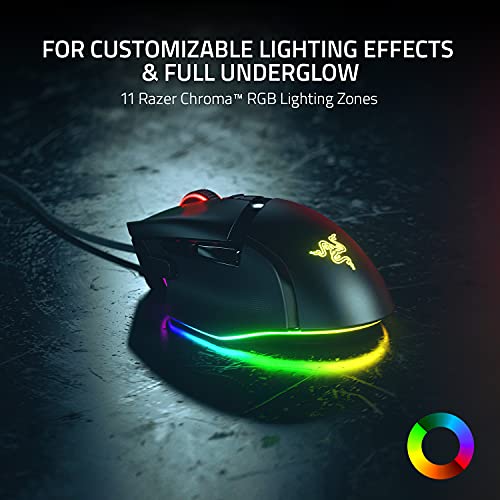
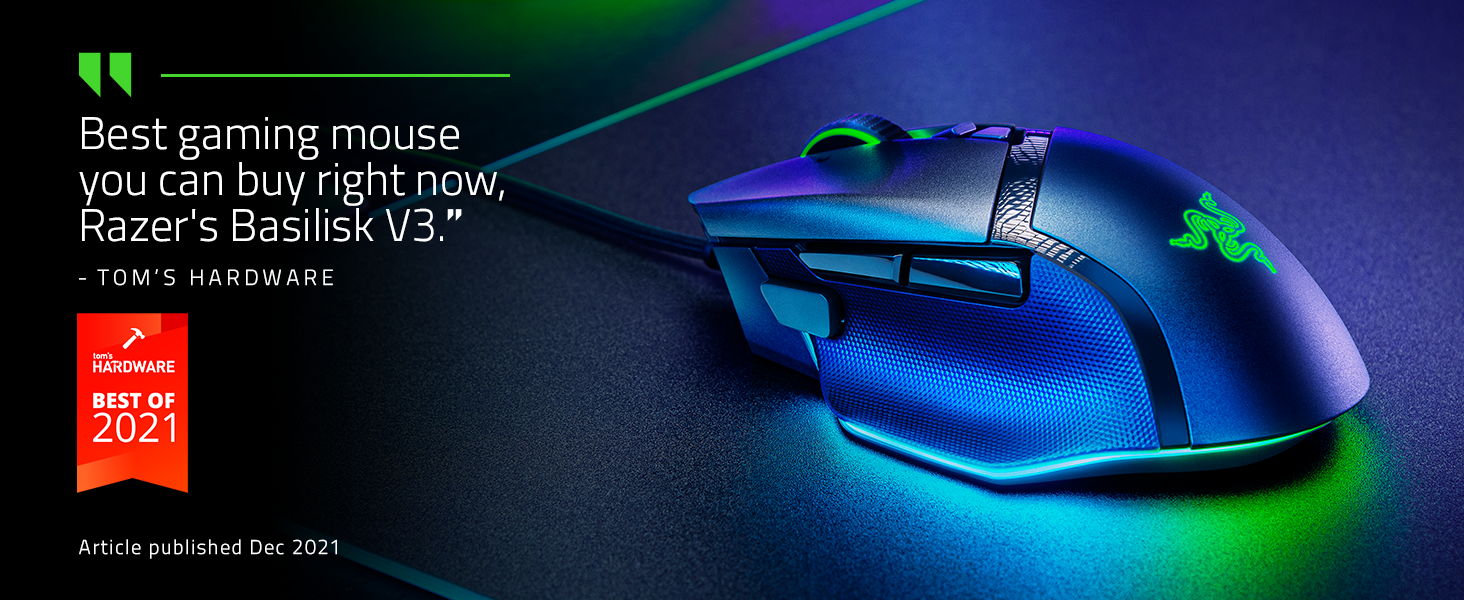
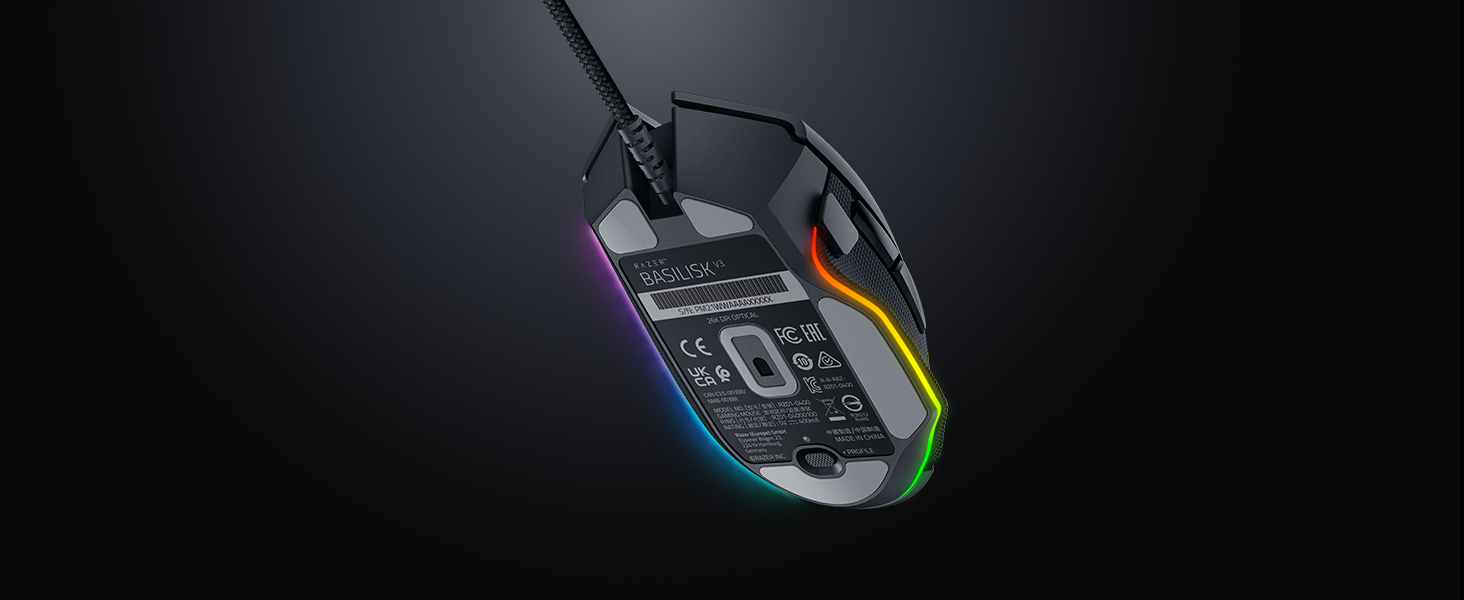
- 11 RAZER CHROMA RGB LIGHTING ZONES — Customize each zone from over 16.8 million colors and countless lighting effects, all while it reacts dynamically with over 150 Chroma integrated games
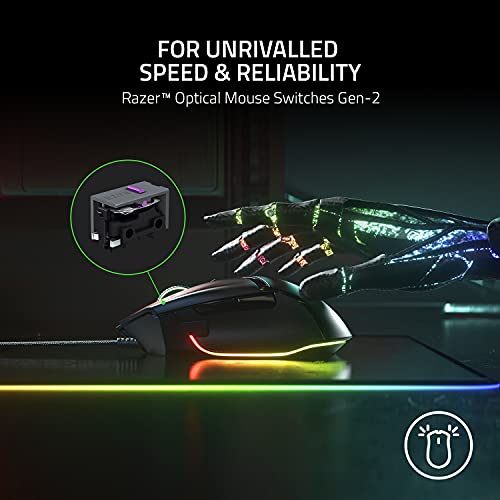
- OPTICAL MOUSE SWITCHES GEN 2 — With zero unintended misclicks these switches provide crisp, responsive execution at a blistering 0.2ms actuation speed for up to 70 million clicks
- FOCUS plus 26K DPI OPTICAL SENSOR — Best-in-class mouse sensor with intelligent functions flawlessly tracks movement with zero smoothing, allowing for crisp response and pixel-precise accuracy
- PC GAMING PERIPHERALS BRAND IN THE U.S. — Source — Circana, Retail Tracking Service, U.S., Dollar Sales, Gaming Designed Mice, Keyboards, and PC Headsets, Jan. 2019- Dec. 2023 combined
- OPTIMIZE MOUSE ACCURACY — Improve accuracy by disabling the "Enhance pointer precision" option in the Windows mouse settings, and further optimize performance using the Razer Synapse App
Create, control, and champion your playstyle with the new Razer Basilisk V3—the quintessential ergonomic gaming mouse for customized performance. With 10+1 programmable buttons, a dual-mode tilt scroll wheel, and a heavy dose of Razer Chroma RGB, it’s time to light up the competition your way.
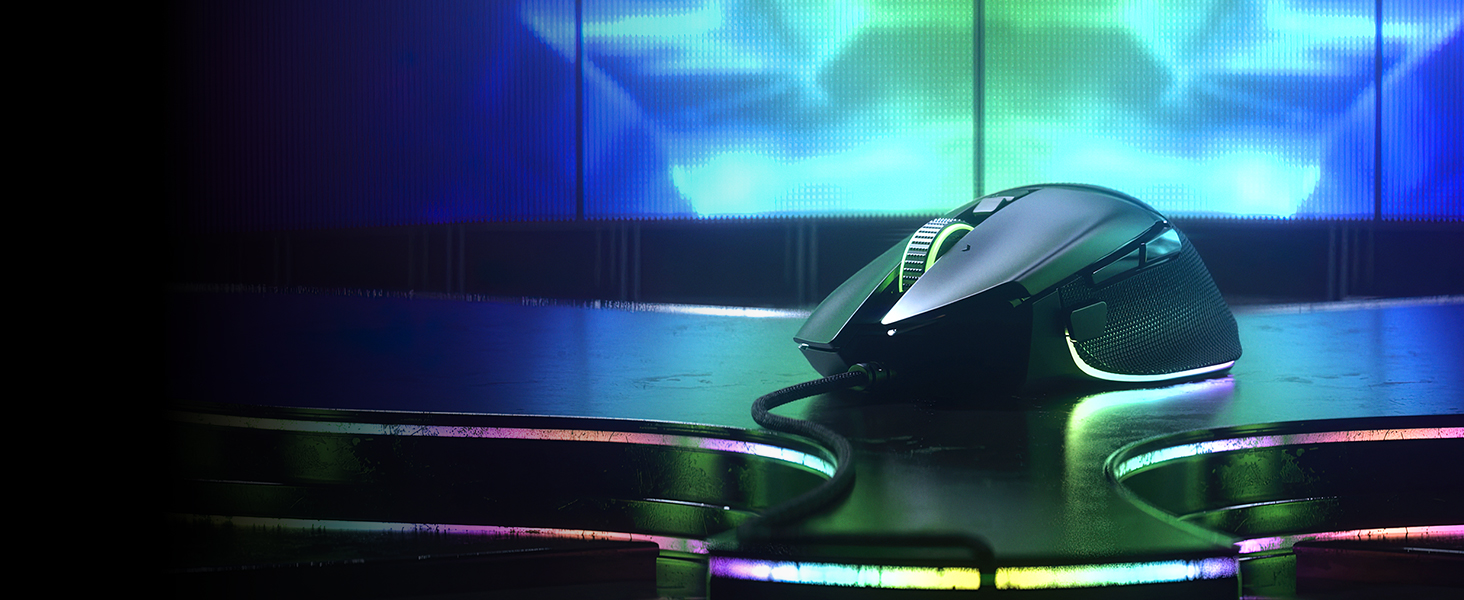









| SKU: | B09C13PZX7 |
| Weight: | 3.56 Ounces |
| Dimensions: | 5.12"L x 2.96"W |
| Brand: | Razer |
| Model: | RZ01-04000100-R3U1 |
| Colour: | Black |
| Batteries Included: | No |
| Manufacture: | Razer |
| Colour: | Black |
From the manufacturer
The video showcases the product in use.The video guides you through product setup.The video compares multiple products.The video shows the product being unpacked.aplus content video

Full Customizability
Meet the quintessential ergonomic gaming mouse for customized performance.
Limitless Configurations
11 Programmable Buttons
Assign controls and perform essential actions like push-to-talk, ping, and more.
3 Scroll Wheel Modes
Razer HyperScroll Wheel
Enjoy tactile, free-spin, or switch between both automatically with Smart-Reel mode.
11 Lighting Zones
Razer Chroma RGB
Customize each zone from over 16.8 million colors and countless lighting effects.
Unrivalled Accuracy
Focus+ 26K DPI Sensor
A premier sensor with intelligent functions for a crisp response and pixel-precise aim.
 Razer Optical Mouse Switches Gen-2
With switches that clock in at a blistering 0.2ms actuation speed for up to 70 million clicks, you can expect nothing but crisp, responsive performance with zero misclicks.
” data-position=”triggerHorizontal” />Multi-Function TriggerTactfully positioned to offer ease of access at your fingertips – enjoy the flexibility of assigning either simple keymaps, item hotkeys, spells or any other in-game commands you need.
” data-position=”triggerHorizontal” />Gear Up
#1 SELLING PC GAMING PERIPHERALS BRAND IN THE U.S. — Source: Circana, Retail Tracking Service, U.S., Dollar Sales, Gaming Designed Mice, Keyboards, and PC Headsets, Jan. 2019- Dec. 2023 combined
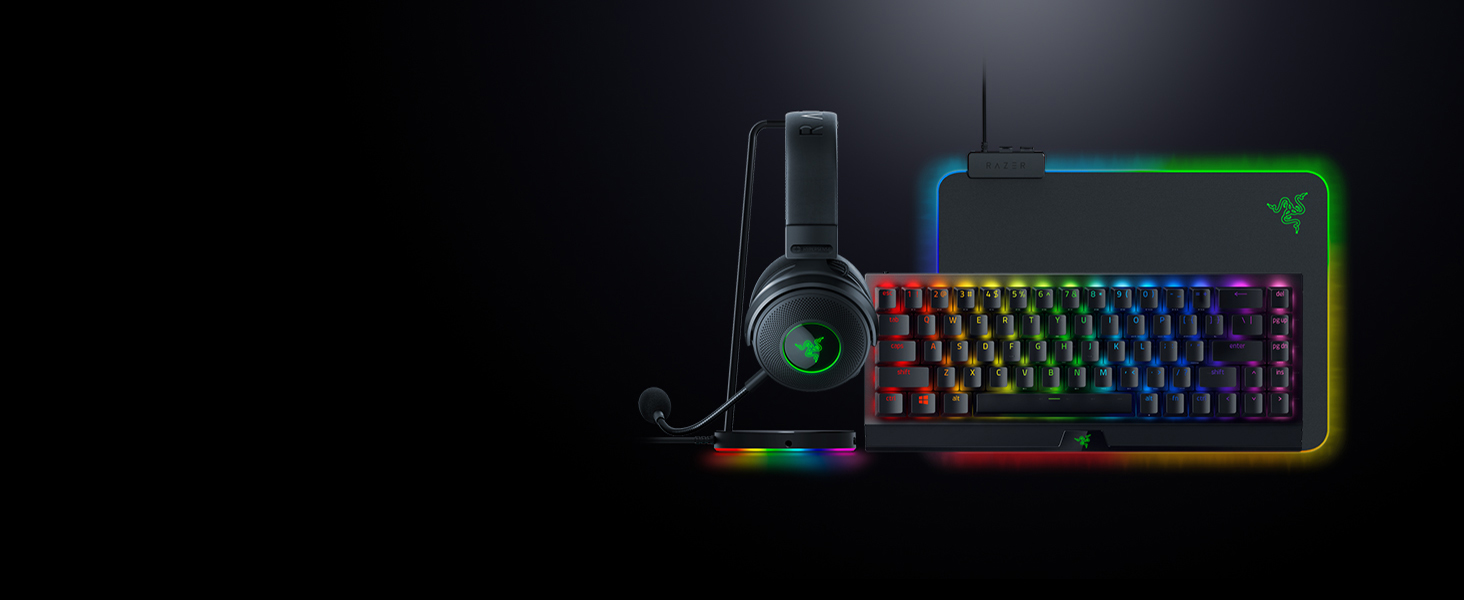
Razer BlackWidow V3 Mini HyperSpeed
Enjoy seamless gaming in a sleek package with a wireless 65% mechanical gaming keyboard that still retains arrow keys for the perfect balance of form and function.
Razer Kraken V3 Pro
Reach the ultimate depths of immersion with the Razer Kraken V3 Pro—a wireless haptic PC gaming headset powered by Razer HyperSense.
Razer Firefly V2
The Razer Firefly V2's ultra-thin design sports more lighting zones with improved RGB lighting powered by Razer Chroma, while keeping your aim on-point with a micro-textured surface.
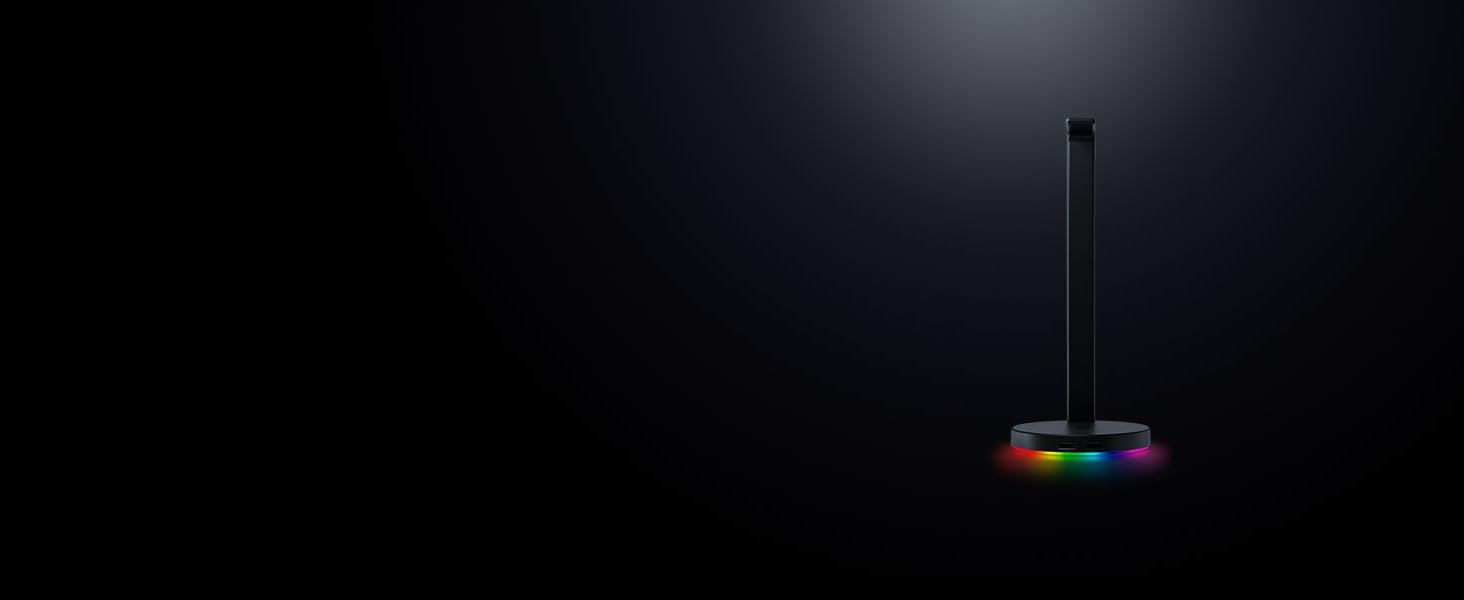
Razer Base Station V2 Chroma
Add more functionality and flair to your gaming setup with the Razer Base Station V2 Chroma, which features additional USB 3.1 SuperSpeed ports and a 3.5mm combo port.
I’ve genuinely liked using the Razer Basilisk V3. The first thing I noticed was how comfortable it felt. Some mice are fine for about 20 minutes and then they start feeling like a weirdly shaped brick. This mouse has been much better for longer use, whether I’m gaming or just clicking around online doing whatever nonsense I got distracted by.
What I like most is that it feels like someone actually thought about how a hand works. The buttons are responsive, the movement is smooth, and the scroll wheel feels so nice that it almost made reading comment sections worth it. Almost. While this mouse has not been life changing in a dramatic movie soundtrack kind of way, it has changed my expectations enough that going back to a cheaper mouse would feel like using a shopping cart with one bad wheel.
Oh, and the customization. I am not out here trying to launch a space mission from my desk, but it is nice being able to set things up in a way that actually fits how I use it. Once everything is dialed in, it just feels easy.
Overall, it has been a genuinely solid mouse and one of those upgrades you stop thinking about because it just quietly does its job well. Which, for a mouse, is honestly the dream. It just sits there, minds its business, and makes me slightly more powerful than I probably deserve.
I bought this because I just needed a new mouse, and it ended up being way better than I expected for the price. I’ve been using it on my computer for regular stuff and gaming, and it’s been really solid so far. I’ve had it for over a year and it’s working great.
The RGB lighting is honestly one of my favorite parts. I messed around with it and made my own color setup, and the software was actually pretty easy to figure out, which surprised me. Hypershift works really well. There’s also this “turbo” feature in the software that basically acts like an auto clicker, and it can go up to 20 cps.
I haven’t had any issues with it so far. Only thing to know is the software doesn’t really work on Macs, so that could be a problem depending on what you use.
Overall, I’d say it’s a great mouse, especially for gaming. Feels good, looks cool, and has a lot more features than I was expecting.
Peak Gaming Mouse Energy
This mouse is basically the “I’m him” of gaming mice. It’s super comfortable, the buttons feel crisp, and the 26K DPI sensor tracks like it’s reading your mind. The RGB lighting goes full rave mode (in a good way), and the HyperScroll wheel is clutch whether you’re swapping weapons or doomscrolling.
The 11 programmable buttons give you all the customization you could want, and the whole thing just feels premium. It’s fast, smooth, and honestly makes every other mouse feel a little mid.
To be honest they don’t make mice like they used to. I remember a time where you would buy gaming mice and they would last 5 years minimum. Now a days they last a year if you are lucky. So far this mouse has worked pretty good and seems like it is holding up quite fine. I also want to point out I haven’t had this for a very long time and I suspect the build quality of the mouse should last a year if this was anything like my old razor mouse.
The scroll wheel is pretty solid. I like how responsive it is. I have never seen a mouse scroll wheel quite like this. Scrolling speed is pretty good. Was able to do a lot of jagged movements and noticed the mouse handled it very well in minecraft.
Ergonomic of the mouse are probably the best part. I haven’t used a non trackball mouse that felt this great in maybe ever. The programmable buttons I haven’t used for anything since I literally have nothing to remotely use them for whatsoever.
RGB is decent. Not a selling point for me that is a selling point for some people I guess.
With that said I am not sure if I can recommend this just because it seems pretty good but the way gaming mice have been going I don’t see this lasting more than a year. I remember a time where mice would last like a decade now they break if you look at them the wrong way. I will say the big pro to a gaming mouse is the fact it is meant for gaming. Yes you are paying a lot of money for something that will break within a year but you pretty much have no choice just because these mice have a sensor in them that is significantly way better than most mice.
i have owned like 8 mouses from $20-$120. i got this for $35 and this is absolutely the best mouse i ever owned. the lighting, feel, shape, customization, etc is perfection for me. this mouse has 26k DPI, the mouse wheel is amazing and smooth to spin and has grip to it and the wheel can click side to side. it has grip on the sides and my hand never slips. to customizable buttons on the side and a big side button to instantly change mouse sensitivity. the app is a breeze to use which you can customize the color of the rgb lighting. no lie playing Apex with this mouse is 10x better than playing with my other mouse. i will will buy this model from now o
Good god, what a mouse. I mean, it’s not perfect; nothing is. But it’s so good.
I came from years of the G502 Hero; the grips on it were wearing out. I first decided to try a G502 X, as it was supposed to be an improved version of the Hero, essentially. For $25 more than the Basilisk, it pretty much sucked in my opinion. The only thing I could imagine picking it over the Basilisk for is weight. But if you care that much about weight, there are much lighter mice on the market.
—
I’ll review it as compared to the Hero (and a bit to the X), as that’s what I know. They’re pretty common, so maybe this will help people out if they’re thinking about converting:
Initially I wasn’t so sure about the grip and the main mouse buttons. The mouse buttons have a rough texture, and I found with my Hero that when my fingers were slightly tacky/damp, they would stick slightly to the surface of the buttons in the same way a clean basketball shoe does to a court (i.e., not “sticky”, but grippy). I liked that. But after using it for a while, I think it’s totally fine and maybe even better.
The feet seem the same to me as the G502 X, which is good. They’re white PTFE. Very smooth.
The scroll wheel is *fantastic*. Like, it’s perfect. It seems to control the mode with an electromagnet, so it makes a cool click sound when the computer is restarted and such. And it even has a setting in the software where you can have it tactile by default, but with a quick flick, it switches to free-spin temporarily. Awesome. And when I move the mouse quickly side to side, there is absolutely no play in the wheel. Nothing. That was one of my annoyances with the Hero. The scroll wheel would wobble audibly and tactilely when in free spin mode with even moderately fast mouse movements.
The click noise isn’t as nice as I expected, but it’s totally fine and better than the X (which was super loud and piercing). I’d put it somewhere between the X and the Hero. It’s kind of like if someone built the X and then was like, oh, that sucks, and then made adjustments like a sane human. I believe the Basilisk switches are optical (the Hero is mechanical and the X is hybrid mech/optical), and so maybe that’s approximately what happened. In short, I think the Hero is a pretty quiet click, and I think the Basilisk is a very standard click. Sounds like what I’d use as a mouse click if I were a foley artist.
The Basilisk’s weight is listed at 101g, and it feels quite nice. Not hard to control. I’m sure I’ll get even better as we go, though. The palm section is actually quite high! Like, even more than the Hero. It feels pretty good so far.
The Basilisk’s cable is an absolute work of art. I mean, it’s perfect. It’s got a soft woven sleeve and is not stiff at all. I had the same kind of reaction to it as I did when I got my current massage shower head and found that no, the tube connecting the head to the spigot doesn’t actually have to be stiff at all to do its job.
The software is slightly annoying because there’s a separate program for the lighting and the mouse (though they’re styled identically and could ostensibly be packaged in one app). But its functionality is nice. There are 9 RGB zones around the bottom edge of the mouse, plus one on the scroll wheel and the logo under the palm. They seem rather infinitely adjustable. Neat!
—
Hope this helps somebody!
The Razer Basilisk V3 is hands down one of the best gaming mice I’ve ever used. It’s super comfy even during long gaming sessions thanks to its ergonomic design, and the customizable buttons are perfect for both gaming and getting stuff done. The RGB lighting looks awesome, and the HyperScroll wheel is surprisingly handy for switching between precise and fast scrolling.
The sensor is super accurate and responsive, and the mouse just glides across my mousepad. I also love how easy it is to customize everything through Razer Synapse. Whether I’m playing FPS games, MMOs, or just browsing, this mouse works perfectly.
If you want a top-notch gaming mouse with tons of customization and excellent comfort, the Basilisk V3 is totally worth it. Highly recommended!
Fantastic mouse for those who like it heavy.
I’m an avid PC user and rarely replace my accessories. My mouse especially was hard to replace, as every top end mouse seems to get lighter and lighter. However, after using the Basilisk V3, I can safely say this mouse has been a perfect upgrade from my 2013 Deathadder. It weighs roughly the same, being on the heavier side for a mouse, and that’s perfect for me. It’s built great, has a fantastic braided cable which is smooth to the touch, it doesn’t catch on corners like the older Razer cables, and the RGB is stellar. I really like the ring of RGB that goes around the base, and it’s incredibly easy to edit in Razer Synapse.
The mouse is also extremely comfortable. I didn’t expect a thumb rest to do much, but I’ll honestly miss it if I ever have to upgrade.
For the price, you really can’t go wrong. This mouse is incredible for its price point and well worth investing in if you like to ‘feel’ your mouse movements.
Perfect fit for me.
Exactly what I needed in a mouse. Easy to sync with my RGB control program on my PC (signalRGB). Changing the settings is not difficult or overly complex. Very nice gaming mouse for the casual or beginner gamer. Hand fit is comfortable. All buttons can be used without any strange hand contortion. Got it on sale, but even at the original price point it’s a good value for cost. I have the wired version so can’t attest for battery life on the wireless one. Colors are bright and clear. Scroll wheel is smooth. If I had to pick something that could be better on the design, it would be the placement of the scroll wheel lock. Took a few times of hitting hit before I realized what I was doing lol. So a few times in game where my scroll wheel was just free spinning and caused some issues. Other then that, absolutely loving it.