meross Smart Garage Door Opener Remote with External
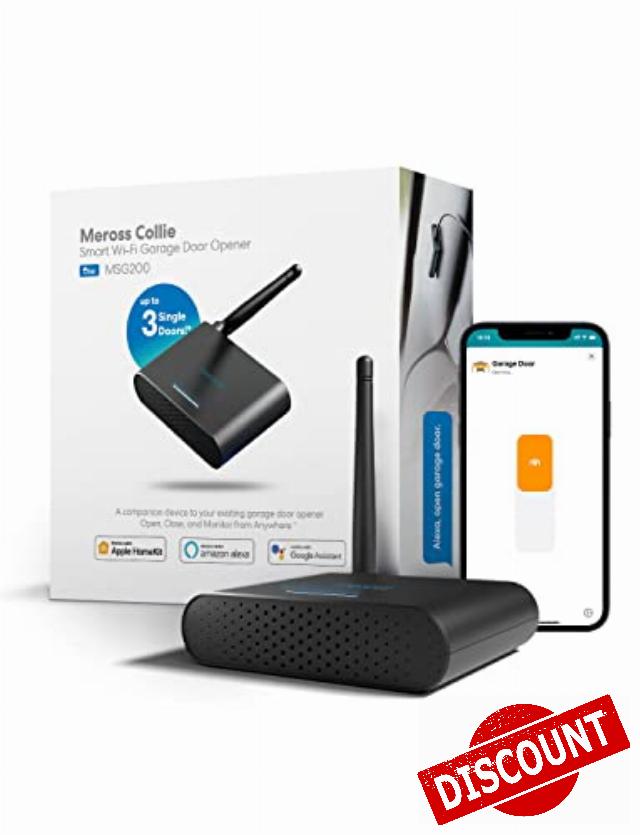
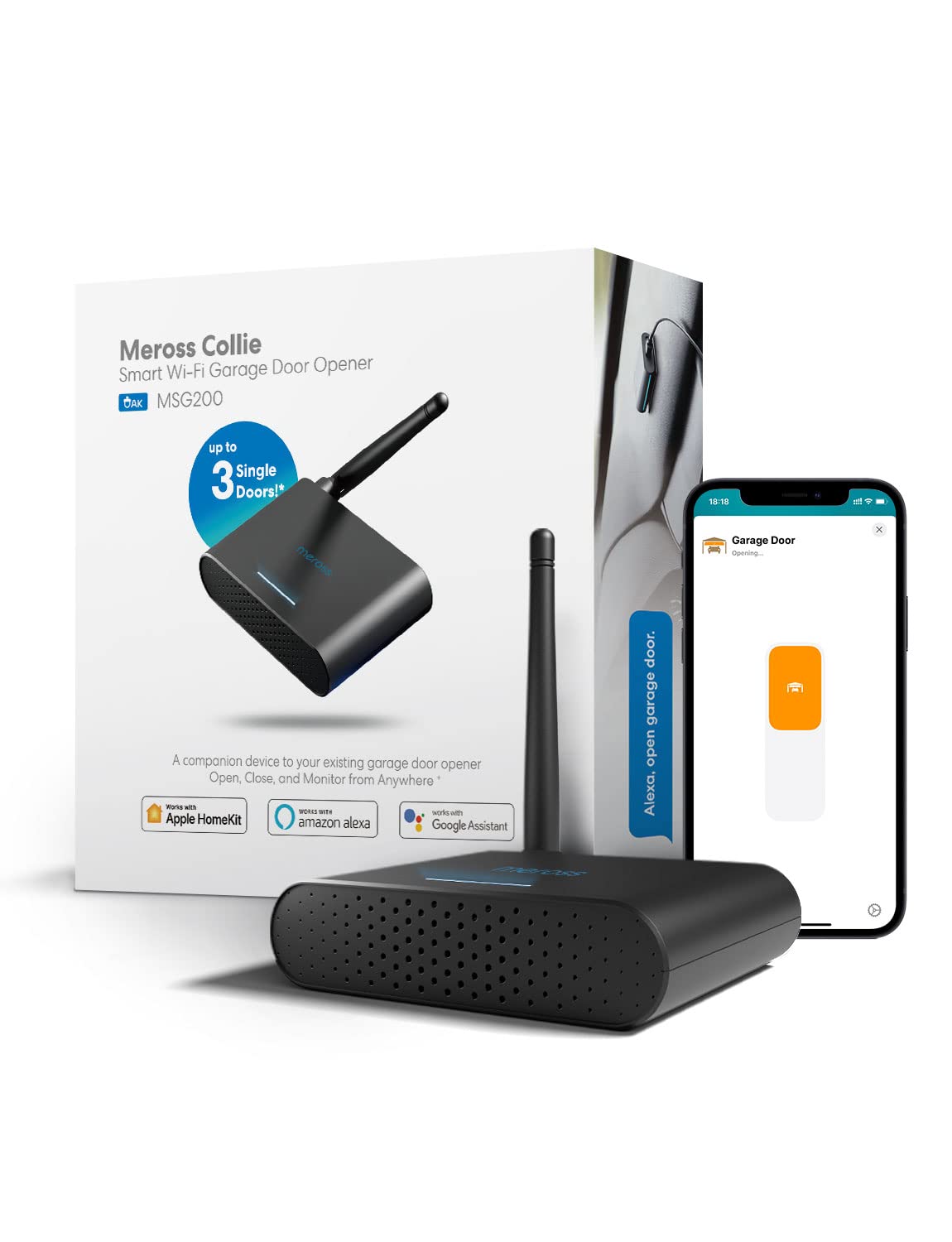
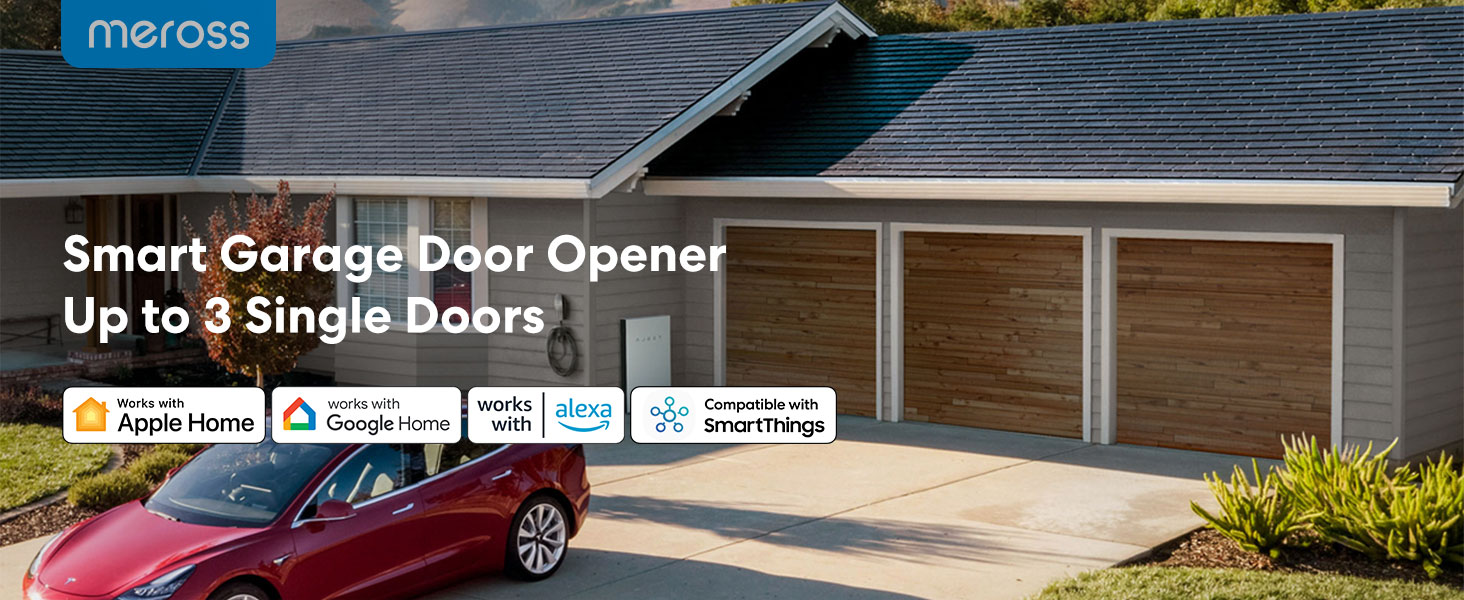
meross Smart Garage Door Opener Remote with External Antenna, Up to 3 Single Doors, Compatible with Apple HomeKit, Amazon Alexa, Google Assistant, SmartThings, App Control, No Hub Needed
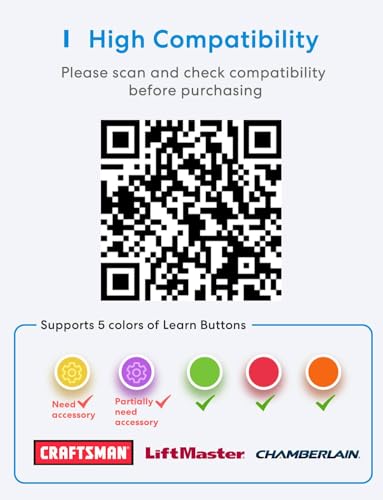
- Compatibility Tips: The smart garage door opener is compatible with 200 brands and over 1600 models. Compatible with openers using Security+ 1.0 and Security+ 2.0 protocols (does not support Security+ 3.0 ). Before purchasing, please check if your garage door model is on the compatibility list. If your garage door needs accessories to solve compatibility issues. please send meross support team the information about your garage opener, we can ship the proper accessory separately for you, and make it works. No additional fees.
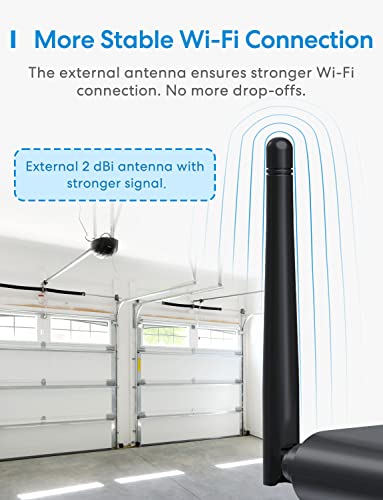
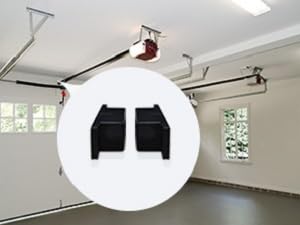
- More Smart Remote: The external antenna can better receive wifi signals and can support up to 3 garage doors at the same time. (2 wired doors sensor is included in the package. the third door sensor need to be purchased separately)No monthly fee or any other subscription fee!
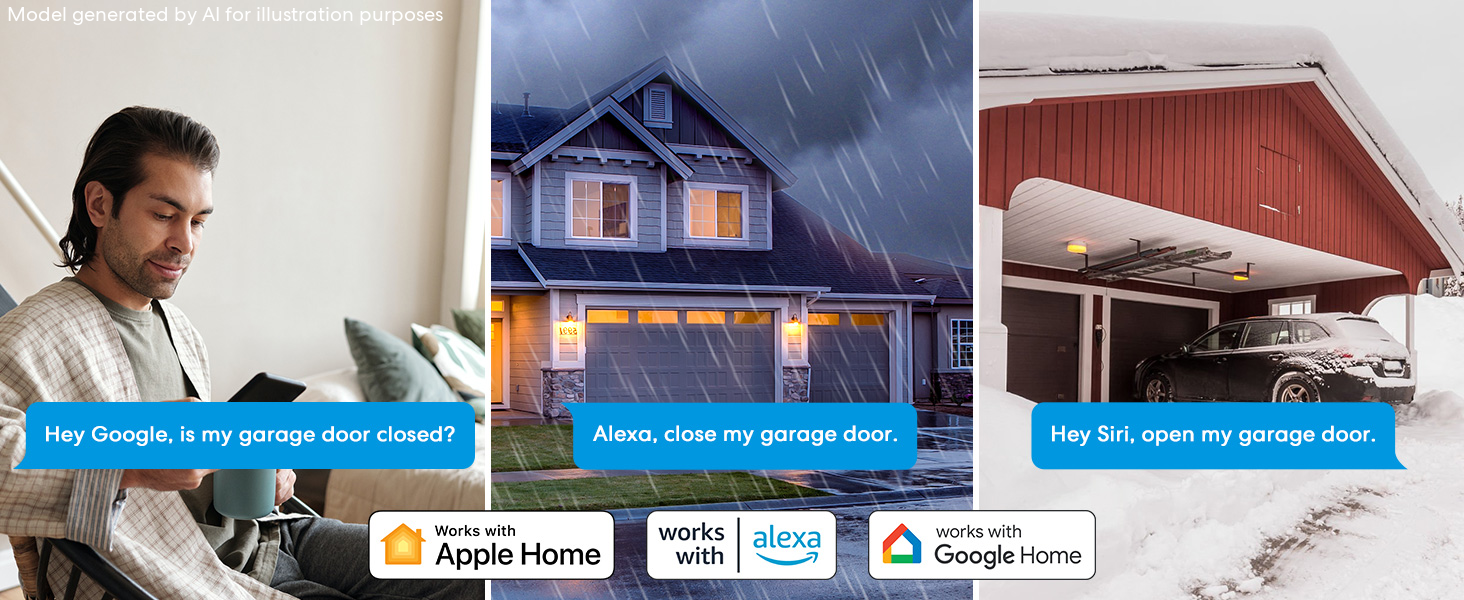
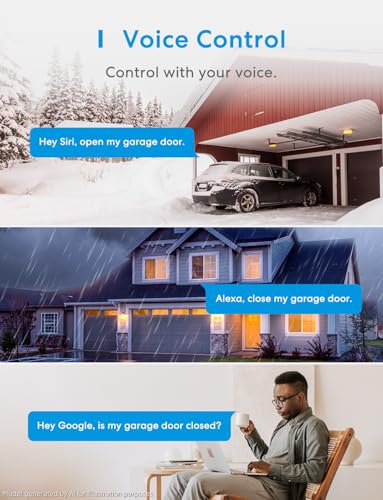
- Remote and Voice Control: You can control your devices hands free, just give voice commands to turn on/off the connected devices. Compatible with Apple HomeKit, Siri, Amazon Alexa, and Google Assistant.
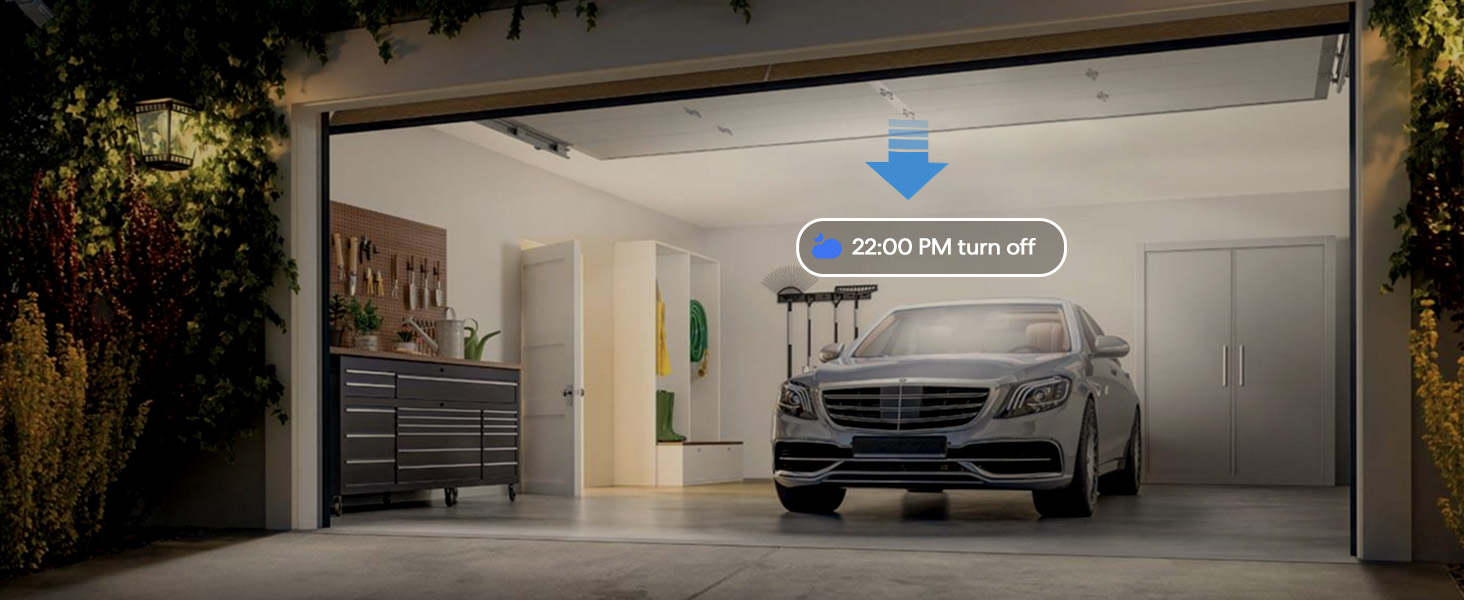
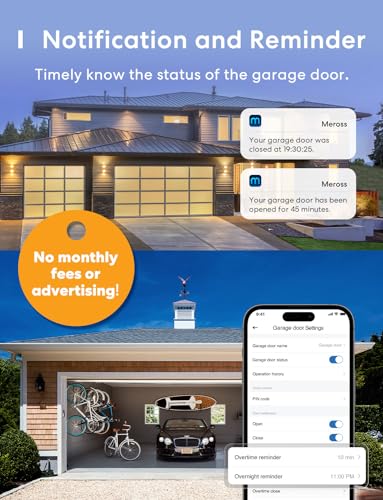
- More Precise and Stable: It is equipped with a highly sensitive wired sensor which monitors the status of garage door more accurate and the signal stays stable. And you can check the garage door open/ close operation records through the APP. Stay alert by different notification modes such as garage door open/ close status, overtime notification and overnight notification to remind you close the garage door
- Easy to Install: Installation is much easier than you may think. Pls make sure your wifi strength is acceptable near your garage door. Note: 2.4 GHz Wi-Fi network support only
Do You Need an Extra Accessory?
Step 1
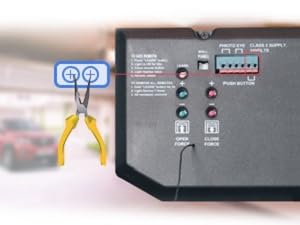
Short Test:Use pliers to short the wall button terminals, if the garage door opens or closes, it works. Otherwise, please go to point 2.
(2 wired doors sensor is included in the package. the third door sensor need to be purchased separately)
Step 2
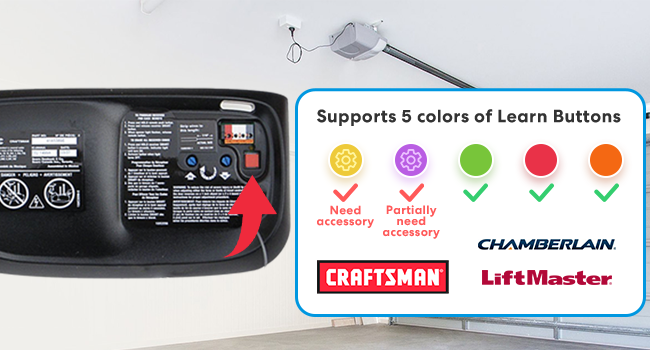
If point 1 fails, your garage opener is from Chamberlain/LiftMaster/Craftsman. Device will still work(needs an extra accessory). Please claim the accessory on the meross web or contact the meross support team and we will send you the appropriate accessory individually. No additional fees.
The video showcases the product in use.The video guides you through product setup.The video compares multiple products.The video shows the product being unpacked.App Remote control
Merchant VideoSmart Garage Door Opener Remote
External antenna.
Remote and voice control.
Compatible with more than 1600 models and 200 brands.
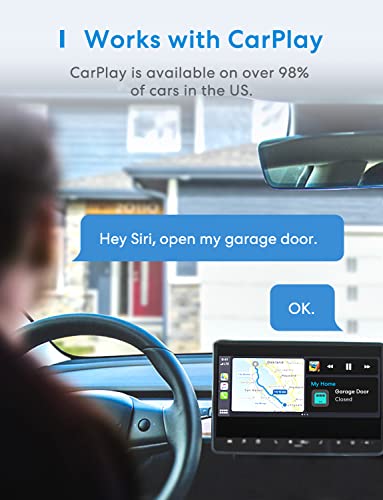
Compatible with Apple HomeKit, Siri, Amazon Alexa, Google Assistant and CarPlay.
Note: Note: Enjoy hub-free remote access via meross app. For Home app: the same Wi-Fi control does not require a hub; Remote access uses your existing Apple device as a hub.(2 wired doors sensor is included in the package. the third door sensor need to be purchased separately)
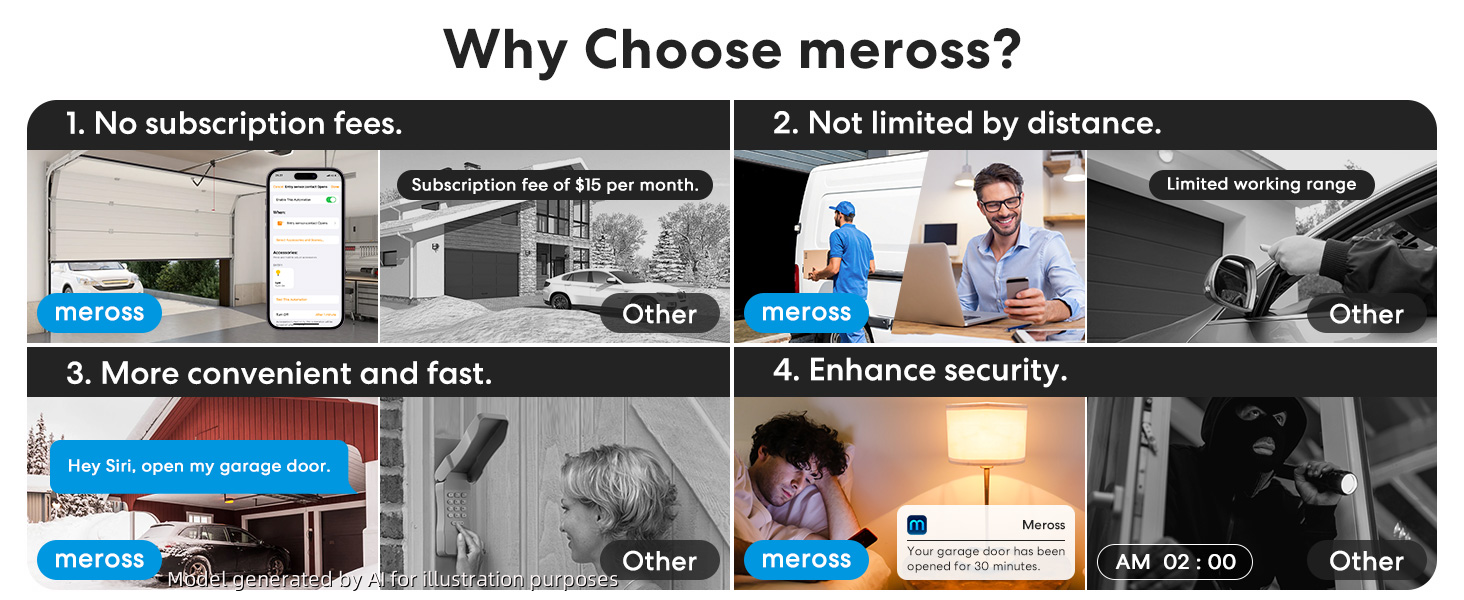
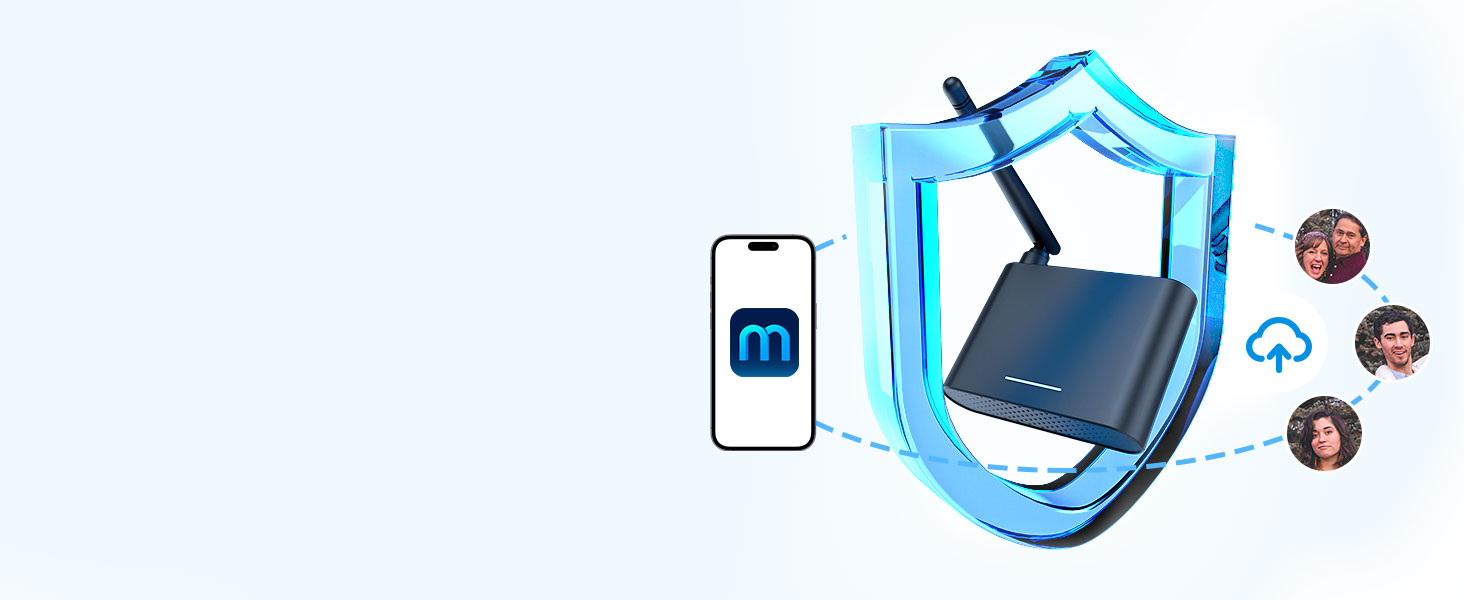
Data Encryption
Meross has powerful data encryption functions to protect your information security.
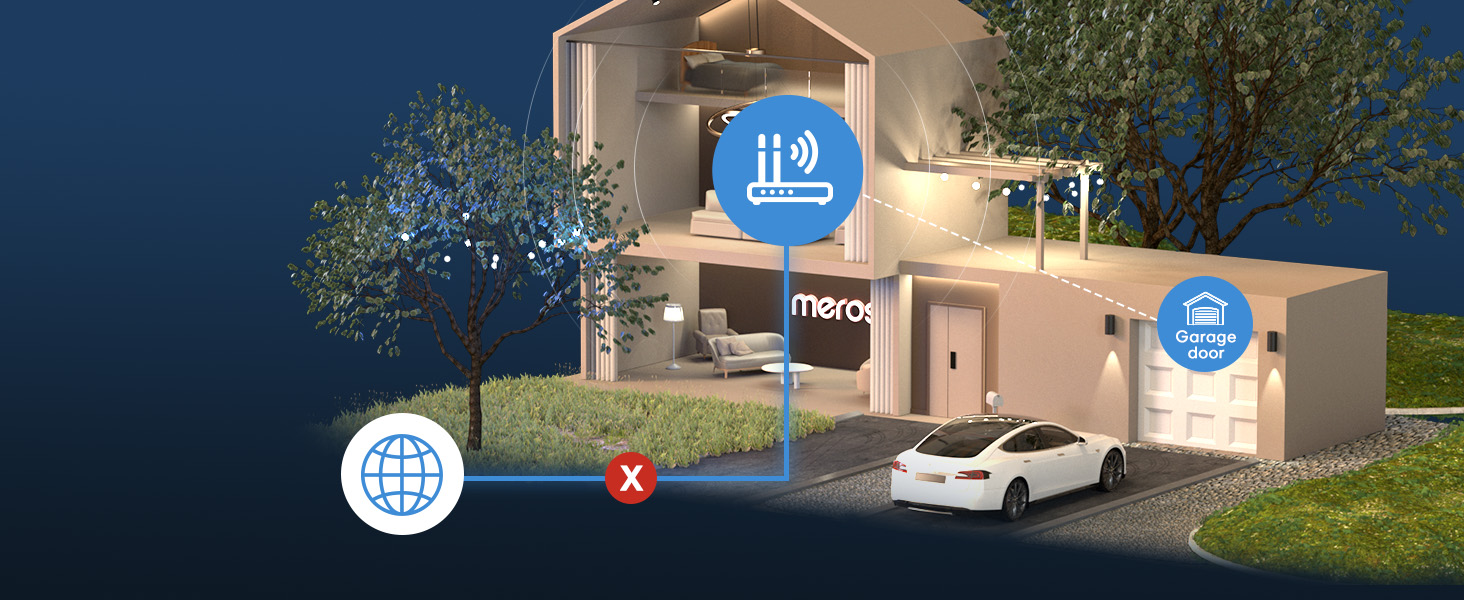
Offline Control
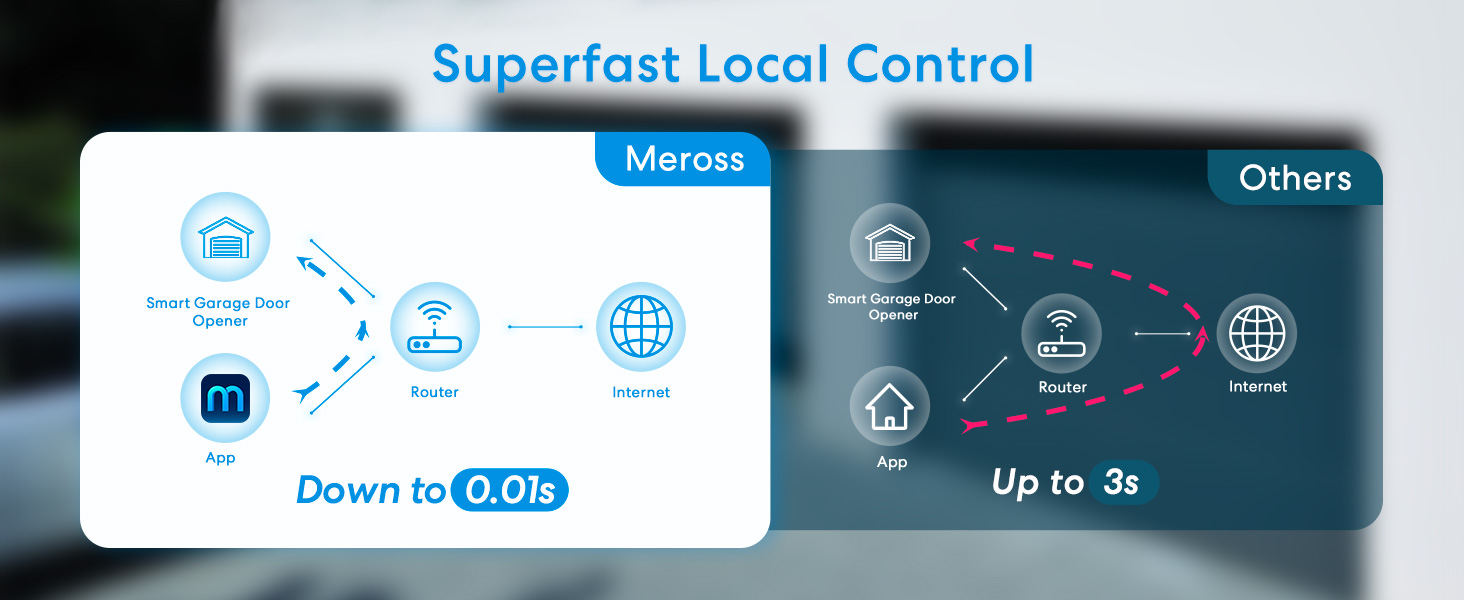
When the internet is down, you can still control your devices in home network via Meross app.Close the door automatically when the door is still open after a particular time.
Auto Close
Close the door automatically when the door is still open after a particular time.
In areas with poor data signal, you can also choose to receive alert notifications via SMS in the app settings (SMS will incur charges).
Step 1 – Compatibility Check
The product is compatible with more than 1600 models and 200 brands. Check your garage model in the compatibility list on the meross official web.
Step 2 – Set up the Device
Connect your phone to your device to set up and ensure that your smart device is covered by a powerful 2.4GHz WiFi signal.
Step 3 – Mount the Sensor
The 2 wired doors sensor is included in the package. the third door sensor need to be purchased separately
Step 4 – Mount Your Device
Install the wire from the sensor to the garage door opener. We recommend deploying the device on top of your existing garage door opener.
2.4GHz WiFi network support only: If you are having a mesh WiFi name for both your 2.4GHz and 5GHz WiFi and it keeps failing during setup. You may need to turn off the 5GHz on your WiFi router temporarily and make sure that your smart device is always covered by a strong WiFi signal.
More Smart Devices from Meross
| Add to Cart Add to Cart Add to Cart | |||||||
| Customer Reviews | 4.3 out of 5 stars18,275 | 4.5 out of 5 stars237 | 4.4 out of 5 stars152 | — | 4.3 out of 5 stars1,757 | 4.3 out of 5 stars487 | 4.3 out of 5 stars323 |
| Price | $59.49$59.49 | $18.99$18.99 | $59.49$59.49 | $49.99$49.99 | $33.99$33.99 | $39.89$39.89 | $32.29$32.29 |
| Works with Apple Home | YES | NA | YES | NO | YES | NO | YES |
| Works with Google Home | YES | NA | YES | YES | YES | YES | YES |
| Works with Alexa | YES | NA | YES | YES | YES | YES | YES |
| Works with SmartThings | YES | NA | YES | YES | YES | YES | YES |
| Control Method | App&Voice | Accessory | App&Voice | App&Voice | App&Voice | App&Voice | App |

| SKU: | B08JYSXXSK |
| Weight: | 565 Grams |
| Dimensions: | 3.07"L x 3.66"W x 0.87"H |
| Brand: | meross |
| Model: | MSG200 |
| Colour: | Black |
| Manufacture: | meross |
| Colour: | Black |
Product description
Step 2
If point 1 fails, your garage opener is from Chamberlain/LiftMaster/Craftsman. Device will still work(needs an extra accessory).Please claim the accessory on the meross web or contact the meross support team and we will send you the appropriate accessory individually. No additional fees.
The video showcases the product in use.The video guides you through product setup.The video compares multiple products.The video shows the product being unpacked.App Remote control
Merchant VideoSmart Garage Door Opener Remote
External antenna.
Remote and voice control.
Compatible with more than 1600 models and 200 brands.
Compatible with Apple HomeKit, Siri, Amazon Alexa, Google Assistant and CarPlay.
Note: Note: Enjoy hub-free remote access via meross app. For Home app: the same Wi-Fi control does not require a hub; Remote access uses your existing Apple device as a hub.(2 wired doors sensor is included in the package. the third door sensor need to be purchased separately)

Data Encryption
Meross has powerful data encryption functions to protect your information security.
Offline Control
When the internet is down, you can still control your devices in home network via Meross app.Close the door automatically when the door is still open after a particular time.
Auto Close
Close the door automatically when the door is still open after a particular time.
In areas with poor data signal, you can also choose to receive alert notifications via SMS in the app settings (SMS will incur charges).
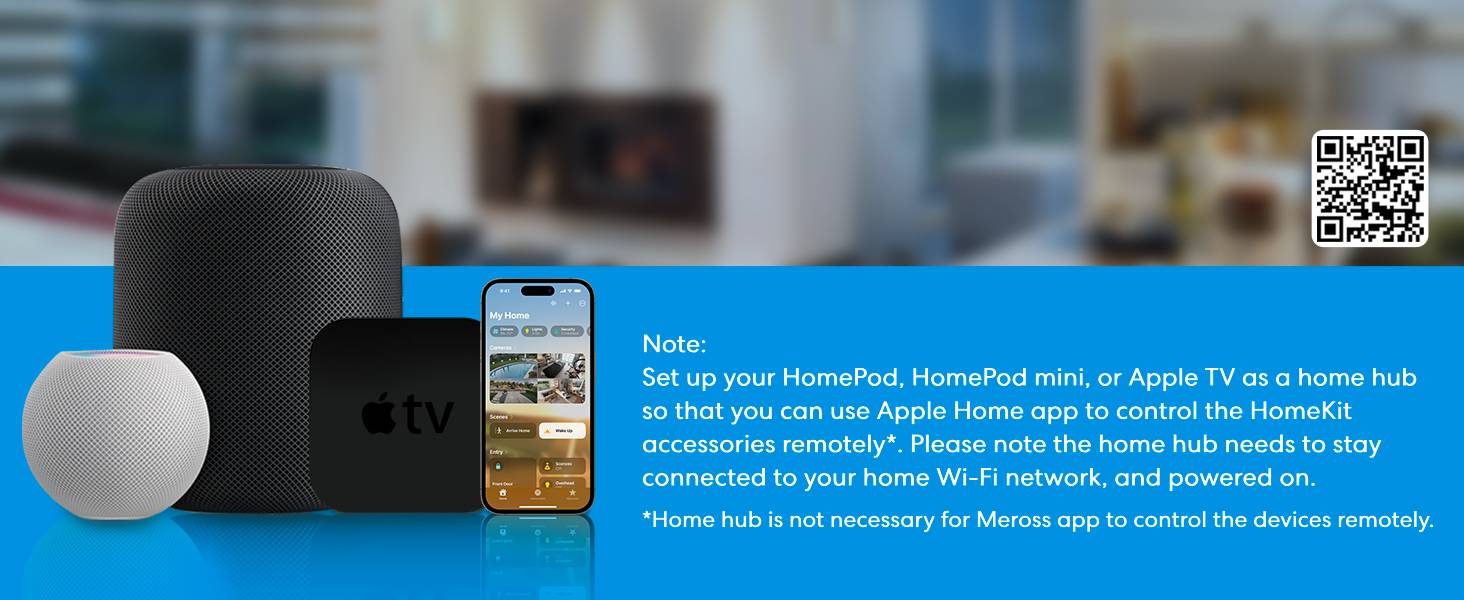
2.4GHz WiFi network support only: If you are having a mesh WiFi name for both your 2.4GHz and 5GHz WiFi and it keeps failing during setup. You may need to turn off the 5GHz on your WiFi router temporarily and make sure that your smart device is always covered by a strong WiFi signal.
More Smart Devices from Meross
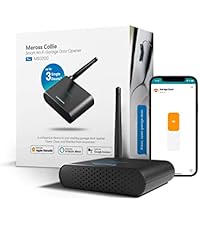 Garage Door Opener Remote | 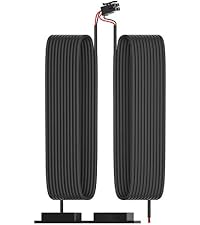 The 3rd door sensor | 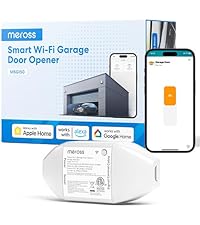 Garage Remote MSG150HK | 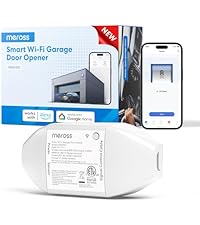 Garage Remote MSG150 | 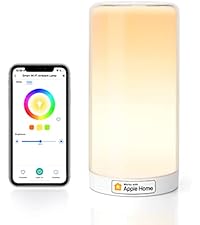 Smart WiFi Table Lamp | 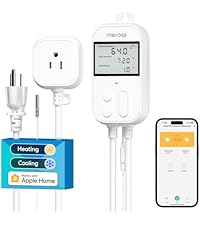 Temperature Controller |  Matter Presence Sensor | |
|---|---|---|---|---|---|---|---|
| Customer Reviews | 4.3 out of 5 stars18,275 | 4.5 out of 5 stars237 | 4.4 out of 5 stars152 | — | 4.3 out of 5 stars1,757 | 4.3 out of 5 stars487 | 4.3 out of 5 stars323 |
| Price | $59.49 | $18.99 | $59.49 | $49.99 | $33.99 | $39.89 | $32.29 |
| Works with Apple Home | YES | NA | YES | NO | YES | NO | YES |
| Works with Google Home | YES | NA | YES | YES | YES | YES | YES |
| Works with Alexa | YES | NA | YES | YES | YES | YES | YES |
| Works with SmartThings | YES | NA | YES | YES | YES | YES | YES |
| Control Method | App&Voice | Accessory | App&Voice | App&Voice | App&Voice | App&Voice | App |
I have three 30 year old garage door openers in my house that I wanted to know if the doors were closed and hopefully connect into home assistant.
I had the MyQ device working on one garage door several years ago but after an update and my need to factory reset it to change the wifi ssid, it could no longer be programmed with the garage door and only gave status of the door. They also discontinued connectivity to home assistant. The combined issues made the MyQ device totally useless garbage.
I was initially looking at 3 individual devices, but this one for $60 to control all 3 doors using dry contacts for my old openers and cabling included for 2 doors seemed like a much better option. I also liked that it has an external antenna to better receive the wifi signals from my house.
The installation to the Meross app went smoothly by specifying how many doors you want to run and connecting to home assistant was equally as simple using the homekit integration. I ordered the additional door wiring from Meross and although I had to contact Meross support to get a status of the order, it arrived from overseas within a week. Their support team did a great job providing an order update plus added a 15% discount coupon that I received on signup.
The wiring of a hard wired system is not hard, but does take a bit to figure out the best way to run and support the wires along the ceiling and the garage door tracks. I ran my wires from the center garage door up into the ceiling and down to the other doors. Both of the extra doors have 23 foot long cables. The control wire was plenty long enough but the door sensor with the magnet needed to be lengthened to keep it looking neat. Since they are separate wires, one can be run at an angle to make it fit, but I opted for pretty instead. It would be nice if they made the door sensor 30 feet long instead of 23 to accommodate pretty installations.
I highly recommend installing the Meross app on your phone before starting installation and be sure to have your phone use the same wifi ssid that you will use for the device. I did the installation at my desk before I mounted it which worked well.
The device works perfectly with almost no latency upon command. If your doors are slower than the default timing (2 of mine were), it prompts you to change the timing. It would be nice if they shared how many seconds they detected, but I just gradually increased the number of seconds until if did not fail. I could not find where to set this up later, so it is better to gradually increase the number so that you get notified quicker if there is an actual issue with the door.
All in all, this is a wonderful product and great support team that is definitely worth buying if you have 2 or 3 garage doors and are willing to pull some wire and not have ads pop up when running your doors.
So far so good.
I need to have reliable smart-device based garage door opener. I use the Apple eco-system and Homekit, combined with a Homebridge setup, and my priority is to have a smart-connection so I can ask Siri to open the door with my motorcycle communicator (I have Cardo Packtalk Edge) so I can easily park it. First, I had a myQ. I dumped it because they want a subscription to allow smart-home access. For the next few years I went with Aladdin Genie. They are free for smart-home functionality, but since I had that, I had NONSTOP issues with that. It didn’t want to connect to my router from inside the house (I have a separated garage, so there is distance between router and the garage connected to the alleyway behind my house.) It would see my wifi, but just blink that it still had connectivity issues. So I got a more powerful router and that thing has no trouble connecting to anything in my garage… except that Aladdin unit. Then I got a repeater in the garage. That had no issues connecting to my router and still, the Aladdin unit had issues even with that. I gave up on the Aladdin when I got locked out of my own garage. It decided to just not connect to the app. Very weird too, it was disconnected right around 3pm, but when I got home at 1am after work, it worked. Maybe they had server issues, but then again, they don’t send any emails saying there will be issues. And it happened Monday, Tuesday, then Wednesday. Not very convenient.
Now after all that, I did my research and landed on this. The online community who knows Apple Homekit seemed to recommend Meross, and I never heard of them before, and I decided to give it a try. I got the unit and I watched a couple YouTube videos, followed the included instructions, and I had this device up and running in about 30-40 minutes, including tie-wrapping the cables and securing the device. After a few adjustments, learning some functionality in the app (like disabling doors 2 and 3 so Homekit doesn’t access them for now, as I only have 1 garage door opener for a 2-car garage) I’m happy to say that this device works great. ZERO connectivity issues so far as my router and my repeater show full strength connection (the Aladdin did too so I’m assuming its on their end).
The moment I “flip the switch” in Apple Home, or press the button in Carplay, the garage door opens and closes near instantly. My garage door opener is at LEAST 20 years old and to get it connected, it was just two wires. There is a compatibility list for openers on Meross’s webpage so check BEFORE you buy. Because its wired to my garage door, theres no “learning” required and no button to push like an in-car garage door opener. The only thing I liked with the Aladdin device (when it did work) and the myQ was when a signal was sent to open or close the door, or if an automation kicked in (I had a requirement to shut the door after 30 minutes being open,) they had a bright white warning light flasher to indicate the door was about to move, since you didn’t push any buttons. Meross’s device DOES NOT have that, so if you setup an automation similar to mine, the door will immediately respond without warning. Also, It is important that if you tinker with the wiring, which you likely will be, to verify that you did not disconnect or cause your garage door obstruction safety system to be disabled.
Another plus that I have with the Meross is its open/close sensor, which appears to be magnet based. You run the line from the Meross box to the garage door. I have mine at the top corner to my door along the wall, with the additional magnet also right next to it on the door itself. Very similar to window security systems. When you setup your app, it’ll go into detail to verify the system is working by using these sensors. What I LOVE about this is that it is not battery based. The Aladdin and myQ used a button-battery-based sensor you stuck to the door which needed to be replaced after a year or two. Not necessary with the Meross thankfully. In fact, the other disadvantage I had with the battery sensor was in winter when the door was very cold as it gave poor performance. And if the battery sensor failed or disconnected due to a dead-battery, or a frozen battery, those garage door openers also failed because it couldn’t tell if the door was opened or closed. Thankfully not the case with the Meross.
I certainly recommend this unit, especially for people with more than one garage door. I may only have one opener but I know that when I replace that door and add a second opener for that, all I have to do is run another sensor line for that door similar to the way I did my current door and that this package (“meross Smart Garage Door Opener Remote with External Antenna” in case Amazon links this review with other Meross stuff) already comes with that expandability (up to 2 doors out of the box, if you have a 3rd garage door, you need another sensor cable add-on.)
I bought this garage door opener because I have three doors and wanted something that came as one unit rather than having three separate controls, one for each door. This opener worked like a charm and was very simple to install.
The unit works on a huge number of garage door openers. When I was trying to decide if it would work on mine, I was a little frustrated as there was no list showing which openers it would work with but once I got the product, downloaded the APP and saw the vast selection of openers it was compatible with, I could see why. There are just TOO many to list in the description on the web page!
To install the product, you’ll need to download the Meross APP first, create an account and then it will walk you through the steps to install the unit, route and connect the wiring, etc. At first, the APP can seem a bit cumbersome when trying to get it to work but it’s not difficult at all, once you follow the proper steps in the instructions. There are no fees or subscriptions needed as the APP is free; I like free!
With the APP, there are a lot of features you can use to control your garage doors, you can set them up to close at a certain time, get notifications when a door is opened, you can view a record of openings and closings, etc. You can even check the APP and at a glance, see if your doors are open or closed, very nice feature! And of course, the opener works seamlessly with other smart control devices, even multiple ones if you have more than one which you use. I have Alexa as my main control device at home, but I also have Siri on my phone, and I can open or close the doors with either one. If you have the Alexa app on your phone, you can control them with it as well. If you’re in your vehicle and don’t have the Alexa app or have it listening, you can just tell Siri to open (or close) your garage door. I really love all of this functionality! And you can control the doors from anywhere as long as you have a Wi-Fi signal. Again, just check the Meross APP to see whether they are open or closed.
A couple of things I want to mention, one is, this controller only comes with wiring for two doors but it can be used on three doors. This is noted in the description so it’s no big deal but, I needed the third set of wiring and had to research it to figure out the right thing to order. Meross, you need to either list that third wiring set in the description for this product or put a link to it on the product page. Secondly, I reached out to Meross customer service, not for a problem, but to ask a technical question and I received a very fast response from Lydia. Her response was concise and easily understood, answering my question exactly, leaving no doubt in my mind about what I was asking – great job!
Overall, I highly recommend this product if you’re wanting to upgrade and have the ability to control your garage doors other than with switches or remotes. With the Meross APP, you don’t need anything else to have that full control over your doors but having the other smart control options is nice as well. I like the product so much, I’ve already ordered another one to use with the two large garage doors on my workshop. For the money and the features you get, this product is a great value!
d this long before I got them!
Great support from Meross. Steel Line SD 1000 is supported by this produc
The customer support at Meross is amazing. My garage door make and model (Steel Line SD 1000) wasnt appearing in the compatibility list of Meross. I reached out to Meross Support and she took the time to go through my garage door manual and assisted me with setting it up perfectly. For those using Steel Line SD 1000) all you need to do is connect the cable to the PB and GND ports in the garage unit. Please see pictures attached. Thanks Meross Support for such a timely and efficient support.
Pretty simple device, works well (as long as long as it's not a Roller Door, then it gets tricky)
Works well, have used app and Alexa controls and pretty straight forward. Only issue I found is we have a Roller Door and placement of open/closed sensor is pretty tricky with a roller door Only feasable location I found to place sensor was on top of the top stop bumper and the magnetic sensor onto the inside of the door opposite top stop bumper and taped the wired sensor to the top of rubber stop bumper, when placing sensor onto door make sure its in the recessed part of door or it will get crushed when door winds up. Instructions were fairly simple and fairly easy to follows. Took hours to work out the sensor location, but once this was overcome it took less than an hour to install, would be very simple for sectional door. Would have given it a 5 star if not for the roller door sensor location issue.
Good unit and excellent customer suppo
Very easy to install and use. Worked well until it totally shut down one day. Alicia of Meross Customer Support was absolutely great in quickly responding to my warranty query and sending out a new replacement unit at no charge. Just received it and looking forward to having voice controlled garage doors again. Great work, Alicia.
I installed this on a Craftsman garage door opener that was a 2007 vintage with a purple learn button. It worked immediately with no additional parts required. It took approximately 1 hour to install including getting the Meross app to recognize the device on my Wi-Fi network which is an Eero 6 mesh system. Alexa detected the system immediately. What I learned:
1. I have a system that handles 3 doors even though I have only a single door. I inactivated doors 2 and 3 in the Meross app but still got messages that those doors were open. Had to shut off notifications for those as well.
2. Initially, I received messages that my door was opening and closing, but that was a real pain, so I disabled those as well. I only receive a message if the door is open for more than 30 minutes or after 8:30 at night.
3. Also, I was receiving messages from Merros and Apple since both were aware of the door status. I disabled the messages from Apple.
4. While within range of my home Wi-Fi system, Apple and Siri will respond to commands to open or close the door. That’s fine, but I wanted the ability to open the door remotely from Apple Car Play while outside the range of my Wi-Fi. That’s when I leaned that in order to do that you need an Apple Home mini device to interface between the unit and the internet. I am an Amazon Echo user so this additional requirement was a bit of a surprise. I found a unit on EBay, which hasn’t arrived yet. So we’ll see how that works.
Overall a good product and easy to install. No inadvertent opening yet and it’s been about a week since installation.
Follow up
Received my Apple Home Pod mini and configured it with no problems. The Home Pod now appears on my Apple Home app.
I began the process of configuring my wife’s iPhone and that’s when the problems occurred. I was the owner of the Home Pod and had to invite her to use it to control the garage door from her phone. I sent the invitation but she never received it which is a common problem with Home Pods. After much research so happened upon a post that said you have to change the default name of your home environment in order to get the invitation to go through. I changed the default ‘My Home’ to ‘Our Home’ and it worked!!!!
Next hurdle was getting it to work with CarPlay. First time I tried, I got a message indicating that the phone must be awake to open the door which kind of defeats the purpose of using CarPlay. After more research I found that this is a security feature that prevents a random stranger from stealing your phone and opening your door. You must also use face recognition to have it work. I also found that if you have an Apple Watch and have it set to wake your phone when to move your wrist, the phone will wake and the door will open with CarPlay.
Having known this all from the start, I probably would have made a different choice. A lot of hurdles and research to open the garage door.
Excellent products and service
The Meross products and company have been fantastic. The garage controller was seamless to connect to my Android and works with samsung smart things and Android auto. It is also compatible with Google assistant. The product was fantastic until the wifi module become faulty. I made contact with customer support and we tried a few work arounds and fixes before it was decided that the wifi module was damaged. This was not a problem for the Meross team. Gary was fantastic and arranged the supply of a replacement unit straight away. This experience was extremely positive and is great to know that you are not only dealing with excellent products but also an excellent customer service team that stand by and support their products and customers.
When we purchased our new home I wanted a smart garage door and got a MyQ belt drive unit. Apparently I didn’t research enough because it didn’t work with HomeKit without an expensive adapter. I soon set up a Raspberry Pi with Home Assistant and that helped connect and control the opener with HomeKit. Then late 2023 MyQ decided to block other integrations and it broke again.
I did my research now and picked up the HomeKit version of this unit that can control 3 doors as I have. 3 car garage with 2 doors. The opener is a chamberlain with the yellow button so you can’t wire it to the main unit. So after I ordered I went to meross site and filled out the form for 2 adapters and I had those within a week. It basically a compatible remote opener with the wires soldered to the remote buttons to trigger the opener. You clip that to the wires they have for triggering the door.
It needs its own door position sensors so it knows if the door is open or closed. They are fairly easy to set up, but the length of the cables may dictate where you locate the controller box.
Usually a garage may have issues with your WiFi connection depending on location of your router. I don’t have that issue as I have an eero system and hardwired Ethernet into my garage at placed a WiFi node in there. I have it in a box for dust protection and placed to meross controller in the box too.
So in the end this unit works better and faster than the Home Assistant setup (which is broken for good now) and I now get all the benefits of HomeKit integration. We get notices when the door opens and closes and I have the garage lights come on with open and turn off after 10 minutes of being closed. The door open function shows on CarPlay and I can ask Siri to open and close. Exactly what I want. I wired up the sensors for the second opener even though I won’t install that until this spring, but it tells me if the second door is open or closed now too.
A great add to a MyQ system that should have included this functionality to begin with but wanted to be unfriendly to consumers.
I was initially skeptical because it seemed pretty complicated. The instructions that come with the product are helpful. Still, you’re probably better off searching for installation videos on YouTube. Once you do that, the installation should be easy, and the device works well with my two-car garage. I believe the sensor cable lengths are enough. Just keep in mind that the unit includes cables for only two garage doors. If you need a third one, you should contact the company. Also, if you have a non-compatible garage door opener, don’t worry, because the company says they will send you an adapter kit or something similar. Overall, I installed it using only Apple HomeKit without downloading the manufacturer’s app, and it works perfectly, so I definitely recommend getting this to upgrade your standard garage door opener to something more modern. You don’t have to worry about the battery life because it’s hardwired. The signal strength is excellent. The voice control with Siri can be a little inconsistent, as it will ask you which garage door to open, even though you specifically told it to open one by name. I don’t know about the durability since I just installed it yesterday, but so far, so good.
In summary, yes, I’m happy with this purchase, and I highly recommend it.