Lenovo ThinkPad Universal Thunderbolt 4 Dock, 4 Displays
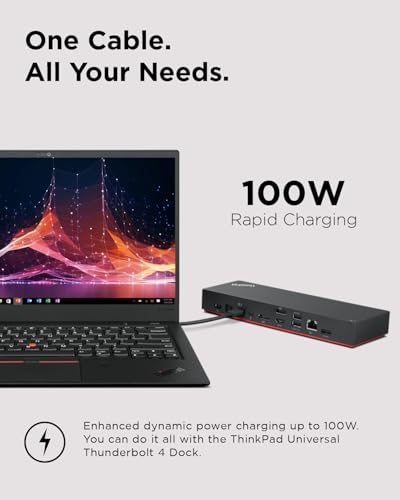
Lenovo ThinkPad Universal Thunderbolt 4 Dock, 4 Displays, Dynamic Power Charging up to 100W, Black
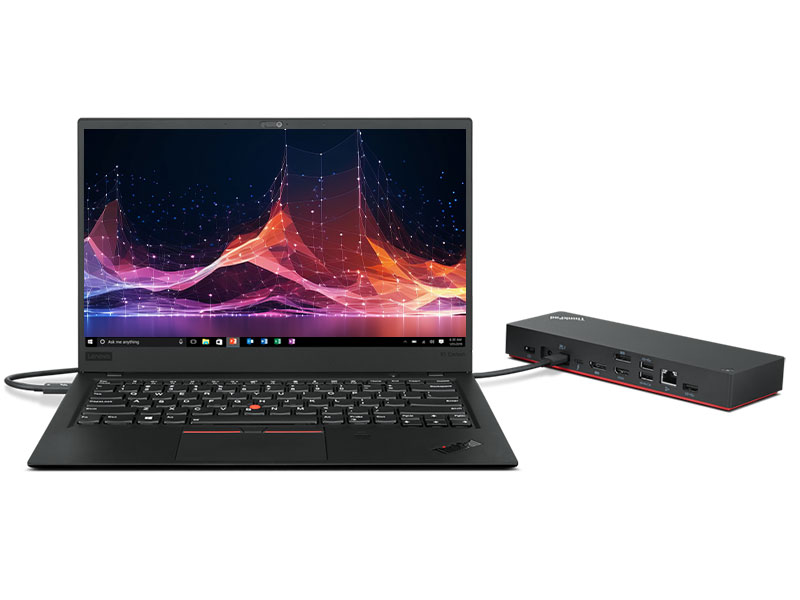
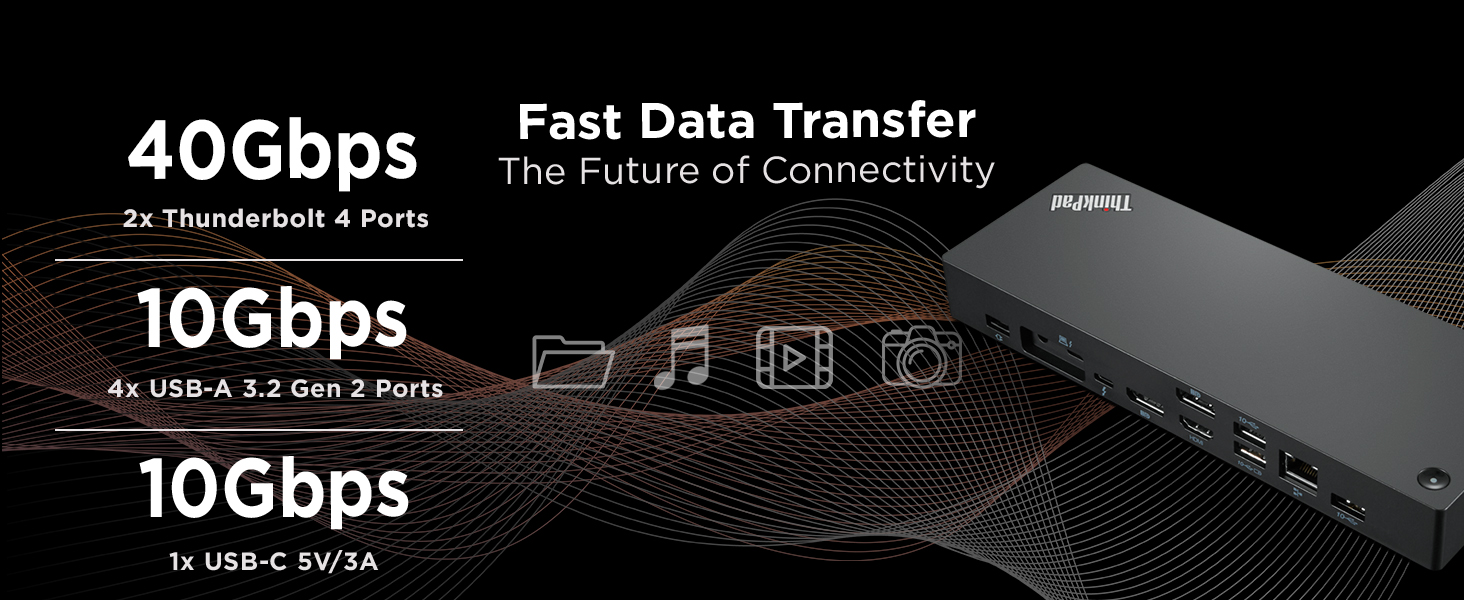
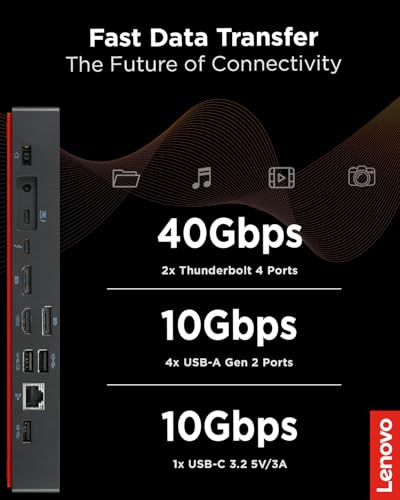
- One Cable. All Your Needs. – A single Thunderbolt cable is all you need to take your productivity to new heights. Adding an 8K @ 30 Hz display or up to four 4K @ 60 Hz displays, lightning-fast 40 Gbps transfer speeds, vPro pass-through support, and enhanced dynamic power charging up to 100W. You can do it all with the ThinkPad Universal Thunderbolt 4 Dock.
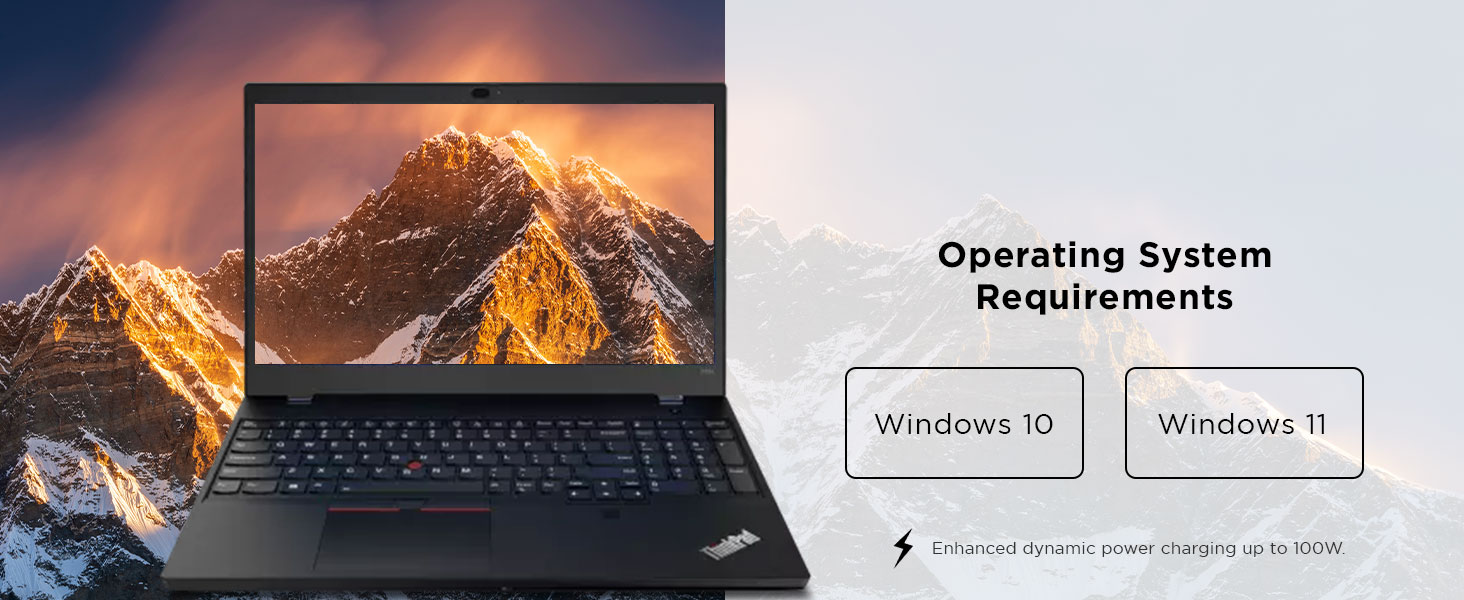
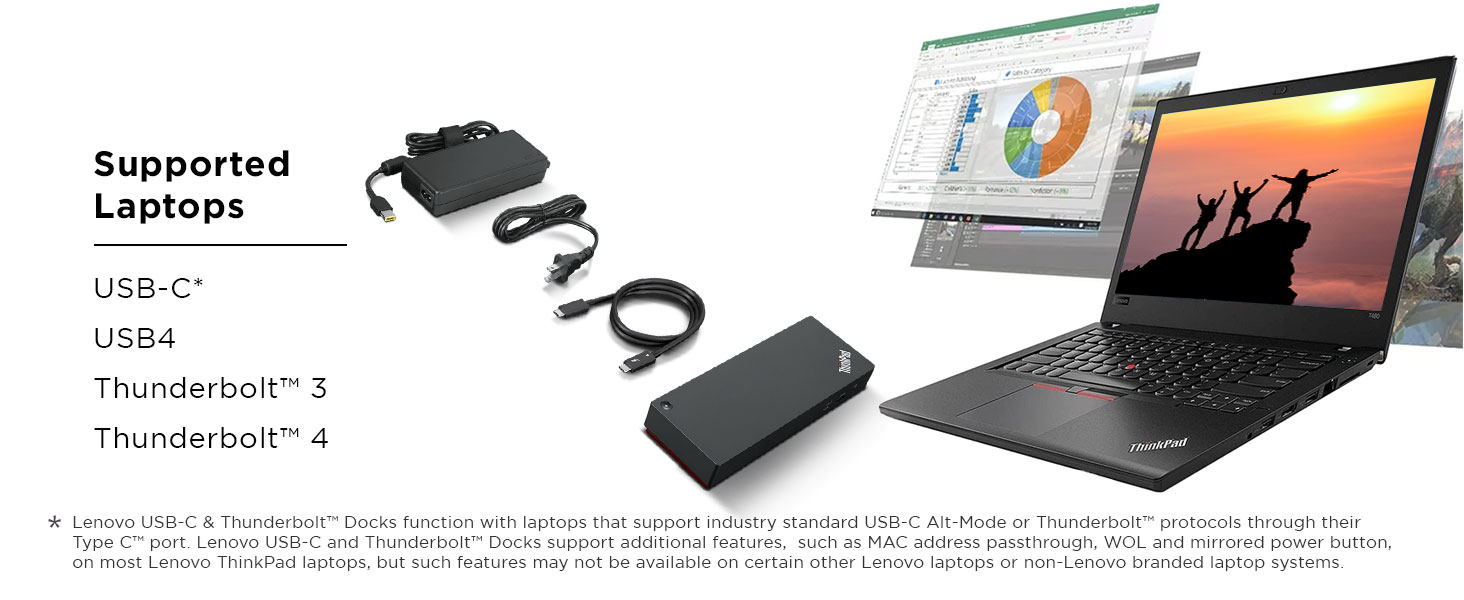
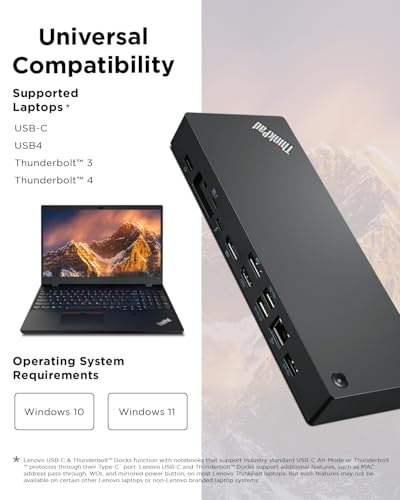
- Compatibility. Made Limitless. – Freedom is the key to productivity. That’s why we’ve engineered the ThinkPad Thunderbolt 4 Dock to be limitlessly adaptable — supporting up to 100W PD and unrivaled performance on all Thunderbolt 3 and 4, USB 4, and USB-C Windows-based systems
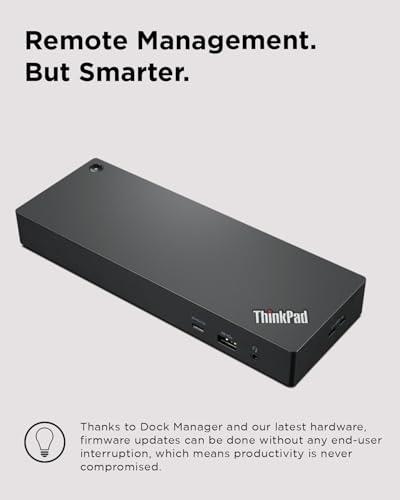
- Remote Management. But Smarter. – Remote dock management just got a whole lot smarter. Thanks to Dock Manager and our latest hardware, firmware updates can be done without any end-user interruption, which means productivity is never compromised.
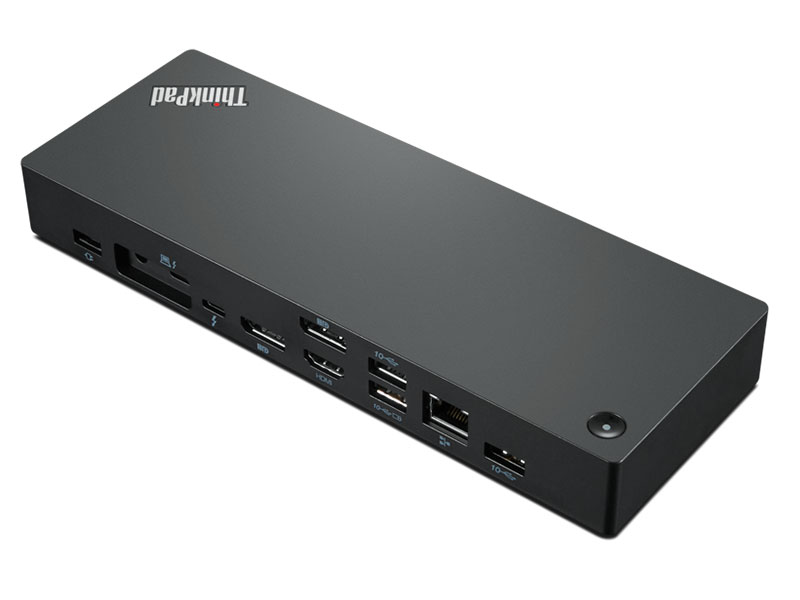
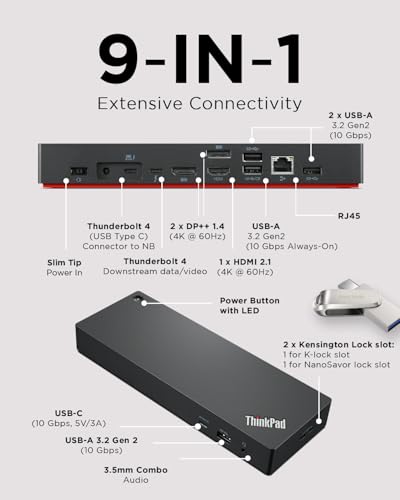
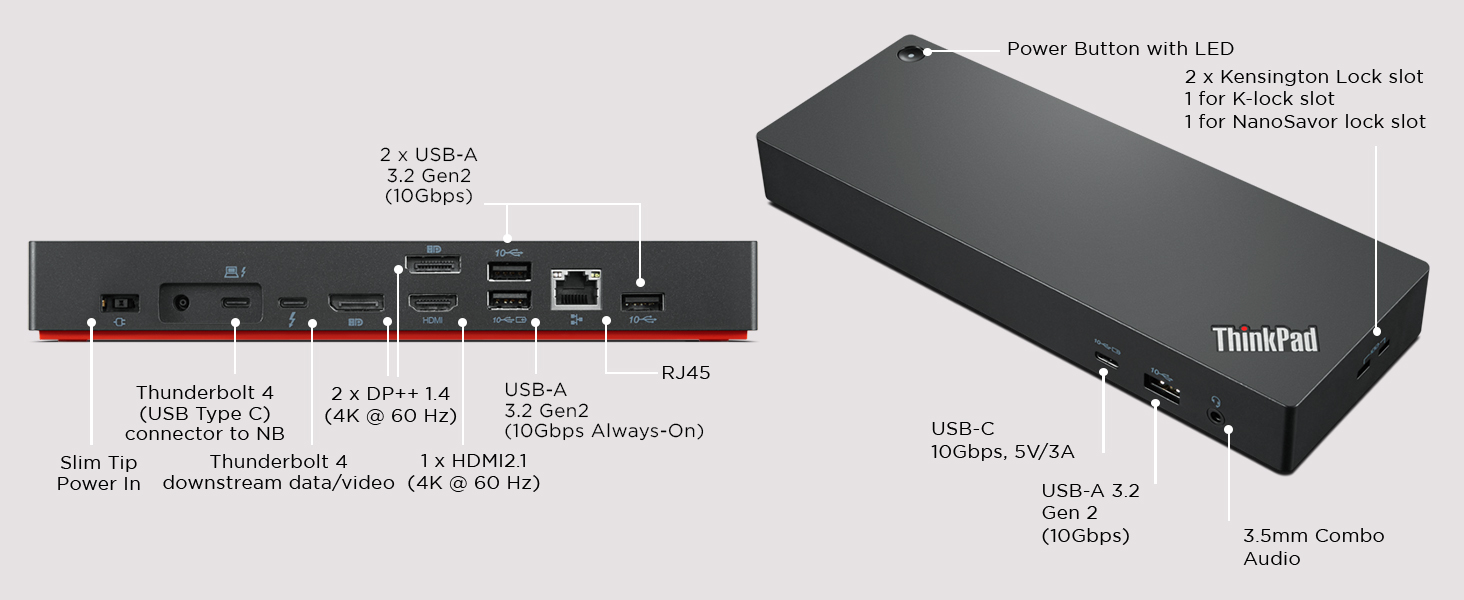
- Video Ports: 2 x DisplayPort 1.4, 1 x HDMI 2.1, 1 x Thunderbolt 4 Downstream Port; USB Ports: 4 x USB 3.1 Gen 2* (1 x always-on), 1 x USB-C; Audio: 1 x 3.5 mm Combo Audio Jack; Networking: 1 x RJ45 Gigabit Ethernet
- Power: 1 x Slim Tip 135W Power Adapter, Up to 100W Dynamic Power Charging to Notebook
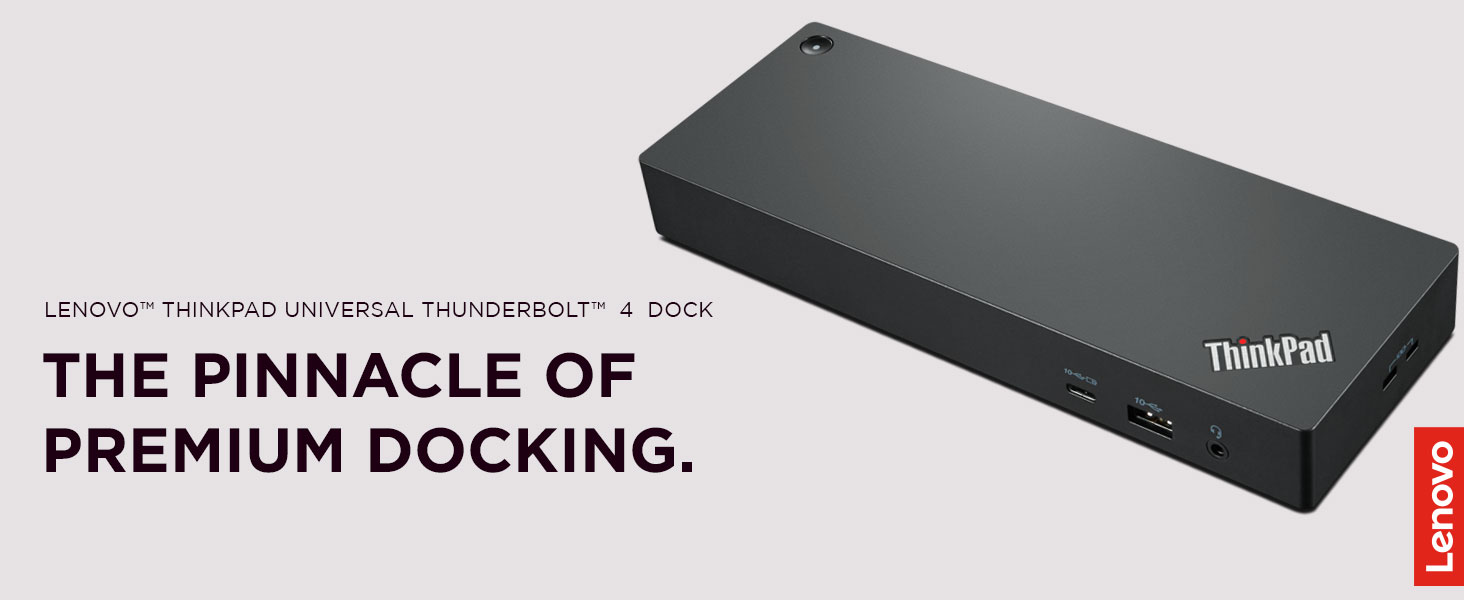
A Smarter way to work. Our latest ThinkPad® Universal Thunderbolt™ 4 Dock is engineered to expand into new horizons. Bringing forth the next generation of Intel® Thunderbolt™ technology, packed with game-changing features like support for 8K @ 30 Hz display, Intel® vPro® functionality support¹, smart remote manageability, and dynamic power charging up to 100W. The ThinkPad Universal Thunderbolt™ 4 Dock truly is the pinnacle of premium docking.

| SKU: | B09GJJ5C32 |
| Weight: | 1.2 Pounds |
| Dimensions: | 6"L x 3"W x 1"H |
| Brand: | Lenovo |
| Model: | 40B00135US |
| Colour: | Black |
| Manufacture: | Lenovo |
| Colour: | Black |
From the manufacturer
One cable. All your needs.
A single Thunderbolt cable is all you need to take your productivity to new heights. Adding an 8K @ 30 Hz display or up to four 4K @ 60 Hz displays, lightning-fast 40 Gbps transfer speeds, vPro pass-through support, and enhanced dynamic power charging up to 100W. You can do it all with the ThinkPad Universal Thunderbolt 4 Dock.

Compatibility. Made limitless.
Freedom is the key to productivity. That’s why we’ve engineered the ThinkPad Thunderbolt 4 Dock to be limitlessly adaptable — supporting up to 100W PD and unrivaled performance on all Thunderbolt 3 and 4, USB4, Windows 10 and above USB-C laptops³
Remote management. But smarter.
Remote dock management just got a whole lot smarter. Thanks to Dock Manager and our latest hardware, firmware updates can be done without any end-user interruption, which means productivity is never compromised.
Additional Products By Lenovo
 Universal Thunderbolt 4 |  USB-C Universal Dock |  500 USB-C Universal Dock |  USB-C Mini Dock |  ThinkPad Hybrid Dock | |
|---|---|---|---|---|---|
| Customer Reviews | 3.9 out of 5 stars321 | 4.3 out of 5 stars1,542 | 3.9 out of 5 stars38 | 4.3 out of 5 stars114 | 4.1 out of 5 stars1,098 |
| Price | $209.99 | $154.95 | — | $79.90 | — |
| Color | Black | Grey | Moon White | Grey | Black |
| USB-C | ✔ | ✔ | ✔ | ✔ | ✔ |
| Thunderbolt | ✔ | ✔ | ✔ | ✔ | ✘ |
| Number of ports | 9 | 9 | 9 | 7 | 15 |
| Total USB Ports | 5 | 5 | 6 | 2 | 7 |
| Total HDMI Ports | 1 | 1 | 1 | 1 | 2 |
| Wattage | 100 watts | 65 watts | 100 watts | 45 watts | 15 watts |
| Dimensions | 6 x 3 x 1 inches | 6.06 x 3.15 x 0.94 inches | 6.06 x 3.15 x 0.94 inches | 7.09 x 2.09 x 2.09 inches | 8.3 x 3.1 x 1.2 inches |
This unit will not charge a ThinkPad P16v Gen 1 through the Thunderbolt port, despite what Lenovo sales support told me. For the right laptop, however, it appears to be good quality. Understand that there is only one HDMI port, so if you want two external monitors that connect via HDMI, you must plug one of the monitors directly into the HDMI port on your laptop. If your monitors uses Display Port connections, there are two of those on the brick. I returned this and bought the Thunderbolt 4 which has a separate charging cable from the brick.
I have both a Lenovo X1 Carbon Gen 9 and 10, and I am able to run two external 4k displays (3840 x 2160) at 60Hz over DisplayPort (in addition to the built in display). It also handles all of my USB devices just fine. I’m running Ubuntu Linux on both laptops.
I was pretty confused about USB-C vs Thunderbolt, and I had been using the “Cable Matters 8-in-1 Portable 40Gbps USB4 … , Compatible with Thunderbolt 4” dock but I was only able to reliably get one external 4k display working at 30 Hz. I could occasionally get 2 external 4k displays working at 30 Hz, but I couldn’t reliably reenact the magical incantations necessary for this.
So I’ve got both Ryzen and Intel laptops and even though many of my docks worked okay, they had one or more issues with my dual 34″ 3440×1440 144MHz setup. Most won’t output the 100W PD I need. Others would have graphic issues or audio cutouts – all sorts of things would crop up. This Lenovo dock has worked really well for me. I did run into some issues where my webcam mic would just stop working on calls, but a firmware update a month or two ago fixed it and it has been solid. Really pleased with this unit.
Very good docking statio
This docking station works seamlessly with my Lenovo ThinkPad and should also be compatible with other brands. Just make sure you use the Thunderbolt cable, since it can be easy to mix it up with a regular USB-C cable. The build quality and performance are excellent, and I’d definitely recommend it for a home or office workstation setup.
Fonctionne tel qu'attendu.
C’est une pice d’quipement qui va assurment sauvegarder les connecteurs de mon tout nouveau portable. Il accompagne un ThinkPad T16. Le Thunderbolt 4 fonctionne parfaitement, donc un seul branchement et tout est prsent sans hsitations. Je recommande pour tout produit ThinkPad.
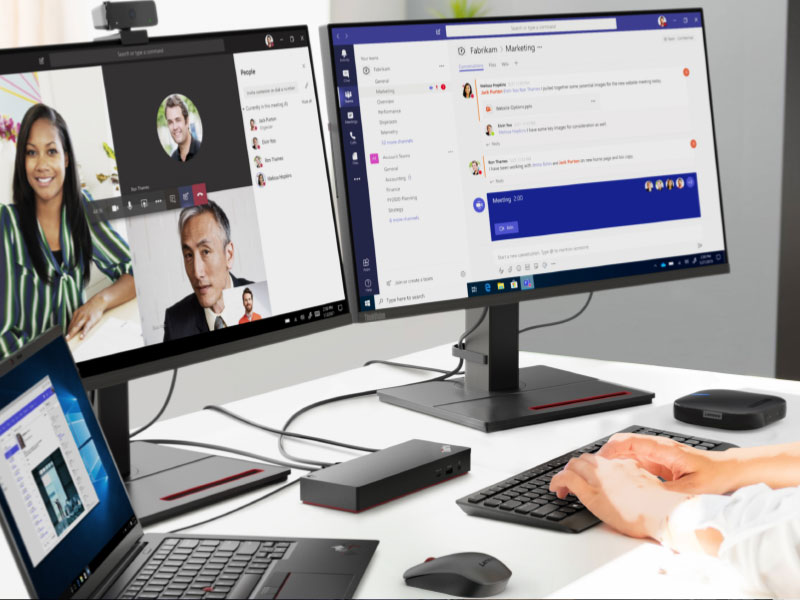
Exactly what I needed. My set up is a Lenovo lap top which I have on a lap top stand. I hide this underneath the stand so I can free up more space. I have two monitors (Laptop sits in the middle of the two monitors) – wireless mouse and keyboard. All ports hold all of it. Excellent set up for folks with more than one monitor.
I was torn between the Lenovo and Dell docking stations because I wanted one that was easy to use and worked well with most laptops. I ended up going with the Lenovo since my current work laptop is the same brand and it was cheaper. Works fine with no monitor glitches.
Recently want to upgrade my Lenovo Thinkpad TB3 dock to this new version, but I found even it fully support Lenovo’s own legion laptop with HDMI 2.1 over 4k@120hz. I checked the display info, it shows the card is wired through ‘display port’ internally. confirmed in game, it’s just 4k@120hz, no G-sync, I think it’s a limitation on LG CX, it’s a special protocol used by LG and nvidia to arrange G-sync compatible.
It couldn’t output any HDMI signal from my Intel 2019 MacBook Pro 16. I had to use a downstream TB4 port on this dock then connect another USB-C to HDMI 2.0 cable and output to my tv, of course it’s limited to 4k 60hz
However, it does support my Intel 2020 MacBook Pro 13 and 2021 MacBook Pro 16 which is very strange. Of course, all of them are HDMI 2.0 due to limitation of MacOS
And it does USB PD charge with 92w to MacBook Pro but it can’t deliver any power to its own Lenovo Legion 7i, even though Legion can support 100w PD charging from TB4 port.
Now I’m very confused by this dock. btw, firmware updated to newest 1.07 on lenovo website.
Update on 6/5/2023:
After a firmware update a while ago, it finally support M1 MacBook output 4k@60hz directly from HDMI port, but too bad due to Mac limitation, it’s only HDMI 2.0 signal so no 4k@120hz.
But I do “solve” this problem by recent hack from community using a special adapter to convert TB/DP alt signal to HDMI 2.1, I won’t go into details, just search Thunderbolt -> HDMI 2.1 solution for M1/2 Mac for solutio