GAOMON S620 Drawing Tablet 6.5 x 4 Inch Graphics Tablet
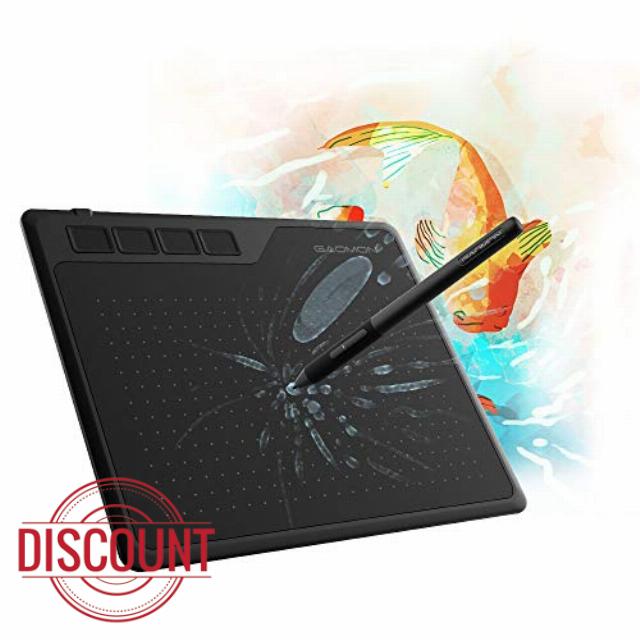
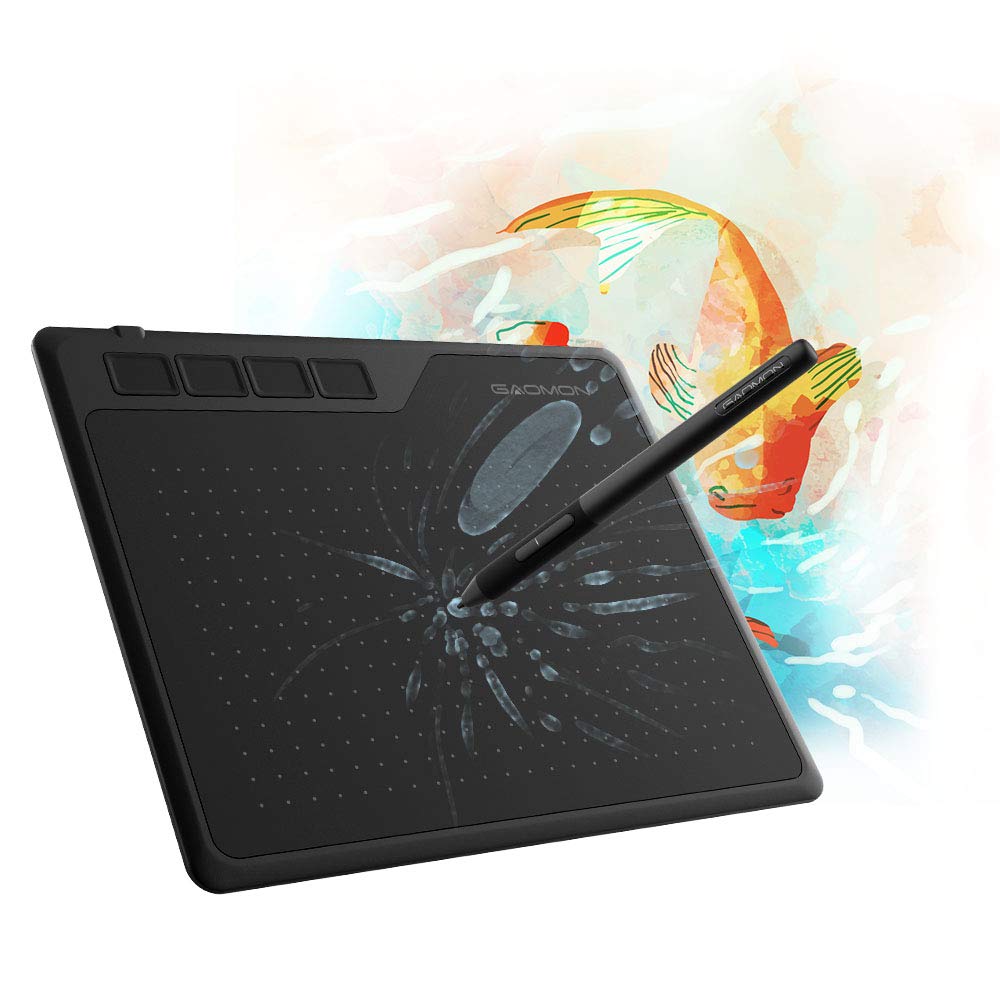
GAOMON S620 Drawing Tablet 6.5 x 4 Inch Graphics Tablet with 8192 Passive Pen 4 Customizable ExpressKeys for Digital Art, Painting, OSU Playing, Compatible with Windows PC, Mac
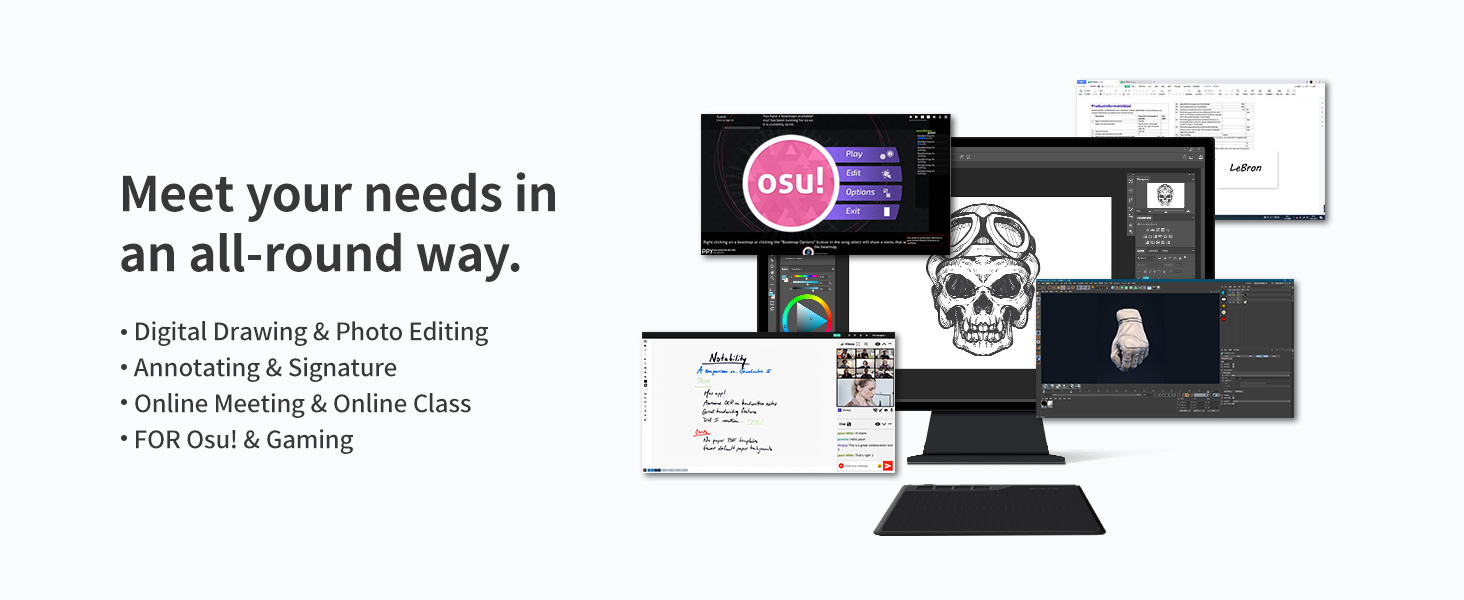
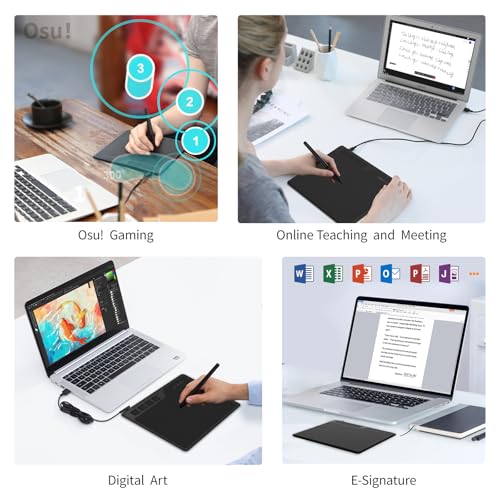
- 【FOR DIGITAL ART & CREATION】– Perfect for beginner who starts digital drawing, sketching, graphics design, 3D art work, animation, etc. Also meet basic use of professionals who requires portable feature especially during travel.【FOR ANNOTATING AND SIGNATURE】–You can sign and write in excel, word, pdf, ppt, etc.【FOR ONLINE MEETING & ONLINE CLASS】It works with most online meeting programs, like Zoom, and so on. 【FOR Osu! & GAMING】–It's a large help for playing rythm games like Osu!
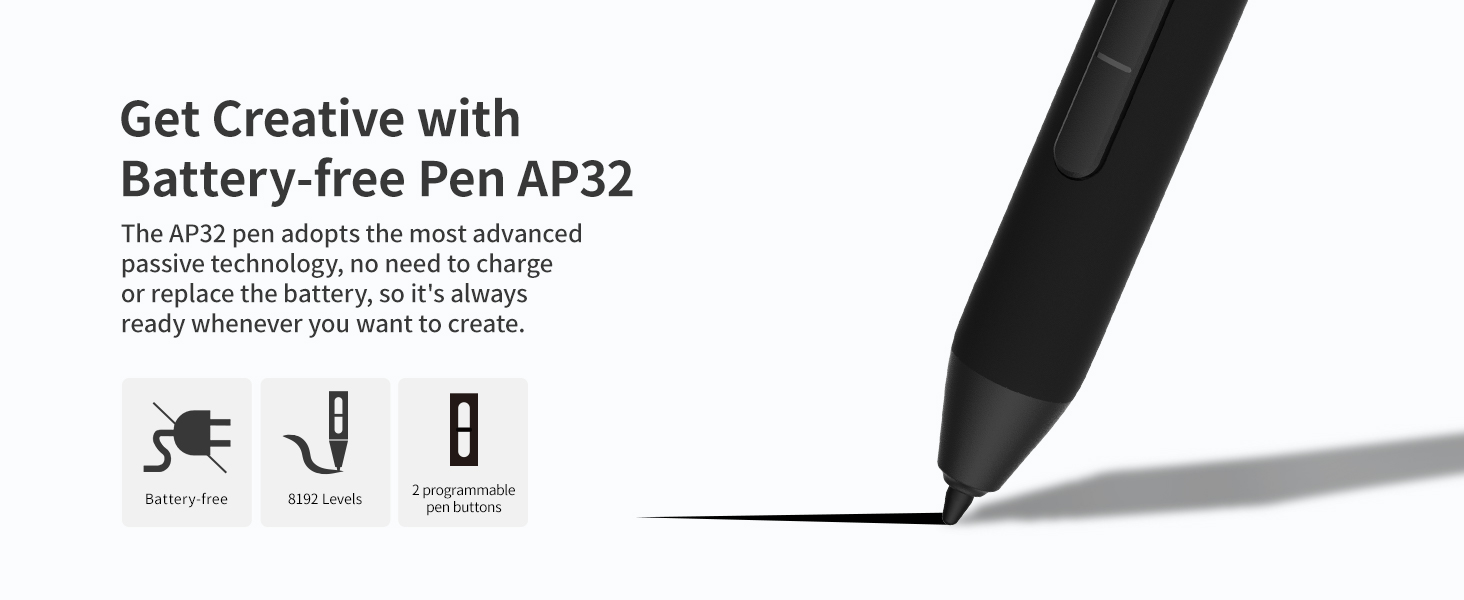
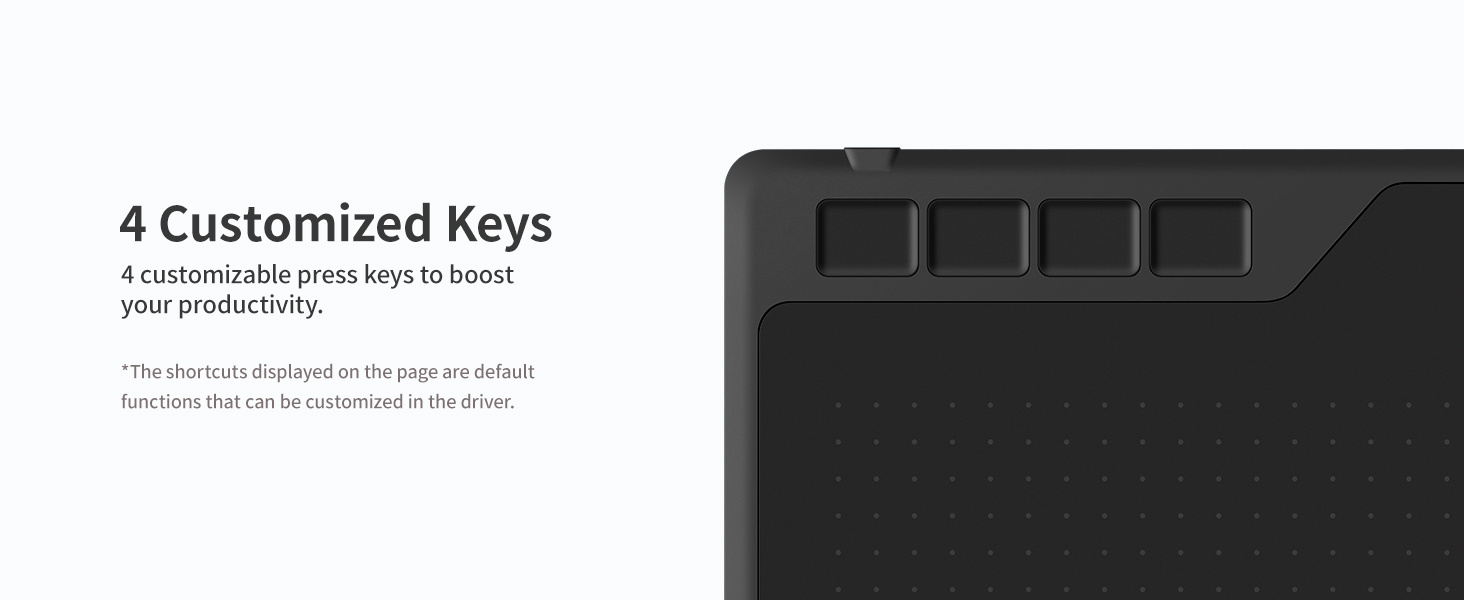
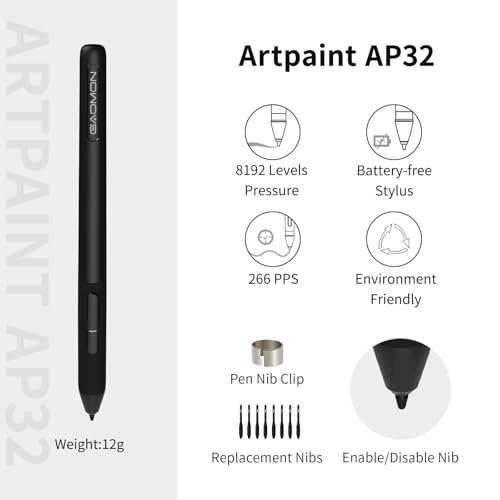
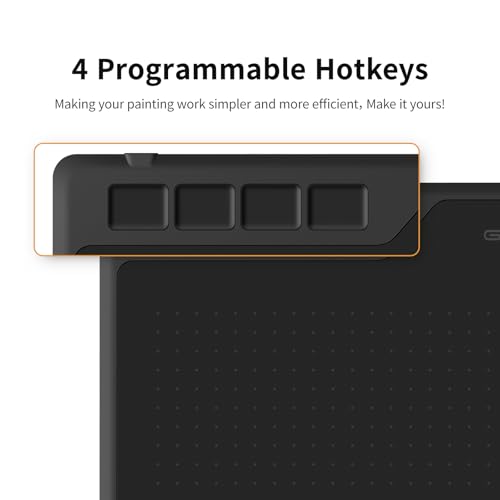
- 【PASSIVE PEN】–Battery-free pen cuts the inconveneince of charging the pen. 【8192 HIGH LEVEL PEN PRESSURE & 4 CUSTOMIZABLE EXPRESS KEYS】It will provide you precise control and accuracy at your fingertips, to bring more natural lines and enhance creative performance. 4 customizable express keys could be set to more functions as you like. Using them while working will largely improve your work flow.
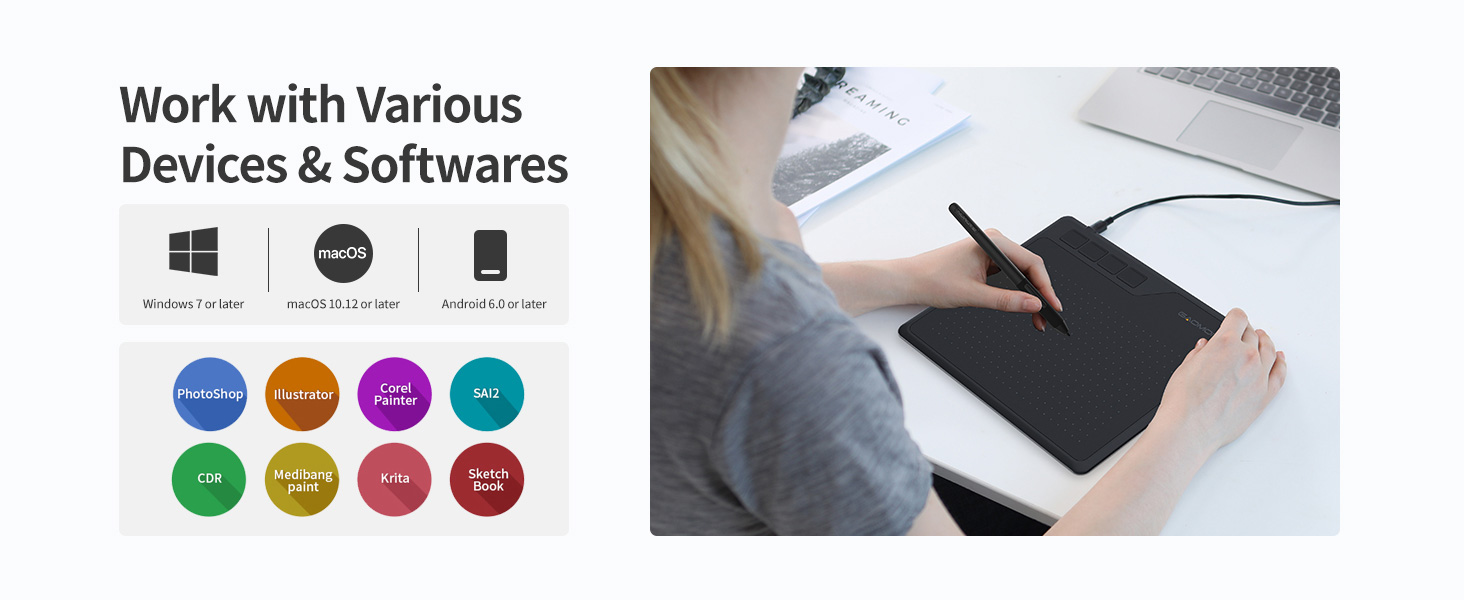
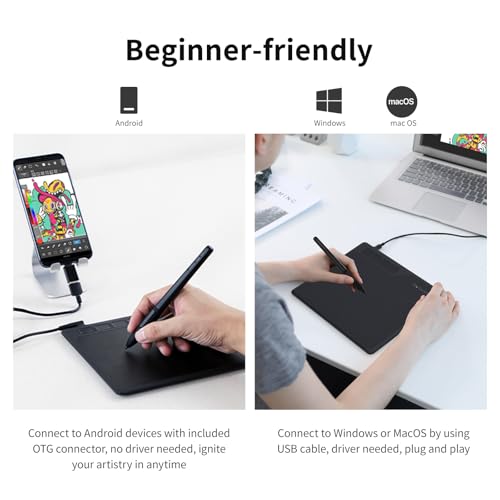
- 【COMPATIBILITY OR APPLICATION】– It compatible with Windows 7 or later and macOS 10.12 or later. Noted: It is not compatible with ipad or iphone. Work with most art programs like Adobe Photoshop, Illustrator, Clip Studio, Lightroom, Sketchbook Pro, Manga Studio, CorelPainter, FireAlpaca, OpenCanvas, Paint Tool Sai2, Krita and so on.
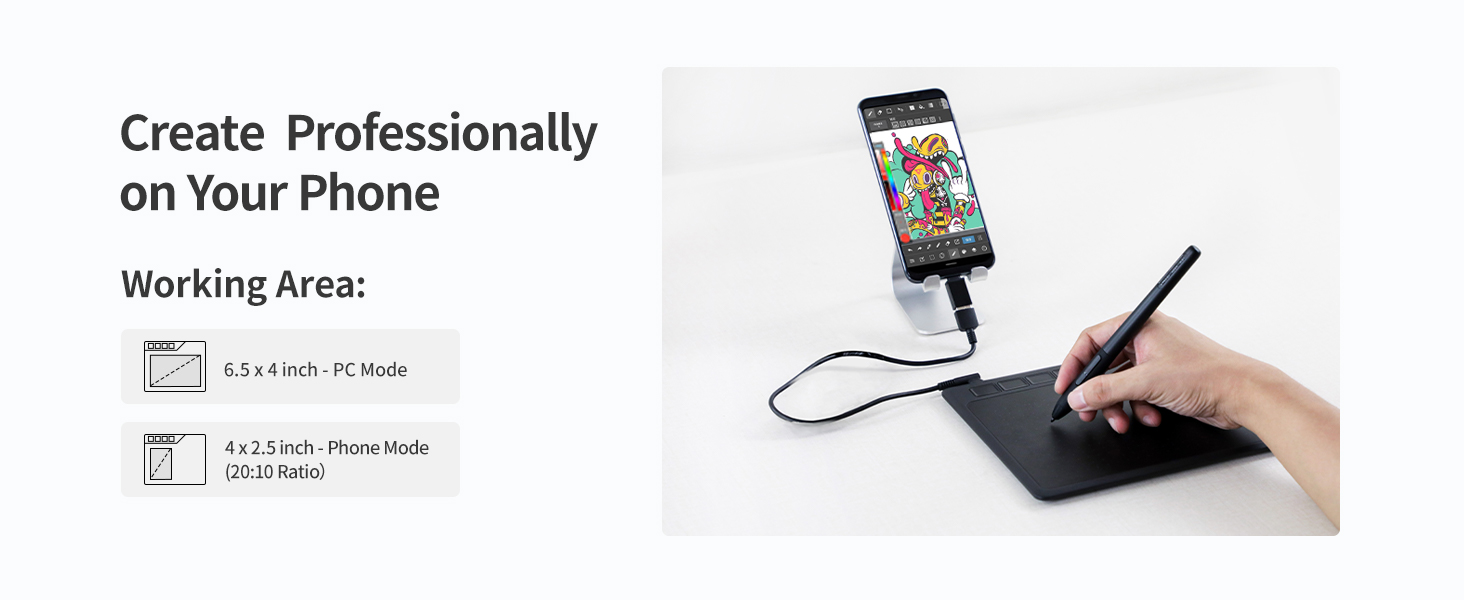
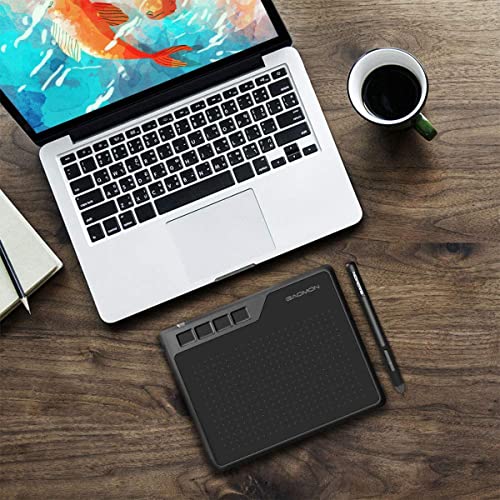
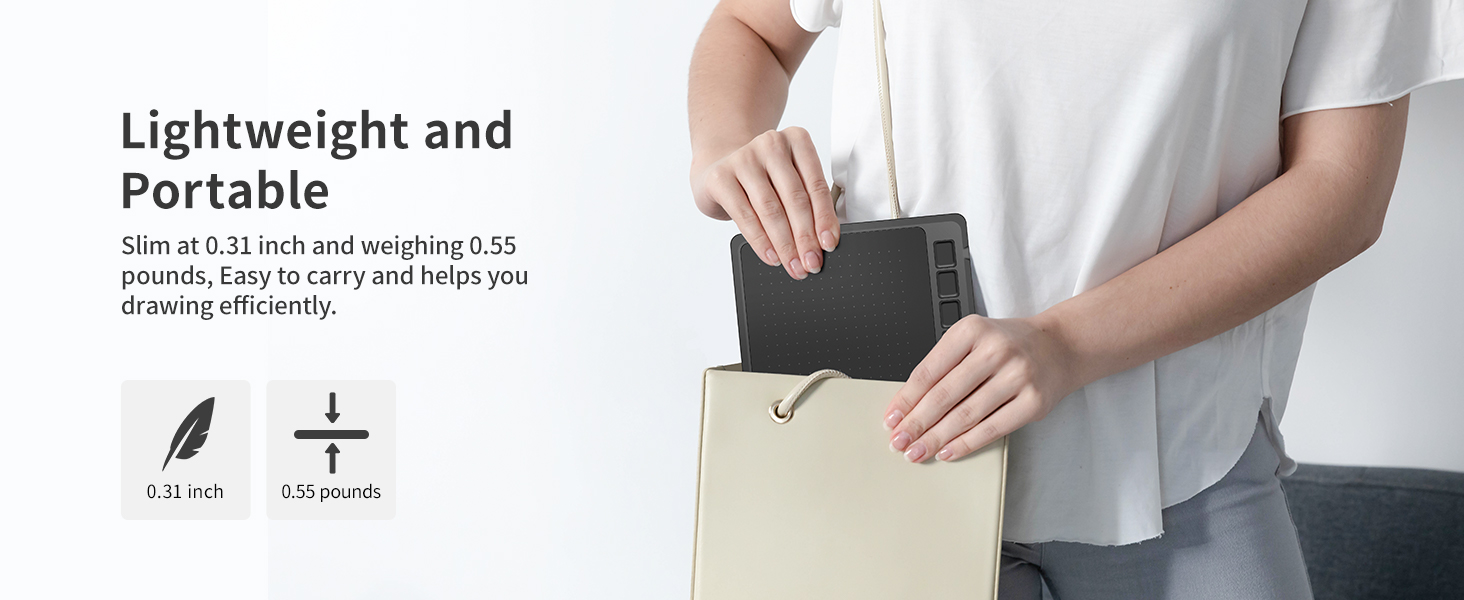
- 【266 PPS REPORT RATE + 5080LPI RESOLUTION + 10MM PEN READING HEIGHT + 6.5*4 INCHES ACTIVE AREA】– This size is more portable and lightweight, easy to be carried around in the laptop bag to the workplace, school, and travel. But it’s also big enough for digital painting, handwriting, playing games and animation design, etc.
- 【HUMANIZED DESIGN】– 4 rubber feet are created to ensure the stability of the tablet from slipper. 【LEFT & RIGHT HANDED SUPPORT】–Set 180 degree roate inside GAOMON Driver to set left hand mode.
GAOMON S620 Drawing Tablet
Compare Similar Drawing Tablets
| Add to Cart Add to Cart Add to Cart Add to Cart Add to Cart Add to Cart Add to Cart | |||||||
| Customer Reviews | 4.4 out of 5 stars17,661 | 5.0 out of 5 stars2 | 4.5 out of 5 stars171 | 4.3 out of 5 stars6,797 | 4.3 out of 5 stars6,797 | 4.4 out of 5 stars1,412 | 4.4 out of 5 stars17,661 |
| Price | $33.99$33.99 | $499.00$499.00 | $56.99$56.99 | $199.99$199.99 | $288.99$288.99 | $42.99$42.99 | $44.99$44.99 |
| Working Area | 6.5 x 4 inch | – | 8 x 5 inches | – | – | 10 x 6.25 inch | 10 x 6.25 inch |
| Digital Pen | Battery-free AP32 | Battery-free G-Pro Pen | Battery-free AP519 | Battery-free Pen AP50 | Battery-free Pen AP50 | Battery-free AP32 | Battery-free AP31 |
| Tilt Support | ✘ | ✔ | ✔ | ✔ | ✔ | ✔ | ✘ |
| Programmable Express Keys | 4 Press Buttons | – | 8 Press Buttons +1 Dial | – | 10 Express Keys | 10 Press Buttons+1 Touch Dial | 10 Press Buttons+1 Touch Dial |
| Connectivity | Micro USB | HDMI, USB-C | USB-C & Bluetooth 5.0 | Mini HDMI, Type-C | Mini HDMI, Type-C | Micro USB | Micro USB |
| Windows OS Support | Windows 7 or later | Windows 7 or later | Windows 7 or later | Windows 7 or later | Windows 7 or later | Windows 7 or later | Windows 7 or later |
| mac OS Support | macOS 10.12 or later | mac OS 10.13 or later | macOS 10.12 or later | macOS 10.12 or later | macOS 10.12 or later | macOS 10.12 or later | macOS 10.12 or later |
| Android OS Support | Android 6.0 or later | Android (USB3.1 and DP1.2) | Android 6.0 or later | Android(USB3.0 DP1.2) | – | Android 6.0 or later | Android 11-14 |
| Linux OS Support | – | Ubuntu 20.04 LTS | Ubuntu 20.04 LTS (wired) | – | – | – | – |
How to know if your computer or laptop is compatible with GAOMON S620 drawing tablet?
Kindly note that the tablet works with Windows 7 or later, macOS 10.12 or later.
What to do if your drawing tablet cannot connect with the computer?
1. check if your computer runs Windows 7 or later, macOS 10.12 or later. 2. Unplug and replug the USB Cable. 3. Try with another computer. If all the method mentioned above cannot fix the issue, the tablet is broken. We will help you replace it.
How to know if my mobile phone or tablet is compatible with S620?
Your phone or tablet must be Android 6.0 or above and should have an OTG function. List of compatible devices: Galaxy S10/S9/S8, Galaxy Note 8/9, Galaxy Tab S7/S8/S9, HUAWEI Mate 10 Pro/P20 Pro/P30 Pro/P40 Pro, HUAWEI Mate 10/P20/P30/P40.etc.
How to know whether my phone/ tablet has enabled the OTG function or not?
Generally speaking, the OTG function has already been enabled, but for some models, you must enable it manually. To enable the OTG function, please go to Settings> Other settings > find the OTG connection and enable it.
Can I connect S620 to iPhone or iPad?
No, you cannot connect it to an iPhone or iPad. Currently, S620 only support Windows 7 or above, Mac OS 10.12 or above, and Android 6.0 or above.

| SKU: | B07R77SNX9 |
| Weight: | 0.25 Kilograms |
| Dimensions: | 8.3"L x 6.85"W |
| Brand: | GAOMON |
| Model: | GAOMON S620 |
| Colour: | Black |
| Manufacture: | GAOMON TECHNOLOGY CORPORATION |
| Colour: | Black |
Product description
The video showcases the product in use.The video guides you through product setup.The video compares multiple products.The video shows the product being unpacked.GAOMON S620 Drawing Tablet
Compare Similar Drawing Tablets
 GAOMON S620 |  GAOMON Pro 19 | 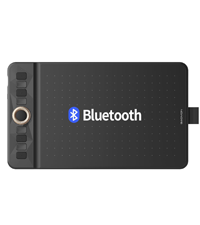 GAOMON WH851 | 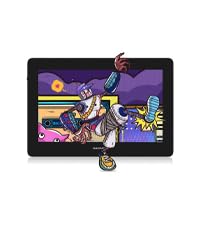 GAOMON PD1320 | 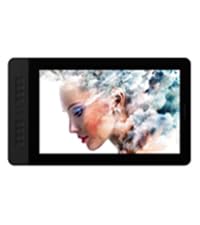 GAOMON PD1561 | 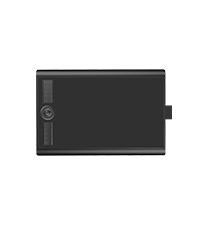 GAOMON M10K PRO | 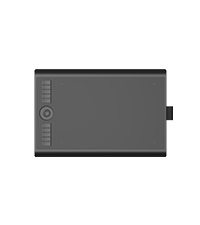 GAOMON M10K | |
|---|---|---|---|---|---|---|---|
| Customer Reviews | 4.4 out of 5 stars17,661 | 5.0 out of 5 stars2 | 4.5 out of 5 stars171 | 4.3 out of 5 stars6,797 | 4.3 out of 5 stars6,797 | 4.4 out of 5 stars1,412 | 4.4 out of 5 stars17,661 |
| Price | $33.99 | $499.00 | $56.99 | $199.99 | $288.99 | $42.99 | $44.99 |
| Working Area | 6.5 x 4 inch | – | 8 x 5 inches | – | – | 10 x 6.25 inch | 10 x 6.25 inch |
| Digital Pen | Battery-free AP32 | Battery-free G-Pro Pen | Battery-free AP519 | Battery-free Pen AP50 | Battery-free Pen AP50 | Battery-free AP32 | Battery-free AP31 |
| Tilt Support | ✘ | ✔ | ✔ | ✔ | ✔ | ✔ | ✘ |
| Programmable Express Keys | 4 Press Buttons | – | 8 Press Buttons +1 Dial | – | 10 Express Keys | 10 Press Buttons+1 Touch Dial | 10 Press Buttons+1 Touch Dial |
| Connectivity | Micro USB | HDMI, USB-C | USB-C & Bluetooth 5.0 | Mini HDMI, Type-C | Mini HDMI, Type-C | Micro USB | Micro USB |
| Windows OS Support | Windows 7 or later | Windows 7 or later | Windows 7 or later | Windows 7 or later | Windows 7 or later | Windows 7 or later | Windows 7 or later |
| mac OS Support | macOS 10.12 or later | mac OS 10.13 or later | macOS 10.12 or later | macOS 10.12 or later | macOS 10.12 or later | macOS 10.12 or later | macOS 10.12 or later |
| Android OS Support | Android 6.0 or later | Android (USB3.1 and DP1.2) | Android 6.0 or later | Android(USB3.0 DP1.2) | – | Android 6.0 or later | Android 11-14 |
| Linux OS Support | – | Ubuntu 20.04 LTS | Ubuntu 20.04 LTS (wired) | – | – | – | – |
How to know if your computer or laptop is compatible with GAOMON S620 drawing tablet?
Kindly note that the tablet works with Windows 7 or later, macOS 10.12 or later.
What to do if your drawing tablet cannot connect with the computer?
1. check if your computer runs Windows 7 or later, macOS 10.12 or later. 2. Unplug and replug the USB Cable. 3. Try with another computer. If all the method mentioned above cannot fix the issue, the tablet is broken. We will help you replace it.
How to know if my mobile phone or tablet is compatible with S620?
Your phone or tablet must be Android 6.0 or above and should have an OTG function. List of compatible devices: Galaxy S10/S9/S8, Galaxy Note 8/9, Galaxy Tab S7/S8/S9, HUAWEI Mate 10 Pro/P20 Pro/P30 Pro/P40 Pro, HUAWEI Mate 10/P20/P30/P40.etc.
How to know whether my phone/ tablet has enabled the OTG function or not?
Generally speaking, the OTG function has already been enabled, but for some models, you must enable it manually. To enable the OTG function, please go to Settings> Other settings > find the OTG connection and enable it.
Can I connect S620 to iPhone or iPad?
No, you cannot connect it to an iPhone or iPad. Currently, S620 only support Windows 7 or above, Mac OS 10.12 or above, and Android 6.0 or above.
Lovely tablet itself, the pen only turns on above the tablet (I absolutely adore that feature) the buttons are all customizable within the app and it’s pretty seamless for being a lower end tablet, id definitely recommend! My cat happened to pee on it so.. yk. need a new one.
Imma be honest, it’s pretty good tablet, I had to change the nib on the pen as soon as I got it because it came out easily, it’s left hand friendly and it’s got a hover over the area function and it reads variable touching pretty well, that being said it is a budget option but it carrys weight in the buying options around Amazon. You could use it for getting into drawing and it’s got a lot of buttons.
I am an OLD man, and have been into drawing and painting for as long as I can remember. I used to do a lot of work with pen and ink, using a “hawks quill” nib and Higgins Engrossing ink on vegetable;e parchment. I bought this drawing tablet to see if I could master the technique of drawing using it. It seems to work very well, and does everything advertised, but it is going to be a LONG learning curve. For one thing, drawing on the tablet, but looking at the monitor screen seems quite disconnected, not as intuitive as real pen and paper. I wish someone would make a tablet that had a clear sensitive surface over an LCD monitor screen, so when you drew with the pen it would show it on the tablet itself, just like drawing, or painting on a piece of paper.
When I first saw this tablet I was rather skeptical; even for a smaller tablet it was incredibly cheap, especially when compared to the prices set by other brands. I went ahead and ordered this tablet, after all there’s not much to lose; on top of the Gaomon warranty I was also offered a 3 year long protection plan for a little under $5. Already a better start than any other tablet I’ve purchased. The tablet arrived much quicker than expected and I was also pleased to see how nicely everything was packaged. I attached a little unboxing video here; I went ahead and removed the plastic from the products (tablet, tablet pen, and glove) before recording, but everything was re-placed as how it was when it came in.
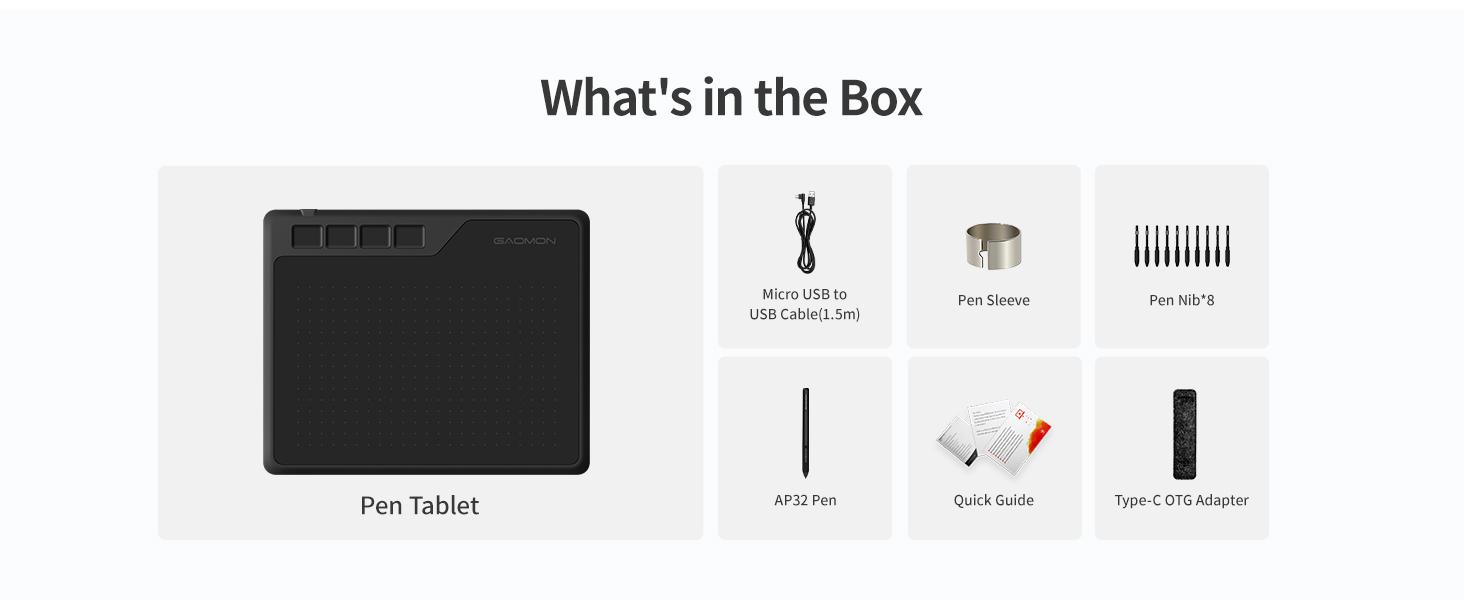
The contents include:
Tablet features:
6.5″ by 4″ Work Area.
4 Shortcut keys
Everything else:
The S620 tablet itself
Battery-free AP32 pen (8192 levels pen pressure, aka pretty standard pen pressure but impressive for such a small tablet)
1x USB Type-C Adapter & 1x Micro USB Adapter
Drawing glove
Spare pen nibs (enough for the tablet’s whole lifetime, more nibs are available on their website but they provided plenty to start with)
Setting up this tablet took no more than 10 minutes, Gaomon’s site was really easy to navigate. If you have another tablet make sure you uninstall that driver before installing this one, the same goes for any tablet, only one can work at a time. Not that big of a deal, just a tip for beginner tablet users! After around an hour working with the tablet, I got an error message on my computer and the driver stopped working. I went back to Gaomon’s website and right there on the front page (it’s so big you can’t miss it) was a link to download their universal driver that would fix the issue right up. kudos to them. Driver issues are super common with all tablets, but I’ve never seen a company that openly acknowledges & tries to give you as much access as possible to fix them as Gaomon does. I didn’t have to dig for this fix AT ALL, and the tablet worked normally after taking the 2 seconds to download the new driver. Super rare for tablet companies, you usually have to dig.
There was only 1 cord for this tablet, which I was really pleased about. There’s no clutter! It’s definitely portable and quick. The glove fit me as well, which I wasn’t expecting since tablet companies tend to either send huge gloves or extremely tiny ones, but this one fit me perfectly! There’s also USB connectors in case you want to use the tablet on your phone; like I said, it’s made for portability and ease of use. The pen nibs supplied are enough to last the tablet lifetime, it’s overall a great deal.
As for the tablet performance itself, it works just as well as my $350 Wacom Intous (medium). Obviously, it’s a lot smaller than I’m used to, which took some adjusting, but that’s expected. I got the hang of it within the same hour and worked on it as I would any other tablet after that. It performed just as well drawing wise as my Wacom. The only con really was the pen. For the first hour or two I was really enjoying the pressure of it. After an hour or so I had to push a bit harder for it to connect & to get the pressure I wanted. Again, this took some adjusting too and wasn’t my favorite, I’m more used to pens that don’t have so much “buffer room” so that’s more of a personal preference. Once I was more used to it after another hour or two it wasn’t so bad. For such a small and well priced tablet though, it’s surprising that it works THIS well. You definitely get bang for your buck
I’ve never been one to use shortcut keys before, but I decided “why not” and set some up to use for this tablet, and wow I’ve been missing a lot! I like how these keys click a lot more than my Wacom’s do. Their sensitivity is really nice and the shortcut menu is right on the driver menu so it’s super easy to navigate and set up.
I highly recommend this tablet to beginner artists (I’m going to be giving this tablet to my younger sister, who’s just recently getting into digital art/animation), it’s cheap, easy to understand, and very portable. It does it’s job well, what more can I say?
In a time like this with the lot of us doing everything online, I’d also recommend this tablet to teachers (my own struggles to write equations with his mouse), it would really help with signing things online as well!
I’m actually astounded that I spent hundreds on a tablet I could have gotten for less than half the price for the same quality from Gaomon. Leading tablet companies aren’t always the way to go, Gaomon has much better protection plans as well! And I got a free tablet glove. Now, I wouldn’t suggest this particular tiny tablet for full time artists like myself, they have other sizes that I expect to hold up just as well for under $100. Hell, I could even get a screen tablet for cheaper than I got my Wacom desk tablet for. Had I known about Gaomon when I was first looking for a tablet, I surely would have saved a lot of time, money, and clutter buying from them.
Easy and Affordable
The product overall is great. I mainly use it for osu and in my experience it is very easy to set up you can get it up and running in less than 15 minutes. It is a great tablet choice for many beginners because of how affordable it is for what you are getting. The surface is smooth enough and the tablet area is big enough to customize to your liking, as well as being able to rebind every button on the tablet and batteryless pen is awesome. All you really need to do is plug it in and download the driver and you can start playing. The Driver is very simple to understand as well as very customizable. All in all great product no problems setting it up and no problems running it, pretty much plug n play.
Easy to use!
At last gaomon didn’t disappoint! I had xp pen 960S model but it didn’t last that long I bought it like a year ago! I wanted to find something within budget just for blender and clip studio paint! I’m a freelance manga artist and illustrator since I really wanted something within budget I gave it a try and it turns out to be decent! This graphic pad is really suitable for beginners and it’s easy to use! Also the pen has 2 buttons which is a great thing! Because previously when I bought xp pen it only had a single button which I was using as a function of “undo” but now that I have two so I use them as “undo ” and a link between eraser and gpen! Btw it also works on windows 11 so you don’t really need to worry about anything! Overall it’s a good graphics pad for the price it’s given! You can definitely go for it other than xp pen! Bet it won’t disappoint you!!