ARRIS (G34) – Cable Modem Router Combo – Fast DOCSIS 3.1
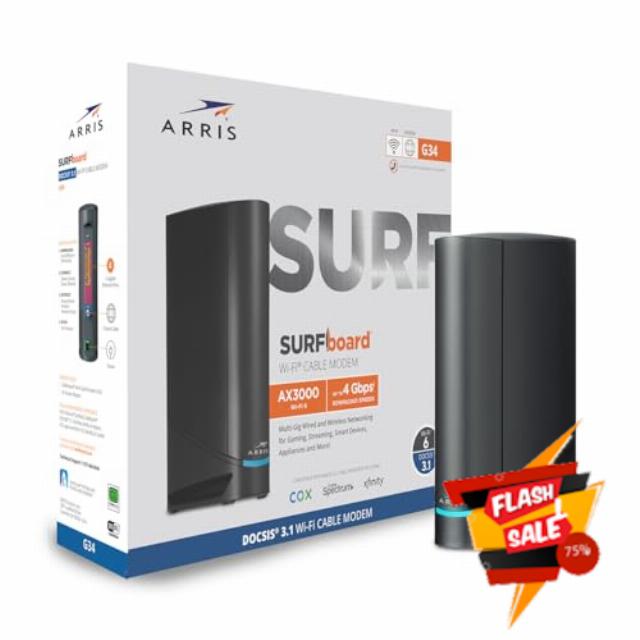
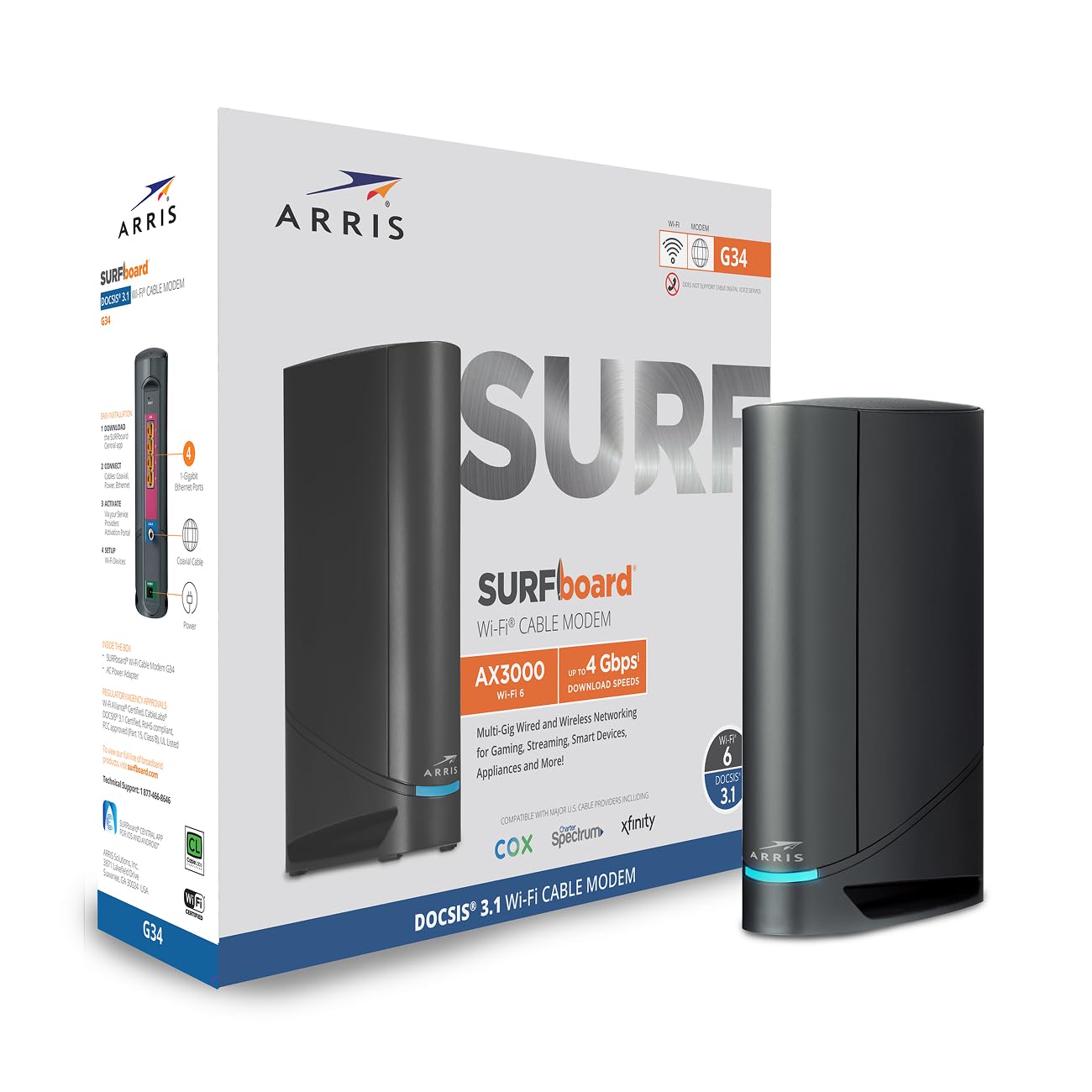
ARRIS (G34) – Cable Modem Router Combo – Fast DOCSIS 3.1 Gigabit WiFi 6 (AX3000), Approved for Comcast Xfinity, Cox, Spectrum & More, 1 Gbps Max Internet Speeds
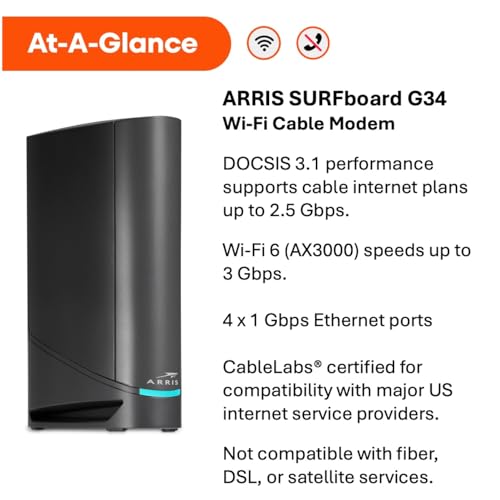
- MultiGig speed for today & tomorrow: DOCSIS 3.1 performance supports cable internet plans up to 2.5 Gbps, delivering ultrafast streaming, gaming, and downloads.
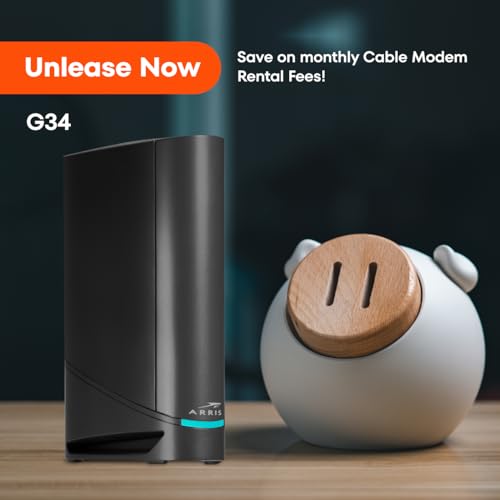
- Save on rental fees: Own your modem and avoid monthly equipment charges – check with your cable provider for plan compatibility.
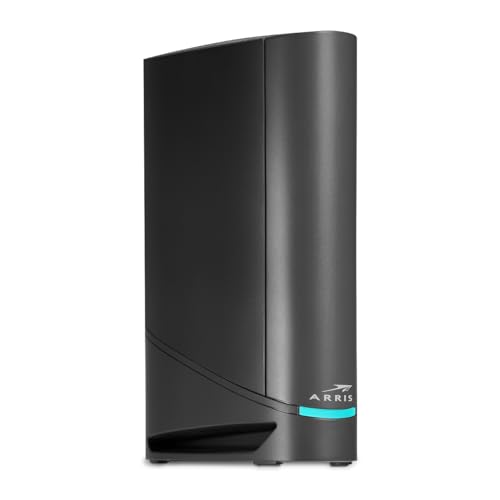
- Compact, modern design: Space saving footprint with simple LED indicators for power, upstream/downstream, and online status.
- Easy setup: Connect cable, power on, and activate with your cable provider. Then join the default Wi-Fi or personalize your own Wi-Fi network name and password.
- Wi-Fi 6 Coverage: Includes dual-band W-Fi 6 (AX3000) delivering up to 3 Gbps wireless performance for your whole home.
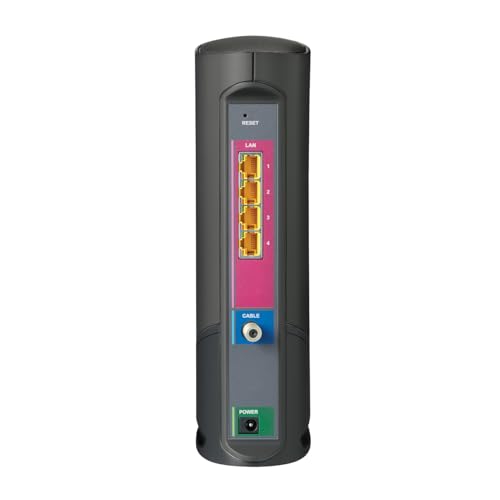
- Fast Ethernet: Provides 4 – 1 Gigabit Ethernet ports for multiple wired devices.
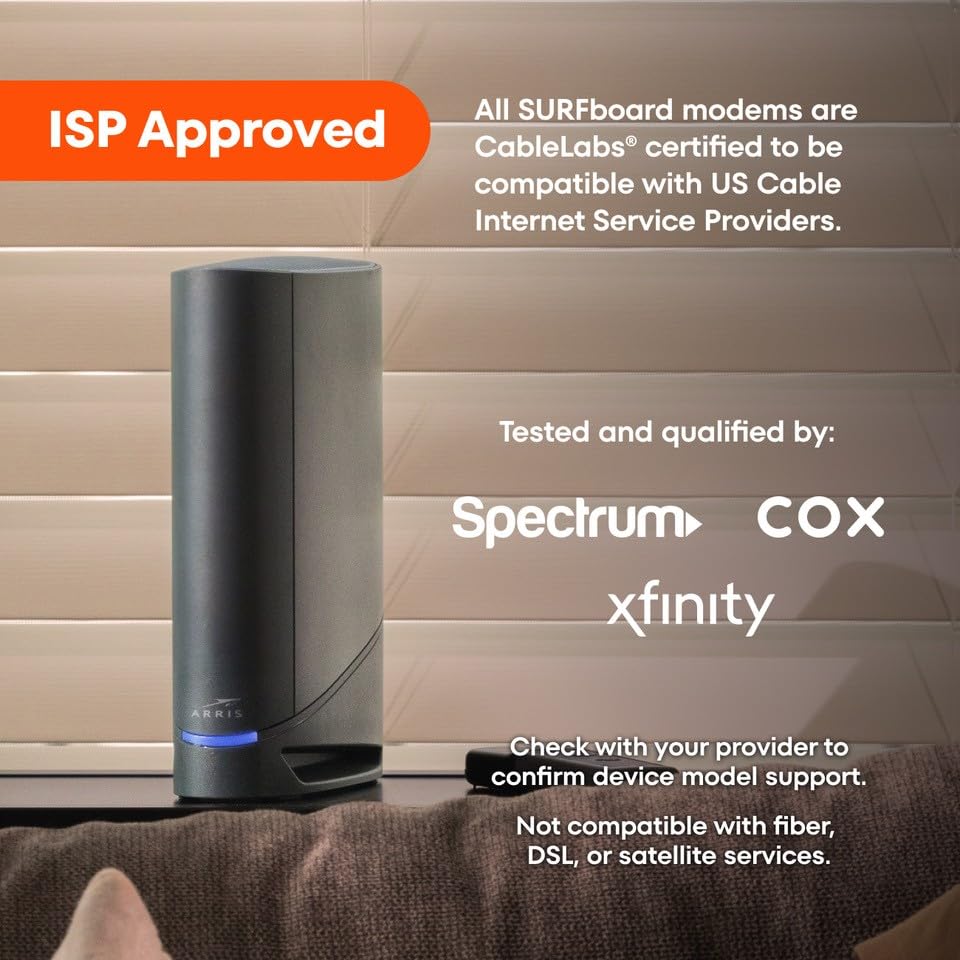
- Provider compatibility: All SURFboard modems are CableLabs certified to work across major US Internet Service Providers. Tested and qualified for use with Cox, Xfinity, and Spectrum. Check with your provider to confirm device model support
- Not compatible with fiber, DSL, or satellite services.
G34 DOCSIS 3.1 Cable Modem + Wi-Fi 6 Router for multi-gig internet. Fast speeds for streaming & gaming. Own it and eliminate monthly rental fees!

| SKU: | B096W716BY |
| Weight: | 3 Pounds |
| Dimensions: | 10"L x 3"W x 8"H |
| Brand: | ARRIS |
| Model: | G34 |
| Colour: | Black |
| Manufacture: | Vantiva |
| Colour: | Black |
From the manufacturer




Approved For Cable Internet Plans:
Supports service plans up to 1GB.
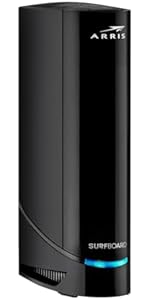 ARRIS (G18) – Cable Modem Router Combo – Fast DOCSIS 3.1 Multi-Gigabit WiFi 6… ARRIS (G18) – Cable Modem Router Combo – Fast DOCSIS 3.1 Multi-Gigabit WiFi 6… | ARRIS (G20) – Cable Modem Router Combo – Fast DOCSIS 3.1 Multi-Gigabit WiFi 6… | 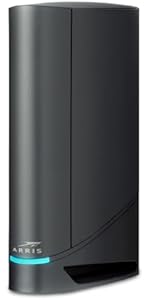 ARRIS (G34) – Cable Modem Router Combo – Fast DOCSIS 3.1 Gigabit WiFi 6 (AX30… ARRIS (G34) – Cable Modem Router Combo – Fast DOCSIS 3.1 Gigabit WiFi 6 (AX30… | 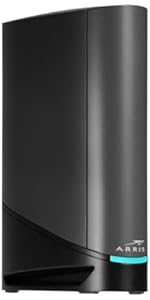 ARRIS (G36) – Cable Modem Router Combo – Fast DOCSIS 3.1 Multi-Gigabit WiFi 6… ARRIS (G36) – Cable Modem Router Combo – Fast DOCSIS 3.1 Multi-Gigabit WiFi 6… | 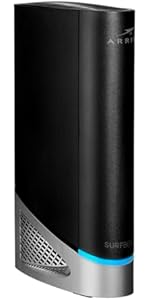 ARRIS (G54) – Cable Modem Router Combo – Fast DOCSIS 3.1 Multi-Gigabit & BE 1… ARRIS (G54) – Cable Modem Router Combo – Fast DOCSIS 3.1 Multi-Gigabit & BE 1… | 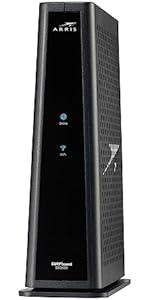 ARRIS (SBG8300) – Cable Modem Router Combo – Fast DOCSIS 3.1 Gigabit & AC2350… ARRIS (SBG8300) – Cable Modem Router Combo – Fast DOCSIS 3.1 Gigabit & AC2350… | |
|---|---|---|---|---|---|---|
| Customer Reviews | 4.0 out of 5 stars208 | 3.4 out of 5 stars188 | 3.7 out of 5 stars3,103 | 3.9 out of 5 stars5,719 | 3.7 out of 5 stars257 | 4.1 out of 5 stars5,073 |
| Price | GBP 121.68 | GBP 139.81 | GBP 130.74 | GBP 186.67 | GBP 340.09 | GBP 126.53 |
| WiFi Speed | Up to 1 Gbps | Up to 1 Gbps | Up to 1 Gbps | Up to 1.2 Gbps | Up to 2.5 Gbps | Up to 1 Gbps |
| Type | Modem + Router Combo | Modem + Router Combo | Modem + Router Combo | Modem + Router Combo | Modem + Router Combo | Modem + Router Combo |
| Speed Type | AX1800 dual-band | AX3000 dual-band | AX3000 dual-band | AX3000 dual-band | BE18000 | AC2350 dual-band |
| Ethernet Ports | 2 | 2 | 4 | 4 | 5 | 4 |
This was the new unit and it works (so far12 hours on) great. Set up was a breeze using the Xfinity app. Has not dropped connection at all. I had made the mistake of trying to save by going with a ‘like new’ refurbished unit that supposedly was brought up to ‘new’. Anything but. I think ‘refurbished’ in Amazon-speak is redeployed as is to the next unsuspecting victim. That one had the modem working but not the router. No amount of attempts to reset to factory worked. The router would not route.
Long story short, happy with my purchase so far. I knowtoo early to be categorically happy but hoping that the experience continues. Don’t go the refurbished route. Get a new one.
Briefly: this Arris G34 works!
As my main concern was about activating it-
this review is about activation process only.
Activation with xfinity app was eeeeasyyy!!!!
( just online with their xfinity app for cellphone) no tel calls, no technicians were needed.
And for technologically clueless senior it took about half an our maximum. I found all info I needed through my personal “best friend” – google 🙂 After the modem connected and appeared in the list of local WiFi’s ( with names which are on the label of modem – 2 actually, one for each band- 2,4 and 5), so I first connected the cellphone from which I was activating( entered p/w) , for each bandwidth, then other family cell phones, then computers, then tv. Connections were soo easy.
And everything seems to work just fine( better and easier than with our original old modem)
I decided not to bother and just to have 2 different networks ( names) for each bandwidth , rather then unite them under one name, as it automatically chooses best frequency bandwidth) and I can see then which one is working )
Though I should really mention in this review that during 2 last days I had been prepared and trained well already for the activation of this Arris modem. Because my first attempt was an incredibly stressful experience with Motorola 8702 modem combo refurbished in mint condition( also bought on Amazon here).( which I happily returned today(the return window is very reasonable) It took unbelievable amount of time and energy, for hours chatting with xfinity assistant, tel calls to and from xfinity, finally appointment with technician, and all that circus was just to find out that this refurbished Motorola modem was just plain defective. We certainly could not sit without internet ( at this point our old Motorola modem and refurbished newer Motorola both did not connect) So, I just rushed to look on Amazon for a really new modem combo compatible with xfinity, ( and with fastest delivery !) ( and I was checking release dates for all modems – to have a fresh one) Found out that ArrisG34 was released not that far ago.
That is how I chose new Arris G34 here.
If I ordered this Arris modem combo as a first choice, I would not even know what other people can go through , and why some reviews are so negative.
Though in my case – I consider it as a valuable experience, and I certainly acquired some useful skills through the difficult first attempt of activating refurbished Motorola modem.
But how glad I am that it is done, and I certainly can relate to good reviews , when people bought good new product from their first attempt and therefore activation process was as it is supposed to be – easy and not long at all, though it took some patience and anticipation, when the light on Arris was blinking different colors , but finally stabilized in stable blue. Xfinity app is leading through all steps of activating , and half an hour max – actually for me it was a breeze.
Oh, and I read that if you want to change the name of your WiFi network for something more fancy, better to do it by reaching xfinity , so that they do it, as their app does not give this option ( which did not bother me) Also I am glad that I did not install arris surfboard smth. app( did reading that it is useless and not needed, only could confuse) In my case it was really not needed.
I used plainly only Xfinity app for activation, nothing else.
So, that was review about activation process and initial impressions. I hope that our new modem combo Arris G34 will work reliably !
( if not, I will most probably update this review)
Below is my original review. Arris made good on replacing the Surfboard G34 DOCSIS 3.1 Gigabit Cable Modem & Wi-Fi 6 Router (AX3000). I had spent time with Sparklight support confirming that the original one had stopped working. I reached out to Arris Tech Support and after 3 calls they were convinced it was a faulty device. I re-installed an older modem I had and sent back the original one (after getting the RMA and shipping label from Arris). The process went well and within a couple of weeks I received the replacement. Went through the setup and got everything setup. I’ll see how long this one lasts. I thought it fair that I update my review since they did replace it.
———– Original Review below ————————
Easy to install. Worked with my carrier Sparklight. Upgraded after finding that I had paid for upgraded service for several months but since I owned the previous modem, they didn’t bother to tell me the older modem wasn’t compatible with the service I was paying for. I purchased this modem/router for the upgraded service and the install was pretty straight forward. It worked pretty well for about 5 and a half months. I then had problems with the router. Did a factory reset but I couldn’t rename my router to what I had setup all my “smart home” accessories to access, so I purchased a new router. Everything worked really well for about 2 weeks and then the modem started not connecting all the time. It finally got to the point that it wouldn’t connect at all. Called Sparklight and they confirmed the internet service was working and the modem was not connecting. Supposedly this was the third Arris G34 modem with an issue for the day. Said it might be a firmware update. Unfortunately I rely on my internet connection for work so I’ll be going to my nearest Sparklight location to pickup a rental modem. Funny how the cable companies end up getting you in the end. I feel like I wasted $200 on this Arris G34.
Xfinity is Horrible.. I pay for 400 Mb upload and 400 Mb download bandwidth, I get only 80 Mb download and 11 Mb upload. I have my own brand new(6 months old) Arris Surfboard G34 DOCSIS 3.1 Gigabit Cable Modem at home right from beginning of this service. When I signed up for this plan, I got 400 MB speed for a month and everything was excellent. Later on Xfinity did some upgrade in my area, which made my internet speed drop to 80 MB. I have a Xfinity technician friend, he confirmed it, he said if I call Xfinity they will send technician home and complain it’s the issue with Modem and not their network. Charge me Technician visit charges. He had a device, showed me why they would say my Modem is bad and he explain which upgrade made my service bad too. He said, if I want to stay with Xfinity and get 400 MB speed, spend another 300$’s get another modem and keep doing this for every 2-3 years. He said, Xfinity knows this pretty well, they will pretend as they don’t know the issue and they will send technician home, get ready to pay technician visit charges. I still tried to talk to Xfinity Operator about internet speed issue, I get to speak to offshore representative, she try to play innocent, give me repetitive explanations. They offered sending technician home. By now, I know where I am going with this. Right now, I don’t have any other internet service provider option in my area to switch. I have to bite it, I have to pay for 400 MB and get 80 MB i.e., with wired connection. Wireless is even horrible its just 11MB download and upload of 3.4 MB. If I bring down my service package to 100 MB, I get 20MB or even less. Every thing will be alright if I take the Modem from Xfinity and pay 15$’s extra a month. I would say stay away from Xfinity, I feel like I am getting cheated and I cannot do anything about i
This review is for the Arris Surfboard G34. I purchased this combo modem/router to replace my old one. When using Cox, note that you can’t just plugin the new device and start using it — you always need to call their technical support team to have them unregister your old device and register your new one.
The setup process was easy and straight forward. The most difficult party was getting through to Cox technical support. My previous modem/router used DOCSIS 3.0 technology, so this upgrade gave me a 45% increase in download speed and a 366% increase in upload speed; all without changing my service plan.
I saw lots of negative reviews for this device regarding the intermittent internet connections or the failure to connect to the internet. I have not personally experienced either of these issues. For buys who have this concern, if possible, I recommend retaining your old hardware for at least 30 days just in case you need to revert back.
The product offers an optional mobile app to manage the network. The mobile app has very bad reviews. My recommendation is to configure your wireless network using your web browser first, then configure your mobile app after. Most of the negative reviews appeared to be from users attempting to perform the initial configuration using the mobile app.
PROS:
– Easy to install.
– Fast wireless speeds.
– Optional mobile app.
– Modem and wireless router combined into a single hardware device.
CONS:
– The single LED status light makes it difficult to determine the state of the modem (see below).
– When you rename a device using the web interface, those names do not carry through on the mobile app.
FEATURES NOT ADVERTISED:
– Free mobile app called ‘SURFboard Central.’ The mobile app allows you to see what devices are connected to your network, assess your network health, test your Wi-Fi speed, and even rename connected devices. The app was easy for me to use, despite the negative reviews.
– You can setup a primary home network, a secondary home network, and a guest network. Each network includes a 2.4GHz and 5.0GHz SSID.
COLOR CODES:
– Solid Green LED: Indicates the Online status is in DOCSIS 3.0 mode.
– Solid Blue LED: Indicates the Online status is in DOCSIS 3.1 mode. *This is the color you want to see.
– Blinking Green LED: Indicates downstream and upstream channel search.
– Solid Amber LED: Indicates the unit is powered on.
– Blinking Amber LED: Indicates the firmware download is in progress.
– Blinking Blue and Green LED: Indicates error mode in sequence.
– Solid Light Blue LED: Indicates the WAN is selected over the Ethernet mode.