ARES WING Single Monitor Wall Mount for 17-40 Inch Ultrawide
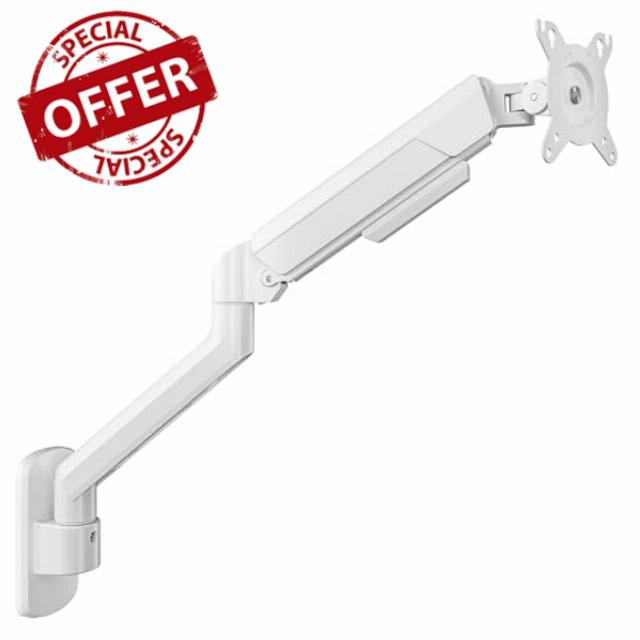
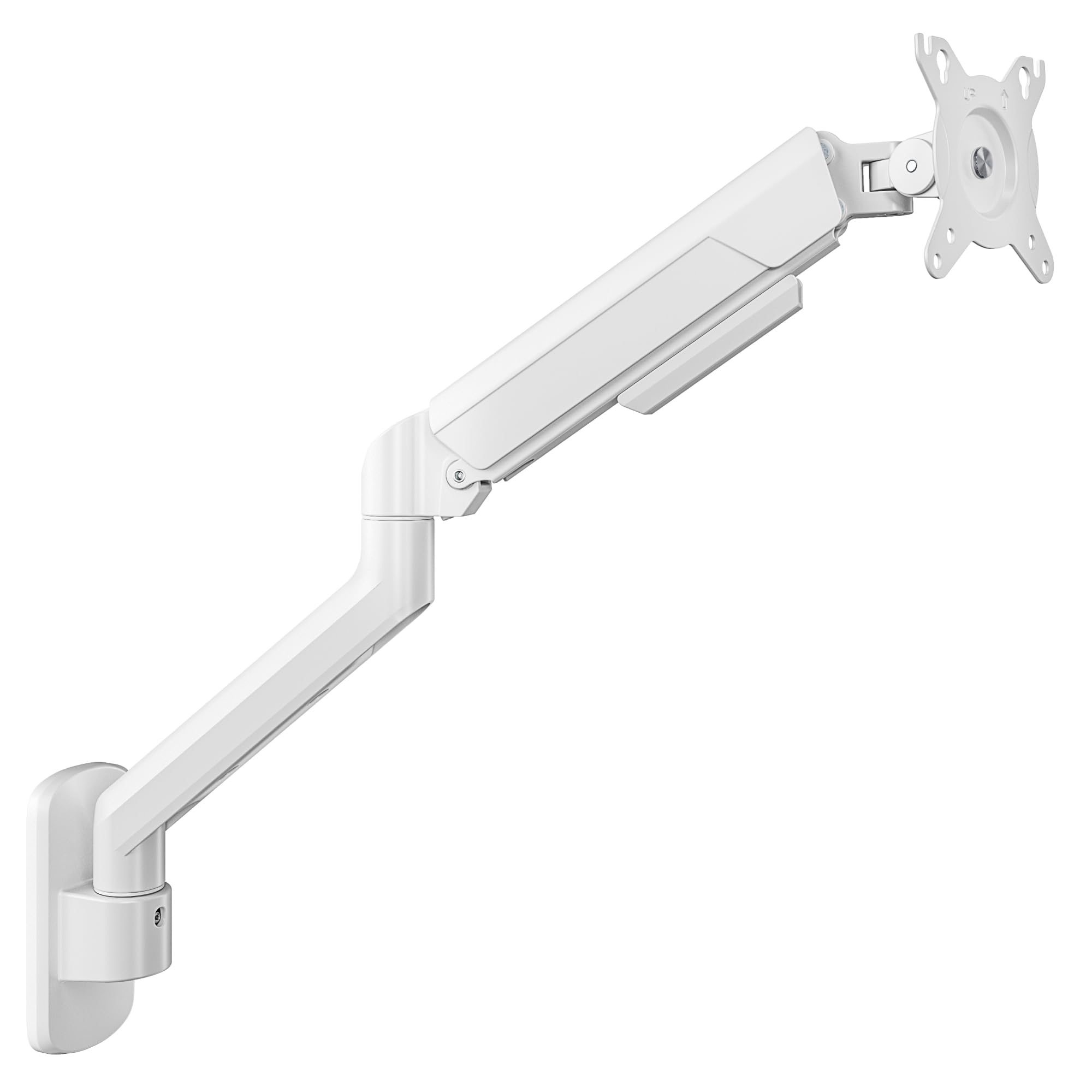
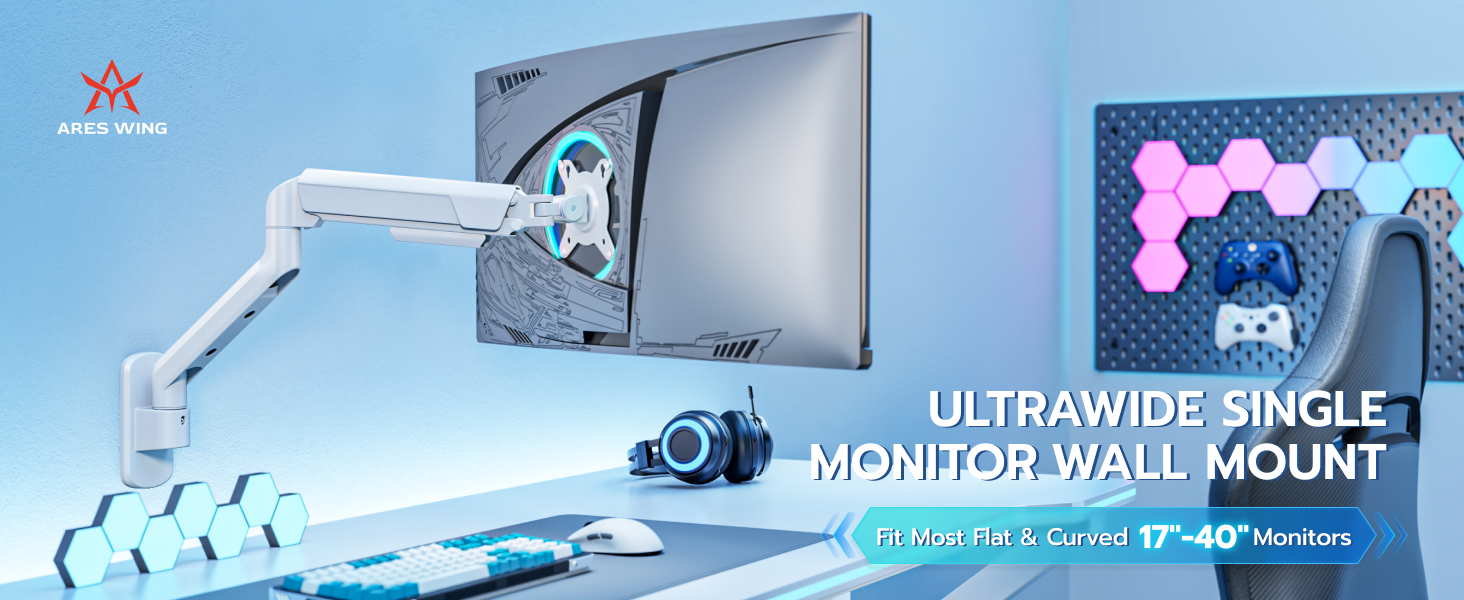
ARES WING Single Monitor Wall Mount for 17-40 Inch Ultrawide Screens, Heavy Duty Monitor Arm Up to 26.4 lbs, Fully Adjustable Wall Mount, VESA 75×75/100×100 Compatible, White
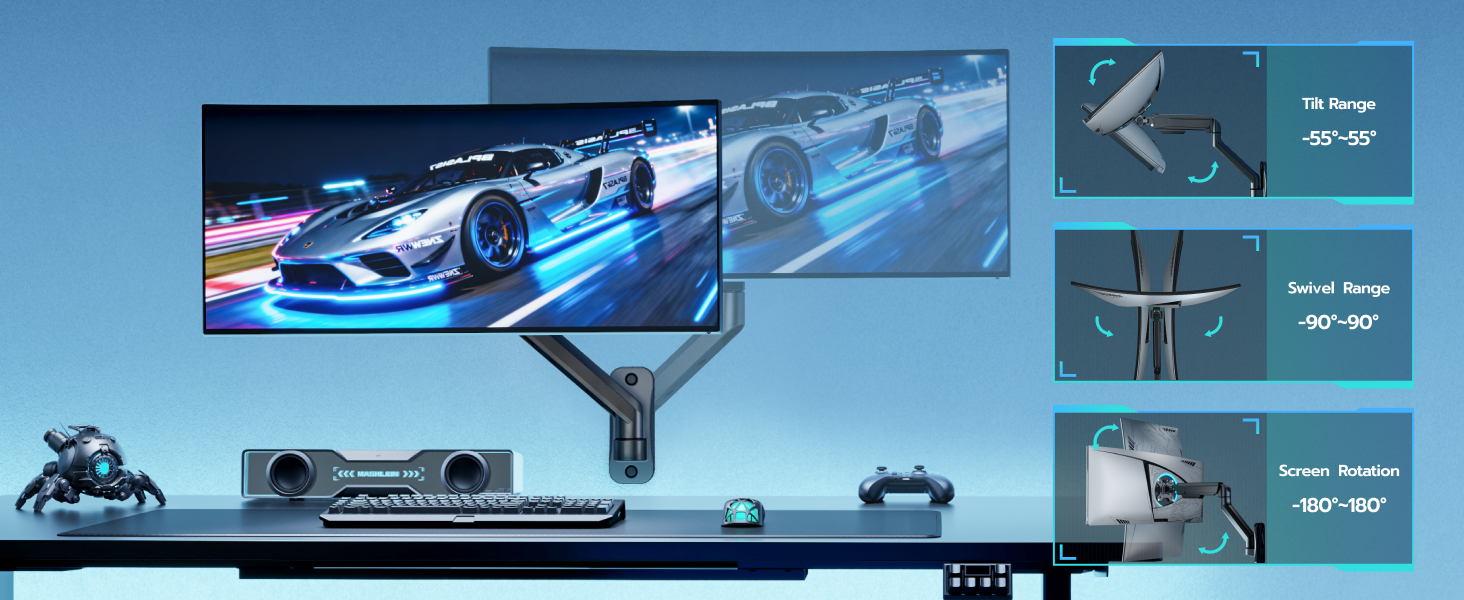
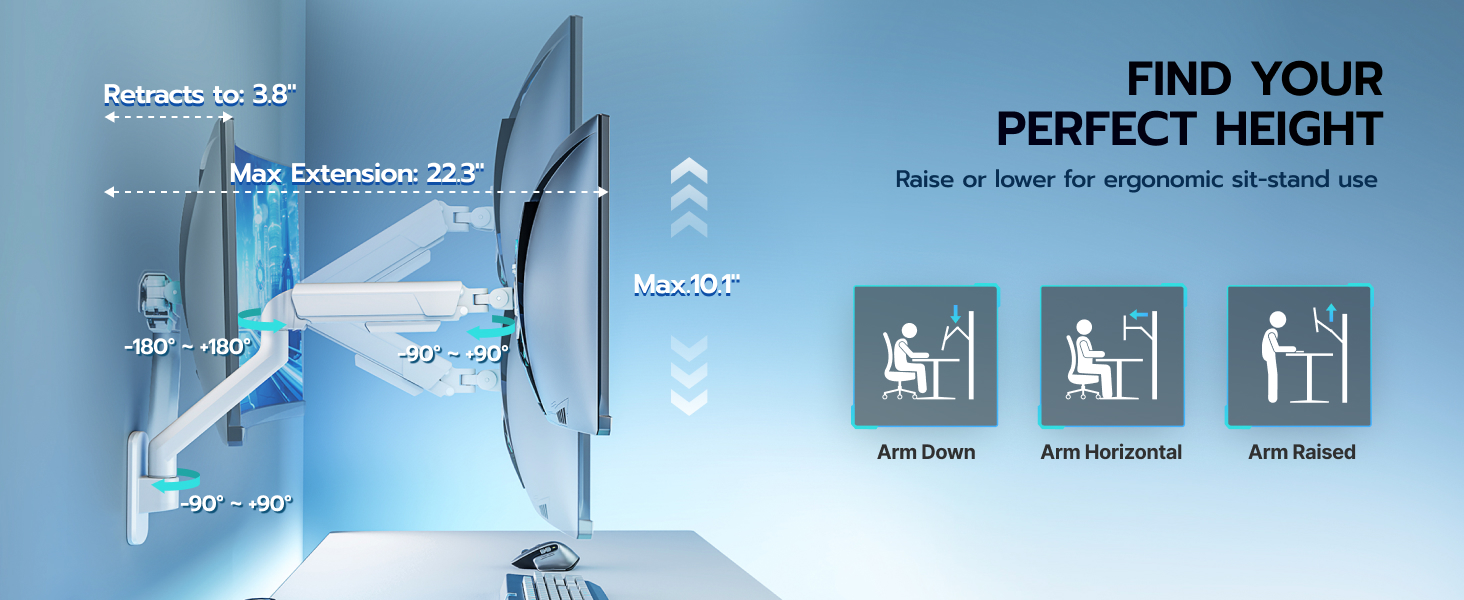
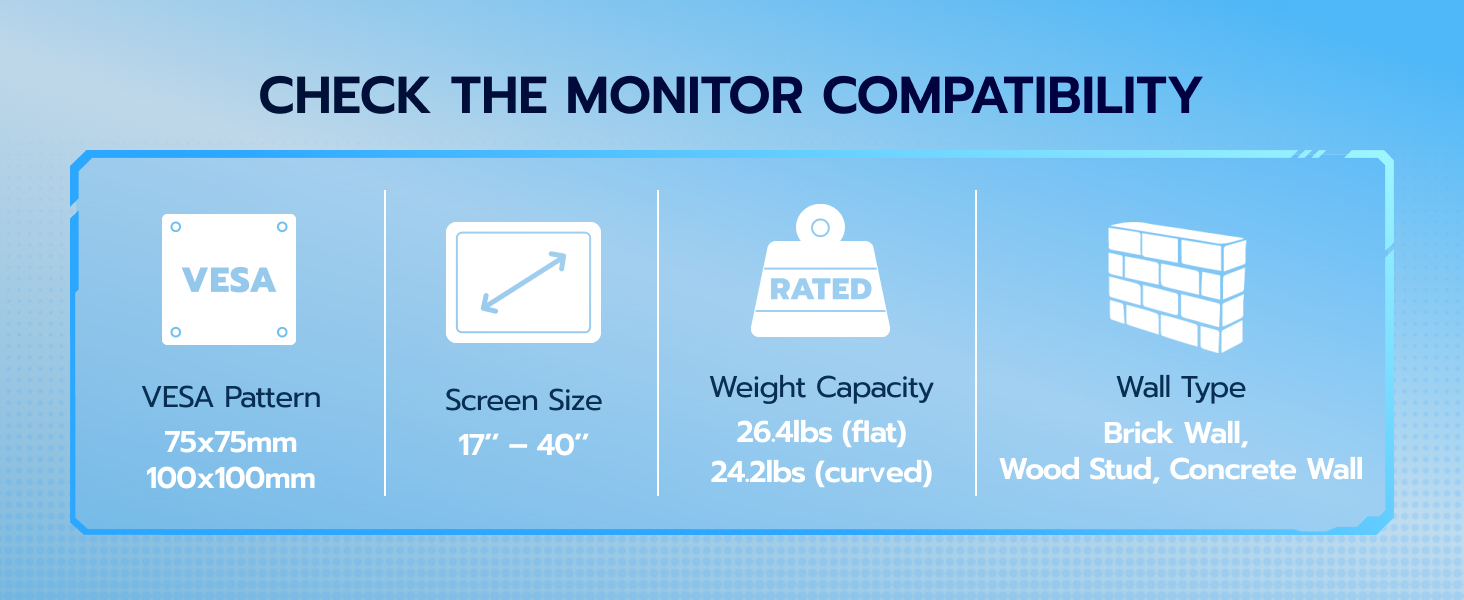
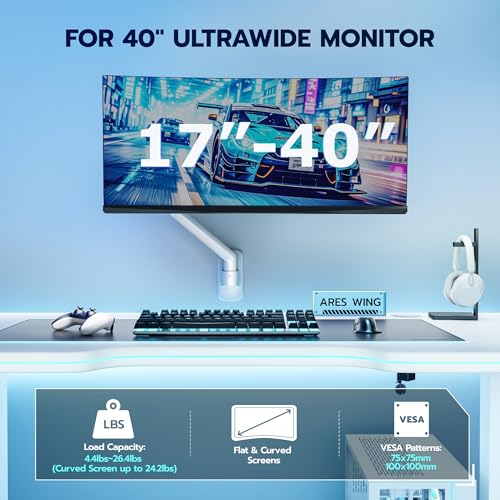
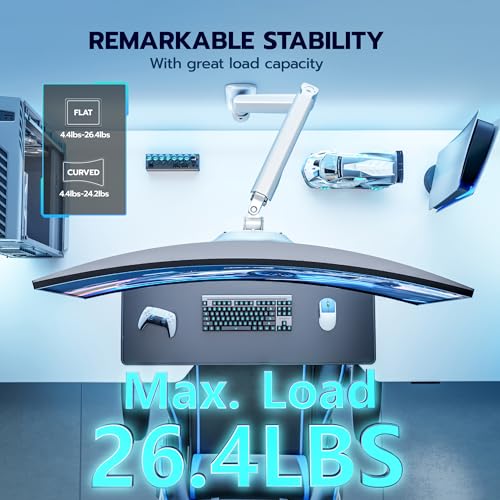
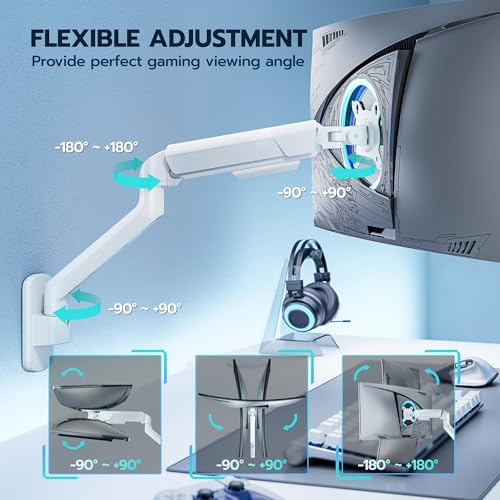
- FULL FLEXIBILITY & ADJUSTABILITY – This height-adjustable monitor wall mount is compatible with all 17-40 inch monitors or televisions weighing up to 26.4 lbs(24 lbs for curved screens). The VESA mount supports 75×75/100×100 mm patterns. The adjustable monitor arm offers a tilt range of +90° to -90°, a swivel function from +90° to -90°, and 360° rotation. This allows you to achieve the optimal viewing angle and ergonomic comfort, helping to prevent neck, shoulder, and back pain.
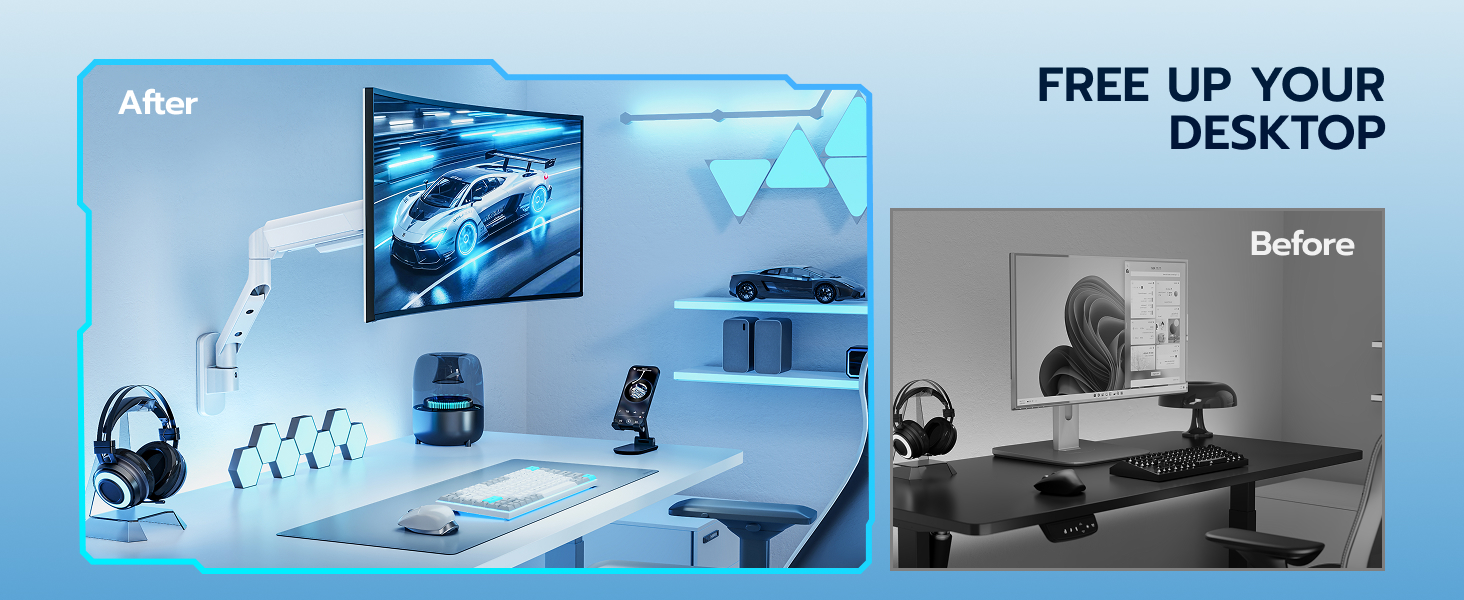
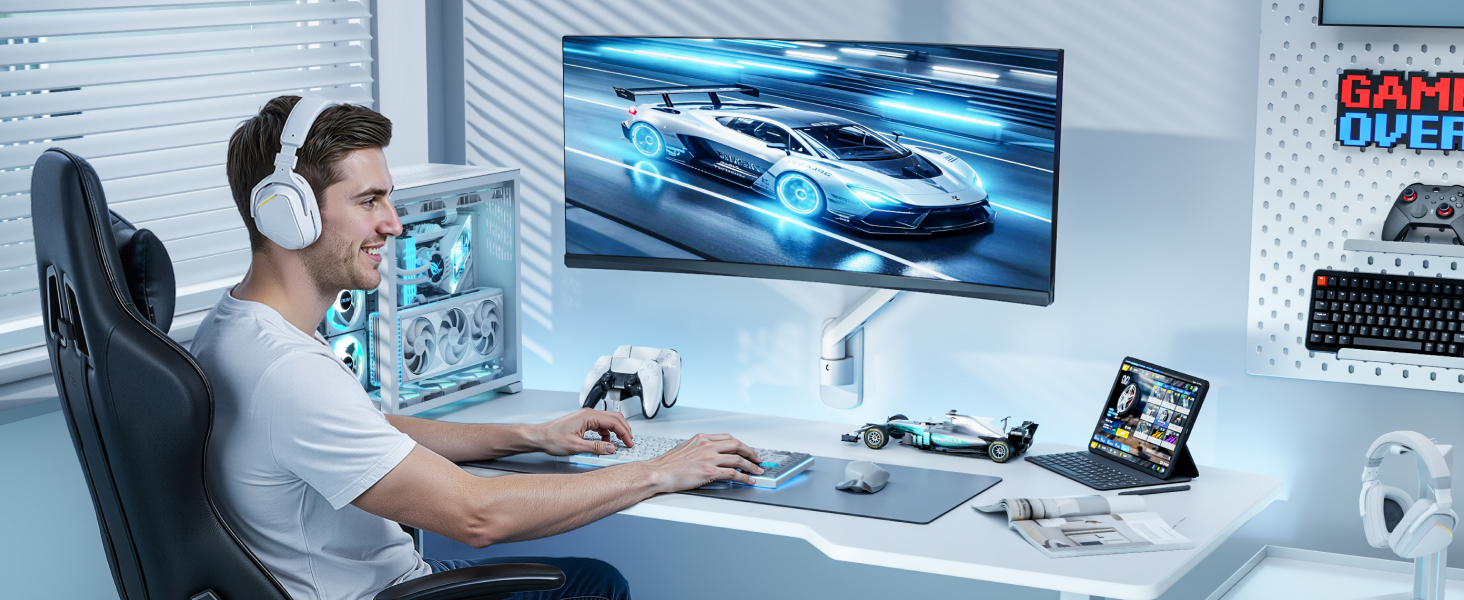
- SPACE-SAVING & WORKSPACE OPTIMIZATION – By mounting your monitor on the wall, you free up valuable desk space and create a more organized area. When not in use, the monitor bracket can be folded – ideal for office, home office, and gaming setups.
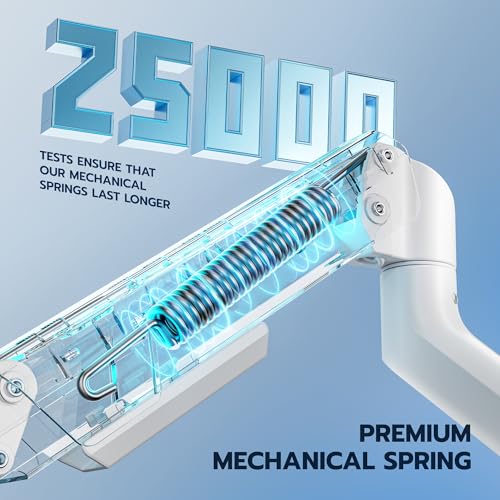
- ADJUSTABLE MECHANICAL SPRING ARM – The key feature of our monitor arm is its freely floating and adjustable height. The tension can be adjusted using the included hex key. If your VESA wall mount cannot be raised, turn the adjustment knob with the hex key toward "+". If it cannot be lowered, turn the knob toward "-".
- WIDE COMPATIBILITY – Our monitor wall mount is a versatile solution for PC monitors and small TVs. It's ideal for space optimization in offices, kitchens, or as an addition to your gaming setup. Equipped with a sturdy, height-adjustable mechanical spring arm, this mount is stable, durable, and flexible, offering maximum space and comfort.
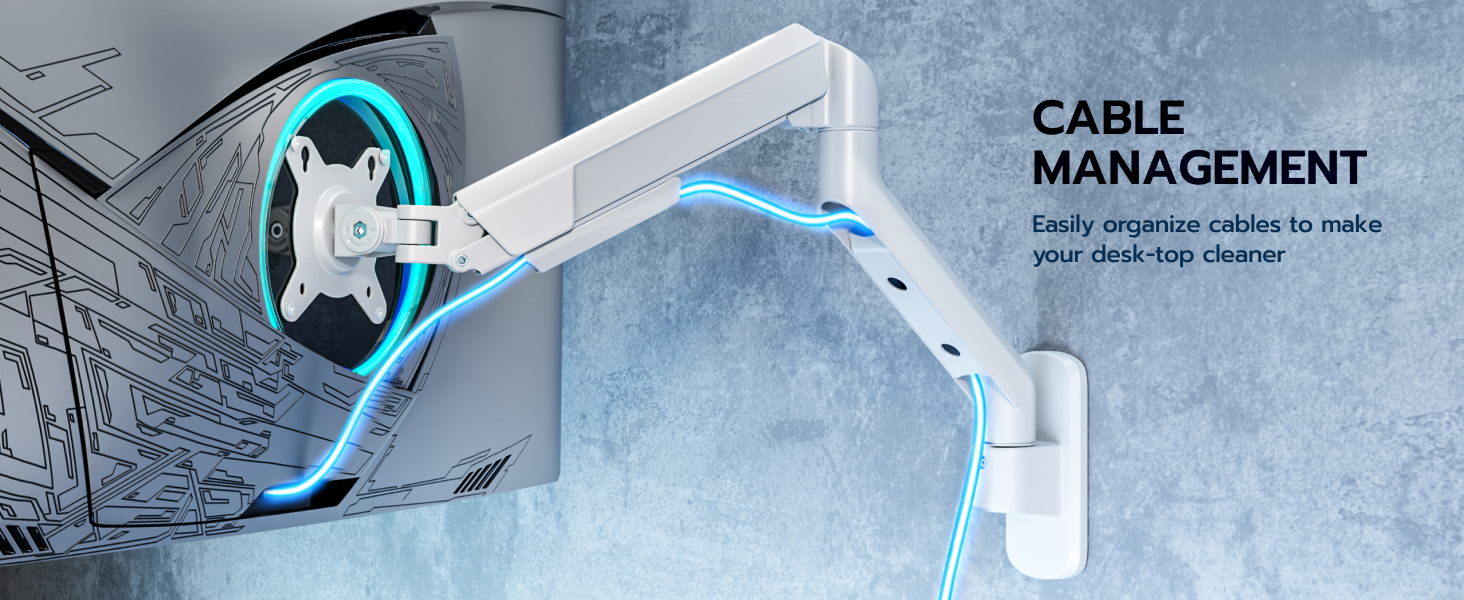
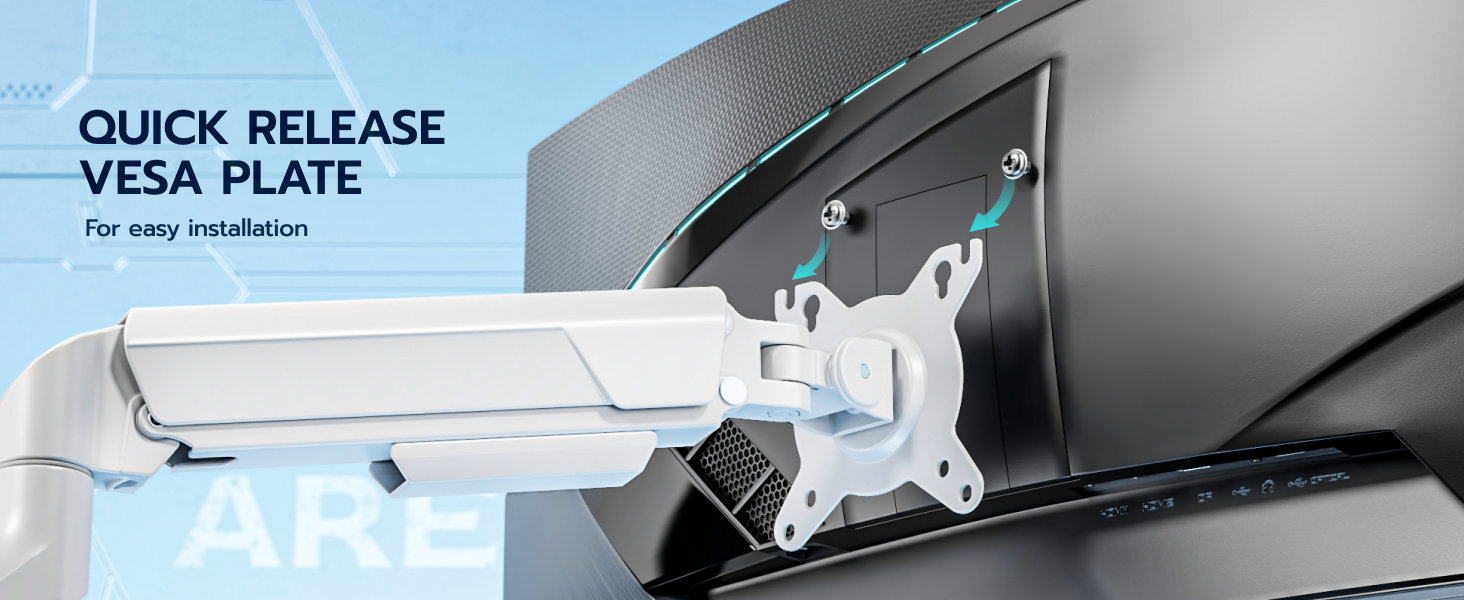
- EASY INSTALLATION & CABLE MANAGEMENT – Each package of our monitor wall mount includes all necessary mounting hardware and a clear instruction manual for simple, straightforward setup. The built-in cable management with included clips keeps wires organized, transforming your setup into a clean and efficient workspace. For maximum safety and stability, we recommend mounting the monitor arm to a wood stud, solid concrete, or brick wall. NOTE: Please do not use the provided anchors in drywall or wood alone!
More attribute choices
| Add to Cart Add to Cart Add to Cart Add to Cart | ||||
| Customer Reviews | 4.8 out of 5 stars36 | 5.0 out of 5 stars4 | 4.6 out of 5 stars401 | 4.8 out of 5 stars97 |
| Price | GBP 33.60GBP33.60 | GBP 82.13GBP82.13 | GBP 52.26GBP52.26 | GBP 59.73GBP59.73 |
| Max Load | 26.4lbs | 26.4lbs | 44lbs | 60lbs |
| Max Fits Monitor Size | 40" | 35" | 49" | 57" |
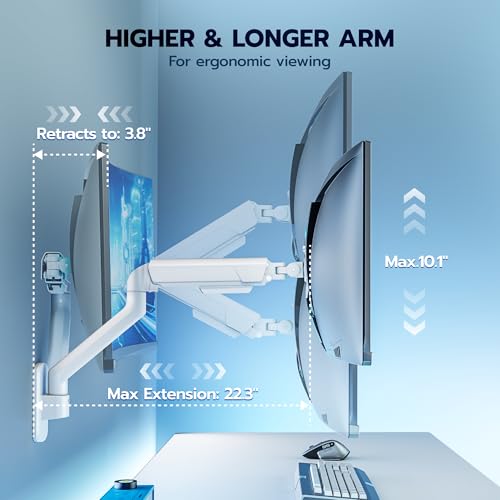
| Height Range | 10" | 10" | 10" | 11.4" |
| Max Extension | 22.3" | 26" | 23.9" | 27.4" |
| Min monitor-wall distance | 3.8" | 3.8" | 5" | 4" |
| Tilt | +50°/-55° | +90°/-90° | +50°/-20° | +60°/-20° |
| Rotate | ±90° | ±90° | ±90° | ±90° |
| Swivel | ±90° | ±90° | ±90° | ±90° |
| Color | Black | Black | Black | Black |

| SKU: | B0GSPXRPRZ |
| Brand: | ARES WING |
| Colour: | White |
| Manufacture: | ARES WING |
| Colour: | White |
Product description

More attribute choices
 GDT1009WLWH | 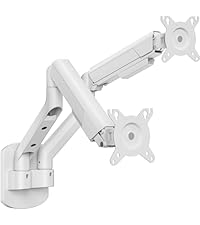 GDT1009WL-2WH | 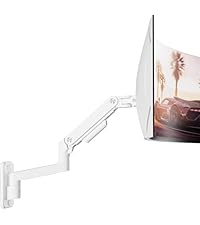 GDT1004WLWH | 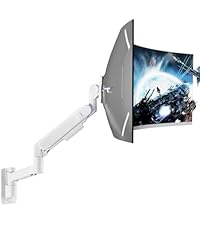 GDT1008WLWH | |
|---|---|---|---|---|
| Customer Reviews | 4.8 out of 5 stars36 | 5.0 out of 5 stars4 | 4.6 out of 5 stars401 | 4.8 out of 5 stars97 |
| Price | GBP 33.60 | GBP 82.13 | GBP 52.26 | GBP 59.73 |
| Max Load | 26.4lbs | 26.4lbs | 44lbs | 60lbs |
| Max Fits Monitor Size | 40″ | 35″ | 49″ | 57″ |
| Height Range | 10″ | 10″ | 10″ | 11.4″ |
| Max Extension | 22.3″ | 26″ | 23.9″ | 27.4″ |
| Min monitor-wall distance | 3.8″ | 3.8″ | 5″ | 4″ |
| Tilt | +50°/-55° | +90°/-90° | +50°/-20° | +60°/-20° |
| Rotate | ±90° | ±90° | ±90° | ±90° |
| Swivel | ±90° | ±90° | ±90° | ±90° |
| Color | Black | Black | Black | Black |
Good quality, very easy installation.
I was using just a straight monitor arm but I needed some movement, I tried this out and have been really happy with it. Its not bulky, the spring is really easy to adjust (mine was slightly over tightened on the bottom nut once loosened it worked perfect). I have adjusted it once and it is still holding the perfect balance to keep my monitor where I put it. It will sit pretty flush with the wall too. Looks good and holds its position really well.
I’ve always wanted a TV in my garage so I could watch something while working on projects, which is why I picked up this adjustable monitor arm mount.
Once I installed it, I was honestly surprised at how flexible this thing is. It’s almost magical how easily you can reposition the monitor in different directions. Check out my video to see it in action.
Most full-motion TV mounts let you move the screen out from the wall and side to side, but what makes this one unique is that it also allows vertical movement in addition to those positions.
The arm uses a spring tension mechanism that counterbalances the weight of the monitor or TV. Once you adjust the tension using the included Allen wrench, the screen stays exactly where you place it.
A couple things to be aware of when installing it:
* This mount attaches directly to the wall, it does not clamp to a desk or table.
* The mounting surface needs to be vertical, like a wall stud or other solid structure.
* It supports VESA mounting patterns of 75×75 and 100×100. If you’re not familiar with VESA mounts, it’s the pattern of four screw holes on the back of a monitor or TV. Just make sure your screen has the correct pattern before installing.
* If your monitor currently uses a pedestal stand, you may need to remove that stand to expose the VESA mounting holes.
The mount comes with all the hardware needed for installation, and the included bolts are strong enough to support the screen weight.
One thing I really like about this setup is that I installed it near some shelves and cabinets where a normal mount might get in the way. Because this arm can move side-to-side and up-and-down, it’s easy to reposition the screen whenever I need the space.
For my setup I added an Amazon Fire Stick, so the only cable running to the monitor is power. It’s a very clean and convenient setup.
One safety tip: there are set screws that need to be tightened to secure the arm components. If those aren’t installed properly, lifting the arm could allow parts of the mount to come apart and shift unexpectedly. The instructions explain this well, just make sure you don’t skip that step.
Overall this is a very versatile mount and works perfectly for my garage TV setup.
Strong mou
This mount can only be mounted on the wall to a stud. If you wanted to use a drywall anchor, you’ll have to figure that out yourself. Because it’s mounted to the wall, there’s great stability when extended from the wall a good distance. Mounting to the wall takes up most of the time. This arm is great if you move your monitors a bunch.
A big downside is the Vesa mounting plate sliding on the arm with my samsung monitor. This monitor has quite a bit of plastic that rubs alot. I just had to slowly wiggle it in place. Not the best feeling with a $500 monitor. Once on, very secure.
Solid monitor mount.
I’m extremely pleased with the ARES WING single monitor wall mount, and it deserves a fivestar rating from me. The build quality is Solid. Heavyduty metal, smooth joints, and a very solid feel once it’s anchored to the wall. I’m using it with a 30inch TV (as a monitor) and the arm holds it without any sagging or drifting. The range of adjustment is fantastic; I can tilt, swivel, and pull the monitor out or push it back with very little effort, and it stays exactly where I position it.
Installation was straightforward as long as you’re comfortable finding studs and using proper hardware. The VESA compatibility lined up perfectly, and the overall design looks clean and modern once everything is mounted. It’s made a huge difference getting my screen exactly where I want it.
For the price and performance, this mount has been a great upgrade and feels like it’ll last a long time.
No es un brazo de gas, sino de resorte, por ende hace un poco de ruido cuando se mueve. Fuera de eso cumple bastante bien su propsito y se dobla bastante plano contra la pared. nico pesar es que depende mucho de que tan bien montes el brazo a la pared, el mo qued ligeramente inclinado por como lo monte
Good sturdy wall mounts worked for me
Sturdy and easy to install. I was able to get my 32inch horizontal curved screen and my 32inch diagonal flat screen to line up using 2 of these mounts on 2 studs 16inches apart. Up and down adjustment is really good. Just take your time figuring out the layou
Updated: DOES work with a 34” curved monito
I have a 34-Inch Curved Ultrawide Monitor (weighing 15 pounds) and this arm absolutely DOES NOT WORK.
Installation was a breeze and the sturdiness of the mounting arm felt strong, however the quality left little to be desired. After mounting my 34-Inch Curved Ultrawide Monitor, the arm just falls straight back down when trying to raise it. So, I emailed customer support to give them the benefit of the doubt and to make it right.
After 1 week of going back and forth with them over email, sending videos and photos, they tell me to adjust the +/- screw! I told them in EVERY email I sent that I already did that. This arm is not worth the money if it only stays at one height, I might as well use the stand that the monitor came with! Very disappointed in the product and now I have to patch the holes in my wall I made for this.
Update: I received an email from a much more helpful individual with Areswing support. They sent me out a new monitor arm and it works GREAT! The arm is extremely easy to install on the wall, the directions are clear, and they include all the screws and Allen wrenches you’ll need! Best of all, this one goes up and down, and HOLDS at the position you leave it at!!! I’m very happy with this monitor arm and the second round of support I went through.