Wacom Intuos Small Bluetooth Graphics Drawing Tablet, 4
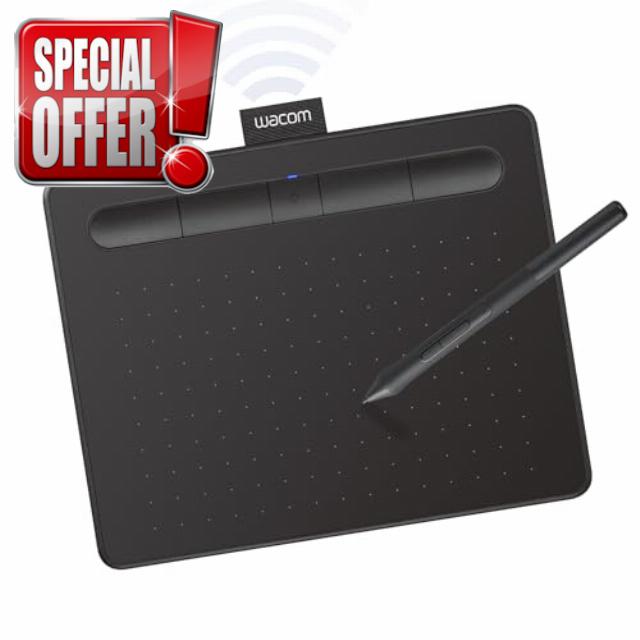
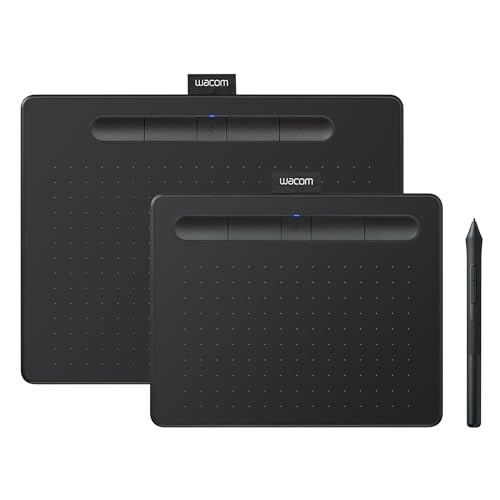
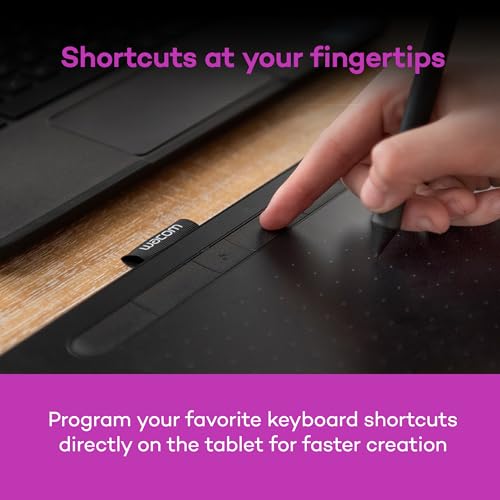
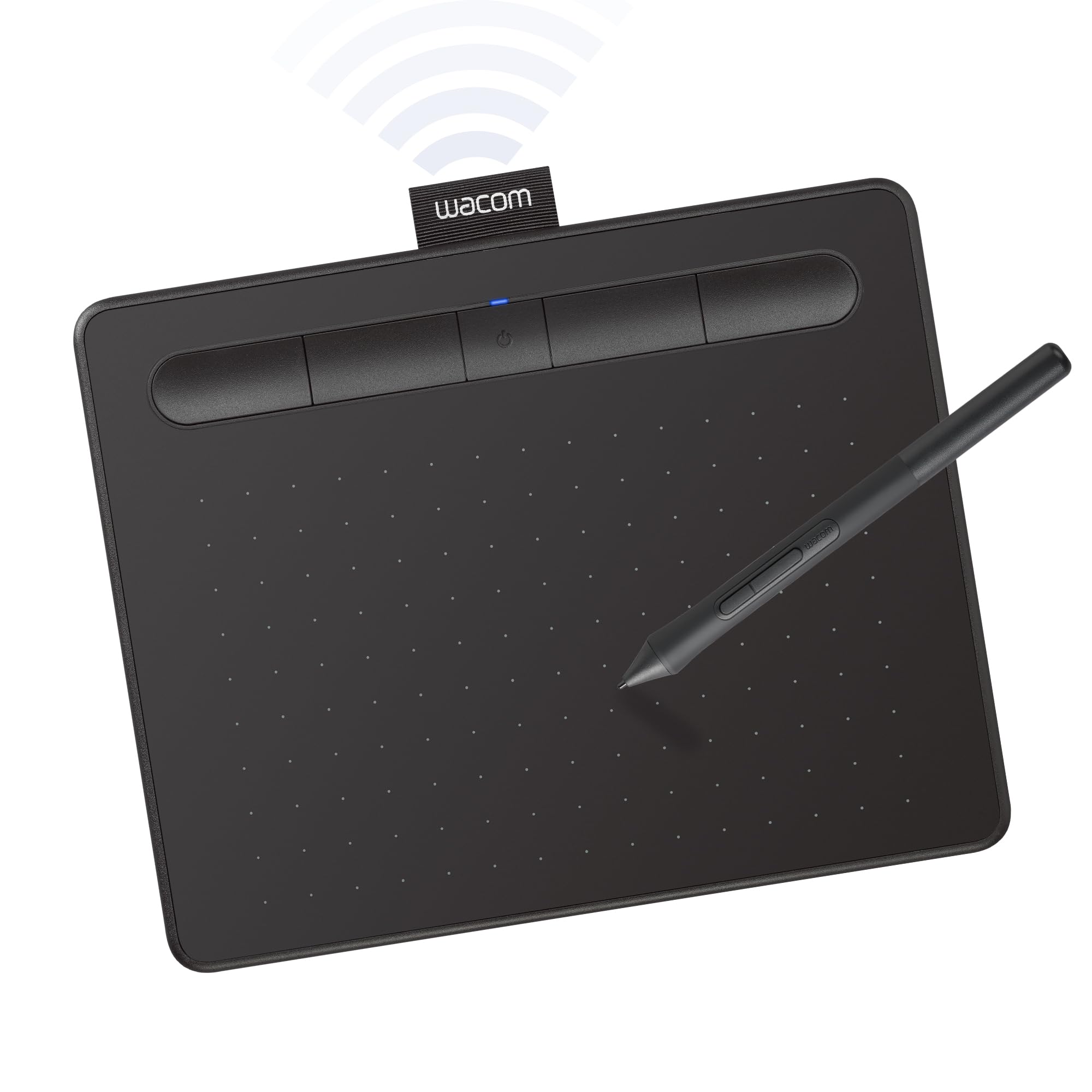
Wacom Intuos Small Bluetooth Graphics Drawing Tablet, 4 Customizable ExpressKeys, Portable for Teachers, Students and Creators, Compatible with Chromebook Mac OS Android and Windows – Black
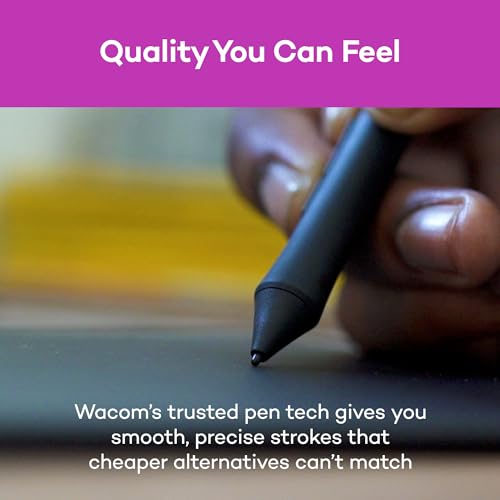
- Wacom Intuos Small Bluetooth Graphics Drawing Tablet: Enjoy industry leading tablet performance in superior control and precision with Wacom's EMR, battery free technology that feels like pen on paper
- Works With All Software: Wacom Intuos tablet can be used in any software program to explore new facets of digital creativity; draw, paint, edit photos/videos, create designs, and mark up documents
- Wireless Superior Connectivity: Connect wirelessly via Bluetooth or directly using USB-A cable which enables you to work, draw or create whether it's at a desk, on the sofa, in classroom or even outside
- Software and Training Included: Only Wacom gives you software with every purchase. Register your Intuos tablet and gain access to some of the best creative software and Wacom's online training
- Wacom is the Global Leader in Drawing Tablet and Displays: For over 40 years in pen display and tablet market, you can trust that Wacom to help you bring your vision, ideas and creativity to life
From the brand
-
New Arrivals
-
Products for Casual Artists
-
Products for Creative pros


| SKU: | B079J2FSQ7 |
| Weight: | 8.82 Ounces |
| Dimensions: | 6.3"L x 7.87"W |
| Brand: | Wacom |
| Model: | CTL4100WLK0 |
| Colour: | Black |
| Manufacture: | Wacom Technology Corporation |
| Colour: | Black |
From the brand








Awesome design and performance.
This product’s performance is better than I expected. It’s small size, slim body and sleek design took my heart. I will recommend this product for all the graphic designers who are looking for a pen tab.
-I got the Wacom Intuos Small (Bluetooth version) and it’s a nice drawing tablet. Of course it’s one of the more cheaper and introductory tablets but it does its job well. Writing on it feels nice and the small is good enough for me. I don’t do digital art, I only use this for tutoring, writing down some notes, or annotating PDF’s and it does great!
-A COUPLE OF PROBLEMS THOUGH. Using it with Bluetooth causes it to be a little bit less responsive and your lines seem a little more jagged. Just enough to definitely feel and see it which bothers me a little. Not the worst thing ever but its okayyy. I just connect it to my Macbook with the cable it comes with and it is way more responsive and feels so much more smoother. I guess the Bluetooth just makes it a little more versatile in terms of its portability. Another thing is that when I was writing notes with it for three hours straight during my chemistry lecture, the pen got a little uncomfortable. It left a mark on my finger so for a long period of time you’ll want to let your hand rest for a little. NOT the worst thing just, something to note of if you’re going to be writing a lot with it. The pen comes with buttons but I just turned off the commands for it or whatever because I kept accidentally pressing them. Oh and the buttons on the actual tablet are good too. You can give them different functionalities depending on what you use more. Final thing is that this requires some practice and getting used to it. Is it called hand-eye coordination? You won’t be looking at your hand to write so it’ll feel weird in the beginning writing stuff down without looking down. Its good though, I don’t have to constantly move my head up and down looking at my notes and the professor speaking.
-You’d have to get an adaptor to connect it with the cable it comes with if you want to do so with a newer Macbook. I’m not sure if that’s what they’re called but my laptop only has USB C.
I hope whoever reads this finds anything I said of use. I am happy with it. The good 100% outweighs the bad.
Loved it!
My boyfriend got the same one for me, and we both loved it! It is very versatile, as you can use either the Bluetooth option or plug it directly into your computer.
Compact and Reliable Drawing Table
The Wacom Intuos Small Bluetooth Graphics Drawing Tablet is a solid choice for digital artists and designers seeking a portable and responsive tablet. Its compact size makes it easy to carry, and the Bluetooth connectivity allows for a clutter-free workspace. The tablet features four customizable ExpressKeys, enhancing workflow efficiency. The included Wacom Pen 4K offers 4,096 levels of pressure sensitivity, providing precise control for detailed work. It’s compatible with various operating systems, including Windows, macOS, and certain Android devices, making it versatile for different users. Overall, it’s a dependable tablet that delivers consistent performance for both beginners and experienced artists.
This product is excellent and offers straightforward installation. It performs flawlessly with Windows 11 and Adobe Photoshop, and I was also able to utilize it with my Samsung S26 Ultra cellular device, albeit without pen pressure functionality due to the absence of an Android driver. I highly recommend this product.
EXPERINCIA EM 1 SEMANA DE USO (AT O MOMENTO QUE ESCREVI ESTA AVALIAO)
– Chegou muito bem embalado, bem protegido e em perfeito estado.
PONTOS POSITIVOS
* Acabamento bonito, percebe-se que um produto caprichado e bem fabricado/montado.
* Conforto e praticidade em no se ter o cabo 100% do tempo maravilhoso.
* Zero perda de funcionalidade por ser bluetooth, funciona maravilhosamente bem como se fosse a cabo.
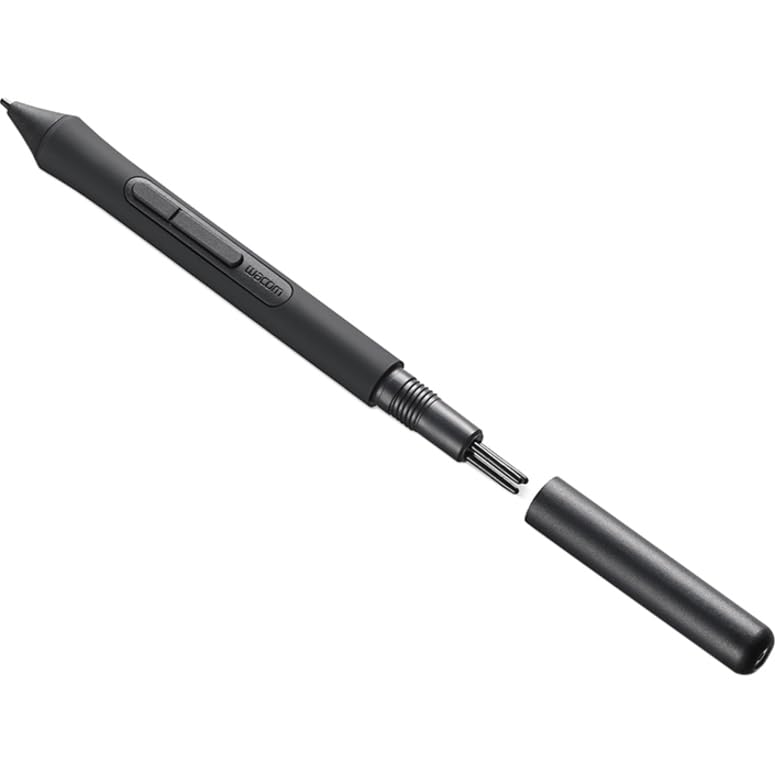
* 3 pontinhas extras guardadas dentro da prpria caneta.
* Caneta no precisa de bateria.
* Fcil instalao do driver e do aplicativo Wacom.
* A durao da bateria tem boa autonomia, no desenho todos os dias, mas quando desenho, fico por horas e horas, com certeza mais de 3 ou 4 horas, em 1 semana fiz apenas 1 recarga, acredito que desenhei em 3 ou 4 dias essa semana.
PONTOS NEGATIVOS (ou no, depende SE voc achar negativo).
>>>OBSERVAO: Talvez isso no acontea com todo mundo, e acredito que comigo aconteceu por conta da minha outra mesinha que tambm era Wacom.
* Tive um contratempo ao tentar registrar o produto para poder resgatar a licena do software que vem de cortesia por ter comprado um produto Wacom, ao entrar no aplicativo aparece uma notificao que leva direto para o site e fazer o registro, e no h nada que se possa fazer, o registro totalmente automtico bastando apenas esperar o processo acontecer, o problema que a minha nunca registrava, e o registro aconteceu justamente quando desinstalei o driver e o aplicativo, sem chegar a reinstalar, como fiz a desinstalao depois de uma nova tentativa fracassada, no momento que desinstalou o site atualizou com a mensagem de registro bem sucedido. E por fim, reinstalei o driver e o aplicativo Wacom.
* Mais como um aviso do que um ponto negativo na verdade, a primeira carga at 100% demorou bastante, foram algumas horas, mas a segunda j me pareceu bem rpida, e tinha descarregado at 10%.
* At certo nvel de bateria, aparentemente a mesinha apresenta um leve delay, quando percebi que a bateria estava baixa conectei o cabo para carregar, voltou tudo ao normal, e quando completou a recarga e retirei cabo, tudo 100% tambm.
Perfecta!
Excelente! La ped por que en Colombia son muy costosas y tena una Wacom que cuando actualice el sistema operativo de Mac a Tahoe ya no funcion ms! Pero esta funcion son problema al sacarla del empaque y conectarla por usb! Se recarga y funciona por bluetooth! Amo mi nueva Wacom! Es lo mejor!
I’m not going to talk about what a drawing tablet is for. Once you looked that up on the internet, you can consider this is a very reasononably priced tablet that many computer designers use. This one takes up little space on a desk and can be used both via USB-A cable or via BlueTooth wirelessly. One can buy inexpensive adapters that go from USB-A to USB-C if your computer does not have an older style USB-A port. The cable is important at least for charging it.
Wacom has decades of experience and reputation and is considered the standard so just saying “wacom” is synonomous with “graphics tablet”. They come in all sizes and much of what is the right size is often personal preference, how much one wants to spend and the space on a desk or your lap depending on how you work.
In my field I am involved with buying and setting these up for designers so I don’t come from the creative side.
Working with a small tablet does not mean it equates to a small document. Tablets don’t work exactly like that.
BUT it can affect how you work on a large, detailed document all at once or only when zoomed in.
Many designers who used to buy larger $350 units are happy with these as they take up less desk realestate
The wireless pen might be more limited in the levels it can detect than the pen that comes with much more expensive unit and that makes sense. A smaller tablet becomes problematic and I consider this size the sweet spot for most design uses.
BONUS – Users with carpal tunnel syndrome or those that want to avoid getting it often like tablets as they avoid the repetitious movement that a mouse does if used for drawing.