UGEE UE12 11.6 inch Drawing Tablet with Screen, Graphic
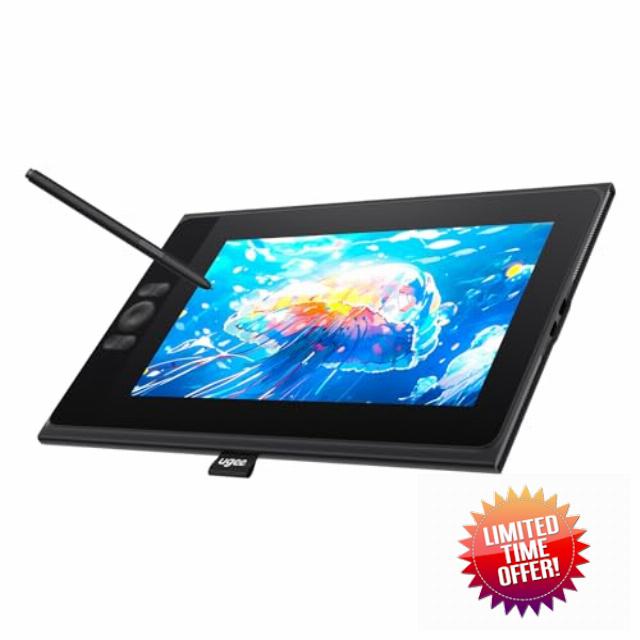
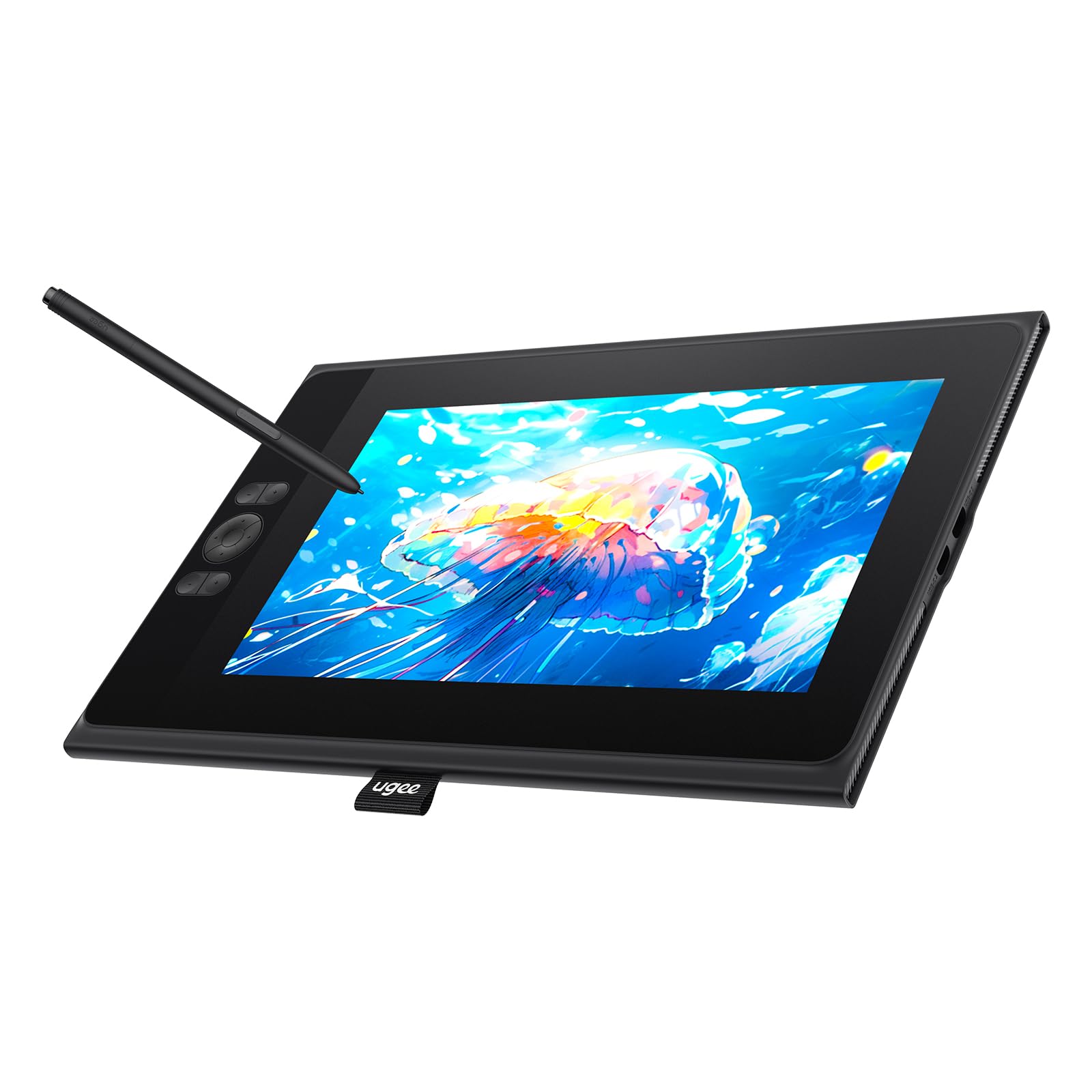
UGEE UE12 11.6 inch Drawing Tablet with Screen, Graphic Tablet with Full-Laminated Screen, 124% sRGB Color Gamut, Battery-Free Stylus & 8 Shortcut Keys, Drawing Pad Compatible with Windows/Mac/Android
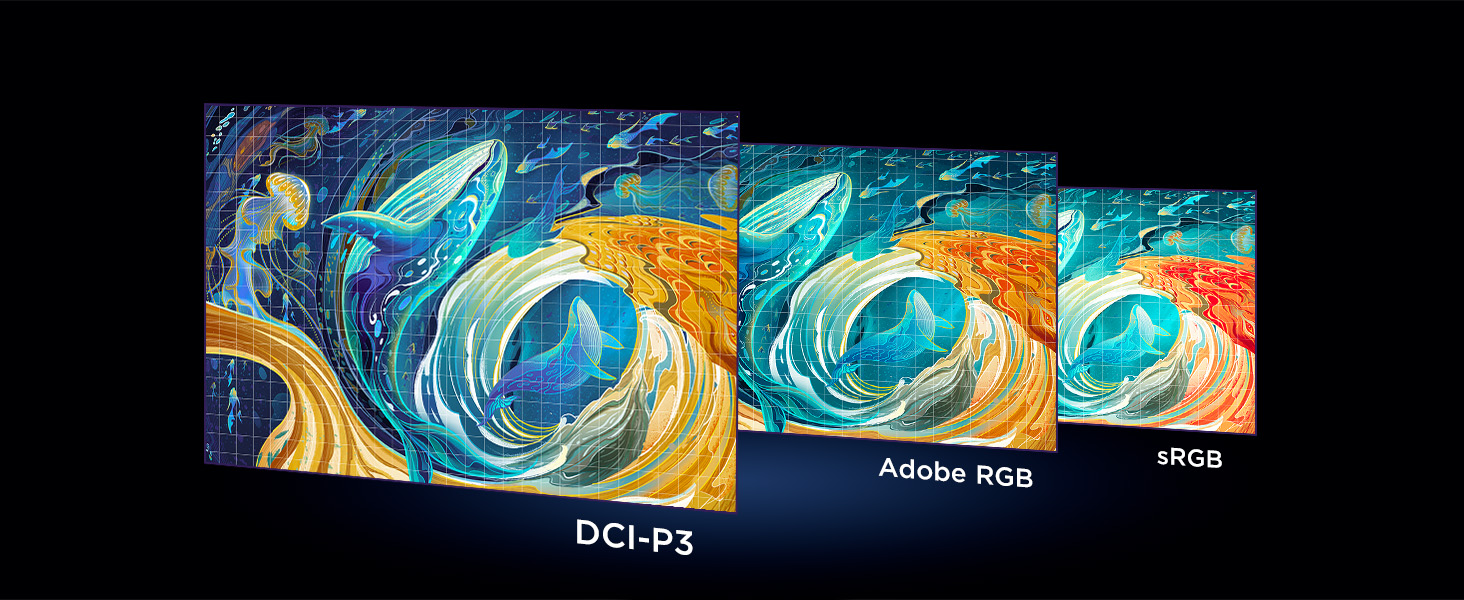
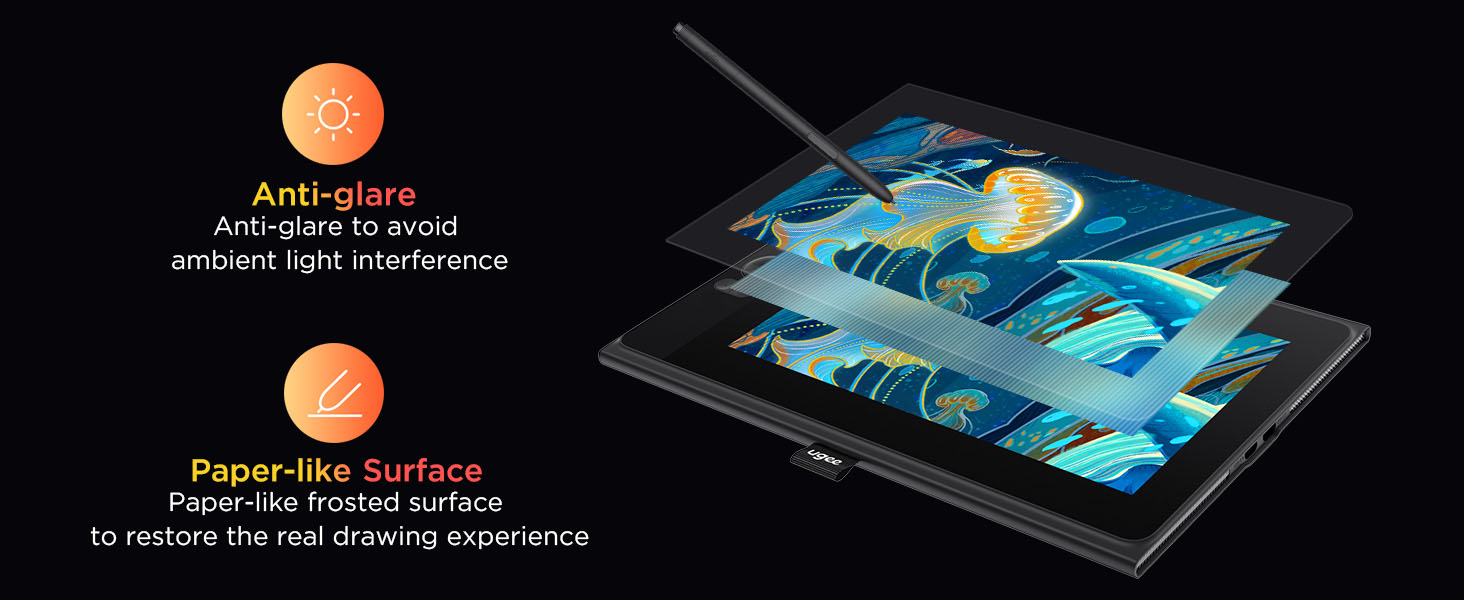
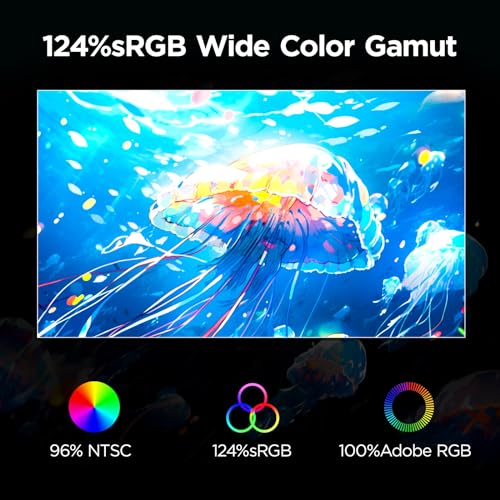
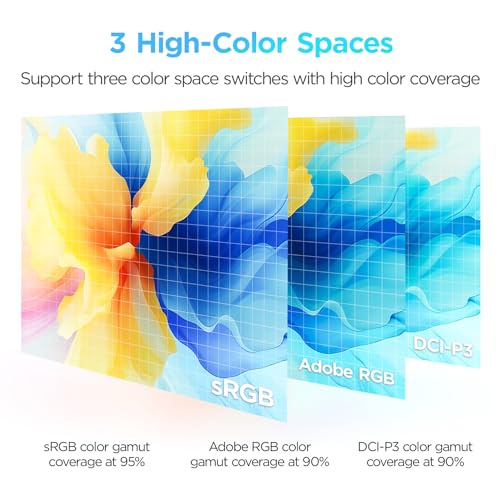
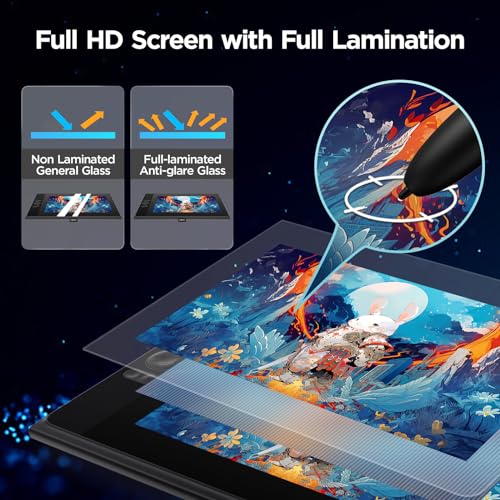
- [Full-Laminated Screen]Drawing Tablet with Screen 11.6-inch FHD (1920*1080) full-laminated, anti-glare screen, the UE12 provides a zero-parallax drawing experience, ensuring precise, high-definition drawings down to the minutest details. With an ultra-wide color gamut of 124% sRGB, every stroke comes to life in vibrant hues. You can easily switch between three color spaces (sRGB, Adobe RGB, DCI-P3)
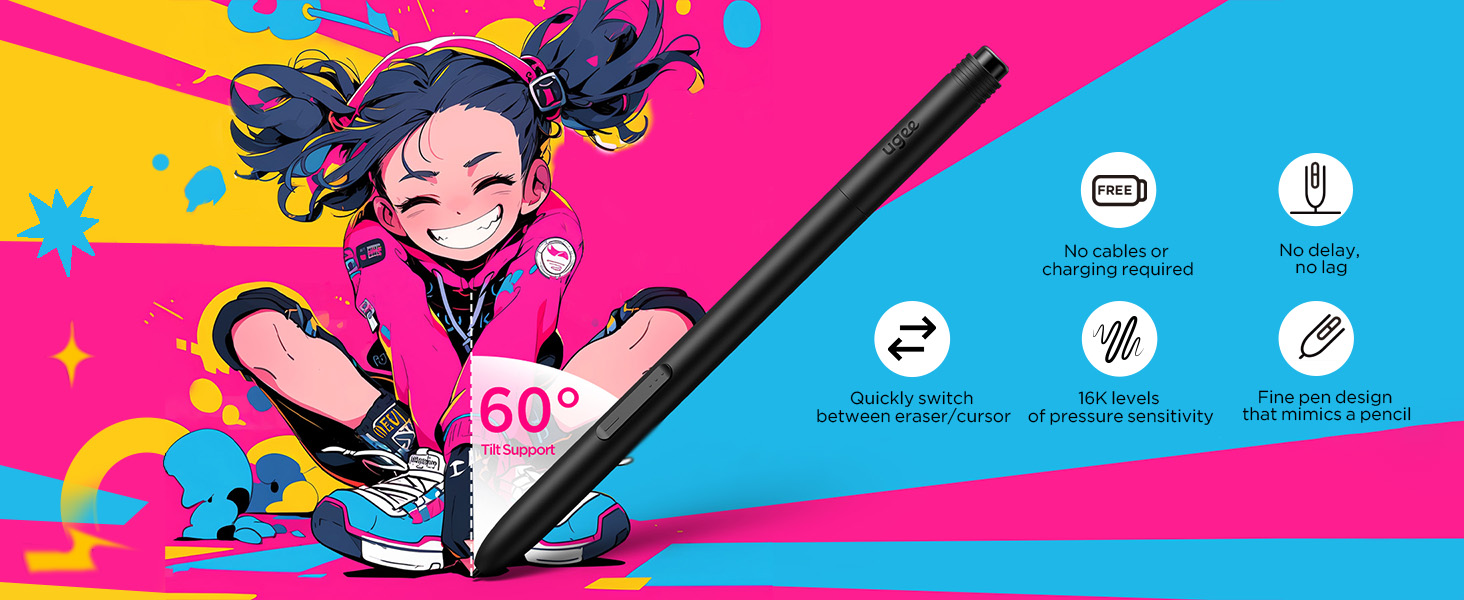
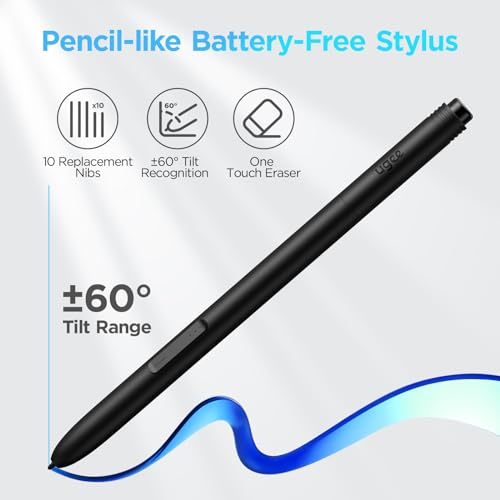
- [Battery-Free Stylus] The Pen Tablet features a slender pencil-like design for a comfy grip feel. With its inherent convenience, the stylus body is equipped with two programmable hot keys, allowing you to effortlessly toggle between drawing tools and maximize your efficiency. It incorporates 16K-level pressure sensitivity and 60° tilt recognition for a natural and smooth drawing experience akin to using a pencil, with no delays or lags. Plus, enjoy the eight replacement nibs inside the package.
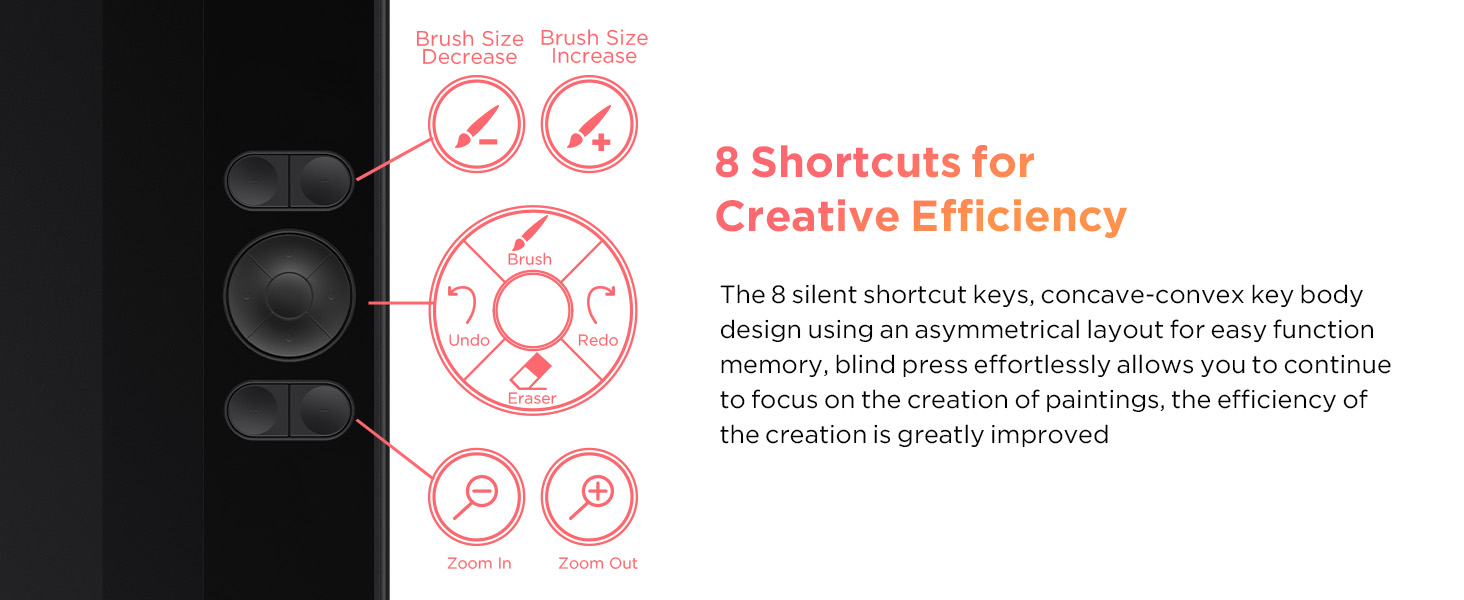
- [8 Shortcut Keys ] The UE12 Graphics Tablet is equipped with 8 customizable shortcut keys boasting a concave-convex design, which facilitates blind operation. These convenient shortcut keys allow you to easily access commonly used drawing tools, such as pen, eraser, brush size adjustment, and undo function.
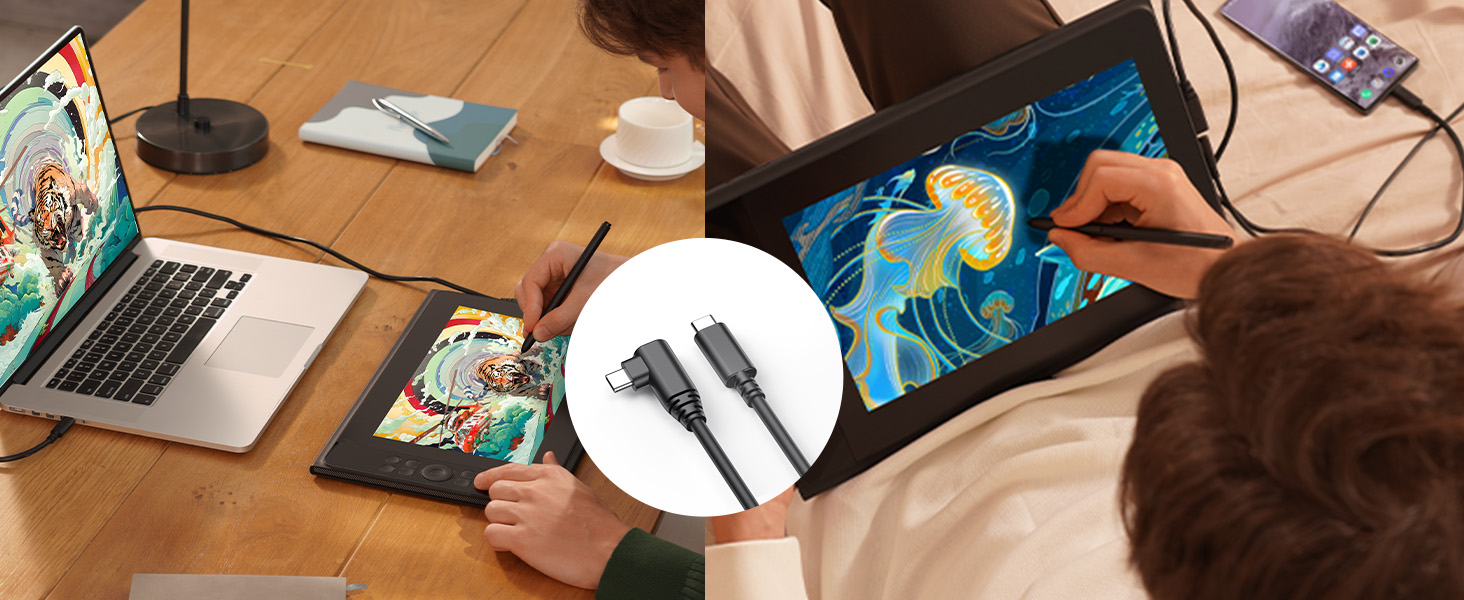
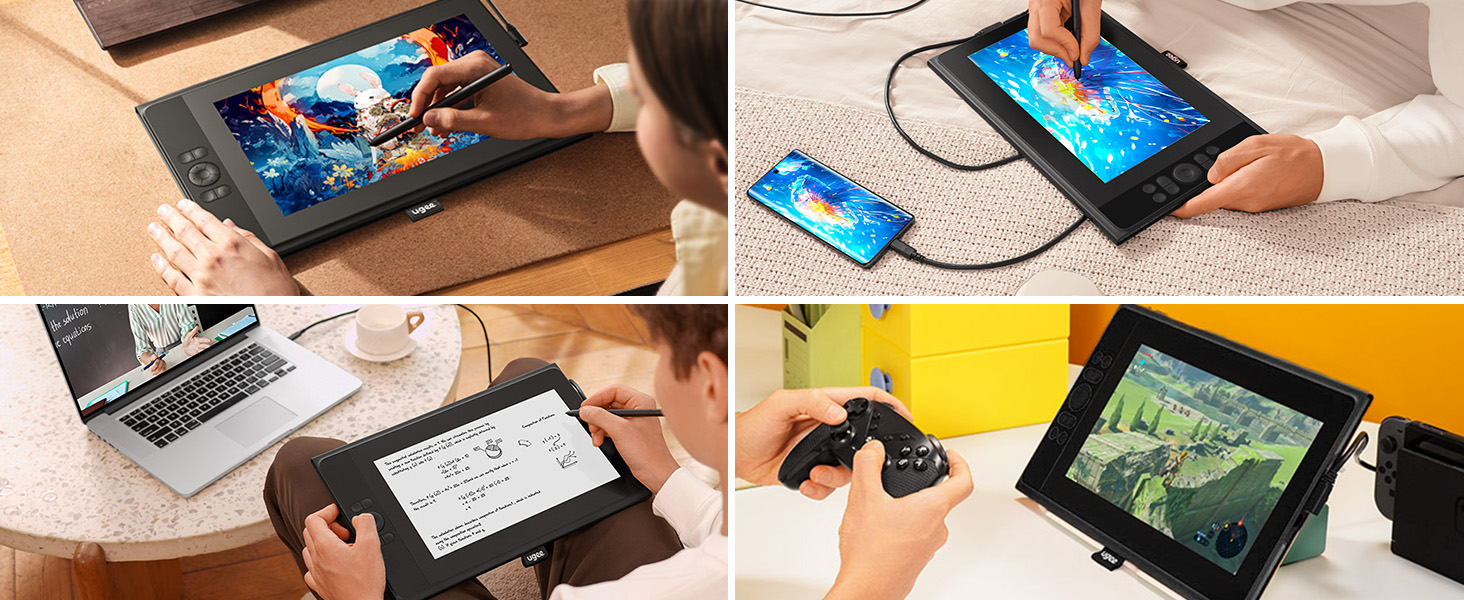
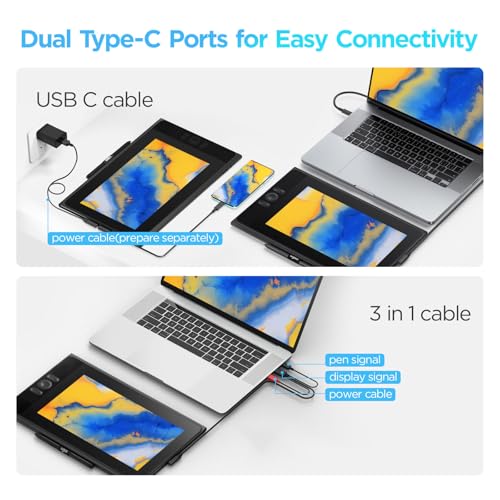
- [Dual Type-C Ports&3 in 1 Cable] The UE12 drawing pad comes with dual Type-C ports, allowing blind plug-in and providing flexible connection methods. It supports direct connection via a single full-featured USB-C cable, enabling you to immediately start your creative journey on computers, laptop, Android phones and tablets.
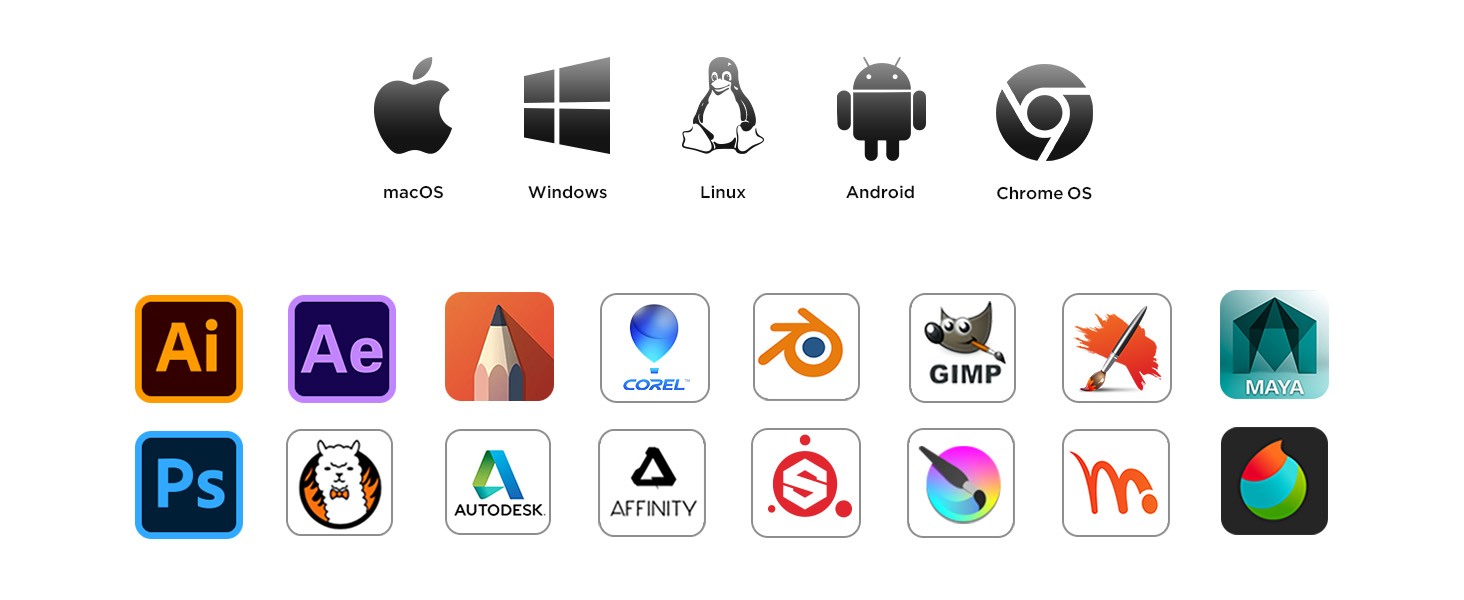
- [OS Support&Softwares Compatibility] The UE12 art tablet is compatible with major operating systems such as Windows 7 or later, macOS 10.10 or later, Android 10.1 or later, and Chrome 88 or later. It also supports a wide range of mainstream drawing and design software, such as Adobe Photoshop, Illustrator, Manga Studio, CorelPainter, ibis, and so on. With its comprehensive compatibility, it caters to all your creative needs (drawing, animation, image editing, 3D sculpture, etc.)
UGEE UE12 Drawing Monitor
Every Hue Covered, Every Color Revealed
Freedom to switch between sRGB, Adobe RGB, DCI-P3
Enhanced Clarity for Vivid Drawing Detail
How do I connect to my computer?
The video showcases the product in use.The video guides you through product setup.The video compares multiple products.The video shows the product being unpacked.- The video showcases the product in use.The video guides you through product setup.The video compares multiple products.The video shows the product being unpacked.
How do I connect my phone?
Adjust drawing tools precisely for enhanced productivity
Default Brush/EraserDefault Mouse Right-Click
Greater Flexibility in Connection
Empowering Your Creativity
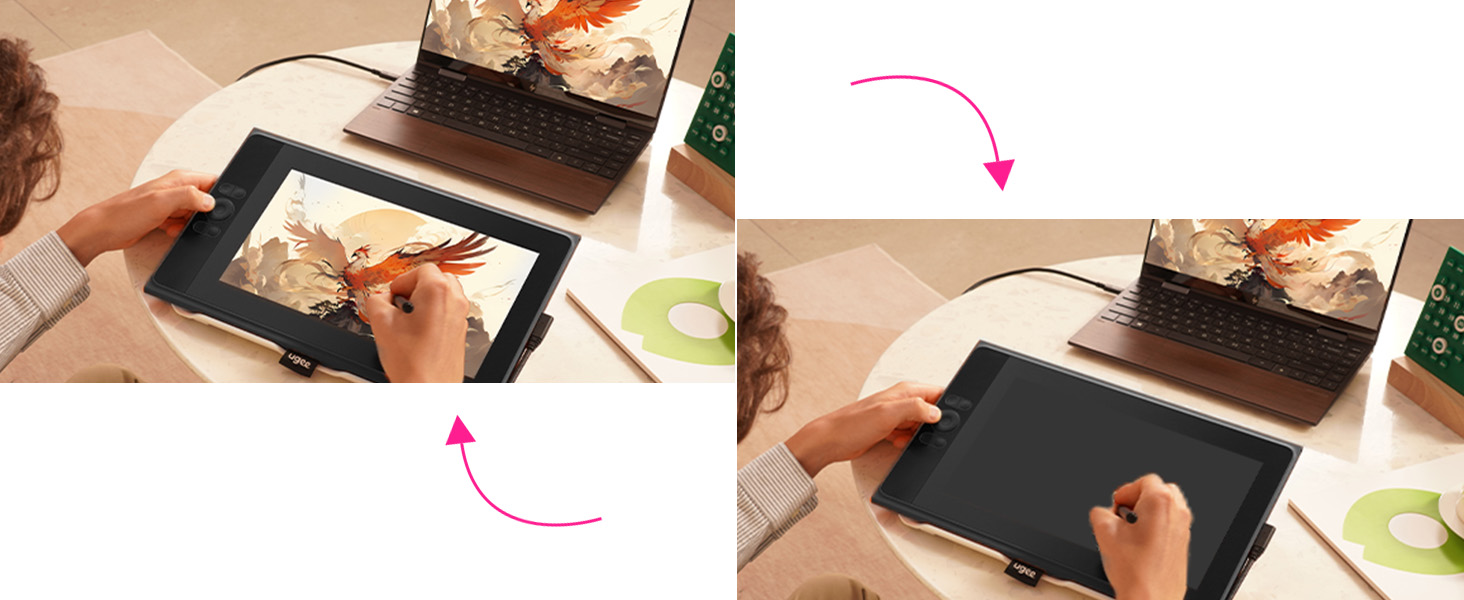
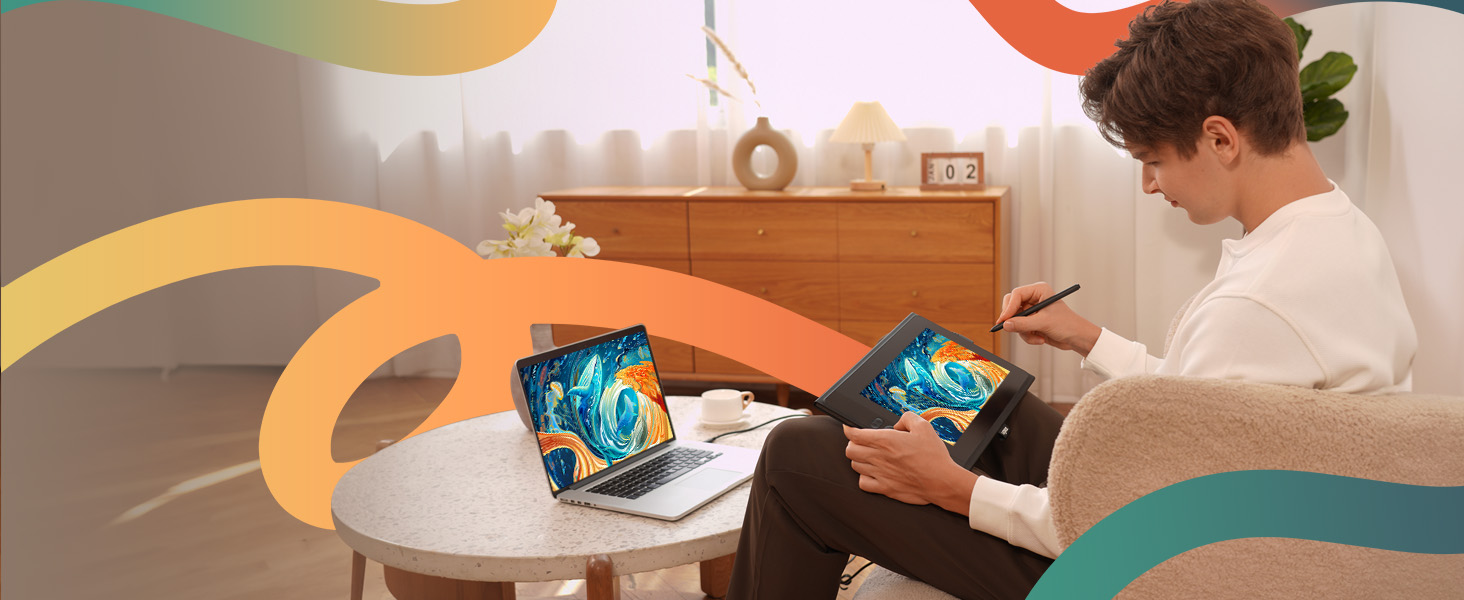
Transform from a standby screen to a"drawing tablet" within seconds, unleashing boundless creativity
Digital Drawing on Your Computer
Which systems are compatible ?
Supports Windows 7 and above, Mac OS 10.10 and above, Chrome OS 88 and above, Android 9.0 and above (USB3.1 DP1.2), Linux, and Harmony2.
What types of ports does the drawing monitor support ?
There are two USB-C ports on this drawing monitor.USB-C ( USB-C 1):Used for direct connection with the full-featured USB-C to C cable,3-in-1 ( USB-C 2 ):Used for connection with the 3-in-1 cable or for power supply of the drawing monitor.
How can I connect the drawing monitor to a computer ?
Connect directly with the included USB-C to C cable,if you computer does not have a Type-c portplease purchase a 3-in-1 cable additionally for connection
How can I connect the drawing monitor to a mobile phone ?
Connect to the mobile phone with the included USB-C to C cable,Then connect your phone and power supplywith another included USB-A to C cable
Is it possible to connect to both Andriod phones and iPhone ?
The drawing monitor supports connection to Android phones .It can not be connected to iPhone

| SKU: | B0D3XGGK6B |
| Dimensions: | 11.6"L x 10.09"W |
| Brand: | UGEE |
| Model: | UE12 |
| Colour: | Black |
| Manufacture: | UGEE |
| Colour: | Black |
Product description
UGEE UE12 Drawing Monitor
Every Hue Covered, Every Color Revealed

Freedom to switch between sRGB, Adobe RGB, DCI-P3
Enhanced Clarity for Vivid Drawing Detail
How do I connect to my computer?
The video showcases the product in use.The video guides you through product setup.The video compares multiple products.The video shows the product being unpacked.- The video showcases the product in use.The video guides you through product setup.The video compares multiple products.The video shows the product being unpacked.
How do I connect my phone?
Adjust drawing tools precisely for enhanced productivity
Default Brush/EraserDefault Mouse Right-Click
Greater Flexibility in Connection
Empowering Your Creativity
Transform from a standby screen to a”drawing tablet” within seconds, unleashing boundless creativity
Digital Drawing on Your Computer
Which systems are compatible ?
Supports Windows 7 and above, Mac OS 10.10 and above, Chrome OS 88 and above, Android 9.0 and above (USB3.1 DP1.2), Linux, and Harmony2.
What types of ports does the drawing monitor support ?
There are two USB-C ports on this drawing monitor.USB-C ( USB-C 1):Used for direct connection with the full-featured USB-C to C cable,3-in-1 ( USB-C 2 ):Used for connection with the 3-in-1 cable or for power supply of the drawing monitor.
How can I connect the drawing monitor to a computer ?
Connect directly with the included USB-C to C cable,if you computer does not have a Type-c portplease purchase a 3-in-1 cable additionally for connection
How can I connect the drawing monitor to a mobile phone ?
Connect to the mobile phone with the included USB-C to C cable,Then connect your phone and power supplywith another included USB-A to C cable
Is it possible to connect to both Andriod phones and iPhone ?
The drawing monitor supports connection to Android phones .It can not be connected to iPhone
I use graphics tablets mostly for educational purposes. I own and use a Huion H610 Pro V2 tablet. It works fine. However, I have to always look at the screen while my hand was on the tablet.
This UGEE screen tablet works much better. It’s responsive. It’s accurate. It works 10 times better than my older Huion tablet. The funny thing is that the drivers for Huion worked also for the UGEE screen tablet. I did install the UGEE UE16 drivers and they work fine too.
I didn’t use the 3 in 1 cable. I just use USB C to USB C cable that was included. It works perfectly.
All in all, an excellent tablet for an unbeatable price.
I cannot recommend it enough.
The only drawback is that it’s a bit long. I had to buy a 20″ backpack for it to fit.
This is amazing. Definitely worth the price. Connecting to my computer was super easy. Screen is large. Well built super sturdy. I will say then nibs are kinda “soft” i can tell I’m gonna have to replace them often cause they wear down quickly. They come with plenty of extra buuuuut suspect in less than a year I’m going to have to but more nibs. But in fairness to them I have a heavy hand. But I’m also not the only person to report this. And having owned an iPad and never having to replace the nib on my Apple Pencil idk.
That being said that is tiny in comparison to how great this device is. Ugee never disappoints.
Great but lacks one core feature
Works great and all, but it would be an easy 5 stars if it came with an HDMI splitter or adapter. I wouldn’t mind a price increase at all. Not everyone has more than 1 HDMI port for the 3 in 1. I had to order an HDMI splitter. Great otherwise.
A all round good drawing tablet at a good price. There is a very slight buzzing at the power port. But if you use headphones or breathe, you shouldn’t hear it. It’s also worked well for me as a second screen with a decent enough color and size and several buttons for macros. Well worth the price.
Haven’t had it long enough to rate durability. Otherwise very happy. My interest is calligraphy, and it is so much cheaper than ink (and never dries out). Tilt works great, to simulate a nib that’s only wide in one dimension. I needed the 3-to-1 cable, which has 1 USB-C plug into the tablet (bent at the wrong angle) and 3 plugs at the other end, HDMI, USB, and another USB for power. It’s a little awkward but I manage it with cable ties. I use it on linux with vendor-supplied driver, thanks for that, but it only supports X11, not Wayland, as of April 2026. Digimend and OpenTabletDriver don’t support it yet, but there’s an open issue for it in the latter project.
THE PROTECTIVE PACKAGING LAYER IS BLUE. REMOVE IT FOR FULL COLOR ACCURACY.
IF YOU BUY THIS, DON’T MAKE THE SAME MISTAKE I DID. REMOVE THE PROTECTIVE LAYER.
This tablet comes with a plastic film to protect its screen while in transport. This plastic film is BLUE. For a year straight, I thought this tablet had weak/unbalanced lighting that made everything slightly blue, but it was actually the protective layer I didn’t remove because I didn’t want to scratch it.
Remove the layer and replace it with an actual screen protector. It will greatly improve the visual accuracy.
Mesa Perfeita
O produto perfeito me surpreendeu quanto ao desempenho. Estou usando o KRITA para fazer meus desenhos e ele funcionou super bem. Alm de simular o trao do lapis perfeitamente. O ponto negativo que so 3 conexes para ele funcinar 2 usb e hdmi. Chegou antes do prazo. Parabns a Amazon e aos envolvidos.
Great device at a great price
I’m not an expert when It comes to these devices so don’t take my advice. But for the price this is such a steal. I’ve been using it with blender/nomad sculpt and It sure beats using my mouse. The stylus is really responsive and screen and clarity is also good.
I think this is pretty good tablet for the price.I bought this back in 2024 to upgrade from my previous ugee pen tablet and it’s still working fine. Definitely prefer having a screen and it’s helped me improve significantly on my art.
I did have some issues with the screen sometime around when I first got it. Initially there were no problems then suddenly couldn’t use the right half of the screen for a few days/weeks. I tried turning it on/off, unplugging everything , I undownloaded the drivers and restarted my laptop and still had the issue. So I just stuck to using the left side of the screen which was pretty inconvenient. It eventually went away and thankfully hasn’t come back but this was the only issue I’ve had with this tablet.
One thing I’d like to mention is I haven’t had any issues with my nibs being worn down like others have and Ive been making tons more art after getting this. I’ve only changed it out once but that was just to try I didn’t need to do it. Idk if I was lucky or they changed how they made the nibs but I thought I’d mention this.
Awesome!!!
So far, the drawing tablet has been working flawlessly.
It gives me an ample view of the things I draw and it’s buttons make it easier for me to navigate the system.
One thing that could be worked on is the screen texture, since it feels like paper it chirps the pen’s tip very quickly. But besides that, it works perfectly fine.