UGEE M708 Drawing Tablet,10 x 6 inch 16K Pressure Level
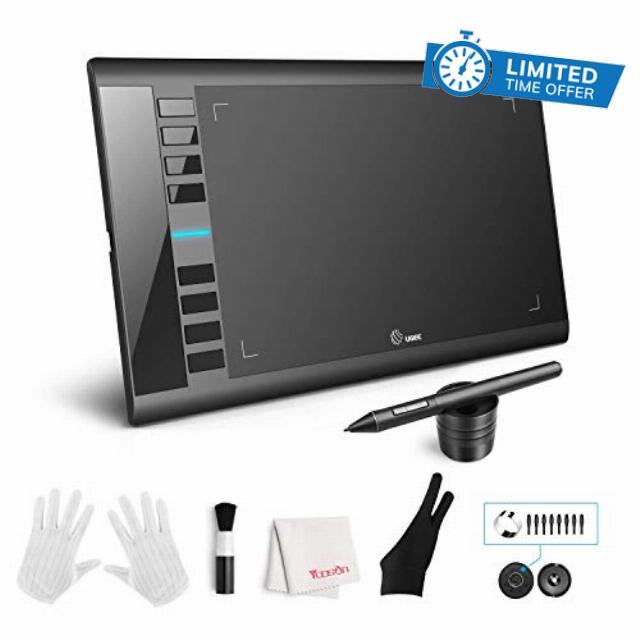
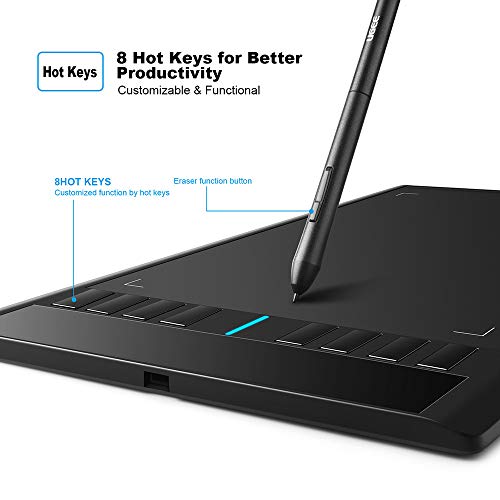
UGEE M708 Drawing Tablet,10 x 6 inch 16K Pressure Level Digital Graphics Tablet,Battery-Free Stylus,8 Hot Keys Compatible with Win,iOS,Android,Prefect for Artist,Designer,Beginner Online Teaching
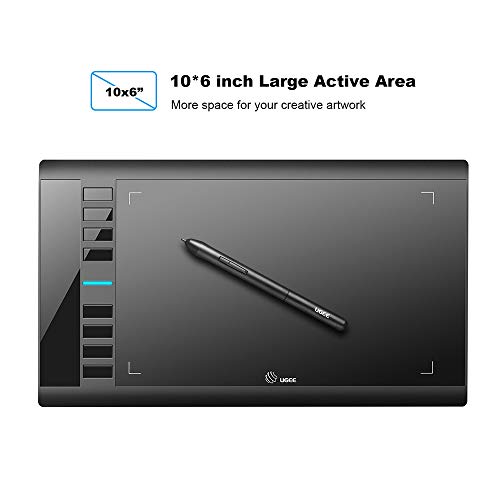
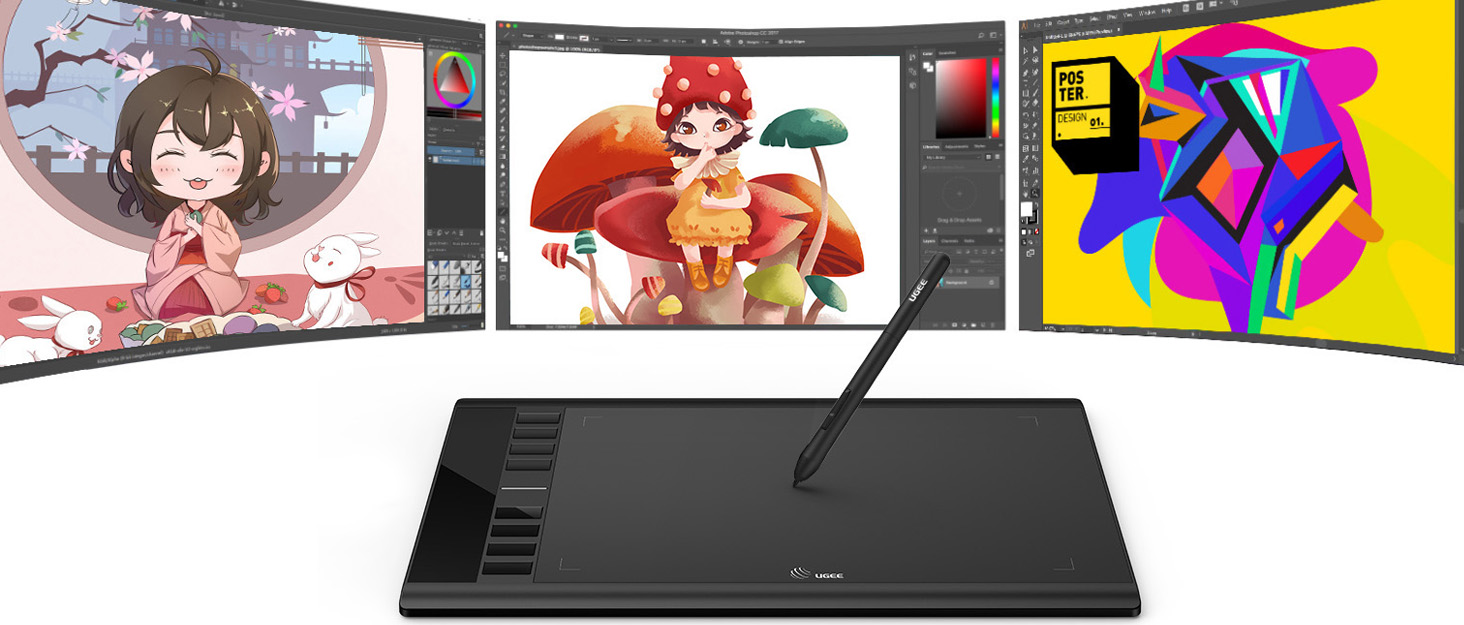
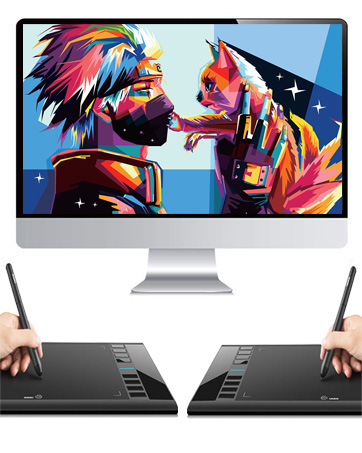
- Large Creating Space: The UGEE M708 drawing tablet well-knowned for its classic design and high quality to ensure a long lifespan for users,offers a large 10×6 inch drawing space to get a smooth and precise drawing experience for digital art creation.
- Easy to Use: The digital drawing tablet is user-friendly for digital art designers. Digital art tablet Simply connect to PC/Laptop and install the driver downloaded from the official website to activate the pen's responsiveness and interaction with the tablet.
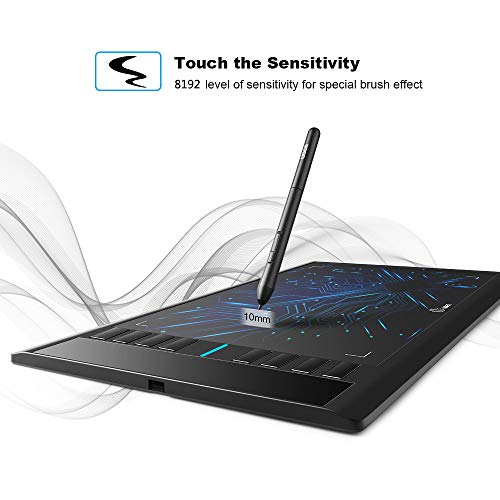
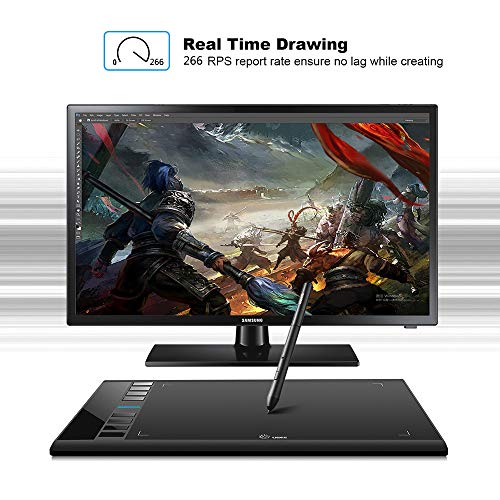
- Battery-Free Tilt Pen: tableta gráfica with 16K levels of pressure sensitivity,high accuracy for drawing lines, supports various brush effects with different programs to make increditable creation.
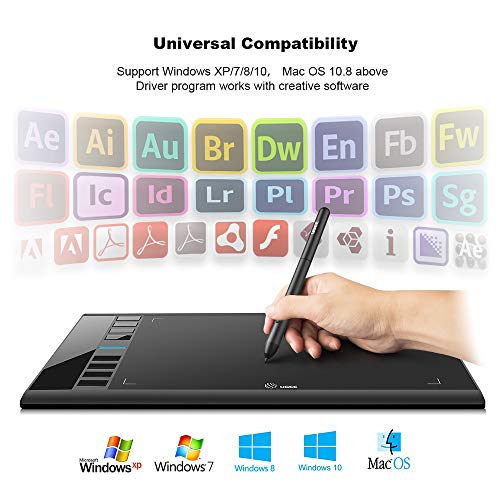
- Universal Compatibility: computer graphics tablets is compatible with most of creative software such as Photoshop, Illustrator, Fireworks, Macromedia Flash, Comic Studio, SAI, Infinite Stratos, 3D MAX, Autodesk MAYA, Pixologic ZBrush, GIMP, and more. It is mainly used for photo editing, sketching, and digital drawing for experts.
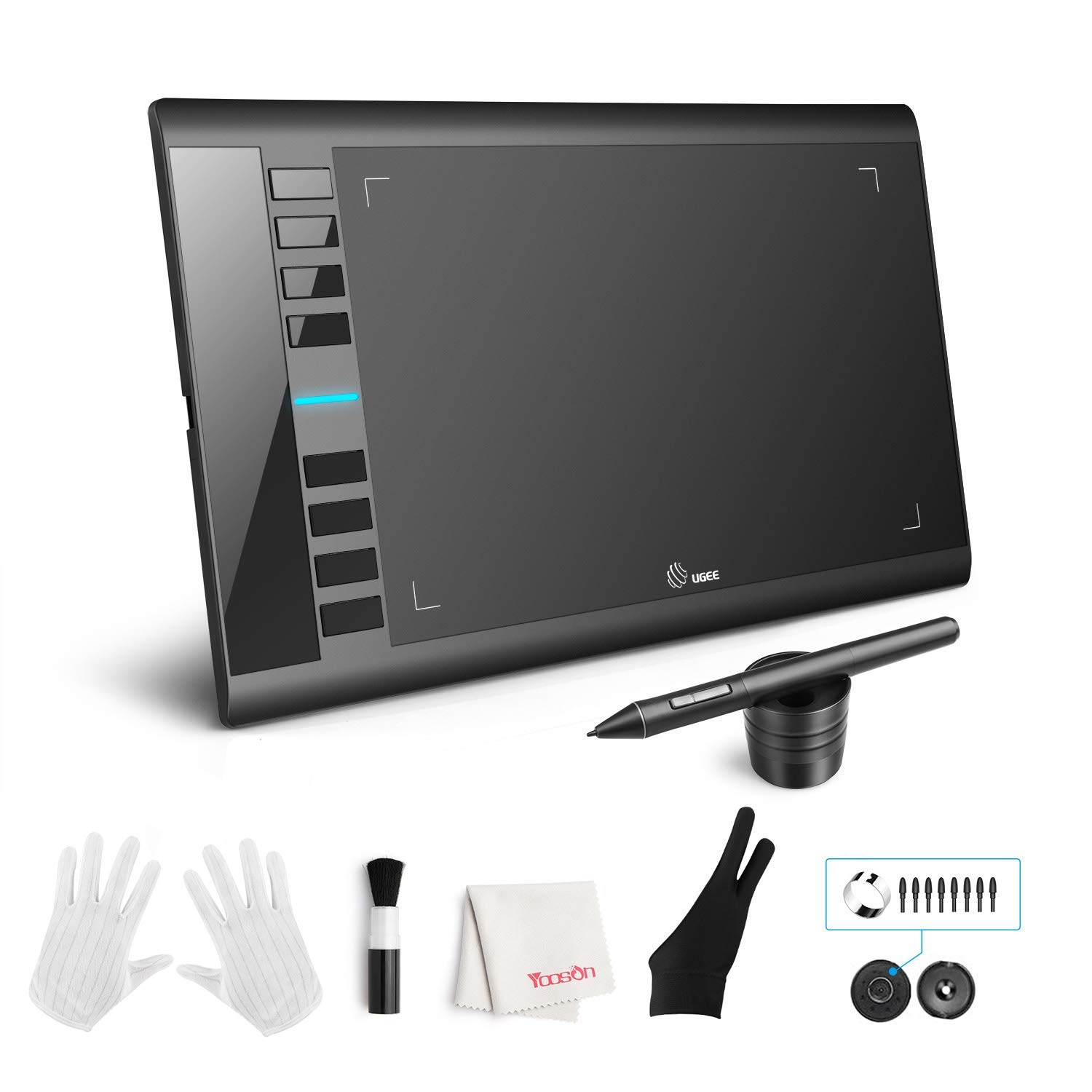
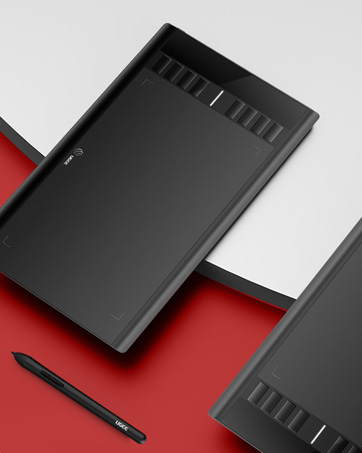
- Along with the M708 Drawing Tablet and Pen Stylus, you'll receive a Pen Stand, 8 Pen Nibs, Nib Replace Ring, 2-finger Glove, Normal Gloves, Cleaning Brush, and Cleaning Cloth. We offer 24/7 customer support and a 12-month warranty
From the brand
UGEE founded in 1998, more than 24
years of R&D experience and accumulation have made us a pioneer in the development of handwritten digital hardware and software
technology. Since its establishment, it has always focused on the research and practice of the collaborative application of human body and digital technology, serving the fields of digital painting, digital teaching, film.

| SKU: | B072M76LNZ |
| Weight: | 0.5 Kilograms |
| Dimensions: | 14.96"L x 8.66"W |
| Brand: | UGEE |
| Model: | FBA_UG-M708-US |
| Colour: | Black |
| Manufacture: | UGEE |
| Colour: | Black |
From the brand
This tablet is pretty nice for its price, a great starting tablet for beginners, i would highly recommend it for those starting in digital art/animation.
Though i would strongly recommend getting a protector as it scratches very easily, unfortunately upon upgrading to this tablet i didn’t think about it at the time and thus have left thousands of scratch marks all over the tablet.
That being said this tablet has lasted me 2 years with no issues, well… until the end of its life span.
the tablet is currently having issues with pressure and sometimes causes the pen tool to switch to the eraser tool when you press too hard, this wasn’t an issue at all up until recently, the cause of this is most definitely because of the scratches, it most likely warned down the tablet, if you get a protector it’d most likely last longer without any issues.
there really isn’t anything wrong with this tablet, it was a very comfortable tablet to use and the buttons were easy to map, though i still use my old Pen rather than the new one, personally i do not like the pen, to me i just dont like the feel of it.
My old pen though it may be cheap, feels better to hold, plus my fingers don’t slip down towards the tip of the pen when i’m playing Osu, if the area of the pen where the tip of your fingers are had more of a prominent edge to prevent my fingers from slipping, i’d probably use this pen more, but that’s just personal preference.
all in all, i loved this tablet and would definitely recommend it.
(I have provided examples of things you can do/draw with this tablet as I am always looking for examples myself with such products.)
Possibly one of the best beginner drawing tablets out there. I purchased this tablet about a year ago today when I got my first personal laptop, and it has proved to be more than enough.
I have always been wary about purchasing or investing in drawing tablets due to the idea of coming up with issues with the program itself and it not picking up the pencil; issues I have not had thus far.
The only issues that have arose for me were very rare times pen sensitivity wouldn’t pick up (typically in the middle of drawing-which is when the tablet has been on for quite some time as I leave my laptop open). I have only experienced this issue 2-3 times of owning it in a year, and to be clear have NOT began to become more frequent over time.
Another slight nitpick I would have for others is that the tablet’s pen scratches up the tablet fairly well. My tablet is full of scars and scratches from my drawing sessions (all centered in the middle for where I draw the most). It doesn’t seem to affect its performance, but it does make it look quite dingy and used.
The set up of the tablet is simple, and configuring the tablet keys to your leisure is also simple if you know the program that you’re using already. I think I will buy another UGEE tablet when the time comes, its easy and not much hassle, and great for a first time tablet that isn’t nearly a thousand dollars like some can be. I always recommend this tablet to those who ask, I am very happy with my UGEE (hope I’m not jinxing it).
(NOTES: the tablet picks up where the pen is, so you will see a tiny little cursor above where you want to draw. The pen also has two buttons that work when you are touching the tablet- I am unsure what their purpose is but they seem to make the size of the brush smaller on programs such as medibang.
The tablet is more than better at picking up pressure sensitivity- I should know by how hard I find myself pressing sometimes [maybe the scratches are actually my fault].
The tablet’s left sided buttons are easy to get crust and dust in, and will stick if you don’t properly take care of it.
The tablet’s pencil is not chargable, and works whenever the tablet is on. However, if gotten wet, it will not work and you will need to let it dry for a day or so before using again. Be sure to check that the nibs aren’t sharpening themselves on the tablet after extensive use, you will need to replace the nibs every 4 month or so to avoid this (the tablet comes woth extras, don’t worry). Have a spare just in case because you will miss using your UGEE when something does happen.
So far every program I’ve tried works with this tablet.
i.e. Medibang, Firealpaca, Paint Tool Sai, Drawpile, etc
I’ve bought approximately 4-5 of these tablets – both the older model and the newer one (battery pen vs no battery pen) – and they are ALL excellent tablets. The original model was downright indestructible – I completely abused that poor tablet, putting hot pans on it, spilling water and coffee on it, and it STILL works to this day.
The only complaint I had about the older model was the battery pen, and with it fixed, I have NO complaints whatsoever. This tablet can take hella abuse and absolute destruction and still work after the fact, and I’ve been using the UGEE M708 since I started drawing in 2012-ish. That being said, experience with it does come with some notes about it!
“Cons” (not things I’ve personally been bothered too much by, but maybe something to consider)
– Will warp with heat (like hot pans… but it’s plastic, so.. yeah)
– Plastic tablet surface is pretty soft. Precise pressure will dent it – but to be honest, I was literally pressing down on it VERY firmly with my tablet pen. Normal use shouldn’t be too bad, so long as you don’t drop it on gravel or something?
– Wired connector port is a certain size, so though it does use USB-A and is compatible with older android chargers… The actual charger plastic might not fit into the deep slot provided. Wireless dongles probably won’t fit in the tablet to make it wireless 🙁
– Old pen sucks, but new pen is kind of lightweight and feels like cheap-ish plastic – it won’t pop open and have the rim of the cap break like the old one, but it might just completely snap in half. Haven’t had it happen to me, luckily (… well, with the new pen, anyway).
Pros:
– Great beginner tablet! Driver is decently reliable once it’s installed and it’s got plenty of surface area and options to help beginners!
– Left and right handed – one of the options is to change the screen orientation/size and which way the tablet senses motion (with the buttons on the left or right).
– Literally indestructible. Other than being made out of plastic, this thing is well protected from moisture and heat.
– Semi-paper textured surface is makes it an excellent startinf point for someone transitioning from traditional to digital art, since most tablets are SUPER smooth.
I’ve bought this as gifts for friends and family (hence why I’ve bought so many but own 2 working ones, myself), and would highly recommend it for any beginner digital artist!
my first drawing tablet, great experience
Bought thus quite a while ago, but its help up great all this time and has brought me plenty of help with art. great drawing tablet. Its essentially plug and play. The drawing space on the tablet is great but gets really scratched up (this doesn’t seem to effect the quality or anything just cosmetic) its pretty big and allows for big arm motions. i haven’t has any problems with lag, this tablet outlived my Chromebook, while the Chromebook is starting to get laggy running the simplist of programs the drawing tablet still holds strong!
When I got this tablet, I knew practically nothing about digital art. After a few years of dedicated practice, I’ve come to appreciate this product for what it is.
As it is for most things, the learning curve for digital art is steep. But this drawing tablet made that steep climb a little bit easier. The physical product has simple and durable buttons to give you easy access shortcuts, and the buttons leave you a decent amount of draw space to work with.
The desktop app you have to download to configure the tablet is also very simplenand straightforward to use. It has all the basic functions, and some nice bells and whistles, that make the configuration process a whole lot easier.
After about three years of use, the tablet has only just started to show symptoms of it’s age. The symptoms aren’t too problematic either; the tablet sometimes loses track of the pen, and it’s an easy fix by just lifting the pen off the tablet and putting it back down, that way the tablet can relocate it.
The only major limitation of this product is the power of your PC/Laptop. I have decent laptop, but it’s definitely not designed for processing digital art work. With the tablet, my dual screen set up, and the drawing program running, my laptop tend to bug out. Which throws off the functionality of the tablet. So, as long as your working with a decent PC/Laptop, and you keep the processing tax low, the tablet will almost never give you any issues.
Overall, it’s an outstanding product, especially for beginners.
Great device
The device allows you to use a pen to draw or use it to work on Word or other such projects using a pen as you mouse, similar to using a touch screen and you finger to move about the screen, like if you wanted to draw with your fingers. Like when connected to a laptop without a touch screen. Works great. It has its own software to adjust the basic functions just like you would adjust you mouse in settings, then when you connect to other app like paint or anything on your screen you can control the cursor with the pen right and left click with the buttons on the pen. To change things on the screen. Works on chromebooks also with no software for adjustments nessary. There are similar items with the monitor built-in that available, which might be a better choice if you really are a artist which would make it more like drawing on paper. I use it just for drawing or wasting time keeps me busy. My children use it was well. Great unit and easy to use
Good price, also it’s a great place to start then upgrade to one with a monitor if you like it.
I was kind of surprised when I got it because some part of me thought it was touch screen like a tablet. Im assuming one of the pictures they showed confused me. Anyways it is so obviously not a touchscreen one like I thought, though it’s still very nice. I haven’t used it at all since I got it, more or less because of the hassle of having to download a specific app to even use it. I wouldn’t say it’s great for beginners, because as a beginner myself. All I can say is no. For beginners this is not it. To much hassle, only works with specific apps. And it’s a long process to set up. Not only do you have to learn to use this itself but you also have to learn how to use the app they want you to use. So again, way to much of a hassle. On the bright side the price I had bought it at ages ago was decently cheap even with all the added items and it is definitely lightweight.